









Download Pacifist for macOS
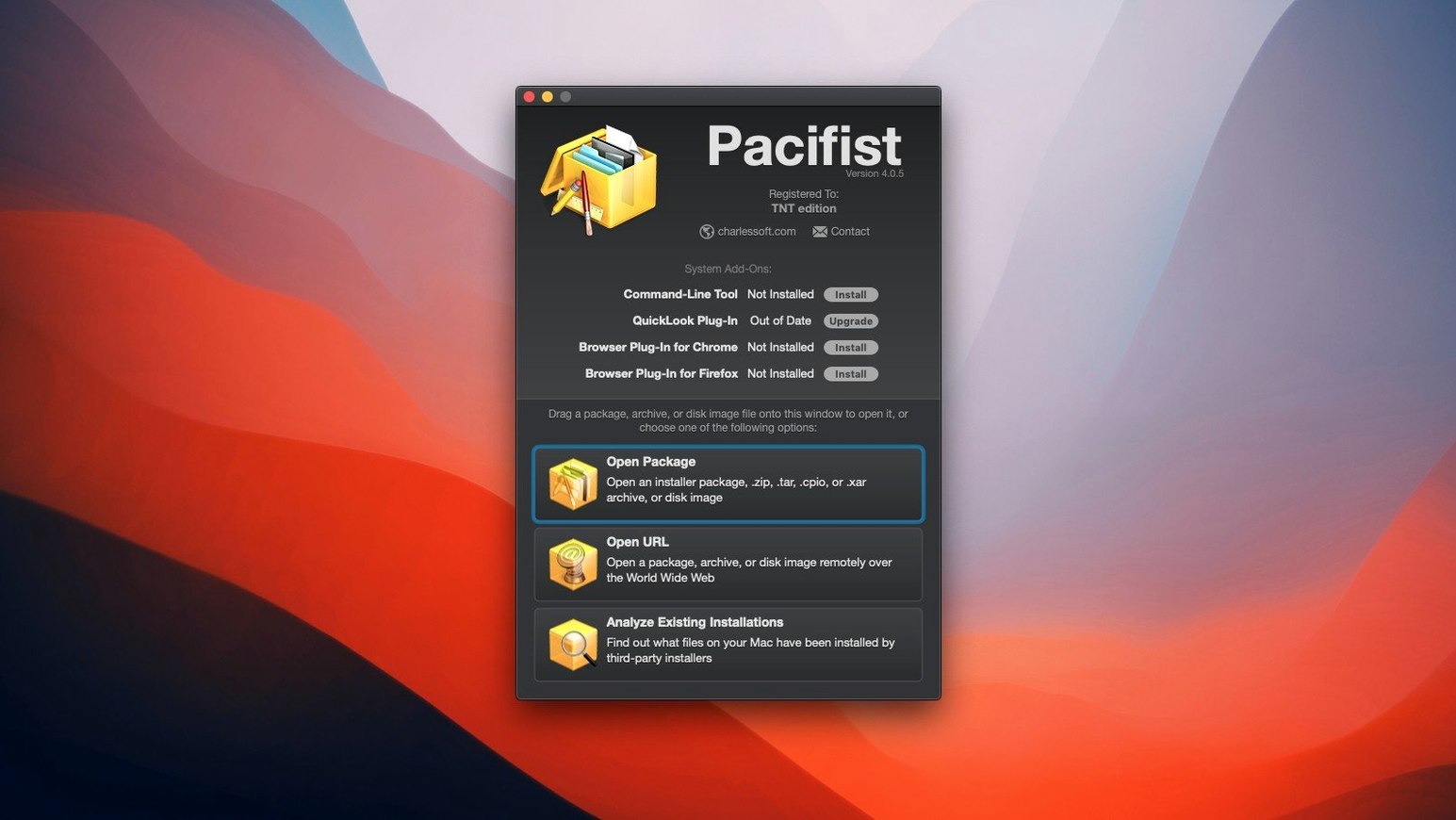
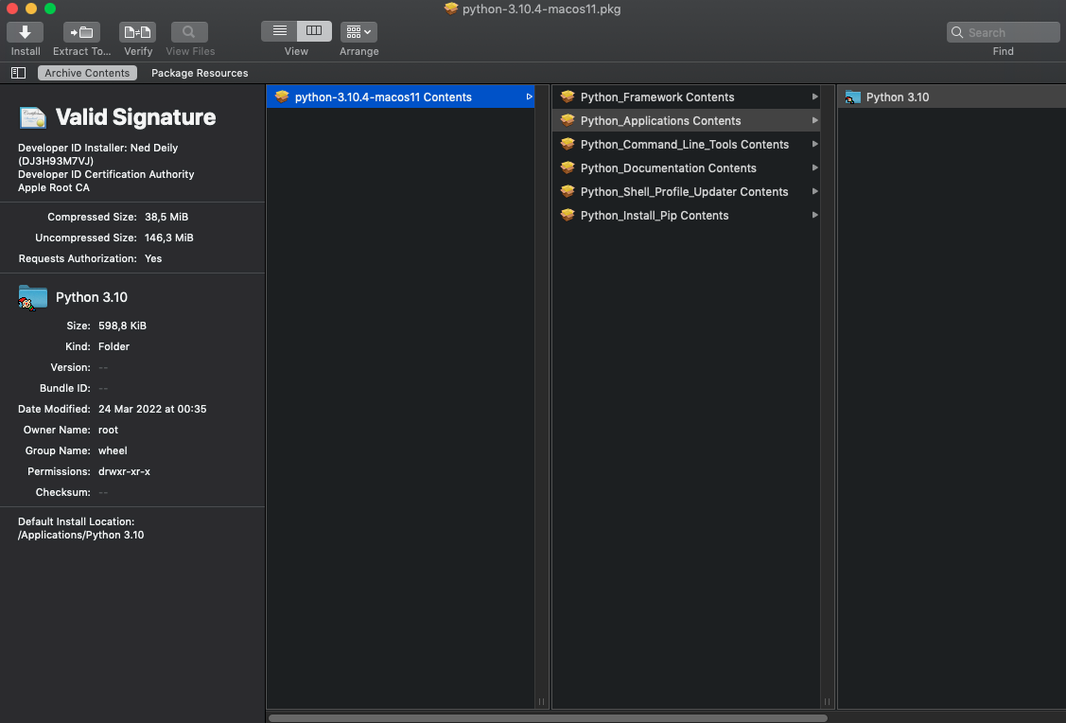
Every .pkg installer hides hundreds of files behind a single double-click. Pacifist 4.1.4 opens those packages like regular folders, plus .dmg disk images, .zip, .tar, .tar.gz, .tar.bz2, and .xar archives.
Can I grab just one file from a big archive?
Yes. For some archive types, Pacifist can download a single file over HTTP without pulling the entire archive. That saves bandwidth when you only need a small config file buried inside a hefty download.
How do I check what an installer will actually do?
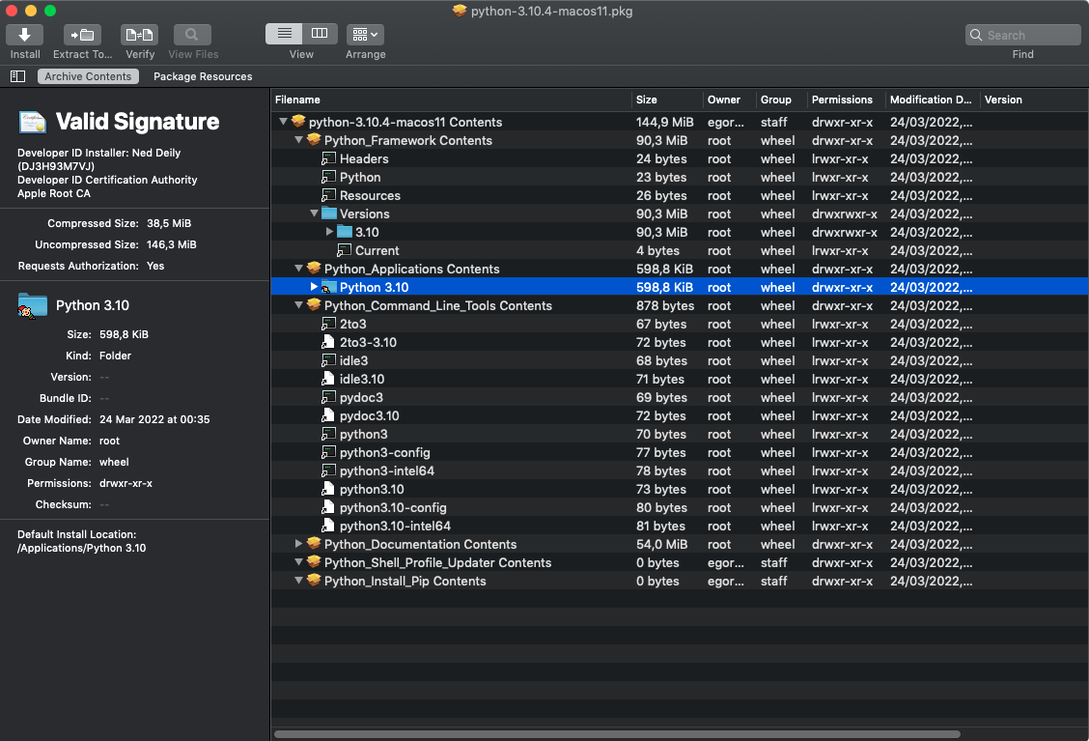
Drag a .pkg file into Pacifist and browse its contents tree before committing. You'll see every file path, script, and permission change the installer plans to make on your Mac.
What if an app I already installed got messed up?
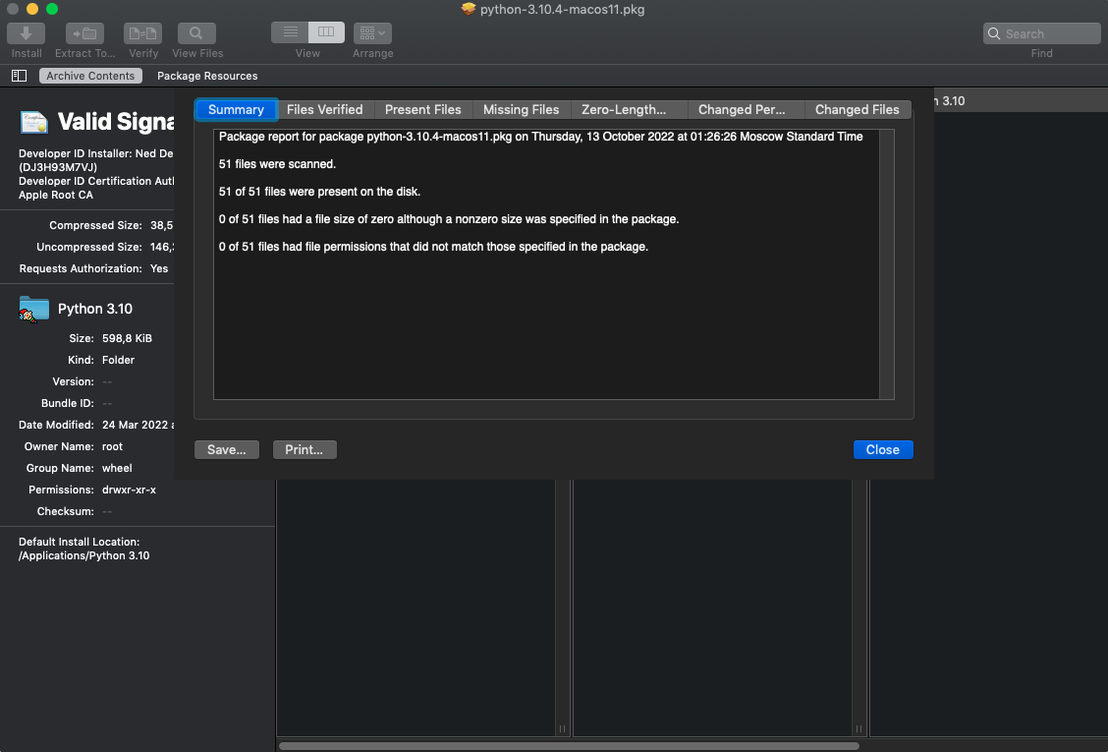
Use the "Verify Existing Installation" feature to scan an installed application for missing or outdated files. Pacifist compares what's on disk against the original package and flags anything that's gone wrong.
Pulling Only the Components You Need from Deployment Packages
System administrators working with managed Mac fleets lean on Pacifist heavily. When a standard deployment package ships with twenty components you don't need, pulling out just the three relevant ones before pushing updates saves hours. It's the difference between customizing a deployment and starting from scratch.
Developers debugging installer issues find the package inspection tools indispensable. Seeing every file path, script, and permission change in a .pkg before running it turns installer mysteries into plain text. If a package script modifies /Library/LaunchDaemons in a way nobody expected, Pacifist shows it upfront.
Curious Mac users who like knowing what software actually does to their machines also benefit. Browsing a .pkg's contents before installing means no surprises — you spot the launch agent, the kernel extension, or the oddly placed preference pane before it lands on your disk. Anyone who's ever reinstalled macOS and needed a single missing font or framework from an old installer will reach for Pacifist repeatedly.
Launch Time and Memory Use on an Intel Mac
On an Intel Mac running a supported macOS release, Pacifist 4.1.4 launches in about two seconds and stays responsive even when chewing through multi-gigabyte packages. Memory use hovers modestly — typically under 200 MB when browsing large .pkg files — and CPU spikes are brief, tied to parsing complex archives. Once a package is loaded, scrolling through its file tree feels snappy, with no beachballs even on older hardware.
Stability holds up well across long sessions. Leaving Pacifist open while switching between package inspections, archive extractions, and installation verifications doesn't cause gradual slowdowns or memory creep. The one area where patience helps is extracting thousands of tiny files from deeply nested archives; the progress bar moves steadily but won't win drag races. For everyday use — pulling a few files here, checking an installer there — it's a lightweight citizen that doesn't tax the system.
A Real Workflow: Recovering a Missing Font from an Old Installer
Imagine you've migrated to a new Mac and notice a design application complaining about a missing PostScript font. You know the font shipped inside a software bundle you installed two years ago, and you still have the original .pkg file on a backup drive. Here's how Pacifist handles it from start to finish.
First, launch Pacifist and click Open Package from the toolbar. Navigate to the backed-up .pkg and select it. Pacifist parses the package — a few seconds for a typical installer — and displays the full contents tree in the left sidebar. Expand the payload folder and drill down through /Library/Fonts/ until you spot the exact .otf or .ttf file you need. Select it, click Extract To…, and choose your desktop as the destination. The font lands there in seconds, untouched by any installer scripts. Drop it into ~/Library/Fonts/, restart the design app, and you're back in business — no reinstall required.
This same approach works for missing frameworks, plug-ins, or preference panes. Pacifist turns old installers into part libraries you can raid anytime.
Downloading One File from a Remote Archive
- Single-file HTTP downloads — for compatible archive types, Pacifist can fetch just one file from a remote archive without downloading the whole thing. Right-click a file inside a remote archive and choose to download only that item. Bandwidth saved, time saved.
- Drag and drop everywhere — you can drag .pkg, .dmg, .zip, .tar, .tar.gz, .tar.bz2, and .xar files straight onto the Pacifist window or dock icon. No need to use the Open dialog if the file's already sitting on your desktop.
- Quick Look inside packages — select any file in the contents tree and tap the spacebar for a Quick Look preview. Handy for checking whether a .plist or script is the one you want before extracting.
- Kernel extension identification — under the Tools menu, Pacifist can list every kernel extension on your Mac and flag whether it came from Apple or a third-party developer. Useful after a macOS update when something stops working and you need to track down the culprit.
- Verify Existing Installation — this feature scans an app against its original package and highlights missing or outdated files. It's a quick health check after a messy uninstall or a partial system migration.
These bits aren't flashy, but they accumulate into a faster, more confident workflow. Once you know the spacebar previews files or that dragging a .tar.gz onto the dock icon skips the Open dialog, you stop thinking about the tool and just get things done.
Pacifist 4.1.4 arrives ready for macOS Tahoe, with refined asset catalog parsing and a handful of bug fixes that make extraction results more reliable.
- macOS 10.14.6 or later
- Intel-based Mac
- English interface
Questions people ask
What file formats can Pacifist open?
It handles macOS .pkg installer packages, .dmg disk images, and .zip, .tar, .tar.gz, .tar.bz2, and .xar archives.
Can Pacifist extract a single file from a remote archive?
Yes—for compatible archive types, you can download just one file over HTTP instead of fetching the whole package.
Does Pacifist check for broken application files?
It can verify installed applications against their original packages to spot missing or outdated files.
Also on readers' docks
Sign in or create an account to leave a comment.
No comments yet. Tell me how it got on with your other devices.
More in Mac Apps
See all Paragon NTFS
LAST Mac Apps
70 MB
Paragon NTFS
LAST Mac Apps
70 MB
 OpenIn - Advanced Link Handler
4.5.1 Mac Apps
16 MB
OpenIn - Advanced Link Handler
4.5.1 Mac Apps
16 MB
 Updated Parallels Desktop
27.0.3-58680 Mac Apps
186 MB
Updated Parallels Desktop
27.0.3-58680 Mac Apps
186 MB
 One Switch
1.35.4 Mac Apps
7 MB
One Switch
1.35.4 Mac Apps
7 MB
 ON1 Photo RAW
2026.5.2 v20.5.2.19304 Mac Apps
1.1 GB
ON1 Photo RAW
2026.5.2 v20.5.2.19304 Mac Apps
1.1 GB
 Paste
6.6.2 Mac Apps
28 MB
Paste
6.6.2 Mac Apps
28 MB
 Updated PasteNow
2.35 Mac Apps
7 MB
Updated PasteNow
2.35 Mac Apps
7 MB
 Updated Path Finder
26.1.10 Mac Apps
26 MB
Updated Path Finder
26.1.10 Mac Apps
26 MB