









Download Musify for macOS
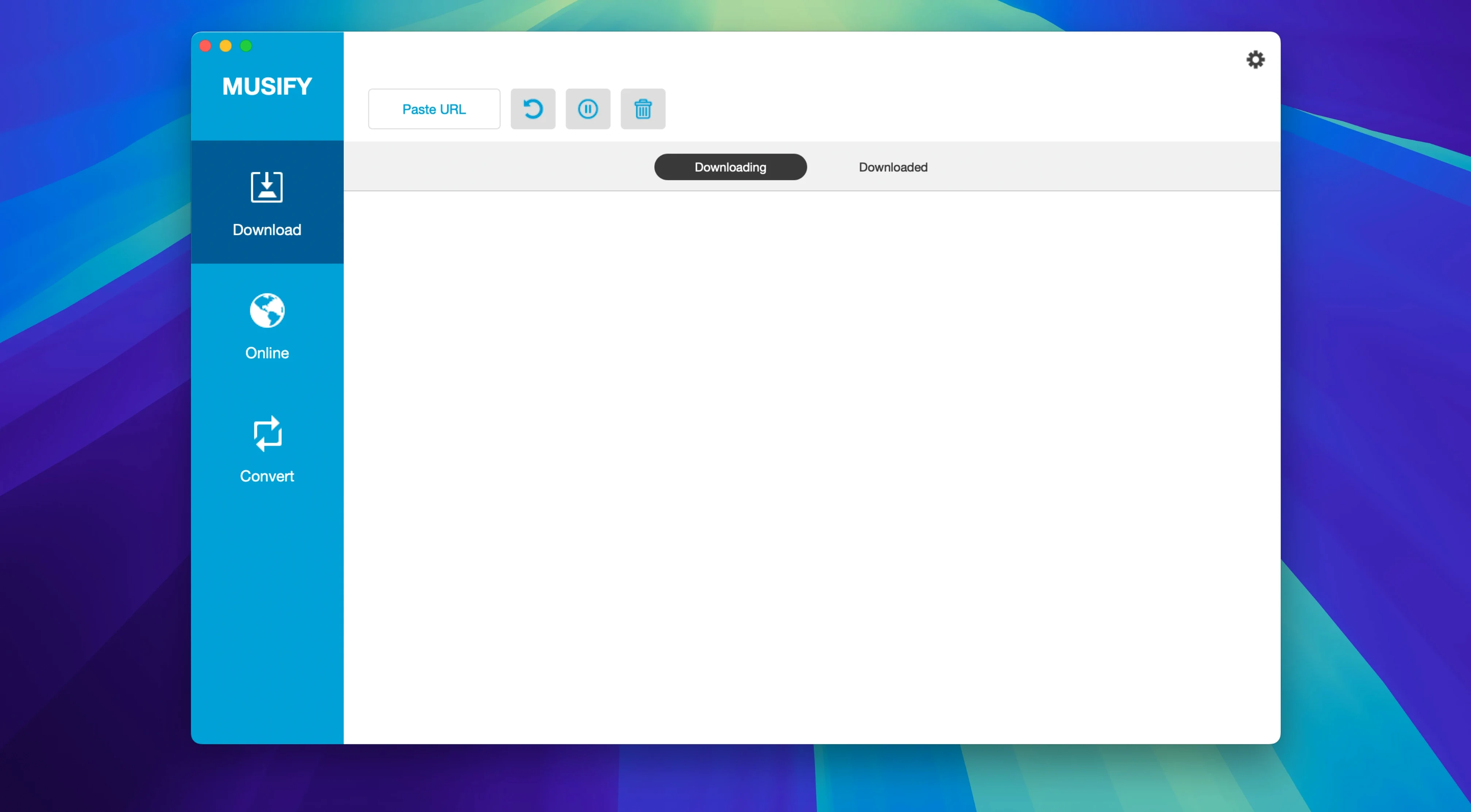
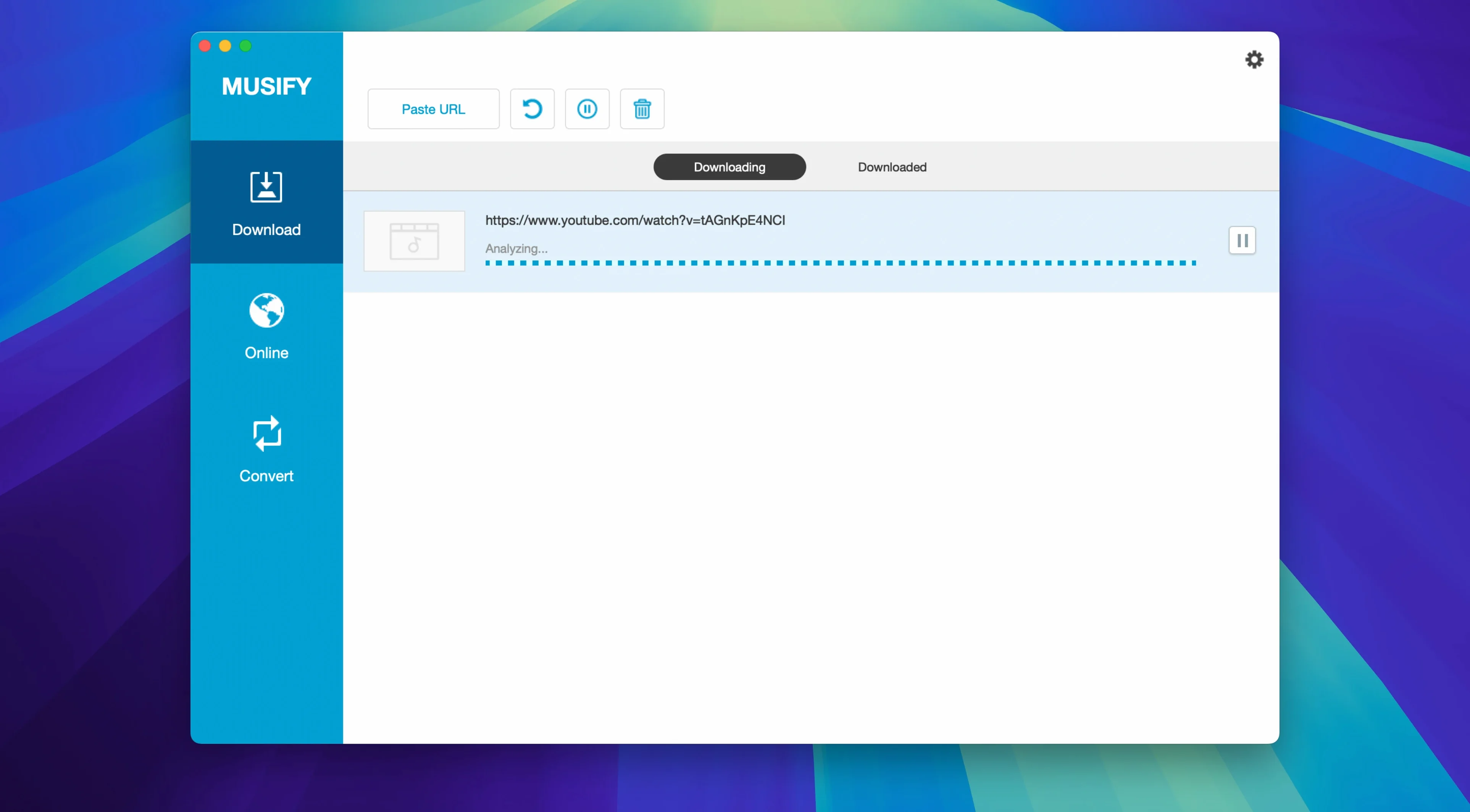
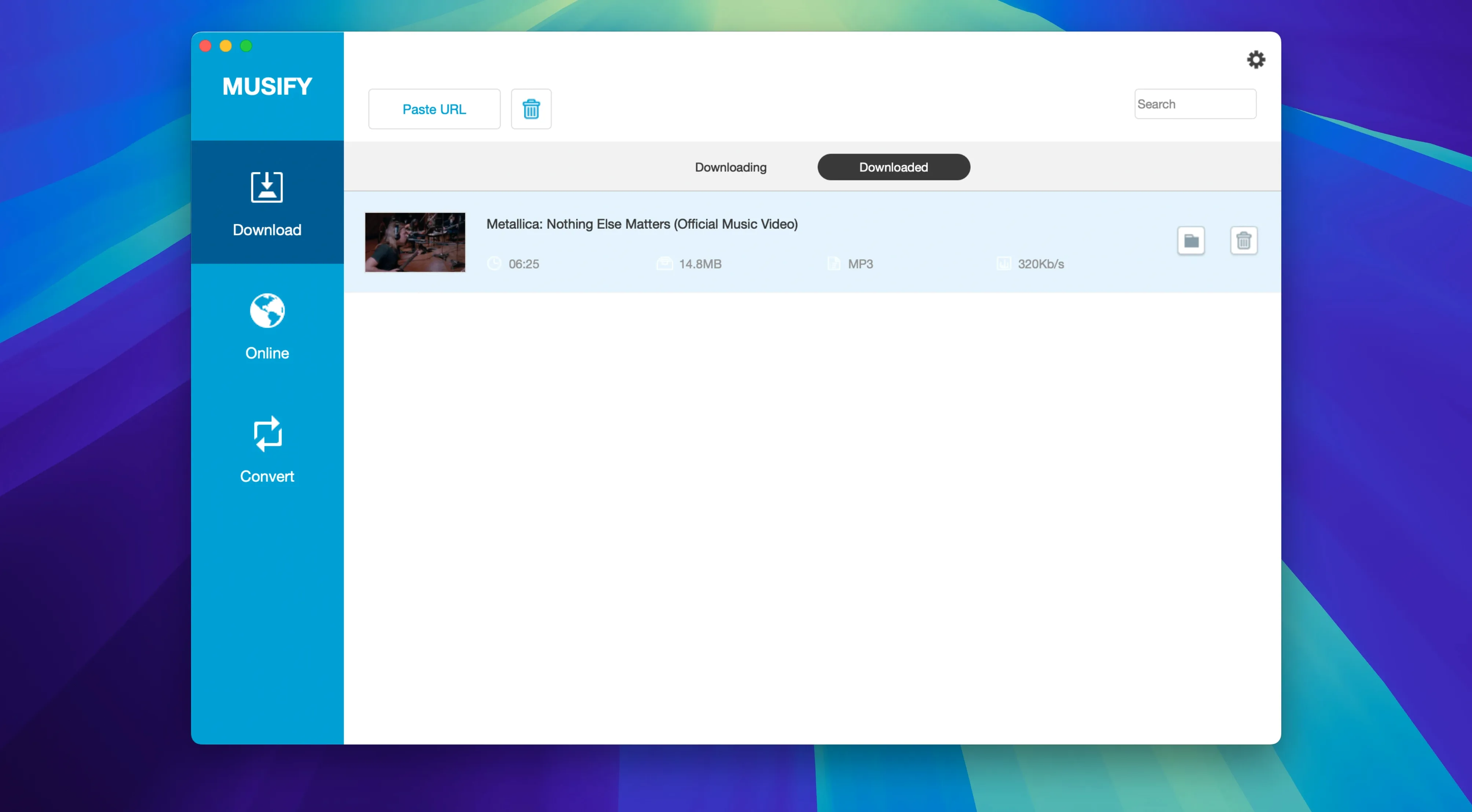
Musify 5.3.0 runs on any Intel Mac that can handle macOS 10.12 (Sierra) or newer. It's a 64-bit app, so older 32-bit machines won't be up to the task, and there's no native Apple Silicon build — though it'll hum along just fine under Rosetta 2.
Grab full playlists
Point Musify at a YouTube, Spotify, SoundCloud, or Bandcamp playlist and it pulls down every track in one go. No cherry-picking required — the whole set lands on your drive ready for offline listening.
Convert to whatever you need
Whether your library wants MP3, M4A, or WAV, Musify handles the conversion on the spot. The YouTube‑to‑MP3 pipeline is particularly snappy for grabbing single tracks without extra fuss.
Keep everything tidy
Defaulting to MP3 without checking your format
The biggest trip-up I see new users hit is trusting the default output format without checking what they actually need. Musify ships set to MP3, which is fine for most people — but if you're grabbing spoken-word content or classical music, you'll want M4A or WAV for better clarity, and the settings panel doesn't wave a flag about it.
Another classic goof: pasting a YouTube channel URL instead of a playlist or single video link. The app expects a specific video, album or playlist address — drop in a channel homepage and it'll just stare back at you blankly. Same goes for Spotify links that wrap a track inside an album context; strip the URL down to the track itself and you're golden.
People also tend to ignore the concurrent download limit. Musify will happily queue up fifty tracks, but if you crank the simultaneous downloads too high on a so-so Wi‑Fi connection, you'll see timeouts and partial files. Start with three or four, then nudge it up once you know your network can cope.
One more: forgetting that metadata preservation depends on the source. Bandcamp and SoundCloud tracks usually come through with artwork and artist info intact. Random video rips from smaller sites? Not so much. If the original uploader didn't tag it, Musify can't invent tags out of thin air.
Playlist stability fixes landing quietly
Version 5.3.0 landed without a formal changelog, but the things you notice in daily use tell their own story. Playlist handling got noticeably steadier — earlier builds would occasionally choke on Spotify playlists longer than a hundred tracks, and that particular hiccup seems to have been ironed out. The queue management is snappier too; adding a batch of URLs doesn't stall the interface the way it used to on older releases.
The conversion engine under the hood feels more predictable. Where previous versions sometimes produced files with slightly off durations on long recordings, 5.3.0 spits out clean timestamps that match what you see on the source page. Small thing, but it matters when you're lining up a podcast episode with chapters.
iTubeGo also tightened up the parsing for a handful of the thousand-plus supported sites — particularly Instagram and MixCloud, which had a habit of breaking between site redesigns. The app now handles those sources with fewer "unsupported URL" errors, though it's still worth testing a single track before queuing up a full playlist from a site you haven't used with Musify before.
Running translated under Rosetta 2
Does Musify work on Apple Silicon Macs? Yes — but only through Rosetta 2. There's no universal binary yet, so the app runs translated. In practice, audio conversion isn't the kind of workload where you'd notice the difference, and Rosetta handles it without breaking a sweat.
Will it download from Spotify without a premium account? The app can grab audio from Spotify's web player, but it's pulling from whatever stream quality the free tier provides. You won't magically get 320 kbps out of a free account. Premium subscribers get the better source material, and Musify reflects that.
Can I transfer files straight to my iPhone? Musify includes a device transfer feature that pushes tracks to iOS and Android devices over USB. It's a nice touch if you want to bypass Finder sync or iTunes altogether — plug in, select the tracks, and they land in the device's music library.
Is the app self-contained, or does it need extra tools? Everything you need ships inside the app bundle. No external ffmpeg installs, no command-line tinkering. The only hoop you'll jump through is the Gatekeeper bypass during setup, and that's a one-time Terminal command.
Rate-limiting stalls and the two-download fix
Downloads stall halfway through a playlist. This usually comes down to rate-limiting from the source site. YouTube and SoundCloud get twitchy when you hammer them with too many requests too fast. Drop the simultaneous download count to two, add a short pause in the queue settings if Musify offers one, and restart the stuck items individually. Most of the time they'll pick up where they left off without re-downloading the whole batch.
App quits unexpectedly on launch. If Musify crashes before you even see the main window, the Gatekeeper bypass probably didn't take. Run the Open Gatekeeper friendly script again from the disk image, watch for the Terminal prompt, and make sure you actually hit Enter rather than closing the window. A quick reboot afterward doesn't hurt either.
Converted files have no artwork in the Finder. Musify embeds artwork into the file metadata, but Finder can be stubborn about showing it. Open the track in the Music app or a tag editor — if the artwork appears there, the data's intact and Finder just needs its thumbnail cache refreshed. If it's missing everywhere, the source probably didn't supply artwork, and you'll want to grab it manually from the original page.
Certain sites return an "unsupported" message. The parsing engine targets over a thousand domains, but some smaller platforms change their page structure without warning. Try the URL in a different format — sometimes the mobile version of a site parses better than the desktop one. If that doesn't help, the iTubeGo team tends to push silent parser updates between major releases, so checking back in a week or two often sorts it out.
Downloads and conversions funnel into a built‑in library view, so you can manage your growing collection without hunting through Finder windows.
- macOS 10.12 or later
- 64‑bit Intel processor (Apple Silicon runs via Rosetta 2)
Questions people ask
Does Musify work on Apple Silicon Macs?
Yes, but only through Rosetta 2 translation since the app is built for 64‑bit Intel processors.
Also on readers' docks
Sign in or create an account to leave a comment.
No comments yet. Tell me how it got on with your other devices.
More in Mac Apps
See all m’s HalfTone
1.5.3 Mac Apps
6 MB
m’s HalfTone
1.5.3 Mac Apps
6 MB
 Mp3tag
1.14.1 Mac Apps
13 MB
Mp3tag
1.14.1 Mac Apps
13 MB
 Updated Movist Pro
2.21.0 Mac Apps
60 MB
Updated Movist Pro
2.21.0 Mac Apps
60 MB
 Movavi Video Suite
22.4.1 Mac Apps
294 MB
Movavi Video Suite
22.4.1 Mac Apps
294 MB
 Movavi Video Editor
22.4.1 Mac Apps
126 MB
Movavi Video Editor
22.4.1 Mac Apps
126 MB
 Navicat Premium
17.3.12 Mac Apps
333 MB
Navicat Premium
17.3.12 Mac Apps
333 MB
 Movavi Video Converter
22.5.0 Mac Apps
79 MB
Movavi Video Converter
22.5.0 Mac Apps
79 MB
 Movavi Screen Recorder
23.1.1 Mac Apps
110 MB
Movavi Screen Recorder
23.1.1 Mac Apps
110 MB