
Download Mole for macOS

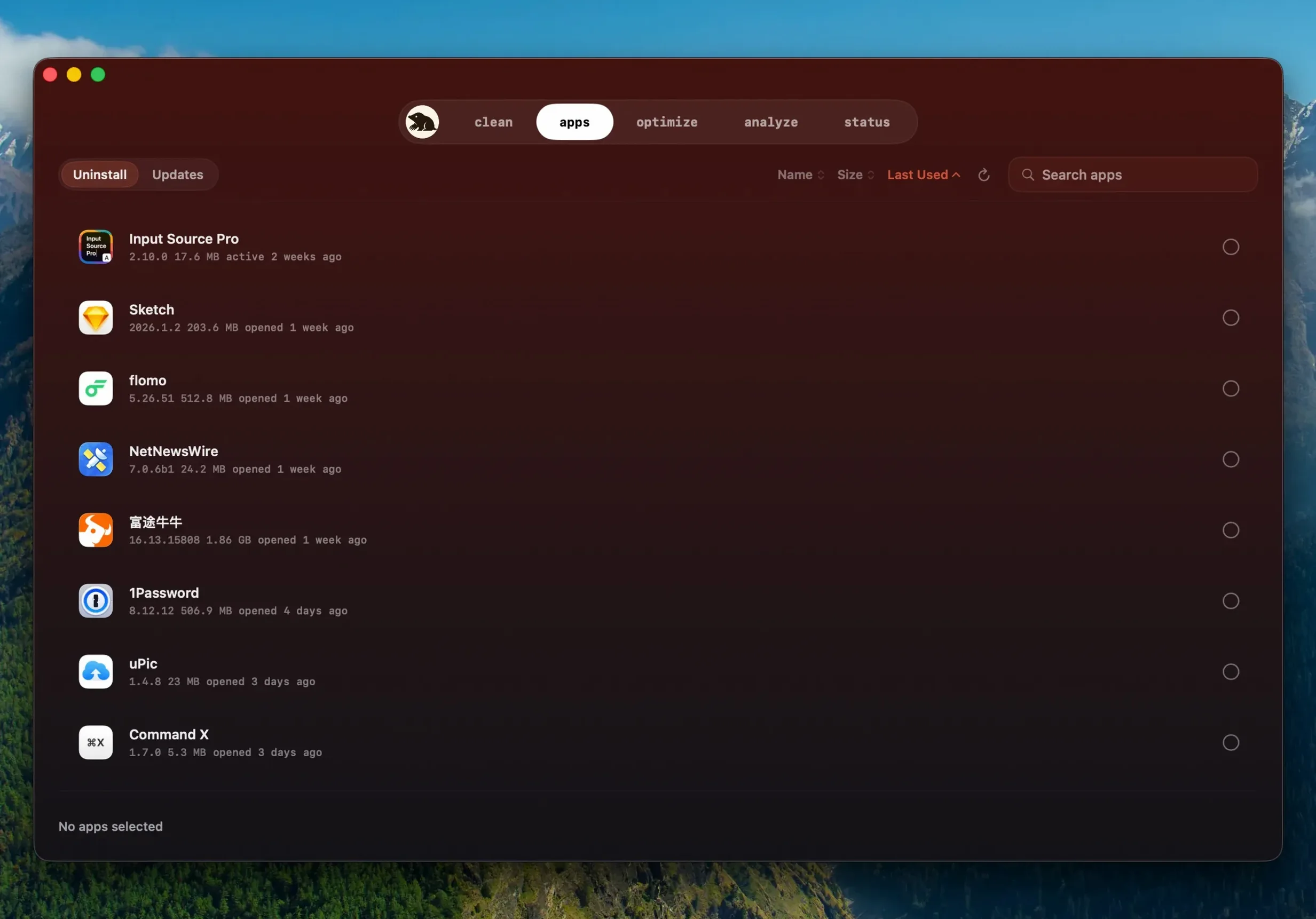
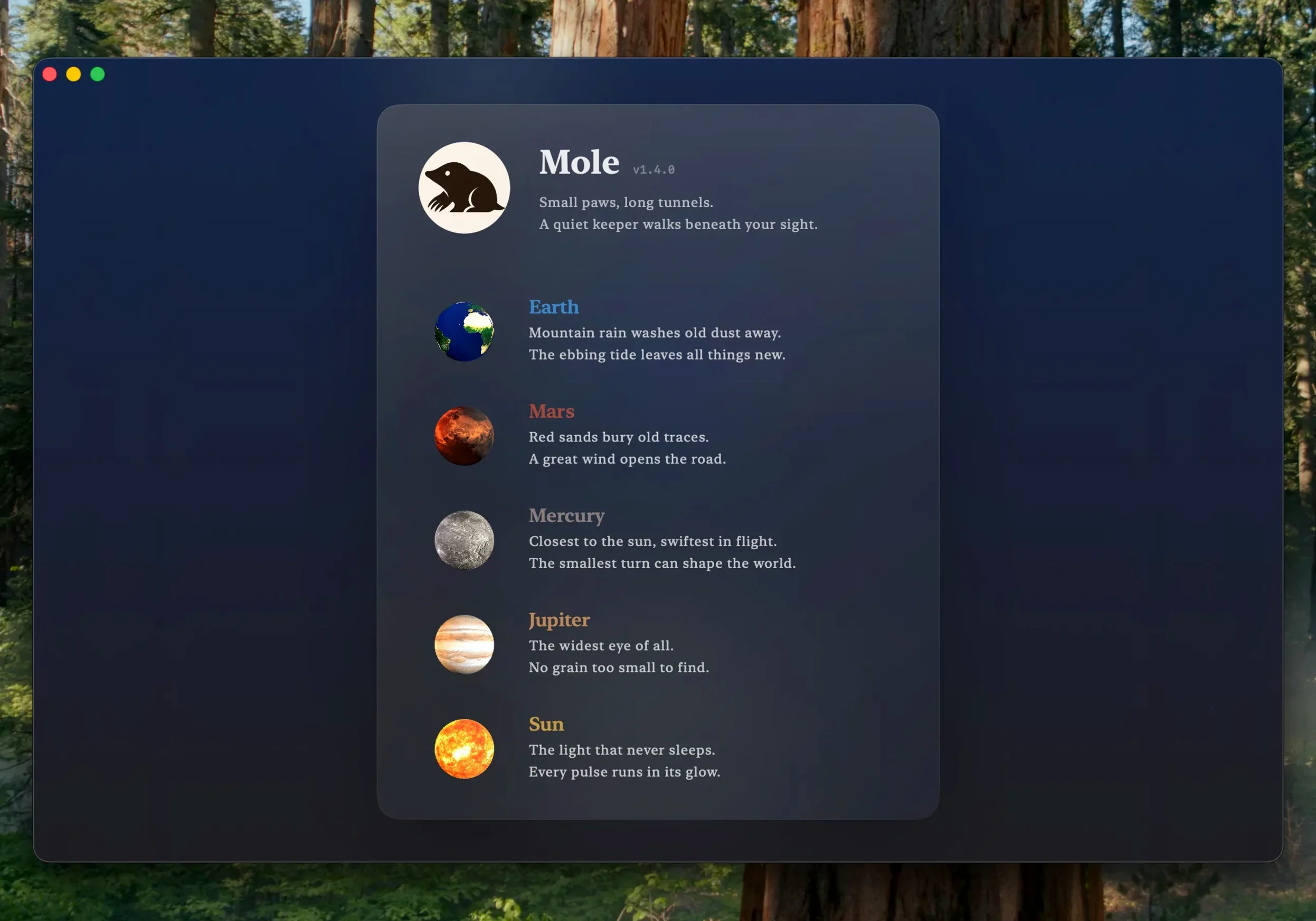
Mole has found a quiet spot on the Macs of people who want a cleanup tool that doesn't feel aggressive. It's the sort of app you run between projects, not one that demands constant attention. I see it sitting comfortably alongside utilities like a clipboard manager or a launcher—something that tidies up while you get on with the day.
Skips uncertain leftovers instead of risking breakage
Mole digs into the corners where uninstalled apps leave files behind, but it won't blindly delete everything. When there's any doubt about an item, it skips it. That restraint makes it a good neighbor to your other tools—it doesn't break things in the name of a deeper clean.
What system details can I see at a glance?
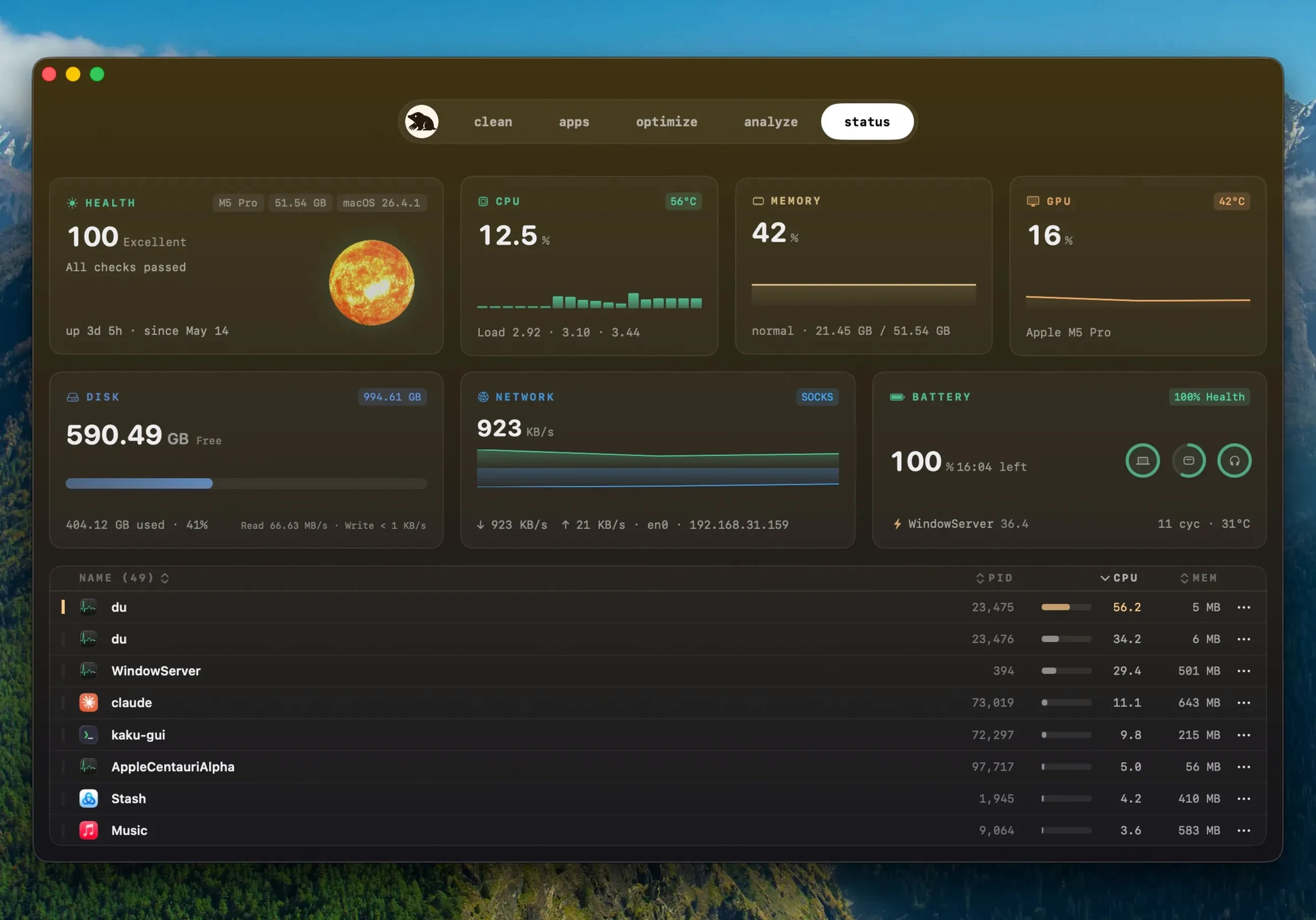
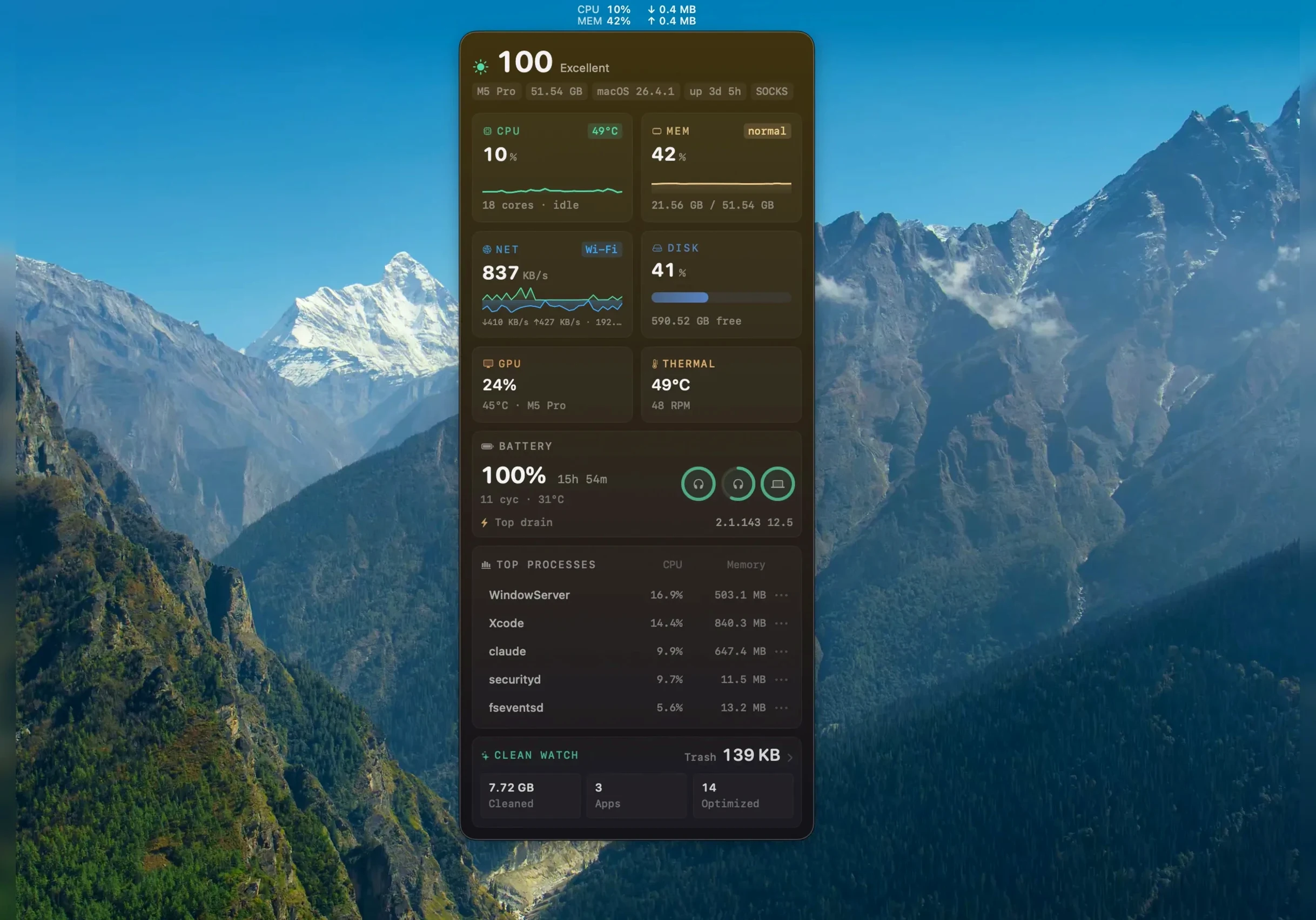
A small but useful dashboard shows live CPU, memory, and disk activity, along with GPU, network, battery percentage, and even temperature. It's not a replacement for a full hardware monitor, but it's the right amount of info when you just want to check if something's running hot.
How private is the cleanup process?
Your browsing history and file contents never leave your Mac. Mole works locally, and you can grant it full disk access for a deeper scan without worrying about data being uploaded anywhere. It's a tool that respects the boundary between cleaning and snooping.
First days with Mole
Give the app full disk access right away, even if the initial scan feels fine without it. Head to System Settings, find Privacy & Security, then Full Disk Access, and toggle Mole on. The difference shows up in the deep scan results — caches and leftovers that were invisible before suddenly appear in the list with their sizes. It's a one-time step that makes every future pass more useful.
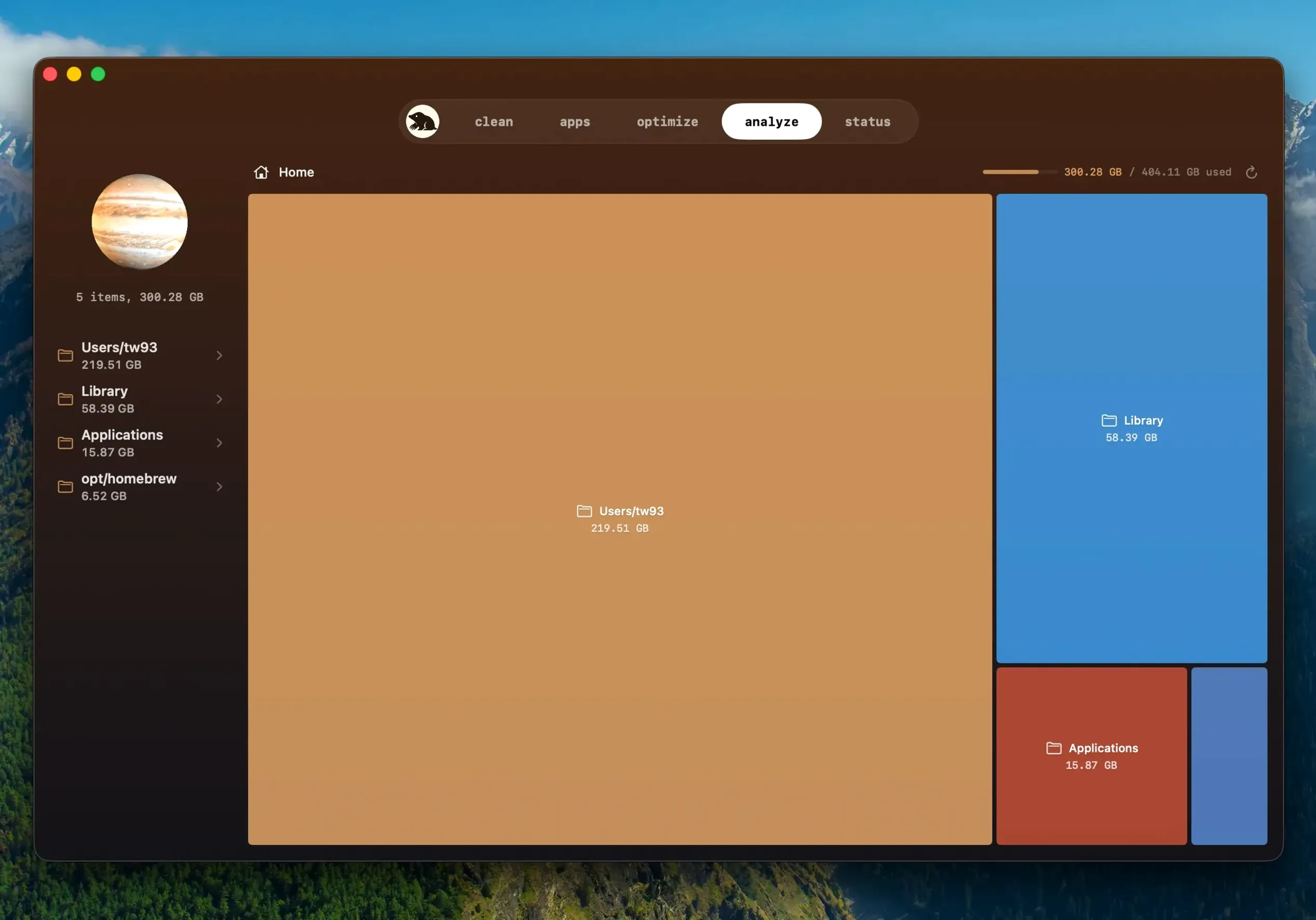
Run the tree map analysis early. Pick your startup disk and let it build the visual breakdown, then spend a couple of minutes hovering over the big blocks. You'll often spot a surprise: a forgotten screen recording folder, an old iOS backup, or a game you uninstalled months ago that left twenty gigabytes of assets behind. That first tree map session usually frees more space than the regular cleanup.
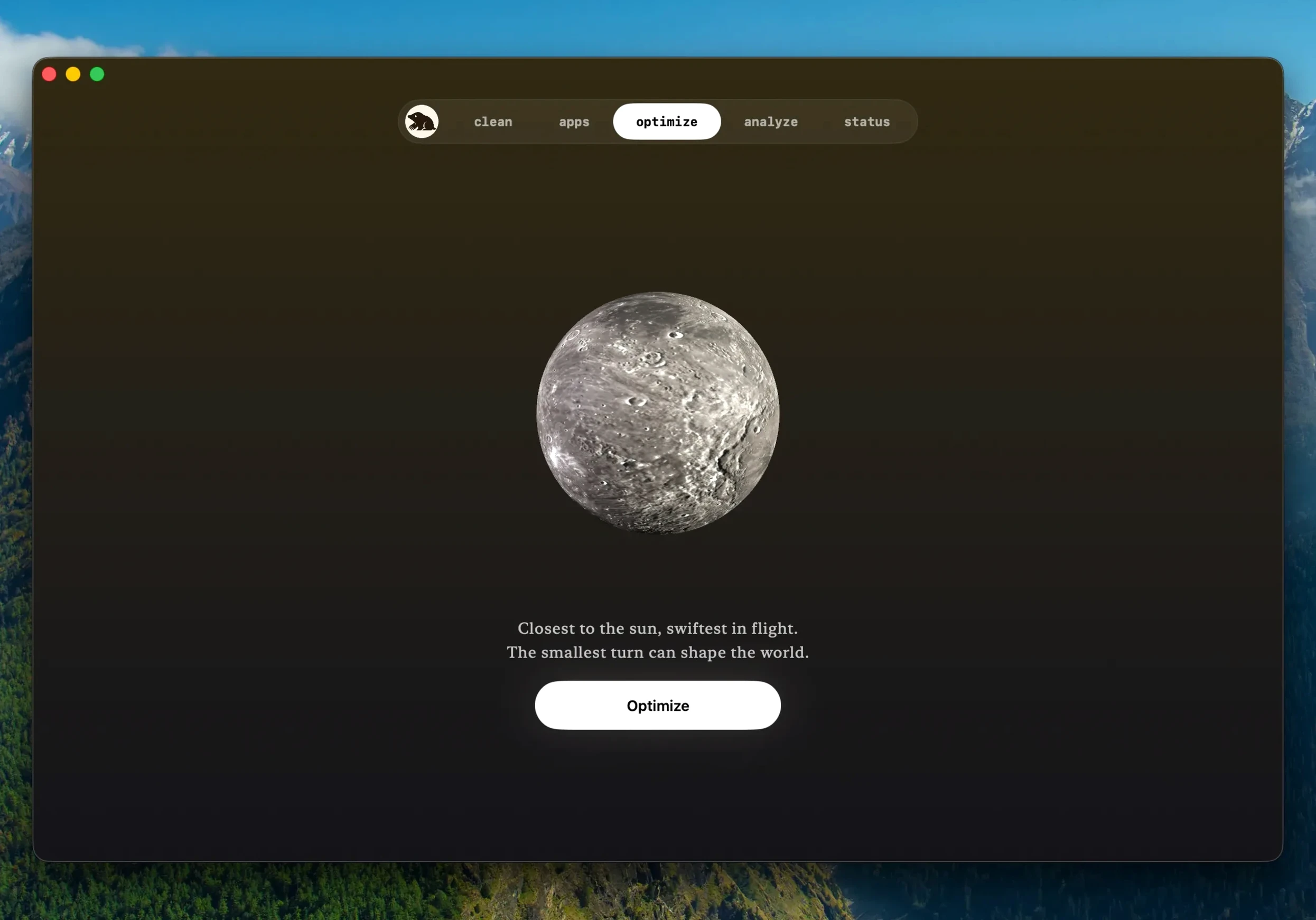
Don't ignore the system maintenance tasks. They're tucked away and easy to skip, but running them after a big macOS update clears out stale logs and rebuilds caches that can make apps feel sluggish for a day or two. One click, a short wait, and things settle down.
Cleanup list confirms but won't force-delete in-use files
A few things trip people up in the first week. The most frequent complaint is that the cleanup list shows files, but nothing happens when you confirm. Check whether the file is currently in use — Mole won't force-delete a log that a running app is writing to. Quit the app in question, or simply run the cleanup again after a restart.
Another one: the temperature reading looks high and causes a minor panic. Mole reports what the sensors report, and Apple Silicon Macs run warmer than people expect under load. If the number stays high while the machine is idle, that's worth investigating, but a spike during a video export or a large Xcode build is normal.
Users who came from older versions sometimes search for mole 1.13.0 or mole 1.12.1 behavior, expecting the old scan button placement. The current build moved a couple of controls around, so take two minutes to click through each section — what looks missing is usually just relocated. If you're running a mole torrent or an older mole 1.8.0 build, grab the 1.14.0 release to unlock the website app update feature, which earlier versions skipped entirely.
Gigabyte caches from video and photo projects reclaimed
People who juggle large media projects benefit first. Video editors and photographers generate caches faster than almost anyone else, and Mole's cleanup list gives back gigabytes without touching source files. The tree map also helps you make peace with which project folders actually eat the disk.
Developers who switch between containers and simulators find the leftovers scanner genuinely useful. Old Docker volumes, Xcode derived data, and npm caches pile up quietly. Mole catches a good chunk of them, and the skip-when-unsure behavior means you won't lose something you needed for a build.
Casual users who never think about maintenance also win, because the app doesn't demand constant attention. A monthly scan keeps a base-model MacBook Air breathing, especially if it's the only Mac in the house and everyone's photos, downloads, and app updates land on it. If that sounds like you, Mole earns its place in the Dock.
Web-downloaded apps now update right inside Mole, no manual hunting required. The update checker is smarter too—it spots a newer build of the same version instead of ignoring it. And if an app can't be updated, Mole reuses the download you already have instead of fetching it again. Before quitting a running app for an update, it asks first, then reopens the app once the install finishes.
- macOS 14 or later
- Apple Silicon and Intel Macs
- Full disk access supported for deep scanning
Questions people ask
Does Mole run system maintenance automatically?
Maintenance isn't automatic, but you can trigger a set of system tasks with one click whenever you want a quick tune-up.
What happens during an update if an app is running?
Version 1.14.0 asks before quitting the running app and reopens it once the update is installed, so you don't lose your place.
Also on readers' docks
Sign in or create an account to leave a comment.
No comments yet. Tell me how it got on with your other devices.