Download Millumin for macOS
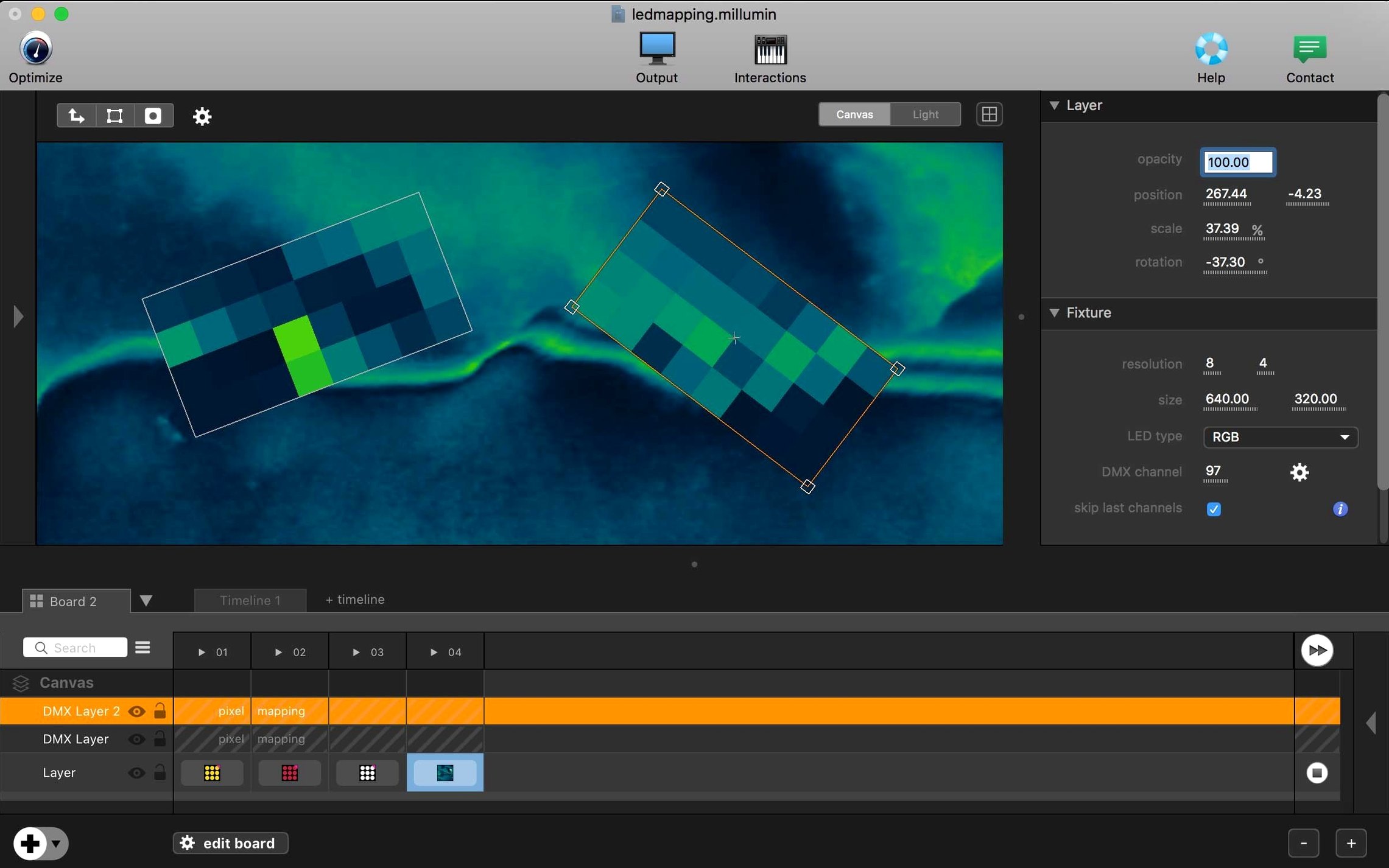
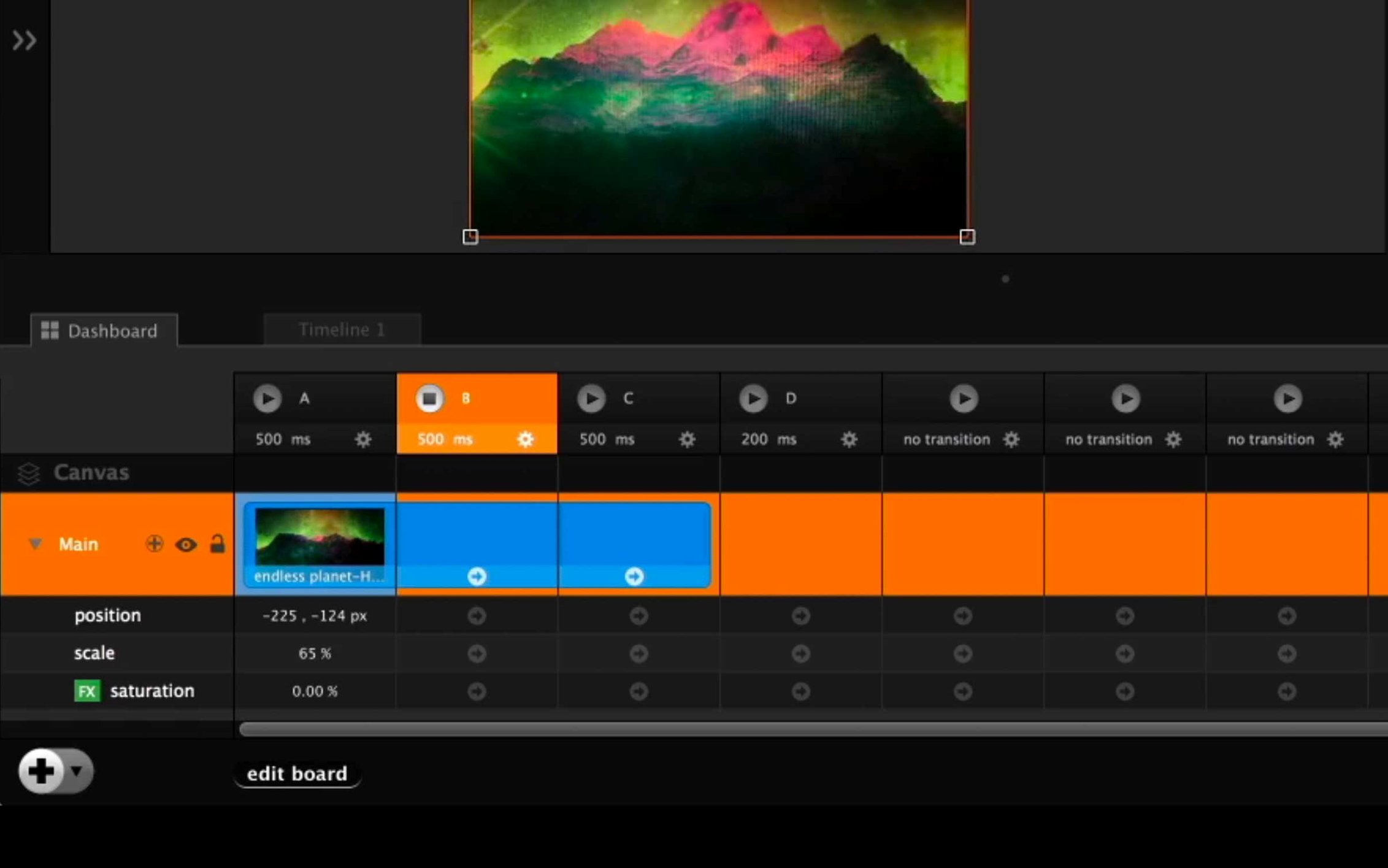
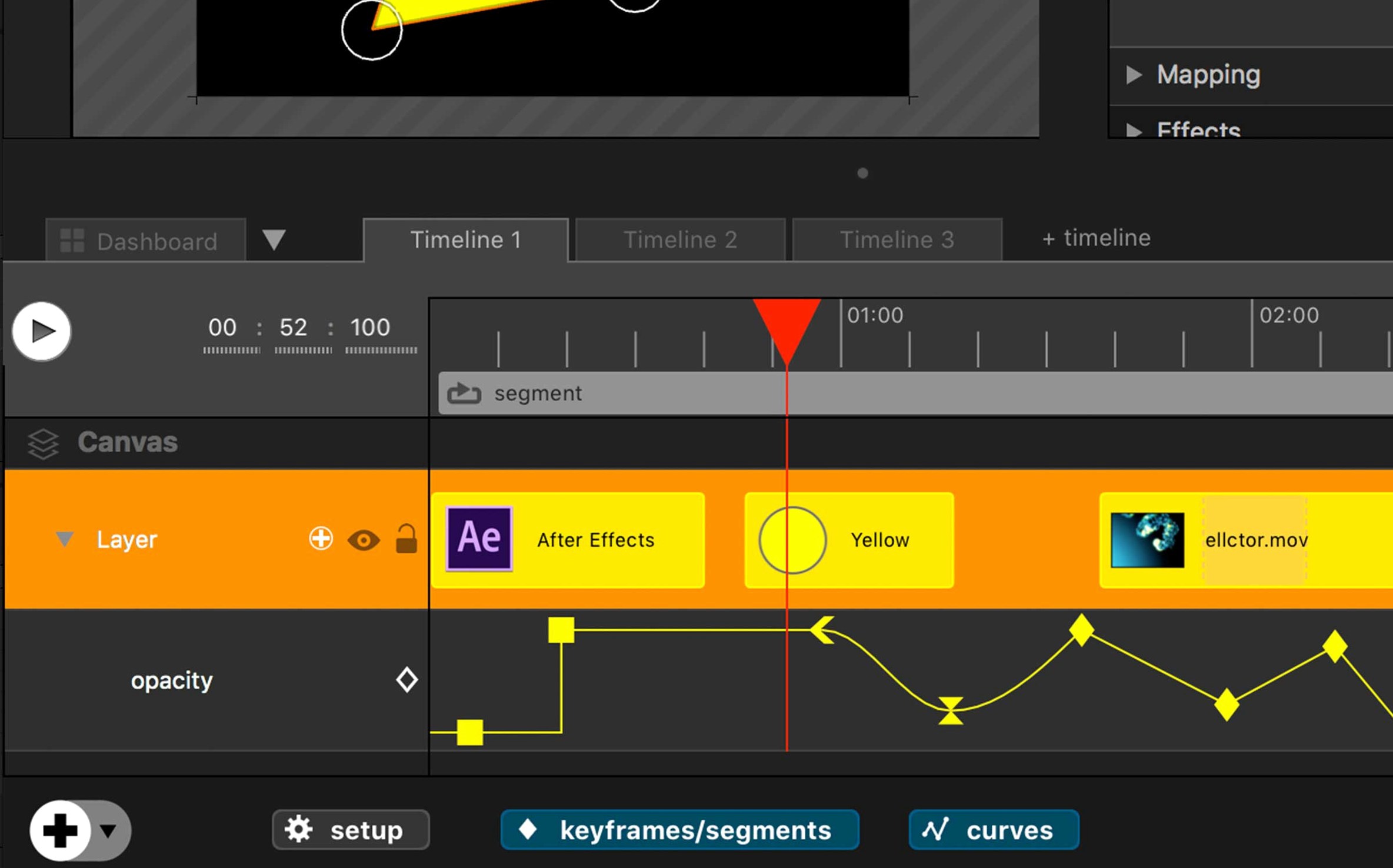
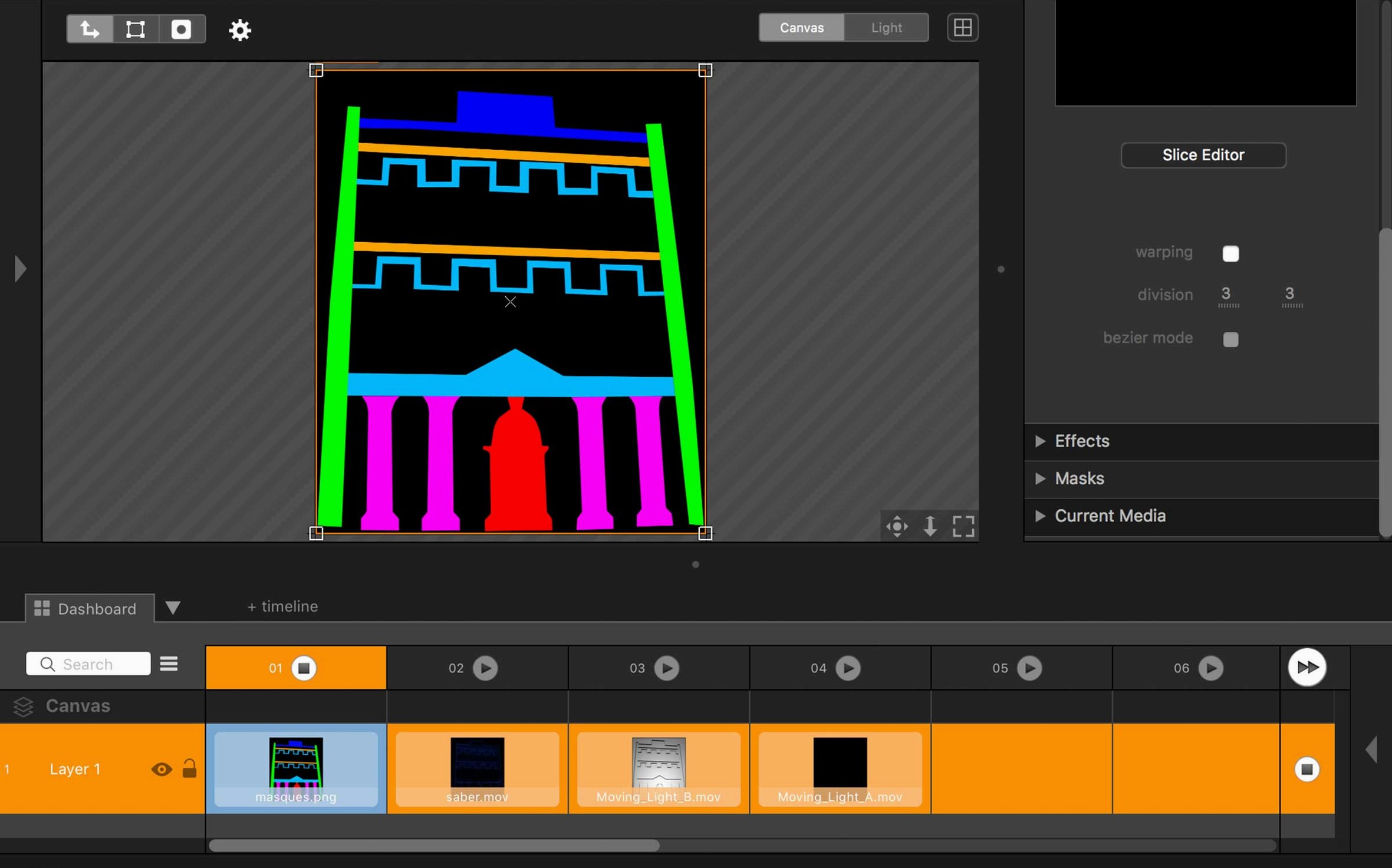
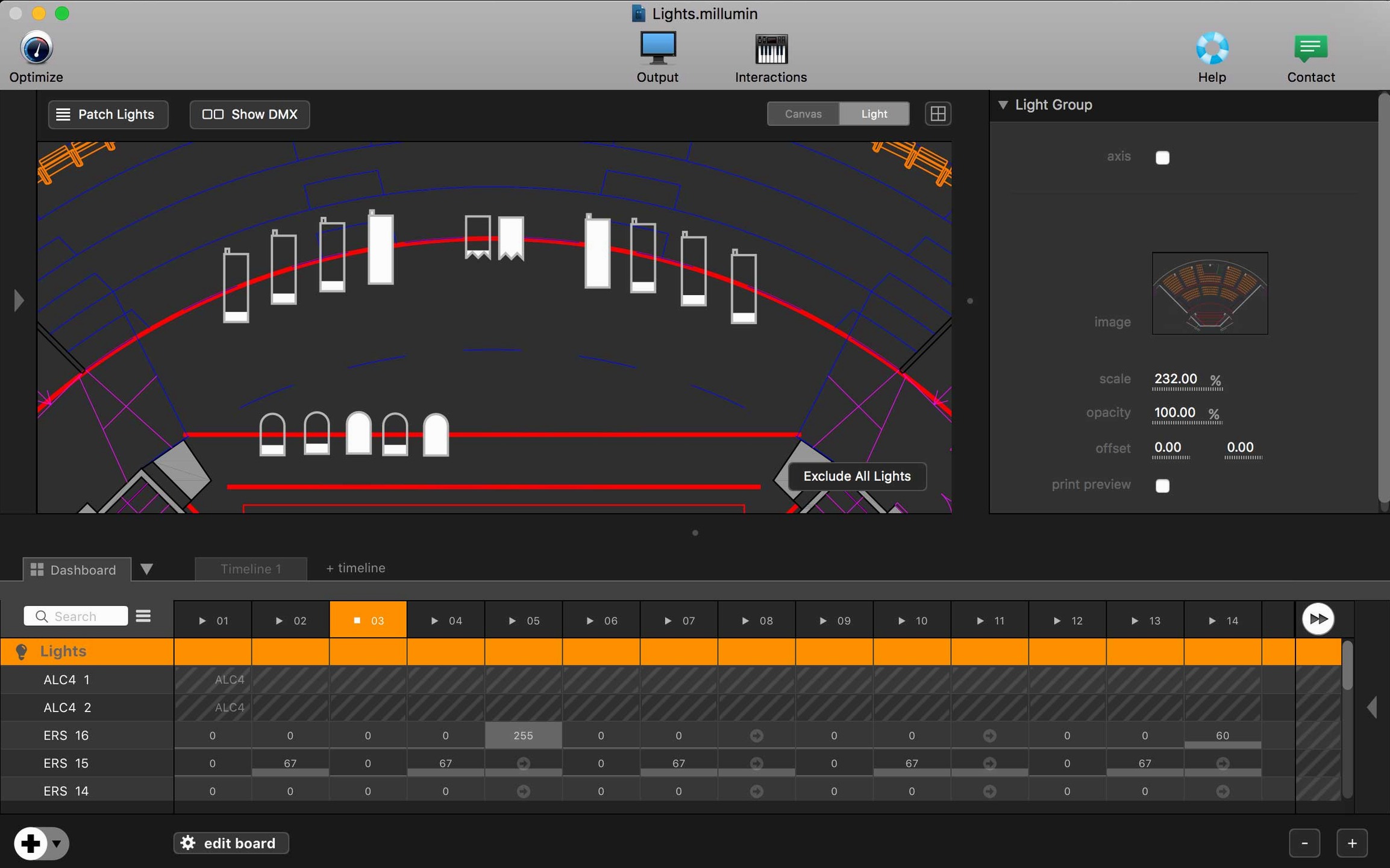
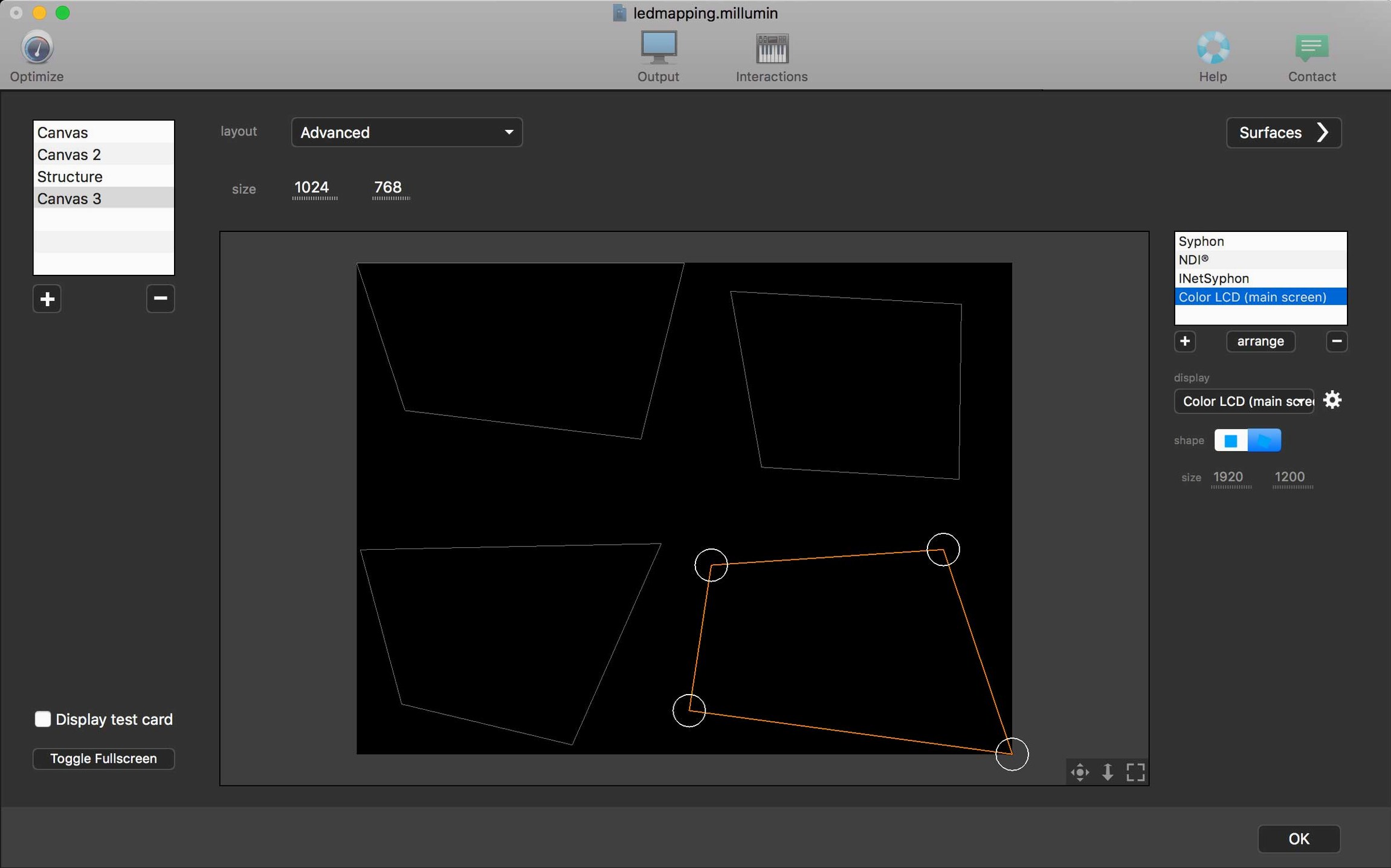
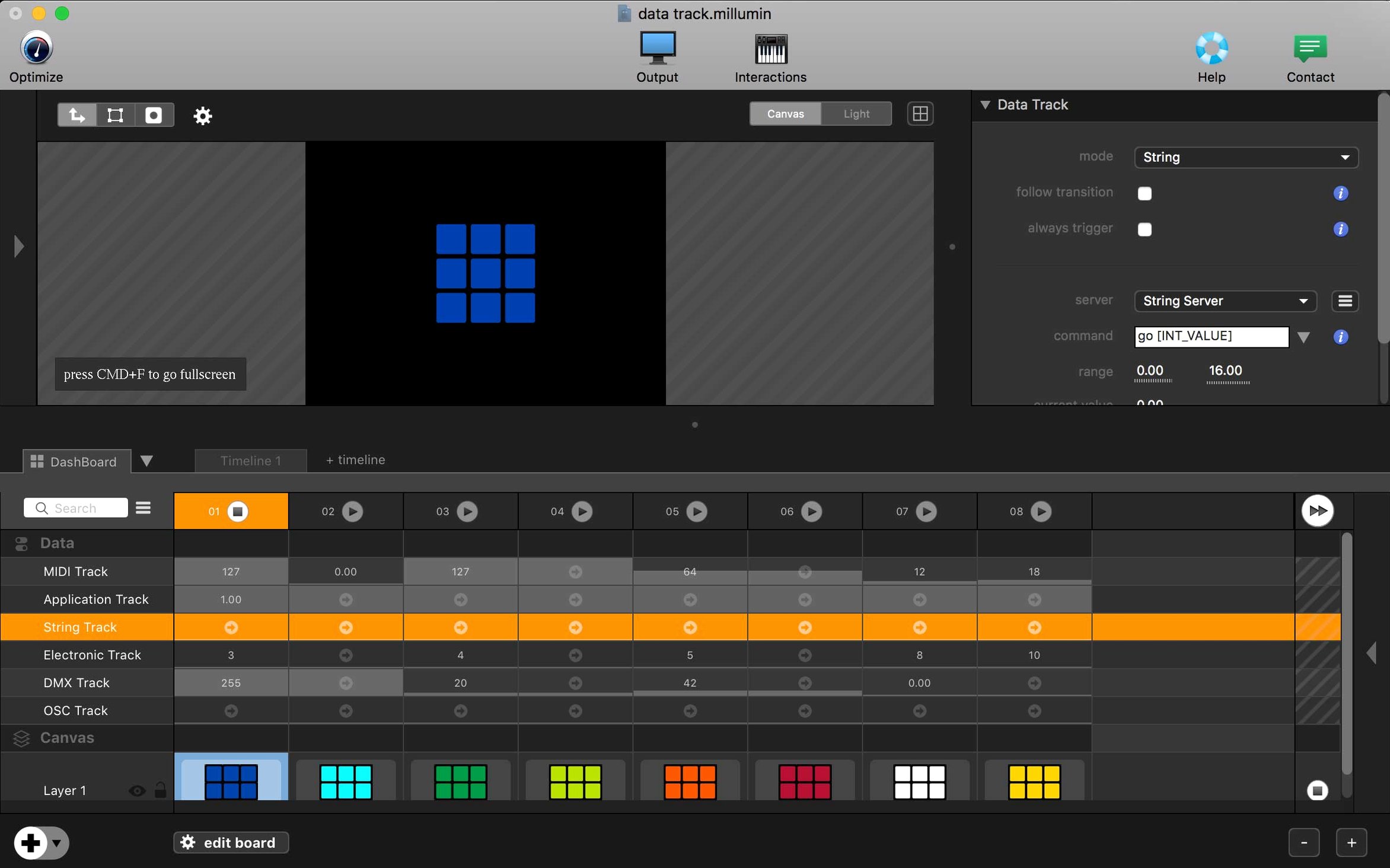
Millumin is a Mac app for building audiovisual and interactive shows—the kind that drive theater productions, dance performances, videomapping, and gallery installations. Once you get past the initial timeline and cue system, Millumin offers a set of deeper tools that experienced operators lean on when a show needs to feel alive rather than scripted.
- Live input compositing: Mix camera feeds, Syphon sources, and Blackmagic capture cards directly into a scene, adjusting blend modes and masks without pre-rendering.
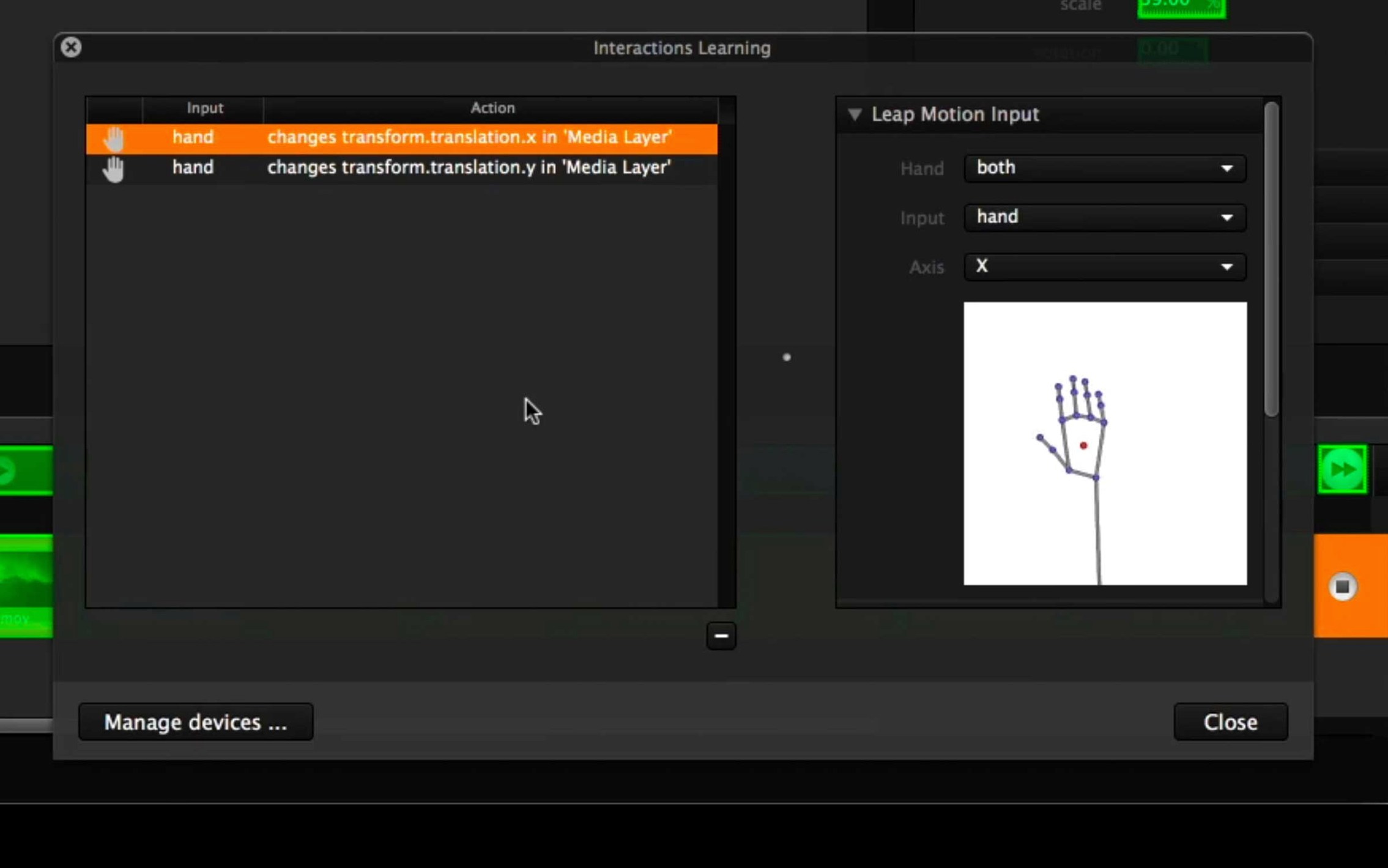
- Conditional interactivity: Trigger cues from OSC, MIDI, DMX, or a custom dashboard—so a dancer's movement or a lighting board change can fire video and audio events.
- Geometry warping and soft-edge blending: Map content onto irregular surfaces or span multiple projectors with fine control over mesh points and overlap zones.
- Canvas layering with masks: Stack layers with animated masks and real-time effects chains, letting you build complex stage looks from simple source elements.
- Timeline scripting with variables: Use internal variables and simple expressions to adapt playback on the fly, rather than locking a show into a rigid sequence.
Millumin rewards operators who want to craft reactive environments. The contextual help panel gets you started, but the real fluency comes from experimenting with how these pieces talk to each other mid-show.
When Blackmagic Capture Stays Blank
Even seasoned operators hit a few recurring bumps. Here are the ones I hear about most often, plus the quickest way past them.
- Blackmagic capture not showing up. Millumin needs the Desktop Video driver installed and the device connected before you launch the app. If a source still appears blank, open Blackmagic Desktop Video Setup, confirm the input format matches what your camera is sending, then restart Millumin. Hot-plugging after launch almost never works.
- OSC messages arriving but not triggering cues. Double-check that your OSC port in Preferences matches the sender, and that the cue's address pattern includes the leading slash. Millumin is strict about
/cue/namesyntax—missing that slash is the top culprit. - Geometry warp mesh feels sluggish. Warp calculations run on the CPU, and dragging dozens of mesh points on a 4K canvas can bog things down. Drop the preview resolution temporarily from the canvas settings while you rough in the mesh, then switch back to full res for fine-tuning.
- Soft-edge overlap bands look uneven. The blend curve defaults aren't always right for your projectors. Open the soft-edge panel, grab the gamma midpoint slider, and nudge it while watching the overlap zone on the actual surface—small adjustments here make a bigger difference than redoing the mesh.
- App won't open after download. Gatekeeper flags unsigned packages. Mount the disk image, run the Open Gatekeeper friendly script, press Enter in Terminal, then drag Millumin to Applications. Launch once from Finder and you're set.
A Millumin Download That Saved Opening Night
A small dance company I know runs a piece where a solo performer triggers video projections by touching capacitive sensors sewn into the stage floor. The sensors send OSC to Millumin, which crossfades between abstract textures mapped across three hanging fabric panels. During dress rehearsal, their previous playback app kept dropping OSC bundles whenever the sensor spam got heavy—frames would freeze, and the dancer had to improvise through blackouts.
They grabbed the Millumin download the day before opening. The operator patched the OSC input in under ten minutes, dragged the video layers onto a fresh timeline, and used the canvas masking tools to match the fabric panel shapes without touching a warp mesh. The cue list linked each sensor address to a dissolve transition, and the whole show ran clean. What sold them was the variable system: they set a simple expression that randomized the playback start point of ambient background loops, so the piece never looked exactly the same twice. For a show built on live physical input, that small bit of unpredictability made the projections feel like part of the performance, not a backing track.
Shows Without a Fixed Timeline
Millumin clicks hardest for people whose shows can't run on a fixed timeline. Theater technicians juggling live actors and unpredictable scene changes, videomapping artists projecting onto non-flat surfaces, and installation creators wiring up sensors or MIDI controllers all find the toolset mapped to their actual workflow. If your project involves a single screen playing a locked video file, you're probably over-equipped here.
Operators who already speak OSC, MIDI, or DMX will feel at home immediately—the integration isn't tucked away in a plugin menu, it sits right in the cue inspector. Mac users running older Intel hardware benefit too, since Millumin stays lean enough that a well-configured 2018 MacBook Pro can still push multiple 1080p outputs through a Blackmagic enclosure, provided you manage canvas resolutions sensibly. For live-event crews, theater departments, and interactive studios looking for a Millumin 5 download that bridges media playback and real-world control signals without requiring Max/MSP or TouchDesigner, this is where the app earns its place in the toolkit.
- macOS 11 Big Sur or later
- Intel 64-bit Mac
- English interface
Questions people ask
Can Millumin handle multiple projectors for edge blending?
Yes, soft-edge blending and geometry warping are built in, letting you map a single canvas across several projectors with fine control over overlaps.
What kinds of external control does Millumin accept during a live show?
It listens for OSC, MIDI, DMX, and custom dashboard triggers, so lighting consoles, sensors, and MIDI controllers can drive cue playback and parameter changes.
Is the interface available in languages other than English?
The app ships with an English interface and includes contextual help to guide you through its features.
Also on readers' docks
Sign in or create an account to leave a comment.
No comments yet. Tell me how it got on with your other devices.