Download Moho Pro for macOS
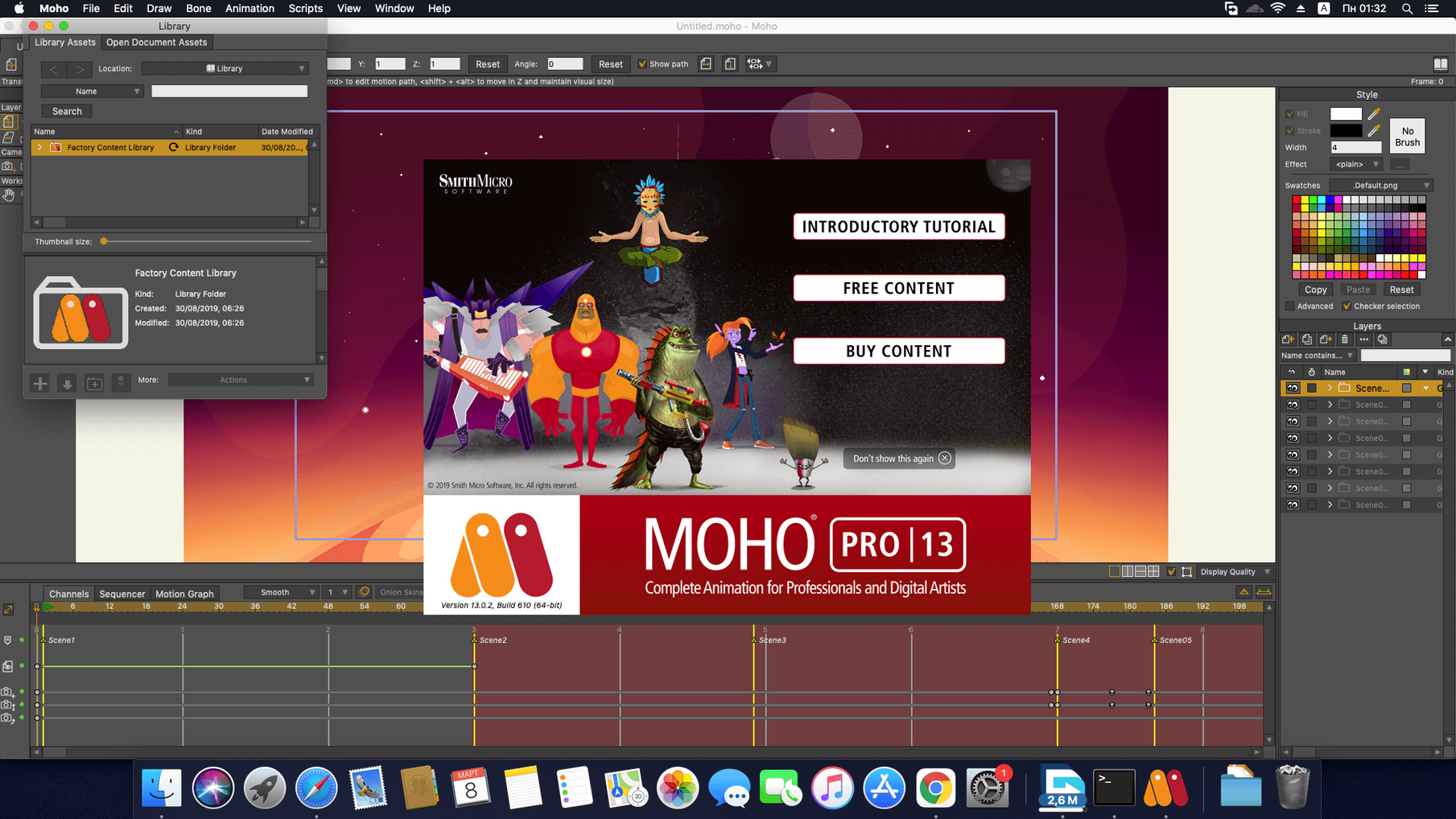
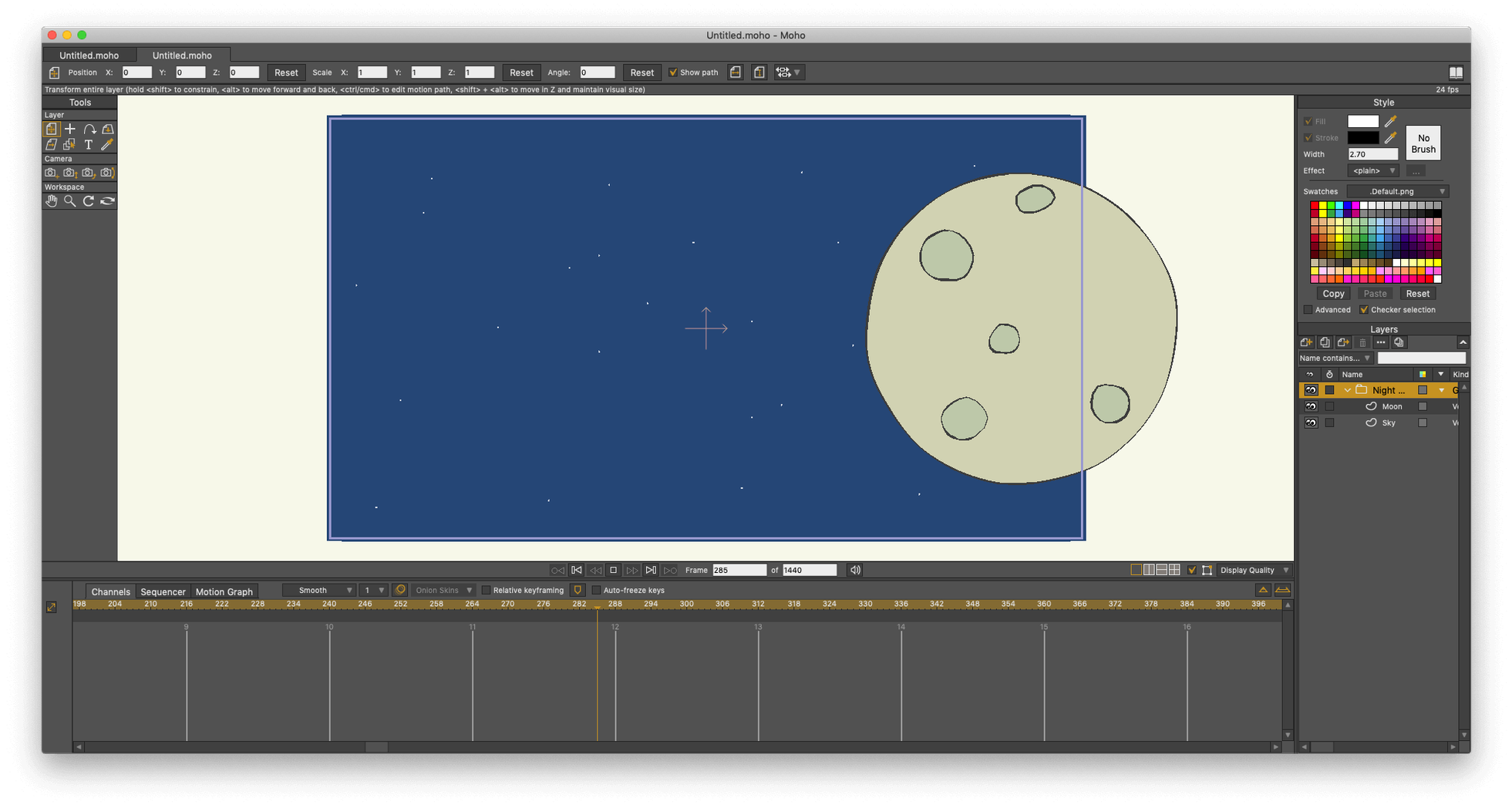
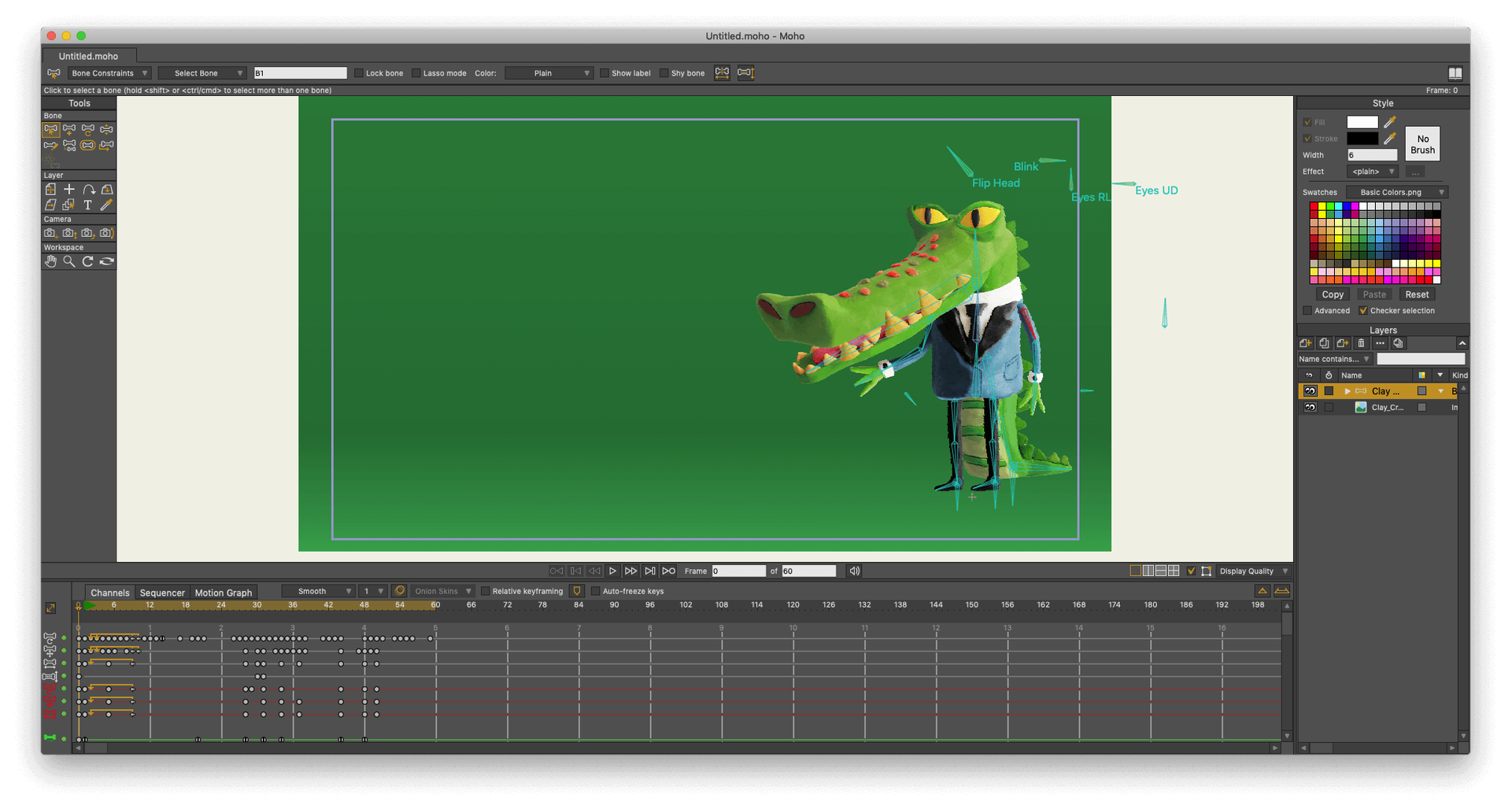
Moho Pro is a desktop animation studio built for artists who want to blend traditional frame-by-frame polish with a smart bone-rigging system. I opened it up to storyboard a short looping character walk cycle that mixes physics-driven hair with a hand-drawn face.
How does the bone-rigging speed up a character setup?
Instead of redrawing every frame, I pinned vector artwork to a skeleton of bones with a few clicks. Moho’s Smart Bones let me dial in mouth shapes and hand poses on a single control dial, so the rig does the in-betweening while I focus on timing.
Can the physics tools handle secondary motion automatically?
Absolutely. I assigned density, gravity, and elasticity values to the ponytail layer, and it bounced naturally as the character stepped. It felt less like tweaking sliders and more like playing with a real-world pendulum that I could tune on the fly.
What’s the export pipeline to a game engine like?
The new glTF export in version 14 is the star here. I packaged the finished walk cycle straight into a format Godot and Unity understand, preserving the skeleton hierarchy and mesh data without extra converters.
Who clicks with Moho Pro fastest
I've watched a few friends try Moho over the years, and the ones who stick around tend to fall into two camps. First, solo animators juggling multiple characters per scene — they lean hard on the bone library and Smart Bone actions so they aren't rebuilding rigs from scratch every episode. Second, small game teams who need clean, lightweight exports for Unity or Godot. The glTF pipeline cuts out the middle step of re-rigging inside the engine, which is where a lot of indie projects lose momentum.
Motion graphics folks dipping a toe into character work also get comfortable quickly. The curve-based animation tools feel familiar if you've spent time in After Effects, but the addition of a timeline sequencer and physics layers pushes results past what a pure compositing app can pull off. If you're mostly doing explainer videos or short-form social content with recurring mascots, Moho's reusable rigs pay back the learning time within a couple of projects.
First days with Moho — three things that smooth the ramp
Installing is straightforward, but the first 48 hours matter. Here's what I'd tell a friend after they've grabbed the installer.
- Start inside the library, not a blank canvas. Moho ships with a built-in collection of characters and props. Pull one apart — open the bone layer, study how the joints are parented, tweak a Smart Bone dial. You'll pick up the rigging logic faster by breaking something that already works than by building from zero.
- Set your graphics card preference early. Head into preferences and confirm OpenGL 4.1 is engaged. On Apple Silicon machines the performance is solid, but a quick toggle here prevents viewport stutter when physics simulations get heavy.
- Resist the urge to ignore the sequencer. It's tempting to treat Moho like a single-shot animation tool. Actually, dropping clips into the sequencer for scene assembly from day one teaches you the export and timing rhythm that saves headaches when a project spans more than one shot.
Four Enemy Stances Before Lunch
Let me sketch a scene from someone who lives in this tool daily. A freelance game animator grabs a coffee and opens Moho around 9am, with a brief from a small studio that needs four enemy character stances — idle, patrol, attack, and hit reaction — for a 2D side-scroller. She's not starting from scratch. She pulls a base humanoid rig from her personal library, swaps in the client's concept art as reference layers, and begins adjusting bone lengths and limb proportions to match the goblin-like creature in the brief.
With the skeleton roughed in, she creates Smart Bone actions for the face: one dial scrunches the brow and bares teeth for the attack stance, another droops the eyelids for the hit reaction. The physics engine handles the creature's floppy ear movement as she plays back the patrol cycle, so she only tweaks the gravity and friction values twice before it looks right. By mid-morning, she exports all four animations as glTF files, drops them into the studio's Godot project repository, and pings the lead developer. The skeleton hierarchy stayed intact — no re-rigging on the engine side, no format wrangling. She closes Moho and opens her next task before lunch.
Version 14.4 ships with a few targeted updates for pipeline work:
- glTF/GLB export: Send layered animations directly to modern game engines or 3D software.
- Scripting refresh: The interface now runs on Lua 5.4.4, opening up newer libraries for custom tools.
- Particle and layer fixes: A handful of stability tweaks keep complex rigs behaving during playback.
- macOS 10.15 or newer
- 64-bit operating system
- 2.0 GHz Intel Core i3 or higher
- 4 GB RAM or more
- 1.6 GB free hard drive space
- OpenGL 4.1 capable graphics card
- Internet connection for activation
Also on readers' docks
Sign in or create an account to leave a comment.
No comments yet. Tell me how it got on with your other devices.