Download Mimestream for macOS
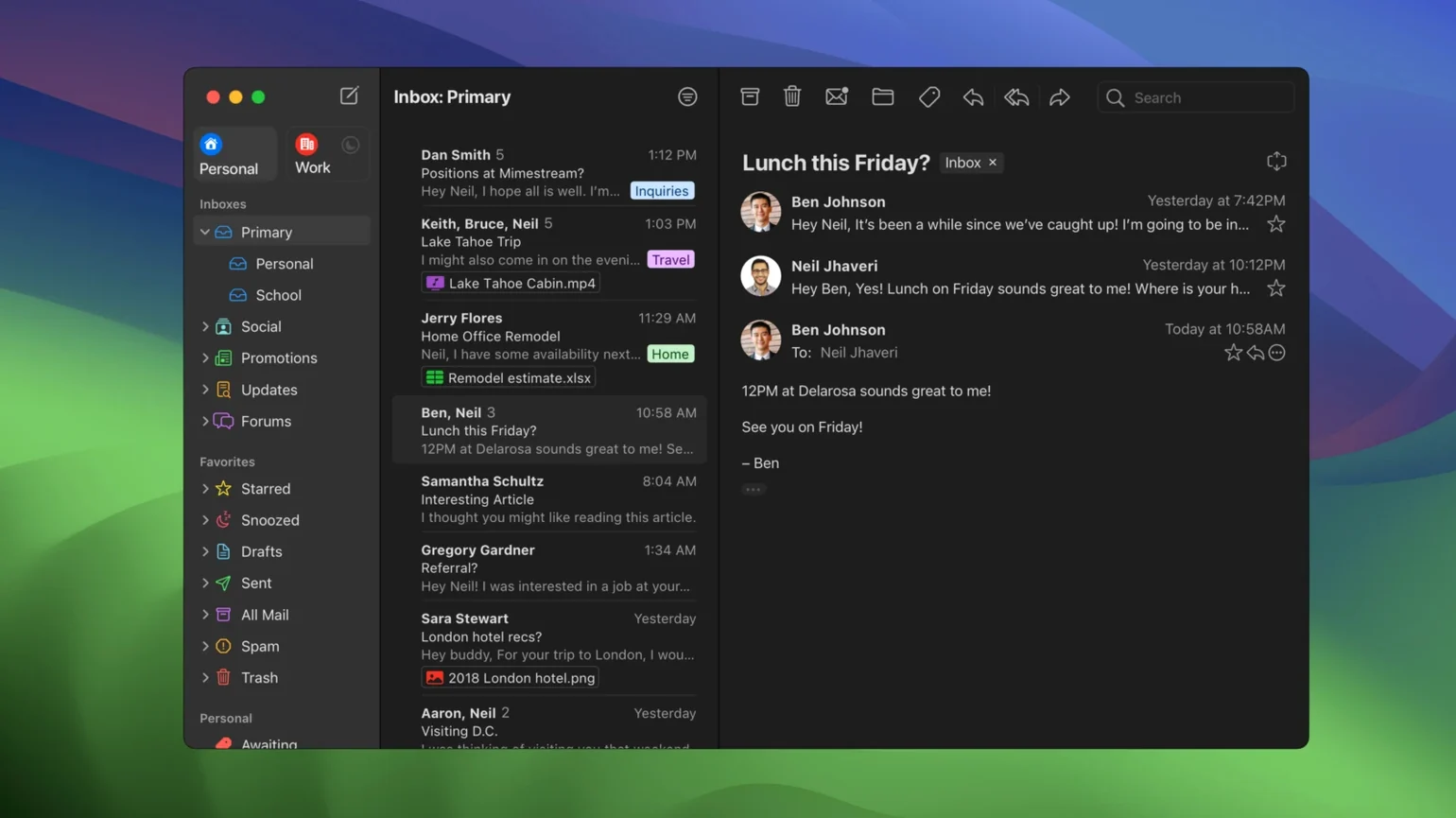
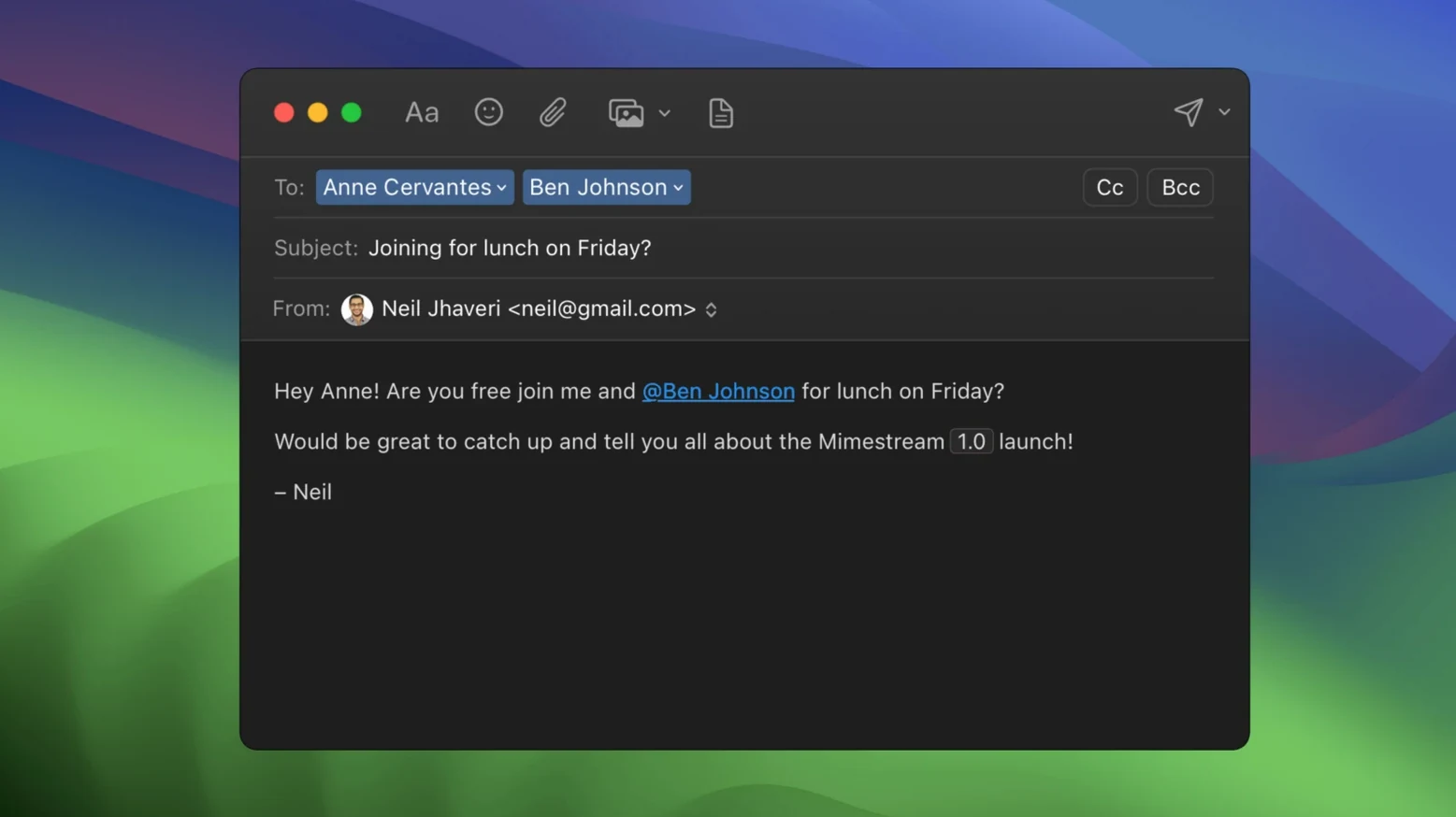
Hitting Shift+C to compose feels instantly right.
Private Push — notifications delivered without Google ever seeing which messages arrived, available on macOS 26 and automatically on by default.
All Profile — a unified inbox that corrals every account into one view, optional for those who like separation.
Offline Search — full Gmail search that works with the Wi‑Fi turned off, no browser tab required.
I triage a morning inbox with a quick flick to the right. The swipe gesture marks a newsletter as read and archives it in one motion, exactly the way Apple Mail taught my fingers to move years ago. For anything that needs a reply, Shift+R opens a thread and I type without waiting for a web app to catch up. The app pulls in my Gmail labels, categories, and server‑side filters without any fuss — it is a desktop client that speaks Gmail’s language natively, not a generic IMAP compromise.
Addresses from unknown senders now show up clearly in the header, so I know at a glance whether a message came from someone in my contacts or a cold pitch. And because the whole inbox lives locally, I keep working on a train with zero bars. This is a mail app for people who live in Google’s world but want their email to feel like a proper Mac citizen.
Pulling Gmail labels into macOS Focus filters
Mimestream does not sit in a silo. It pulls Gmail labels into the system-wide Focus filters on macOS, so my work profile hides everything that does not carry the "Work" label — no extra setup, no rules to rebuild. Quick Look pops open PDF attachments with a tap of the space bar, and the share sheet sends a message body straight into Apple Notes or Bear without exporting anything first.
Drag a contact chip from the message header onto the desktop and you get a .vcf file. Drop an image attachment into a Messages conversation and it sends right away. These are little things, but they add up fast when you move between apps all day. The app also registers itself as the default mail handler cleanly — clicking an email link in Safari opens a compose window in Mimestream, not a browser tab asking you to sign in again.
On the system side, Spotlight finds messages without the app being open. Type a name or subject line into the menu bar search and results appear alongside files and contacts. For anyone who has wrestled with web-based Gmail search lagging behind keystrokes, this feels like a quiet upgrade.
Stays under 400 MB of RAM with three accounts
After running Mimestream alongside a dozen other apps for a full workweek, it consistently sits under 400 MB of RAM with three accounts loaded and about two weeks of cached mail. That is less than a single Gmail tab in Chrome on my machine. The disk footprint hovers around 2 GB for the same setup — the app only caches recent messages by default and fetches older threads on demand, which keeps things lean on smaller SSD-equipped Macs.
Launch is nearly instant. The window appears and the inbox is ready before I finish moving my hand from the trackpad to the keyboard. No spinner, no loading screen. The Swift foundation shows: scrolling through long threads is smooth at 120 Hz on Apple Silicon, and even an older Intel MacBook Air I keep around handles the same mailbox without the fans waking up.
I have not seen a crash in daily use. Notification delivery stays snappy, and the Private Push mechanism — traffic routed through Apple's infrastructure instead of Google's — adds no perceptible delay. If you are curious to try it, searching for a mimestream download will point you to the right place, though the app works best when you commit to making it your daily driver rather than a quick test. Offline search deserves a second mention: results populate as you type, even with Wi‑Fi off entirely, which is something web Gmail simply cannot do.
A Freelancer's Afternoon With Mimestream
Picture a freelance translator who manages three Gmail accounts — personal, client-facing, and a shared team inbox. She starts the afternoon with twenty unread threads spread across labels like "Invoices," "Agency," and "ProZ inquiries."
She switches to the optional All profile to scan everything at once. A swipe-left on five newsletter digests archives them silently. Two client emails get a quick Shift+R reply — the app pulls in her Gmail signature automatically, no copy-paste from a template. She hits E to archive each thread once sent. For a tricky thread with an agency, she types from:agency-coordinator has:attachment into the search field and finds the contract from two weeks ago even though she is working from a café with patchy Wi‑Fi; the cache already has it.
An unknown sender pops up — a new direct client reaching out cold. The header shows the address clearly, so she knows it is not someone already in her contacts. She drags the sender's contact chip to her desktop, opens it, and adds it to her address book with a few keystrokes. By 3 PM the inbox is clear, no browser tabs were opened, and the Mac stayed cool and quiet the whole time.
That kind of session is where Mimestream earns its place. It is not trying to be a universal mail client. It is a Gmail power tool wrapped in a Mac-native shell, and for people who spend hours inside Google's email universe, that focus is its strongest asset.
Version 1.10 ushers in a handful of thoughtful updates, with 1.10.8 as the latest stable release:
- Private Push notifications, enabled by default on macOS 26 and above, keep notification content off Google’s servers.
- An optional All profile unifies every account in a single stream.
- Addresses for unknown senders now appear plainly in the message header.
- Notification actions are configurable, so a single click can archive or reply.
- macOS 12 Monterey or newer
- Apple Silicon or Intel Mac
- A Google account is required to sign in
Questions people ask
Can I use Mimestream with my iCloud or Outlook account?
No. Mimestream only supports Google accounts — it is a dedicated Gmail client, not a general-purpose mail app.
Which macOS versions does the current version require?
Version 1.10.8 needs macOS 12 Monterey or newer, though future versions will require macOS 14 or later.
Does the app respect my Gmail keyboard shortcuts?
Yes, it includes both Gmail and Apple Mail shortcut sets, and you can switch between them depending on what feels most natural.
Also on readers' docks
Sign in or create an account to leave a comment.
No comments yet. Tell me how it got on with your other devices.