Download Middle for macOS
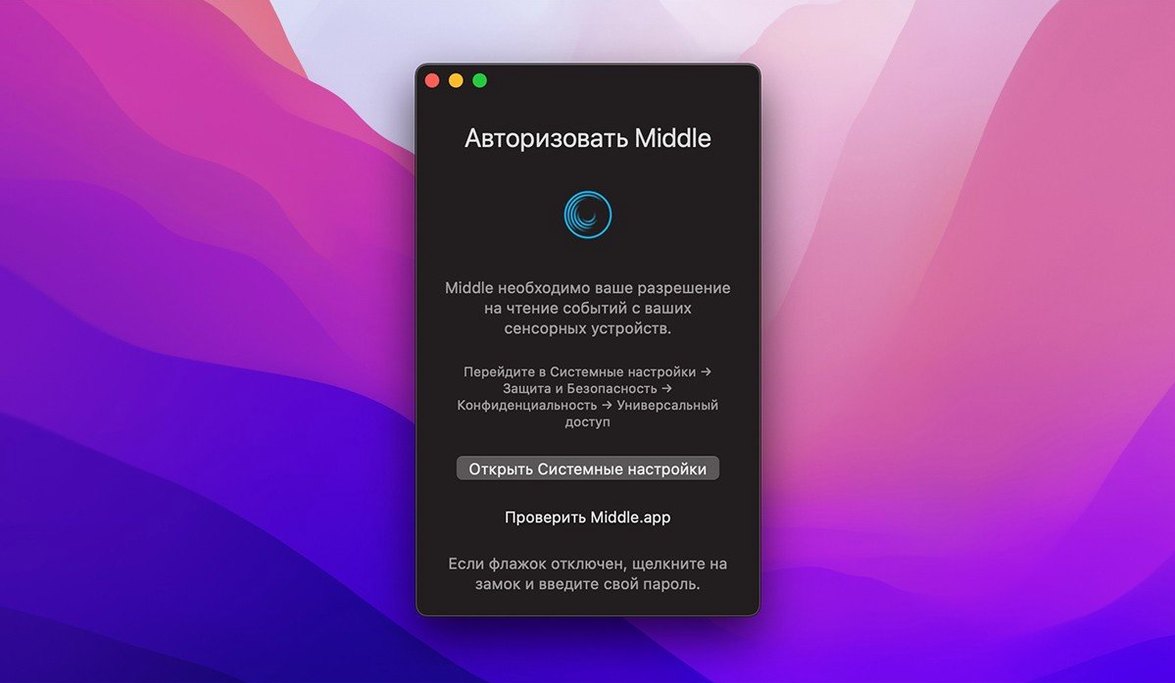
If you’ve ever used BetterTouchTool to wire up custom gestures, you already know how much a single missing input can slow you down. That’s exactly the gap Middle fills. Apple’s trackpads and Magic Mouse ship with no system-level middle click, so tasks like opening links in a background tab or pasting in the terminal stay frustratingly two-handed. Middle adds that third button back with a straightforward, focused approach.
| Fact | Detail |
|---|---|
| Developer | Ryan Hanson |
| Current version | 1.14.0 |
| macOS requirement | 10.15 or later |
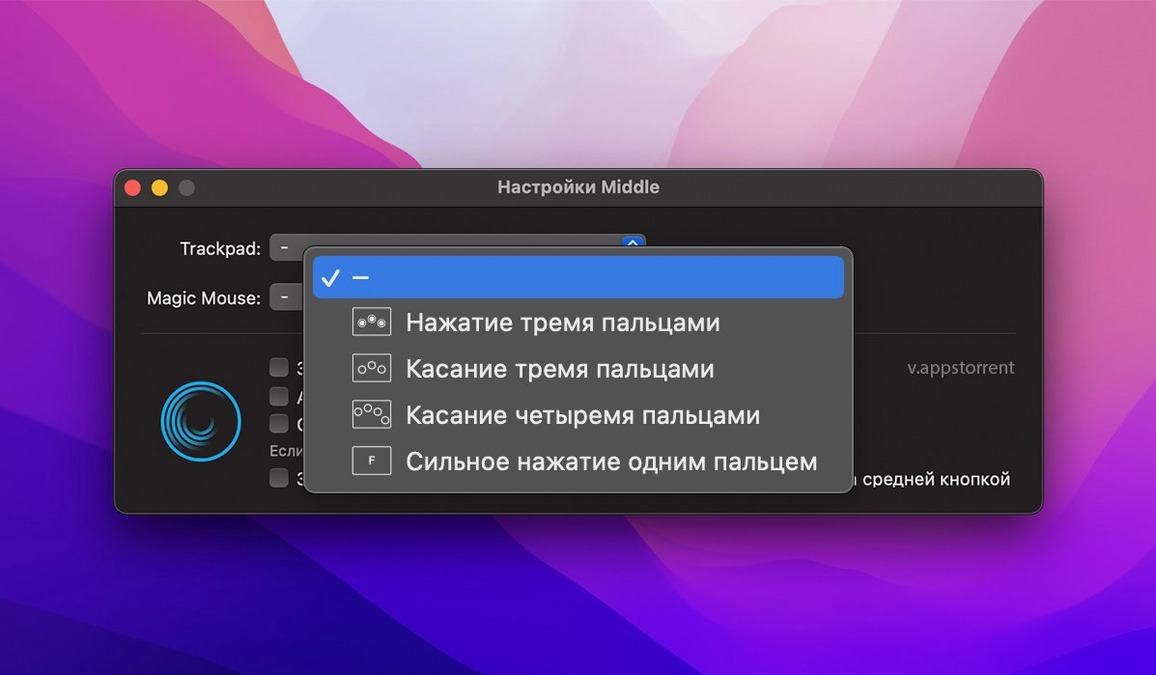
Here’s one task I reach for it with constantly: triaging a busy research folder in Safari. I set a three-finger tap on the trackpad as my middle click inside Middle’s preferences. Now, tapping with three fingers on any bookmark folder instantly opens every link inside as a new background tab — no right-click menu, no keyboard modifier. On the Magic Mouse, a single tap in the center of the shell sends the same command. It feels like a native piece of the pointer, and once it’s mapped, you’ll wonder why macOS still ships without it.
Middle and the alternatives: why a single-purpose tool wins
Plenty of power-user apps can mimic a middle click — BetterTouchTool, Multitouch, and even Hammerspoon scripts come to mind — but they each bring a different commitment. BetterTouchTool is a Swiss Army knife that happens to do middle click; Middle is just that one blade, sharpened. Where the heavier tools ask you to build and test a gesture, Middle ships with the mapping ready and its preferences panel shows one thing: how you want to trigger it. No window management modules, no snapshot triggers, no snappiness dials. That focus keeps its CPU footprint tiny, and you’ll never lose an afternoon tweaking features you didn’t open the app for.
Multitouch is the closest comparison — also gesture-first, also trackpad-aware — but it leans harder into multi-finger custom trackpad recipes. If you already live in that world, you might prefer it. For everyone who simply wants to middle click on trackpad mac without building a gesture library, Middle’s single-screen setup feels refreshingly done.
SIP must be off or gestures stay dead
The trickiest part of any middle mac download isn’t the app itself — it’s macOS’s security layers. Because Middle needs to intercept low-level input, SIP must be disabled. If you skip that step, the app launches but gestures go dead. Open Terminal and run csrutil status after a reboot into Recovery; if it’s enabled, you’ve found the culprit.
Another common stumble: a Magic Mouse that ignores center taps. The sensor zone for a one-finger middle click is smaller than it feels, and resting your finger too far forward or back registers as a left click. Keep the tap dead center, and in Middle’s preferences, toggle “Show click location” temporarily — a small dot appears on screen so you can train your aim.
Force Touch users sometimes report that a three-finger tap and a one-finger force click fight each other. Pick one in the app’s dropdown and disable the other. Middle deliberately avoids enabling both by default, and mixing them leads to double-fires in apps that respect both inputs. A clean single assignment is the fix.
For those who searched “middle app mac” hoping it would work with a third-party USB mouse, Middle won’t help — it’s built for Apple’s own trackpads and Magic Mouse. Plug in a Logitech and you’ll still need the vendor’s software or SteerMouse for a middle-button mapping there.
- macOS 10.15 (Catalina) or later
- Apple Silicon or Intel 64-bit Mac
- Apple trackpad or Magic Mouse
- System Integrity Protection must be disabled
Also on readers' docks
Sign in or create an account to leave a comment.
No comments yet. Tell me how it got on with your other devices.