
Download MacGPT for macOS
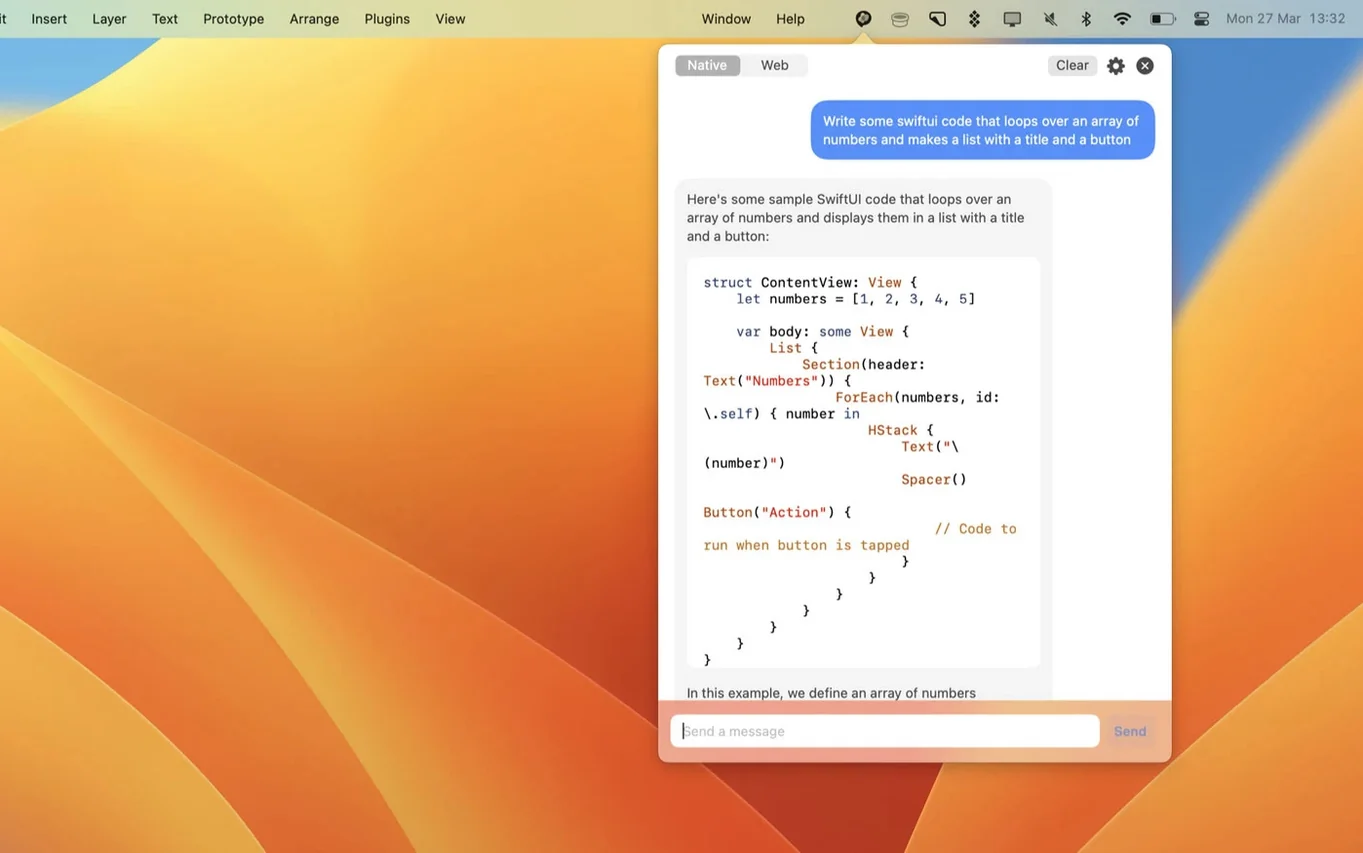
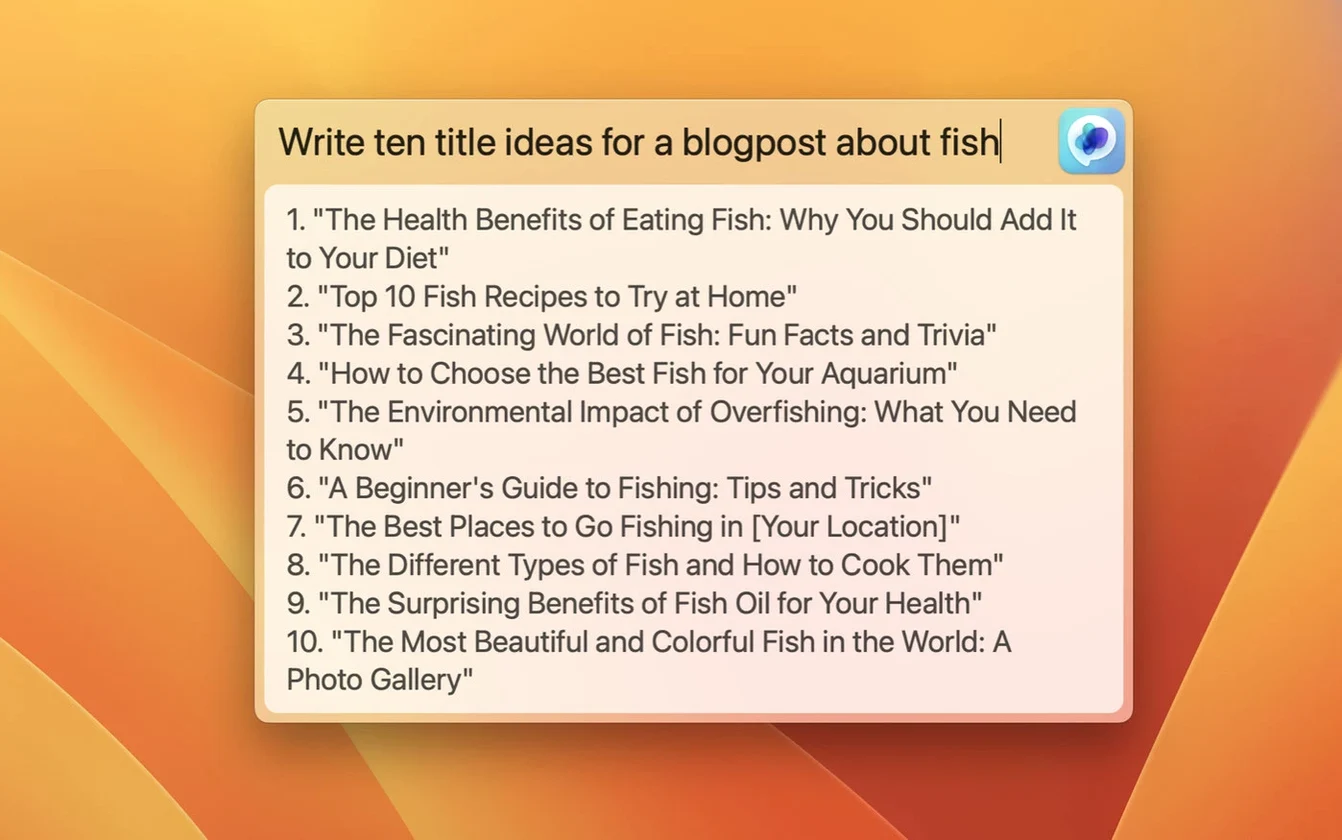
If you've ever kept a pinned browser tab just for ChatGPT, you already understand the itch macGPT scratches. Jordi Bruin's app takes that tab and shrinks it into a tidy menu bar companion, so the assistant is always one click away without cluttering your browser.
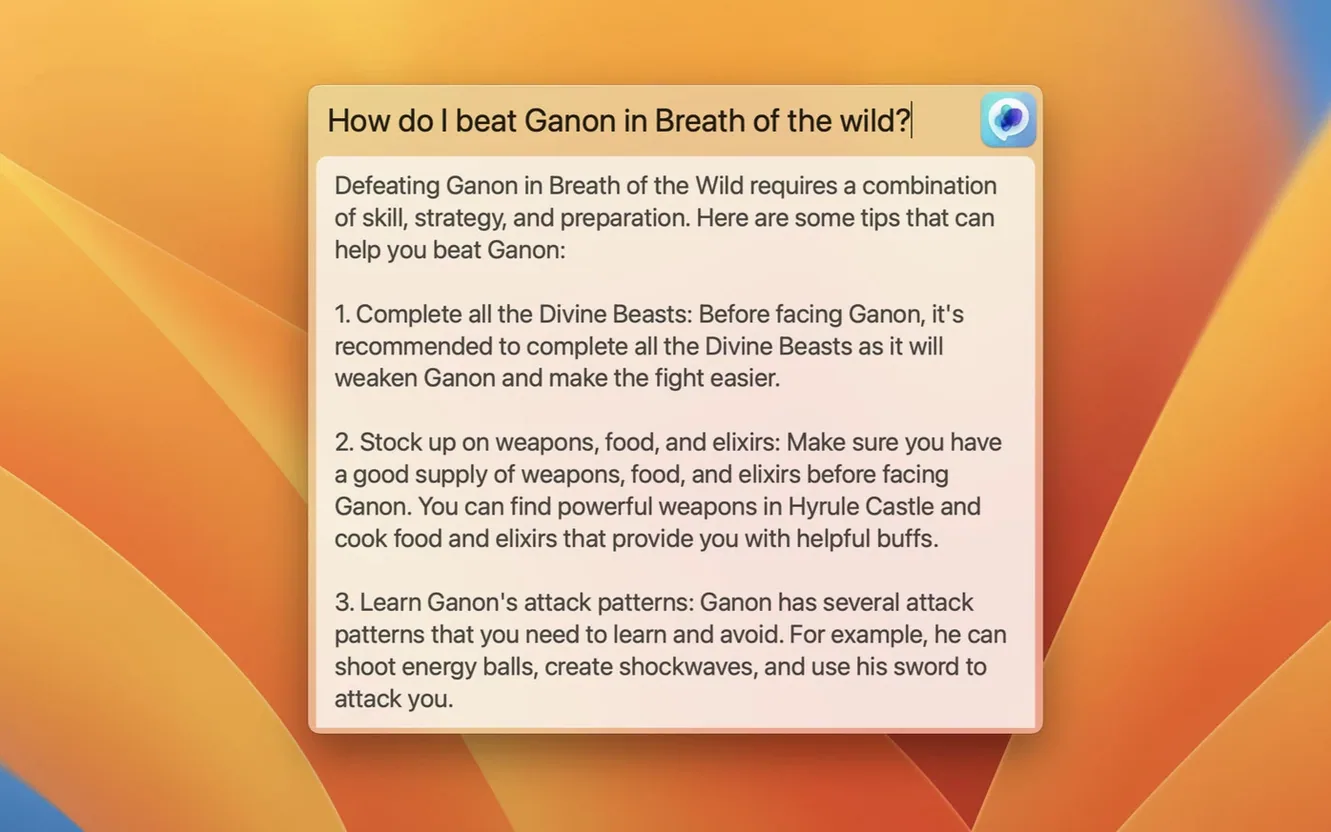
- Global text field. Hit your assigned keyboard shortcut and a centered input window drops over whatever you're doing. Type a question, get an answer, and dismiss it — no context switching.
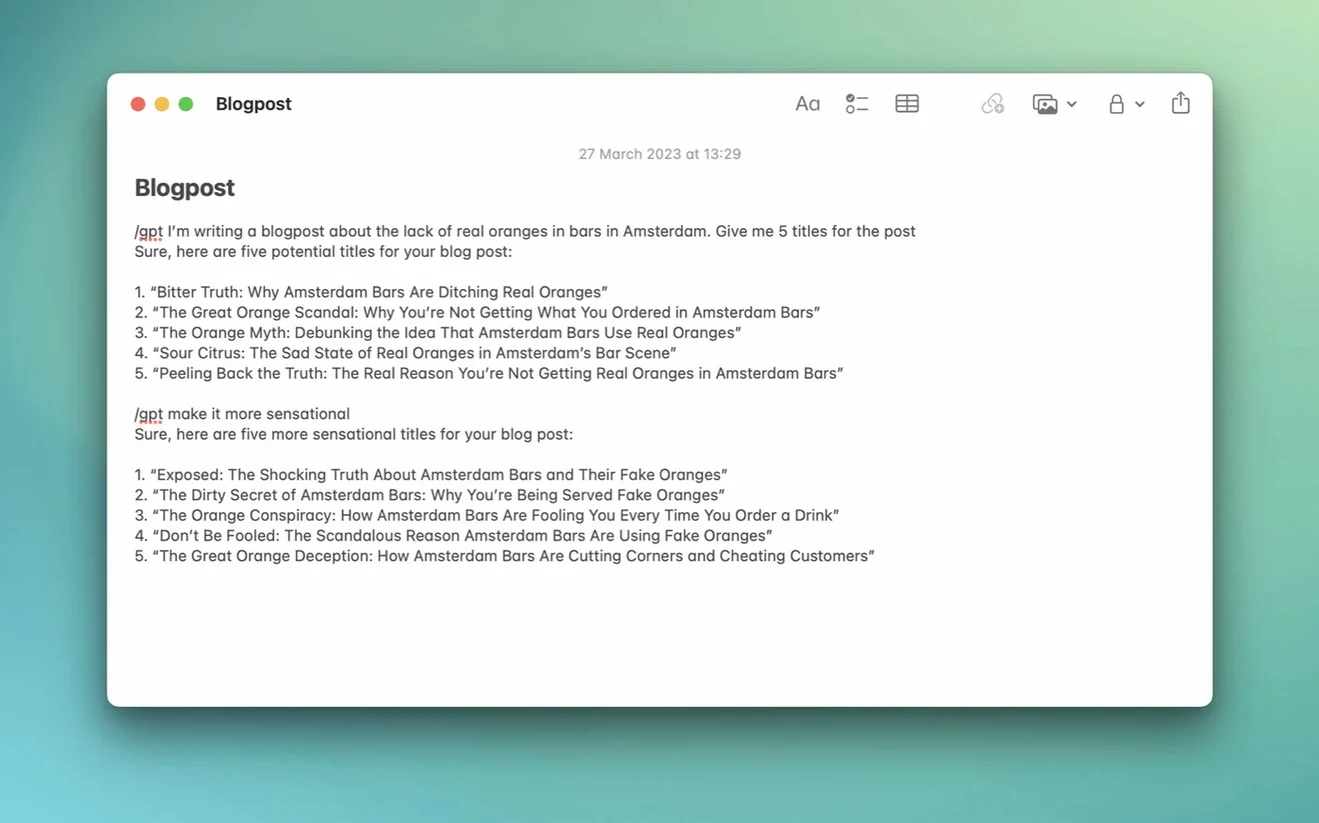
- Inline mode. This one feels like a magic trick. Highlight text in any input field, trigger the Inline feature, and ChatGPT rewrites or expands it right where your cursor sits. Great for tweaking an email or polishing a sentence without leaving the app.
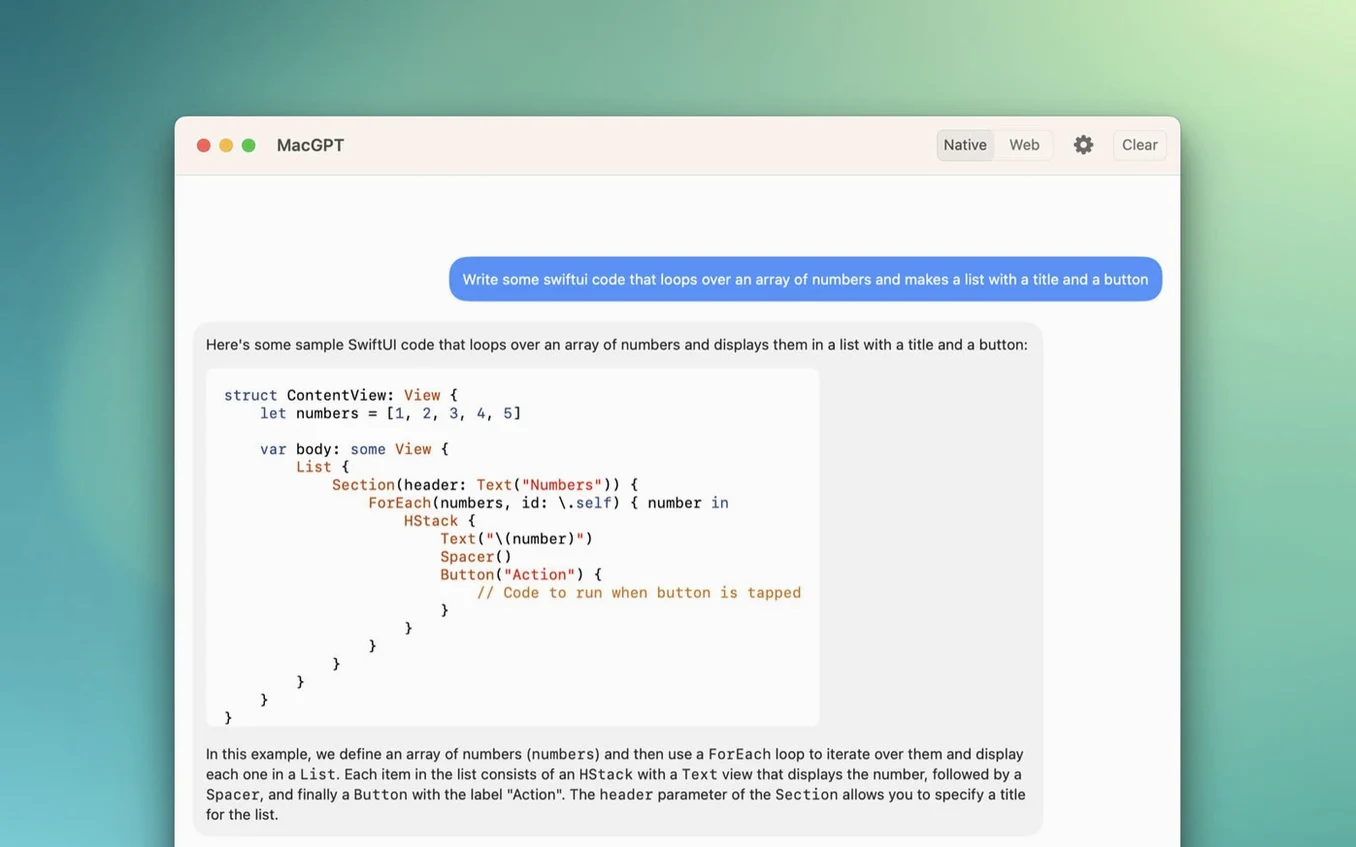
- Web mode. Prefer ChatGPT's native interface? Web mode loads the familiar chat portal inside the app, complete with your history and conversation threads, signed in with your OpenAI credentials.
The latest update adds gpt-4o to the model picker, so you get the faster, more capable engine that launched to such fanfare. Everything stays synced with your OpenAI account, and the whole package runs natively on both Intel and Apple Silicon Macs running Monterey or Ventura. It's the kind of utility that quietly reworks how you reach for AI — fewer tabs, less friction, same brain.
Set a shortcut that beats the default Global trigger
Out of the box, MacGPT works fine, but a quick trip through preferences makes it feel truly yours. The first thing I'd set is the keyboard shortcut for the Global text field. The default works, but muscle memory rewards something snappy like ⌃⌥Space — easy to press one-handed, unlikely to clash with other apps. While you're there, tick the checkbox that keeps the Global window floating above full-screen apps; it saves a trip to the desktop every time you're deep in a focused workspace.
Next, head to the API section and paste in your OpenAI key if you haven't already. The app can run purely in web mode, but the API route feels snappier for quick one-off questions and sidesteps loading the full chat interface. There's a small but helpful toggle for showing clearer error messages when your key is missing or malformed — switch it on, especially during setup. Finally, pick your default model. gpt-4o is the new star, but if you're mostly firing off short queries, leaving it on gpt-3.5-turbo keeps things zippy and light on token usage.
Barely sips memory—150 MB on an M1 MacBook Air
I've kept MacGPT running through full workdays on an M1 MacBook Air, and it barely registers. Memory hovers around 150 MB with occasional bumps during longer conversations, and CPU use is near zero when idle — exactly what you want from a menu bar utility. Launching the Global field is instant; the centered overlay appears before your finger fully leaves the key. Responses arrive as quickly as ChatGPT's servers can manage, which is to say the bottleneck is rarely the app itself.
Stability has been uneventful in the best way. No crashes, no hung windows, no mysterious spikes in background activity over several weeks of daily use. Web mode sometimes takes a beat to reload the chat portal after waking from sleep, but a quick refresh inside the window sorts it. The Inline feature occasionally hesitates with very large text blocks, though that feels more like an API timeout than an app flaw. Overall, MacGPT behaves like a mature native tool — it doesn't fight for attention, and it never leaves you waiting on the beachball.
Menu-bar rivals: MenubarX loads the web, BoltAI adds AI commands
MacGPT sits in a small but growing field of menu-bar ChatGPT clients, and the closest cousins are MacGPT vs. MenubarX and MacGPT vs. BoltAI.
MenubarX puts any website in your menu bar, so you can load ChatGPT's web interface and call it a day. It's more flexible — you can pin Gmail, Twitter, or anything else — but it's essentially a tiny browser, not a purpose-built assistant. MacGPT wins on focus: the Inline and Global features have no equivalent in MenubarX, and the app feels lighter because it's not rendering arbitrary web pages. If you only need occasional chat access, MenubarX does the job; if you want ChatGPT woven into how you type and edit, MacGPT pulls ahead.
BoltAI goes deeper, offering a full library of AI commands, customizable prompts, and integration with other services beyond ChatGPT. It's closer to an AI power tool, while MacGPT keeps things simple — a menu bar tap, a keyboard shortcut, and you're chatting. BoltAI appeals if you want to build workflows, but MacGPT appeals if you just want the fastest path to asking a question and moving on. The Inline rewrite feature is MacGPT's standout trick that neither competitor quite replicates with the same frictionlessness.
There's also the growing interest in finding a macgpt free download that works without API fuss, and MacGPT's web-mode-only option fits that bill nicely — no key required if you're happy signing in through the browser view.
Version 3.21 brings gpt-4o support into the model options, alongside the existing lineup.
- macOS 12 Monterey or newer
- Works on Intel and Apple Silicon Macs
- OpenAI account credentials or an API key
Questions people ask
Can I use macGPT without an OpenAI API key?
Yes, you can sign in with your standard OpenAI account credentials and use Web mode, which loads the full ChatGPT interface without needing an API key.
Also on readers' docks
Sign in or create an account to leave a comment.
No comments yet. Tell me how it got on with your other devices.