
Download MacFamilyTree for macOS
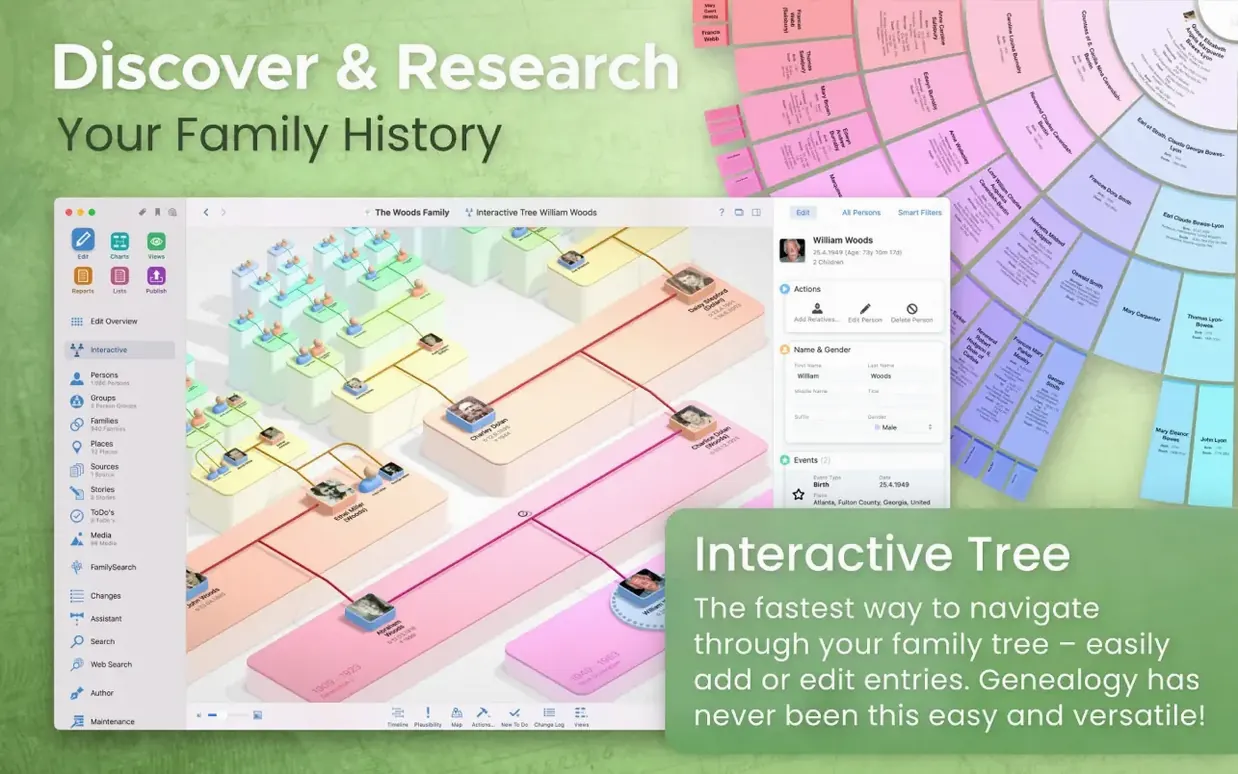
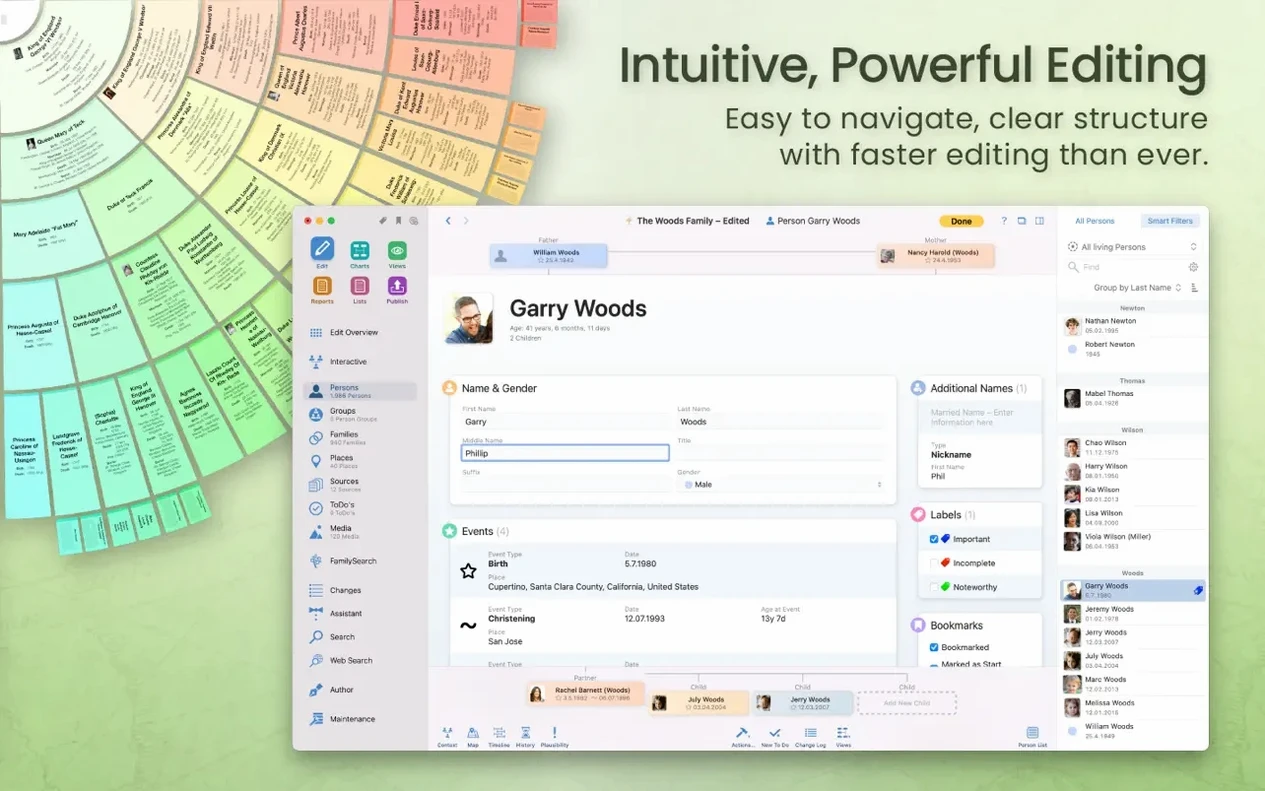
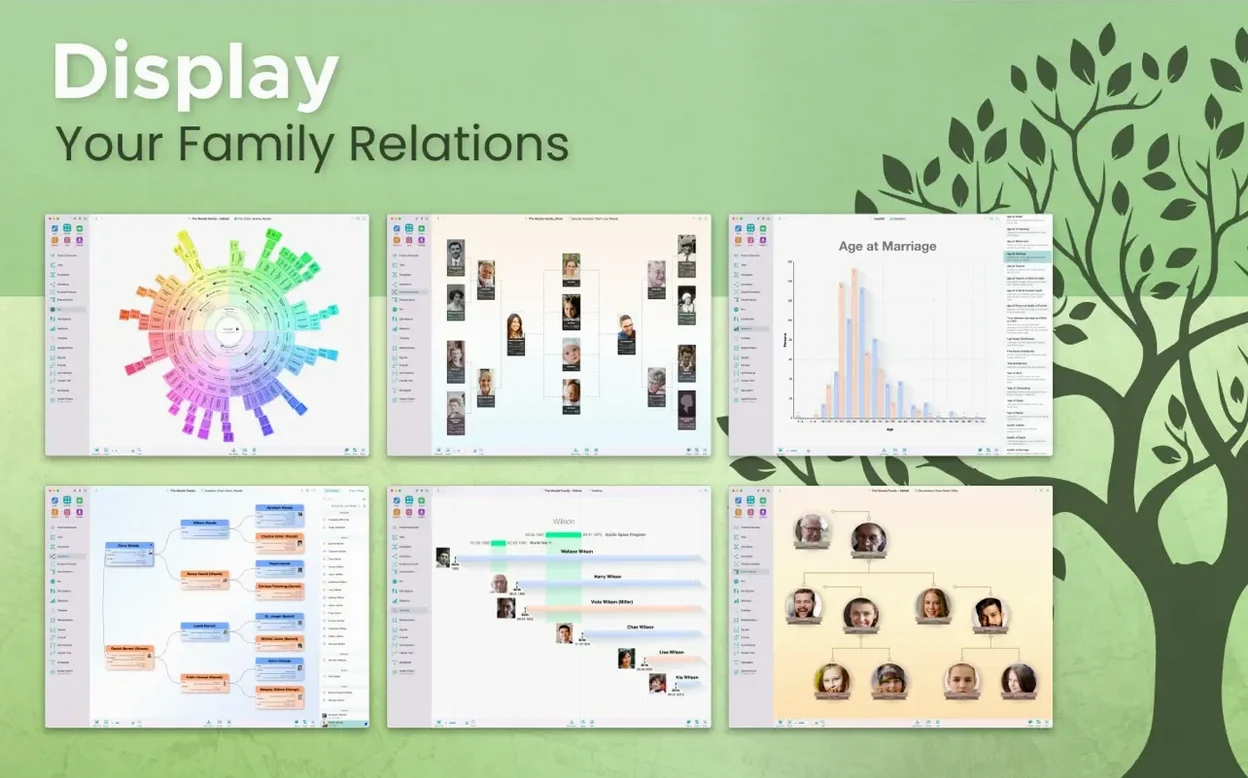
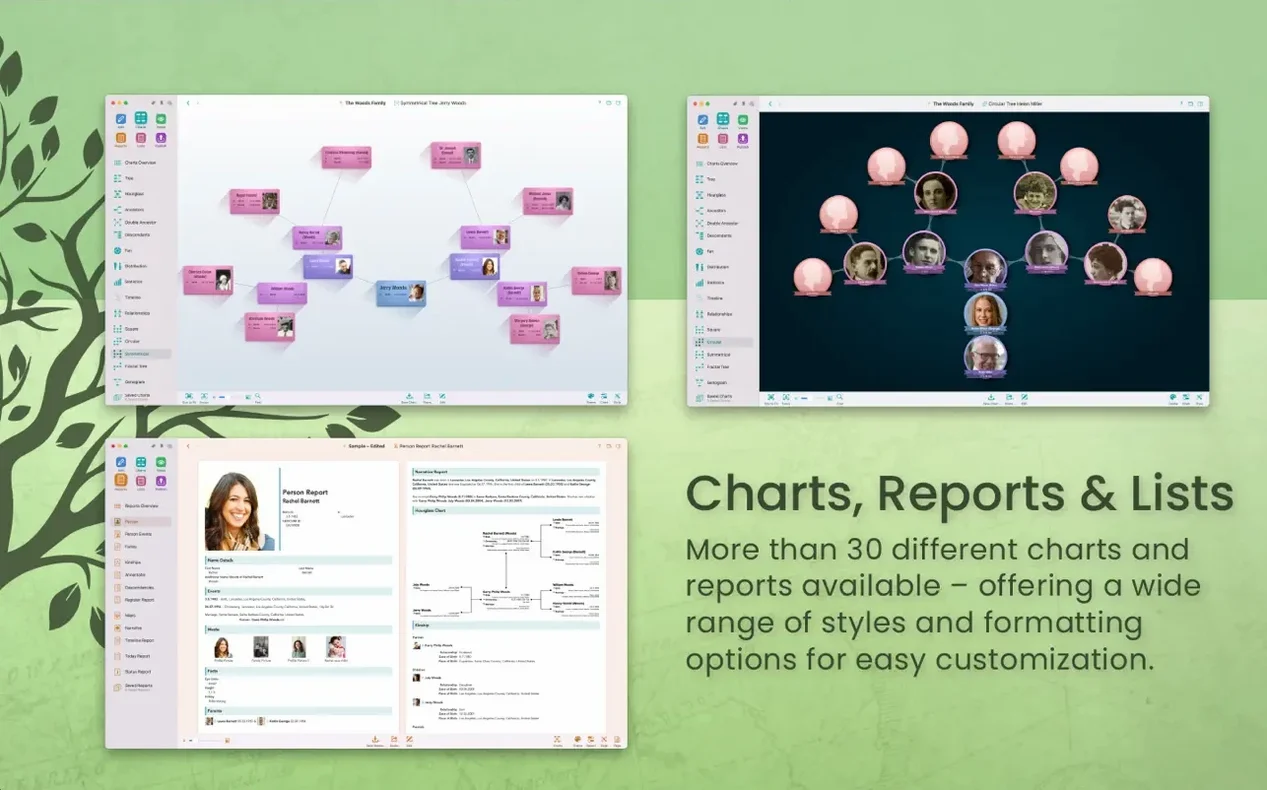
MacFamilyTree is a native Mac app that turns scattered family records into a vivid, explorable tree.
CloudTree Sync & Share — real-time collaboration and syncing that keeps your tree current across multiple Macs, so a cousin’s discovery on her machine shows up on yours without shuffling files.
Virtual Tree 3D — a rotatable, zoomable view of your ancestry that makes sprawling connections easier to grasp than a flat chart ever could.
Built‑in portal search — the app reaches into genealogy databases directly, pulling in records without bouncing between a browser and your tree.
Report engine — generates person sheets, relationship maps, timelines, and narrative reports that you can export in multiple formats or use to build a family website through MacFamilyTree.com.
Export controls — living people and sensitive notes can be hidden from shared charts and GEDCOM files, keeping private details private.
Chart types cover everything from classic pedigrees and hourglasses to statistical name‑distribution maps and genograms, so you pick the lens that fits the question you’re asking.
Version 11.3.2 looks quiet on paper — the release notes say "stability improvements" and leave it at that. In everyday use, though, those invisible fixes matter. I've noticed fewer beachballs when switching between a tree with 2,000 people and the Virtual Tree 3D view, and CloudTree syncs feel snappier when two people are editing the same person entry. Earlier 11.x releases tightened up the FamilySearch integration too, so searching church registries or census records now returns results in noticeably fewer steps than it did a year ago.
First days with MacFamilyTree
Start small. Import a GEDCOM file you already have — even a messy one — before typing anything from scratch. MacFamilyTree's parser is forgiving, and watching it turn a flat text file into a clickable tree gives you an immediate sense of how the app thinks.
Next, pick one branch and run the credibility report. It flags gaps, conflicting dates, and people who'd be 150 years old at childbirth. Fixing those early keeps your tree cleaner than trying to untangle them six months in. After that, flip to the fan chart — it's genuinely the quickest way to spot which great-great-grandparent line you've neglected.
If you're moving from another app, resist the urge to re-enter everything manually. Use the GEDCOM path first, then tidy up inside MacFamilyTree. The merge tools handle duplicates well, especially when you use the "possible matches" sidebar that appears when CloudTree is on.
Right-click set‑as‑root to recenter a chart instantly
A few things took me embarrassingly long to discover:
- Right-click a person's name in any chart and choose "Set as root" — it instantly re-centers the tree without losing your place. This is the fastest way to explore sideways branches during a research sprint, and it works in Virtual Tree 3D too.
- Hold Option while clicking a relationship line to see the exact connection path between two people. The app calculates it on the fly and highlights the route, which saves minutes of manual tracing in a dense pedigree chart.
- The search bar accepts dates. Typing "1872" returns every event, birth, and marriage tagged with that year across your entire database. Combine it with a place name like "1872 Bremen" and you've got an instant filtered list.
- Drag a photo onto the tree view directly. You don't need to open the person's edit panel first; MacFamilyTree figures out whose face you dropped it near and attaches it. Works for documents and scanned letters too.
- Pin the source sidebar open with the little thumbtack icon. When you're transcribing a parish register into a dozen person entries, having the source always visible cuts tab‑switching to zero.
One more worth knowing: the statistical map chart isn't just decorative. Click a region and it filters the person list to everyone with events tied to that location. I've spotted migration patterns — three generations moving from a single village to the same city neighborhood — that I'd missed entirely in the traditional pedigree view. And if you're diving into deeper research after grabbing a MacFamilyTree 11 torrent earlier, the database structure handles large imports without choking, so there's room to grow.
Version 11.3.4 zeroes in on macOS Sonoma compatibility, so the tree-building, chart-making, and research tools feel right at home on Apple's latest desktop OS. Everything else under the hood stays as polished as you'd expect from a point release — no new buttons, just a smoother ride if you've already updated your Mac.
- macOS 12 (Monterey) or later
- Works natively on Apple Silicon and Intel 64-bit Macs
Also on readers' docks
Sign in or create an account to leave a comment.
No comments yet. Tell me how it got on with your other devices.