Download MacDroid Pro for macOS
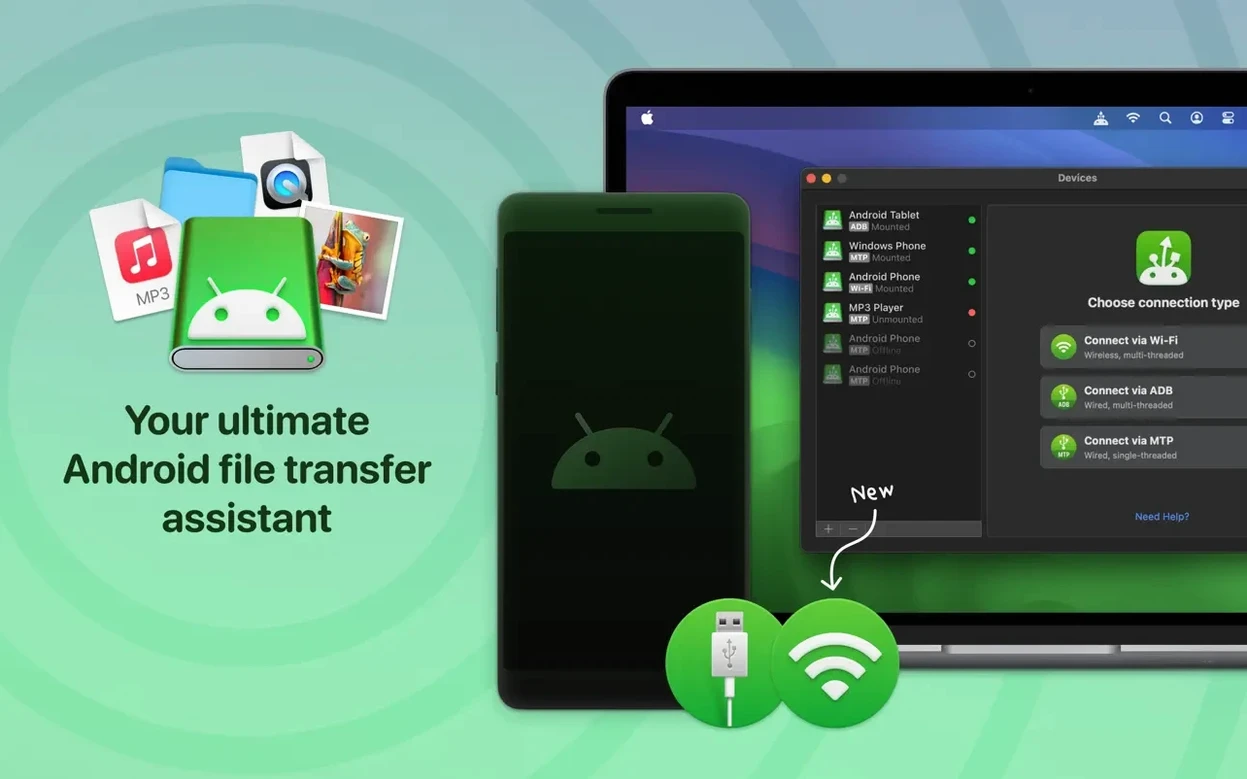
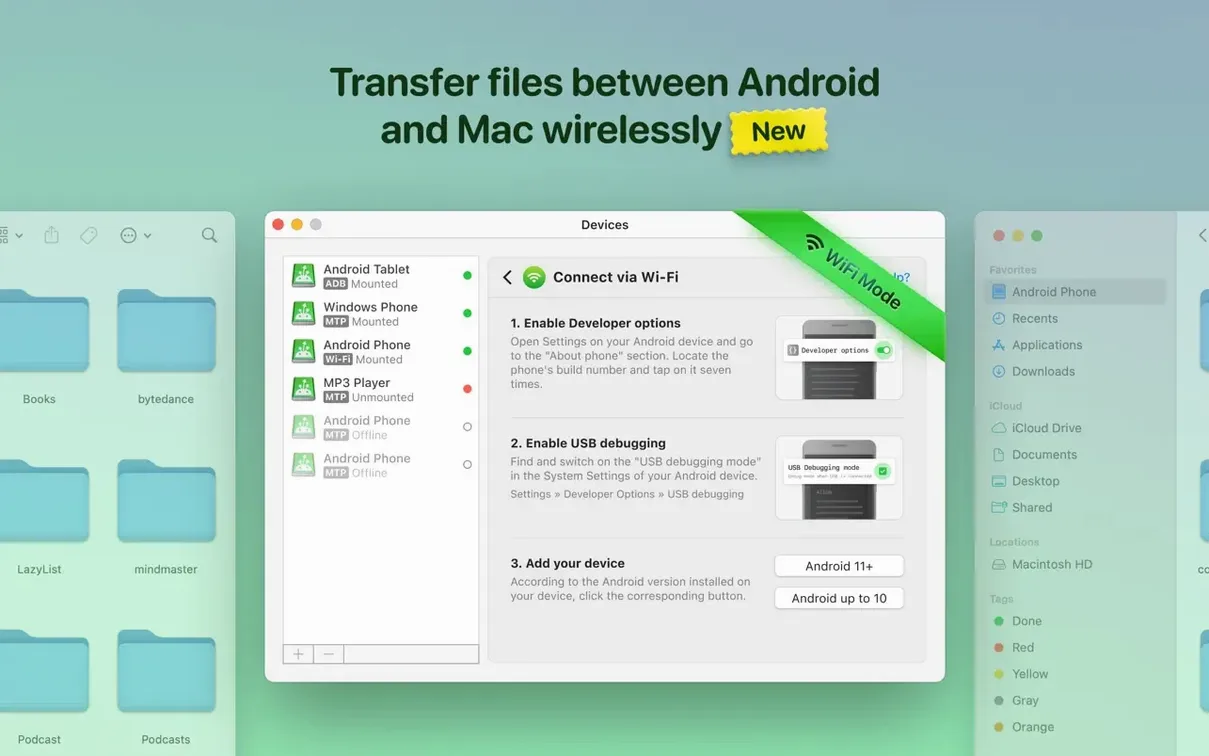
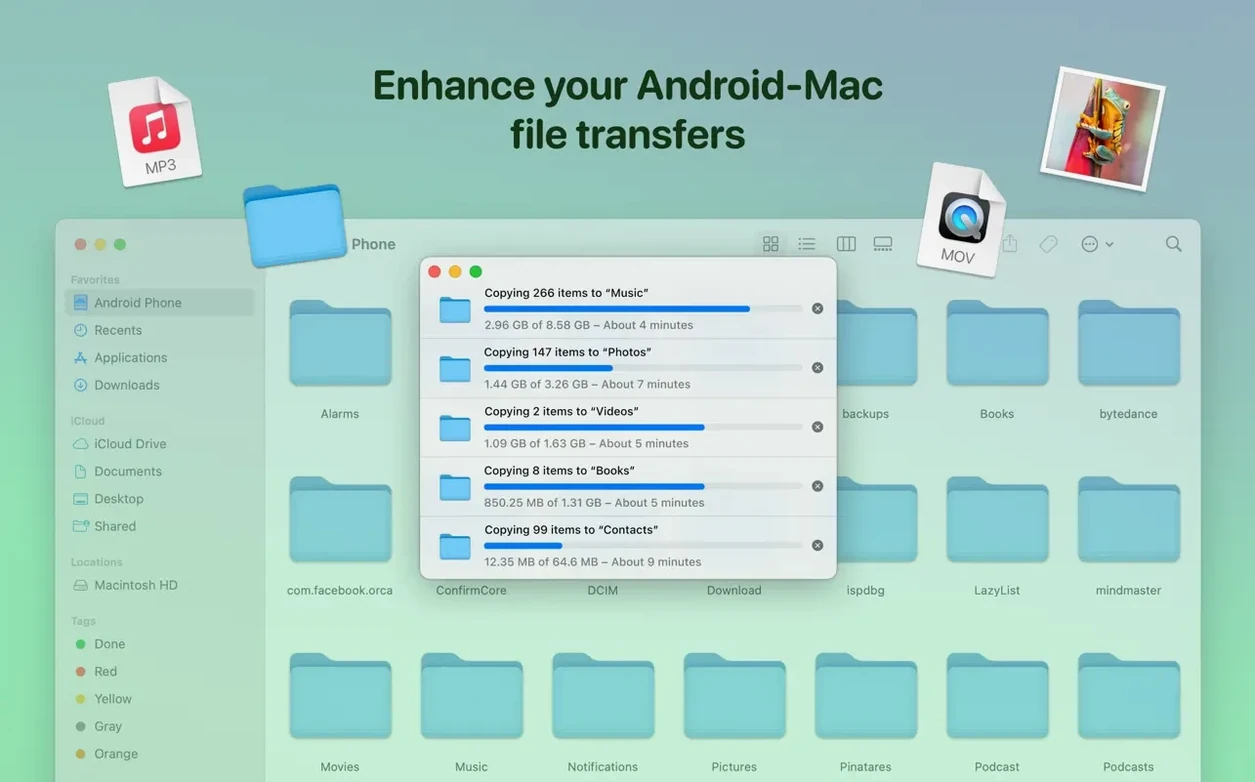
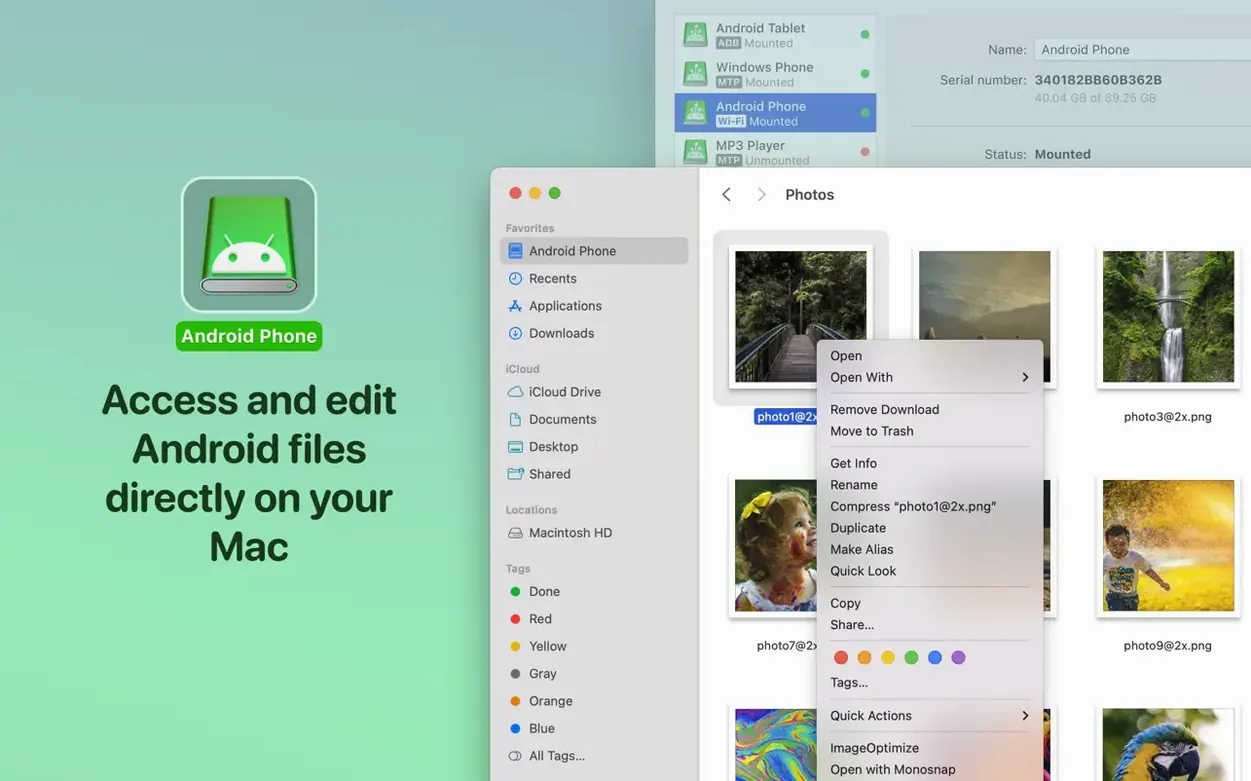
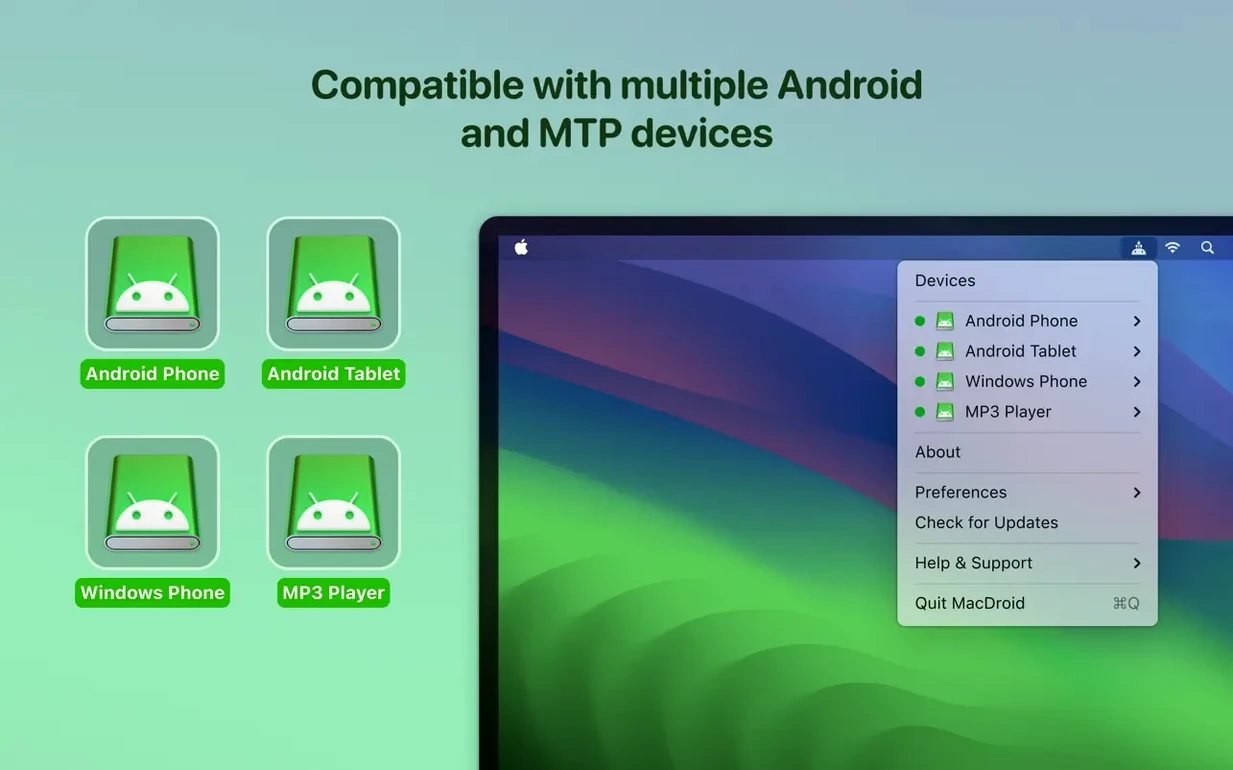
You plug in your Android phone, expecting a Finder window — and nothing happens. MacDroid Pro 2.10 fixes that awkward silence by mounting the device as a regular disk drive. Drag over a season of a show, copy a playlist back to your Mac, or clean out old photos, all without uploading a thing to the cloud.
- Traditional Chinese joins the lineup. The interface now speaks one more language, making the app feel native for an even wider group of users.
- MTP connections got a tune-up. The USB link between your Mac and Android device is more stable, and file listings load noticeably faster than before.
- Cache-volume bug squashed. A pesky issue that could trip up downloads when the cache location changed has been put to rest.
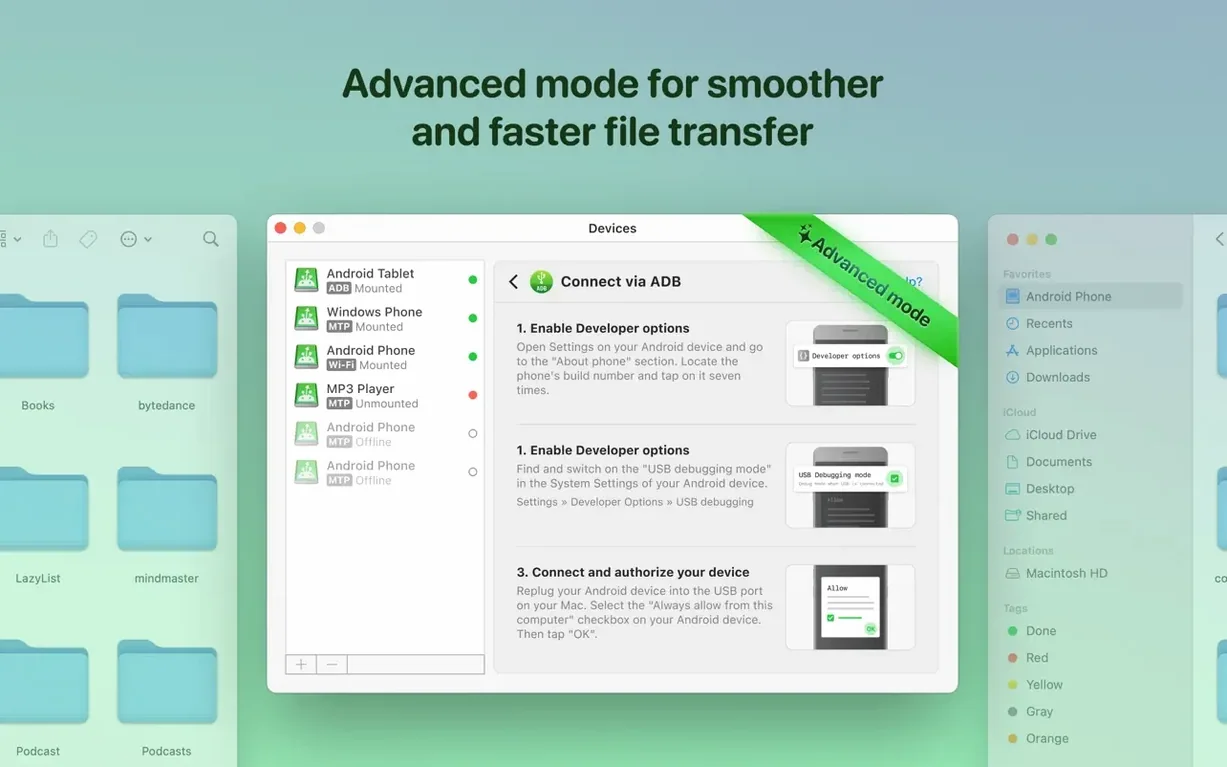
- Three ways to connect, still here. MTP, ADB, and Wi‑Fi modes all remain, so you can pick the path that fits your desk setup or couch distance.
Folders, music, videos, and photos all move across the wire with the same straightforward drag-and-drop logic the app has leaned on for years. If your workflow lives on a Mac but your pocket holds an Android, this release keeps that bridge feeling natural.
Beginners often treat MacDroid Pro like AirDrop, expecting a phone icon to magically appear without touching Android’s developer settings. On most devices, USB debugging lives inside a hidden Developer Options menu — you unlock it by tapping the build number seven times — and skipping that step leaves the app staring at an empty device list. Another common stumble is leaving the phone’s screen locked during the first MTP handshake; a quick unlock and a glance at the “Allow USB debugging?” prompt almost always sorts it out. Folks also forget to quit Android File Transfer or other MTP tools that grab the connection first, so closing everything else before launching MacDroid saves a few minutes of puzzled head-scratching.
Wireless mode trips people up in a different way. The Mac and the Android device need to sit on the same Wi‑Fi network, and the phone’s IP address must be typed exactly as shown in the app — typos here are surprisingly frequent. And if the Mac switches networks mid-session, the connection drops without much ceremony. Cabled ADB mode avoids all of that, but beginners sometimes plug into a USB port that’s underpowered or routed through a hub that doesn’t pass data properly, then blame the app when the device doesn’t show up.
Mount a Pixel phone in seconds with USB
Imagine it’s Saturday morning and you’ve shot two dozen product photos on a Pixel phone. You sit at the Mac, plug in the USB cable, and unlock the screen. MacDroid Pro detects the device within seconds and mounts both internal storage and the SD card as separate volumes on the desktop. You open the DCIM folder straight from Finder, select the morning’s batch, and drag them into a client folder on the Mac’s drive. No import wizard, no intermediate library — just files moving at USB speed.
Next, you want to load a few albums onto the phone for a flight. You open a Finder window for the phone’s Music folder, pull over three folders of FLAC files from the Mac, and watch the progress bar tick along. Because the Android storage is mounted as a volume, you rename a misspelled album folder right there without copying anything to the Mac first. That direct editing trick saves a round-trip and keeps the phone’s storage layout exactly how you like it.
Before unplugging, you remember a podcast episode you downloaded on the Mac. You drag its folder into the phone’s Podcasts directory, eject the volumes with a right-click, and unplug. The whole session took under four minutes, and nothing touched Google Drive, Dropbox, or an email attachment.
Pull RAW bursts straight to a project folder
Photographers who preview shots on a phone but edit on a Mac live in this app. They can pull RAW bursts straight off the device, organize them into project folders, and reformat cards without ever opening a cloud sync tool. The direct-edit feature means they can delete the obvious misfires while the files still sit on the phone — a real time-saver when storage is tight.
Musicians and audio collectors are another natural fit. Dragging entire sample packs or FLAC libraries onto a microSD card inside an Android DAP becomes a one-step Finder operation. No proprietary sync software, no transcoding surprises — the Mac just sees the card as external storage and writes whatever you drop. MacDroid Pro also works smoothly with devices that some people look for under names like macdroid pro or even misspelled searches such as macdroid crack or macdroid torrent, yet the real value lies in how frictionless the wired session feels once everything is set up correctly.
People who carry an Android phone alongside a MacBook for work get a bridge that doesn’t force them into a browser-based file manager. Sending a presentation, a signed contract, or a batch of PDFs from the Mac onto the phone’s internal storage takes seconds, and the phone still appears as a trusted device for the next connection. If someone stumbled onto a macdroid cracked copy elsewhere, they’d miss the MTP improvements and the cache fix that make this version notably snappier with large folder listings.
MTP-only transfers versus full volume mounting
Android File Transfer is Google’s free, bare-bones utility that does one thing: MTP transfers. It works, but it doesn’t mount the device as a volume, can’t edit files in place, and has a habit of freezing with folders that hold more than a few hundred items. MacDroid Pro 2.10 offers the same MTP path plus ADB and Wi‑Fi, and treats the phone like a real drive — which matters the moment you need to rename, delete, or reorganize without copying everything to the Mac first.
OpenMTP sits somewhere in the middle. It’s a free, open-source MTP client with a split-pane interface that feels closer to a classic FTP app. It handles large transfers well and doesn’t require installation of extra drivers, but it also doesn’t mount volumes and lacks both ADB and wireless modes. If all you need is a reliable window to push files back and forth, OpenMTP does the job. If you want the phone to behave like a disk that Spotlight can see, MacDroid Pro fits better.
Commander One with its Android plugin adds MTP support inside a dual-pane file manager, which appeals to people who already live in Commander One for FTP, cloud, and local file ops. But it’s a layer on top of another app, not a dedicated bridge, and it doesn’t offer the direct-editing convenience or the ADB fallback. MacDroid Pro stays focused on one relationship — Mac to Android — and that focus shows in how quickly it mounts a device and how little it asks of you once the cable is in.
Version 2.10.1206 (released June 30, 2026) lands with a handful of quality-of-life improvements:
- Traditional Chinese localization added.
- MTP connection and device handling polished up.
- Faster loading for file and folder lists.
- Fixed a rare download hiccup when the cache volume was switched.
- macOS 11.5 or later
- Apple Silicon and Intel Macs
- An Android device with MTP support
Also on readers' docks
Sign in or create an account to leave a comment.
No comments yet. Tell me how it got on with your other devices.