
Download HitPaw Video Converter for macOS
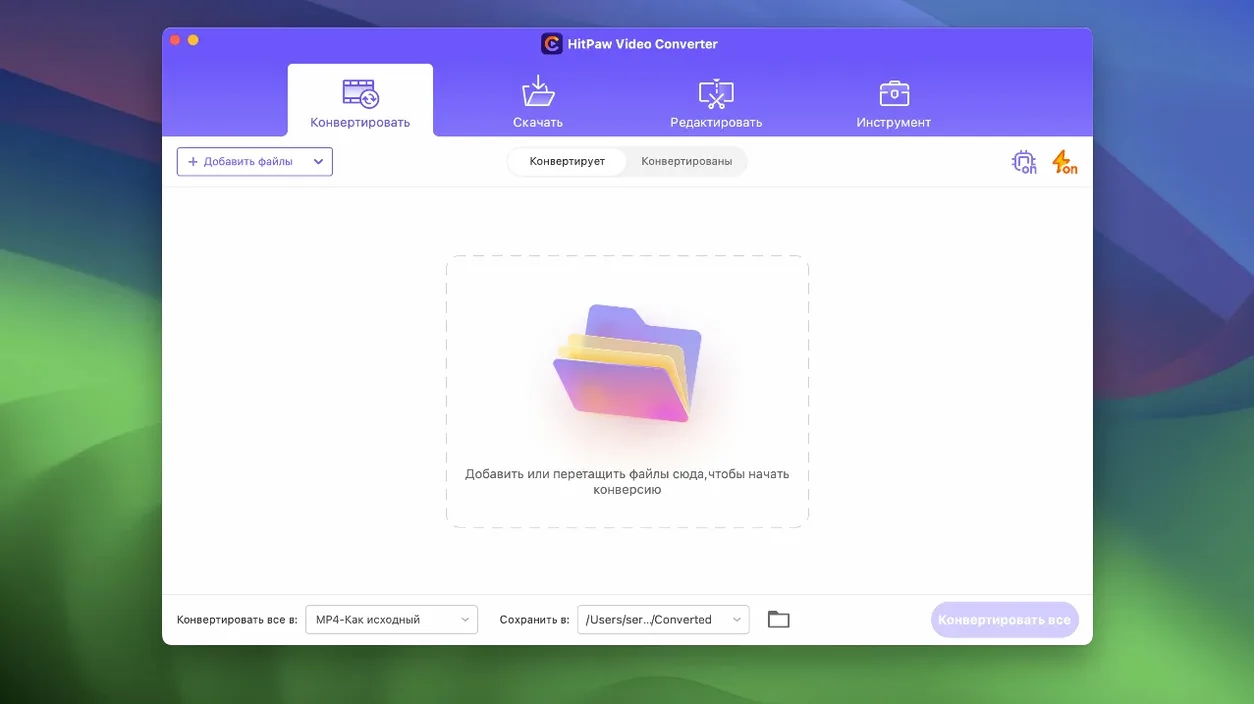
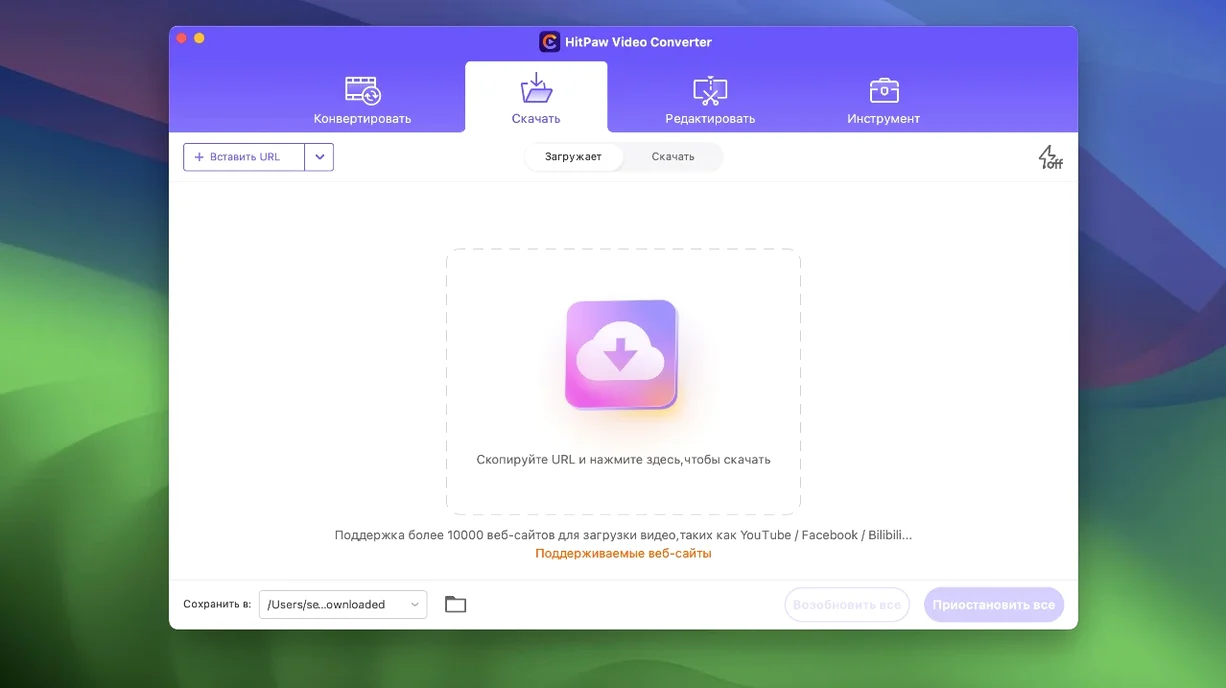
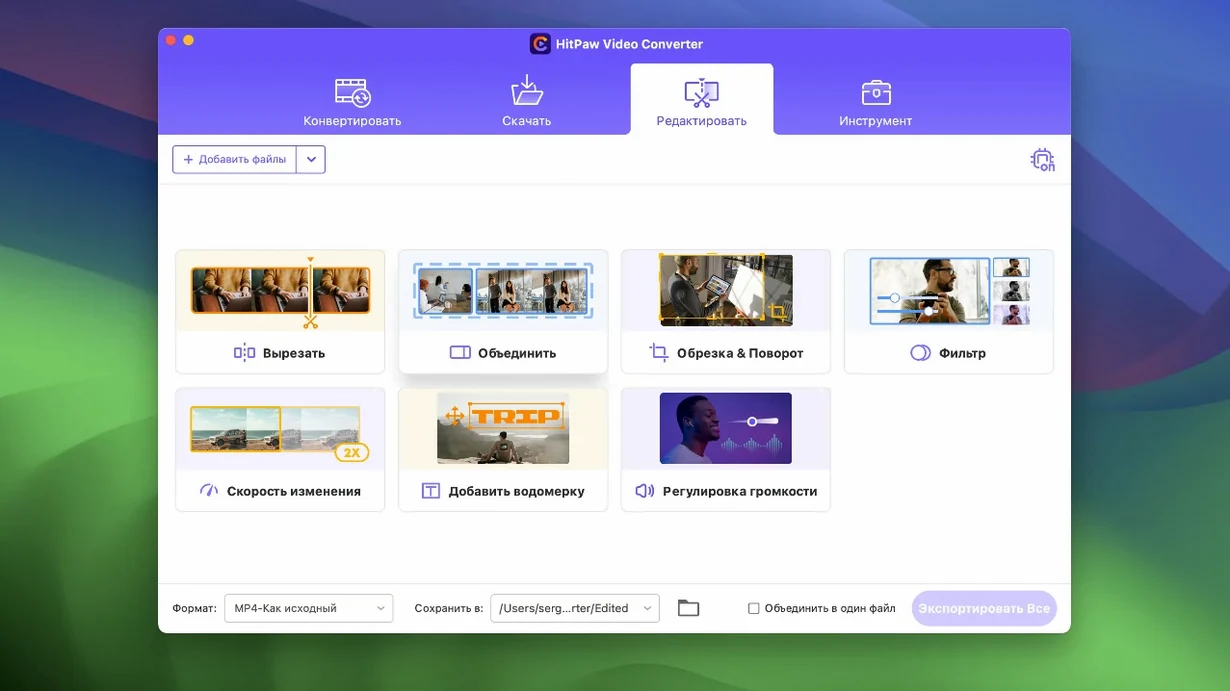
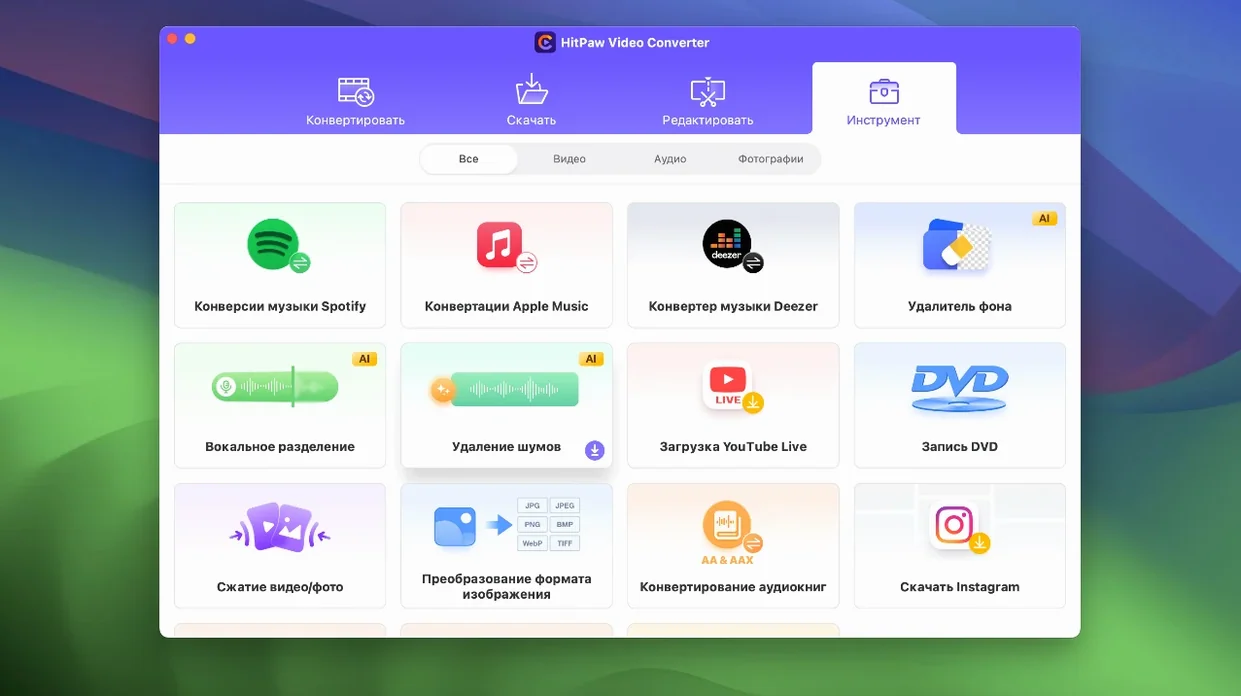
HitPaw Video Converter is a Mac toolbox that handles video conversion, downloading, compression, and a little light editing without forcing you to juggle three separate apps.
Playing That Ancient VOB Without a Fight
- Can it actually open my weird old files? It handles a long list of formats—MP4, MOV, AVI, VOB, MKV, and more—and goes deep on codecs with support for VP9, ProRes, and Opus. So yes, that ancient VOB from a camcorder DVD should work fine.
- Does the downloader cover more than just YouTube? The app claims to grab video from over 10,000 sites. I haven't counted, but that's a broad net for saving offline copies.
- Is it just a converter, or can I do something useful with the results? Built-in editing tools let you trim and tweak without hopping to another app. Version 4.5.0 also added an auto reframe feature, which is handy for repurposing landscape footage into vertical clips.
- Will my Intel Mac feel left out? The current build runs on x86 64-bit architecture and requires macOS 10.15 or later, so older Intel machines are explicitly covered.
What the AI stuff actually does
HitPaw sprinkles AI tools throughout the workflow, mostly aimed at keeping quality intact during conversion or compression. The idea is lossless output for video, music, DVD, and images, so you're not trading file size for a pixelated mess. Combined with the new auto reframe, it feels less like a raw converter and more like a quick production assistant for people who'd rather not spend an afternoon in a timeline editor.
A podcast editor’s Tuesday morning
Imagine someone who produces a weekly interview podcast. Tuesday morning means a batch of raw video files from three different guests—one sent an MKV screen recording, another shared a giant ProRes MOV from their DSLR, and the third is just a YouTube link to a live stream they want clipped. Without leaving one app, they drop the MKV and MOV into the queue, pick MP3 for the audio-only version, and let the downloader pull the YouTube stream at 1080p. While that runs, the built-in trimmer chops the long intro out of the DSLR file. By lunch, they’ve got clean audio for the RSS feed and a uniform set of MP4s for the video edit. That’s the kind of morning where HitPaw Video Converter for Mac earns its spot on the dock.
Finder Drag-and-Drop Straight Into the Queue
The app plays well with the macOS ecosystem in ways that aren’t always obvious at first launch. Dragging files straight from a Finder window into the conversion queue feels native, and the output presets drop neatly into a folder structure you already use—no mystery “export” directories to hunt down later. If you keep a media library in Apple Music or Photos, converted tracks and compressed video can land right where those apps expect them.
Pairing it with QuickTime Player for quick previews or with iMovie for rough cuts makes sense, since the converter handles the format gymnastics those apps skip. The auto reframe feature, added in version 4.5.0, is particularly useful when you’re pulling clips into Shortcuts or handing footage off to someone editing in Final Cut Pro—it spits out vertical or square crops that match social-friendly timelines without a separate pass through Compressor. And because the app runs on Intel architecture all the way back to macOS 10.15, it slots into older Mac setups that might not support the latest version of Apple’s own media tools.
Lectures and Tutorials Saved in One Consistent Format
Three groups tend to bond with this app fastest. First, educators and trainers who download lectures, tutorials, or documentary clips from a wide range of websites and need them in a consistent format for offline playback. The sheer number of supported sites means they’re rarely stuck with a link they can’t save. Second, social media managers who repurpose landscape video into vertical reels and stories benefit heavily from the auto reframe and compression tools—smaller files that still look crisp matter when you’re uploading on café Wi-Fi. Third, home media archivists tackling stacks of old DVDs and oddball video formats appreciate that VOB and other aging containers get handled without a lecture about codec packs.
Anyone who already leans on HitPaw Video Converter Mac workflows for batch tasks will recognize the pattern: it’s less about replacing a professional NLE and more about shrinking the number of steps between “I have a file” and “I can actually use it.” If your day involves pulling media from a dozen different places and wrangling it into a shape your other apps understand, that’s where the time savings quietly stack up.
Version 4.5.0 brings a few targeted improvements:
- An auto reframe feature that quickly adapts video to different aspect ratios.
- A smoother, better-organized editor module display.
- Optimizations under the hood for the compression module.
- macOS: 10.15 or later
- Architecture: Intel (x86 64-bit)
Questions people ask
Does HitPaw Video Converter run on Apple Silicon Macs?
The current version is built for Intel Macs but runs on Apple Silicon through Rosetta 2 with decent performance.
What languages can I use the interface in?
You can switch between Russian, English, German, Arabic, Indonesian, Spanish, Italian, Traditional Chinese, Simplified Chinese, Korean, Dutch, Portuguese, Turkish, French, Hindi, and Japanese.
Also on readers' docks
Sign in or create an account to leave a comment.
No comments yet. Tell me how it got on with your other devices.