








Download IDA Pro for macOS
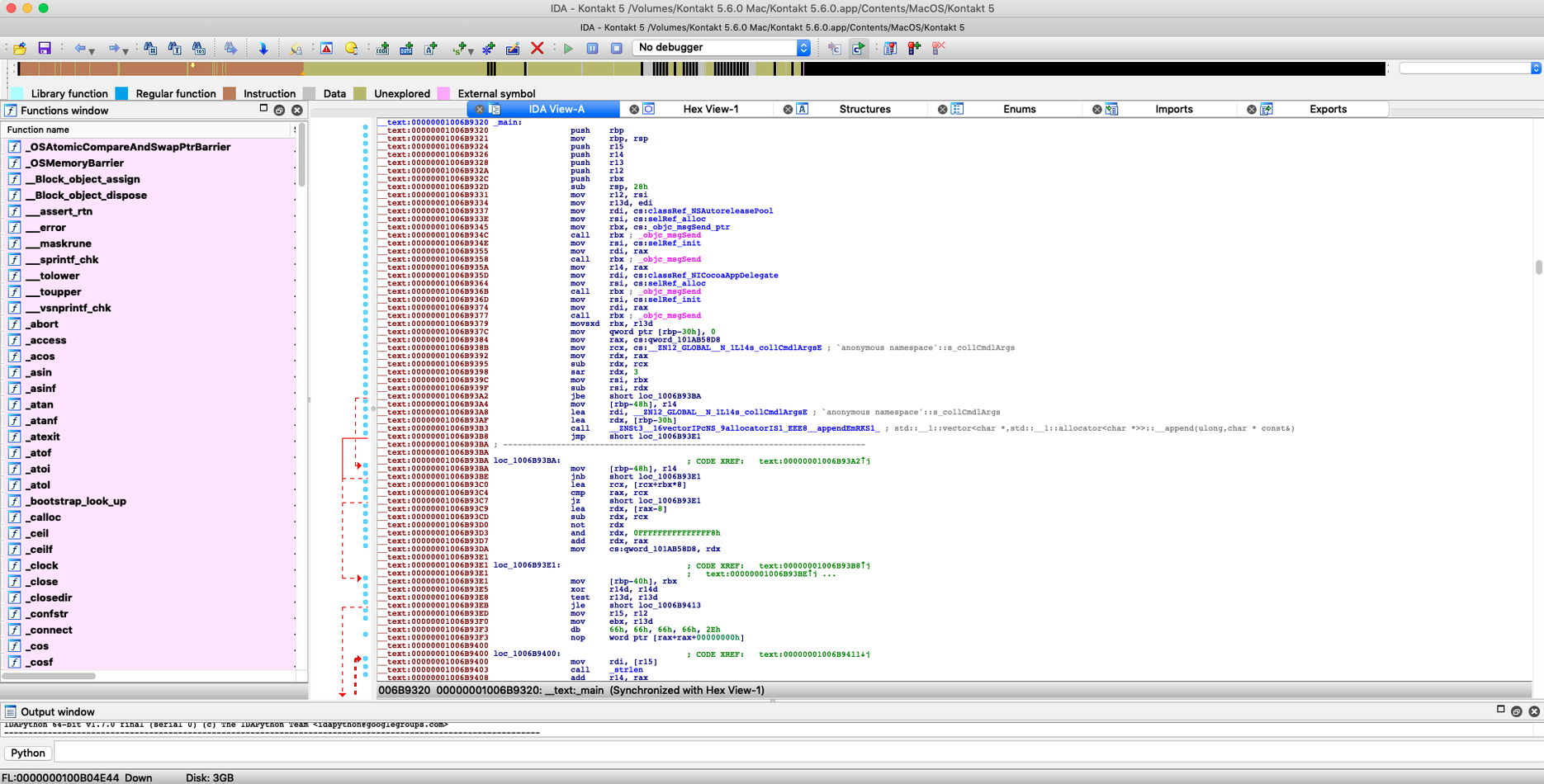
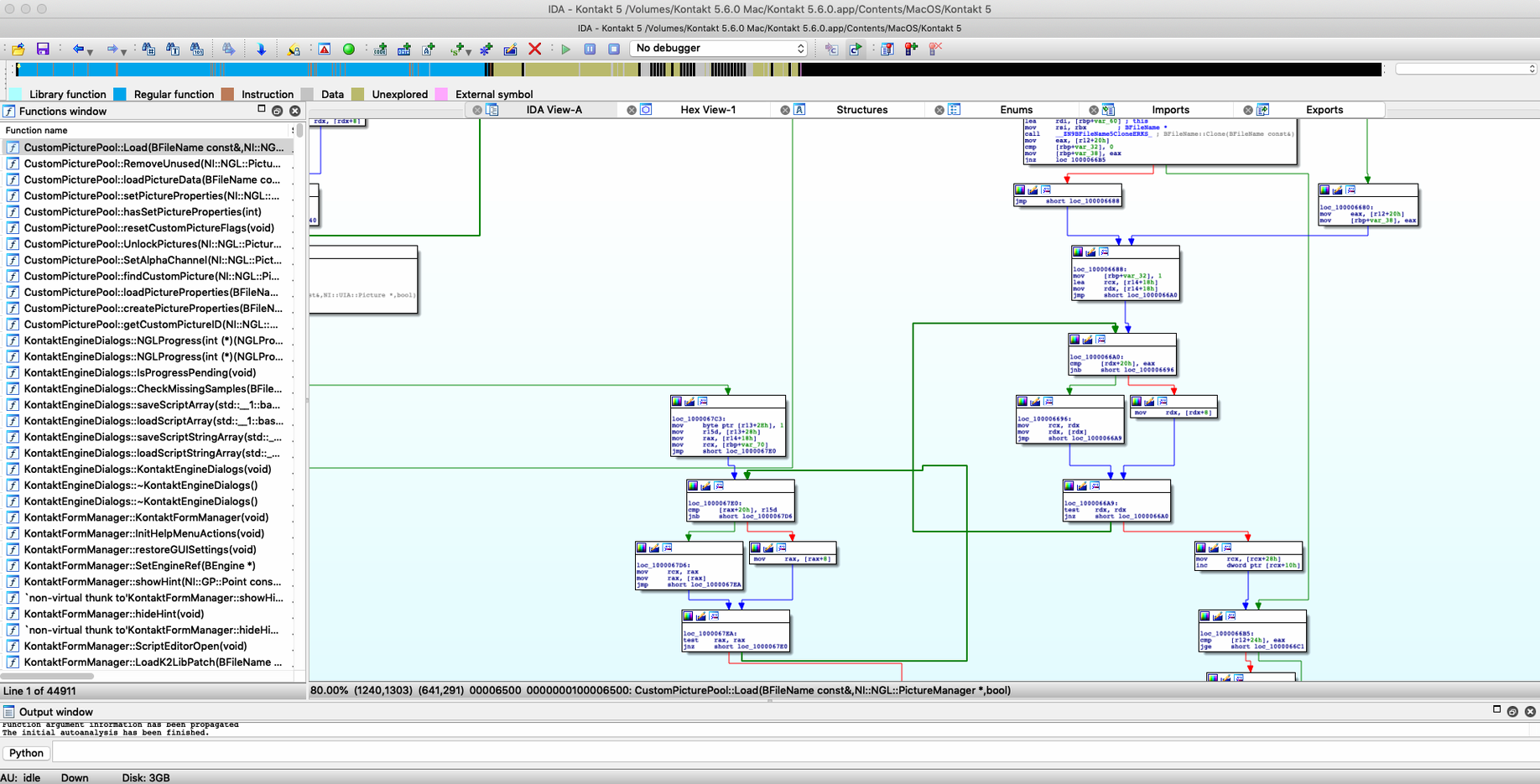
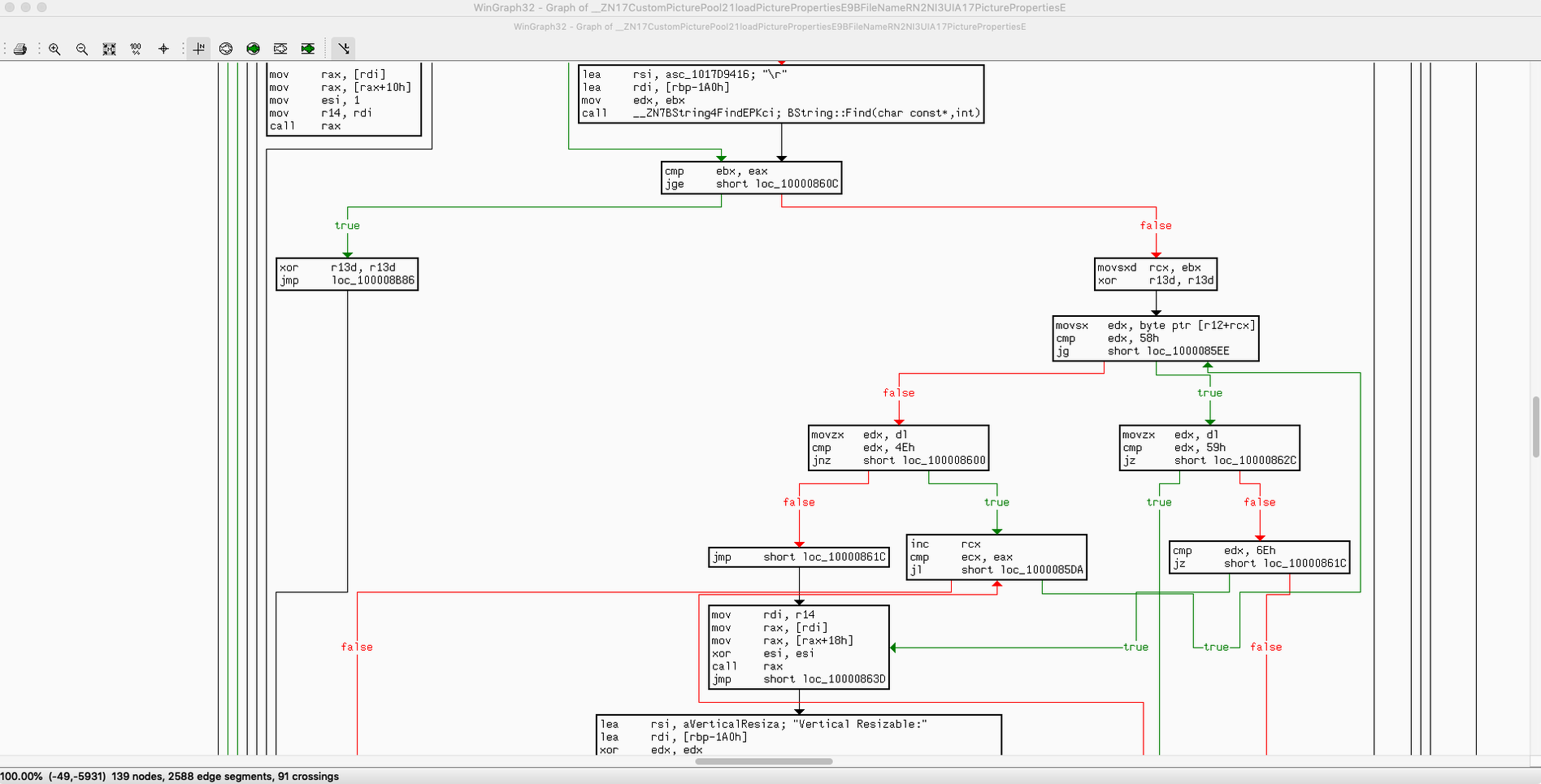
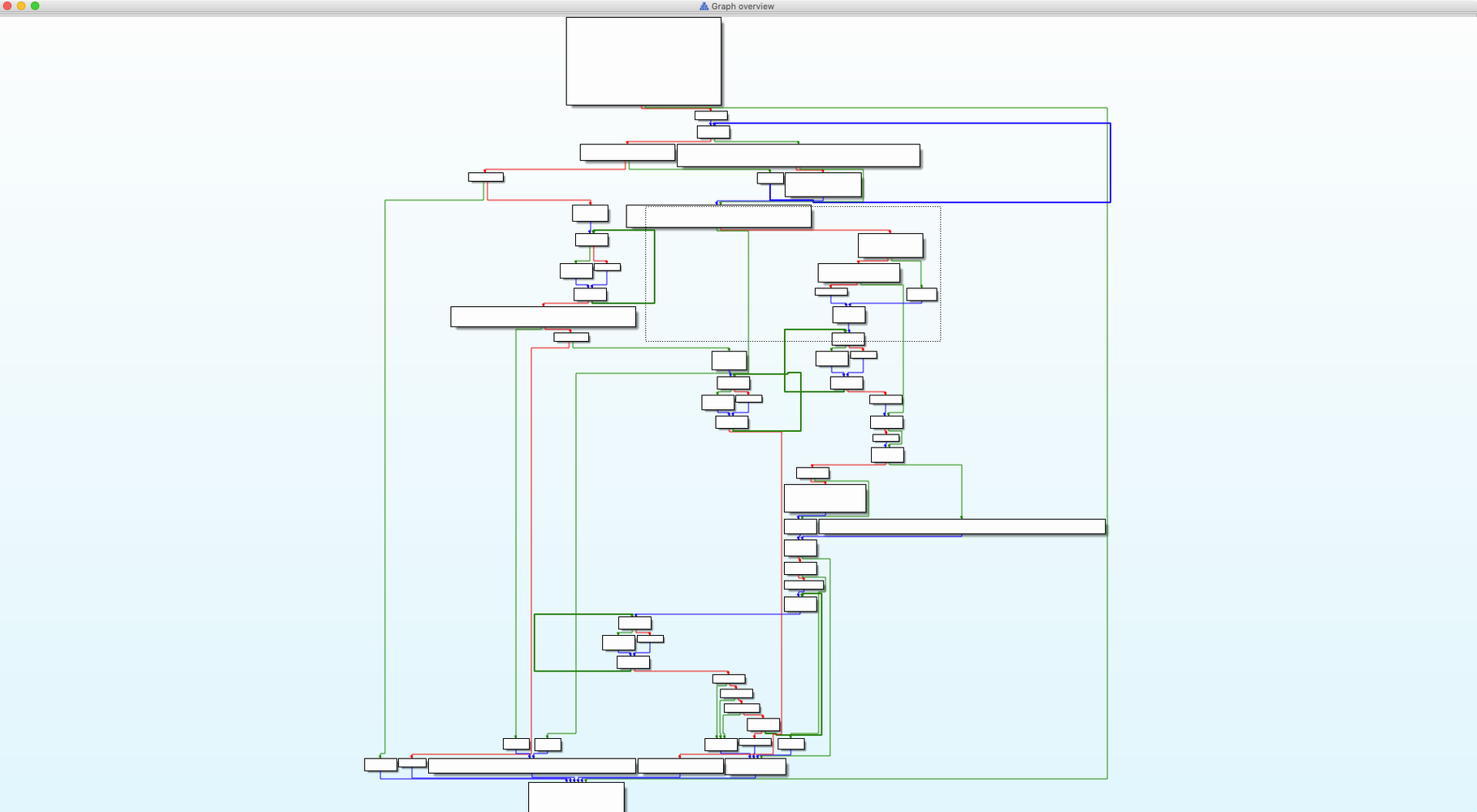
Over 60 processor families and a mountain of executable formats can make IDA Pro feel like staring at a cockpit on day one. But the learning curve shrinks fast once you give yourself a few small wins. Here are the first things worth trying when you fire up the disassembler.
- Load a tiny binary you already understand. Compile a simple C program yourself, then drop it into IDA. Recognizing your own functions in the disassembly view builds confidence quicker than poking at a stranger’s malware sample.
- Switch straight to the decompiler view. Press F5 on any recognized function. Seeing C-like pseudocode with arrays, structures, and enumerated types laid out plainly helps you connect the assembly to the logic you already know.
- Interact with a graph node. Click a basic block in the graph overview and start renaming variables or adding comments. The interactive analysis engine lets you teach IDA as you go, and watching the graph redraw with your labels feels oddly satisfying.
- Peek at function type handling. Hover over a call and check how parameters are inferred. IDA’s type system is the quiet hero — once you see it working, you’ll trust the decompiler output a lot more.
- Run a one-line IDC script. Open the script console and type
Message("Hello from IDC\n");. It’s trivial, but it cracks open the modular architecture everyone talks about, and suddenly the tool feels programmable, not just clickable.
None of these steps require a rare sample or deep x86 knowledge — just a little curiosity and a binary you control. Once those early wins stack up, tackling the new Dyld Shared Cache infrastructure or Swift analysis improvements feels a lot less intimidating.
Disable auto-analysis for big binaries
The defaults are sensible, but a few tweaks make the workspace feel like yours within the first hour. Head into Options > General and tick Auto-analysis off for large binaries — you can trigger it manually later with a right-click, and skipping it on first load keeps the interface snappy while you orient yourself. Under the Disassembly tab, switch the number of opcode bytes shown to 8 instead of zero; having a peek at the raw hex next to each instruction helps when you’re cross-checking against a hex dump or a debugger snapshot.
Next visit Options > Colors and give the highlight for Code cross references a shade you won’t ignore — the default grey can fade into the background on a busy graph. While you’re there, bump the Max number of items in a segment in the Analysis preferences if you often dissect firmware blobs; the stock limit sometimes truncates long jump tables without much warning. Finally, if you rely on the decompiler, enable Print casting on constants in the Hex-Rays plugin settings. It adds a tiny bit of noise, but spotting a hex constant that’s actually a memory-mapped address saves you ten minutes of squinting.
macOS Cocoa build on ARM and x86
A download labeled ida pro macos free raises eyebrows, and the most common question is whether the macOS build genuinely holds up next to the Windows or Linux versions. It does — the Cocoa-based interface on ARM and x86 handles the same processor modules and loaders, and the new Hexagon QDSP6 module and Qualcomm MBN boot-image loader arrived here on the same release cadence. What trips some newcomers is expecting a lightweight tool. IDA weighs in heavy because it ships with support for over sixty processor families right out of the box, so the first launch always spends a minute unpacking its type libraries.
Another frequent concern is whether scripting can replace manual labeling. IDC and the Python plugin cover a lot of ground — you can auto-rename functions based on FLIRT signatures or sweep through structures with a quick loop — but interactive analysis still benefits from a human eye on tangled indirect calls. People also ask about collaboration; the Teams add-on talks to standard Git servers, which keeps a history of every comment and label change across a group. The 9.4 Swift analysis improvements and Dyld Shared Cache infrastructure are genuinely useful for anyone pulling apart modern Apple binaries, and Pathfinder makes navigating huge disassembly graphs feel less like spelunking without a rope.
IDA Pro 9.4.260713.a97520e5 ships with several notable additions:
- A new Dyld Shared Cache infrastructure for Apple-platform analysis.
- Swift analysis improvements that make decompiled Apple binaries clearer.
- Pathfinder, a new navigation and exploration helper.
- A fresh Hexagon QDSP6 processor module.
- A Qualcomm MBN boot-image loader.
- macOS 10.15 or later
- Apple Silicon and Intel Macs
Questions people ask
What is IDA Pro mainly used for?
It’s used for reverse engineering, virus analysis, and understanding binary software through its disassembler, decompiler, and debugger.
Does IDA Pro support scripting?
Yes, it includes the embedded IDC scripting language, and its open architecture allows deeper customization through SDKs.
Can IDA handle Swift binaries on macOS?
IDA 9.4 brought Swift analysis improvements and a new Dyld Shared Cache infrastructure, making it more capable with Apple-platform binaries.
Also on readers' docks
Sign in or create an account to leave a comment.
No comments yet. Tell me how it got on with your other devices.
More in Mac Apps
See all iDownerGo
10.15.0 Mac Apps
76 MB
iDownerGo
10.15.0 Mac Apps
76 MB
 iExplorer
4.6.0 Mac Apps
30 MB
iExplorer
4.6.0 Mac Apps
30 MB
 Imagenomic Plugin Suite
2027 Mac Apps
71 MB
Imagenomic Plugin Suite
2027 Mac Apps
71 MB
 HitPaw Watermark Remover
2.4.7 Mac Apps
290 MB
HitPaw Watermark Remover
2.4.7 Mac Apps
290 MB
 Imagenomic Portraiture
4.5 Build 4501 Mac Apps
65 MB
Imagenomic Portraiture
4.5 Build 4501 Mac Apps
65 MB
 iMazing
3.6.5 Mac Apps
242 MB
iMazing
3.6.5 Mac Apps
242 MB
 HitPaw Video Converter
4.5.0 Mac Apps
577 MB
HitPaw Video Converter
4.5.0 Mac Apps
577 MB
 HitPaw Univd
4.7.0 Mac Apps
525 MB
HitPaw Univd
4.7.0 Mac Apps
525 MB