Download HitPaw Univd for macOS
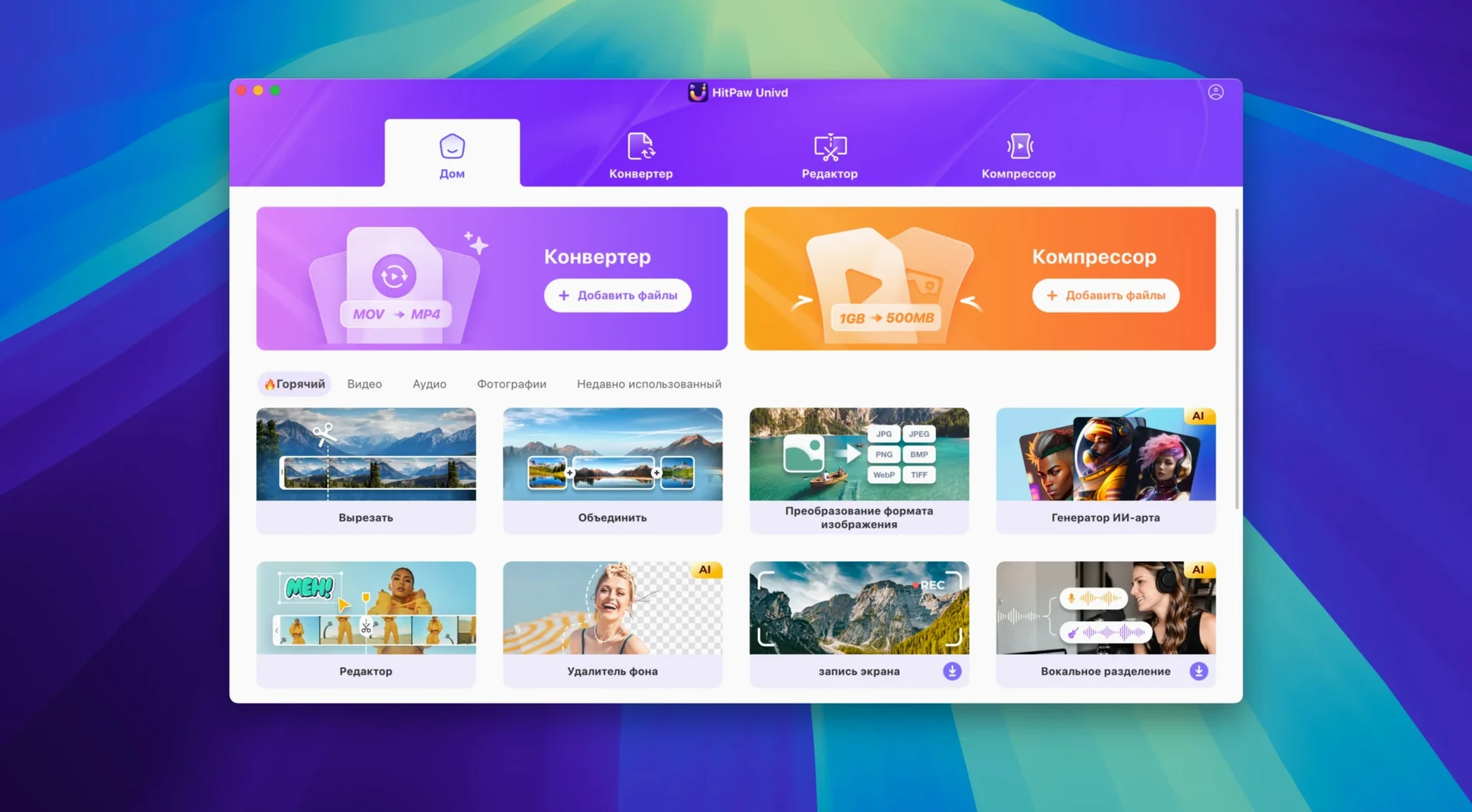
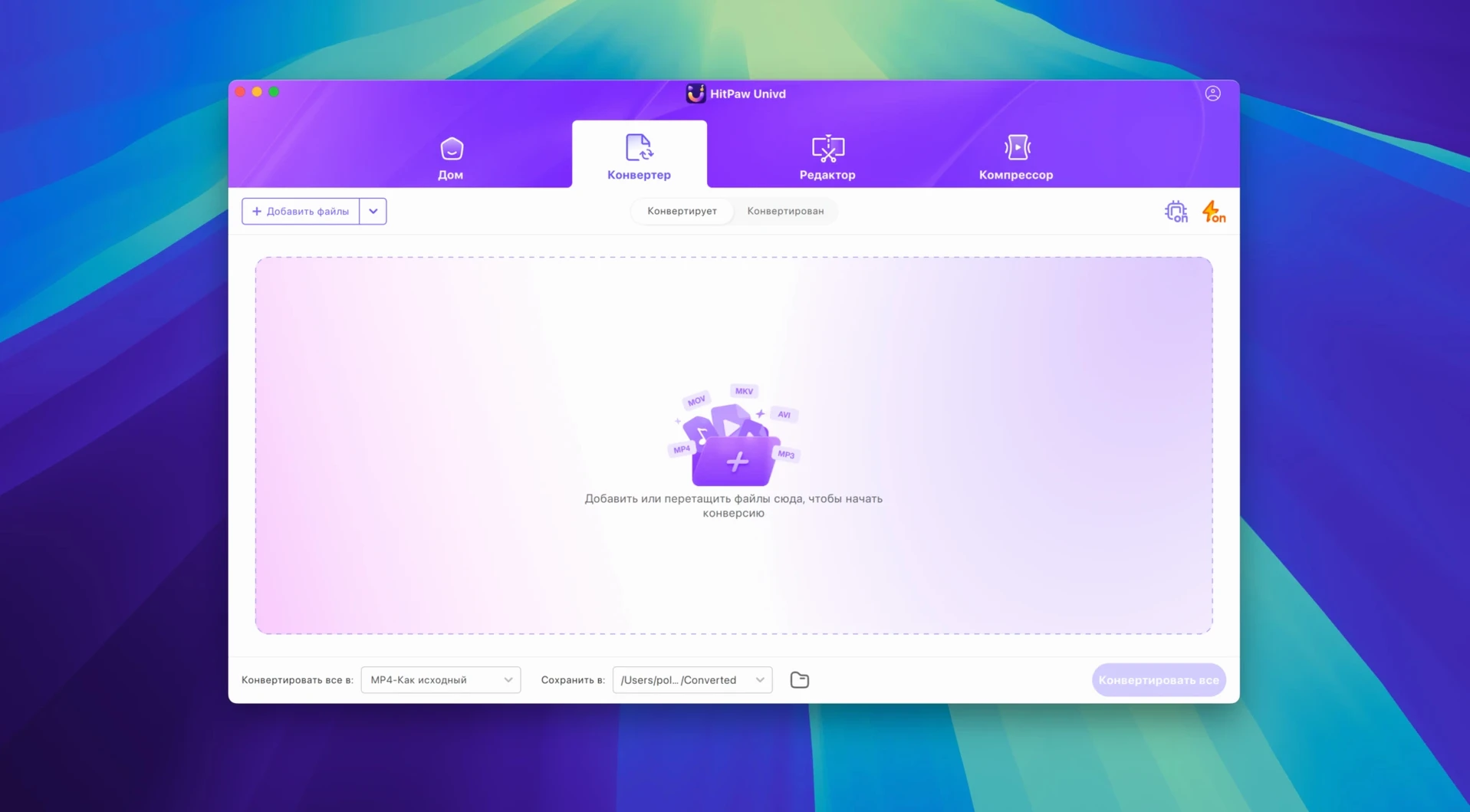

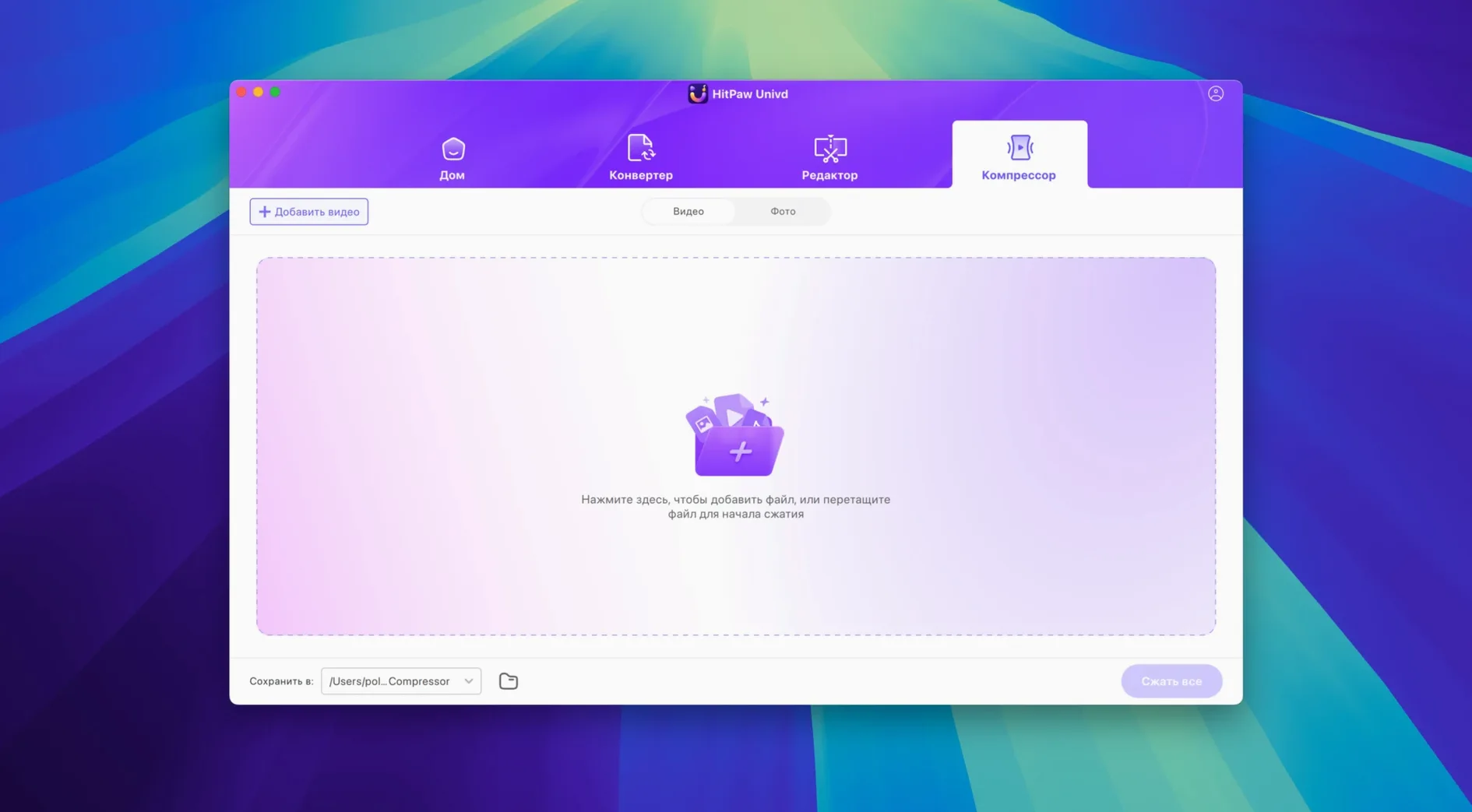
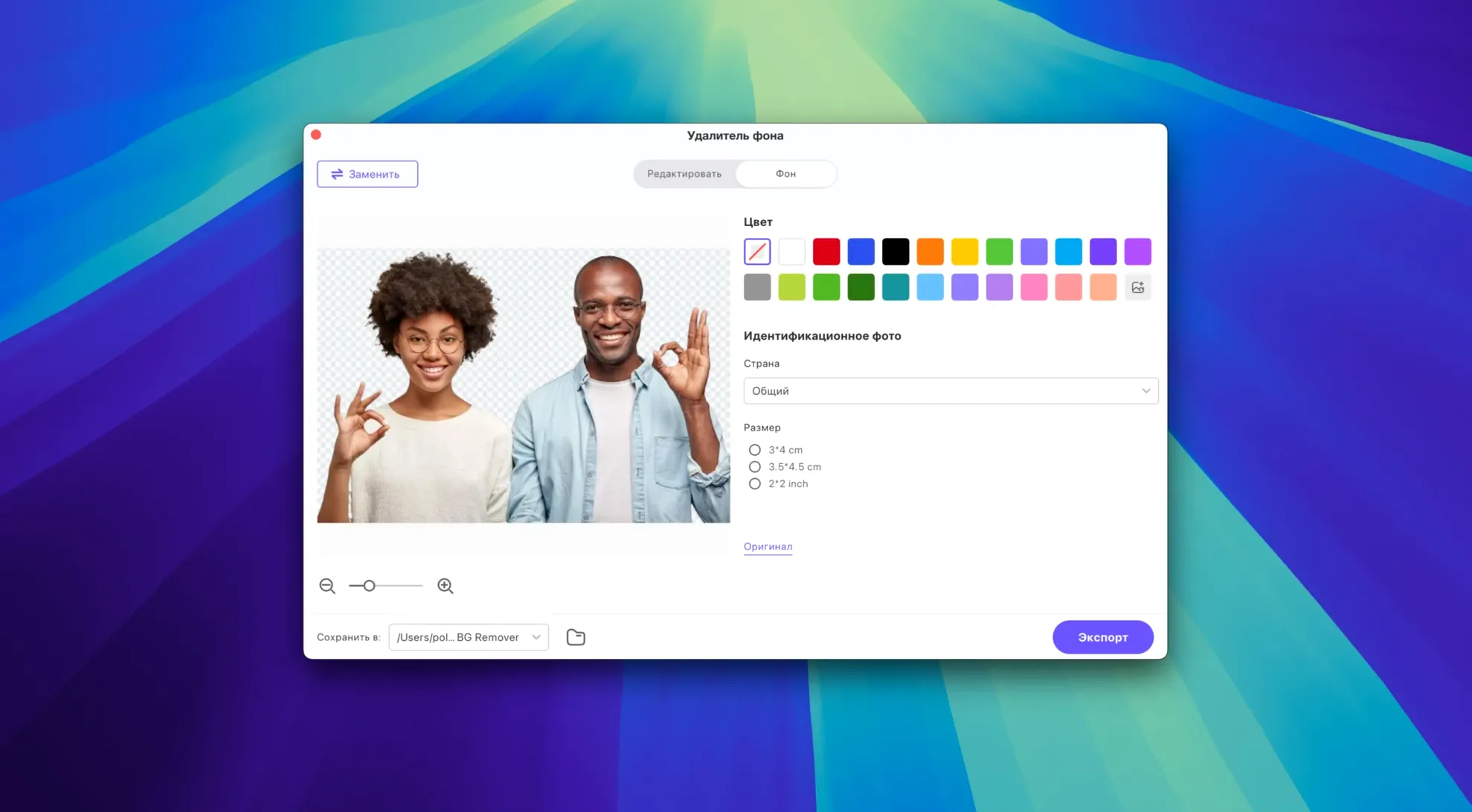
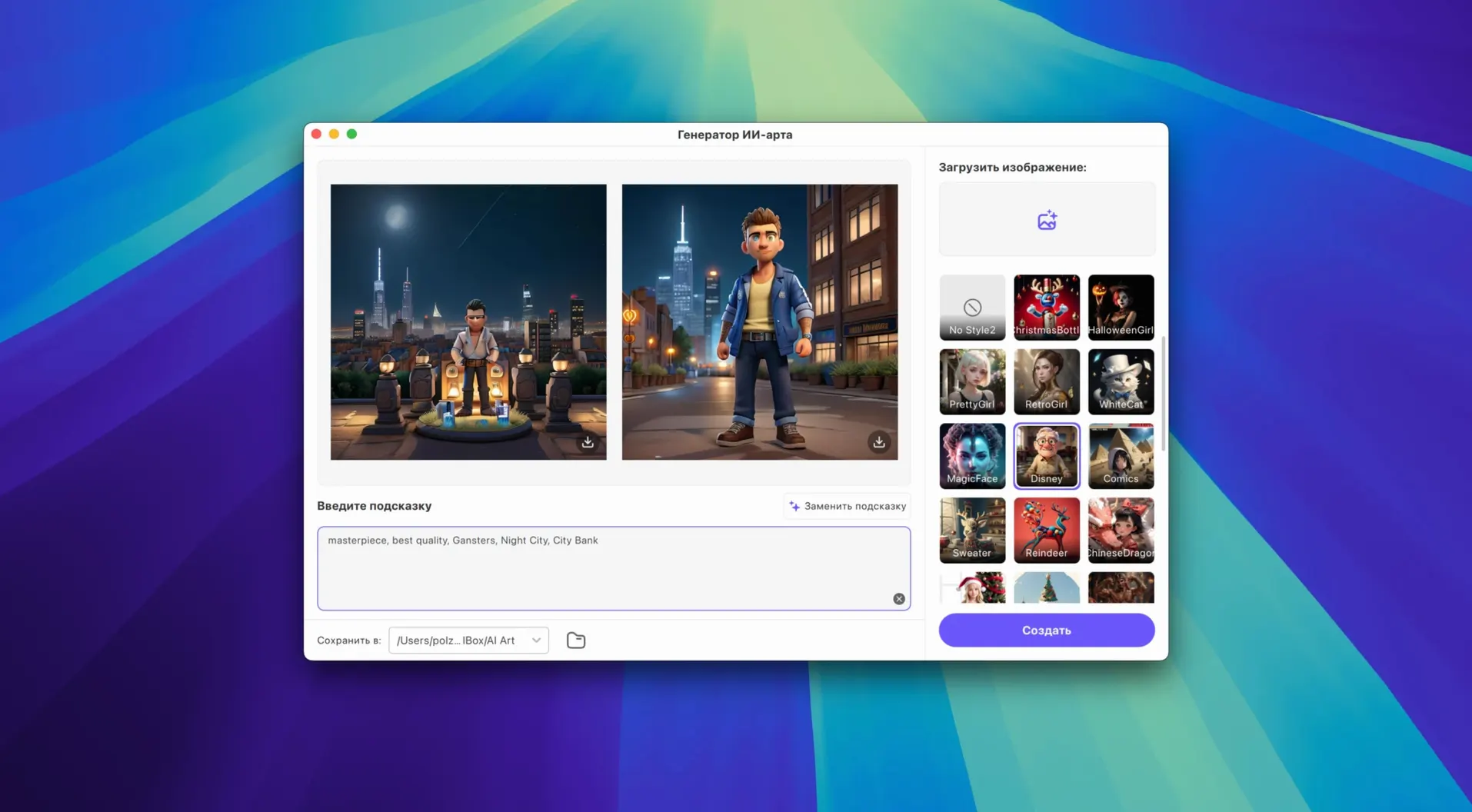
HitPaw Univd is a Mac app that rolls video conversion, downloading, and AI-powered editing into one workspace. It handles the kind of file-format juggling that comes with grabbing clips from different platforms and getting them ready for playback or editing.
Convert Between Tricky Formats
It recognizes VP9, ProRes, and Opus codecs, so you are not stuck re-encoding everything. The app also converts music files losslessly for Apple Music, Spotify, Deezer, and TIDAL, which keeps your library tidy.
Download from Sites You Actually Visit
Built-in support covers YouTube, Bilibili, Facebook, and Instagram. Grab a clip, then run it through the editor to trim or tweak before saving.
Polish with the Built-in Editor
The editor works before or after conversion, so you can clean up a downloaded video or prepare a file for a specific device all in one place without jumping to another tool.
How HitPaw Univd Stacks Up Against Similar Mac Converters
Put Univd next to something like Permute, and the difference is scope. Permute does one thing — drag a file, pick a format, and it converts — with almost zero interface. That simplicity is its strength, but Permute won't download from YouTube or let you trim a clip before exporting. HitPaw packs those extras in, which suits people who want fewer apps on their dock.
Compared to HandBrake, the story flips. HandBrake gives you deep control over codec parameters, frame rates, and advanced filters that Univd doesn't expose. HandBrake is also open-source and has a community that tweaks every setting imaginable. But HandBrake has no downloader, no lossless music conversion, and its interface can feel like a cockpit to someone who just wants MP4s for a tablet. HitPaw aims for the middle ground — more capable than a barebones converter, less intimidating than HandBrake's panels.
Against a downloader-focused tool like Downie, Univd covers many of the same sites and adds the conversion and editing layer Downie leaves out. Downie is a specialist; HitPaw is a generalist that does an acceptable job across three related tasks. If you regularly hunt for a HitPaw torrent or a HitPaw Univd torrent that bundles everything in one package, that appetite for all-in-one convenience is exactly what the app itself delivers.
Why MP4 Alone Won’t Guarantee Playback
The most common stumble is overlooking the output format's codec settings. New users pick "MP4" from the list and assume it will play anywhere, but MP4 is just a container — the actual video stream might be H.264, HEVC, or even VP9 inside. If your target device chokes on HEVC, you need to dig one level deeper and choose H.264 explicitly. The app offers plenty of presets, but they are easy to ignore.
Another misstep is downloading high-resolution source files and then converting them with a low-bitrate preset meant for email attachments. The result looks blocky and soft, and beginners blame the converter rather than the preset they selected. Pay attention to the quality slider and the resolution drop-down before hitting start — a few seconds of checking saves a re-encode.
With music conversion, some people select a lossy output format like MP3 when they meant to preserve lossless quality from Apple Music or TIDAL sources. The interface shows lossless options clearly, but you have to choose them deliberately. And finally, beginners occasionally queue up a dozen downloads and conversions all at once, then wonder why their Mac's fans spin up. Staggering large batches keeps the experience smoother.
CPU-Heavy Encoding on Intel Macs
On an Intel Mac, HitPaw Univd leans on the CPU hard during conversion jobs. A two-minute 4K clip to 1080p H.264 will complete in roughly real-time or a bit faster, depending on your processor. It is not the quickest encoder on the block — HandBrake with its fine-tuned x264 settings often beats it by a small margin — but the gap is not dramatic for everyday use. Where Univd feels snappy is in the download phase: pulling a video from YouTube and dropping it straight into the conversion queue happens without noticeable lag.
Stability has been solid through version 4.7.0. I ran a mixed batch of six downloads, three format conversions, and a handful of trim edits, and the app didn't beachball or drop a single task. Memory usage hovers around 400–600 MB during active work, which is reasonable. It is heavier than a lightweight utility like Permute but well within what you would expect from an app juggling multiple jobs.
One thing to note: the app occasionally spikes CPU usage when analyzing downloaded files for the editor. That analysis pass is brief, but on older Intel machines it can cause a momentary system slowdown. Quitting other heavy apps during large conversion queues avoids the issue. For anyone who has tried to locate a HitPaw VikPea torrent and ended up with a confused mess of similar-looking tools, the actual HitPaw experience here is refreshingly stable — it does not crash, it does not silently corrupt outputs, and it finishes what it starts.
Version 4.7.0, released January 8, 2025, brings a refreshed look:
- Redesigned UI for a cleaner workspace.
- Updated product model and overall user experience.
- macOS 10.15 or later
- Intel 64-bit processor
Questions people ask
Does HitPaw Univd work on older Macs?
The Mac version requires macOS 10.15 or later and runs on Intel 64-bit machines.
Also on readers' docks
Sign in or create an account to leave a comment.
No comments yet. Tell me how it got on with your other devices.