Download HitPaw Edimakor for macOS
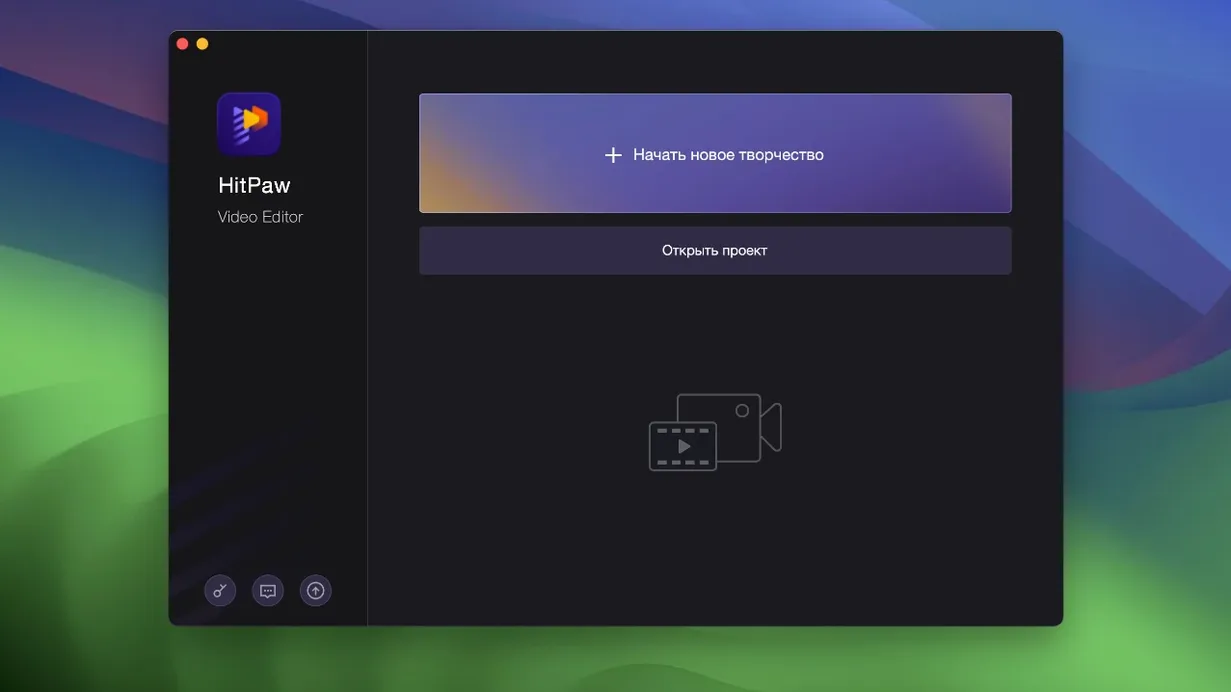
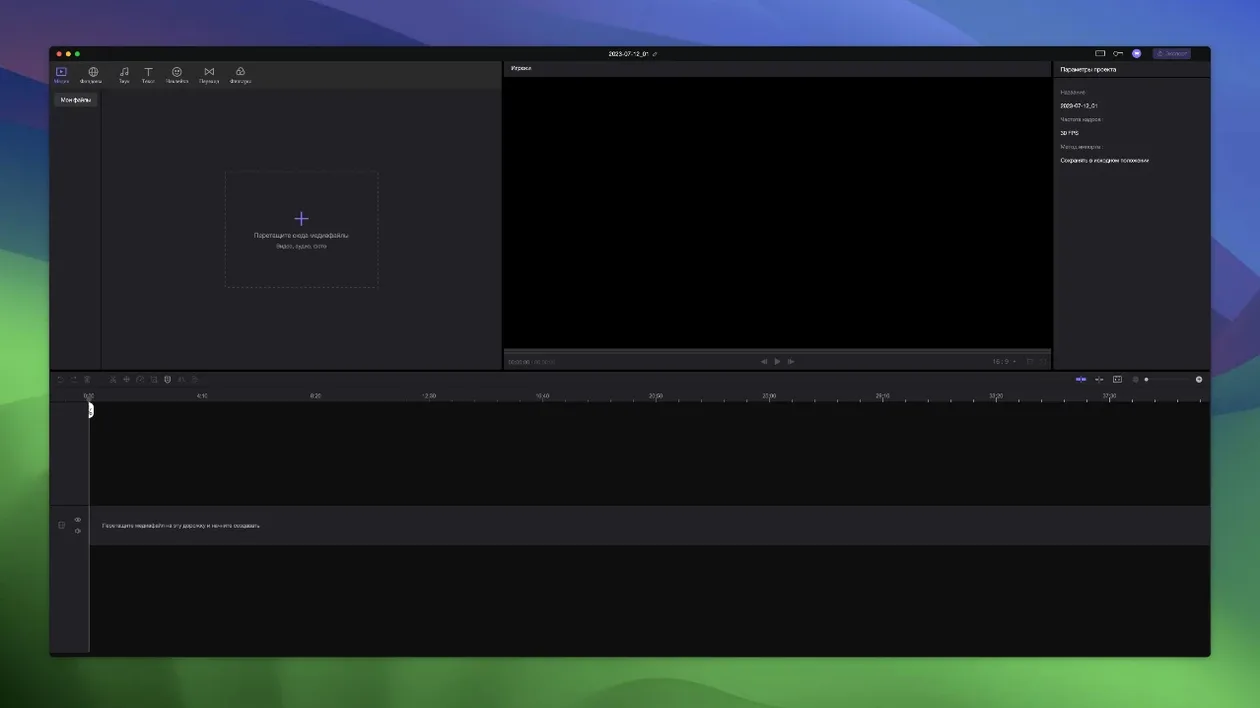
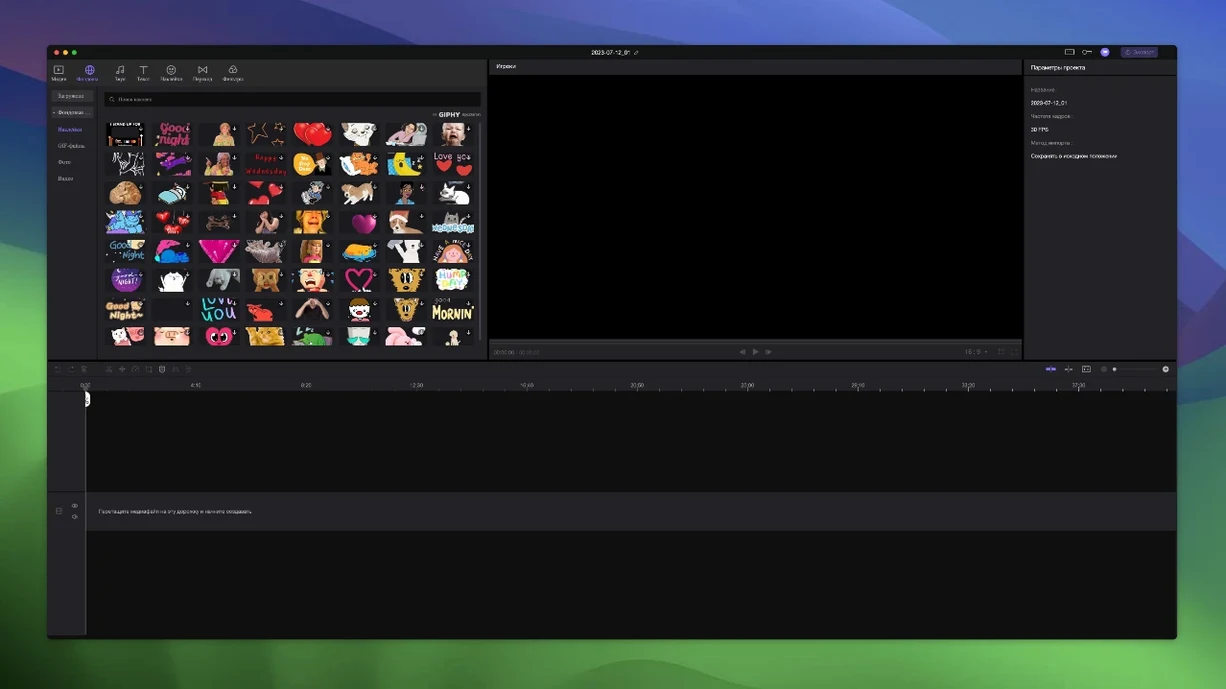
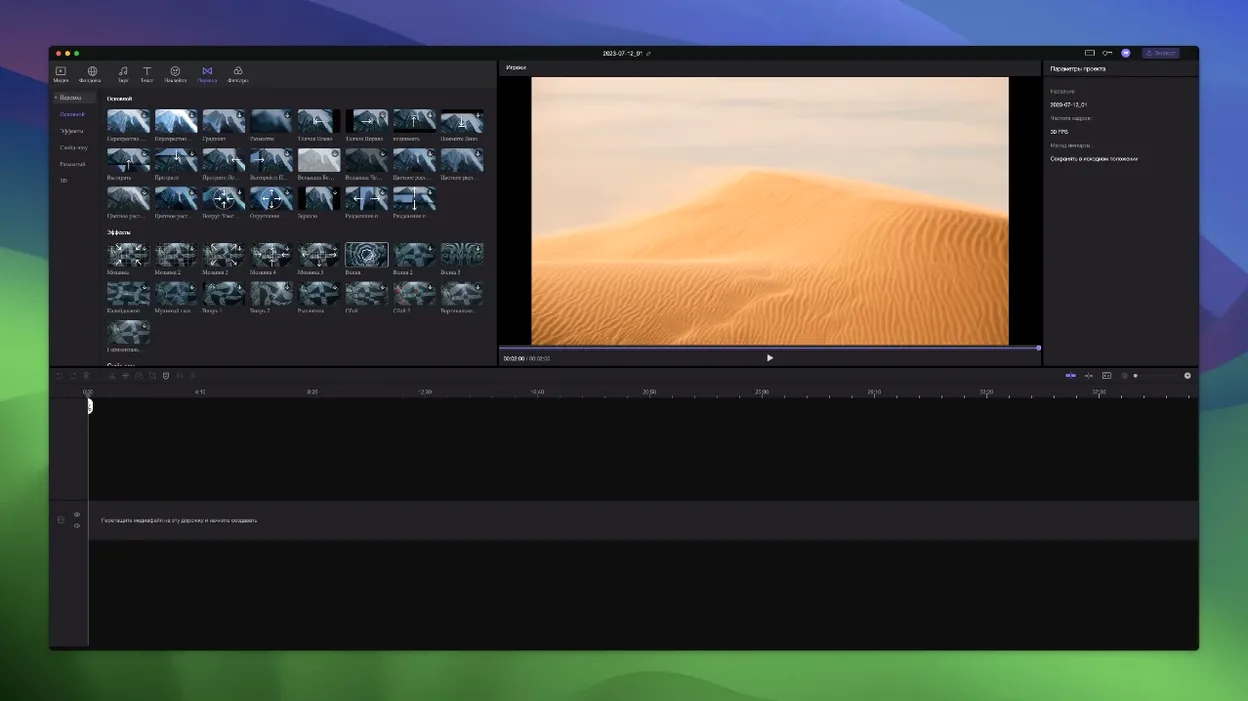
You’ve just pulled a clip from your camera and dropped it onto a timeline. You nudge the main video track a few frames to the right, and every title, sticker, and sound effect you layered on top shifts with it automatically. That’s the kind of small, practical touch that defines Edimakor’s editing experience—straightforward, with a handful of AI boosts tucked in for the heavy lifting.
Precision Cuts and Unlimited Layered Edits
- Projects that need precise timeline timing to position cuts or effects at exact points
- Building layered edits without track limits—unlimited tracks mean you can stack as many clips, audio files, and effects as the story needs
- Quick polish with built-in stickers and transition effects that don’t require hunting through third-party packs
- Auto-synced materials—when the main video moves, everything attached to it moves together
Native Intel Support with Rosetta 2 on Apple Silicon
- Runs natively on Intel Macs only; Apple Silicon users will rely on Rosetta 2
- Needs macOS 10.15 Catalina or newer to install
- The interface supports 15 languages, including English, Spanish, German, French, Japanese, and Korean
A real workflow: trimming a multi-track talking-head edit
Let’s walk through something I do often—cutting a short tutorial where I’ve got a main camera angle, a screen recording overlay, a background music bed, and a few sticker callouts. I’ll open Edimakor, drop the primary clip onto track one, then stack the screen capture on track two. I nudge the screen recording a few frames so it syncs with what my voiceover describes, then add a title card on track three for the intro hook.
With everything roughly in place, I switch to precise timeline timing mode and zoom the timeline deep enough to see individual frames. I spot two awkward pauses and trim them using the blade tool—Edimakor snaps the cuts right where my playhead sits. Because elements from other tracks are automatically attached to the main video, every sticker I’d placed for emphasis stays locked to its moment when I drag the main clip to close a gap. No re-aligning, no accidental drift. I finish by dragging a handful of transition effects between the intro title and the first talking-head segment, preview the whole thing at full speed, and export. From import to render, the whole pass took under fifteen minutes.
Snapping Preferences That Prevent Timeline Friction
When you fire up Edimakor for the first time, a few habits will save you from fighting the timeline later. Here’s what I wish I’d known on day one.
Set your snapping preferences early. The timeline defaults to a snap behavior that might feel aggressive if you’re used to freeform editors. Head into the timeline settings and test how clips jump to the playhead, adjacent clips, or marker positions. Dial it in before you start a real project—once you’ve got forty clips scattered across six tracks, adjusting snapping mid-edit can shift things you didn’t mean to touch.
Let the main track be the anchor. Edimakor treats track one as the master spine by default. If you build your edit with the primary footage or A-roll on the bottom-most track, every sticker, overlay, and sound cue you place above it will follow when you trim or move that core clip. Moving the main video left or right to adjust pacing becomes a single drag instead of a cascade of micro-adjustments. For vlog-style edits or reaction videos, this alone cuts assembly time noticeably.
Label tracks as you go. Unlimited tracks are liberating, but they turn into spaghetti if you don’t name them. Double-click a track header and call it “B-roll,” “SFX,” or “Lower thirds.” Two days later when a client asks for a revision, you’ll thank yourself for not playing “guess the waveform” across twelve unnamed lanes.
Stuff people ask before they install
Does it need a constant internet connection? No. The core editor—trimming, merging, transitions, stickers, multi-track arrangement—works fully offline. Some AI-assisted features may phone home for processing, but basic cutting and assembly don’t require a connection. If you’re editing on a laptop in a café with spotty Wi-Fi, you won’t hit a wall.
Will it choke on h.265 footage from a recent mirrorless camera? On Intel Macs it handles h.265 playback decently, though scrubbing through 4K 10-bit files at full resolution will test your machine. Proxy workflows aren’t built in, so if your Mac is older, consider transcoding to ProRes before import or editing at half-resolution preview. The timeline doesn’t cap your codec choices—it takes whatever QuickTime-compatible format you throw at it—but playback smoothness depends entirely on your hardware’s decode capabilities.
What about those searching for an edimakor cracked build—is it the same software? The editor itself is identical to what you’d get from the developer, version 2.6.0, built for Intel Macs on Catalina or newer. You gain the full feature set: unlimited tracks, the complete sticker and transitions library, and material auto-attachment. Functionally there’s no difference in what the timeline, export engine, or AI modules can do. The only distinction is the install path—which, for the curious, involves mounting an image and running a quick Terminal command to let Gatekeeper step aside.
Can it replace a multi-app workflow? If your current routine bounces between a dedicated cutter, a separate titler, and a third tool for transitions, Edimakor collapses those into one window. It won’t replace a dedicated audio mixer or a node-based compositor, but for the YouTuber or content maker who cuts talking-head footage, layers screen recordings, and sprinkles in animated text, it’s a capable all-in-one. The 15-language interface helps if you collaborate across regions—switching to Spanish, Arabic, or Korean takes one menu dive and doesn’t require a restart.
- macOS 10.15 Catalina or newer
- Intel processor (Apple Silicon runs via Rosetta 2)
Questions people ask
Does HitPaw Edimakor support unlimited tracks?
Yes, the Mac version lets you add as many video, audio, and effect tracks as you need without a fixed limit.
What happens to attached elements when I move the main video clip?
Any overlays, text, stickers, or audio cues synced to that clip shift along with it, so you don’t have to realign everything manually.
Which Mac models can run Edimakor 2.6.0?
It requires macOS 10.15 Catalina or newer and runs on Intel-based Macs; Apple Silicon machines will use Rosetta translation.
Also on readers' docks
Sign in or create an account to leave a comment.
No comments yet. Tell me how it got on with your other devices.