
Download Ghost Buster Pro for macOS
Runs natively on Apple Silicon and Intel
Ghost Buster Pro needs macOS 15.0 or later and runs natively on both Apple Silicon and Intel Macs — so pretty much any modern machine is good to go. The current version 6.2.0 is built for the latest system libraries, so keeping your Mac updated to at least macOS 15.6 is a smart move for the smoothest experience.
Scan for leftover cruft
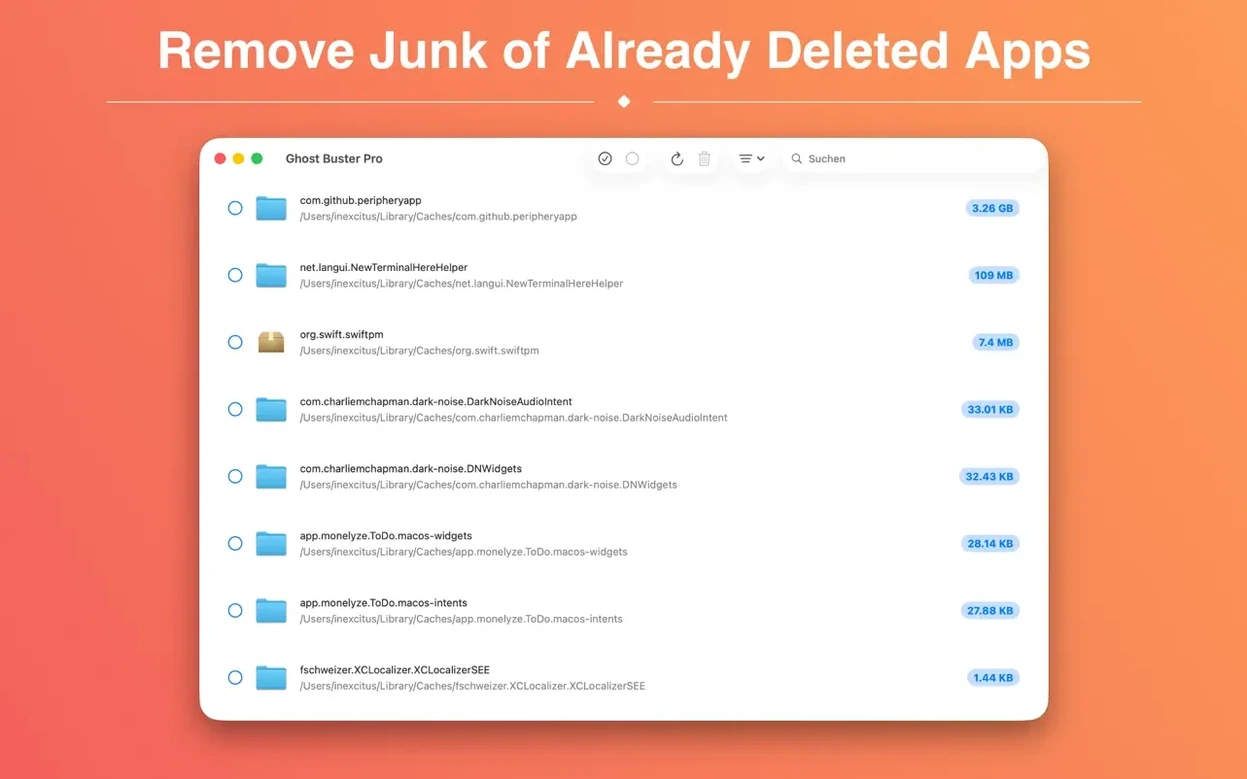
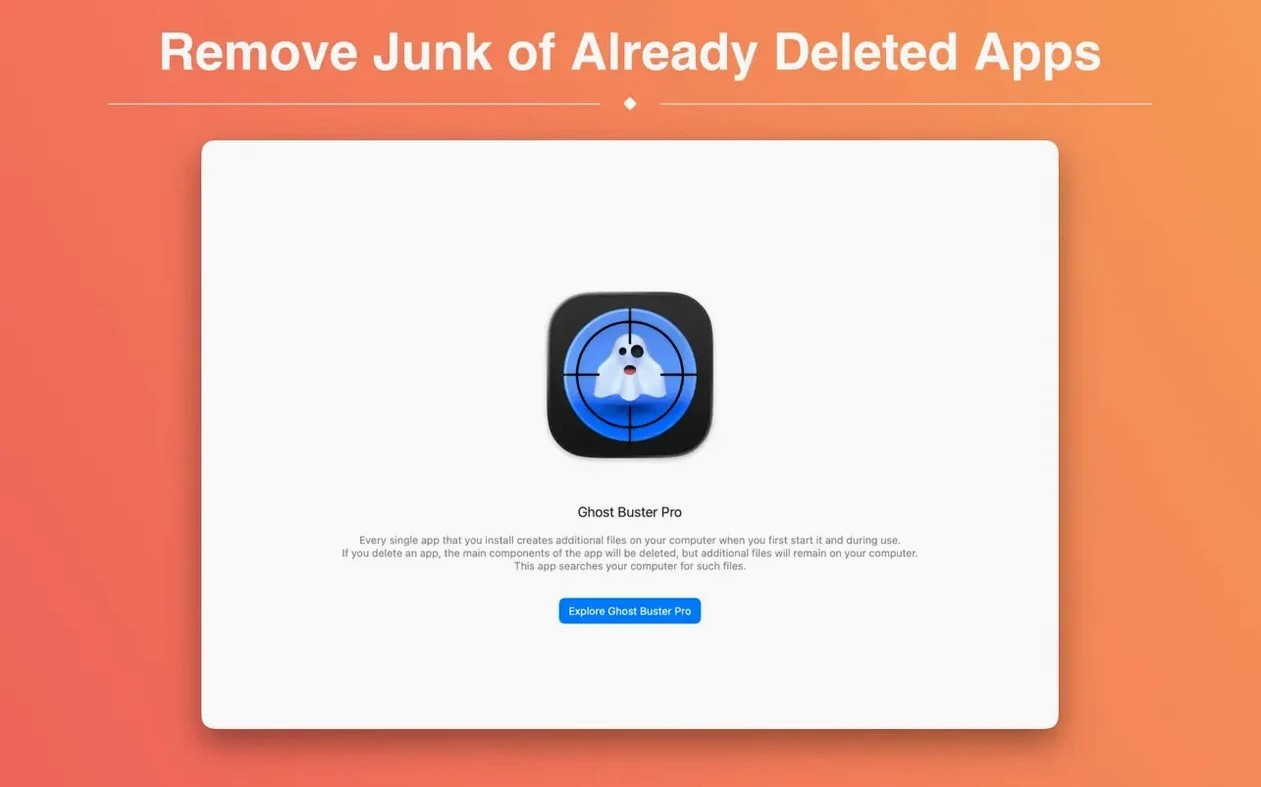
The app starts searching the moment you launch it, digging through support files, preferences, and caches that uninstalled apps tend to leave scattered around. No setup needed — just open it and watch what it finds.
Clean up with a click
When you're ready, Ghost Buster Pro can delete those leftover files directly. Nothing gets removed without your say-so, but once you give the green light, a single click clears out the clutter.
A full cleanup pass, start to finish
Say you've just dragged an old FTP client to the Trash because it kept nagging you about updates. The app is gone, but its helper tools, launch agents, and preference plists are probably still sitting in your Library folders. Here's how a typical ghost buster pro mac session plays out on my machine:
- Launch Ghost Buster Pro — it starts scanning immediately, no start button to hunt for.
- Watch the list populate. Entries show app names I recognize, plus a few cryptic bundle identifiers that make me glad I'm not digging through
~/Libraryby hand. - Click through a few results to see what kind of files they are. Support files, caches, preferences — the usual suspects.
- Uncheck anything I'm unsure about. The app never deletes without consent, so I can leave a folder untouched if it looks like it belongs to something still installed.
- Hit the delete button for everything I've confirmed, and the leftovers are gone.
The whole thing takes under a minute. What used to mean spelunking through invisible folders or trusting a third-party uninstaller's best guess now feels about as involved as emptying the Trash.
New app icon that blends into macOS 27
The 6.2.0 update kept things focused: a new app icon built for the macOS 27 look. It's a small change, but it means the app no longer looks like a leftover itself when it sits in the Dock next to newer utilities. The rest of the experience — instant scanning, one-click deletion, explicit consent before anything gets removed — carries over unchanged, which is exactly what I want from a cleanup tool. No new settings to learn, no workflow reshuffling.
For people who update macOS the moment a new version drops, that icon refresh signals the developer is keeping pace with Apple's design language. For everyone else, it's business as usual, which is its own kind of comfort.
Initial scan finishes in seconds, not minutes
Ghost Buster Pro is light on its feet. The initial scan on my Mac with a few hundred gigabytes of used storage finishes in seconds, not minutes, and the app idles quietly in the background while I review results. Memory usage stays modest — this isn't one of those utilities that spins up a background daemon and holds onto RAM all day. It does its job when you open it and gets out of the way when you close it.
Stability has been solid across the sessions I've run. No crashes, no hangs while deleting large sets of files, no permission prompts that loop back on themselves. Deletion feels immediate, and the app doesn't leave its own temp files behind — a nice touch for a tool whose entire job is removing leftovers.
If you've got a habit of trying out apps and uninstalling most of them a week later, this is the kind of utility that earns a permanent spot in your Applications folder. It's quick to run, easy to trust, and doesn't make a fuss about doing one thing well.
Version 7.0.0 cleans up the cleanup process itself. A built-in help system now walks you through how the scan operates and what's genuinely safe to delete, so you're never guessing. There's also a handy info button next to each result that explains exactly why a file got flagged as leftover clutter. One big shift: this release requires Apple Silicon — Intel Mac users can stick with the previous version and keep cruising.
- macOS 15.6 or later
- Apple Silicon or Intel 64-bit processor
Questions people ask
Does Ghost Buster Pro delete files automatically?
No, it never removes anything without your explicit consent — you decide what goes and when.
What kinds of leftover files does it find?
It targets app-uninstall remnants like support files, preferences, and cache data that ordinary deletion often misses.
Also on readers' docks
Sign in or create an account to leave a comment.
No comments yet. Tell me how it got on with your other devices.