









Download Gemini for macOS
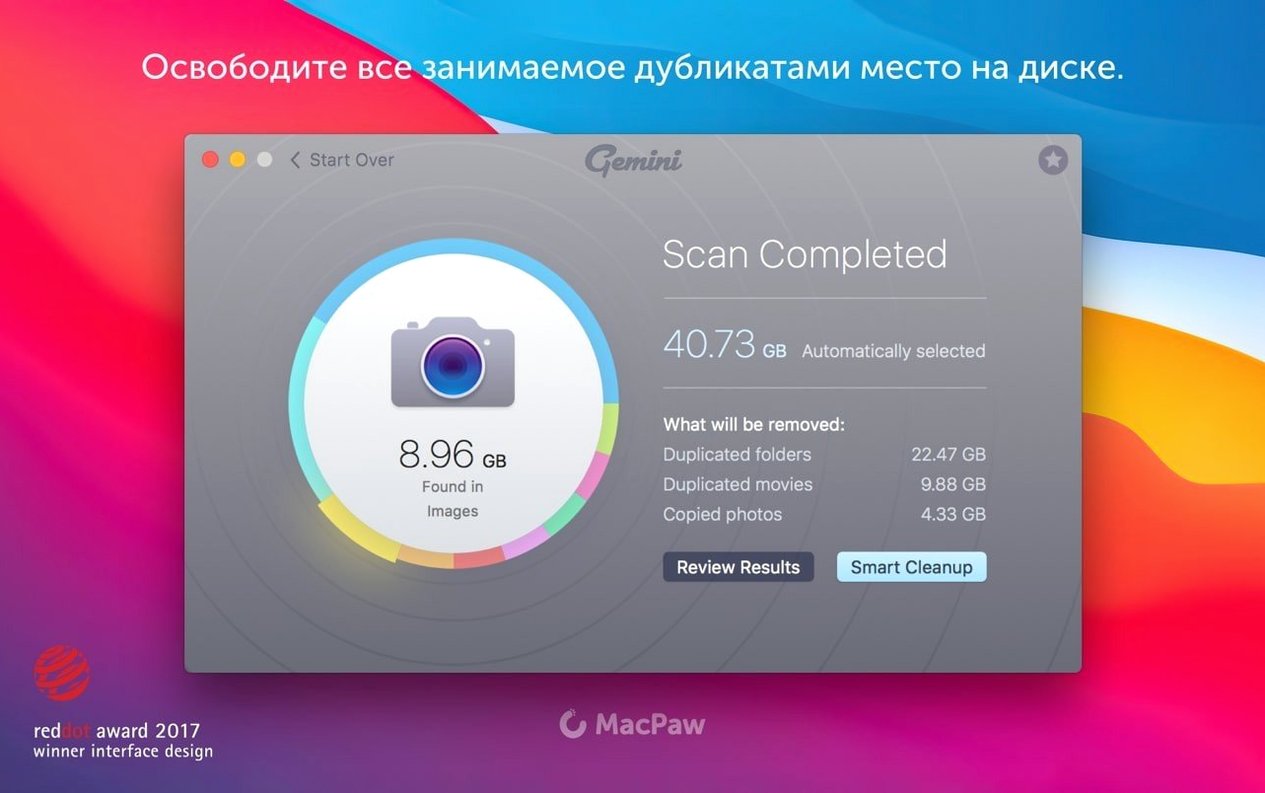
The average Mac user has over 20GB of space eaten by duplicate files and similar-looking photos. That is a lot of old downloads and burst-mode shots you forgot about. If you are looking to reclaim that space, here is what people actually want to know before they start.
Will it delete something important by accident?
It is designed not to. Gemini 2 preselects files it considers safe to remove, and it learns from your previous choices to make smarter suggestions over time. You always have the final say before anything gets moved to the trash.
What kind of files does it scan?
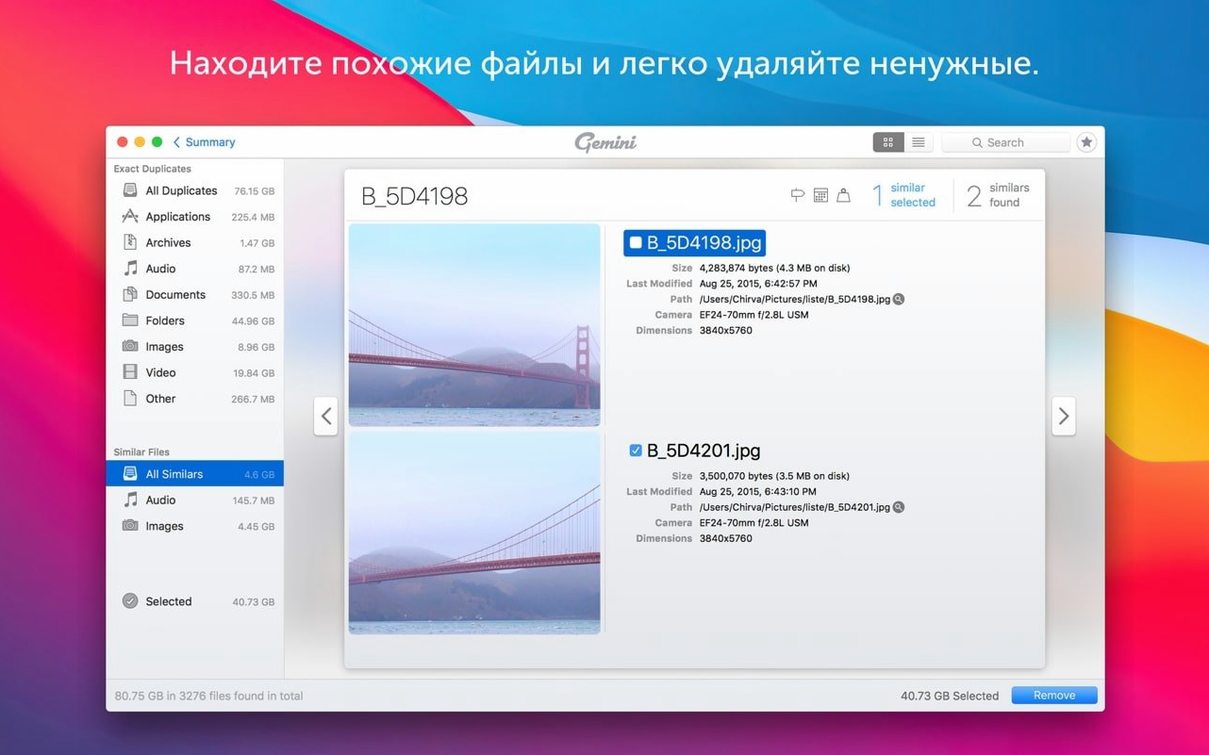
It covers the usual suspects that pile up fastest: images, music, videos, folders, and even whole libraries. It does not just look for exact copies either; the algorithm finds files that are visually similar, which is a lifesaver for photo bursts.
Built for Intel Macs from High Sierra Forward
Yes. This version is built specifically for x86 64-bit Macs and requires macOS 10.13 High Sierra or later. It is fully supported on newer macOS versions too, so you are covered without needing Apple Silicon.
Where Gemini fits into your Mac routine
Gemini works best when you treat it as part of a cleanup ritual rather than a one-off rescue mission. A lot of people run it after importing a big batch of photos from a camera or phone, because that is exactly when near-duplicates sneak in. I also like to point it at old folders I have dragged between machines for years — the ones where you know there are three copies of the same wedding album but you have never had the patience to sort them by hand.
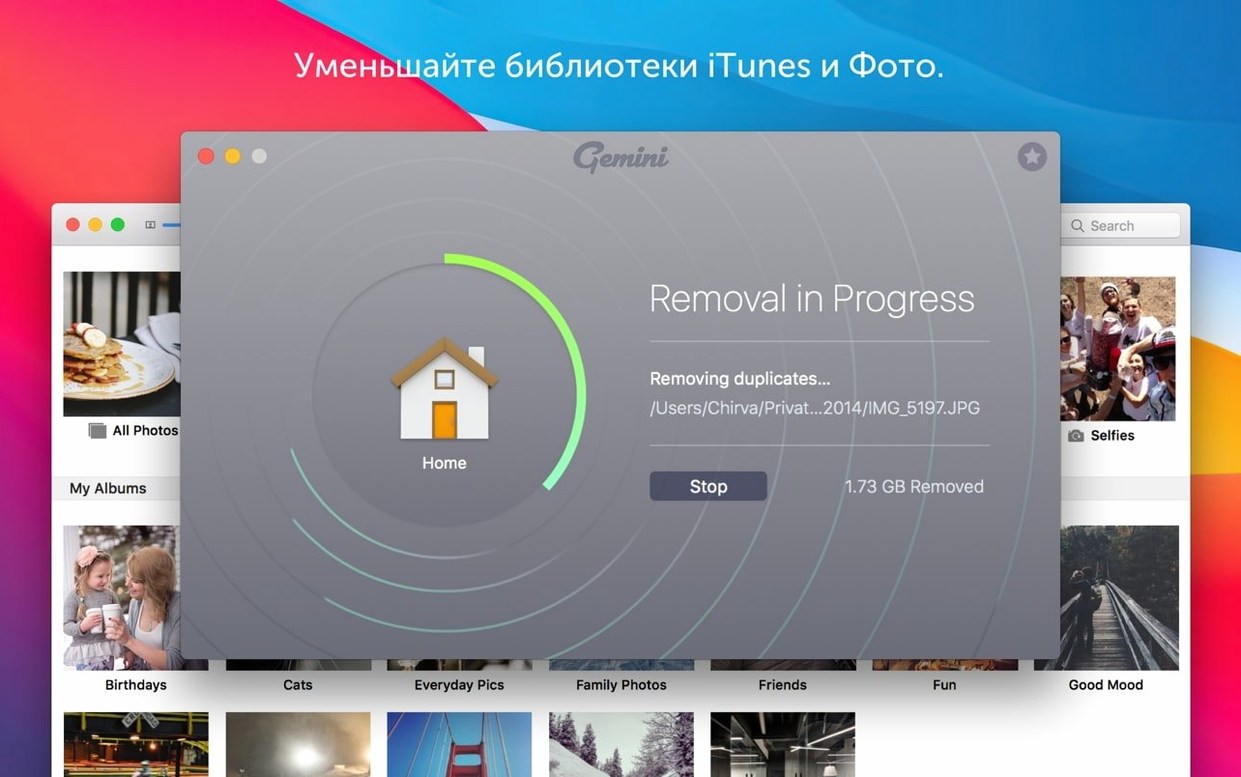
On the macOS side, it plays nicely with Spotlight indexing and the Finder's own file management. Once Gemini has moved duplicates to the trash, the space is reflected in the storage bar under About This Mac, and iCloud Drive will sync the changes as it normally would. If you use Photos, the library scan picks up duplicates that iCloud itself does not flag, which is handy when you have imported the same set of pictures twice from different devices.
Mistakes people make in the first week
The biggest one is treating Gemini's preselection as a decision that has already been made for you. The app highlights what it thinks is safe, but you still need to glance at the list — especially with similar files rather than exact duplicates. Two photos of the same sunset might both be worth keeping if one is sharper.
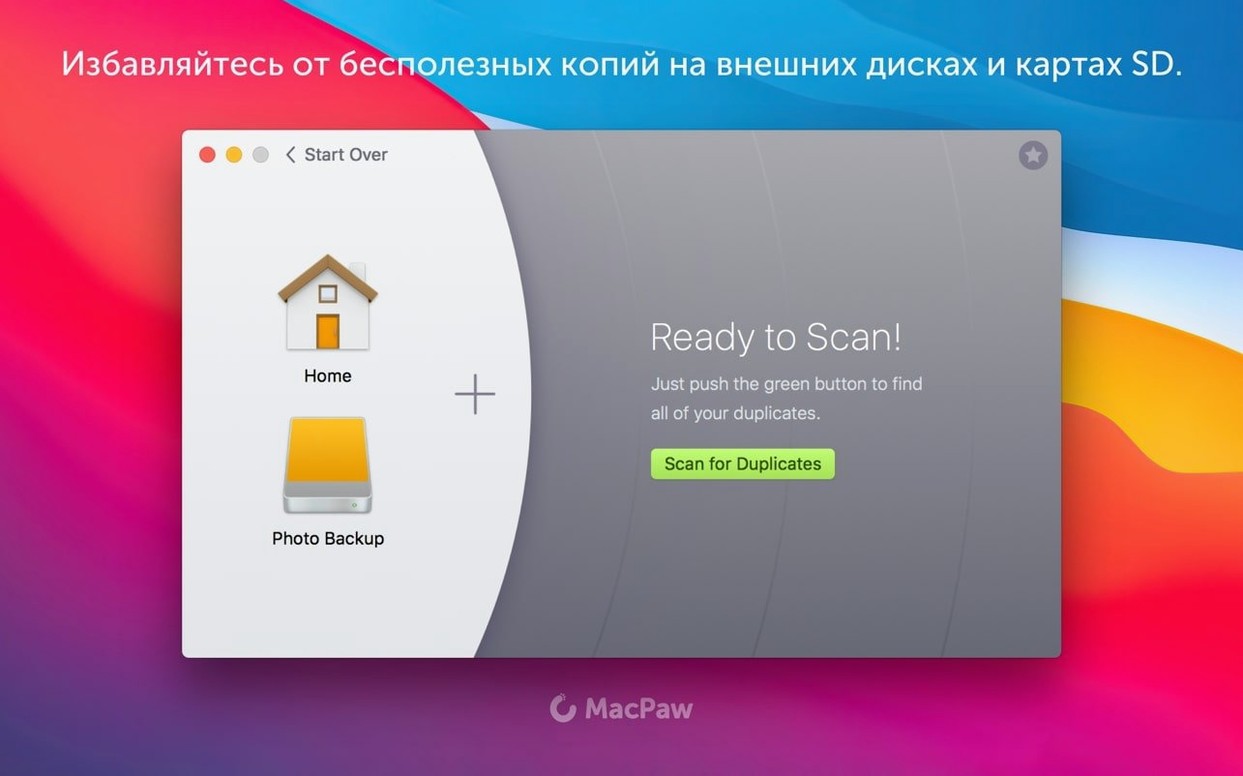
Another common slip is scanning only the obvious locations. Your home folder matters, sure, but old external drives and network-attached storage folders often hold the deepest layers of duplicate clutter. Gemini can scan those too, and skipping them means you only solve half the problem.
Stalled Scans Are Usually a Permissions Quirk
If a scan seems to stall, it is usually a permissions quirk with a specific folder — often a system location or an old backup. Running the scan again or narrowing the folder selection gets past it. On older Intel Macs with spinning drives, large libraries take longer; that is normal for version 2.10.2 on High Sierra-era hardware.
When you delete something and immediately regret it, the Recently Deleted area inside Gemini gives you a way back without digging through the Trash. That safety net is worth knowing about before you need it.
Questions people tend to ask before installing
The most frequent question I hear is whether Gemini can work alongside other cleanup tools without conflicts. In practice, it is fine — Gemini focuses on duplicates, while other utilities might handle caches or logs. They do not fight each other.
People also want to know if the app keeps a history of what it removed. It does, through that Recently Deleted section and through the way it learns from your choices. If you tend to keep the larger file and discard the smaller one, Gemini picks up on that pattern for the next scan.
Some users searching for a gemini 2 download mac are coming from a Windows mindset and expect an installer wizard. It is simpler than that: mount the disk image, drag the app to Applications, and you are done. The interface is available in a dozen languages, including English, German, Japanese, and Ukrainian, so most people can work in their preferred language without extra setup.
- macOS: macOS 10.13 High Sierra or later
- Architecture: Intel (x86 64-bit)
Also on readers' docks
Sign in or create an account to leave a comment.
No comments yet. Tell me how it got on with your other devices.
More in Mac Apps
See all Updated Ghost Buster Pro
7.0.0 Mac Apps
11 MB
Updated Ghost Buster Pro
7.0.0 Mac Apps
11 MB
 Updated Glyphs
4.2 Mac Apps
35 MB
Updated Glyphs
4.2 Mac Apps
35 MB
 Fusion Studio 21
21.0.4 AIO Mac Apps
3.1 GB
Fusion Studio 21
21.0.4 AIO Mac Apps
3.1 GB
 Updated FotoMagico
6.11.0 Mac Apps
75 MB
Updated FotoMagico
6.11.0 Mac Apps
75 MB
 Updated ForkLift
4.7.7 Mac Apps
19 MB
Updated ForkLift
4.7.7 Mac Apps
19 MB
 FontLab
8.4.3.8984 Mac Apps
131 MB
FontLab
8.4.3.8984 Mac Apps
131 MB
 Folx Pro
5.34 Mac Apps
30 MB
Folx Pro
5.34 Mac Apps
30 MB
 Folder Preview Pro
3.1 Mac Apps
9 MB
Folder Preview Pro
3.1 Mac Apps
9 MB