
Download FotoMagico for macOS
Wedding photographers use it. So do educators and marketing teams who need a story to land just right. FotoMagico is the slideshow editor that rewards you the more you dig into it, and version 6.10 is built for people who have already moved past basic templates.
Playback that doesn't wait
The real engine here is instant, full-resolution playback. You don't render a preview file and watch a compressed version of your work — you hit play and see the real thing, driven by Metal and Swift UI. That changes how you iterate. When you're fine-tuning image captions or nudging a transition, you see the result immediately. For anyone delivering to a client on-site, it means you can walk in with the project file, not a baked video, and make changes on the spot.
Control that goes past the export
Most people think about the final file. FotoMagico lets you think about the viewing experience itself. The built-in player can limit how long a slideshow stays watchable or cap the number of views — a clever trick for sharing drafts or time-sensitive work. You can also export straight to a screensaver, burn to DVD with Roxio Toast, or save in any QuickTime-compatible format. And for teams working across devices, projects live on iCloud Drive, so you can refine the same show on a Mac and an iPad without shuffling files. It's a toolset that feels built for people who deliver stories, not just slide orders.
What I'd do in the first few days
Don't open it and immediately try to build your magnum opus. That's the fastest route to frustration with any deep editor. Instead, I'd spend an afternoon with the built-in visual storytelling guides. They're not tutorials — more like guardrails that nudge your pacing and image order toward something that actually holds attention. Pick ten photos from a recent trip, drop them in, and let the guides shape the flow before you touch a single transition.
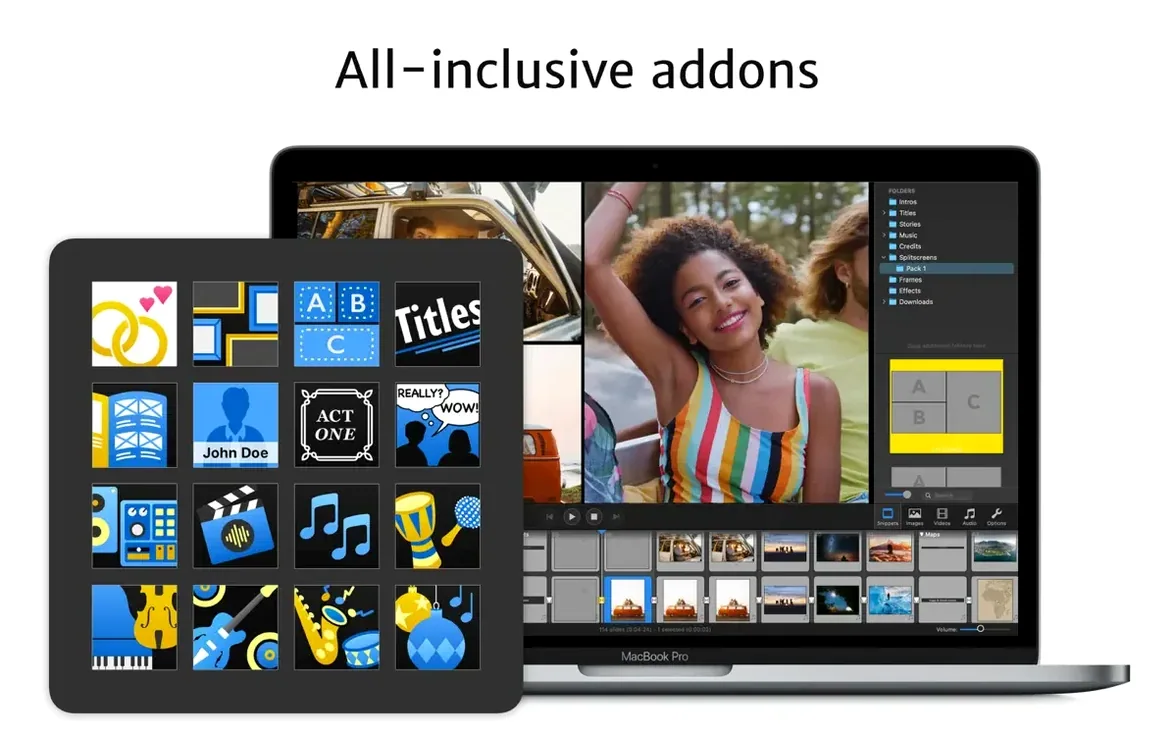
Next, explore the addons for music and titles early, not as an afterthought. The audio addon in particular shifts how you approach timing because you can key slide changes to beats. Lay down a track first, then arrange photos to it rather than the other way around. It sounds small, but it changes the rhythm of everything you build afterward.
Finally, test the standalone player on someone else's Mac before you need to. Export a short show, set a view limit of two or three, and hand it off. Seeing how the recipient experiences your work — and how the expiration actually behaves — is the kind of thing you want to understand before a client asks about it.
Skip the timeline grind with real‑time playback
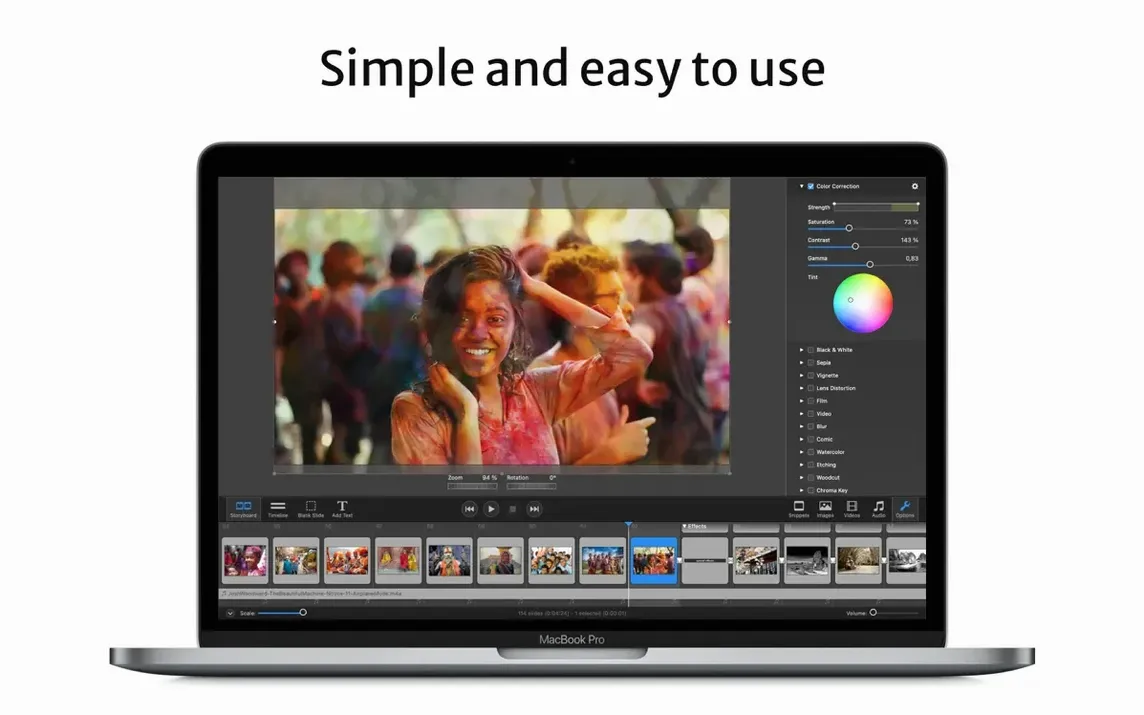
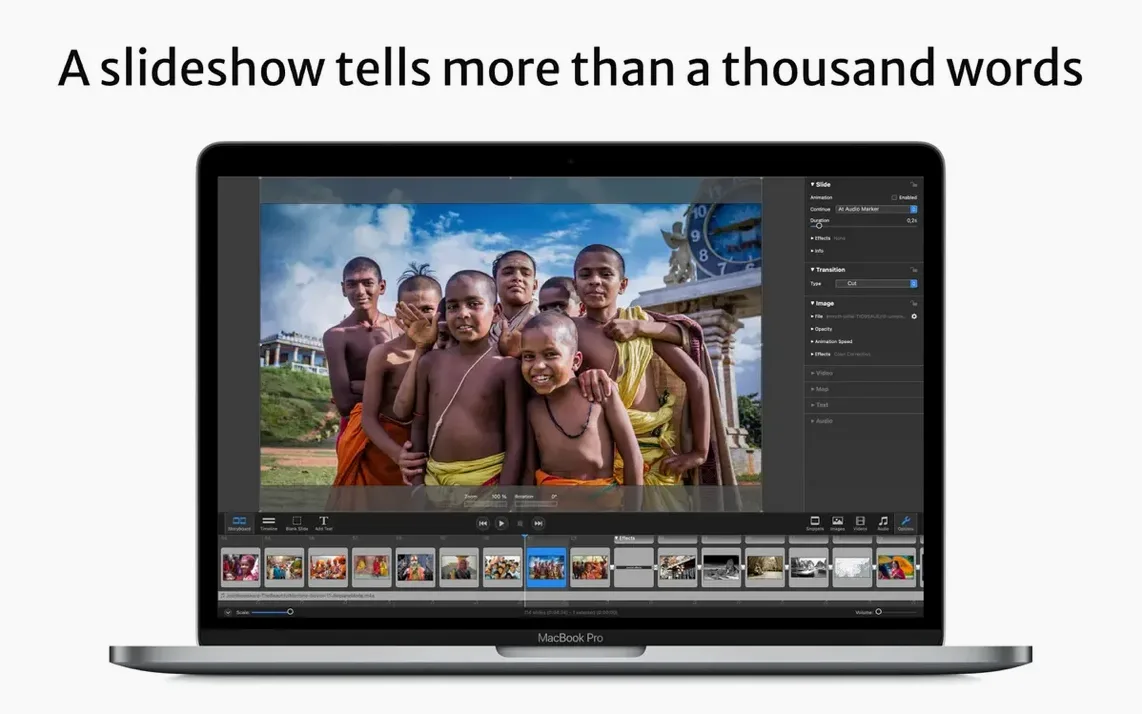
"Do I have to learn a whole timeline editor?" Not in the way you might think. The timeline exists, and you can get granular with it, but the real-time playback engine means you spend less time scrubbing and more time reacting to what you see. Many people build entire shows in the storyboard view and only dip into the timeline for fine-tuning audio sync.
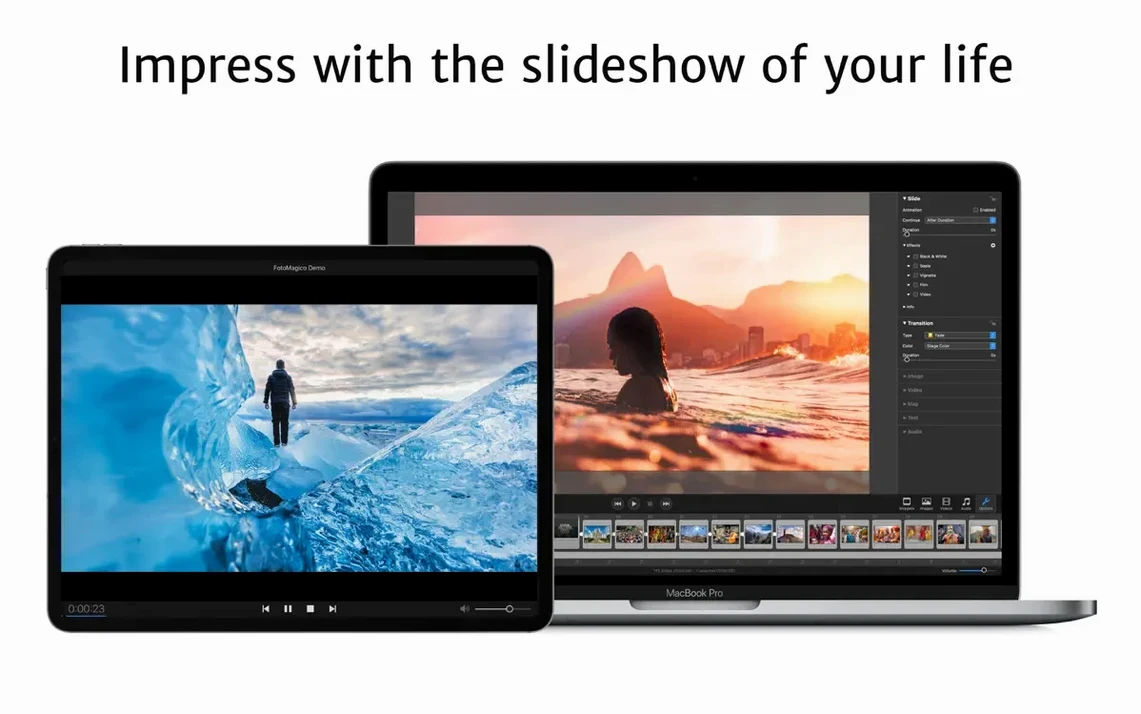
"What if I work on both a Mac and an iPad?" This is one of the rare cross-device setups that actually feels coherent. Projects synced through iCloud Drive open on either device, and the iPad version isn't a stripped-down afterthought — it shares the same core engine. You might start a rough assembly on the iPad while traveling, then move to the Mac for detailed keyframing and export work.
"Does it handle vertical video for social?" Yes, and the Instagram story presets make it painless. You're not manually setting custom resolutions; the preset handles the aspect ratio and safe zones so your captions don't end up under the UI chrome.
"Can I watermark my images?" You can, and it's built in — no need to pre-process your photos in another app. Useful for sending proofs to clients or sharing previews publicly without giving away full-resolution clean files.
Storytelling frames versus presentation slides
Compared to Keynote, the difference is focus. Keynote is a presentation tool that happens to export video; FotoMagico is a storytelling engine that thinks in frames, pacing, and playback quality. Keynote gives you more slide layout freedom and collaborative editing, but it can't touch the instant full-resolution playback or the standalone player with view limits. If you're building something meant to be watched rather than clicked through, FotoMagico pulls ahead quickly.
Next to iMovie, it's a different philosophy entirely. iMovie wants to be a video editor, with clips, a magnetic timeline, and a library that mirrors your Photos app. FotoMagico treats images as the primary medium, with transitions and motion built around them. iMovie is free and approachable for quick video cuts, but when you need precise image pacing, layered captions, and export formats like screensavers or DVD burns, FotoMagico offers tools iMovie simply doesn't include.
And then there's Adobe Premiere Pro, which some people reach for when they think "serious slideshow." Premiere is overkill for photo-driven work — you're paying complexity costs for video features you won't use. Where FotoMagico lets you assemble a polished show in an afternoon, Premiere asks you to manage sequences, render previews, and navigate an interface built for moving footage. For photographers and storytellers who live in still images, the lighter tool is often the sharper one.
Version 6.11.0 ships with the latest round of fixes and improvements from the folks at Boinx — details are in the official release notes.
- macOS 14 or later
- Apple Silicon or Intel 64-bit Mac
Also on readers' docks
Sign in or create an account to leave a comment.
No comments yet. Tell me how it got on with your other devices.