
Download Fusion Studio 21 for macOS
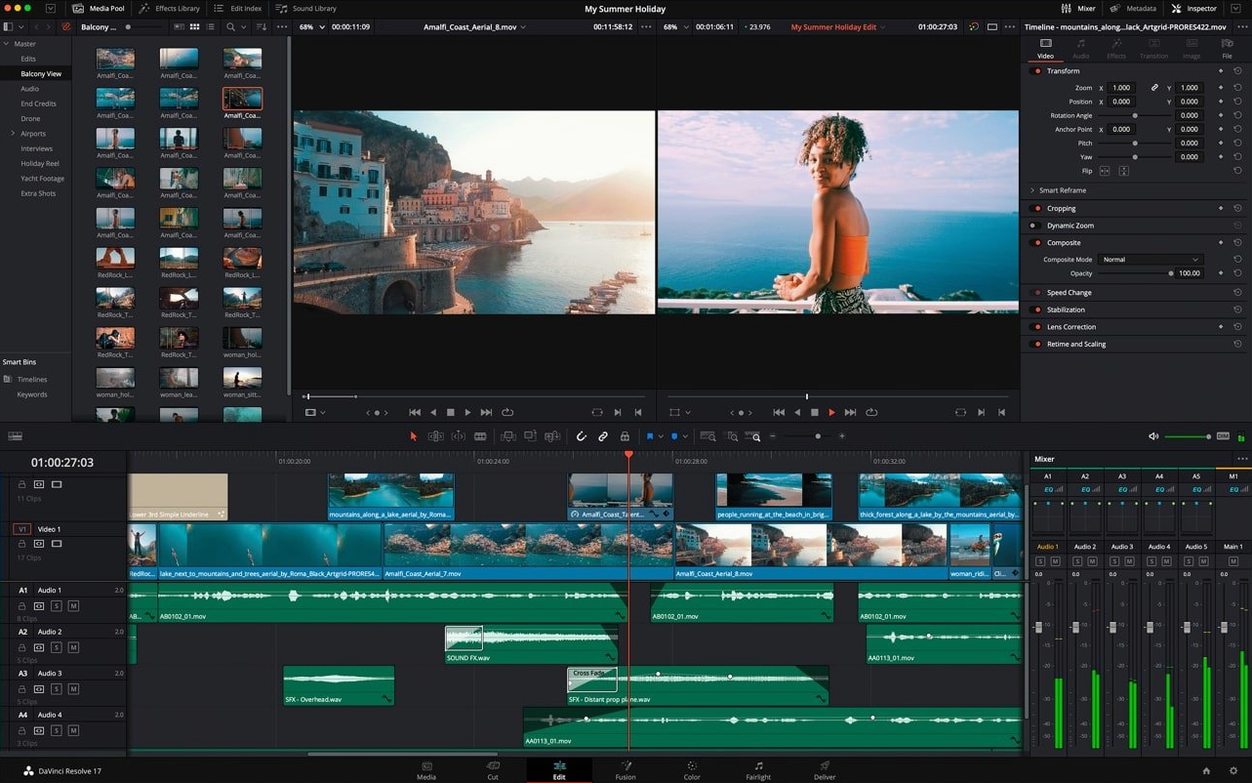
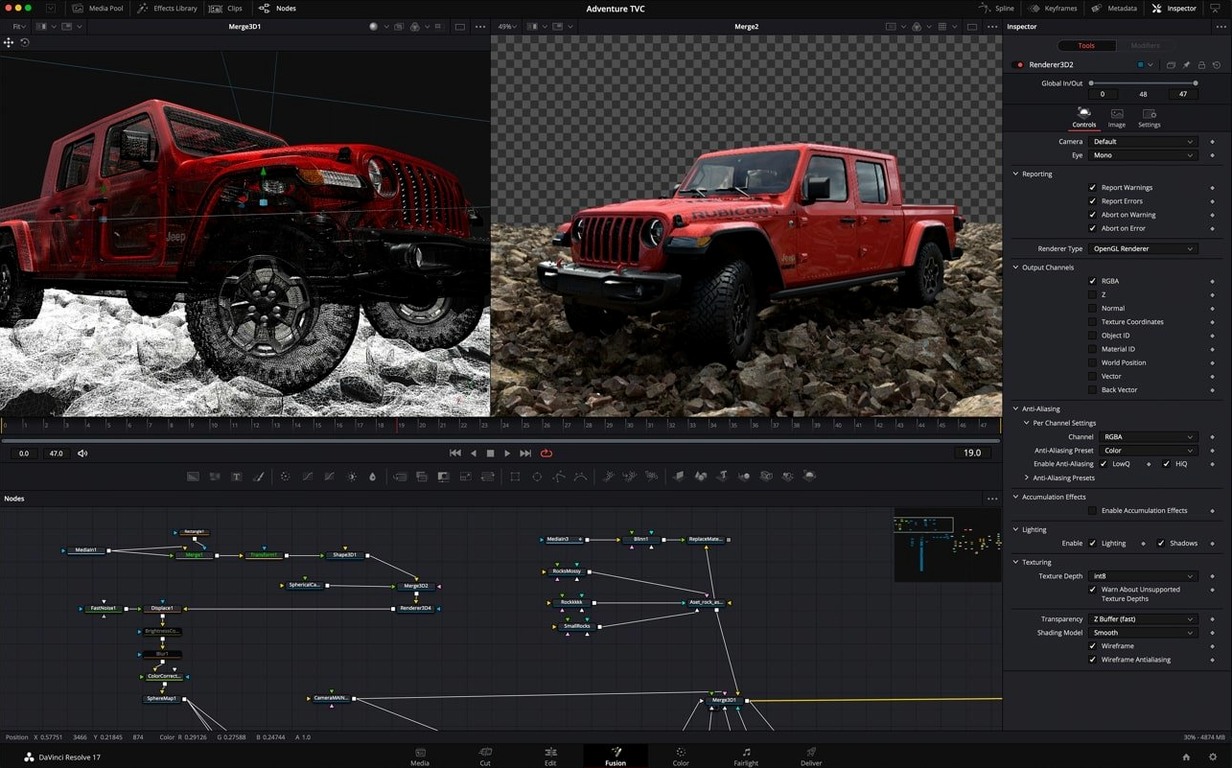
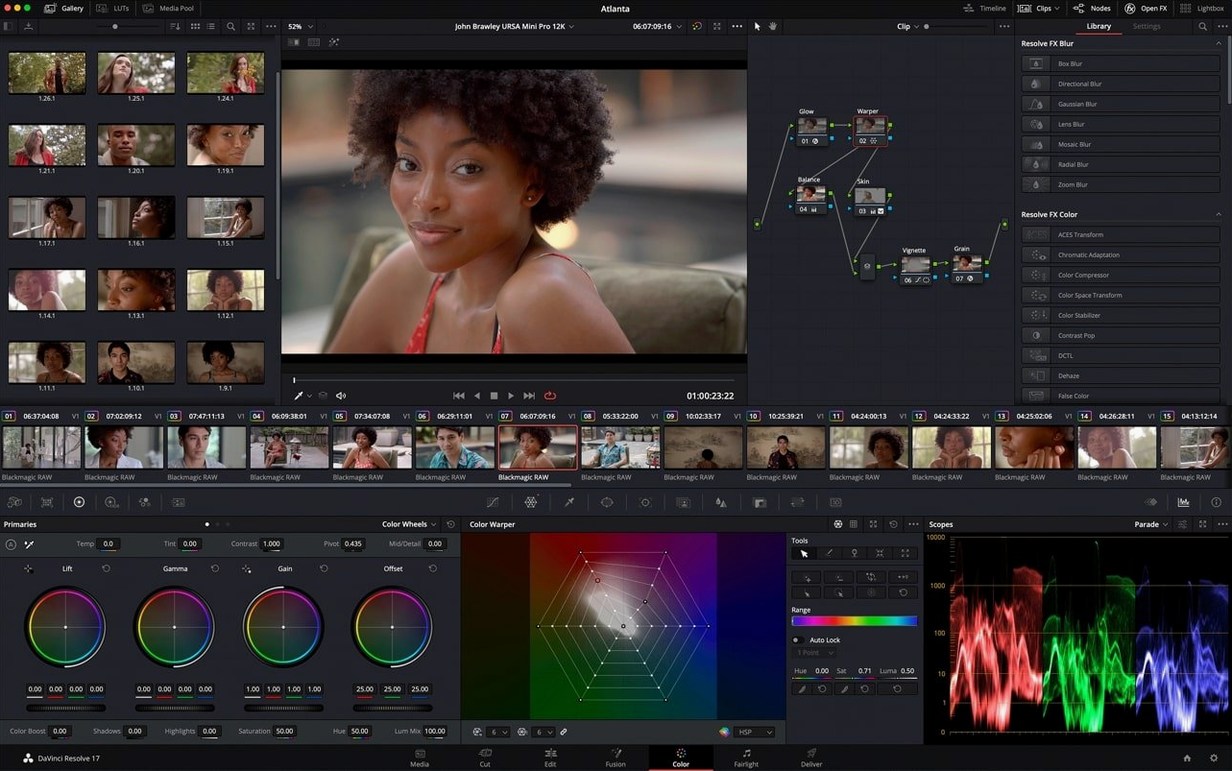
If you've graded footage in DaVinci Resolve, you've already brushed shoulders with Fusion. The Fusion page inside Resolve is a gateway, but Fusion Studio 21 is the full standalone node-based compositing suite from Blackmagic Design, built for visual effects artists and motion graphics pros who live inside a node tree.
What makes the node editor tick in this release?
The node editor remains the heart of the operation, letting you build stacks for 2D and 3D compositing with drag-and-drop simplicity. You can pull effects straight from the library onto clips, and save combined images as macros for re-use across projects.
How does 3D work fit into the picture?
Native 3D space support means you can composite elements with real depth, and the inclusion of USD SDK 25.11 with the Hydra 2.0 API gives the Storm renderer a solid boost. Relief Map creation is also built right in, which is handy for quick texture work.
What about animation and motion graphics?
New animation curve modifiers automatically retime your keyframes when a composition's duration changes, saving you from manual nudging. You also get native OGraf HTML graphics support and 27 GPU-accelerated Resolve FX right on the Fusion page, keeping playback snappy.
Daily driving Fusion Studio 21
After a few weeks of steady use, the biggest takeaway is how little Fusion Studio 21 gets in the way. Node graphs with a hundred or more elements stay responsive while you pan and zoom, and scrubbing the timeline doesn't turn into a slideshow. The GPU acceleration is doing real work here — complex 3D scenes with shadows and reflections preview at a workable frame rate on Apple Silicon Macs, and Intel machines hold their own for lighter 2D comps. RAM use stays reasonable as long as you don't stack multiple 4K EXR sequences with deep depth, which is true of every compositor I've tried.
Stability has been a pleasant surprise. The app has yet to crash mid-project, even while flipping between the Fusion page, spline editor, and a network render queue. Autosaves are frequent enough that you won't lose meaningful work if the power blips.
A practical workflow: logo reveal with audio-synced animation
Here's a task I keep coming back to — taking a client's static logo and turning it into a three-second animated reveal timed to a music sting:
- Drop the logo PNG into a Loader node, then pipe it into a Transform node for scale and position.
- Add a Background node, set to a soft gradient, and merge the logo on top.
- Bring the audio clip into the composition and open the keyframe waveform display. The waveform sits right under your animation curve, so you can line up keyframes with the beat visually.
- Keyframe the logo's scale from 0 to full size, using the waveform to place the final keyframe exactly on the musical hit.
- Add a Glow node from the Resolve FX set and animate its intensity to fade out after the reveal.
- Save the whole thing as a macro before you close the project. Next time a similar logo job lands, it's a drag-and-drop starting point.
The vertical layout option earns its keep here — stacking spline and keyframe windows vertically gives you a much longer view of the waveform without squinting.
Node graph versus layer stacks for complex comps
Against Apple Motion: Motion is a layer-based motion graphics tool that feels faster for simple titles and particle experiments, and its real-time playback is excellent. But for deep compositing with dozens of interacting elements, Fusion Studio 21's node graph is far easier to debug and modify than Motion's layer stack.
Against Natron: Natron shares the node-based philosophy and handles the basics well, but its development pace has slowed and its 3D toolset can't match Fusion's native 3D space and USD pipeline. Fusion Studio 21 also benefits from Blackmagic's ongoing integration work with Resolve.
Against After Effects: After Effects dominates for motion graphics with its plugin ecosystem and template market, but Fusion's node approach wins for compositing-heavy VFX shots. Once you've learned to read a node tree, complex setups feel more transparent than AE's pre-comp nesting.
If you spend most of your day in Resolve, grabbing the fusion studio 21 mac download and going standalone makes sense the moment a project outgrows the Fusion page's limits.
- macOS 14 or newer
- Apple Silicon or Intel processor
Questions people ask
Can I use Fusion templates from DaVinci Resolve?
Yes, Fusion templates are designed for drag-and-drop use on the Edit and Cut pages inside DaVinci Resolve.
Does Fusion Studio 21 support GPU acceleration?
Absolutely, the software uses GPU acceleration to speed up many of its effects and compositing operations.
Is this version for Apple Silicon Macs?
Yes, Fusion Studio 21 runs natively on both Apple Silicon and Intel Macs with macOS 14 or later.
Also on readers' docks
Sign in or create an account to leave a comment.
No comments yet. Tell me how it got on with your other devices.