









Download FileMaker Pro for macOS
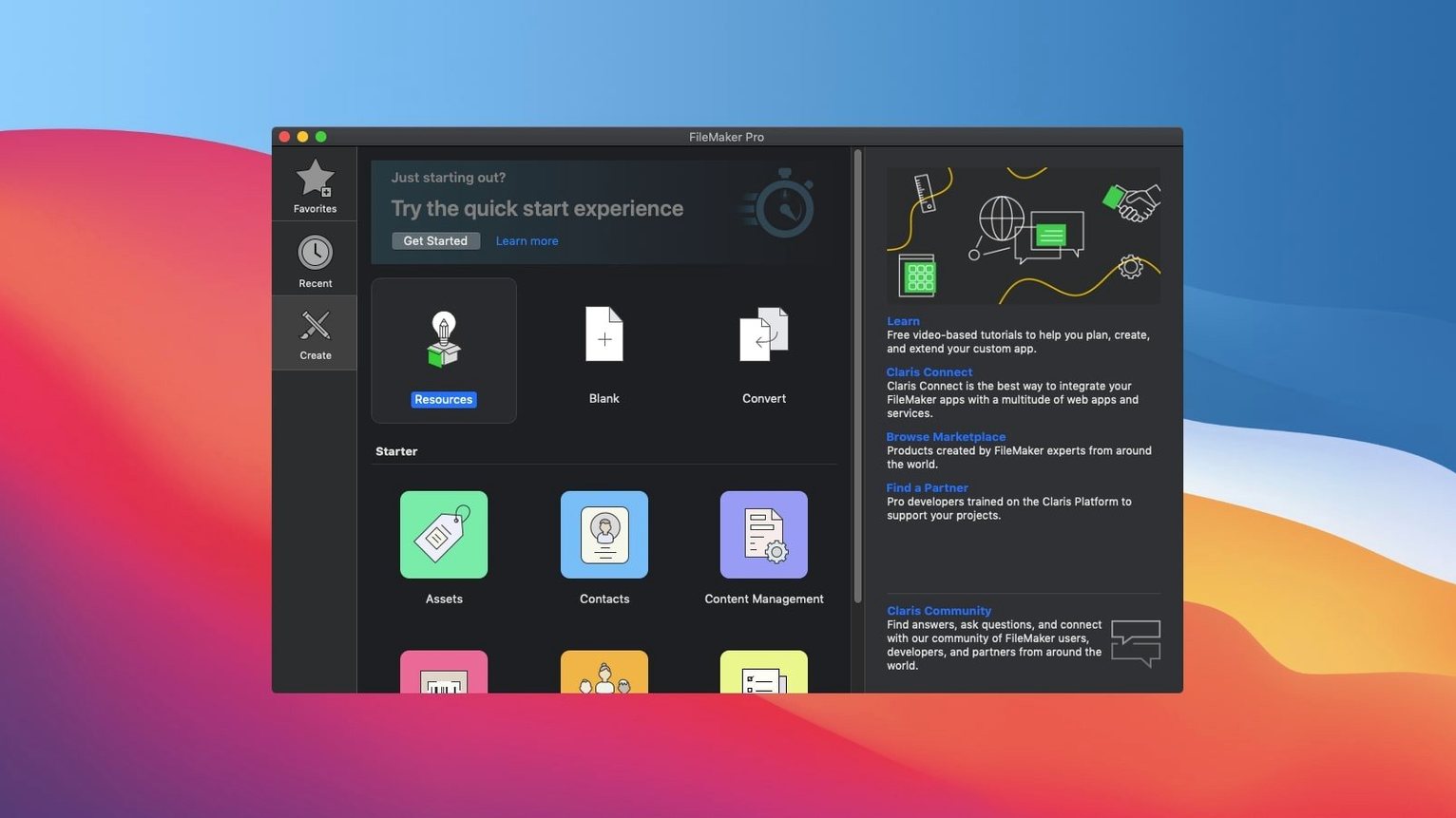
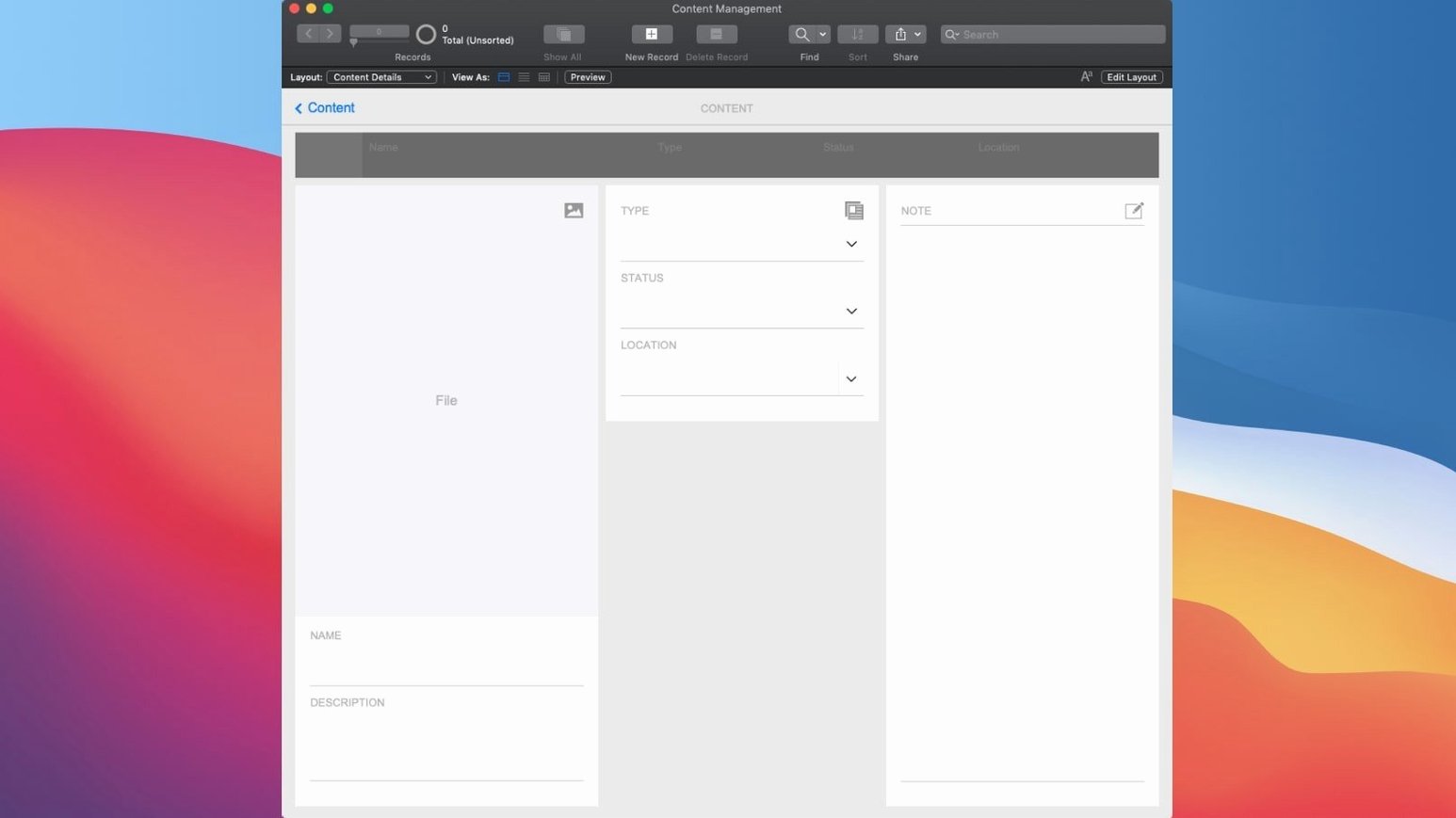
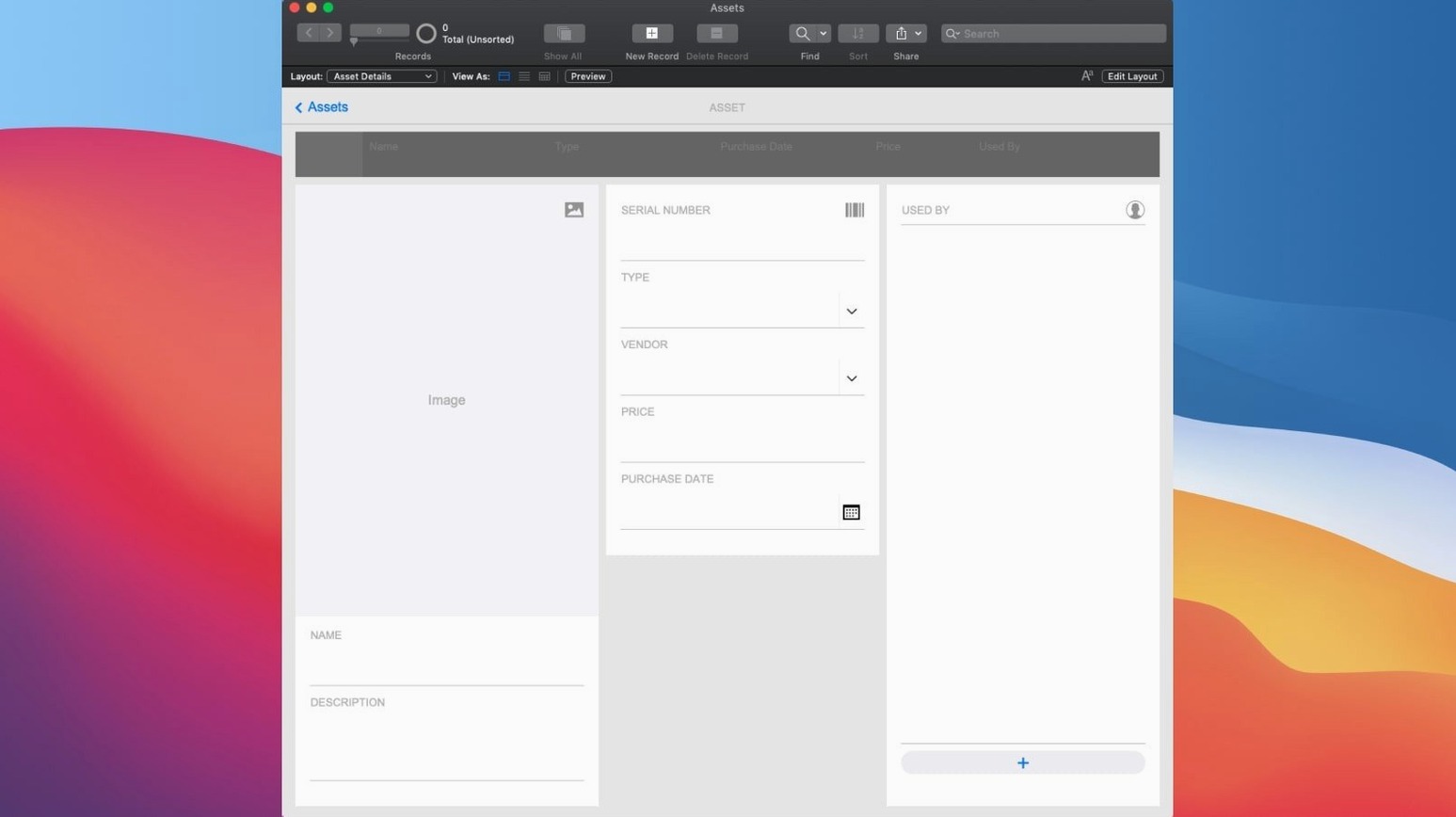
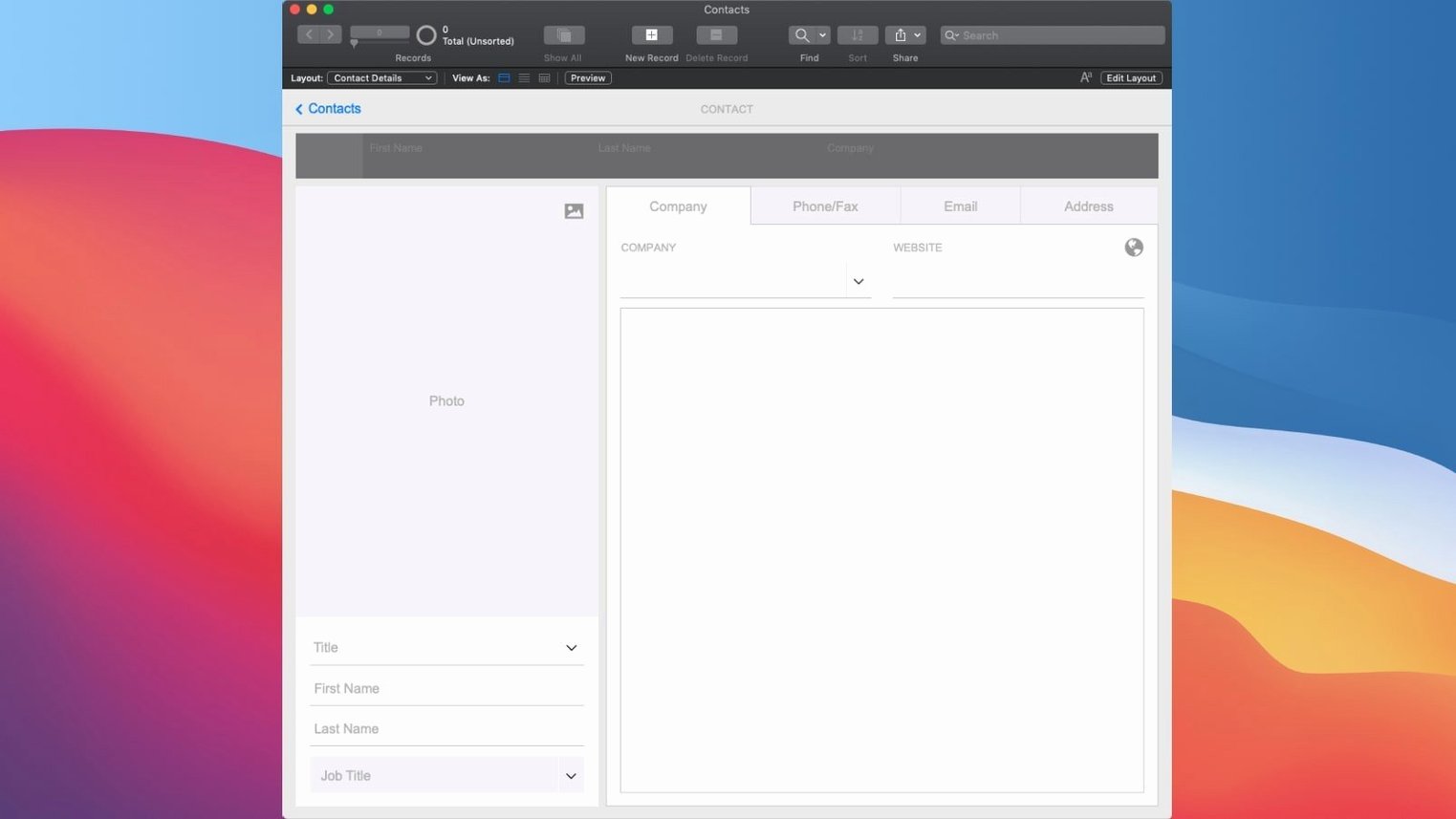
Small business owners, in-house developers, and database tinkerers all find their way to FileMaker Pro. It’s a low-code environment where you build exactly the tool your team needs—inventory trackers, client portals, project dashboards—without writing mountains of code. Here’s what the platform brings to your Mac.
- Custom app creation — start from built-in templates or drag and drop elements to design layouts that match your workflow.
- Ready-made add-ons — drop in charts, calendars, Kanban boards, or activity graphs without building them from scratch.
- Real-time sharing — give your team access on mobile devices, desktops, the web, locally, or through the cloud.
- AI-powered search — Perform Semantic Find understands intent, not just keywords, so your data surfaces faster.
- Open and extend — load custom apps created by other FileMaker Pro users and keep building on what they started.
Let me walk you through what a typical morning looks like when FileMaker Pro is the hub. I open a project tracker I built a few months ago for a small publishing team. The launch takes maybe four seconds, and the layout I designed—a clean dashboard with a Kanban board on the left and a deadline calendar on the right—pops right up. I click into a manuscript record that’s been flagged for a cover design update. Instead of hunting through email threads, I glance at the activity graph add-on embedded at the bottom of the layout. It shows every status change, comment, and file attachment from the last two weeks, all pulled from related tables I linked with a couple of relationship definitions back when I set it up.
Next, I need to find all projects where the author mentioned a specific art style in their notes. I could write a scripted find, but this morning I’m lazy—so I use Perform Semantic Find. I type “watercolor landscapes with muted palettes” into the search bar I added to the layout. The results aren’t just exact keyword matches; FileMaker pulls up records where the notes field describes that visual direction, even when the words don’t line up neatly. One record surfaces from a completely different table, linked by a project ID, because the AI understood the connection. That’s the kind of thing that makes me grin—fewer clicks, less time building complex queries, and I’m already editing the design brief by 9:15.
Before I wrap up, I highlight a batch of newly approved projects and run a small script I attached to a button—Insert Embedding in Found Set. It generates summary embeddings for each record in the background, and I know tonight’s automated report script will use those to cluster similar projects for the editorial lead. I never touched a line of JavaScript or Python. The whole session took under twenty minutes, and the database feels less like software and more like a colleague who remembers everything.
The Internal Problem-Solver Who Builds Without IT
This isn’t a one-size-fits-all tool, and that’s by design. The people who get the most mileage out of it tend to fall into a few overlapping camps. First, there are the internal problem-solvers—the person in a marketing team or a logistics department who keeps building little Excel workbooks that eventually collapse under their own weight. They need relationships between tables, not just flat grids, and FileMaker lets them grow a solution organically. They start with a template, add a few custom fields, and suddenly they have an asset management app that the whole floor relies on.
Then you have freelancers and micro-business owners who can’t justify a custom web app but absolutely need to track clients, invoices, projects, and inventory in one place without duct-taping three SaaS subscriptions together. FileMaker Pro gives them a desktop-native experience that feels snappy, works offline, and syncs later via cloud sharing when they’re back on Wi-Fi. The low-code approach means they tweak the layout on a Tuesday afternoon and deploy the change by dinner.
There’s also a quieter group: developers and database architects who use FileMaker Pro as a rapid-prototyping layer. They mock up data structures, test relationships, and hand a working UI to stakeholders before committing to a heavier engineering stack. Some of them keep a FileMaker Pro Mac torrent on an external drive for quick spin-ups, because the installation footprint stays lean and the activation is straightforward. Others keep a copy of FileMaker Pro 18 Advanced download for Mac around for compatibility with older client files, which the current version still opens without complaint. For them, FileMaker isn’t the final answer—it’s the fastest way to prove the concept.
Small conveniences that add up
If you’ve used FileMaker Pro casually, you might miss some of the quieter features that make daily work smoother. One of my favorites is custom menus. You can strip away commands that don’t apply to a particular layout, or add your own scripts right into the menu bar. I’ve set “Run Weekly Report” right under the File menu for a client, and they never need to hunt for a button. It sounds minor, but it reshapes the application into something that feels purpose-built for one person’s job.
Another overlooked gem: conditional formatting on layout objects. Not just for fields—you can make entire panels, text labels, and background colors respond to data. A project row turns amber when the deadline is within three days, and the tab panel border goes red when a budget exceeds a threshold. Users notice the color long before they read a number, and you set it up once in the inspector palette with a simple formula.
Then there’s the data viewer—a debugging panel that stays open while you test scripts. It watches variables, fields, and expressions in real time. When a script doesn’t behave, I open the data viewer, step through with the script debugger, and catch the exact moment a global variable gets set to the wrong value. That combination of visual layout design and low-level script inspection is rare in low-code platforms, and it’s what keeps me from pulling my hair out at deployment time.
Keyboard shortcuts deserve a nod too. Cmd-Option-D toggles the data viewer instantly. Cmd-Shift-D duplicates a record. If you’re deep in layout mode, Cmd-Option-L switches back to browse mode without reaching for the mouse. Little accelerations like these stack up across a workday, especially when you’re jumping between field definitions and live data to test a change.
Where FileMaker Pro sits in your Mac ecosystem
FileMaker Pro doesn’t live in a vacuum. It plays well with others in ways that aren’t always obvious on first launch. The AppleScript and Automator support means you can trigger FileMaker scripts from a Calendar event or a folder action. I once set up a folder on a designer’s Mac that, when a new image was dropped in, automatically ran a FileMaker script to attach it to the correct project record and update the status. No middleware, just the Mac doing what Macs do best—connecting apps behind the scenes.
Integration with REST APIs and cURL is baked in, so FileMaker can talk to web services directly from a script step. You can pull shipping rates from a logistics provider, push invoice data to an accounting API, or fetch weather data for a delivery planning board. The Insert From URL script step handles the HTTP requests, and you parse the JSON response with built-in functions. For teams that already use Zapier or Make, FileMaker fits as the structured-data backbone that triggers those automations.
On the file-format side, Excel and CSV import/export are table stakes, but FileMaker goes further with XML and ODBC support. An accountant can keep their spreadsheet habits while the database quietly normalizes everything behind the curtain. I’ve seen small offices where the finance person dumps a CSV into a watched folder every Friday, and a FileMaker script ingests it, matches client IDs, updates balances, and flags discrepancies—all before Monday morning coffee.
For Mac users who already lean on Time Machine or iCloud Drive, FileMaker Pro’s local file format slots right into your backup routine. The .fmp12 file is self-contained, so dragging it to an external drive or a cloud-synced folder creates a snapshot. If you’ve ever inherited a tangled mess of SQL dumps and configuration files from a previous developer, the simplicity of a single-file database feels like a gift. Some folks grab a filemaker torrent for quick testing on a secondary machine, spin up a copy of their live file, and experiment with new layouts without touching the production version—exactly the kind of sandbox confidence that a self-contained file format encourages.
The 2024 update is a meaningful nudge forward for anyone who lives inside their own databases every day.
Version 21.0.1 leans into AI with several new additions:
- Configure AI Account lets you set up the AI service connection inside FileMaker.
- Insert Embedding and Insert Embedding in Found Set generate vector embeddings for your data.
- Perform Semantic Find enables intelligent, meaning-based searches across your records.
- Set AI Call Logging helps you track and debug AI-related operations.
- macOS 10.14 or later
- Runs on Apple Silicon and Intel Macs
Questions people ask
Does FileMaker Pro run on Apple Silicon Macs?
Yes, it runs natively on both Apple Silicon and Intel Macs, so you’re covered no matter which machine you’re on.
Can I share the apps I build with people who don’t own FileMaker Pro?
Absolutely. You can share your custom apps in real time with users on mobile devices, desktops, or the web, locally or via the cloud.
What does Perform Semantic Find actually do?
It uses AI to interpret the meaning behind your search terms, finding relevant records even when the exact words don’t match.
Also on readers' docks
Sign in or create an account to leave a comment.
No comments yet. Tell me how it got on with your other devices.
More in Mac Apps
See all Updated Final Cut Pro
12.4 CS Mac Apps
6.2 GB
Updated Final Cut Pro
12.4 CS Mac Apps
6.2 GB
 Find Any File
2.6.1 Mac Apps
14 MB
Find Any File
2.6.1 Mac Apps
14 MB
 Folder Preview Pro
3.1 Mac Apps
9 MB
Folder Preview Pro
3.1 Mac Apps
9 MB
 Folx Pro
5.34 Mac Apps
30 MB
Folx Pro
5.34 Mac Apps
30 MB
 Updated Exposure X7
7.3.2 Mac Apps
551 MB
Updated Exposure X7
7.3.2 Mac Apps
551 MB
 FontLab
8.4.3.8984 Mac Apps
131 MB
FontLab
8.4.3.8984 Mac Apps
131 MB
 Updated ForkLift
4.7.7 Mac Apps
19 MB
Updated ForkLift
4.7.7 Mac Apps
19 MB
 Updated FotoMagico
6.11.0 Mac Apps
75 MB
Updated FotoMagico
6.11.0 Mac Apps
75 MB