Download Dynamic Wallpaper Engine for macOS
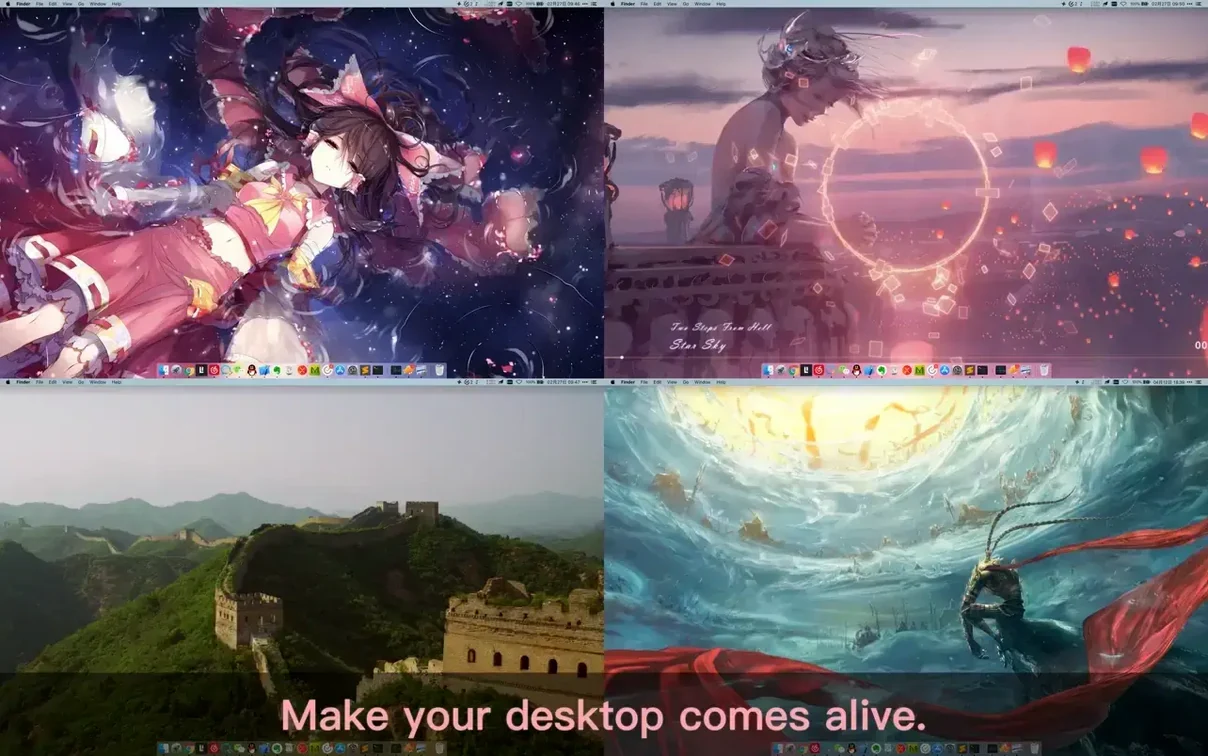

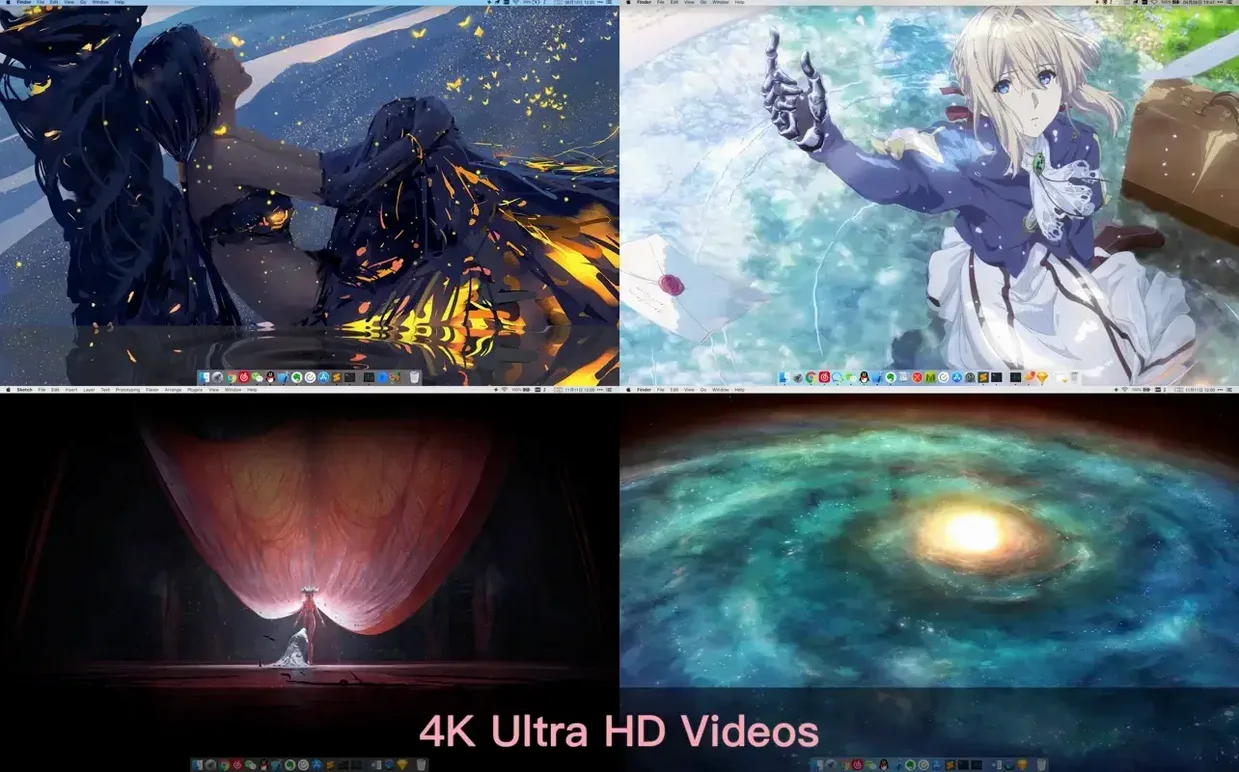

Dynamic Wallpaper Engine runs on a wide slice of Mac hardware — it supports both Apple Silicon and Intel 64-bit Macs, going all the way back to macOS 10.12. That means even older machines can drive a living desktop without getting left out.
Pick what moves and how it behaves
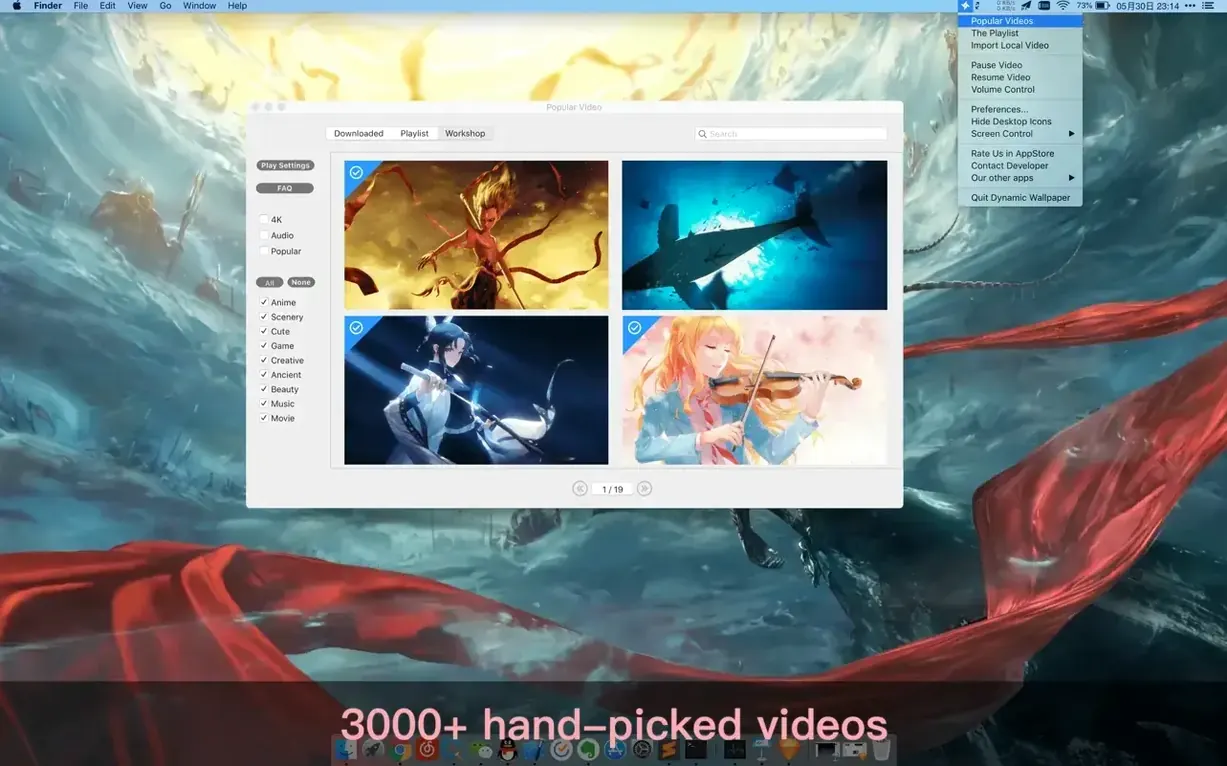
The engine really leans into personal taste. A built-in library spans categories like anime, landscapes, games, 4K Ultra HD, AI art, cinema, and more. You can search by keyword or import your own local video files, then queue them up in playlists with list looping or shuffle looping. Manual controls for pause, resume, and mute sit right at hand, so a noisy wallpaper never interrupts a call.
Beyond the desktop
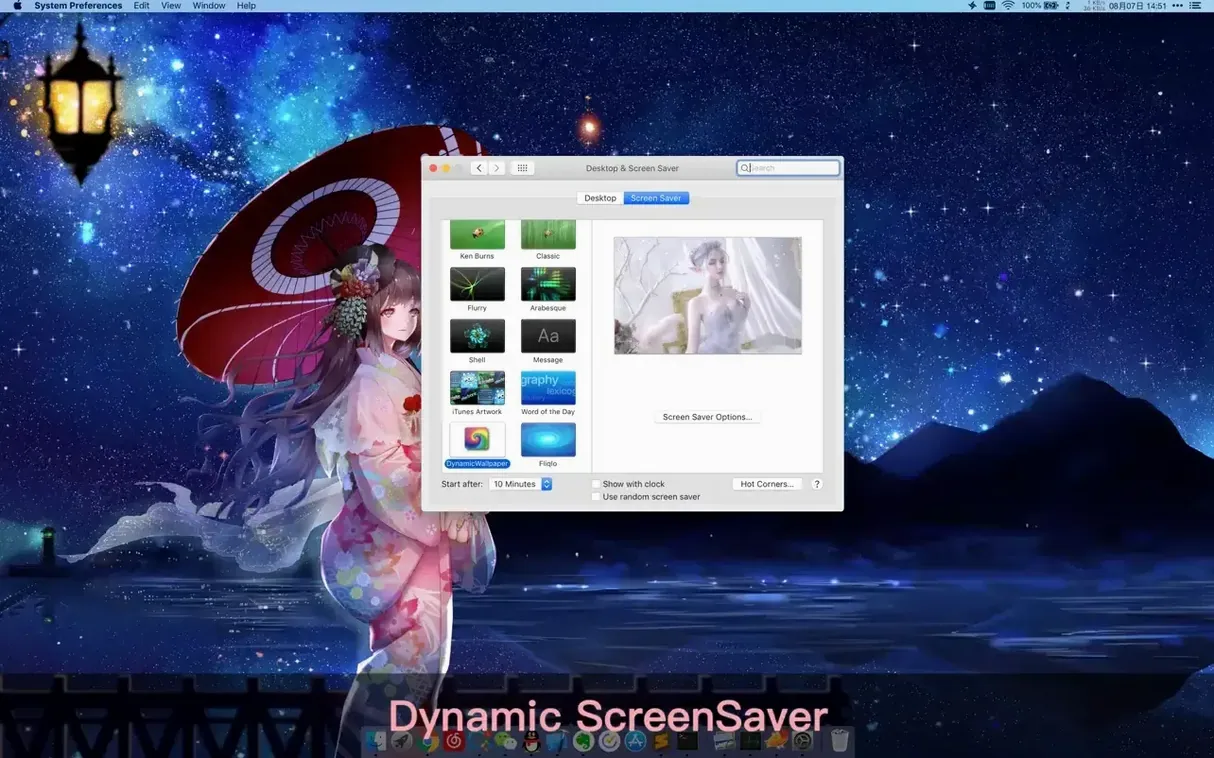
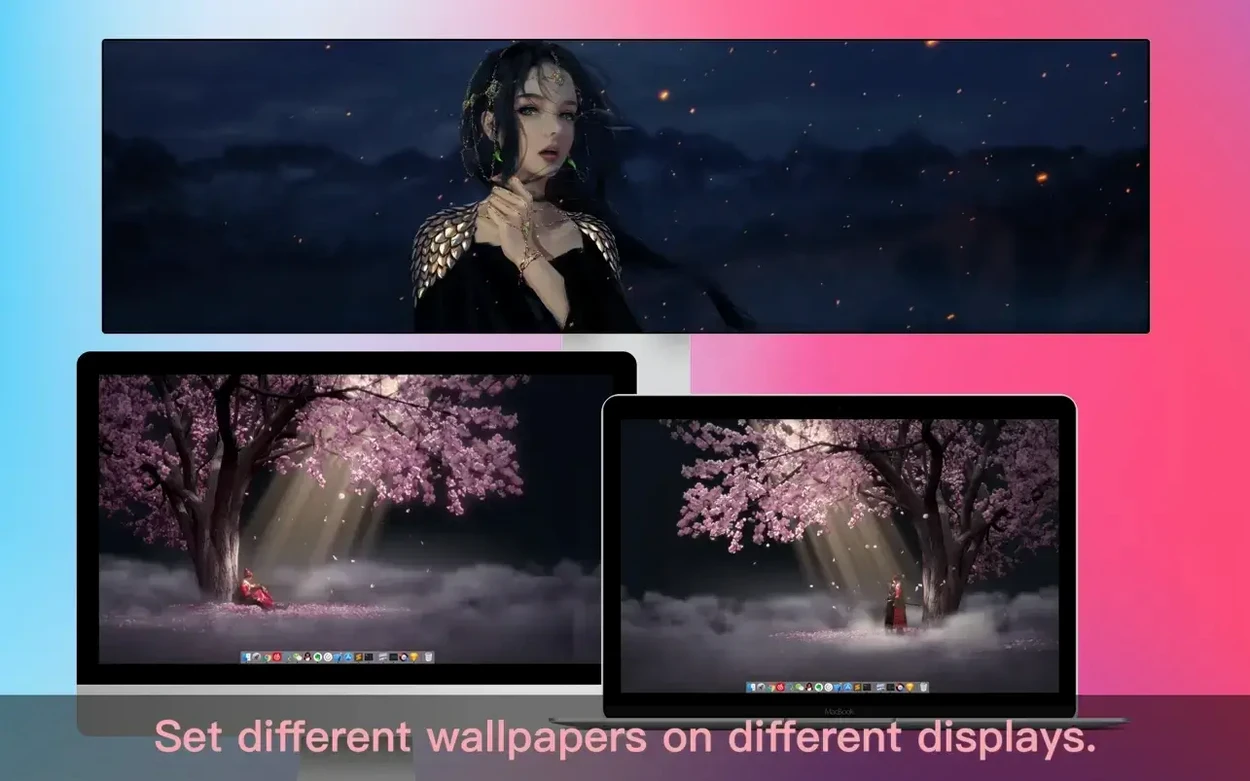
The same engine fuels a Dynamic-ScreenSaver mode, keeping the movement going when you step away. It handles different aspect ratios and native resolutions without fighting your display, and there's a toggle to hide desktop icons when the clutter spoils the view. It's a straightforward way to make a Mac feel a little more alive, whether you're pulling in cinematic 4K clips or a calming loop from your own collection.
CPU draw during Photoshop and Xcode sessions
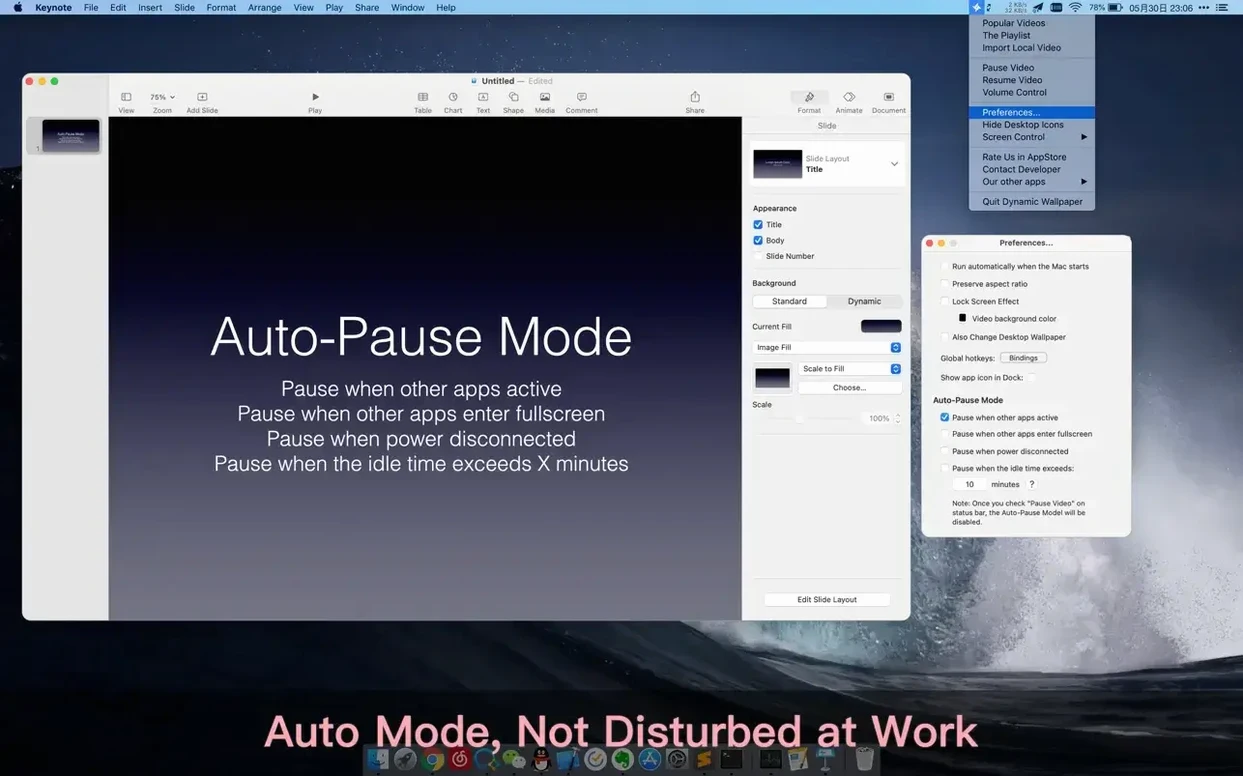
I've thrown plenty at Dynamic Wallpaper Engine — big Photoshop files, Xcode builds, and the usual swarm of Safari tabs — and the version 25.4 build stays quiet in the background. On an M1 Mac it consistently sips around 2–4% CPU with a 4K video playing, and memory use parks itself under 200 MB. The auto-pause rules earn their keep here: set it to freeze the wallpaper when any app goes full-screen or when you unplug from power, and the engine drops to zero percent without you thinking about it. I haven't caught it stuttering after sleep-wake or fighting for resources during a render. That restraint is what makes it daily-driver material instead of a novelty you disable by lunch.
Instant desktop preview from the workshop grid
I open the app and land on the workshop tab — a scrolling grid of thumbnails grouped by what's new. I spot a neon city loop tagged "cyberpunk" and click to preview it. The desktop shifts instantly, rain-slicked streets filling the screen behind my windows, and playback is smooth right out of the gate. I drag a local video of ocean waves into the import pane, and it joins the library without a hiccup. Next I build a short playlist: the city loop, the waves, and a slow anime scene from the search bar. I switch looping to shuffle and set a global hotkey to skip tracks when I need a change. Then I hop into preferences and tell it to pause when Final Cut Pro is active, so rendering gets the GPU to itself. I finish by turning on the Dynamic-ScreenSaver mode — when I lock the Mac later, those same clips keep rolling across the login screen. The whole process feels less like configuration and more like curating a little moving gallery that respects the machine it runs on.
If you're hunting for a dynamic wallpaper engine mac download that doesn't punish system performance, this one fits the bill. Some folks look up dynamic wallpaper engine mac free or dynamic wallpaper engine torrent macos because they expect live wallpapers to be a resource drain — here the pause triggers and low idle footprint make the difference. A dynamic wallpaper engine mac crack can be a way to explore the full feature set, and the engine's own efficiency makes a strong case for keeping it around once you've tried it.
Version 25.4 expands the built-in library with more 4K wallpapers.
- macOS 10.12 or later
- Apple Silicon and Intel 64-bit
Questions people ask
Can I use my own videos as wallpapers?
Yes, you can import local video files and play them as desktop wallpapers or screensavers, either on their own or inside a playlist.
Also on readers' docks
Sign in or create an account to leave a comment.
No comments yet. Tell me how it got on with your other devices.