Download DxO PureRAW 6 for macOS
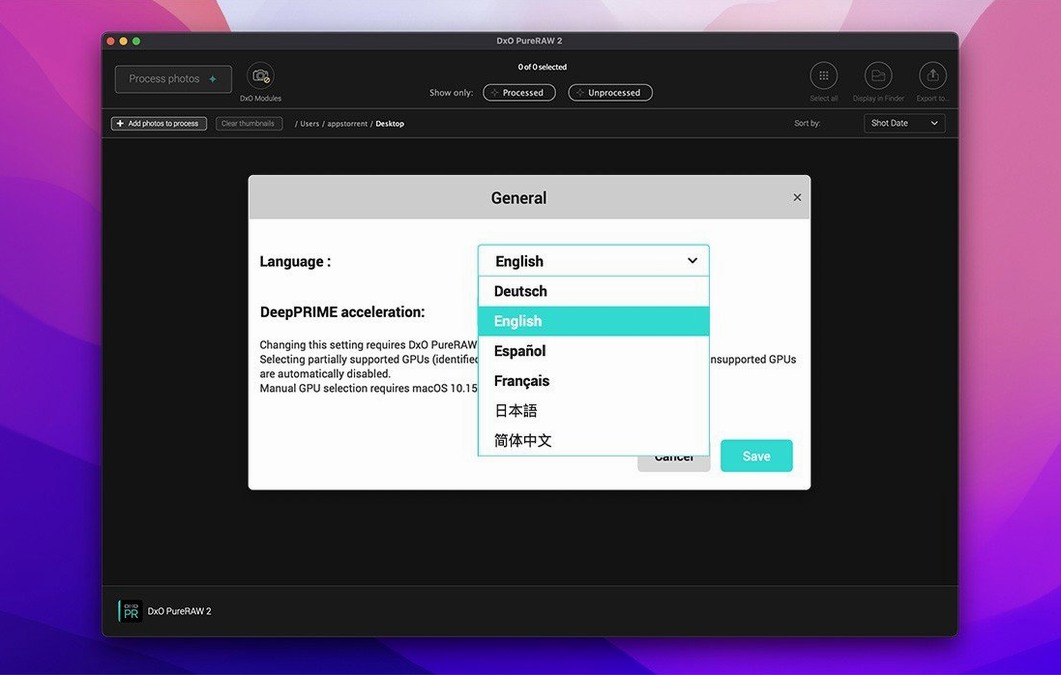
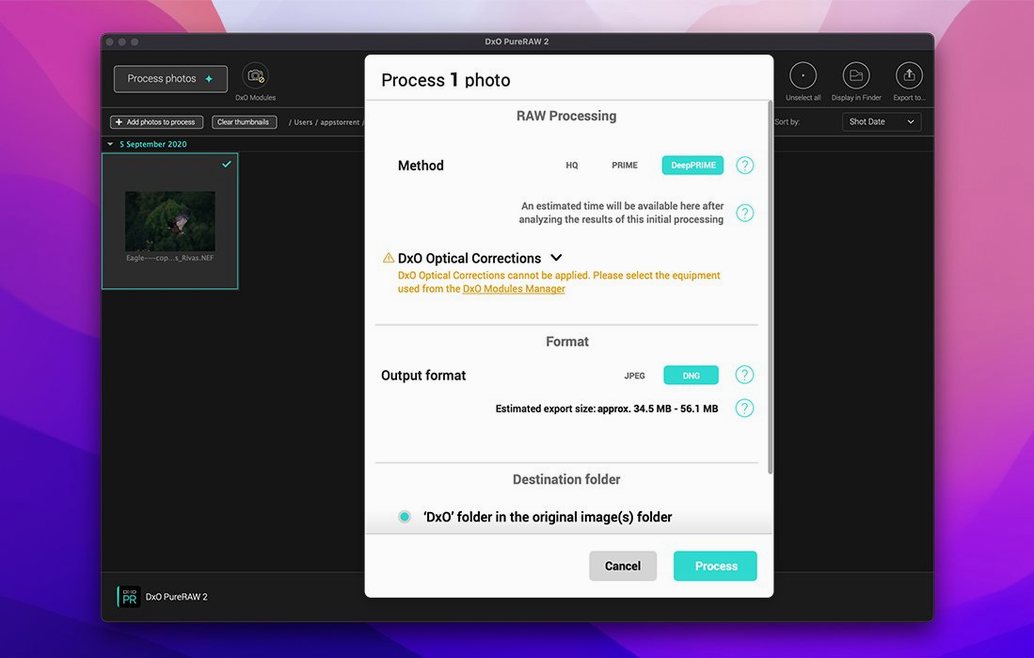
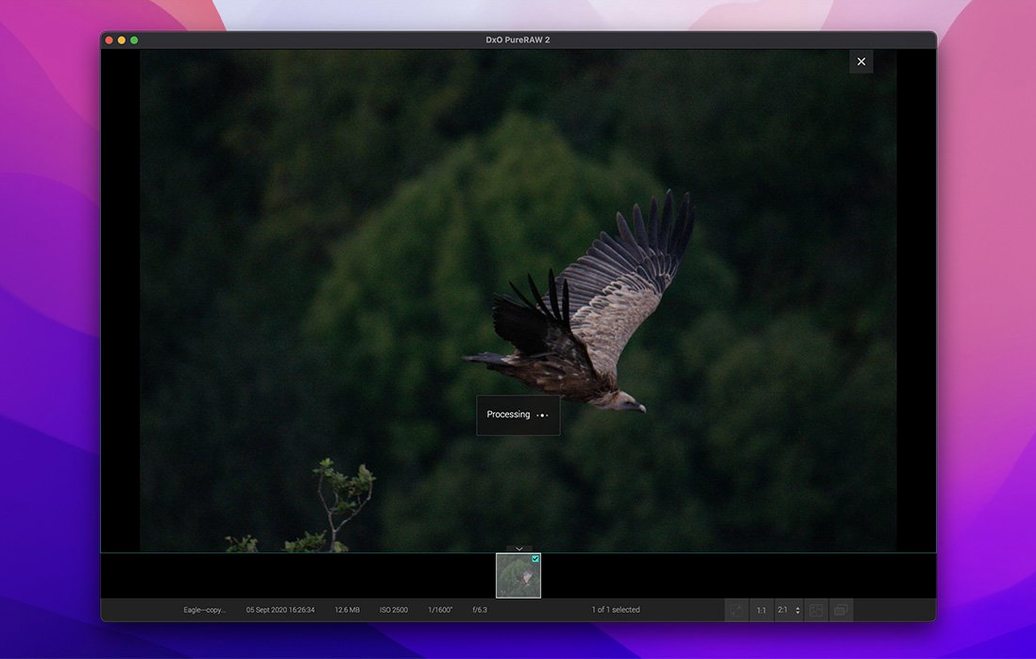
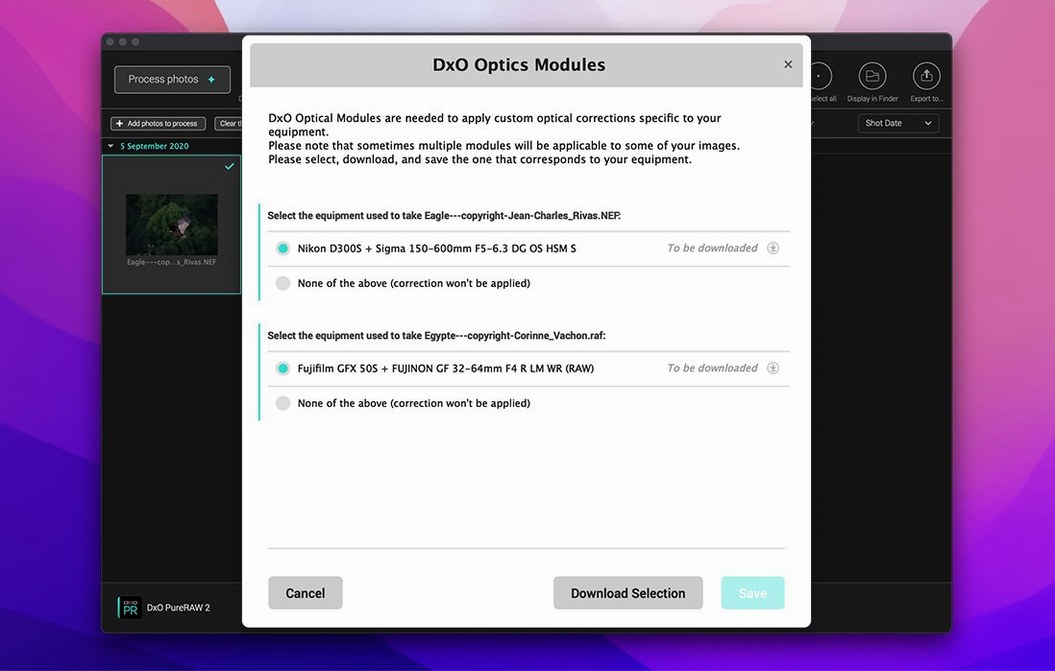
Photographers who spend hours in Lightroom Classic or Capture One finessing fine detail and luminance noise know the pain. A high-ISO shot from a Fujifilm X-Trans or Bayer sensor camera often needs cleanup before any creative work begins. DxO PureRAW 6 slots in right there — it’s a dedicated preprocessor you feed your RAWs to first, not a cataloging app or a pixel editor itself.
| What it handles | How it helps |
|---|---|
| Bayer & X-Trans RAWs | DeepPRIME XD3 denoising and demosaicing |
| Output | Linear DNG with high-fidelity compression option |
| Working color space | DxO Wide Gamut |
You drag a folder of RAW files onto the window, and PureRAW 6 computes corrected, noise-free DNGs using DxO’s DeepPRIME XD3 engine. Those DNGs then land in your regular editor with all the original flexibility intact but without the heavy lifting on noise and lens softness. The batch parallelization makes a real difference on an Apple Silicon Mac — it chews through a wedding shoot noticeably faster than doing it manually in your main app. It’s a single-step tool that fits neatly between the memory card and your catalog, and the Wide Gamut working space keeps colors consistent as you move between applications.
Wedding photographers skip hours of per-image tweaks
High-volume event and wedding photographers get the most obvious lift. A Saturday wedding delivers 1,500–2,000 frames shot at ISO 3200 and above, and running them through PureRAW 6 before import saves hours of per-image tweaking in Lightroom. The batch parallelization on an M1 or M2 Mac turns an overnight chore into something you start before dinner and collect afterward.
Fujifilm and other X-Trans shooters benefit just as much, maybe more. Some RAW converters still stumble on X-Trans demosaicing, leaving behind wormy artifacts or color smearing. DeepPRIME XD3 handles both Bayer and X-Trans arrays natively, so a dxo pureraw 6 mac download gives Fuji users a clean DNG to take anywhere — Capture One, Lightroom, or even Affinity Photo — without worrying about converter compatibility.
Print-focused landscape photographers will notice the DxO Wide Gamut working space, too. Colors that live near the edges of Adobe RGB or P3 stay intact through the preprocessing step, which isn’t always true when you bounce between different RAW engines.
Dropping card dumps into a watched folder
PureRAW 6 doesn’t try to replace anything you already use, and that’s its strength. The most natural workflow runs like this: card dump into a watched folder, PureRAW processes to DNG, then those DNGs go into your catalog. Lightroom Classic treats them like any other DNG — full non-destructive editing, no locked-in looks. Same goes for importing into Apple Photos if you want a simpler pipeline; macOS reads the linear DNGs without protest.
The AI dust spot removal ties into the preprocessing step smartly, because it cleans up sensor spots before they’re baked into your edits. If you’ve ever cloned dust out of fifty frames after a lens change in the field, you’ll appreciate not repeating that work downstream. A DxO PureRAW 6 torrent can get this running quickly — the installed app integrates quietly via drag-and-drop or the optional Lightroom plug-in, and it respects your existing folder structure so nothing gets lost between steps.
- macOS 15.7 Sequoia or later
- Apple M1 chip or Intel Mac with AMD Radeon Pro RX5700
- 8 GB RAM
- 6 GB available disk space
- 1280 × 768 display
Questions people ask
Does DxO PureRAW 6 replace Lightroom or Capture One?
No — it preprocesses RAW files into clean DNGs first, so your main editor gets a better starting point without replacing its cataloging or adjustment tools.
Also on readers' docks
Sign in or create an account to leave a comment.
No comments yet. Tell me how it got on with your other devices.