Download CleanMyMac for macOS
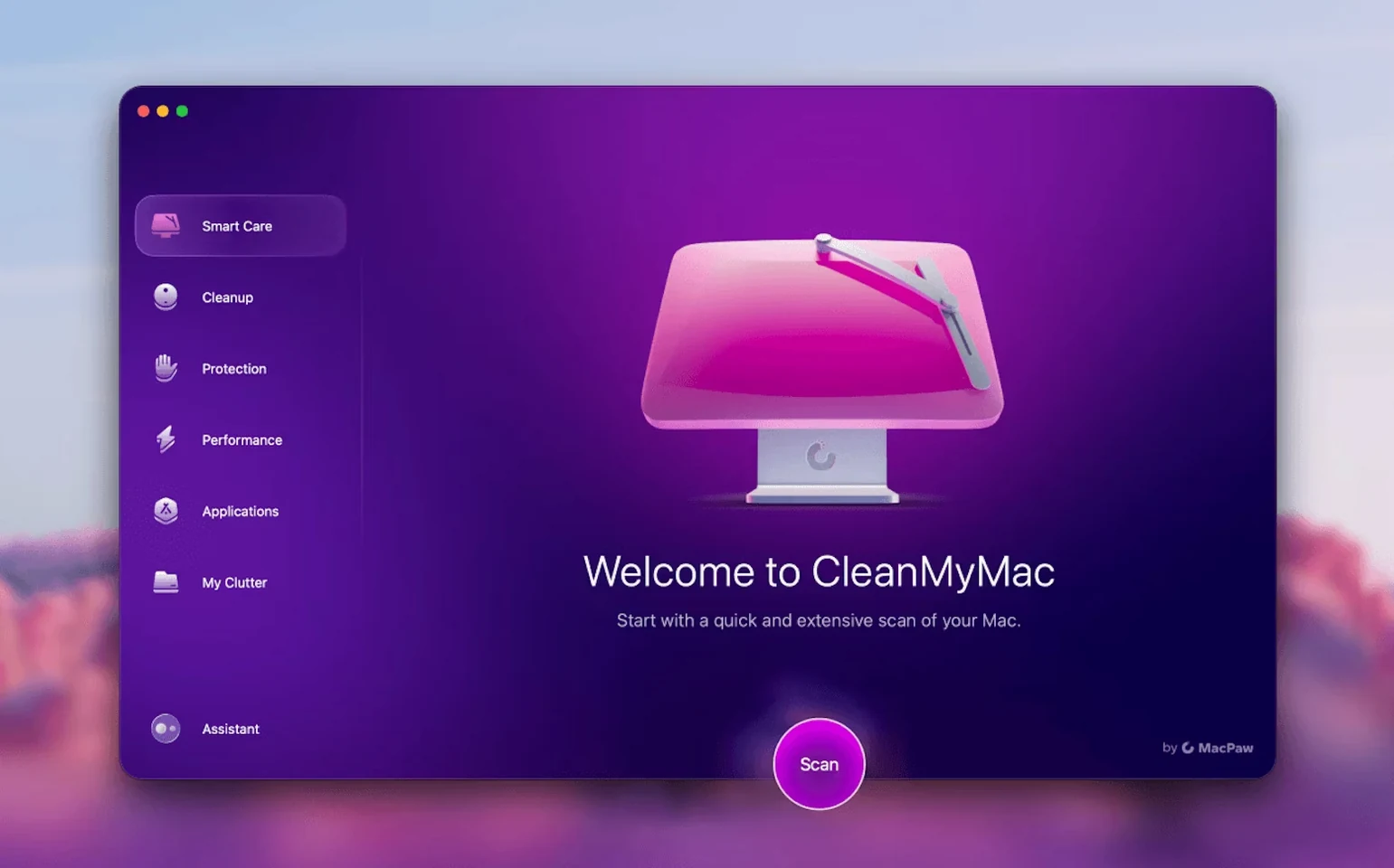
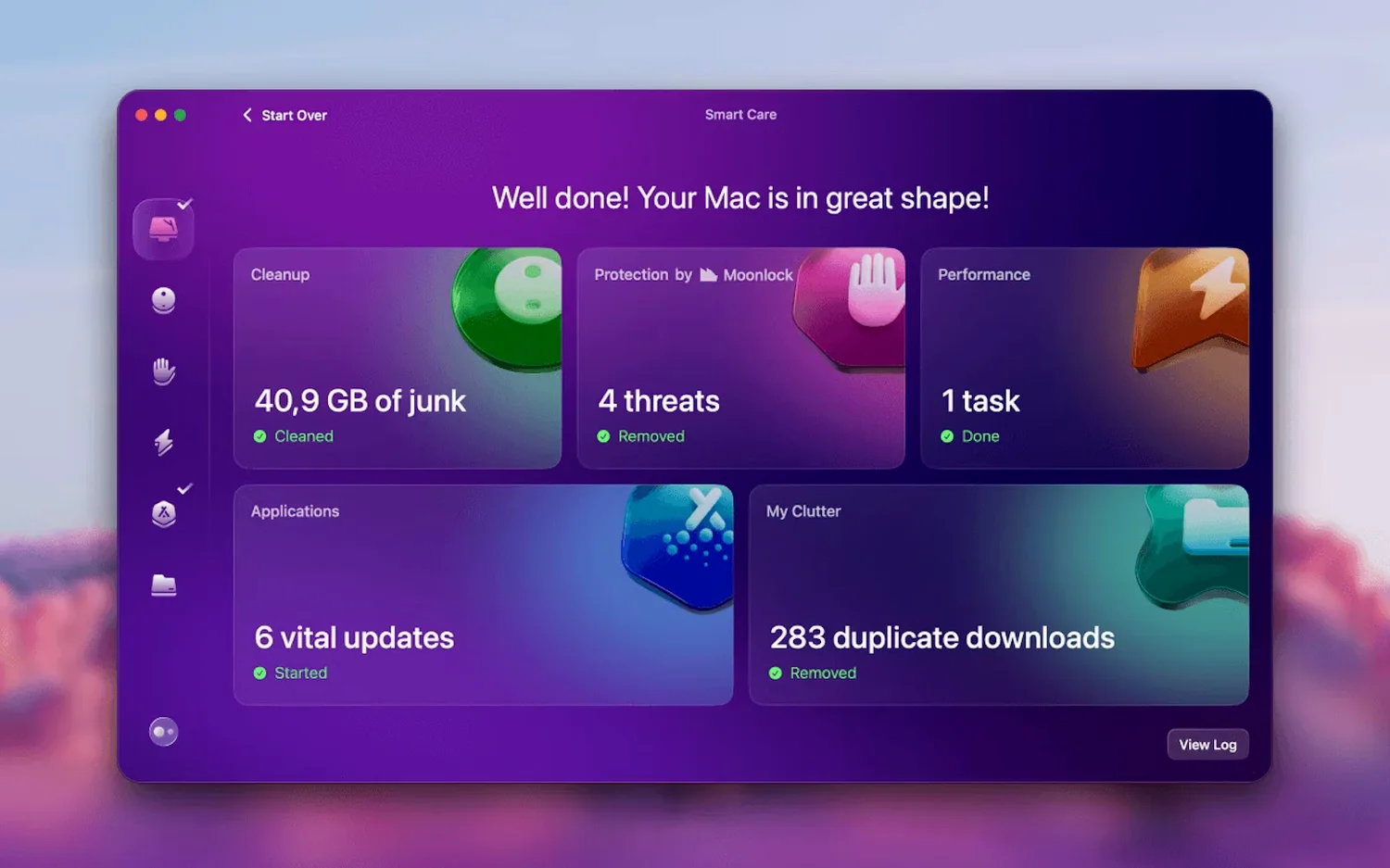
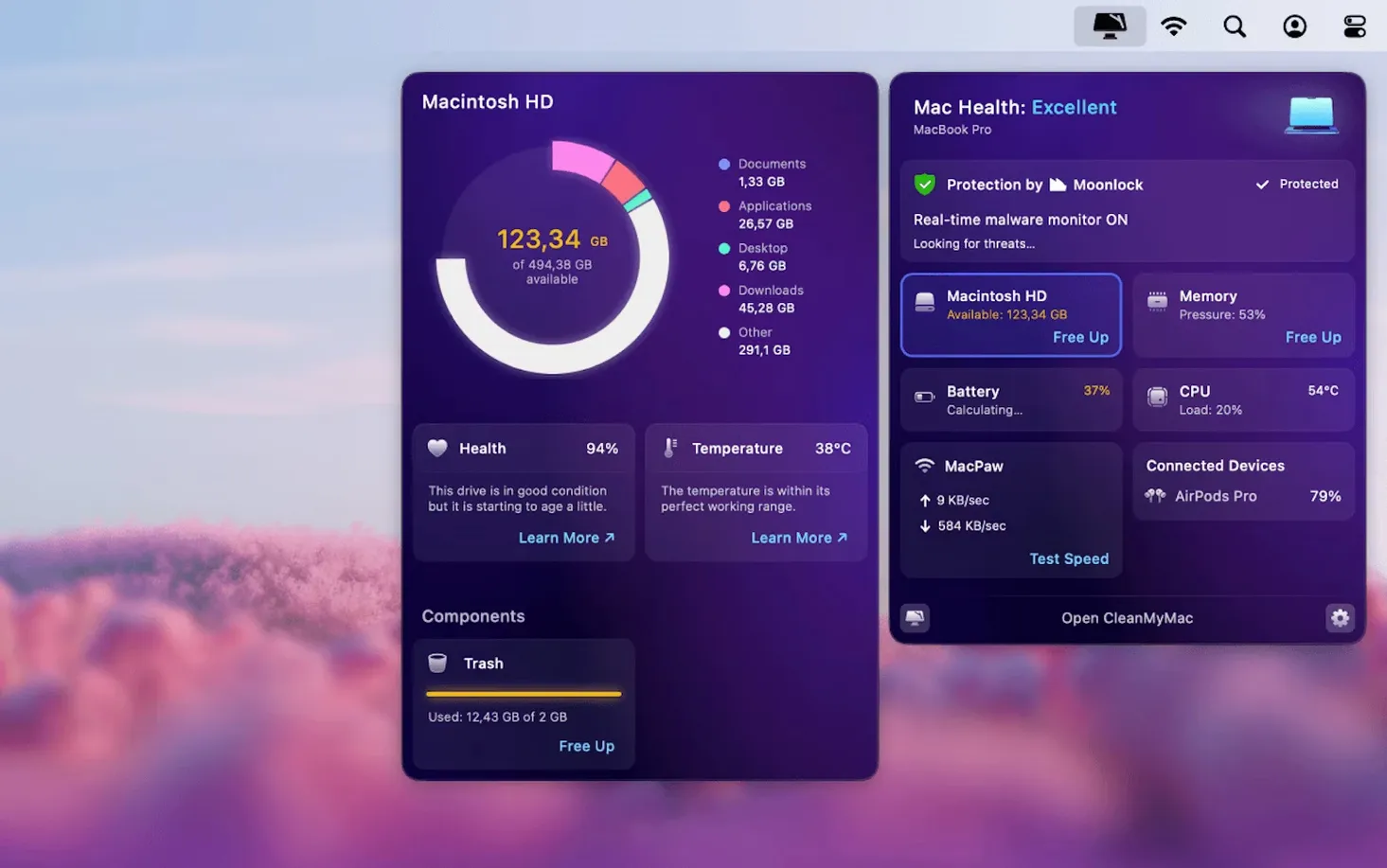
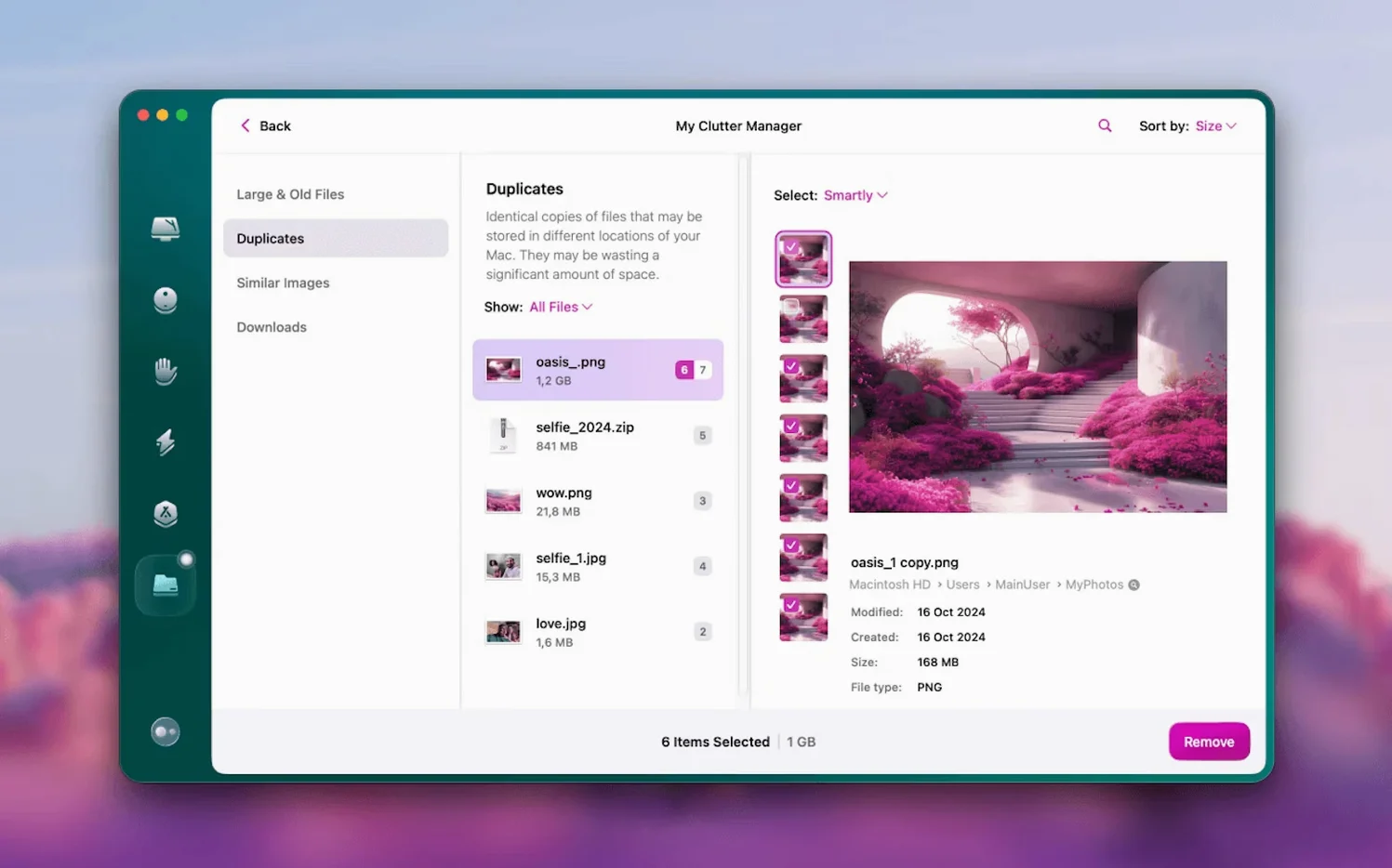
Macs rarely tell you where storage went or which files are safe to toss. A system junk scan, an app removal gone wrong, or a stray mail attachment cache can turn a fast Mac sluggish. CleanMyMac steps in as an all-in-one maintenance panel that handles cleanup, malware scanning, and performance tweaks from a single window. Here’s what people usually want to know before they run it.
- Does it delete things I might need later? The Shredder tool permanently destroys files so they can’t be recovered. Routine cleanup scans target system junk, caches, and logs — the kind of temporary clutter macOS generates on its own.
- What’s that File Scope thing? It’s a visual disk map that shows what’s eating your space, sorted by file size. Handy when you know the drive is full but Finder isn’t helping you find the culprit.
- Can it remove apps completely? Yes, the built-in uninstaller hunts down leftover preference files and support folders. MacPaw also makes a dedicated App Cleaner & Uninstaller if that’s all you need.
- Where does the mail cleaning fit in? Version 5.7.0 added direct Gmail mailbox cleanup to strip out old attachments and bloated threads without opening a browser.
System scans run fast on both Apple Silicon and Intel Macs with macOS 11 or later, and the maintenance tools cover enough ground that most people won’t need a separate updater or malware scanner alongside it.
Photographers and video editors clearing massive render caches
Not every Mac user needs a dedicated system janitor, but a few groups quickly wonder how they got by without one. Photographers and video editors who shuffle multi-gigabyte project files tend to accumulate render caches and scratch data that macOS never clears on its own. When a 1 TB drive suddenly shows 80 GB of “Other,” the visual disk map in File Scope becomes the fastest way to spot which project folder ballooned overnight.
Folks who run beta versions of macOS or juggle a lot of one-off utilities also benefit. Betas leave diagnostic logs everywhere, and trialware apps often scatter LaunchAgents and preferences across half a dozen Library folders. The uninstaller catches those leftovers in one pass, which saves a manual hunt through ~/Library/Application Support later.
Students and anyone working off a 256 GB MacBook Air get the most immediate payoff. When every gigabyte counts, the large-file finder and Gmail attachment cleanup (new in 5.7.0) free up breathing room without forcing a trip to an external drive. The malware scanner adds a second opinion alongside macOS Gatekeeper, which is reassuring if you download open-source tools or indie games outside the App Store.
Full disk access denial blocks the first scan silently
The most common hiccup happens right after installation on macOS 14 and later. If you launch CleanMyMac without granting full disk access first, the scan either refuses to run or skips system directories without a clear explanation. The fix is straightforward: open System Settings, navigate to Privacy & Security > Full Disk Access, and toggle the switch for CleanMyMac. A relaunch gets everything working.
Another occasional headache: the app updater inside CleanMyMac can lag a few days behind developer releases for apps like Firefox or Transmission. When you see an update available elsewhere that CleanMyMac hasn’t flagged, it’s usually because the database hasn’t refreshed yet. A manual scan from the Updater pane forces a lookup, and the app catches up within a day.
Some users report that the Shredder tool feels slow on spinning hard drives. That’s expected behavior — secure overwrite routines are I/O heavy, and an older Fusion Drive or external mechanical disk will take noticeably longer than an SSD. If speed matters more than forensic-level deletion, the standard system-junk removal handles temporary files without the extra passes.
Occasionally people search for cleanmymac 5.1.0 torrent files that bundle older, version-locked copies. Those builds predate the Gmail cleanup and the latest malware definitions, so to get the features covered here, just make sure you update the malware definitions and app database right after installation.
Leaves local Time Machine snapshots untouched by design
CleanMyMac doesn’t try to replace Time Machine, and it’s smart enough to leave backup snapshots alone. The system-junk scanner skips local Time Machine snapshots automatically, which prevents the weird situation where a cleaner app deletes the very backups you’d need later.
If you already use a dedicated uninstaller like AppCleaner or MacPaw’s own App Cleaner & Uninstaller, the built-in removal tool in CleanMyMac acts as a convenient backup rather than a conflict. Both tools query Launch Services for the same leftover paths, so running one after the other rarely finds anything new. Most users settle on whichever fits their muscle memory.
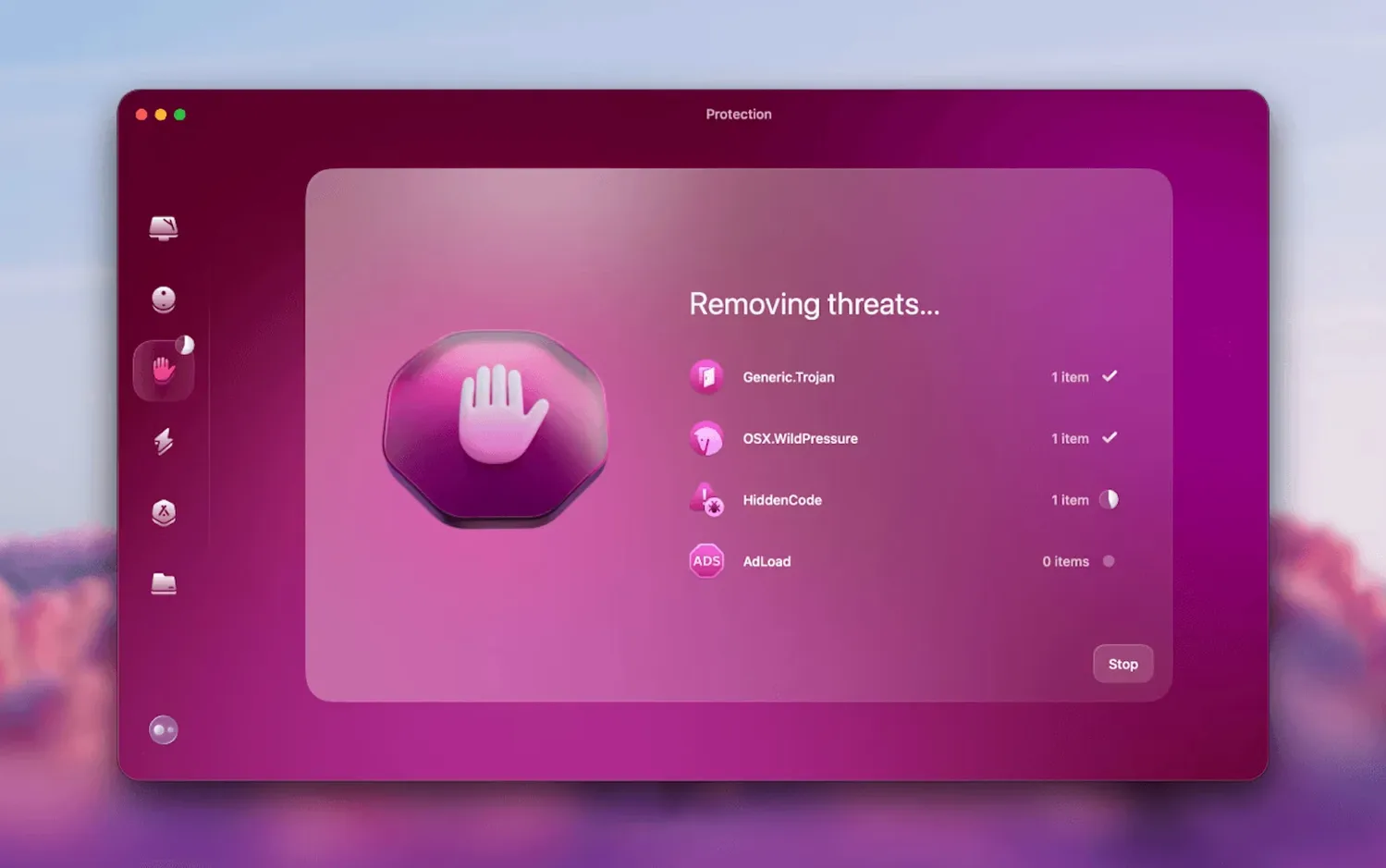
The protection module coexists fine with Gatekeeper and XProtect. It’s an on-demand scanner, not a real-time shield that fights with macOS’s built-in malware removal. You can run a scan while a third-party firewall like Little Snitch is active, and neither tool trips over the other. Just avoid running two on-demand malware scanners simultaneously — that’s a recipe for kernel panics no matter which apps you use.
For people who keep a cleanmymac mac torrent bookmark around, the Gmail cleaning tools and updater database are the main reasons to grab the latest build. Older copies miss the mail module entirely, so you'll want to manually refresh app-update definitions to keep the maintenance pane in sync with the software actually installed on your Mac.
Version 5.7.0 brings mail cleanup to the foreground:
- New Gmail mailbox cleaning that targets space-hogging attachments and old email threads directly from the app.
- Tools for managing and tidying mail accounts without switching to a web client.
- macOS 11 or later
- Works natively on Apple Silicon and 64-bit Intel Macs
- Languages: English, Russian, German, Spanish, Italian, French, Japanese, Simplified Chinese, Korean, Dutch, Polish, Ukrainian
Also on readers' docks
Sign in or create an account to leave a comment.
No comments yet. Tell me how it got on with your other devices.