
Download Cisdem AppCrypt for macOS
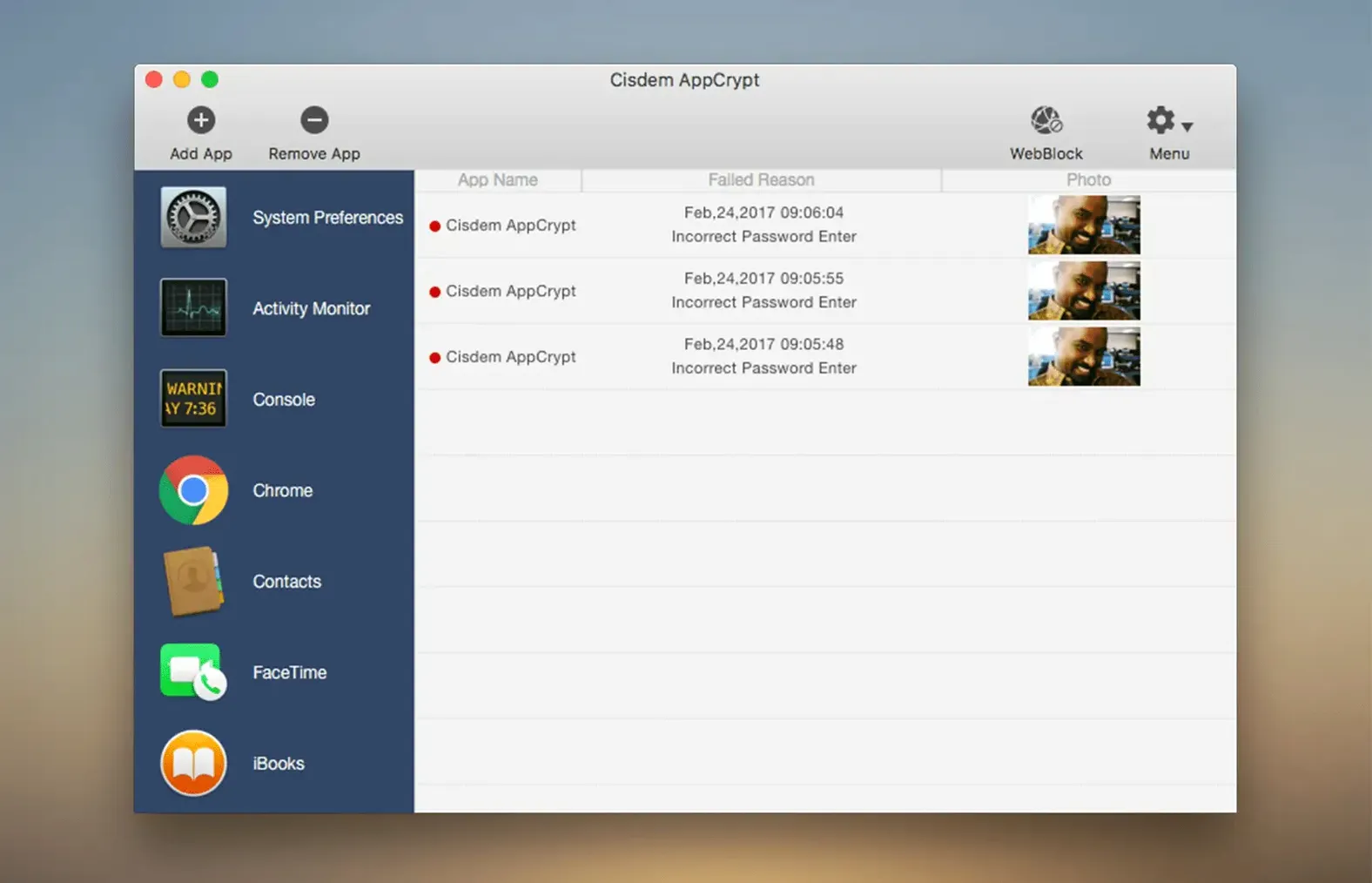
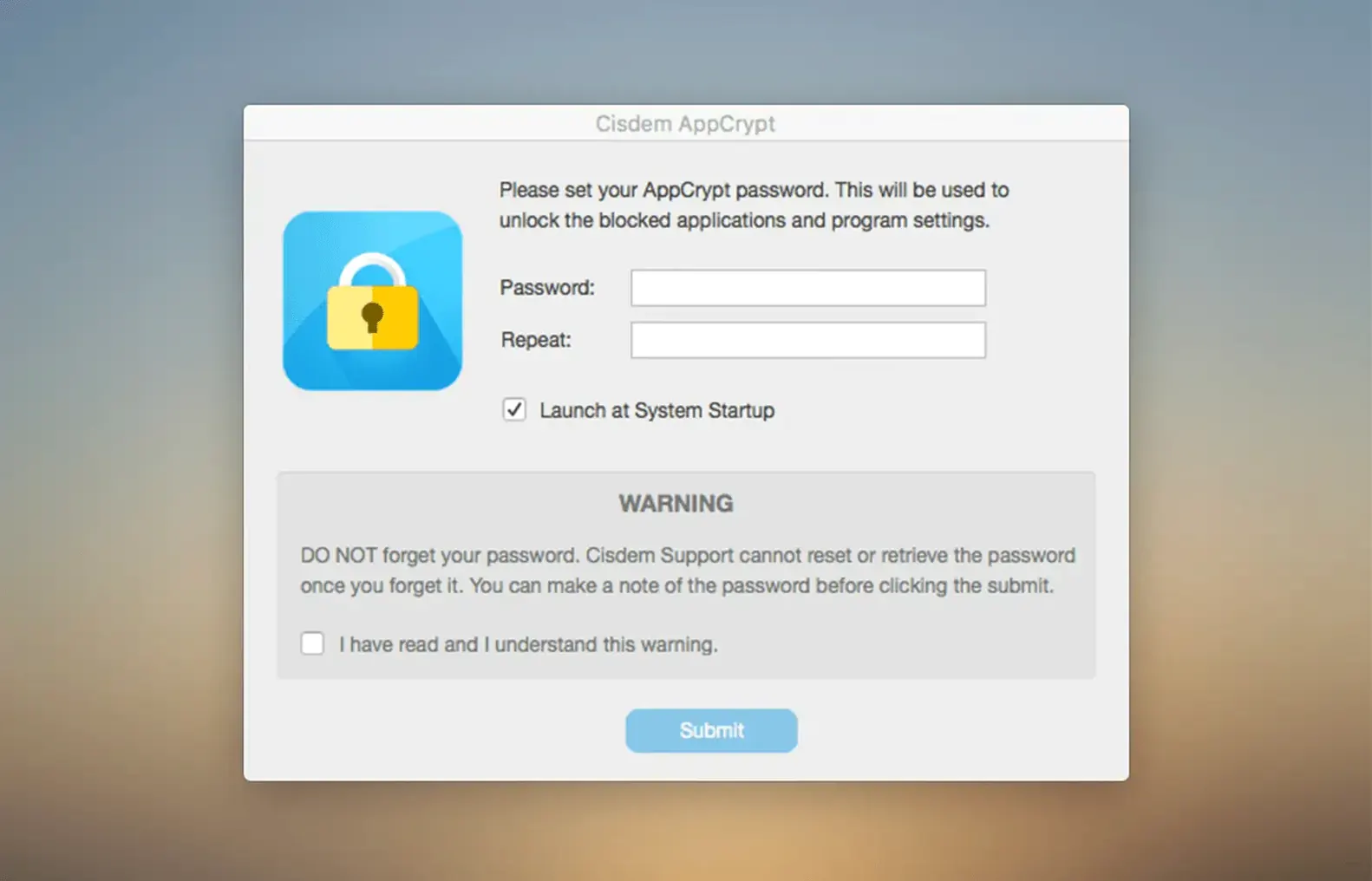
Shared desk, nosy housemate, or just keeping a work machine strictly business — Cisdem AppCrypt fits the bill when you need to fence off certain apps and websites. Think of it as a bouncer for your Mac: you hand it a list of what’s off-limits, and it asks for a password before anything launches. No fussing with separate user accounts, just targeted restrictions that stick.
Two things to set up right away
- Lock your web browsers first. Blocking the browser is the quickest way to shut down access to everything online — and AppCrypt plays nicely with Chrome, Safari, Edge, Opera, Opera GX, Arc, Dia, Ecosia, and Brave. Lock the app itself and nobody can open it to browse around.
- Add a few key websites. If you’d rather leave the browser open but fence off specific sites, drop those URLs into the Web Block list. Version 7.9.0 even lets you add sites without re-entering the password every time.
Auto-locking protected apps on sleep
Once you set a master password, any app you’ve locked will demand it before opening — and the same goes for blocked websites. When the Mac goes to sleep, managed apps lock automatically, so you don’t come back to an open door. The menu tab changes from 7.9.0 onward mean you can toggle App Lock and Web Block on the fly without typing that password again. It’s a small touch, but it keeps the friction low once you trust who’s at the keyboard.
What’s shifted in recent releases
Version 7.9.0 was the real turning point for everyday convenience. The addition of an App Allowlist flipped the script — instead of locking everything by default, you could now mark a handful of apps as off-limits while the rest of your Mac stayed open. Around the same time, the menu tab got reworked so you can enable or disable App Lock and Web Block without re-entering your password. It sounds minor, but when you’re hopping between focused work and handing the machine to a kid, those few saved seconds add up.
The sleep-lock behavior that arrived in 7.9.0 also changed the rhythm of use. Close the lid, walk away, and every managed app is secured by the time you come back. No more remembering to lock things manually. By the time 7.11.0 shipped, the polish was on stability — fewer quirks, smoother toggling, and the same broad browser compatibility across nine browsers including Arc, Dia, and Ecosia alongside the usual names.
A parent’s afternoon with cisdem appcrypt for mac
Picture a freelancer whose ten-year-old gets home from school at three. The Mac is the family machine, parked in the living room, and it holds everything from client contracts to a Steam library. Before AppCrypt, the ritual was logging out and into a separate kid account. Now the parent simply locks Messages, Mail, and the finance app, then adds a few distracting game titles to the lock list. Safari stays open but a handful of sites — mostly YouTube and a couple of browser games — land in the Web Block list. The kid can research homework and listen to music, but the grown-up corners of the machine stay behind the master password, no account-switching required.
Locking personal apps for a guest presenter
Say a colleague is stopping by and you want them to use your Mac for a presentation without poking through personal apps. Here’s the quick lock-down with cisdem appcrypt macos:
- Open AppCrypt and enter your master password.
- Click the App Lock tab, then drag Messages, Photos, Notes, and any work-chat app into the locked list.
- Switch to Web Block and paste in URLs for personal email, social media, and cloud storage. Version 7.9.0’s quick-add means no password prompt for each entry.
- Check the menu bar icon — App Lock and Web Block show as active. Hand over the machine.
- When they leave, click the menu tab to toggle both off, and everything’s back to normal.
The whole routine takes about ninety seconds once you know where things live, and the sleep-lock feature catches anything you forgot if the Mac nods off mid-presentation.
- macOS 10.12 Sierra through macOS 26.0 Tahoe
- Intel or Apple Silicon processor
- 512 MB RAM or more
- 50 MB free disk space
Questions people ask
Which browsers can Cisdem AppCrypt block websites in?
The user guide lists nine supported browsers: Chrome, Safari, Edge, Opera, Opera GX, Arc, Dia, Ecosia, and Brave.
Does Cisdem AppCrypt lock apps when my Mac goes to sleep?
Yes, since version 7.9.0 managed applications lock automatically when the Mac enters sleep mode.
Also on readers' docks
Sign in or create an account to leave a comment.
No comments yet. Tell me how it got on with your other devices.