Download CapCut for macOS
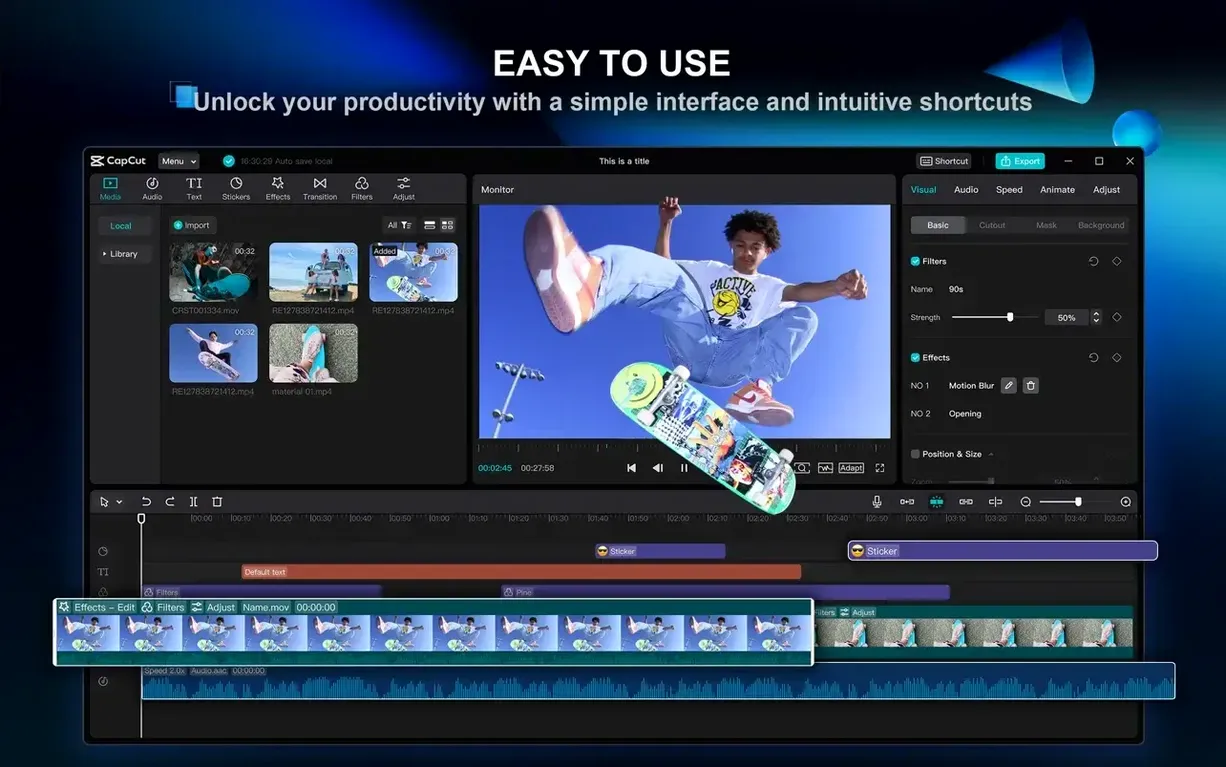
CapCut 9.3.0 lands on Intel 64-bit and Apple Silicon Macs running macOS 10.14 or later, and it runs surprisingly well even on a modest 2-core processor. That wide compatibility means you don't need the latest hardware to get into serious video work, though the M-series chips give rendering times a noticeable kick.
| Detail | Info |
|---|---|
| Developer | ByteDance |
| Current Version | 9.3.0 |
| Architecture | Intel & Apple Silicon |
| Minimum OS | macOS 10.14 |
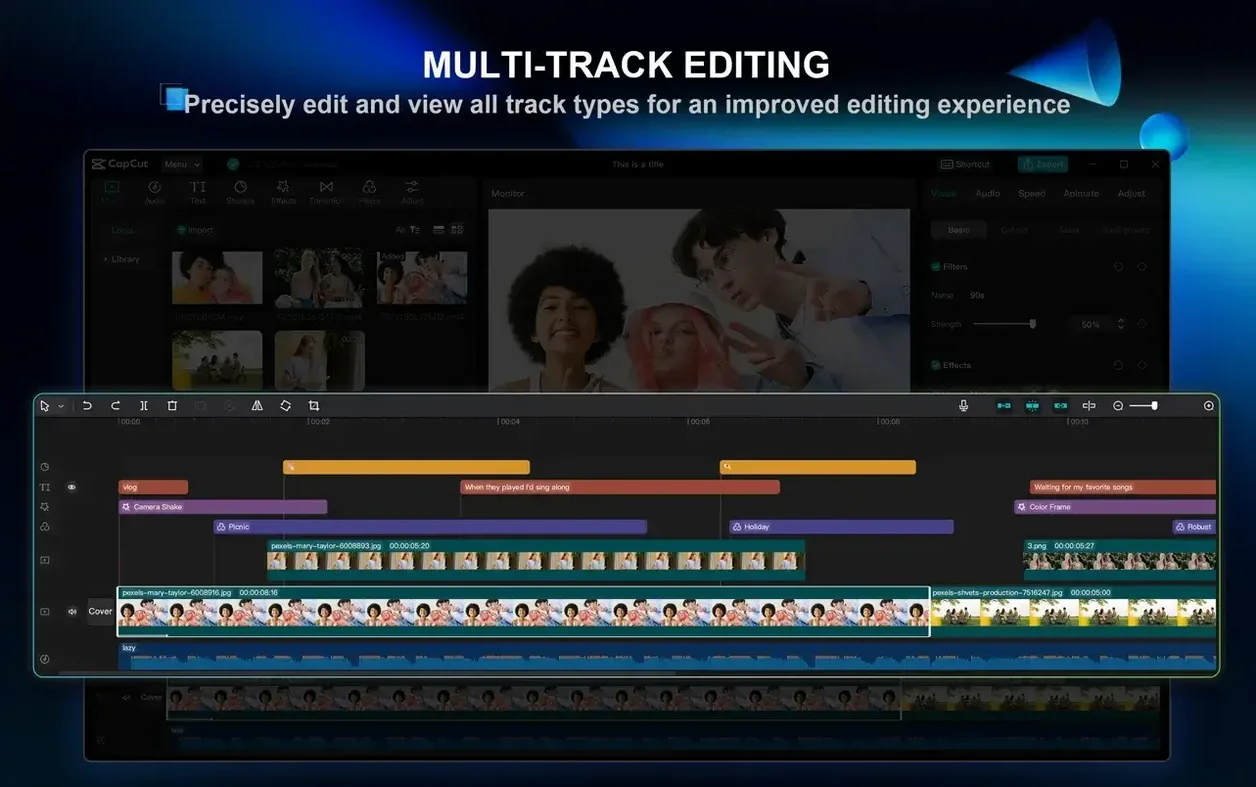
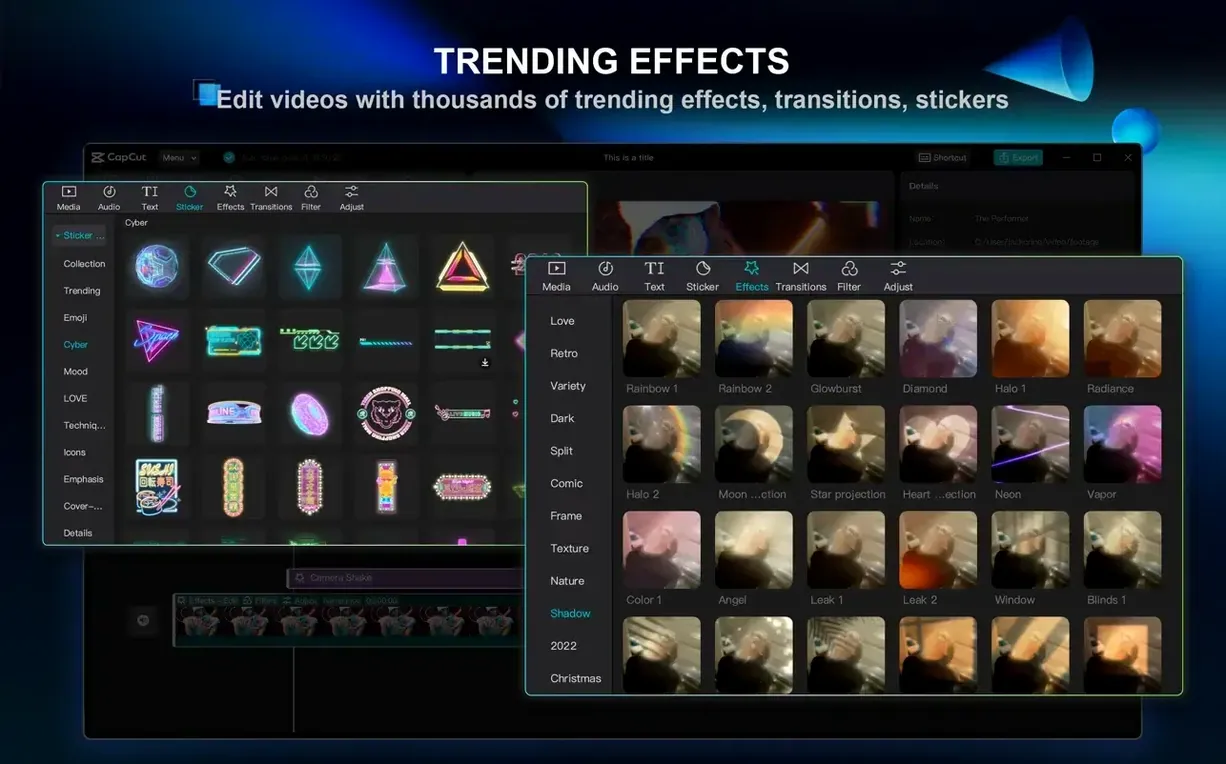
Beyond basic cutting and joining, the toolset here rewards editors who like to build layers. Multi-track editing sits at the core, letting you stack video, audio, text, and effects without flattening anything prematurely. The chroma key tool is color-based and surprisingly precise for a free editor — pick a shade on a green screen clip and the matte cleans up with minimal spill. One-click background removal handles the trick when you don't have a clean key to pull, isolating a subject from a busy shot with a single toggle. Experienced hands will appreciate the way these sit alongside familiar timeline trimming, split, and ripple-delete behaviors, paired with a library of transitions and LUTs that don't feel like cheap presets. It's a setup that encourages you to iterate rather than commit too early.
AI Tools That Respond Before You Finish Clicking
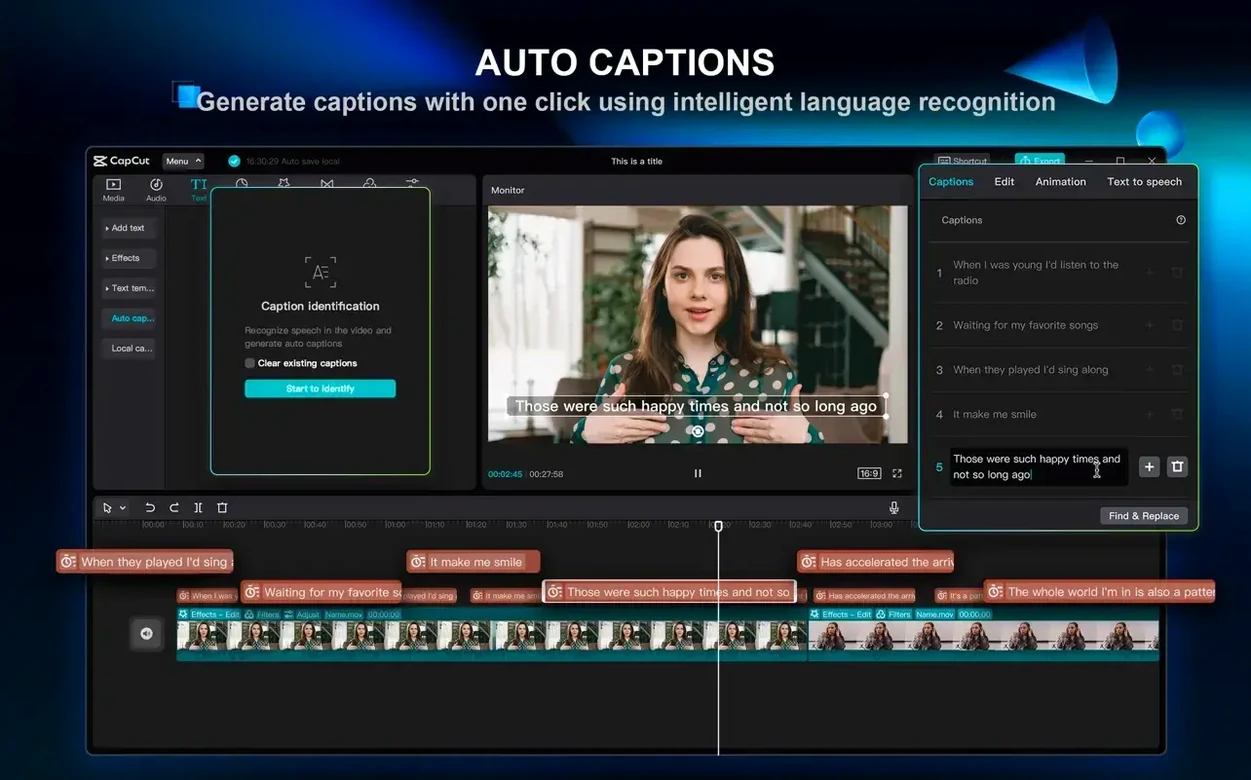
Version 9.3.0 didn't rewrite the editor from scratch, but the refinements are the kind you feel after a few hours of cutting. The biggest shift for me is how the AI-assisted features got noticeably faster to respond — particularly the auto-subtitle generator. Earlier builds would pause for a beat while processing speech in a 10-minute clip; now it streams the text onto the timeline while it's still analyzing, so you can start proofreading sooner. Filler word removal got smarter too. Where it used to be a bit overeager with short pauses, the current version leaves natural conversational gaps alone and only strips the obvious "um"s and "you know"s. For podcast editors or anyone cleaning up talking-head footage, that's a genuine timesaver.
Stabilization also improved in a way that isn't splashy but matters. Clips with a mix of slow pans and handheld shake now resolve with less of the jelly-like warping that older versions sometimes introduced at the edges of the frame. It's still not a replacement for a gimbal, but walking shots come out usable more often.
A Workflow: Script-to-Video in Under 15 Minutes
Here's a scenario I run into constantly — a short social media clip that needs to go from a paragraph of text to a finished video. Start by pasting your script into the text-to-video panel. CapCut parses the sentences and hands you back a rough scene breakdown, each line matched to a stock clip from its library. You can swap any suggestion with a drag, but I find the first pass is usually 70% right. Next, pick a text-to-speech voice from the list — the English options cover a decent range from newsreader-crisp to casual — and let it generate a narration track. Drop that onto the timeline as your spine.
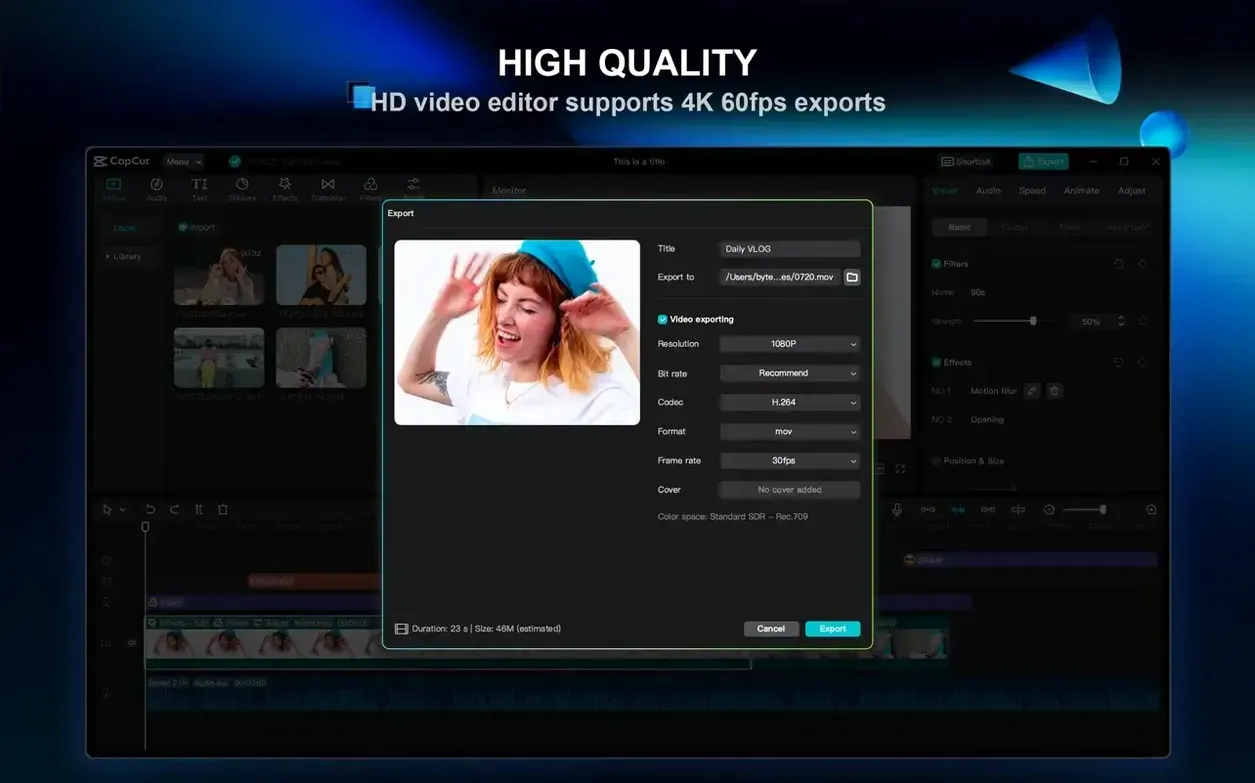
Now the fun part: pull in your own B-roll on a second track, using the auto-generated scenes as placeholders you replace one by one. Use the split shortcut (Command+B) to trim each clip to the beat of the narration, then add transitions between them with a quick drag from the transitions panel. Auto-captions go on a third track, generated from the narration audio with a single click. The whole thing — from blank canvas to a 4K export at 60 fps — took me eleven minutes last time I timed it. For platform-native vertical cuts, just change the aspect ratio in the project settings before you start and the text layouts adapt automatically.
Option-Drag to Duplicate and Other Hidden Shortcuts
A few things I only discovered after weeks of use:
- Holding Option while dragging a clip on the timeline creates a duplicate instead of moving the original. Saves constant copy-paste trips when you want to reuse a segment.
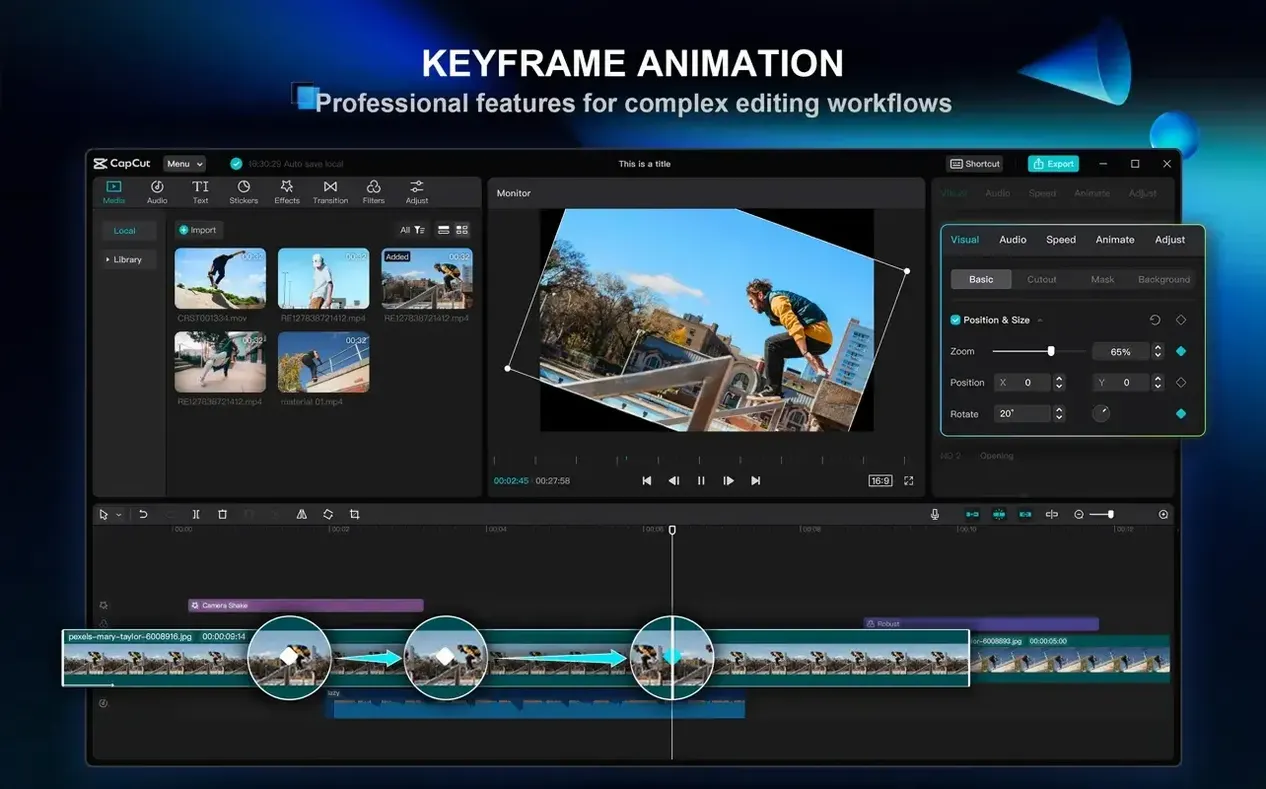
- The keyframe panel accepts manual numerical input — double-click any keyframe diamond and you can type exact position or scale values instead of eyeballing it in the preview window.
- Right-clicking any effect in the applied effects list gives you a "save as preset" option. I've built a small library of custom looks this way that I drop onto clips without reconfiguring sliders every time.
- Text-to-speech voices support punctuation pauses — a comma adds a short break, a period a longer one. Writing your scripts with that in mind makes the generated narration sound far more natural.
- If you're hunting down a CapCut Pro torrent or a CapCut Mac torrent for older versions, you'll miss these 9.3.0 refinements entirely — the background removal alone is worth the current build. Some folks searching for a CapCut Pro Mac torrent or any CapCut torrent will want to check that their system meets the latest requirements, because ByteDance keeps the Mac version genuinely current, and a CapCut Pro for Mac torrent often lets you explore a feature set that's fascinating to compare with what you get here.
- macOS 10.14 or later
- Intel 64-bit or Apple Silicon Mac
- 2-core processor minimum
Also on readers' docks
Sign in or create an account to leave a comment.
No comments yet. Tell me how it got on with your other devices.