Download BAO Mask Avenger for macOS
Version 2.7.5 squashed a pesky M1 compatibility bug, so Mac users on Apple Silicon can get back to animating without a hitch. It's the kind of fix that keeps a deep tool running smoothly.
Direct vertex and tangent control
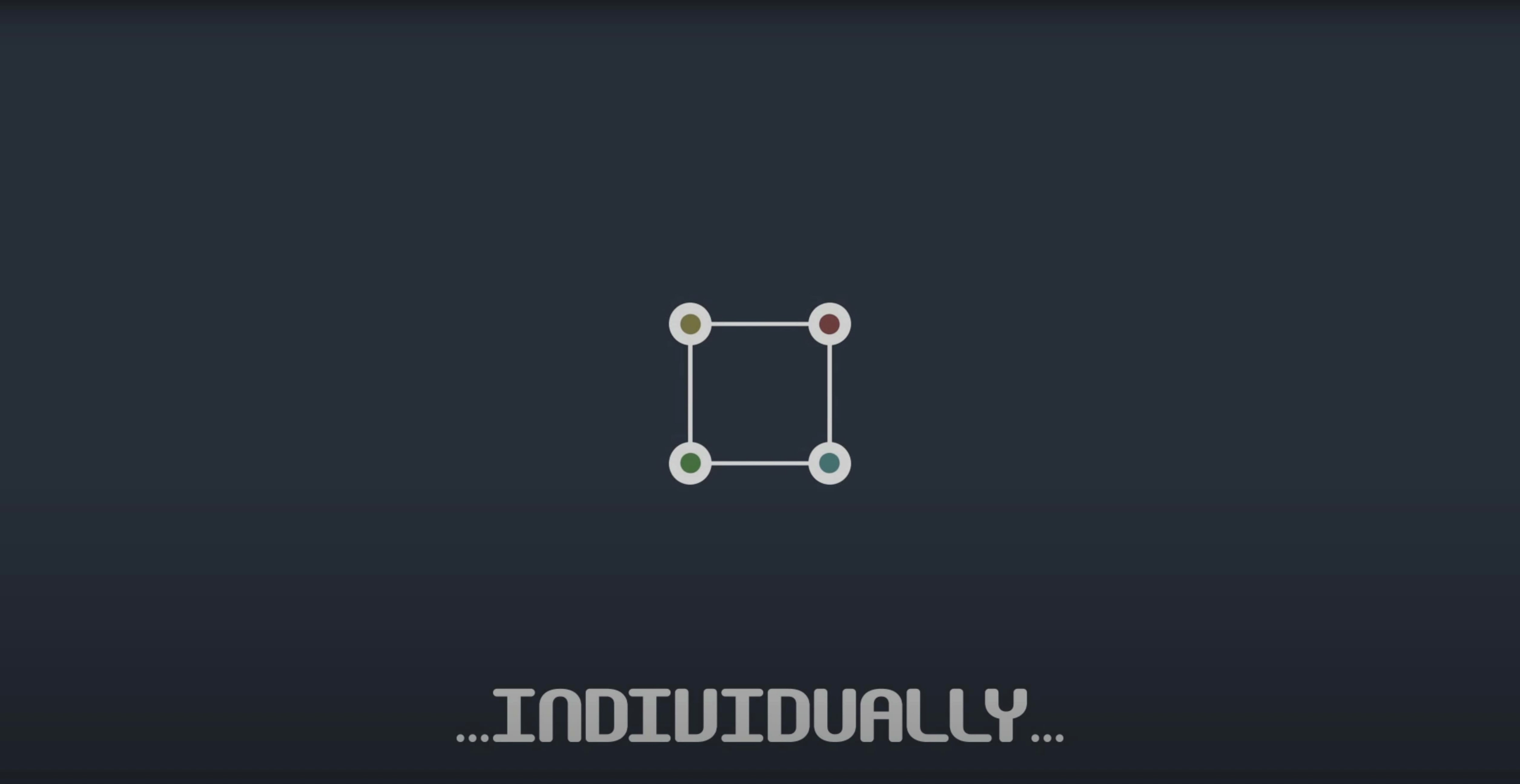
Instead of being limited to the whole mask shape, you get direct, individual access to every vertex and its tangent handles. Think of it as switching from moving a whole constellation to repositioning each star independently.
Can I animate those individual points over time?
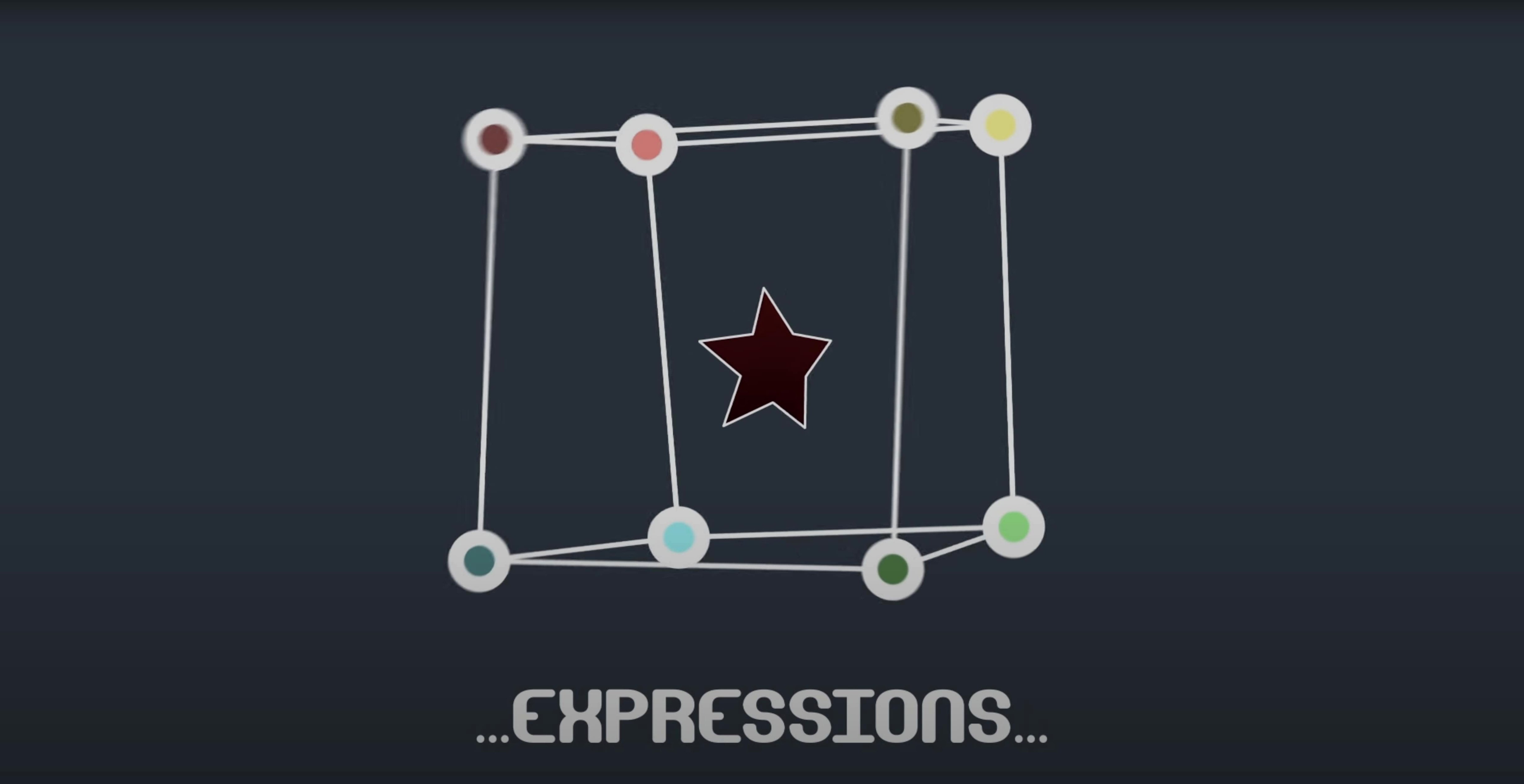
Absolutely. Each vertex and tangent you control can be keyframed, eased, and driven by expressions. This turns a simple mask path into a fully rigged, frame-by-frame morphing tool for complex reveals and transitions.
Follows mask paths through 3D space
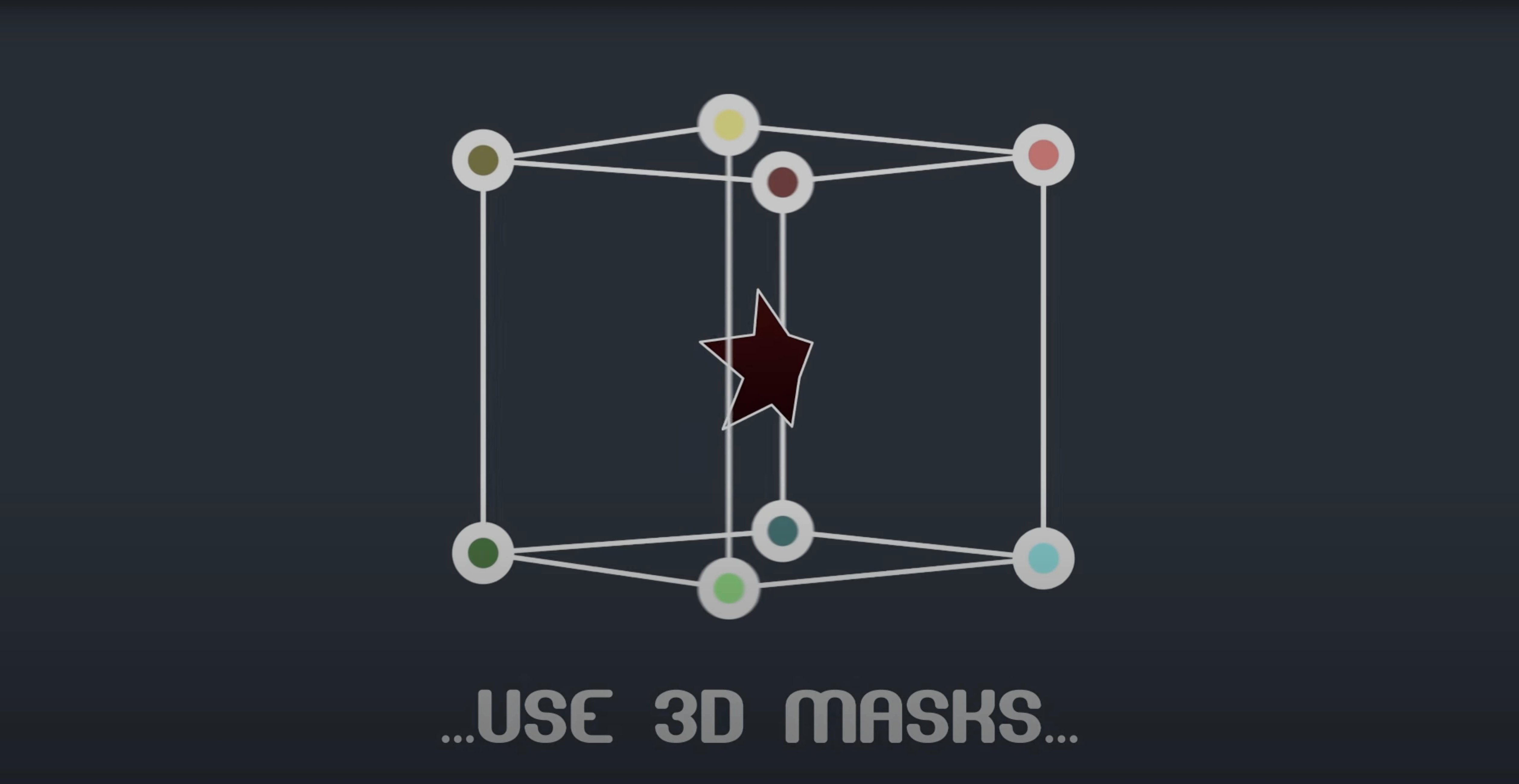
It does. The plugin reads position and orientation data directly from the mask path, which means your finely tuned vertices can follow along correctly even when a layer is flying through 3D space.
How BAO Mask Avenger stacks up against similar tools
After Effects artists who need per-vertex control have a few options, but they come with different trade-offs. Here's how Mask Avenger fits into the landscape.
Mask Avenger vs. AE's built-in Free Transform — The native Free Transform mode lets you rotate, scale, and skew an entire mask in one go, but it doesn't expose individual vertices for keyframing. Mask Avenger integrates with Free Transform (you can use both simultaneously) while adding what AE leaves out: direct vertex-level animation with its own easing curves. If you've ever tried to manually keyframe a dozen mask points for a morphing effect, the difference is night and day.
Mask Avenger vs. Newton or other physics engines — Tools like Newton handle mass, gravity, and collisions beautifully for whole objects, but they aren't designed for surgical mask-vertex work. Mask Avenger doesn't simulate physics; it gives you manual, expression-driven control over each point. For precise, frame-by-frame reveals and trail effects, that's often what you actually want. The two approaches complement each other — use Newton for broad object motion, then switch to Mask Avenger when a mask path needs detailed reshaping.
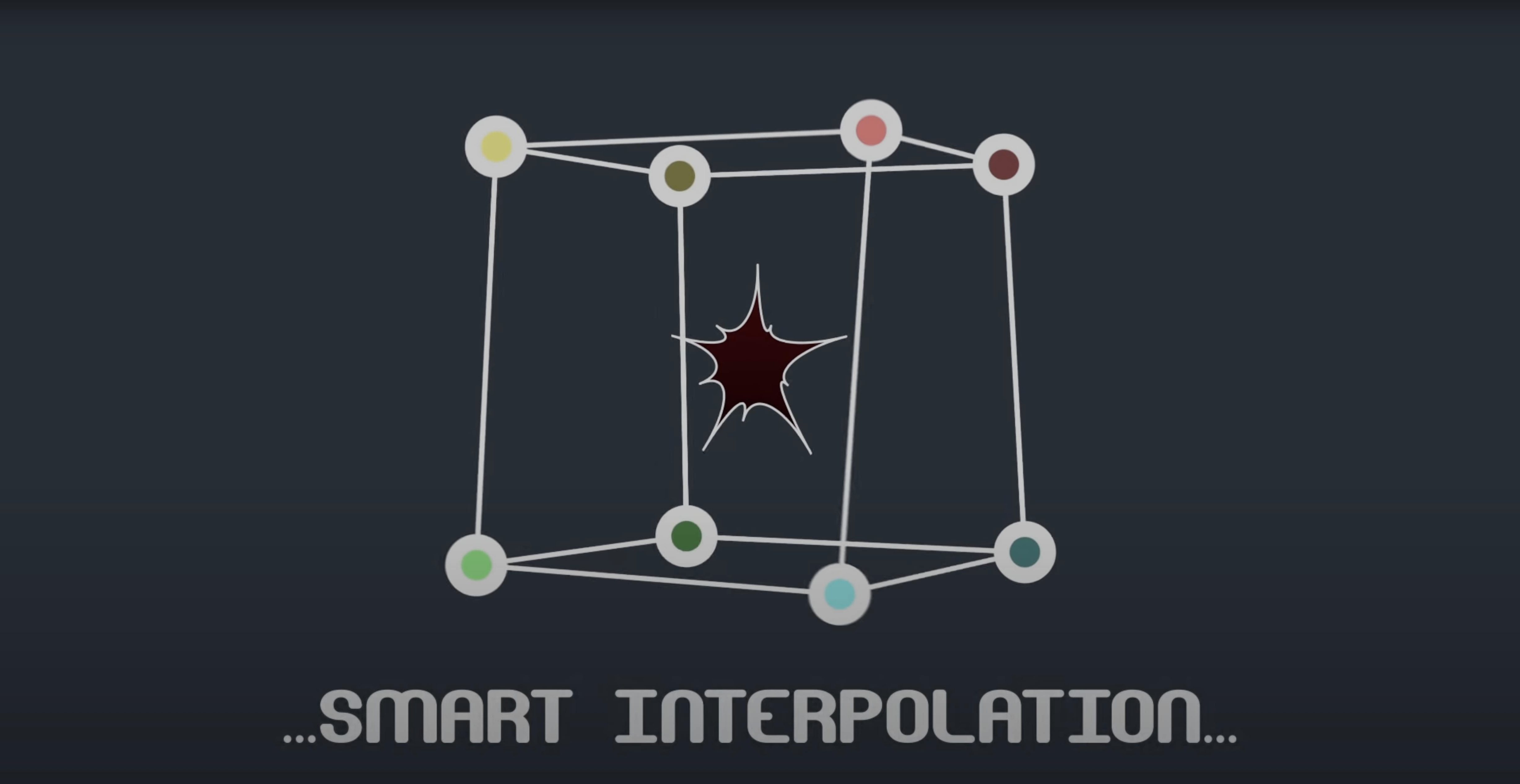
Mask Avenger vs. expressions alone — You can write expressions to drive mask vertices, but the workflow gets clunky fast. Mask Avenger wraps that complexity into a visual interface with pick-whip linking to nulls and trackers. The intelligent interpolation mode, which can base movement on center of gravity or an independent anchor point, would take dozens of lines of expression code to replicate. For anyone who's searched for an avenger vst torrent or stumbled across a vps avenger mac torrent while hunting for animation plugins, this one's strictly an After Effects affair — no VST confusion here.
Center-of-gravity interpolation shift
The defaults work fine, but a few tweaks in the first ten minutes will make the plugin feel like yours.
- Switch interpolation modes early. The plugin defaults to a standard interpolation, but the center-of-gravity mode often produces smoother, more organic motion — especially when a mask rotates while its vertices shift. Test both on a short three-keyframe animation and watch how the in-betweens differ.
- Set your tangent display preferences. Full tangent control gives you Bézier-like handles on every vertex, which is powerful but visually noisy. If you're working on a complex mask with twenty points, try vertices-only mode until you actually need to fine-tune curve tension. You can always toggle back.
- Bind a shortcut for freeze mode. Freeze mode bakes the effect so collaborators without the plugin can still see your work. If you're sharing projects regularly, having quick access saves repeated trips to the menu. Assign it to something memorable.
First days with Mask Avenger: practical tips
After installing, resist the urge to jump straight into a client project. Spend an afternoon with a test composition and you'll avoid frustration later.
Start with a simple rectangle mask. Add four keyframes, move individual vertices around, and watch how the interpolation modes reshape the in-betweens. This tiny exercise teaches you more about the plugin's rhythm than reading documentation ever will.
Null linking is your best friend. Create a null layer, pick-whip a mask vertex to its position, then animate the null instead of the vertex directly. The motion feels more natural, and you can reuse the null setup across multiple masks. Artists who've grabbed a VPS Avenger 2 torrent to explore animation shortcuts will appreciate how much this speeds up complex rigs.
Use the freeze mode as a checkpoint system. Before trying something experimental, freeze a working version on a duplicate layer. If the next idea goes sideways, you've got a baked fallback that looks exactly right — no undoing through fifty steps of vertex tweaks.
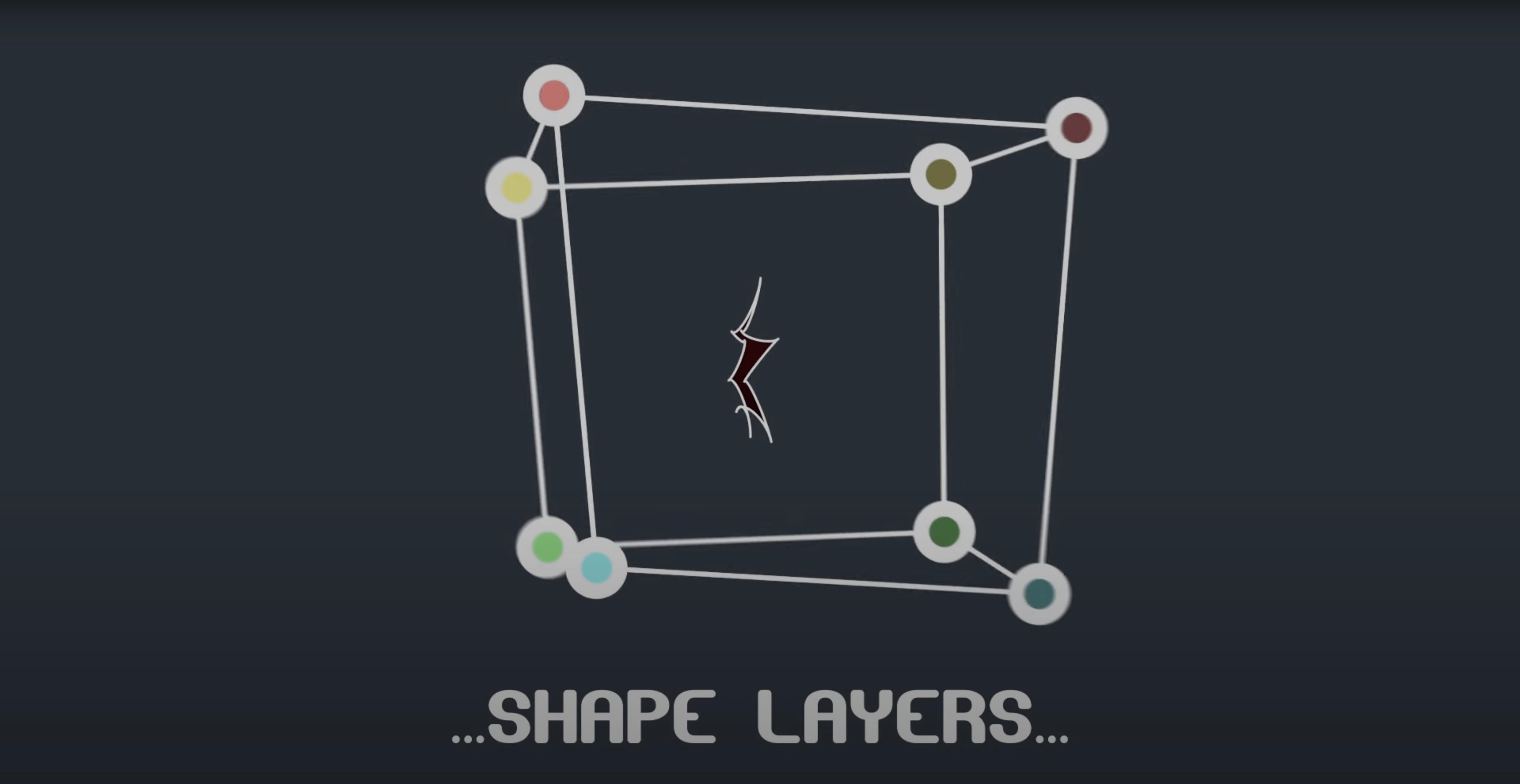
Pair it with shape layers. Mask Avenger can apply its magic to shape layer paths, not just masks. Draw a wavy line with the pen tool, apply the plugin, and animate a few vertices outward while keeping the rest locked. The result is a controlled reveal that would be tedious to keyframe by hand.
- Fixed an M1 compatibility issue on Mac.
- Apple Silicon & Intel
- After Effects 2024, 2023, 2022, 2021, 2020, CC 2019, CC 2018, CC 2017, CC 2015.3, CC 2015, CC 2014, CC, CS6
Questions people ask
Can I link mask points to other layers?
Yes, it includes integrated scripts for linking mask vertices to null layers, giving you a simple way to parent mask animation to other objects in your scene.
Does it force me to use tangents, or can I stick to vertices only?
You're in full control; the plugin can operate on vertices alone or with complete tangent control, depending on how precise you need your path editing to be.
Is it a native plugin or a script?
It works as a native After Effects plugin that hooks into AE's own masking functions, keeping everything responsive and familiar.
Also on readers' docks
Sign in or create an account to leave a comment.
No comments yet. Tell me how it got on with your other devices.