Download Aspect Ratio for macOS
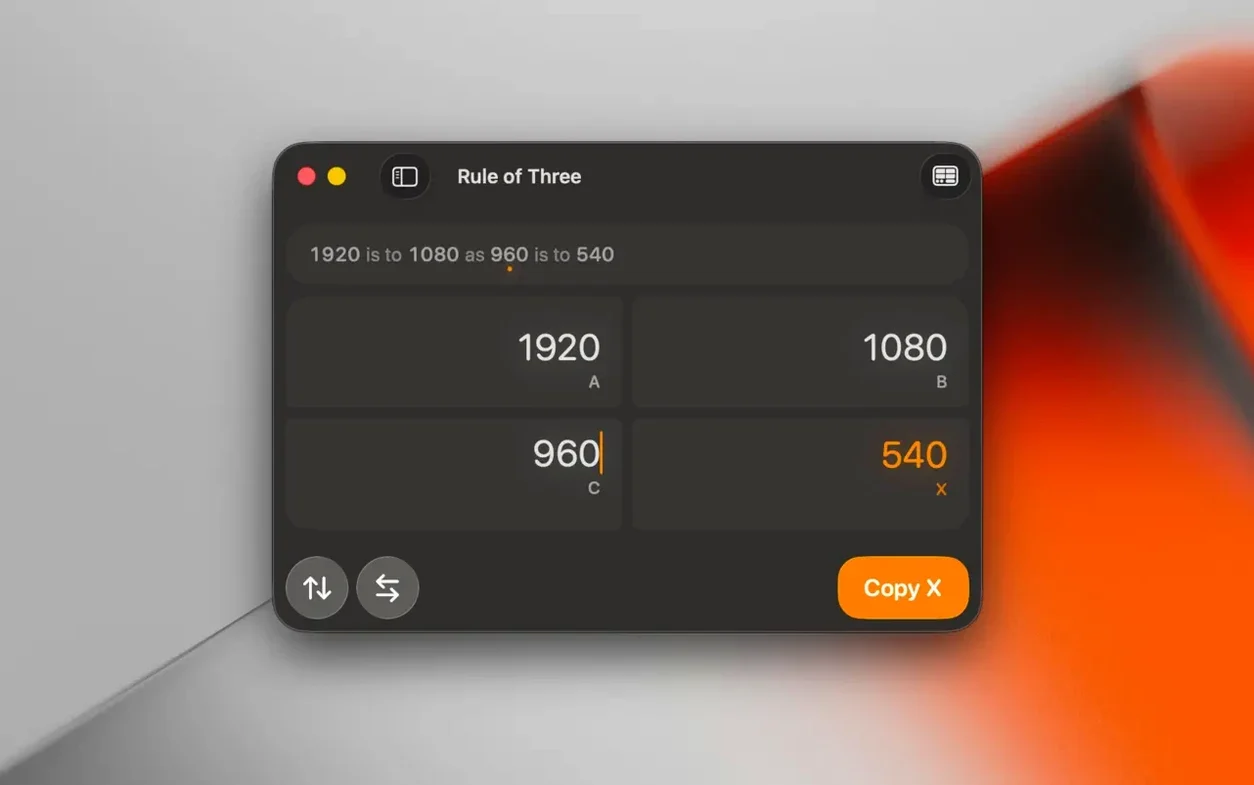
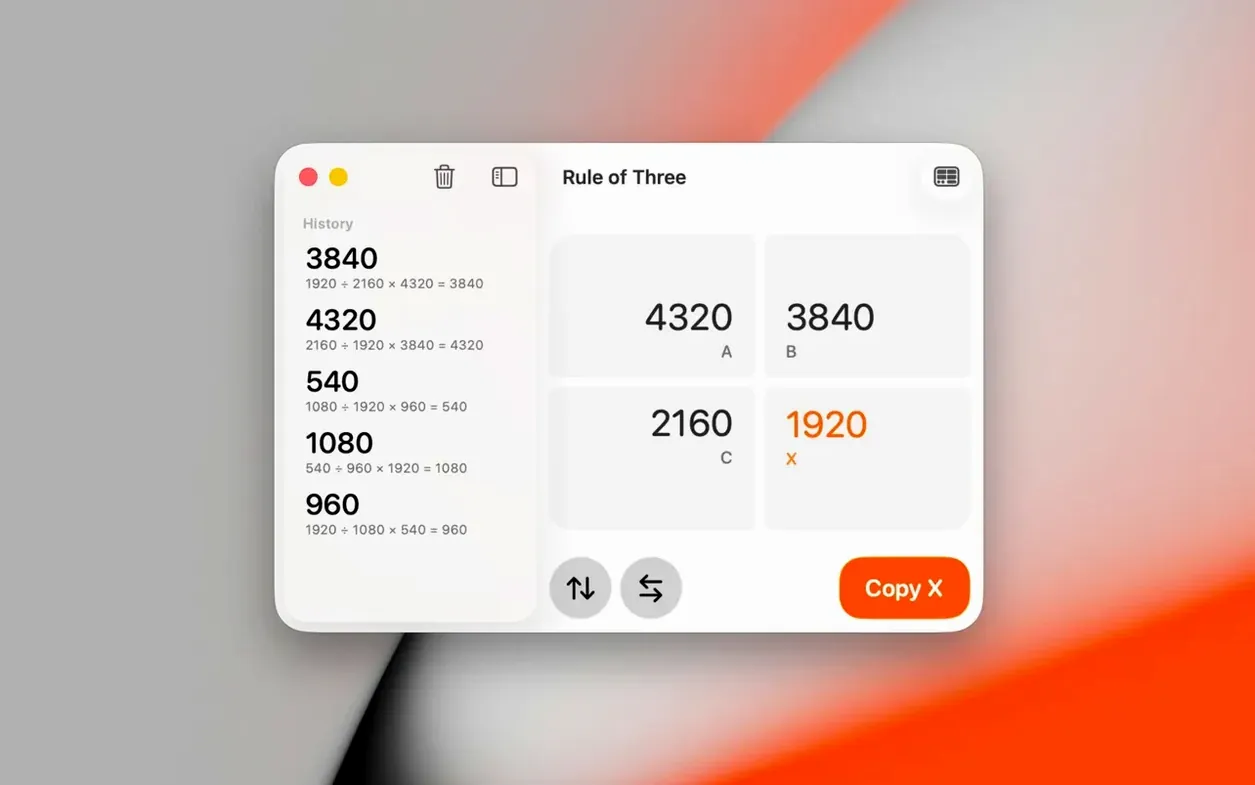
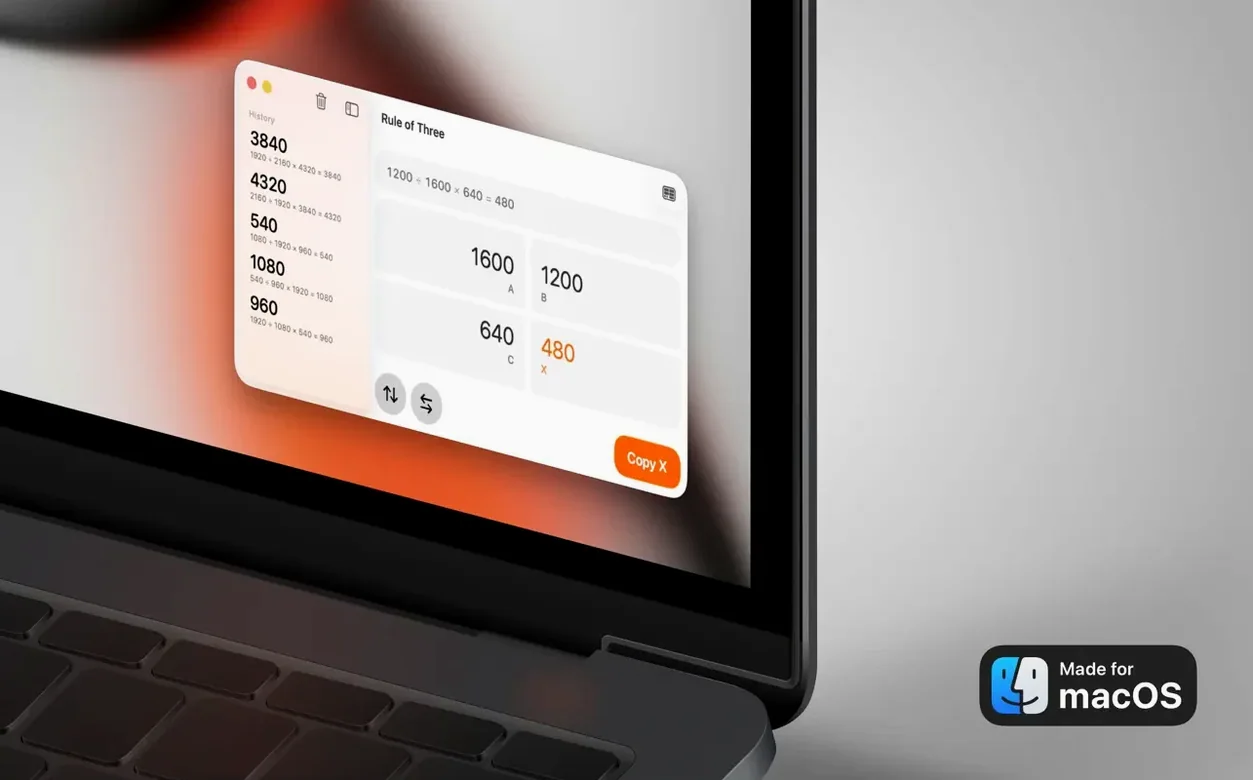
Tap the rule-of-three calculator and you're halfway to nailing that 9:16 crop for a TikTok upload. Aspect Ratio 3.7 from App ahead GmbH is built for moments when you need a proportion, not a math lesson.
Check if It Runs
It needs macOS 15.6 or later, and runs natively on both Apple Silicon and Intel Macs—so your MacBook Pro should feel right at home.
Calculate a Ratio
Type what you know and the app fills in the blank, working across images, video, and screens with support for popular formats.
Compare Two Ratios
Interface Themes Now Match Your System
The headline fix in 3.7 won't jump out at you until you're working late. Dark and Light Mode weren't displaying correctly before—interface elements could look washed out or mismatched against the system theme, which got distracting when you switched from a bright afternoon desk setup to a dim evening corner. Now the app follows your Mac's appearance setting without a hiccup. It's the sort of polish that makes a minimal tool feel like it belongs on macOS 15.6, especially on a machine where the notch and menu bar already play by the system theme's rules.
A Quick Session with Aspect Ratio
Picture a Tuesday morning. A friend sends over a landscape shot—5184 by 3456 pixels—and asks for a square crop that still feels open. You open Aspect Ratio, type the width and height into the left fields, and immediately see the native ratio simplified: 3:2. You tap the comparison icon and punch in 1:1. A translucent square overlays the 3:2 frame, and it's instantly clear how much of the original image you'll lose. You drag the numbers up to 4:5 instead, a mac aspect ratio that Instagram likes, and the overlay adjusts. Ten seconds, no guesswork. You screenshot the comparison, send it off, and they approve the crop before you've finished your coffee.
Next up: a developer on your team needs a responsive embed container. They give you a target width of 1280 pixels and a 16:9 requirement. You switch to the conversion tab, enter 16:9 as the source, lock width to 1280, and the height lands at 720. You flip the lock to height and test a 900-pixel constraint—width becomes 1600. It's a fast back-and-forth that feels like a scratchpad, not a calculator.
Pin the Overlay While You Crop Elsewhere
- Pin the comparison mode. Keep it open in a corner of your screen while you crop in another app. The visual overlay trains your eye faster than numbers alone, especially when you're adapting a single image for multiple platforms with different aspect ratio macbook pro displays.
- Use the rule-of-three tab for padding and spacing. If you know a sidebar should be 320 pixels wide and the main content area is proportionally larger, punch in two known values and let the app solve the third. It's quicker than building a spreadsheet for layout math.
- Let the theme fix breathe. If you're updating from an older version, toggle your Mac between Light and Dark Mode once just to watch the interface snap cleanly. It'll reassure you that the 3.7 polish is real, and you won't get caught with unreadable fields during a late-night edit.
Flip into comparison mode to overlay one shape on another, which makes adapting a 16:9 timeline for Instagram Reels feel obvious instead of fiddly.
A small but welcome polish: version 3.7 fixes a display glitch where Dark and Light Mode weren't rendering correctly.
- macOS 15.6 or later
- Apple Silicon or Intel 64-bit
Questions people ask
Can Aspect Ratio run on my MacBook Pro?
Yes, as long as it's on macOS 15.6 or newer. It supports both Apple Silicon and Intel models.
Also on readers' docks
Sign in or create an account to leave a comment.
No comments yet. Tell me how it got on with your other devices.