









Download AppCode for macOS
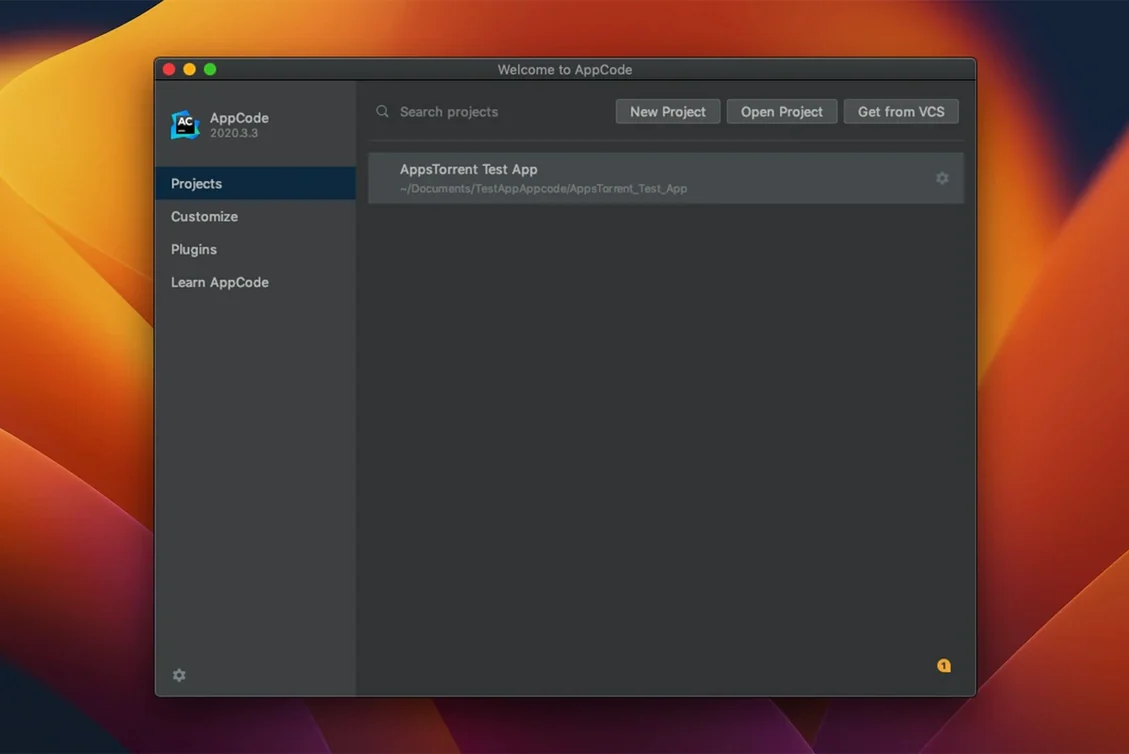
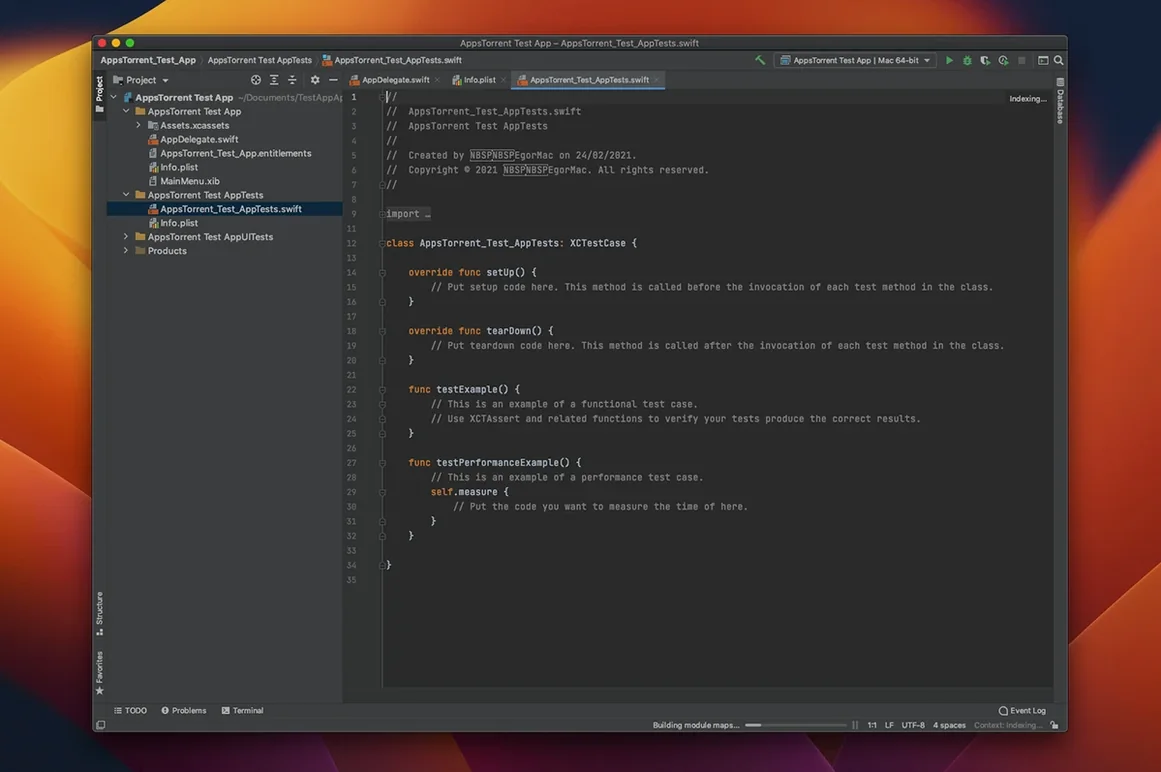
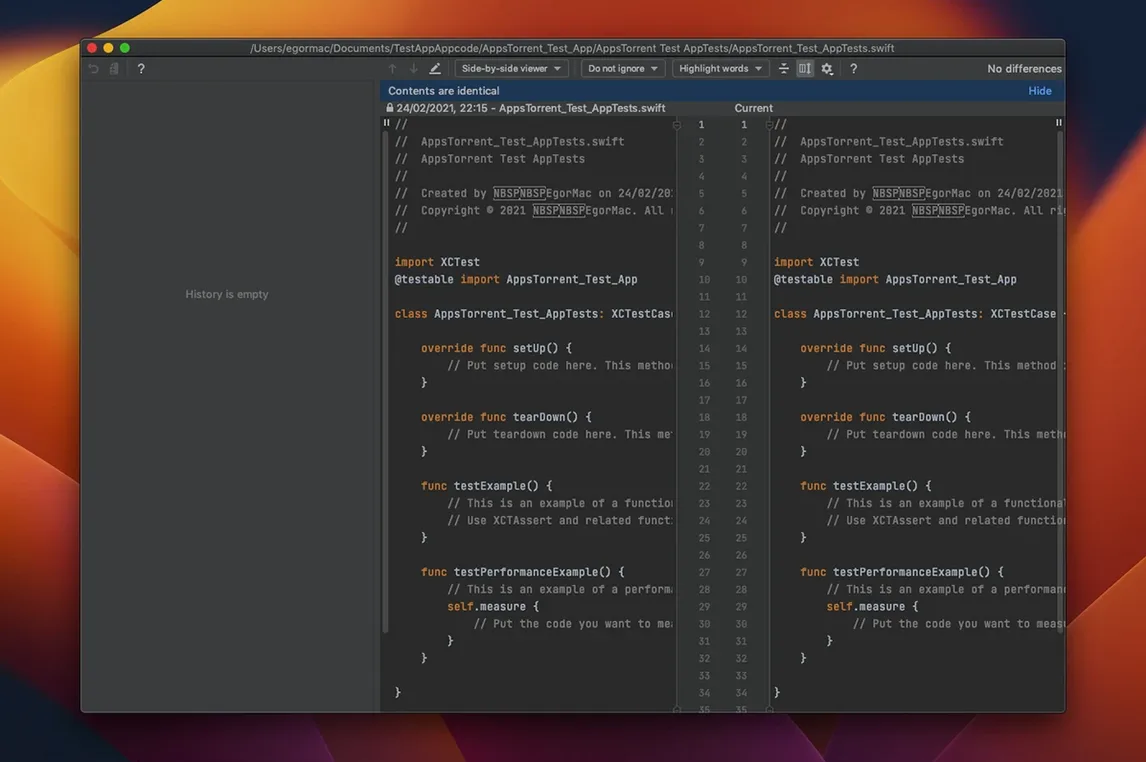
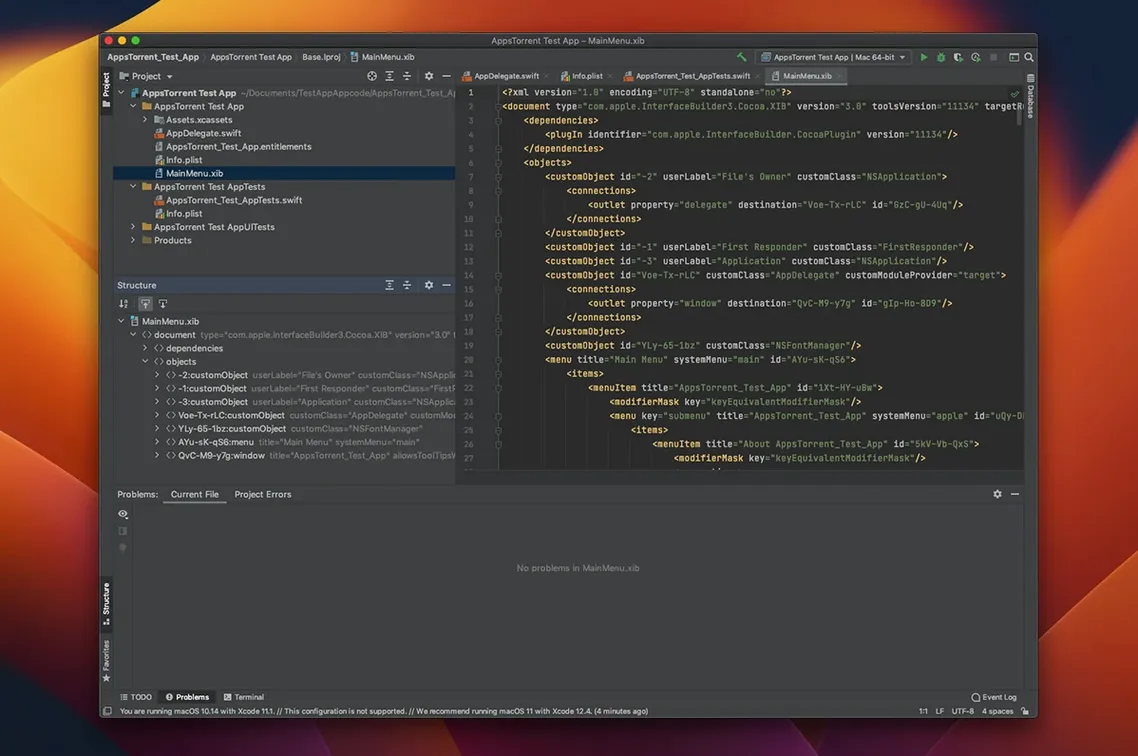
If you've lived in IntelliJ IDEA for Java, AppCode is that same relentless drive for clean code directed squarely at your Objective-C, Swift, C, and C++ projects.
On-the-fly code analysis — catches errors and smells as you type, not just at compile time, backed by the IntelliJ platform's deep understanding of your code structure.
Override/Implement stubs — generates method skeletons for protocols and superclasses instantly, so you spend less time typing boilerplate and more time on logic.
Quick project navigation — jump to any file, symbol, or declaration across a mixed-language codebase without touching the mouse, a lifesaver in large macOS or iOS projects.
C++ testing breadth — supports XCTest, Quick, and Kiwi alongside Catch, Boost.Test, and Google Test, giving cross-platform C++ libraries the same tight IDE integration as your Swift tests.
CocoaPods & Reveal integration — manage pods and inspect view hierarchies without leaving the flow, because debugging a layout should be visual, not a guessing game.
Keeping .xcodeproj files in sync across both IDEs
Will it mess up my Xcode project? Not at all. AppCode syncs with .xcodeproj and .xcworkspace files bidirectionally. Open your project in either IDE, make changes, switch back — everything stays in step because both tools read and write the same project format. The one caveat: if you add a new file in AppCode, pop into Xcode briefly so it registers in the project navigator. After that, carry on wherever you prefer.
Does it handle Swift as well as Objective-C? It handles both, but the feel differs. Objective-C support is mature and deeply polished — refactorings, completion, and analysis are genuinely smarter than Xcode's. Swift support has improved steadily, though certain edge cases in the latest language revisions may lag behind Apple's own tooling by a release cycle. In practice, teams often write Swift in AppCode for the refactoring power and fall back to Xcode for Interface Builder work.
Will it feel sluggish on an older Intel Mac? The IDE is built on the same platform as IntelliJ IDEA, so it's not lightweight — but it's configurable. Turning off inspections you don't need and excluding build folders from indexing brings snappy performance even on 2018-era hardware. Apple Silicon Macs run it without a hitch.
Rescue plan when indexing hangs forever
The most frequent hiccup is indexing never finishing. This almost always traces to derived data or cached build artifacts. Close the project, delete ~/Library/Caches/AppCode* and the DerivedData folder for that project, then restart. The fresh index usually completes in a fraction of the time.
Code completion sometimes stops responding mid-session. Before you quit in frustration, try File → Invalidate Caches and Restart. It clears the symbol cache that occasionally gets tangled after large refactors or branch switches. A thirty-second restart beats half an hour of troubleshooting.
If tests won't run and you're using CocoaPods, check that the Pods project is included in the scheme AppCode is using. The IDE doesn't always auto-detect scheme changes after a pod install. Open Run Configurations and reselect the correct scheme — that usually unsticks it.
Some users searching for intitle:"jetbrains appcode" "torrent download" find bundles that include everything needed to get started right away. The setup is straightforward: follow the included guide to the letter, and make sure the app lands in /Applications rather than running from a disk image.
Where AppCode’s refactoring outruns Xcode
AppCode vs Xcode. Xcode is the canonical choice — it owns Interface Builder, SwiftUI previews, and first-day support for every new Apple API. AppCode can't touch those areas. Where it pulls ahead is everything text-based: refactoring that actually renames across languages, completion that understands your entire project graph, and navigation that doesn't fight you. Many developers keep both open, switching to Xcode for storyboards and AppCode for code.
AppCode vs CLion. CLion is JetBrains' C and C++ IDE, and if your work is pure cross-platform C++ with CMake, it's the better fit. AppCode wraps CLion's C++ engine but layers on Objective-C and Swift support plus Xcode integration. Choose AppCode when your C++ touches Apple frameworks; choose CLion when it doesn't.
AppCode vs Visual Studio Code. VS Code with extensions can approximate an iOS development environment, but it's a patchwork. You'll miss proper refactoring, reliable project-wide code analysis, and the tight Xcode sync. AppCode gives you a cohesive IDE rather than a collection of plugins you have to babysit. The trade-off is resource usage — VS Code starts lighter, while AppCode loads more of your project into memory for smarter tooling.
Plenty of developers land here after typing intitle:"jetbrains appcode" "patch" "torrent" into a search bar, curious whether the IDE earns a permanent spot. For anyone maintaining a mixed Objective-C and Swift codebase, the answer leans heavily toward yes.
A focused maintenance update that patches a security issue in the JetBrains GitHub Plugin alongside general bug fixes.
- macOS: 10.15 or later
- Architecture: Intel and Apple Silicon
- Languages: English interface
Questions people ask
Does AppCode handle languages beyond Swift and Objective-C?
Yes, it fully supports C and C++ alongside web staples like JavaScript, XML, HTML, CSS, and XPath, making it practical for full-stack Apple development.
What testing frameworks work with AppCode?
It integrates with XCTest, Quick, Kiwi, Catch, Boost.Test, and Google Test, covering both Apple-native and cross-platform C++ testing needs.
Also on readers' docks
Sign in or create an account to leave a comment.
No comments yet. Tell me how it got on with your other devices.
More in Mac Apps
See all Apple Keynote
15.3.1 Mac Apps
356 MB
Apple Keynote
15.3.1 Mac Apps
356 MB
 App Cleaner & Uninstaller
10.0 Mac Apps
47 MB
App Cleaner & Uninstaller
10.0 Mac Apps
47 MB
 Apple Remote Desktop
3.10 Mac Apps
16 MB
Apple Remote Desktop
3.10 Mac Apps
16 MB
 AnyTrans for iOS
8.9.14 Mac Apps
398 MB
AnyTrans for iOS
8.9.14 Mac Apps
398 MB
 AppZapper
2.0.3 Mac Apps
4 MB
AppZapper
2.0.3 Mac Apps
4 MB
 Updated Antivirus Zap - Virus Scanner
3.25.1 Mac Apps
49 MB
Updated Antivirus Zap - Virus Scanner
3.25.1 Mac Apps
49 MB
 AmpliTube
5.8.2 Mac Apps
3.1 GB
AmpliTube
5.8.2 Mac Apps
3.1 GB
 Alfred 5 Powerpack
5.8.1 Mac Apps
6 MB
Alfred 5 Powerpack
5.8.1 Mac Apps
6 MB