Download Antivirus Zap - Virus Scanner for macOS
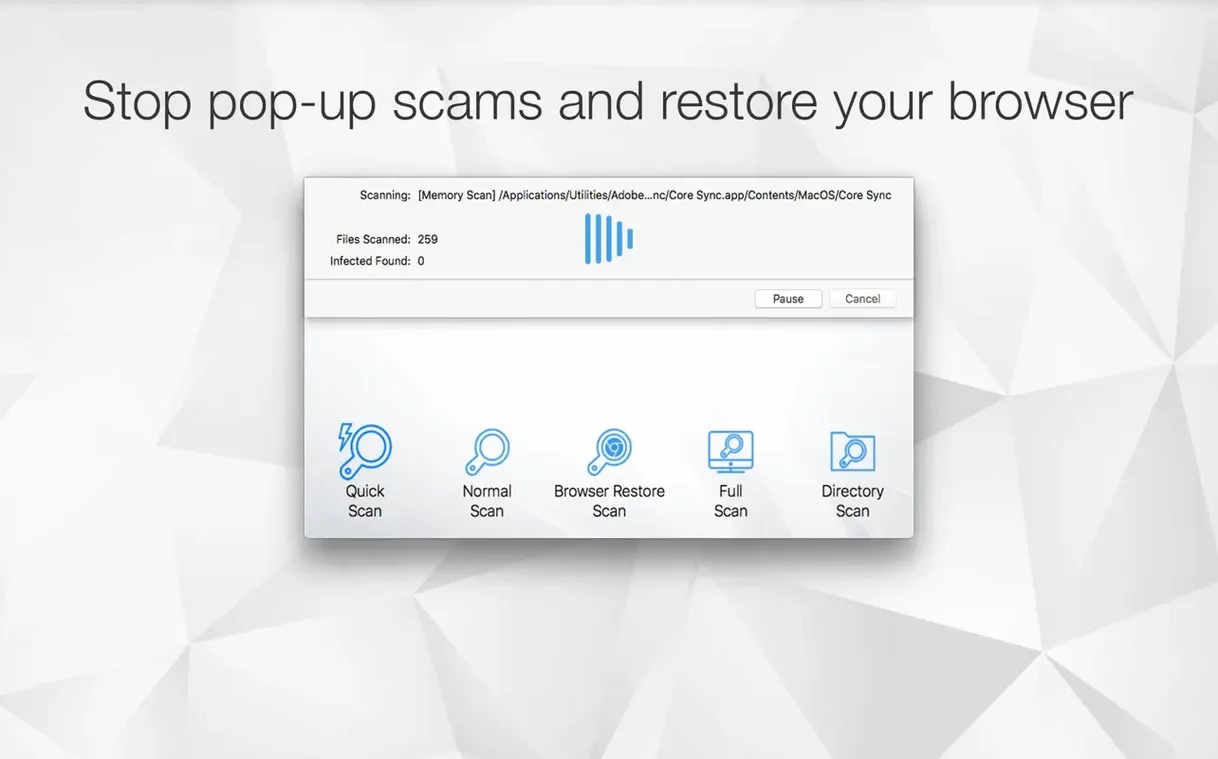
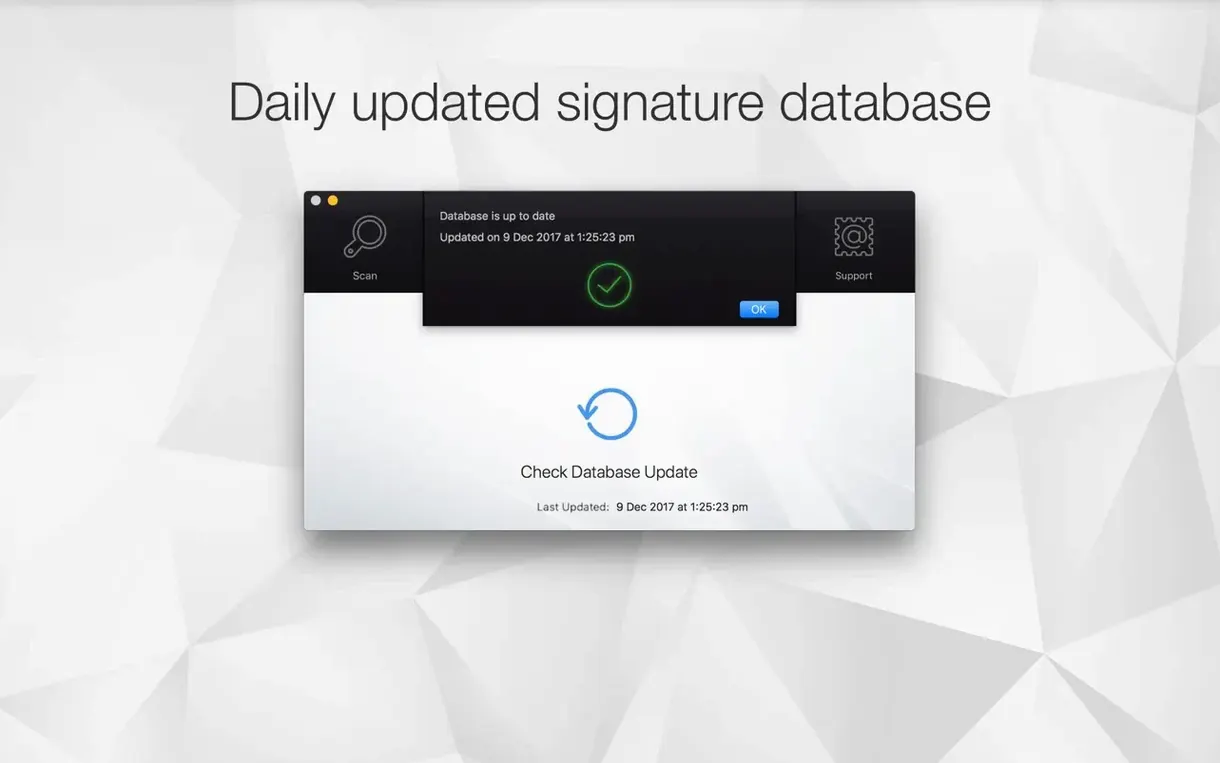
Antivirus Zap 3.3.3 supports both ARM and x86 64-bit Macs, so it runs natively whether you're on an M-series laptop or an older Intel machine. It sits comfortably alongside the utilities you already trust, adding a focused layer of scanning without asking you to rethink your whole setup.
Scans That Match Your Workflow
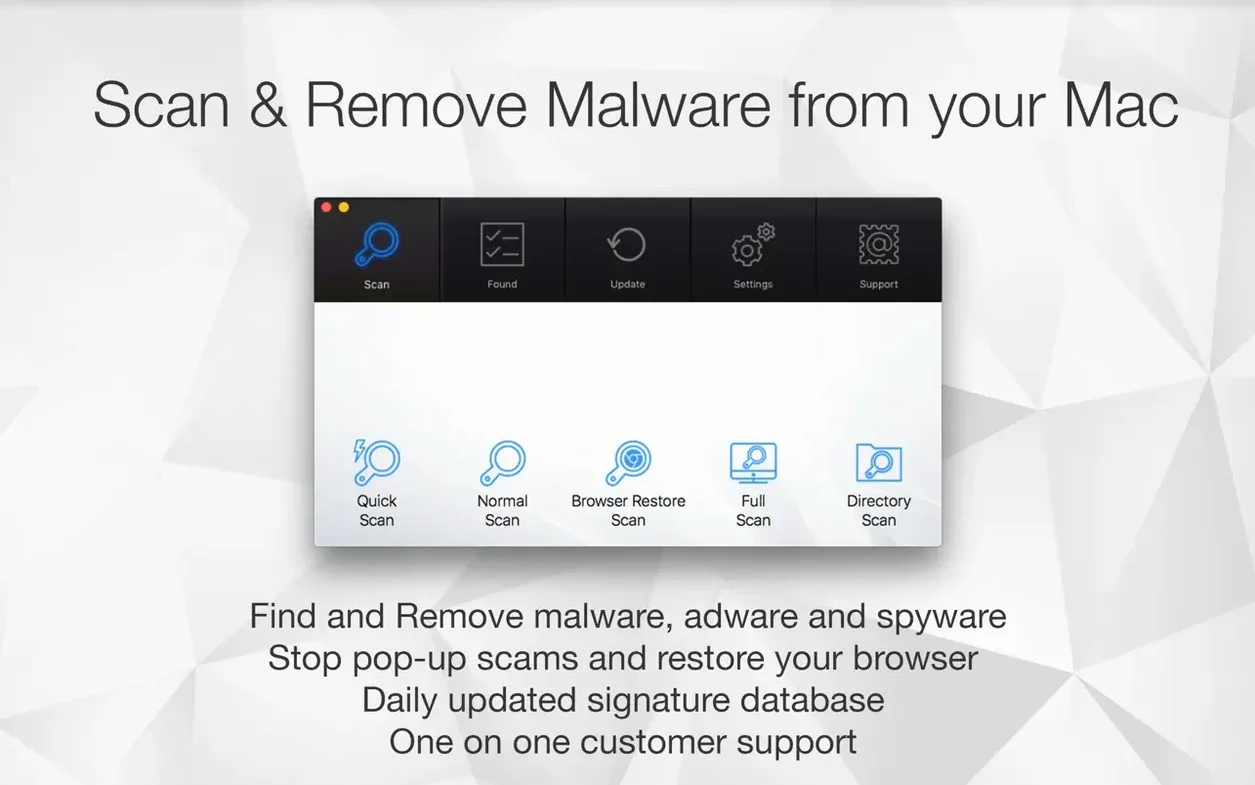
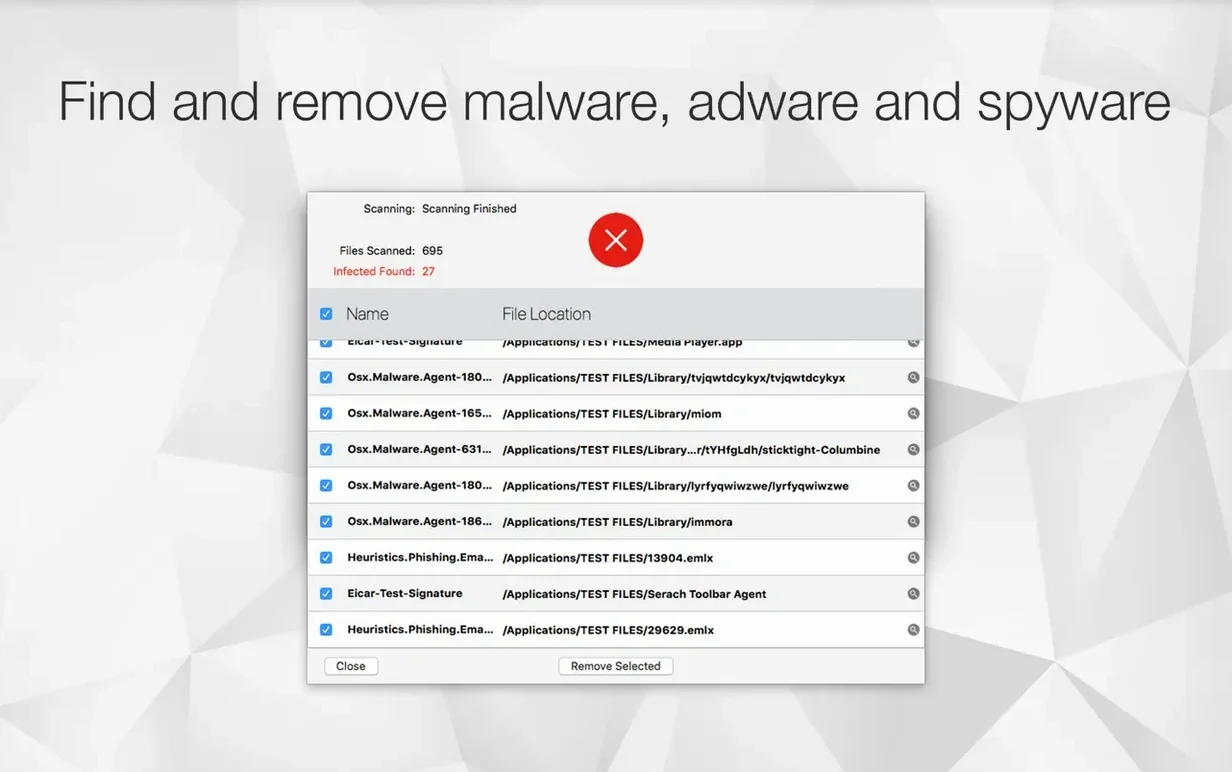
The app offers two scan depths: a quick scan for fast checkups and a standard scan when you want a broader sweep. Both look for malware, adware, and suspicious files already sitting on your drive. The Browser Restore Scan goes after cookie clutter, unwanted extensions, and caches in installed browsers — the kind of junk that slows things down without being a full-blown virus. If you prefer manual control, Finder integration lets you drag files straight into the app for optimization.
Extra Tools Without the Bloat
Beyond scanning, Antivirus Zap can convert HEIC, TIFF, MOV, and other formats into more common ones, which is handy if your camera roll or screen recordings need to play nicely with older apps. It opens from Launchpad after a simple drag-and-drop install, so there's no installer wizard to click through. For torrent users who grab files from less predictable sources, a quick scan of the Downloads folder before opening anything is an easy habit to build.
People sometimes ask whether a scanner like this steps on the toes of the built-in security macOS already provides. The short answer is no — it works alongside XProtect and Gatekeeper rather than trying to replace them. Where Apple's protections focus on catching known malware signatures as files launch, Antivirus Zap lets you go looking on your own schedule. That on-demand approach matters when you've just downloaded a batch of files from a forum thread or want to check a USB stick a friend handed you.
Another common question is whether the Browser Restore Scan wipes saved passwords or bookmarks. It targets cookies, extensions, and cached data that adware tends to hook into — your saved logins and bookmarks stay untouched. I still suggest glancing through the scan results before hitting clean, but that's just good practice with any tool that touches browser data.
People also wonder about running it alongside other utilities like CleanMyMac or Onyx. There's no conflict I've seen. The scanning engine doesn't install a kernel extension or run background daemons that fight for resources, so you can keep your regular maintenance routine intact and pull this out when you specifically need an antivirus mac torrent download checked or want a second opinion on something suspicious.
Who Feels the Most Benefit
Mac users who regularly grab files from outside the App Store get the clearest value here. If you download software bundles, game mods, or creative assets from community sites, having a dedicated scanner you control makes more sense than relying purely on passive protection. The scheduling feature lets you set a daily scan at 3 AM and forget about it, which suits people who prefer automation over remembering to run checks manually.
Designers and photographers who bounce between HEIC, TIFF, and more standard formats will use the conversion tools more than they expect. It's not the main draw of the app, but when a client needs a TIFF turned into a JPEG and Preview isn't cooperating, the right-click Finder integration saves a trip to a web converter. The image optimization and video compression features fill a similar role — not something you build a workflow around, but genuinely useful when the moment calls for it.
If you share a Mac with family members who click through browser permission pop-ups without reading them, the Browser Restore Scan earns its keep. Adware has a habit of nestling into extensions and cached data in ways that don't trigger standard malware alerts. Running that scan after someone else has used the machine gives you a quick reset without digging through each browser's settings individually.
Trigger a Downloads scan when you close your torrent app
Apple Shortcuts integration opens up some clever combinations. You could build a shortcut that runs a quick antivirus zap mac scan on your Downloads folder whenever you quit your torrent client, then have it send a notification only if something flags. Pair that with Dropshare and you've got a tidy pipeline: download a file, scan it, compress it if it's a video, and upload the result — all from a single shortcut trigger.
The drag-and-drop optimization plays well with the Finder integration too. Select a batch of MOV files from a screen recording session, drag them onto the app icon, and let it handle compression while you move on to editing. It's not a replacement for HandBrake or dedicated transcoding tools, but for quick turnaround jobs where you just need smaller files, the convenience factor is high. And because the app runs natively on Apple Silicon, those operations finish without the fans spinning up on a MacBook Air.
Version 3.25.1 brings a visual refresh to Antivirus Zap, swapping in a cleaner, more modern interface that feels right at home on recent versions of macOS. Along with the new look, this release includes performance tweaks that keep scans running snappily, plus the usual round of bug fixes and stability improvements to keep everything humming.
- macOS: 12 or later
- Architecture: Apple Silicon, Intel 64-bit
Questions people ask
Does Antivirus Zap work on Apple Silicon Macs?
Yes, Antivirus Zap supports both ARM and x86 64-bit architectures, so it runs natively on Apple Silicon and Intel Macs with macOS 13 or later.
Also on readers' docks
Sign in or create an account to leave a comment.
No comments yet. Tell me how it got on with your other devices.