








Download oeksound Spiff for macOS
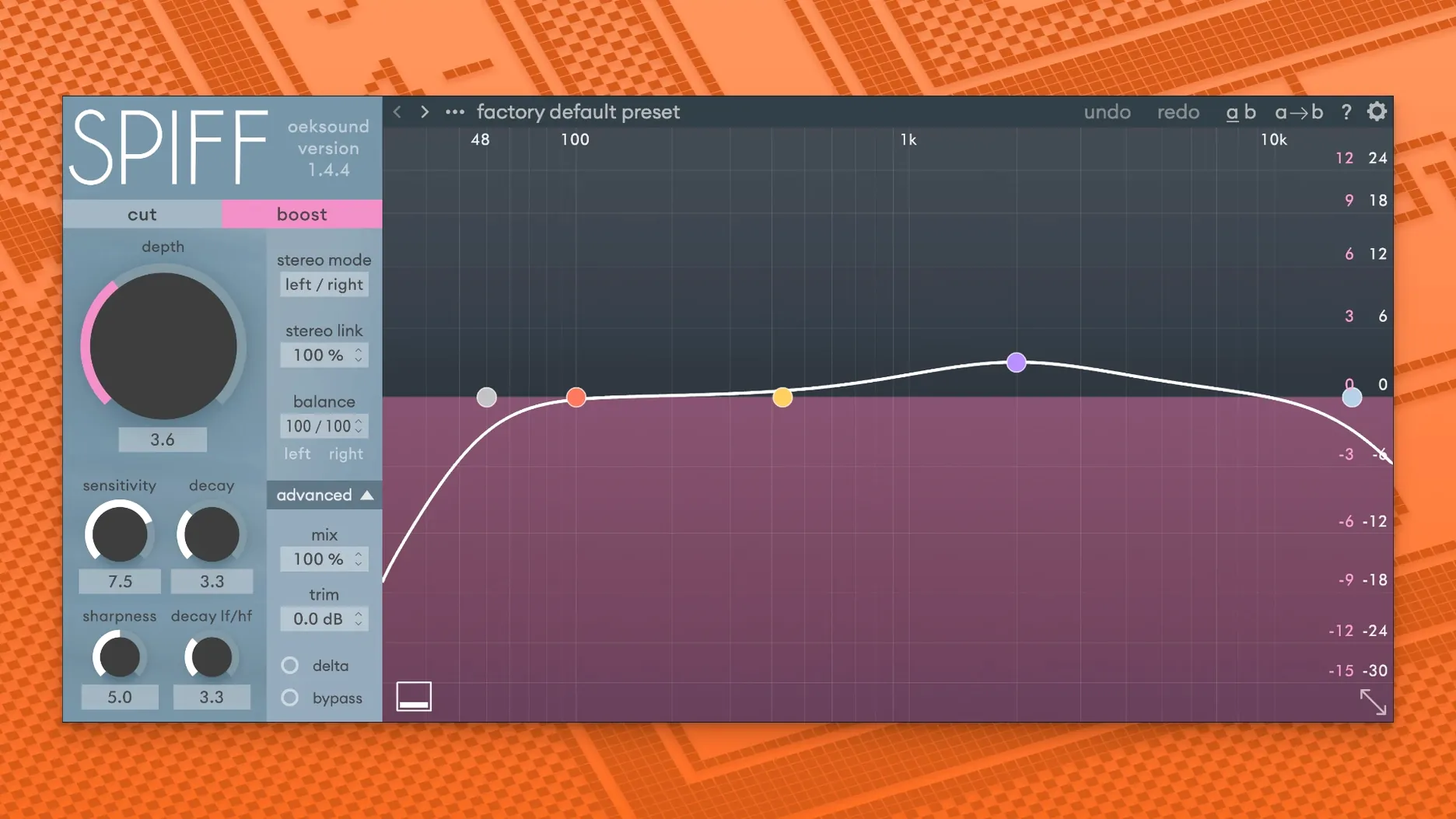
oeksound Spiff is an adaptive transient processor that uses spectral analysis to cut or boost the start of a sound with surgical precision. Here's where it fits in a typical session.
- Clean up vocal tracks first. Open an instance on your lead vocal and let Spiff work in the high frequencies. It pulls out mouth clicks, sibilant spikes, and fret squeaks without making the performance sound dull. The reduction mode is the hero here — dial it in until the distractions disappear but the air stays intact.
- Move to individual instrument channels. Drop Spiff on an acoustic guitar or a close-miked piano that feels a little flat. Boosting transients in the midrange brings back the pick attack or the hammer strike, adding expression that a compressor might have flattened earlier.
- Rescue an overcompressed drum bus. When a mix has been slammed too hard, Spiff can dig into the sustain portion and restore the snap of a snare or the click of a kick. It listens to the whole spectrum and only works where it's needed, so the cymbals don't get brittle in the process.
- Finish with subtle sweetening on the mix bus. A tiny nudge on the top end can open up a full arrangement, lifting the detail in percussion and breathy vocals without adding harshness.
The plugin is available in VST, VST3, AU, and AAX formats, with native Apple Silicon support on macOS, so it slots into basically any DAW without friction. It's the kind of tool that earns a permanent spot on vocal and drum chains once you hear how cleanly it handles problems that EQs and standard compressors just can't touch.
Transient Editing Beyond Fixed De-Esser Bands
Does Spiff overlap with what a de-esser or EQ can do? Not really. A de-esser targets a fixed frequency band and clamps down when that band crosses a threshold. Spiff analyzes the whole spectrum and reacts only to transient events — the short, sharp beginnings of sounds — independent of a frequency range. That means it can grab a mouth click buried at 3 kHz without touching the vocal tone sitting in the same spot, which an EQ could never pull off without surgery.
Will it crush my CPU if I run multiple instances? It's a spectral processor, so it's heavier than a basic compressor, but the 1.4.4 build feels stable on Apple Silicon machines even in denser sessions. On older Intel hardware you'll want to render or freeze tracks with more than a handful of instances. The Logic playback overload fix in this version helps, and I've had no trouble stacking it on vocals, acoustic instruments, and the drum bus in a modest pop mix without the fan spinning up.
Is this only for fixing problems, or can it be a creative tool too? Plenty of people treat it as a transient shaper that just happens to be freakishly accurate. Pushing the boost on a dull room mic can pull a ghostly attack out of nowhere, and using it aggressively across a synth pad adds a percussive edge that sits somewhere between an envelope shaper and a resonator. It's worth experimenting outside of repair-mode.
One-Insert Fix for Inconsistent Plosives and Squeaks
Mix engineers dealing with dense vocal productions are probably the most obvious fit. If you're regularly handed raw recordings with inconsistent plosives, lip smacks, or string squeaks, Spiff does in one insert what used to take three rounds of clip gain, spectral editing, and a dynamic EQ. The time saved on dialog and vocal cleanup alone justifies the disk space.
Post-production editors working on film or podcast dialogue get a similar benefit. Spiff's ability to isolate and reduce transient noises without coloring the voice makes it a go-to for cleaning up location audio where a lav mic picked up fabric rustle or a hard consonant jumps too far forward in the mix.
Beatmakers and electronic producers who rely on heavily processed samples will also find a sweet spot. Overcompressed 808s and sampled breaks often lose their initial punch — Spiff restores that attack with a clarity that doesn't mess with the low-end weight. And anyone pulling apart a stereo mix for remixing can use the cut mode to push elements backward, creating space for new parts without touching faders or panning.
If you rarely push past 20 tracks or you already have a transient designer you love, Spiff might feel like overkill. But for sessions where transient detail makes or breaks a mix — acoustic jazz, dense pop vocals, post-production, or sample-heavy hip-hop — it quickly becomes one of those plugins you stop auditioning and just reach for.
Version 1.4.4 brings a handful of fixes that keep things running smoothly in a busy session:
- Fixed playback overloads in Logic when the GUI is opened for the first time.
- Fixed automation issues in Pro Tools after mod-key parameter clicks.
- Minor fixes and improvements.
- macOS 10.14 Mojave or later
- Apple Silicon and Intel Macs
- VST, VST3, AU, AAX support (AAX requires Pro Tools 11 or later)
Questions people ask
Can oeksound Spiff remove mouth clicks from a vocal recording?
Yes, it can remove clicks and other unwanted vocal noises by reducing transients in specific frequency ranges without affecting the rest of the signal.
Does Spiff work on an overcompressed mix to bring back lost detail?
Absolutely, it can restore liveliness and detail in an overcompressed mix by carefully boosting the transients that got squashed during heavy limiting or compression.
Also on readers' docks
Sign in or create an account to leave a comment.
No comments yet. Tell me how it got on with your other devices.
More in VST Plugins
See all Nuro Audio XVOX Pro
1.5.2 VST Plugins
625 MB
Nuro Audio XVOX Pro
1.5.2 VST Plugins
625 MB
 Nuro Audio Xpitch
1.5.2 VST Plugins
190 MB
Nuro Audio Xpitch
1.5.2 VST Plugins
190 MB
 Nudist Audio Nudistort
1.2.5 VST Plugins
45 MB
Nudist Audio Nudistort
1.2.5 VST Plugins
45 MB
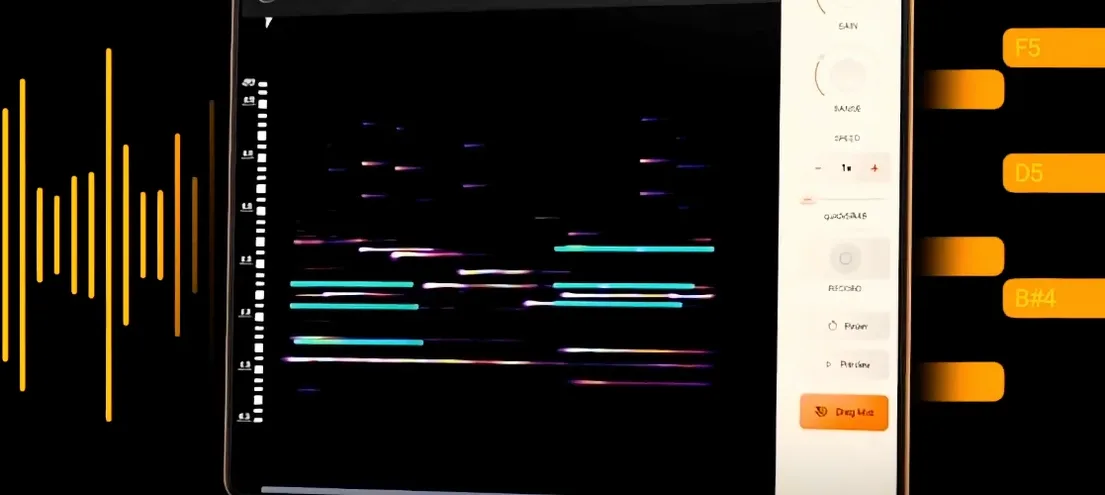 noteGRABBER
2.0.0 VST Plugins
35 MB
noteGRABBER
2.0.0 VST Plugins
35 MB
 Omnisphere
3.0.2c VST Plugins
205 MB
Omnisphere
3.0.2c VST Plugins
205 MB
 Output Portal
1.2.1 VST Plugins
319 MB
Output Portal
1.2.1 VST Plugins
319 MB
 Neural DSP Soldano SLO-100 X
1.0.0 VST Plugins
340 MB
Neural DSP Soldano SLO-100 X
1.0.0 VST Plugins
340 MB
 Neural DSP Parallax X
1.0.0 VST Plugins
179 MB
Neural DSP Parallax X
1.0.0 VST Plugins
179 MB