








Download Minuit Solstice for macOS
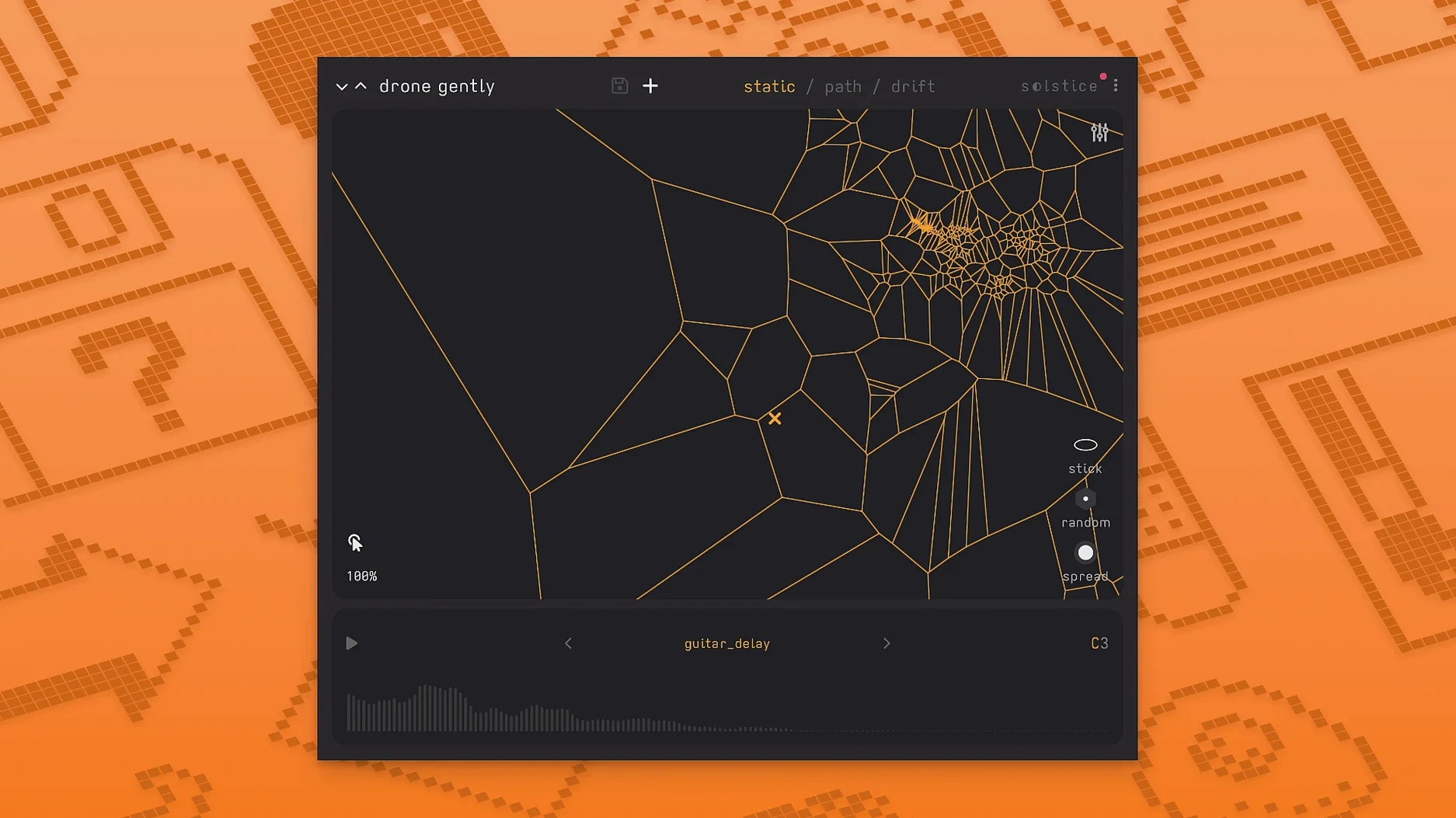
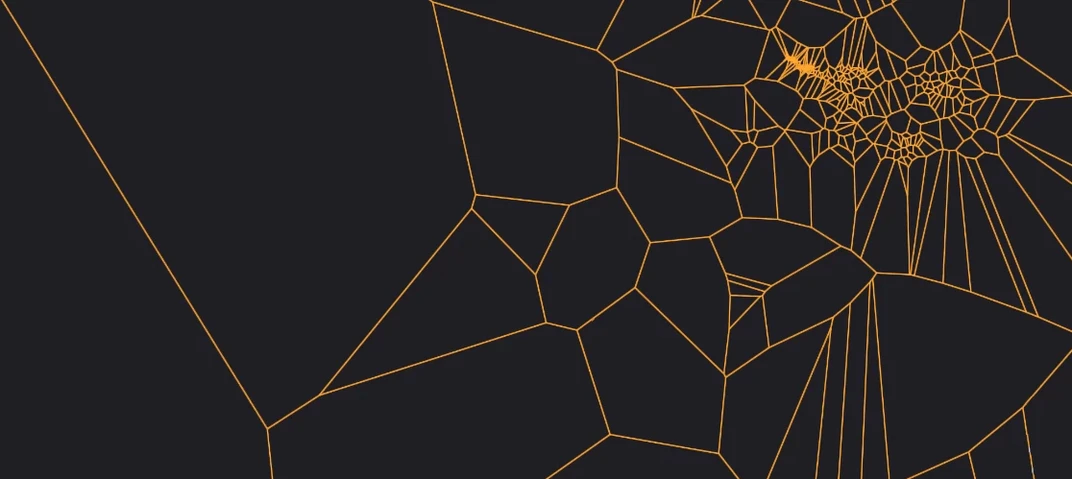
Sound designers and producers who love pulling unexpected textures from their sample libraries will feel right at home with Minuit Solstice. It’s the kind of tool that takes a handful of audio files, analyzes their spectral content, and spreads them across a two-dimensional map where similar timbres cluster together. You’re not just triggering samples — you’re navigating a landscape of sound, dragging a cursor through dense regions and hearing the material shift under your fingers.
- Cursor-driven morphing: Drag across the map to glide smoothly between different samples, with no hard cuts unless you want them.
- Auto drift mode: Let the cursor wander on its own for evolving, unpredictable patterns that breathe life into static pads or backgrounds.
- Auto root note detection: Drop in samples and Solstice figures out the pitch, so everything stays musical without manual tweaking.
- Crisp pitch shifting: Transpose sounds cleanly across a wide range, keeping artifacts to a minimum even with extreme moves.
- Saturation and glue: A built-in drive stage adds warmth and helps disparate samples sit together in the mix.
The map itself becomes an instrument. Dense clusters of timbre invite exploration, while the spectral effects in version 1.2 — texture, tilt, flutter, stretch, and bloom — push things further into ambient, cinematic, or experimental territory. It’s equally at home in a film score as it is in electronic production, and the Basic MPE support means you can shape sounds per note with a compatible controller.
Who clicks with Solstice the fastest
Ambient composers and film scorers tend to fall into a flow with Solstice almost immediately. The map-based approach mirrors the way they already think about sound — gradual transformations, drifting textures, moments that evolve rather than repeat. If your project files are full of long reverb tails, field recordings, and resampled pads, Solstice feels less like a plugin and more like a collaborator that keeps suggesting new directions.
Sound designers working on game audio or installation pieces get a lot out of the auto drift mode. Layering three or four instances, each wandering across a different sample map at its own pace, creates beds of sound that never quite loop the same way twice. The MPE support added in version 1.2 makes this even more expressive — pressing into a controller key can nudge the cursor toward brighter regions while pulling back brings darker timbres forward, all within a single held note.
Experimental electronic producers who enjoy granular or spectral tools also find a comfortable home here. The five spectral effects — texture, tilt, flutter, stretch, and bloom — invite the kind of happy accidents that turn a basic vocal chop or percussive hit into something unrecognizable and compelling. It’s not a workhorse synth for basslines and leads; it’s a discovery engine for the moments between them.
A granular playground, not a real-time signal chain
Stacking Solstice next to something like Portal by Output reveals two very different philosophies. Portal is a granular effects processor that feeds audio through a chain of time and pitch manipulations; it excels at transforming incoming signals in real time. Solstice is more about building a playable instrument from static samples. You prepare your source material, load it in, and then perform the map. Where Portal reacts, Solstice invites exploration.
Dawsome Abyss shares some tonal territory — both plugins lean into spectral processing and big ambient textures. But Abyss keeps you closer to traditional synth architecture underneath the hood, with oscillators and filters shaping the output. Solstice replaces that structure with the sample map itself. There’s no oscillator to tweak; the sample becomes the oscillator, and the cursor position is effectively your filter cutoff, wavetable position, and envelope shaper all at once.
For users searching a solstice plugin free alternative, the closest free-form tool in spirit might be something like PaulXStretch — it stretches and smears audio into ambient washes, but it lacks the spatial map, the cursor-driven performance, and the spectral effects that make Solstice feel like an instrument rather than a processor. The interactive map is what sets it apart from most spectral and granular options out there.
Auto root note detection cuts folder setup time
The jump to 1.2 tightened up several workflow friction points that earlier adopters had learned to work around. Auto root note detection alone saved a surprising amount of setup time — dropping in a folder of found sounds no longer meant manually pitching each one to fit the session key. Combined with the new crisp pitch shifting algorithm, transposing samples across octaves became cleaner and more musical, which matters when you’re dragging the cursor across a map where pitch relationships shift continuously.
The MTS-ESP support quietly unlocked something important for microtonal composers and anyone working outside standard Western tuning. Loading a microtonal scale file into the DAW and having Solstice follow it across the map meant the spectral effects and pitch shifts stayed harmonically coherent, which wasn’t a given before. For a plugin that thrives on ambiguity and drift, the tuning precision felt like a deliberate counterbalance.
The five spectral effects — texture, tilt, flutter, stretch, bloom — didn’t just add colour; they gave the map itself more emotional range. Tilt could take a warm cello sample and tip it toward glassy, metallic territory without breaking its character. Flutter introduced a nervous, organic instability that works beautifully on sparse piano maps. And the added reverb modulation control meant those long, evolving tails could shift in density as the cursor moved, tying spatial movement directly to the map position.
Version 1.2.0 brings a handful of welcome additions that make Solstice feel more expressive and mix-ready:
- Basic MPE support for per-note expression with compatible controllers.
- MTS-ESP integration for microtonal tuning workflows.
- Five new spectral effects: texture, tilt, flutter, stretch, and bloom.
- macOS 12 or later
- Apple Silicon or 64-bit Intel processor
- VST3 or AU host
Questions people ask
Does the Solstice plugin work on Apple Silicon Macs?
Yes, version 1.2.0 runs natively on both ARM (Apple Silicon) and 64-bit Intel Macs, with macOS 12 or later required.
What does the auto drift feature do?
Auto drift moves the playback cursor across the sample map on its own, creating constantly shifting, unpredictable sound patterns without manual input.
Also on readers' docks
Sign in or create an account to leave a comment.
No comments yet. Tell me how it got on with your other devices.
More in VST Plugins
See all MiniMeters
1.0.30.358 VST Plugins
103 MB
MiniMeters
1.0.30.358 VST Plugins
103 MB
 Metric Halo Production Bundle
2025.05 VST Plugins
318 MB
Metric Halo Production Bundle
2025.05 VST Plugins
318 MB
 Melodyne
5.4.2.006 VST Plugins
97 MB
Melodyne
5.4.2.006 VST Plugins
97 MB
 Native Instruments Massive X
1.7.1 VST Plugins
1.6 GB
Native Instruments Massive X
1.7.1 VST Plugins
1.6 GB
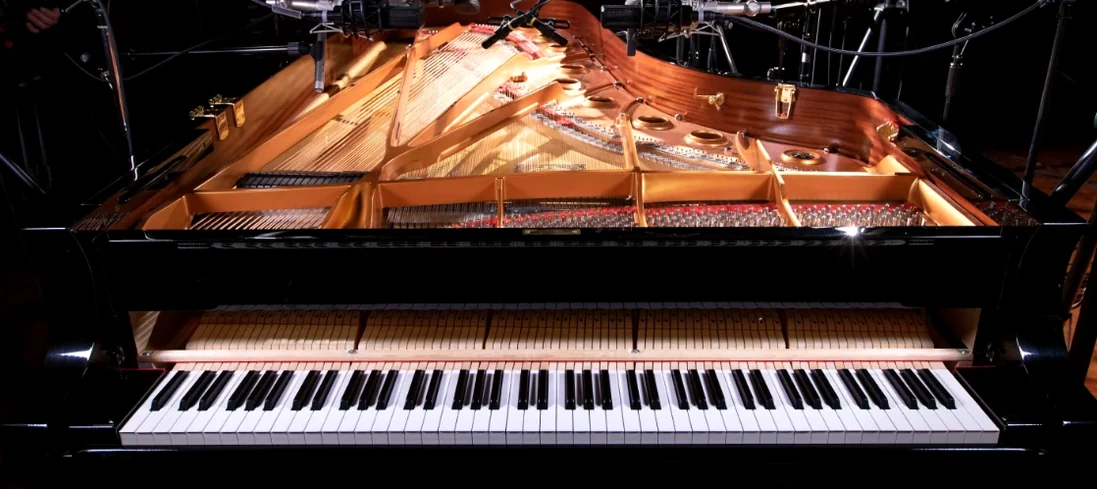 Native Instruments Noire KONTAKT
1.2.1 VST Plugins
14.7 GB
Native Instruments Noire KONTAKT
1.2.1 VST Plugins
14.7 GB
 Neural DSP Archetype Nolly X
1.0.2 VST Plugins
583 MB
Neural DSP Archetype Nolly X
1.0.2 VST Plugins
583 MB
 Neural DSP Archetype Petrucci
1.0.0 VST Plugins
745 MB
Neural DSP Archetype Petrucci
1.0.0 VST Plugins
745 MB
 Neural DSP Archetype Rabea X
1.0.1 VST Plugins
742 MB
Neural DSP Archetype Rabea X
1.0.1 VST Plugins
742 MB