









Download Kalifornia Dynamic KD Alkane for macOS
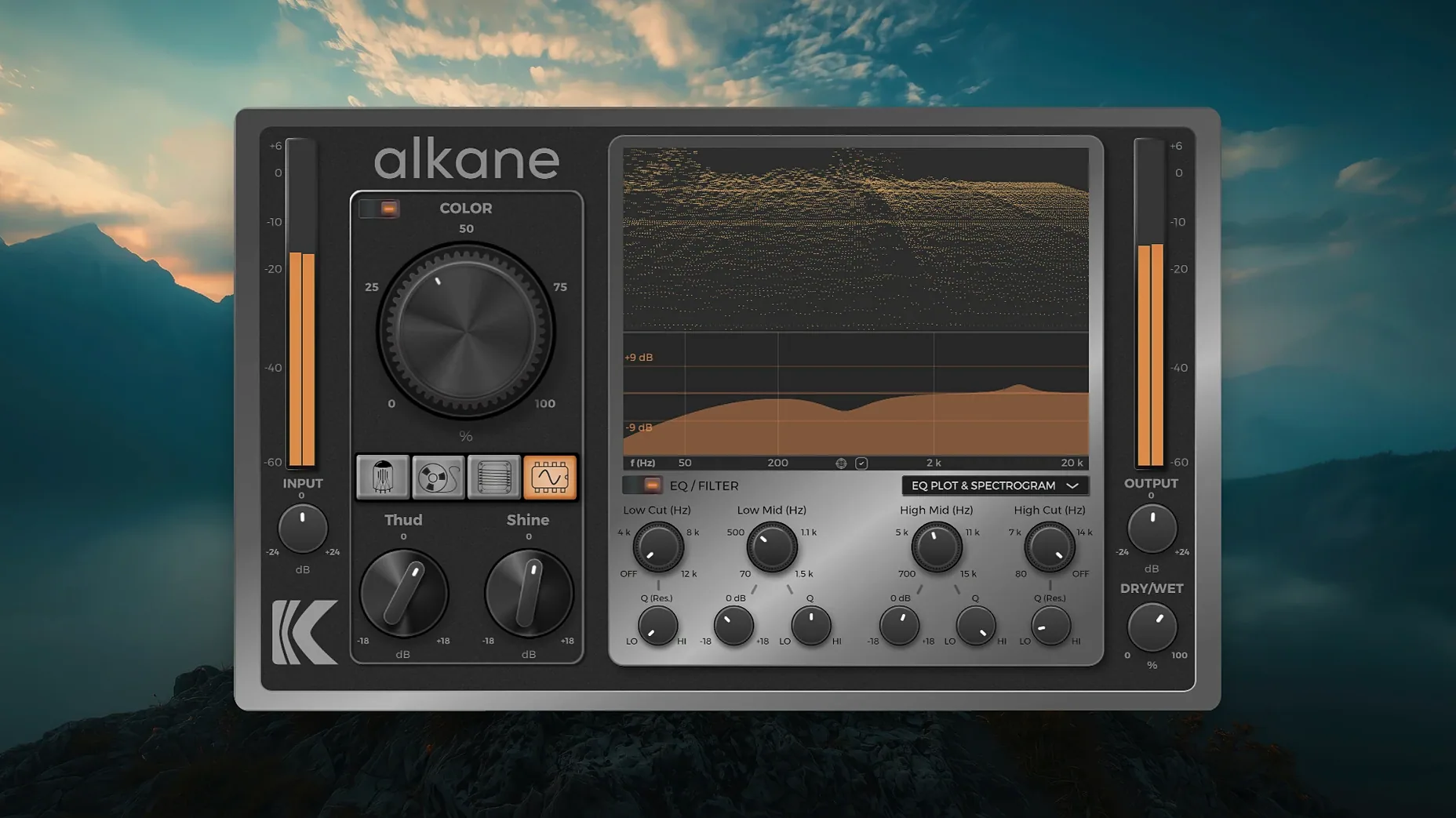
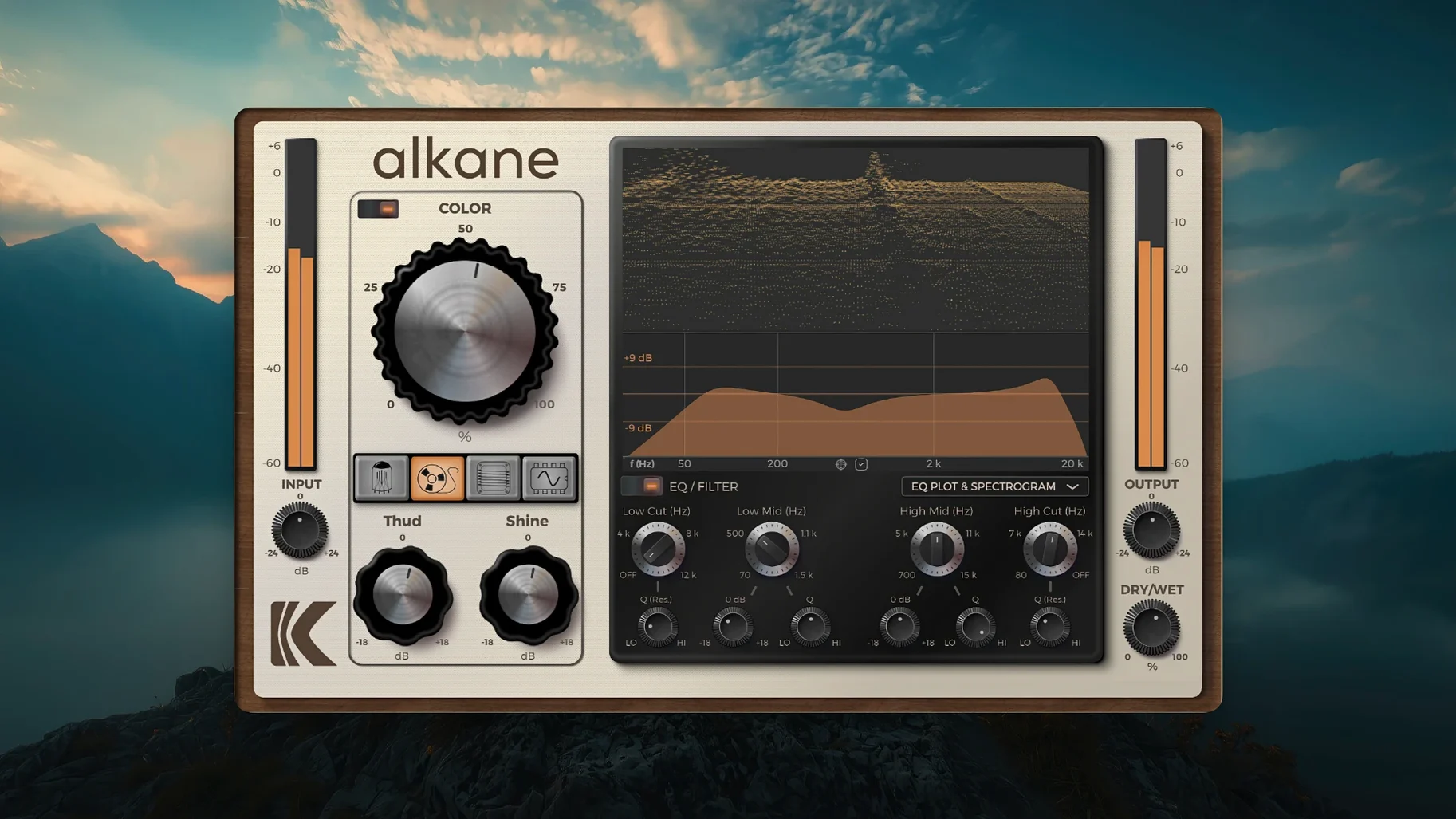
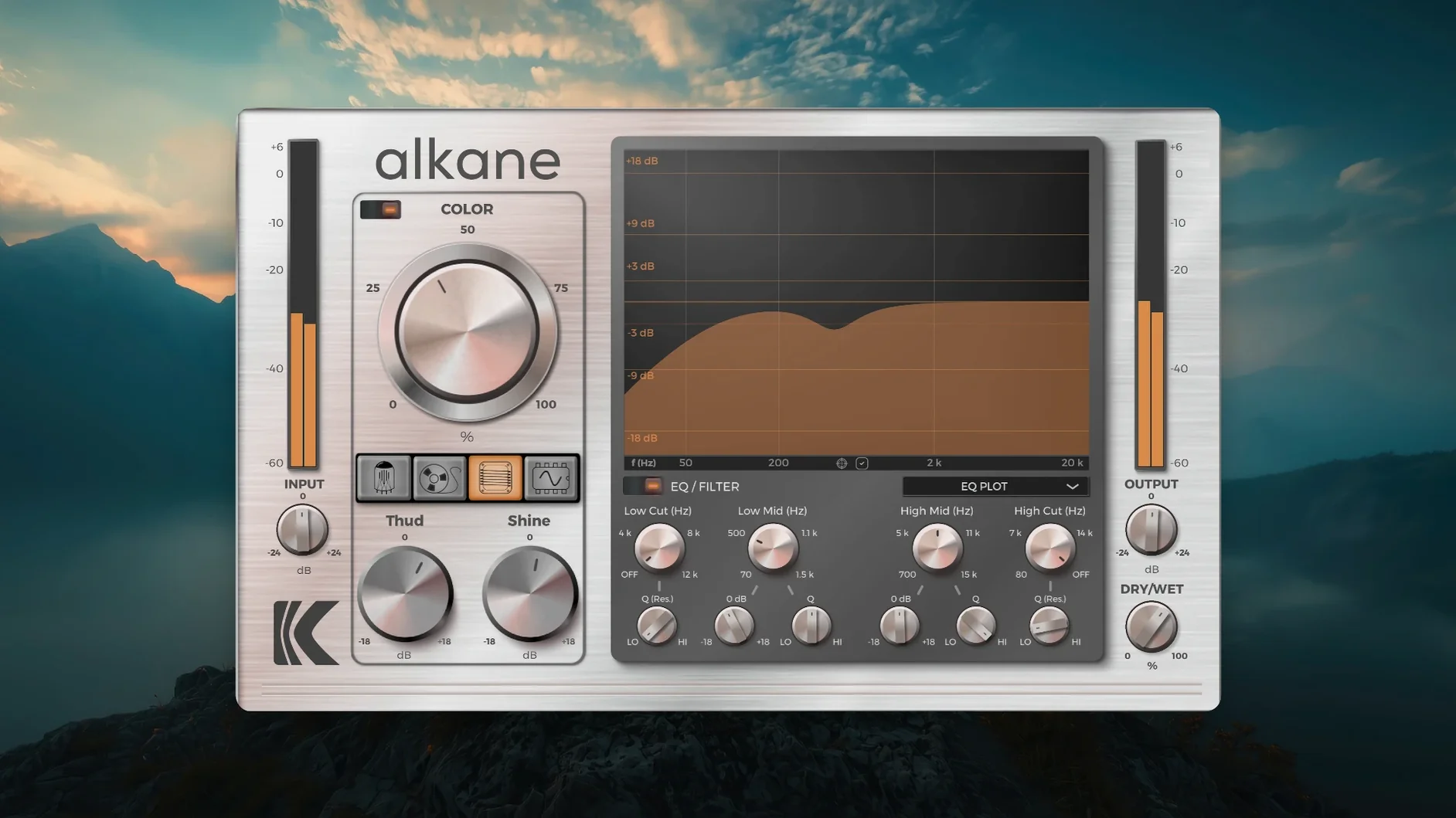
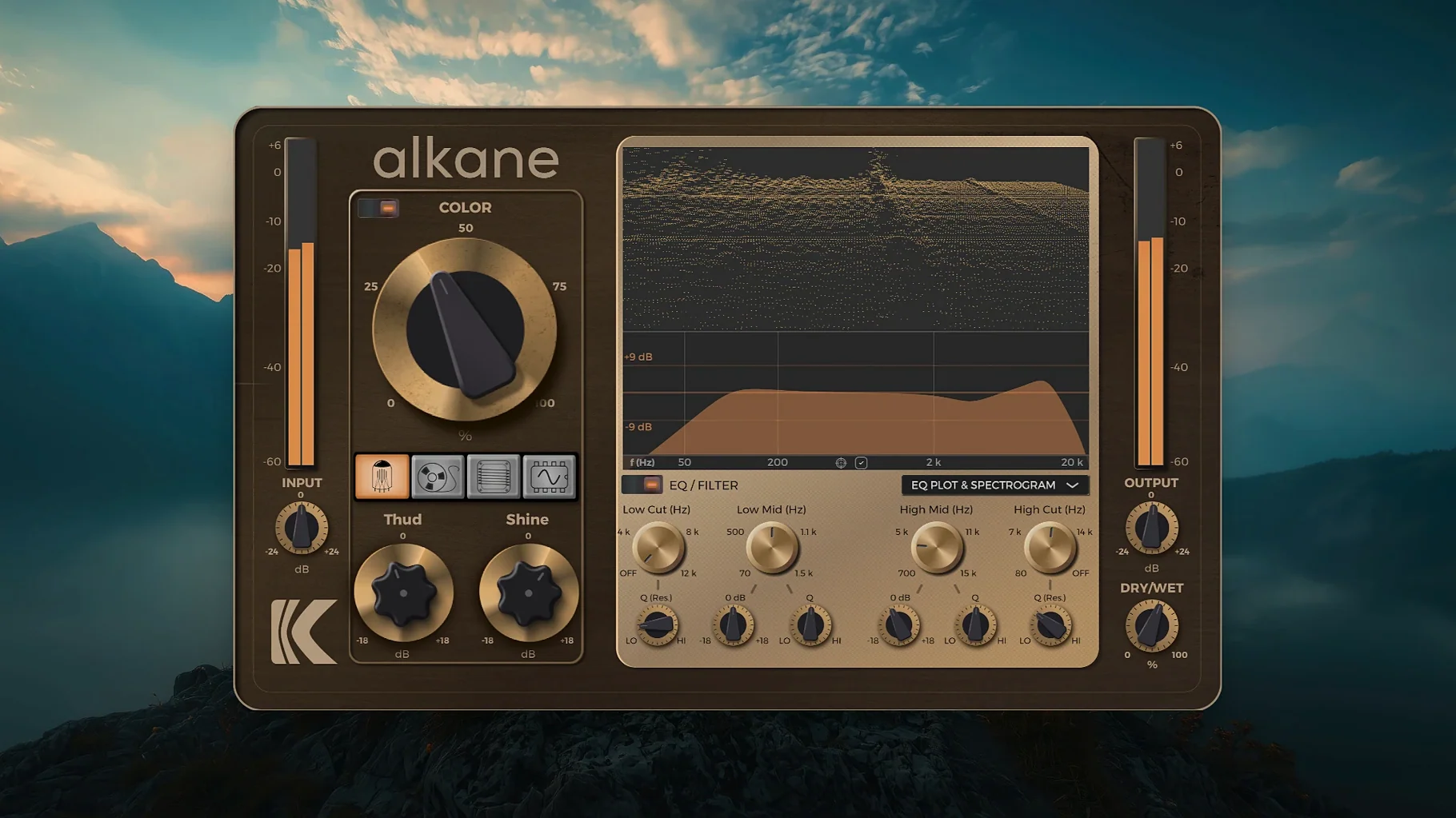
Flat recordings that sit lifeless in a mix need more than just a level boost. Alkane Plugin from Kalifornia Dynamic tackles exactly that — it’s a quad-circuit harmonics processor built to inject character into vocals, drums, bass, and full program material without burying the source in a single-effect wash.
- Pick your circuit. Four models live under one roof: Tube for gentle warmth, Tape for that compressed top-end sheen, Transformer for thick low-end weight, and Synth for aggressive waveshaping. You can drive any of them independently.
- Shape with the two-band EQ. High-pass and low-pass filters sit beside a flexible parametric EQ, so you can push harmonics into just the midrange or keep the sub frequencies clean before the circuit hits.
- Dial in Color. The dedicated Color module tweaks the harmonic structure further — more even-order sweetness or odd-order bite, depending on how you set it.
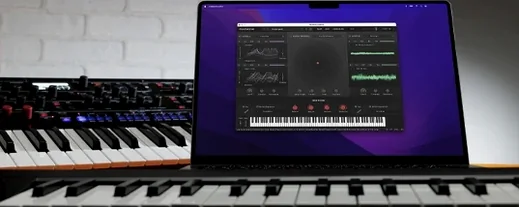
- Watch the visualizer. A 3D spectrogram and EQ plot update in real time, which makes it dead simple to see exactly what the 8x oversampling is doing to your signal as you push the drive.
Everything runs in a high-resolution, scalable GUI that feels genuinely human-centered — no squinting at tiny knobs on a Retina display. It slots into Pro Tools, Logic, Cubase, or any DAW that hosts AU or VST3, and the standard installation keeps things uncomplicated. If you’ve been hunting for a single processor that can go from subtle console-style glue to outright waveform destruction, Alkane earns its place on your drum bus or vocal chain.
I won’t pretend the first thirty minutes with a quad-circuit saturator are frictionless. You open it on a snare bus, crank the Tape circuit, and suddenly things sound choked where you wanted sparkle. That’s normal. Give yourself a few days to learn how the four models stack, and Alkane starts behaving less like a mystery box and more like a small collection of outboard gear you actually understand.
First-week moves that save you time
Don’t audition circuits at full drive. Pull the output down 6 dB, then sweep through Tube, Tape, Transformer, and Synth with the input gain low enough that the visualizer shows only gentle activity. Your ears will catch the tonal fingerprint of each model faster when they aren’t fighting clipping.
After that, the two-band EQ becomes your best friend before the circuit stage. High-passing at 120 Hz before hitting Transformer keeps bass drums weighty instead of woolly. Low-passing a vocal at 8 kHz before Synth gives you bite without making sibilants painful. Small moves, big difference.
The Color module rewards restraint early on. Drag it to about 20% wet and toggle between even and odd emphasis while the mix plays — one setting will sit inside the track, the other will poke out. Commit to whichever feels right and move on. Over-tweaking Color during the first week leads to ear fatigue and second-guessing.
Subtle glue, not just mayhem
Does it only do aggressive distortion? Far from it. Three of the four circuits shine at subtle harmonic enhancement. Tube on a mix bus at 15% drive adds glue without obvious breakup; Tape at low settings tames brittle overheads. Synth is the exception — it was built for obvious waveshaping — but even that circuit cleans up when you pull the drive below 25%.
Will it wreck my transients? Not by default. The Color module is transient-safe by design, so peak material like kick drums and plucked strings retain their attack unless you deliberately push into full saturation. If you want softened transients, Transformer mode at higher drive levels will get you there on purpose, not by accident.
Is the visualizer actually useful? Yes, especially the 3D spectrogram. Watching harmonics bloom above the fundamental while you sweep the EQ helps you place saturation exactly where the track needs energy. After a few sessions you’ll glance at it less, but in the beginning it’s a genuine learning tool, not decoration.
How heavy is the CPU hit? 8x oversampling isn’t free, but Alkane runs natively on Apple Silicon and I’ve had no trouble running multiple instances on drum shells, bass, and a parallel vocal chain without bouncing. Older Intel machines will feel it sooner; freeze or commit tracks if your session gets crowded.
Focused saturation vs. surgical multiband
Stack Alkane next to something like FabFilter Saturn and the difference comes down to intent. Saturn is a surgical multiband saturator with modulation — fantastic for sound design but easy to overcomplicate on a drum bus. Alkane strips that back to four preset circuit behaviors and a single-band focus. You work faster because there are fewer decisions, and the results sound more like hardware and less like a lab experiment.
Compared to Soundtoys Decapitator, the character overlap is real — both chase analog console and tape flavors. Decapitator leans harder into vintage emulation with its tone knob and punish mode, while Alkane’s Synth circuit and Color module push into territory Decapitator doesn’t touch. If you want a Neve desk in a box, Decapitator still wins. If you want one plugin that covers tube warmth, tape sheen, transformer weight, and outright waveform mangling, Alkane covers more ground.
Against a freeware option like Softube Saturation Knob, there’s no contest in flexibility — Saturation Knob does one flavor well and stops. Alkane gives you four circuits, an EQ section, and 8x oversampling that keeps aliasing inaudible even at extreme settings. The jump in sound quality is obvious the moment you push drive past 50%.
- macOS 11 or newer
- Apple Silicon Mac
- AU or VST3 host (Pro Tools, Logic, Cubase, etc.)
Questions people ask
What circuit models are included in KD Alkane?
It combines four models — Tube, Tape, Transformer, and Synth — each with its own drive character, from smooth saturation to aggressive distortion.
Does Alkane Plugin work on Apple Silicon Macs?
Yes, it runs natively on Apple Silicon and requires macOS 11 or later.
Can I use Alkane on individual tracks and full mixes?
Absolutely — the quad-circuit design and built-in EQ make it flexible enough for single vocals or drums, as well as stereo bus processing.
Also on readers' docks
Sign in or create an account to leave a comment.
No comments yet. Tell me how it got on with your other devices.
More in VST Plugins
See all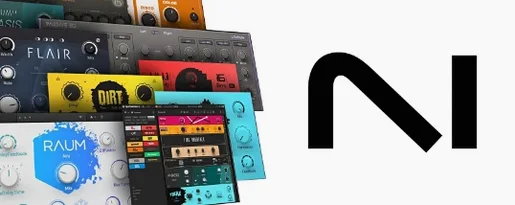 Komplete FX Bundle
2026.1 VST Plugins
3.2 GB
Komplete FX Bundle
2026.1 VST Plugins
3.2 GB
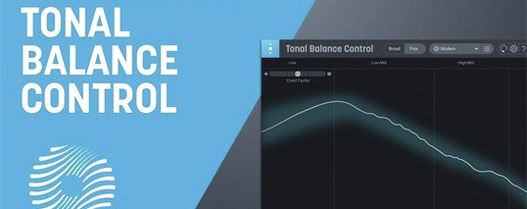 iZotope Tonal Balance Control
3.0.0 VST Plugins
264 MB
iZotope Tonal Balance Control
3.0.0 VST Plugins
264 MB
 Komplete Kontrol
3.5.4 VST Plugins
785 MB
Komplete Kontrol
3.5.4 VST Plugins
785 MB
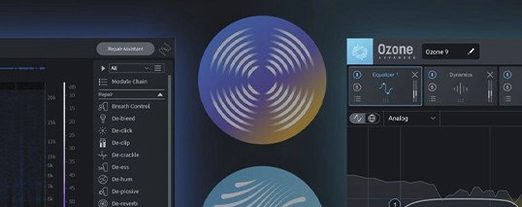 Updated iZotope RX
12.1.0 VST Plugins
3.6 GB
Updated iZotope RX
12.1.0 VST Plugins
3.6 GB
 iZotope Neutron
5.2.0 VST Plugins
928 MB
iZotope Neutron
5.2.0 VST Plugins
928 MB
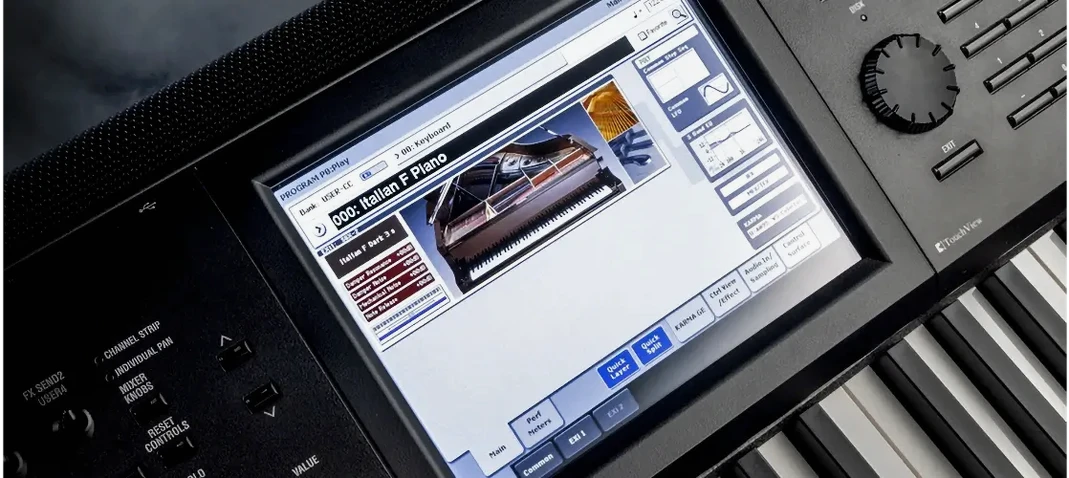 KORG Collection
1.0.3 VST Plugins
175 MB
KORG Collection
1.0.3 VST Plugins
175 MB
 iZotope Nectar
4.1.0 VST Plugins
545 MB
iZotope Nectar
4.1.0 VST Plugins
545 MB
 KORG Software Modwave Native
1.4.2 VST Plugins
111 MB
KORG Software Modwave Native
1.4.2 VST Plugins
111 MB