








Download iZotope Neutron for macOS
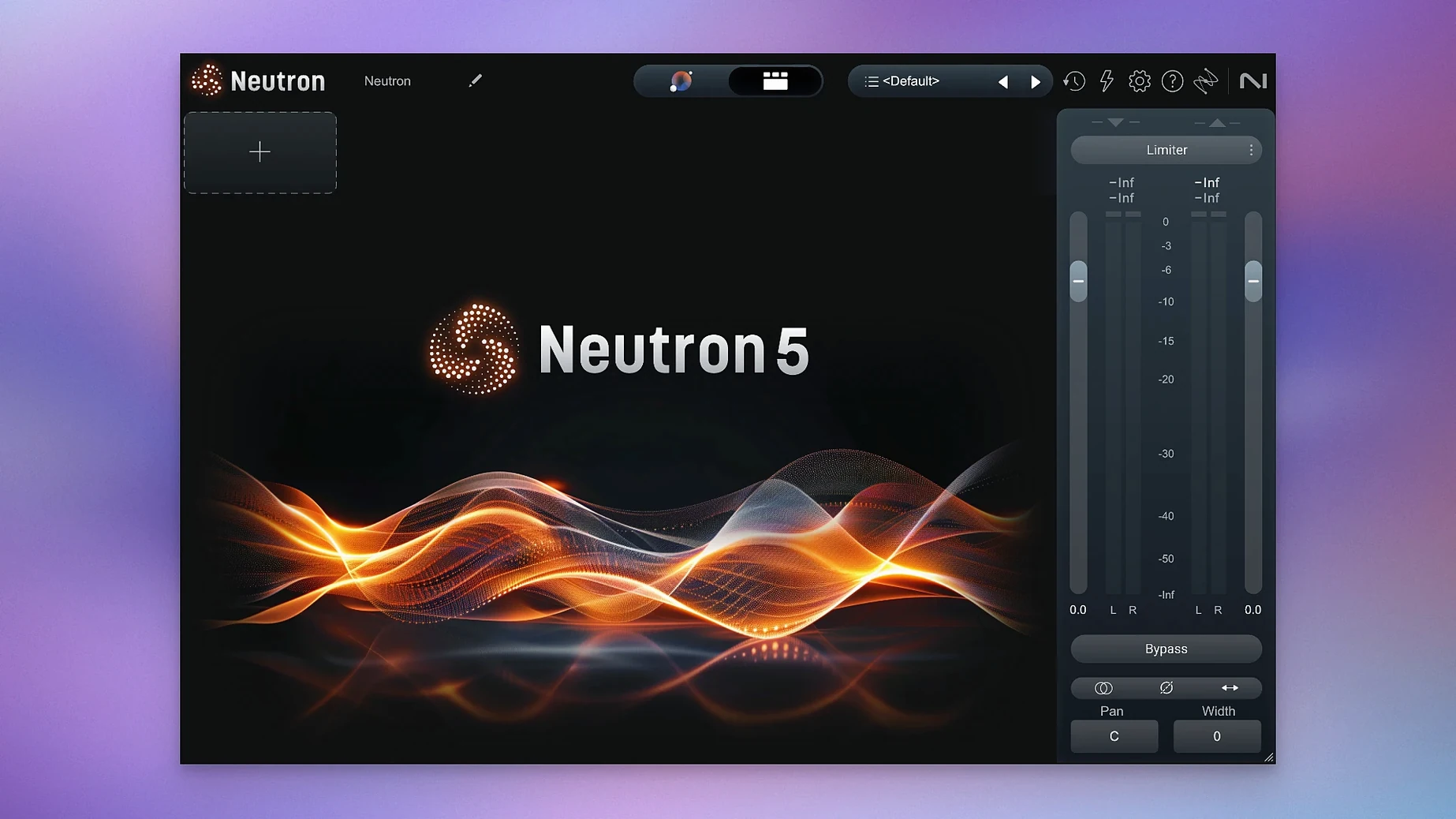
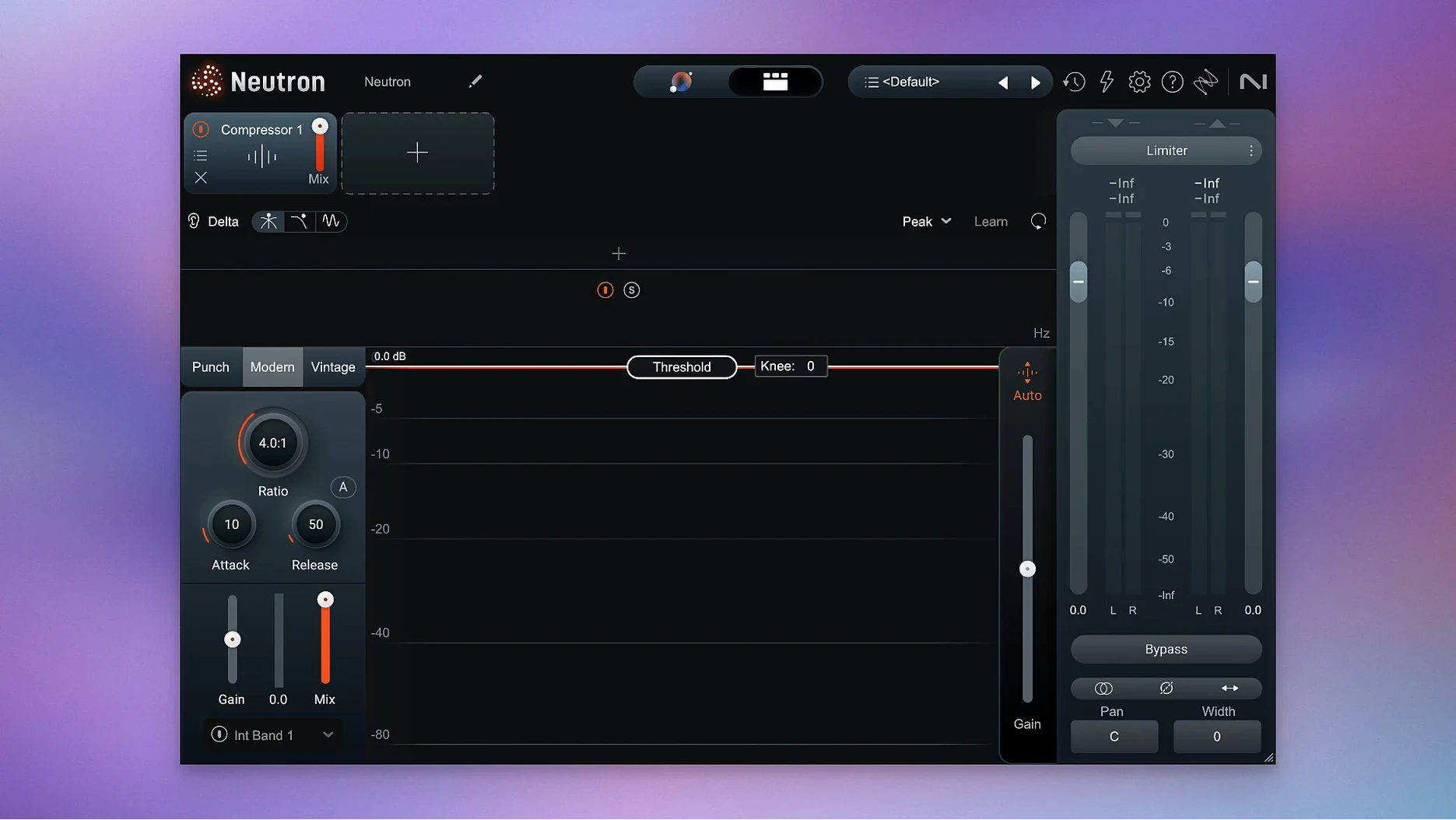
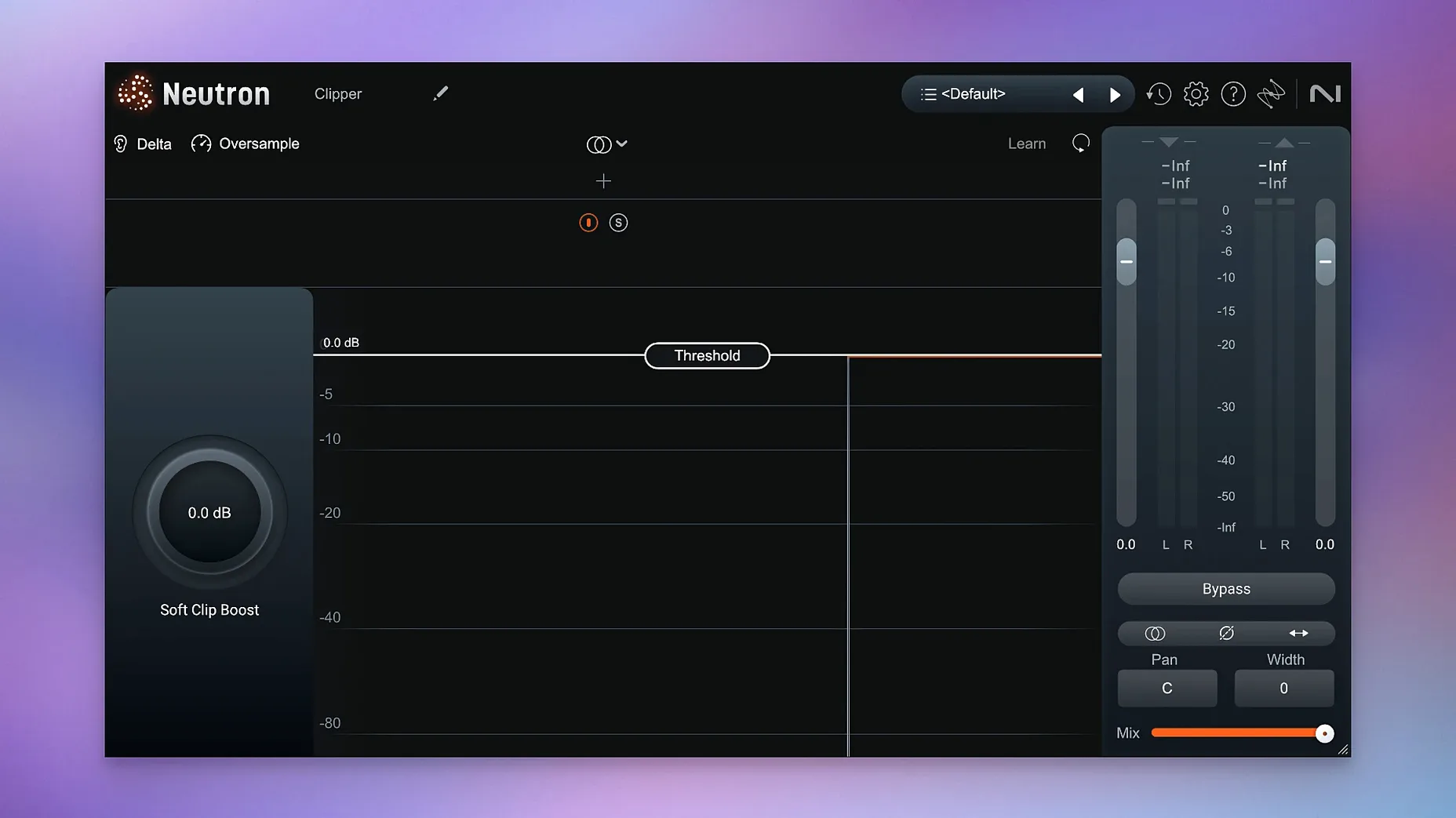
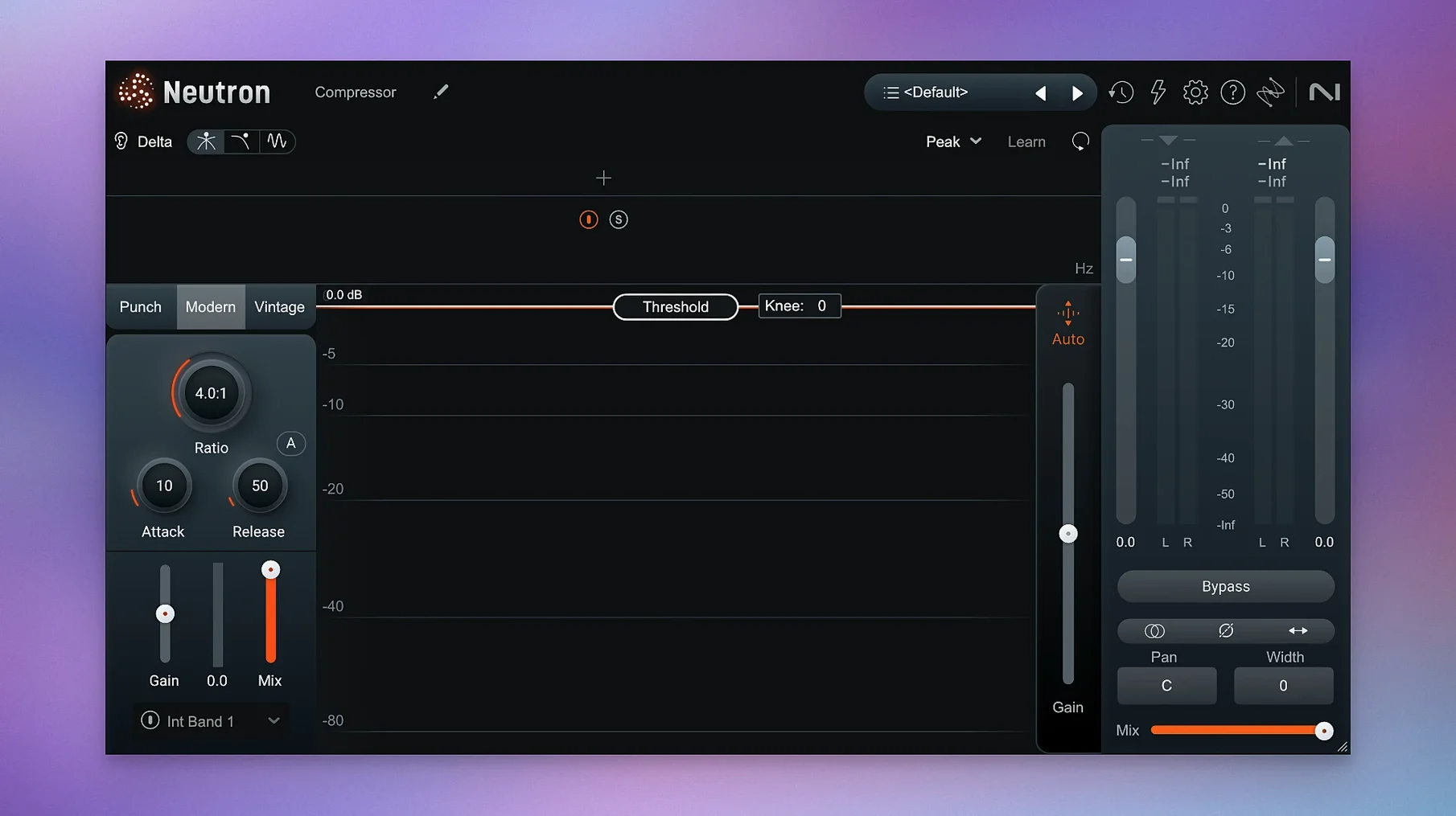
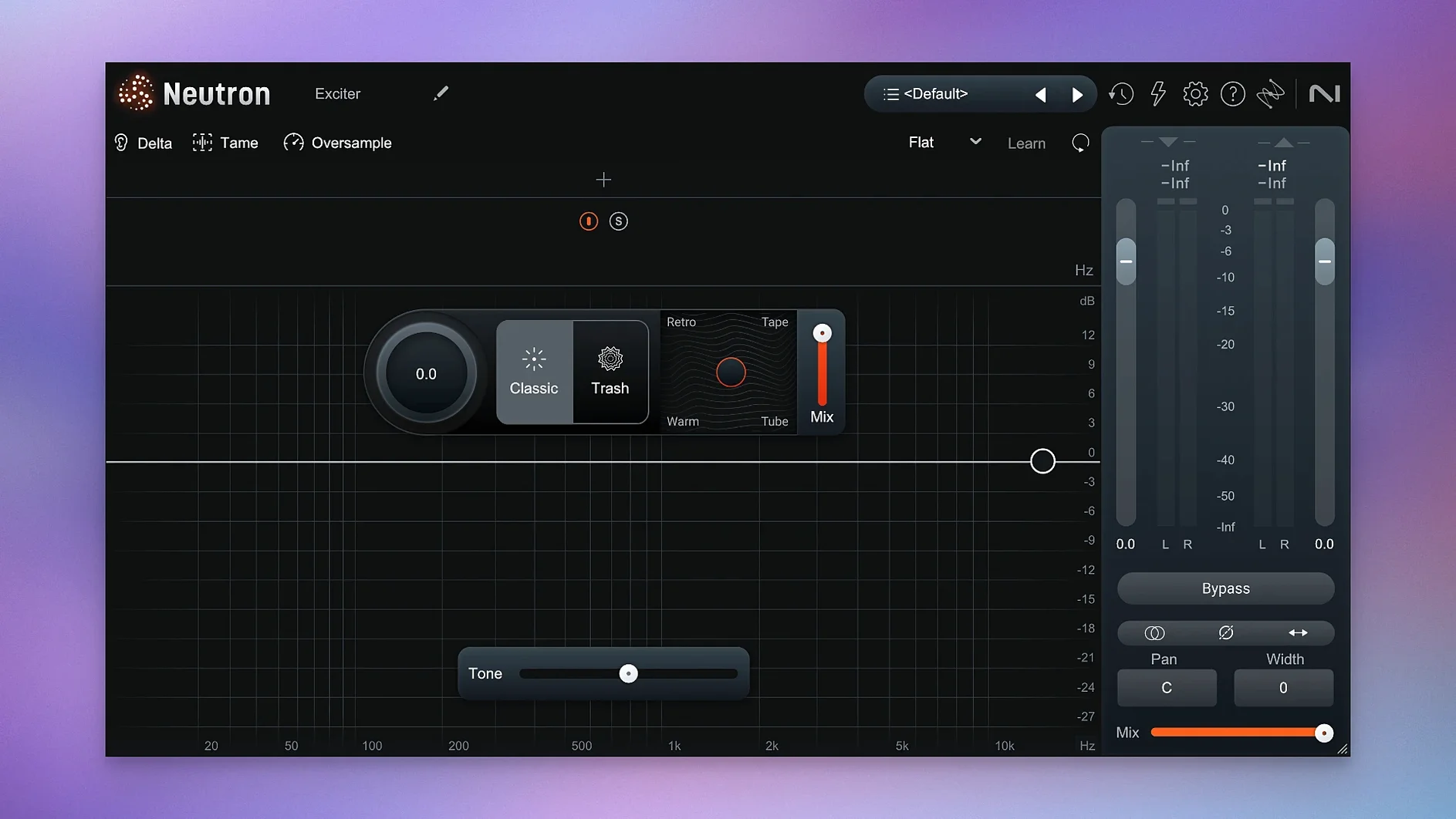
iZotope Neutron is a complete mixing toolbox that packs 11 plugins into one suite, built around an AI-powered Mix Assistant that listens to your audio and suggests a starting point.
Mix Assistant as Your Control Hub
| What | Details |
|---|---|
| Type | Audio mixing plugin suite |
| Version | 5.2.0 |
| Plugins included | 1 mothership + 10 component modules |
| Key tech | AI Mix Assistant, Masking module, Punch Mode |
| Languages | English |
The centerpiece is the Mix Assistant, reworked here as an intelligent control hub. You can feed it reference tracks or pick a professional instrument profile, and it dials in a custom starting point across the whole session. From there, the Masking module spots where instruments are fighting for the same frequencies and clears things up, while Punch Mode lets you shape and visualize transient impact without guesswork. Every module has a Delta button so you can hear exactly what it's doing — great for training your ears. The metering is clearer across the board, so you see what you're fixing as you work. If you mix on a laptop or hop between a Mac Studio and a MacBook, the suite runs natively on Intel and Apple Silicon, which keeps things snappy. It's best suited for mix engineers, producers, and home-studio owners who want a single suite that actually listens before it starts tweaking.
When Mix Assistant Won’t Listen
Even a polished suite has its sticky spots. The most frequent head-scratcher I see is the Mix Assistant refusing to listen — you hit the button, playback rolls, and nothing happens. Nine times out of ten it's a routing issue. The Assistant needs clean sidechain access to every track you want it to analyze, so check that your DAW's sidechain inputs are assigned and that the tracks aren't muted or soloed in a way that hides them from Neutron. If you're working in surround, version 5.2.0 specifically fixed an iLok authorization hiccup that broke things in multichannel instances, so make sure you're on the latest build.
Another gotcha is the Masking module feeling too aggressive out of the gate. The default detection can flag frequency collisions that actually add character to a mix — bass and kick drum overlap isn't always the enemy. Dial back the Threshold control before you start cutting, and use the Delta button to confirm what's being removed. You might keep half the reduction and call it a day.
CPU spikes crop up when you stack full Neutron instances across a dense session. The mothership plugin loads all the modules by default, even if you only need the compressor and EQ. A quick fix: strip out unused modules from the chain (right-click and remove them) or reach for the individual component plugins instead. They're lighter and just as capable when you don't need the full suite's brain.
Treat the AI as a Second Opinion
Don't let the AI drive on day one. The Mix Assistant is tempting as a one-click solution, but early sessions go smoother if you treat it as a second opinion — run it on a few tracks, study what it suggests, then bypass and rebuild the moves manually a couple of times. You'll learn how Neutron thinks and where you disagree with it.
Set up a reference library straight away. Pick three or four mixes you know inside-out — tracks you've heard on headphones, monitors, and car speakers — and load them into the Assistant's reference panel. The AI maps its suggestions against what it hears in those references, so feeding it material you trust makes a real difference. Swap them around between projects to avoid the suite locking into one sonic signature.
Get friendly with the Delta buttons. Every module has one, and it's the fastest way to train your ears on what compression, saturation, or masking reduction actually does in context. I like to loop a tricky section, enable Delta on one module at a time, and just listen. You'll catch things you'd otherwise miss — like a compressor pumping too hard or an EQ cut that's stealing body from a vocal.
If you're hunting for the full iZotope Neutron torrent setup, you'll find the package includes clear install and activation instructions, but double-check that your macOS version matches. The 5.2.0 update raised the bar to macOS 13.4, so older Intel machines stuck on Monterey won't cut it.
Workflow: Vocal Mix from Scratch
Here's a real session flow I've settled into when a lead vocal needs wrangling. Start by inserting the Neutron mothership on the vocal bus. Open the Mix Assistant, select the Vocal profile, and let it analyze the performance. It'll set up a chain with EQ, compression, and a bit of exciter — don't touch anything yet.
Switch to the Masking module and point it at your main instrumental bus. Let it run for a few bars of the loudest section. You'll see the collision map light up around 2-4 kHz where guitars and cymbals fight the vocal. Dial the reduction to about 40% instead of the full suggested cut; vocals still need presence, they just don't need to compete with crash cymbals. Flip the Delta button on and off to confirm you're clearing space without hollowing the vocal out.
Now jump into the EQ module. The Assistant usually boosts somewhere around 3 kHz for clarity — try shifting that boost slightly lower, around 2.5 kHz, and widen the Q a touch if the vocal sounds pinched. Add a gentle high shelf at 10 kHz for air, but keep it under 2 dB. Neutron's spectrum display overlays the signal in real time, so watch where the energy sits as you tweak.
Next, hit the Compressor. The AI tends toward medium attack and fast release settings on vocals. Slow the attack to around 15 ms to let the initial consonants through — they're what make lyrics intelligible — and set the ratio to 3:1. Engage Punch Mode on the compressor and eyeball the impact visualization; you want the transient spikes peaking cleanly without flattening out.
Finally, open the Exciter module and add a whisper of harmonic saturation to the upper mids. Keep the mix dial around 15% wet. Bypass everything, listen, then toggle the whole chain back in. If the vocal sits in the pocket and you can hear every syllable without reaching for the fader, you're done.
Precision vs. Integrated Mixing Hub
FabFilter Pro-Q 4 + Saturn 2 bundle. FabFilter's ecosystem is the gold standard for precision — the EQ and saturation algorithms are surgical and gorgeous. But it has no AI assistant, no masking detection, and no integrated mixing hub. You're building every chain from scratch, which is liberating if you know exactly what you want and slow if you're learning. Neutron trades some of that surgical finesse for speed and guidance.
Waves Horizon bundle. Waves gives you sheer volume: dozens of modeled compressors, EQs, and character pieces. The variety is unmatched for color and vibe, but the integration is loose — there's no central brain linking your EQ moves to compression thresholds or spotting masking problems. Neutron feels more coherent as a single mixing environment, though Waves wins when you want three different 1176 flavors on three different tracks.
Sonible smart:EQ 3 + smart:comp 2. Sonible's spectral matching and AI-driven compression come closest to Neutron's assistant approach. The interfaces are clean and the learning curve is gentle. However, Sonible's tools are separate purchases that don't talk to each other the way Neutron's modules do — no unified masking detection, no integrated transient visualization across dynamics and EQ. If someone grabbed an iZotope Neutron 5 crack to explore the full integrated workflow, they'd quickly see how the modules' cross-communication saves time compared to patching separate plugins together. Neutron feels like a mixing desk where every channel strip knows what the others are up to; Sonible feels like three smart individuals who don't share notes.
Version 5.2.0 tidies up a couple of rough edges:
- Fixed an iLok authorization bug that affected surround instances of Neutron 5.
- Updated the list of supported macOS versions.
- macOS 13.4 or later
- Runs on both Intel and Apple Silicon Macs
Questions people ask
What is the Mix Assistant in iZotope Neutron?
It's an AI-powered intelligent control center that analyzes your audio and applies a starting mix using professional instrument profiles or custom reference tracks.
How does the Masking module work?
It detects frequency collisions between tracks where sounds mask one another, then lets you remove the problem areas so each element has its own space.
What are Delta Buttons used for?
Each module includes a Delta Button that isolates only the change it is making, so you can hear the processing in context before committing to it.
Also on readers' docks
Sign in or create an account to leave a comment.
No comments yet. Tell me how it got on with your other devices.
More in VST Plugins
See all iZotope Nectar
4.1.0 VST Plugins
545 MB
iZotope Nectar
4.1.0 VST Plugins
545 MB
 iZotope Insight
2.4.0 VST Plugins
iZotope Insight
2.4.0 VST Plugins
 Updated iZotope RX
12.1.0 VST Plugins
3.6 GB
Updated iZotope RX
12.1.0 VST Plugins
3.6 GB
 iZotope Tonal Balance Control
3.0.0 VST Plugins
264 MB
iZotope Tonal Balance Control
3.0.0 VST Plugins
264 MB
 Kalifornia Dynamic KD Alkane
1.0.17.0 VST Plugins
270 MB
Kalifornia Dynamic KD Alkane
1.0.17.0 VST Plugins
270 MB
 Komplete FX Bundle
2026.1 VST Plugins
3.2 GB
Komplete FX Bundle
2026.1 VST Plugins
3.2 GB
 Komplete Kontrol
3.5.4 VST Plugins
785 MB
Komplete Kontrol
3.5.4 VST Plugins
785 MB
 KORG Collection
1.0.3 VST Plugins
175 MB
KORG Collection
1.0.3 VST Plugins
175 MB