









Download FabFilter Total Bundle for macOS
Who ends up with the Total Bundle
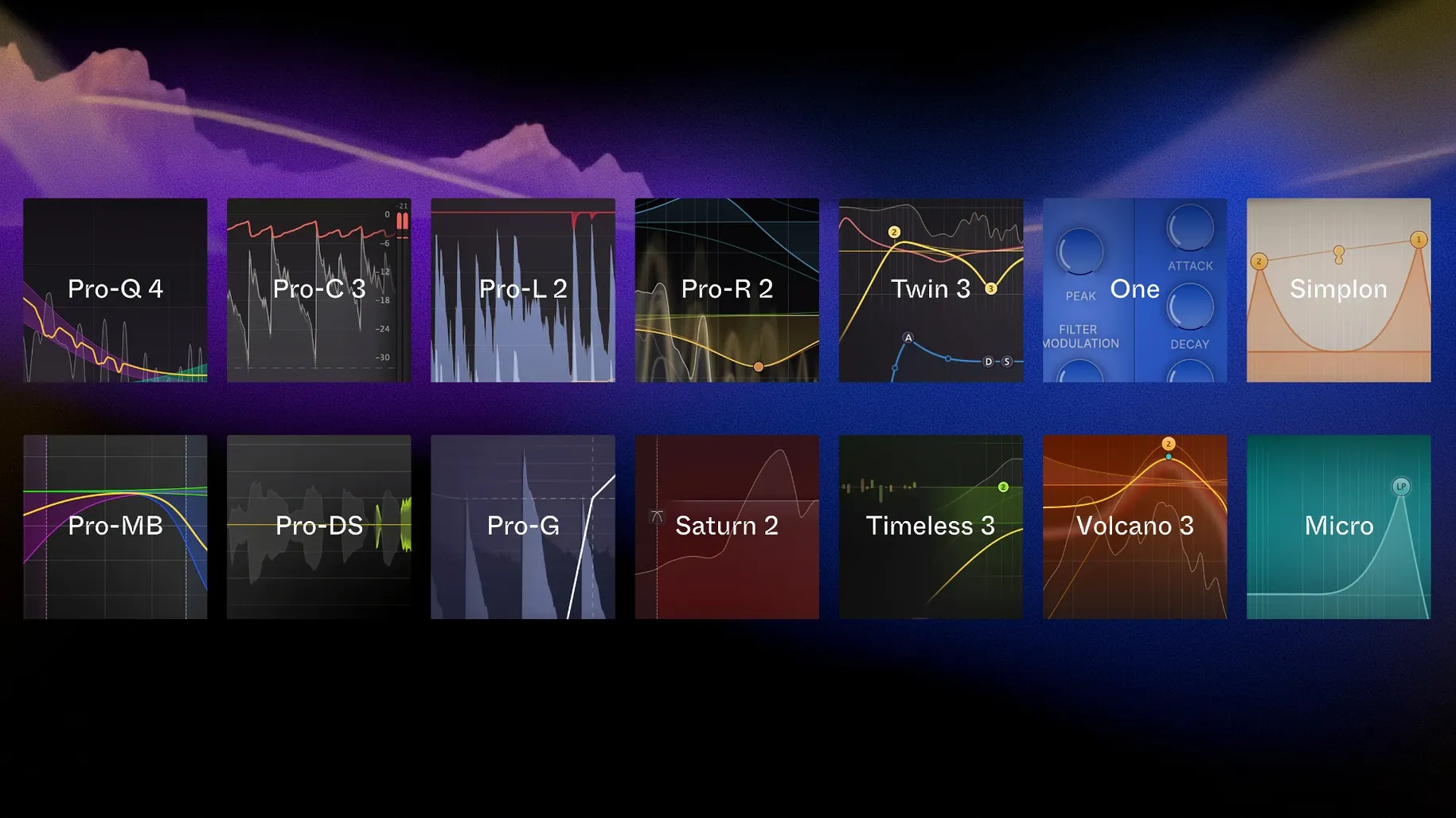
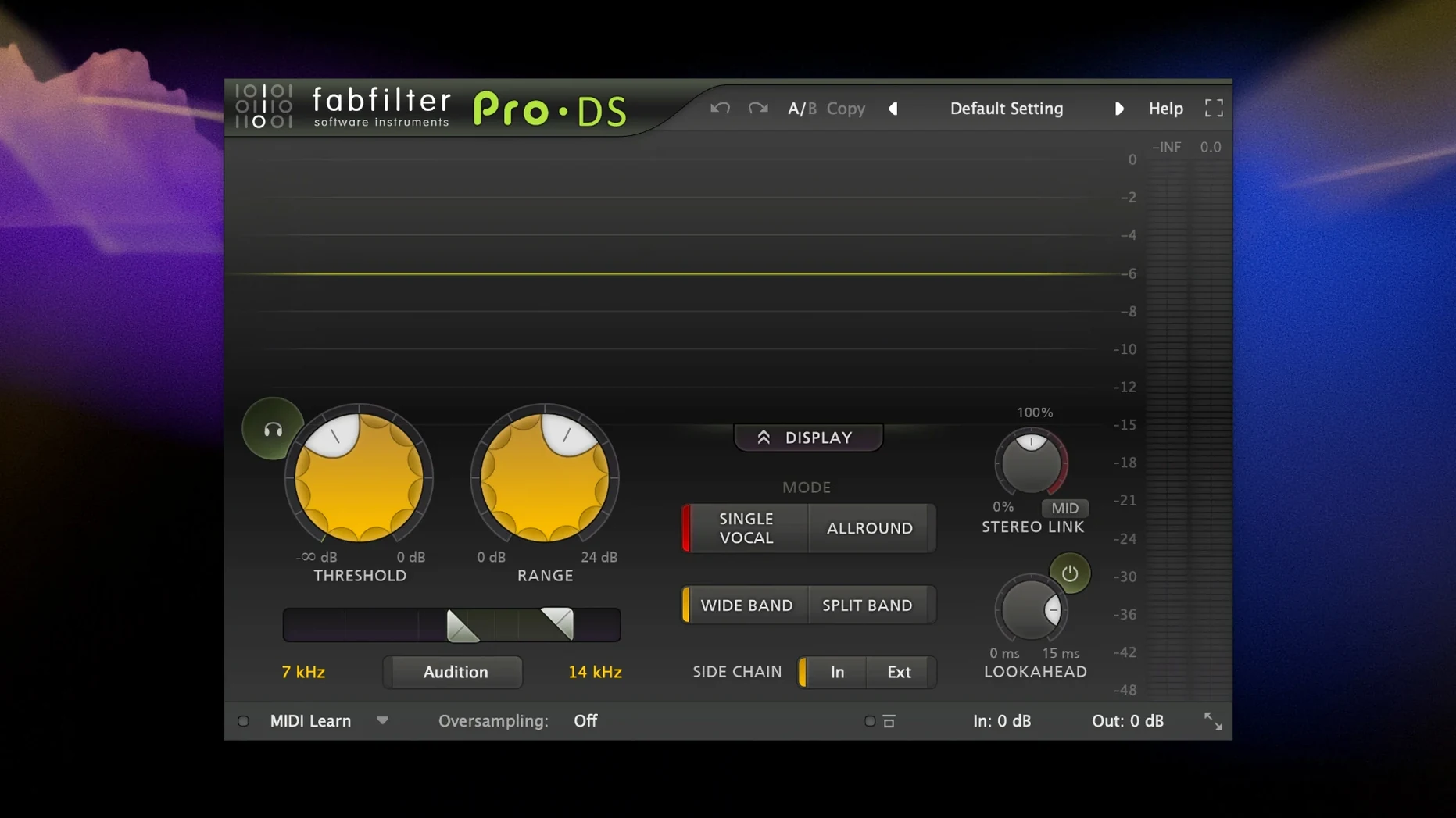
It’s the obvious destination for mix engineers, sound designers, and producers who started with one FabFilter plug-in and kept adding. Once you’ve relied on Pro-Q for surgical EQ, Pro-C for compression, and Pro-R for reverb, the individual licenses start to feel like a slow climb toward the whole set. The bundle pulls together every processor and creative effect the company makes.
Full mixing and sound design toolkit in one download
The download covers the full studio toolkit: Pro-Q, Pro-C, Pro-L, and Pro-MB handle the core mixing tasks, while Saturn, Timeless, Twin, and Volcano bring saturation, delay, and filtering into sound design territory. Gate, de-essing, and multiband dynamics are all accounted for too. It’s a single installer that drops every plug-in onto your Mac at once, so you’re not chasing down separate packages.
First session after installing
- Open the disk image and run the standard installer.
- Launch your DAW and let it scan the new AU, VST, or AAX plug-ins.
- Drop Pro-Q 4 on a vocal bus, then stack Saturn and Timeless on a synth track to see how the creative tools play together.
That last step is where the bundle makes sense: everything talks the same modulation system, so routing an envelope follower from one plug-in to another feels like one big instrument rather than a collection of separate tools.
Resizable windows and GPU-friendly interface defaults
FabFilter plug-ins ship with sensible defaults, but a handful of preferences make a real difference once you start working across a full session. The first stop should be the interface size controls. Every plug-in in the bundle supports resizable windows, and the default medium setting can feel cramped if you're tweaking Pro-Q's spectral display on a Retina screen. Bump it to large or extra large—your eyes will thank you by hour four of a vocal edit.
Next, head into Pro-Q 4's analyzer settings and switch the display mode to Pre + Post if you plan to stack dynamic bands. The default shows only the input spectrum, but seeing both sides of the processing chain at once turns the display into a proper diagnostic tool. While you're there, turn off Auto Gain if you prefer to judge EQ changes by ear rather than by a compensated level—many newcomers miss this checkbox entirely and wonder why their boosts feel less dramatic than they look.
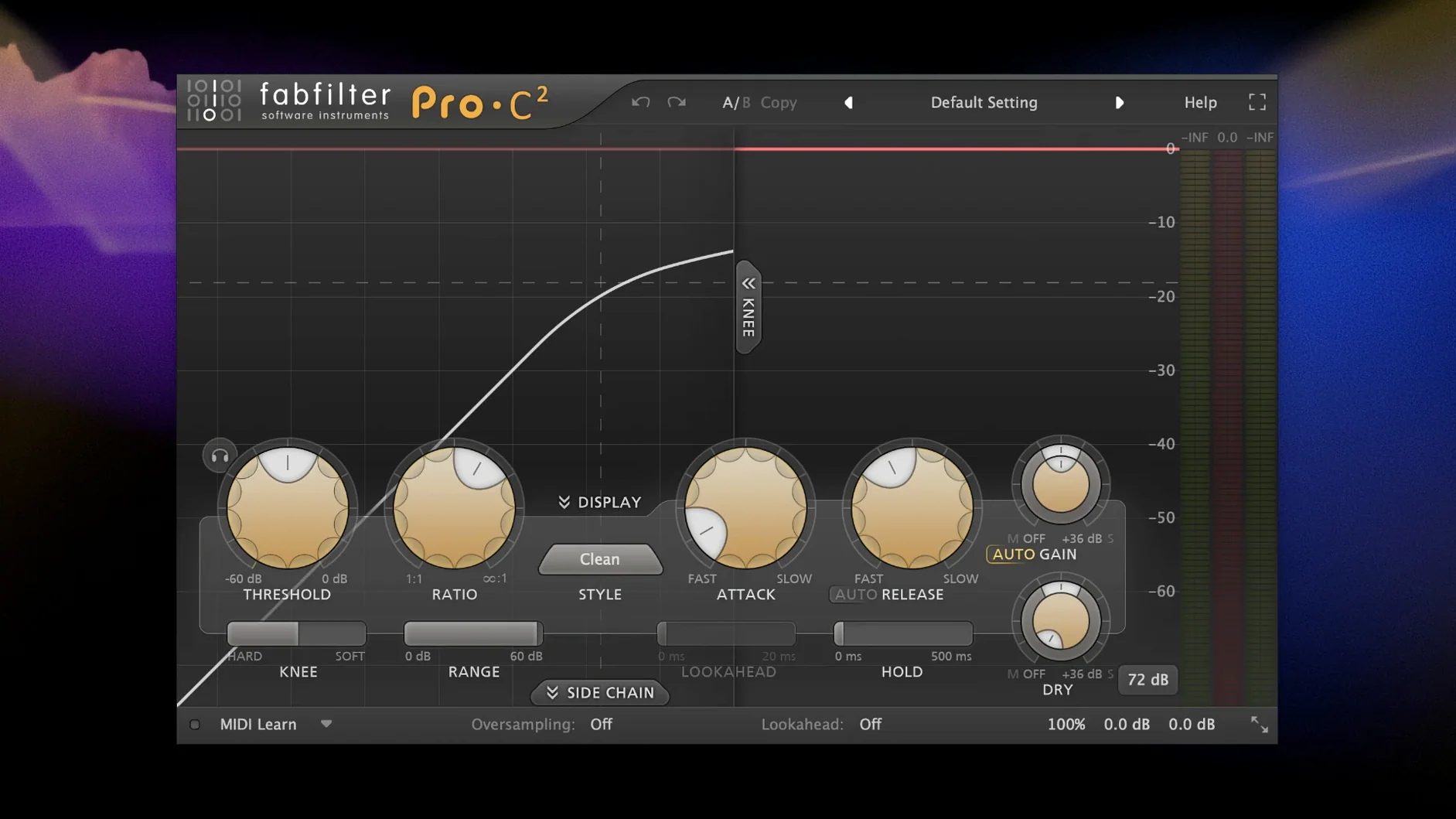
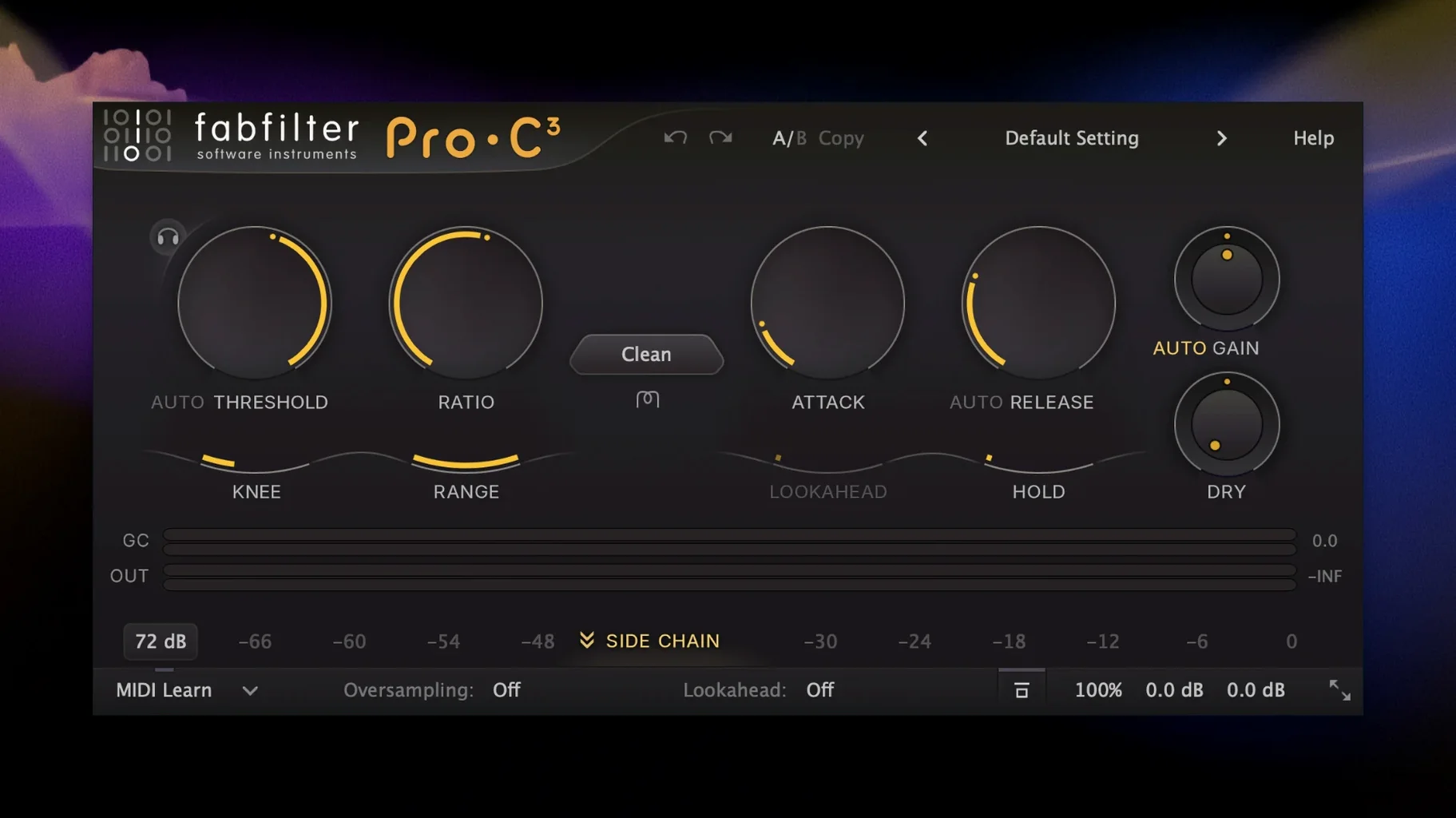
Over in Pro-C's sidechain section, enable External Sidechain as the default trigger mode if you spend most of your time ducking bass against a kick drum. The plug-in remembers your last setting per instance, but setting it once on your go-to preset saves a click every time you load a new compressor. Similarly, Pro-R's post-EQ curve benefits from switching the decay rate EQ to 5-band mode straight away—the standard 3-band curve is quick to set but leaves midrange resonances half-treated.
One tweak that applies across the whole bundle: turn on Show Value Tooltips in the general preferences and set the display to show both frequency and note values. This is buried in the FabFilter global settings, not per plug-in, and it puts musical pitch information right next to the Hertz readout on every EQ and filter control in the suite.
One installer places AU, VST, and AAX formats automatically
Does it really need its own installer, or can I just drop the components into my plug-ins folder? The bundle uses a standard disk image and installer that places Audio Units, VST, and AAX formats where your DAW expects them. Dragging files manually isn't necessary and usually leads to missed component formats, especially if you switch between Logic, Ableton Live, and Pro Tools in the same week. Run the installer once and let every host see the full set.
Will older sessions recall correctly if I already had individual FabFilter plug-ins installed? Yes, as long as the plug-in IDs match. The Total Bundle installer overwrites nothing that would break backward compatibility. Pro-Q 4 opens sessions that used Pro-Q 3 and carries settings forward, though it's worth saving a copy of critical projects before letting the new version touch them—standard mixing precaution, not a FabFilter quirk.
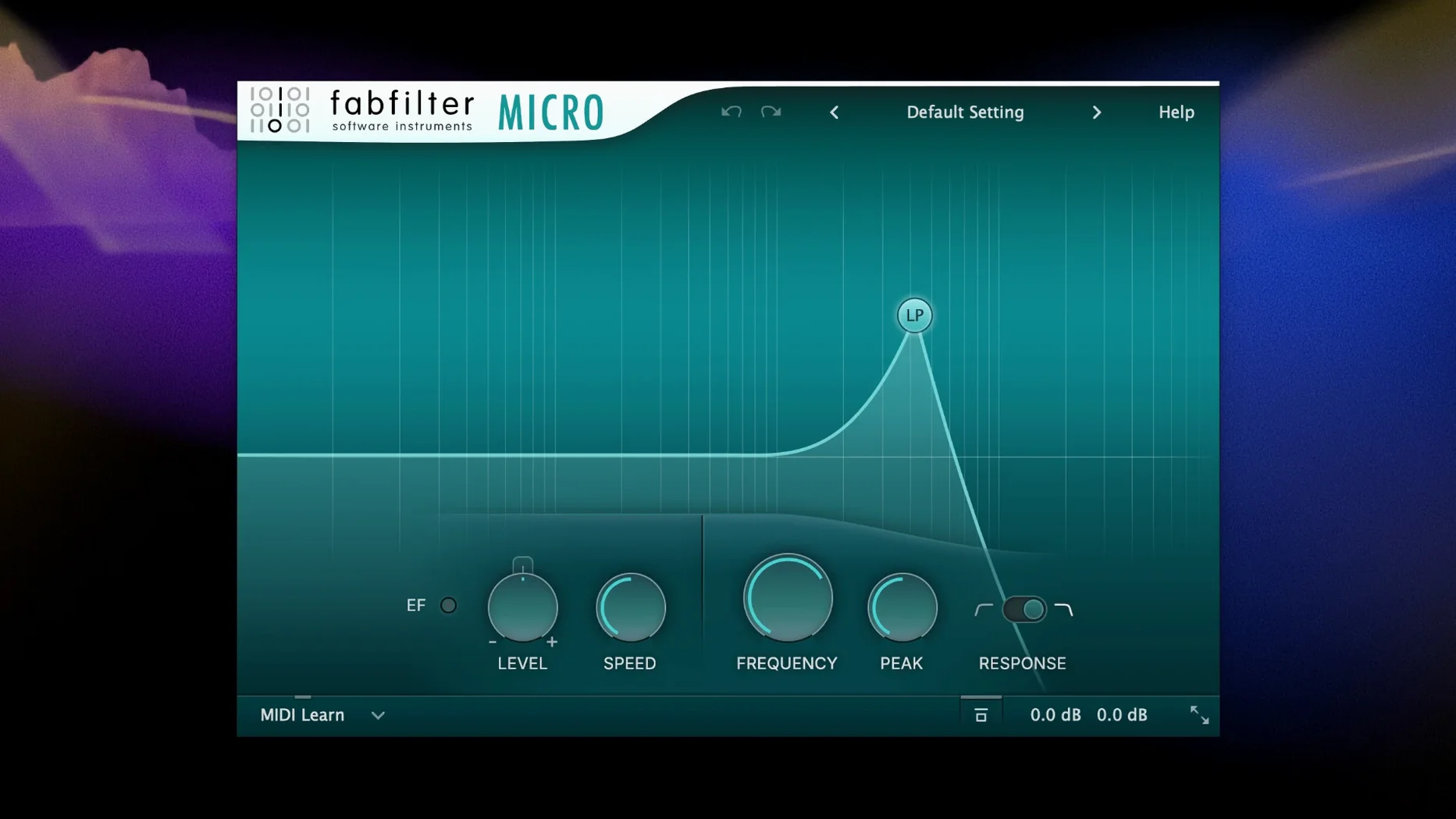
How heavy is the whole bundle on CPU? FabFilter plug-ins lean efficient for what they do, but that doesn't mean you can ignore the meter. Pro-R in high-quality mode and Saturn with oversampling engaged will chew through cycles if you stack them. The bundle includes lighter alternatives—Micro and One—that cover basic filtering and compression at a fraction of the load, so you're not forced to run the flagship processors on every track.
What happens with the fabfilter bundle free download mac versions floating around? The installer from the disk image handles everything cleanly. No need to hunt down individual components or worry about mismatched plug-in versions across the set.
Carving space for a vocal against a synth bus
You open a mix that's about seventy percent finished—drums are punching, bass is solid, but the vocal and the synth bus still feel like they're competing for the same space. The DAW loads, and within seconds the familiar gray-and-orange interfaces pop up across the session. Pro-Q 4 is already sitting on the vocal channel from yesterday's editing pass, its dynamic bands catching the harshest resonances around 2.8 kHz whenever the singer pushes into the chorus.
You grab the keyboard shortcut to open a new instance of Pro-C on the synth bus. The sidechain menu opens with a click, and you route the kick drum into the detector. Within thirty seconds the pad swell is breathing around the low end without any volume automation drawn yet. That's the rhythm section locked, so you turn to the reverb send and open Pro-R. The new IR-based engine in Pro-R 2 feels like a room you can walk around—you pull the decay down to 1.4 seconds, push the predelay to 35 ms, and sweep the character control toward "dark" until the tail sits behind the vocal instead of wrapping around it.
Midway through, you notice the bass guitar has a few notes that jump out too aggressively. You open Pro-MB, set a single band to cover 80–180 Hz with a tight ratio, and let the downward expansion gently pin the low end without squashing the fingerstyle articulation above it. The waveform display in Pro-MB shows exactly where the band triggers, so you're not guessing about threshold placement.
With the mix elements balanced, you bounce to the stereo bus and load Pro-L. True Peak limiting catches the intersample peaks that the channel strips missed, and the loudness meter confirms you're hitting the delivery target without audible pumping. Total session time from open to bounce: just under an hour, most of it spent listening rather than menu-diving.
Fifteen Pro-Q spectral waterfalls overwhelming a MacBook GPU
The most common one is running every plug-in at maximum visual resolution without checking what it does to GPU load. FabFilter's interfaces render smoothly, but a session with fifteen instances of Pro-Q showing real-time spectral waterfalls can make a MacBook Pro's fans spin up faster than the audio engine itself. Turn off the analyzer animation on instances you're not actively editing—the EQ still works, and the CPU drops noticeably.
Another mistake is treating Saturn as just a distortion box. It's a multiband saturator with envelope followers, so throwing it on a drum bus and dialing in subtle tape compression per band often sounds more natural than stacking another compressor. Beginners tend to reach for the "Warm Tube" preset and leave it there, missing the modulation tab entirely.
With Pro-Q, the trap is overusing dynamic bands. They're precise and musical, but placing eight of them on a single channel usually means the source needs different recording treatment rather than more EQ. A good rule of thumb: if more than three bands are set to dynamic, solo each one and ask whether the problem is spectral or something earlier in the chain.
Finally, people often ignore the output level controls across the bundle. FabFilter plug-ins don't auto-compensate gain across presets, so auditioning a heavy Pro-R preset after a gentle one can spike your monitoring level. Keep a hand on the output fader or enable the limiter built into Pro-Q's output stage as a safety net while browsing.
Double-click any parameter label to reset it instantly
Double-clicking any parameter label resets it to default—this works across every plug-in in the bundle and saves you from hunting for tiny reset buttons. Holding Shift while dragging a control switches to fine-adjust mode, which matters when you're setting a high-pass filter at exactly 42 Hz and don't want to overshoot three times.
Pro-Q's display supports direct interaction: you can click and drag on the spectrum itself to create and move bands without touching the band controls below. Less obvious is that holding Option while dragging a band changes its Q width asymmetrically, so you can tighten the low side of a cut while leaving the high side broad.
Timeless and Volcano share a tap-to-sync feature with the transport—click the note value display and it locks to your DAW's tempo, but hold Control while clicking and it stays free-running even when the host clock is active. Useful for delay throws that drift slightly against the grid.
The preset browser, accessible from the top bar of every plug-in, includes a search field that indexes across all installed presets. Typing "drum room" into Pro-R's search pulls up matching reverbs faster than scrolling through the category folders, and the same search works identically in Saturn, Pro-C, and the rest. Once you stop navigating presets by folder tree, the whole bundle feels quicker to operate.
- macOS 10.13 or newer
- Intel or Apple Silicon Mac
- AU, VST, or AAX host
Questions people ask
Does the bundle include both mixing and creative plug-ins?
Yes, it covers professional EQ, compression, limiting, and reverb alongside creative effects like Saturn, Timeless, Twin, and Volcano.
Which macOS version does the bundle require?
The installer runs on macOS 10.13 or later and supports both Intel and Apple Silicon Macs natively.
What plug-ins come in the FabFilter Total Bundle?
It includes Pro-Q, Pro-C, Pro-L, Pro-MB, Pro-R, Saturn, Timeless, Twin, and Volcano, plus the de-esser and gate/expander.
Also on readers' docks
Sign in or create an account to leave a comment.
No comments yet. Tell me how it got on with your other devices.
More in VST Plugins
See all EZdrummer
3.1.2 VST Plugins
786 MB
EZdrummer
3.1.2 VST Plugins
786 MB
 EZbass
1.3.3 VST Plugins
81 MB
EZbass
1.3.3 VST Plugins
81 MB
 elastiquePitch
2.5.0 VST Plugins
17 MB
elastiquePitch
2.5.0 VST Plugins
17 MB
 Effectrix
1.4.8 VST Plugins
20 MB
Effectrix
1.4.8 VST Plugins
20 MB
 Devious Machines Infiltrator
2.5.26 VST Plugins
46 MB
Devious Machines Infiltrator
2.5.26 VST Plugins
46 MB
 Cymatics VOXITY
1.0.0 VST Plugins
97 MB
Cymatics VOXITY
1.0.0 VST Plugins
97 MB
 Cymatics QUAKE
1.0.0 VST Plugins
1.6 GB
Cymatics QUAKE
1.0.0 VST Plugins
1.6 GB
 iZotope Insight
2.4.0 VST Plugins
iZotope Insight
2.4.0 VST Plugins