Download iA Writer for macOS
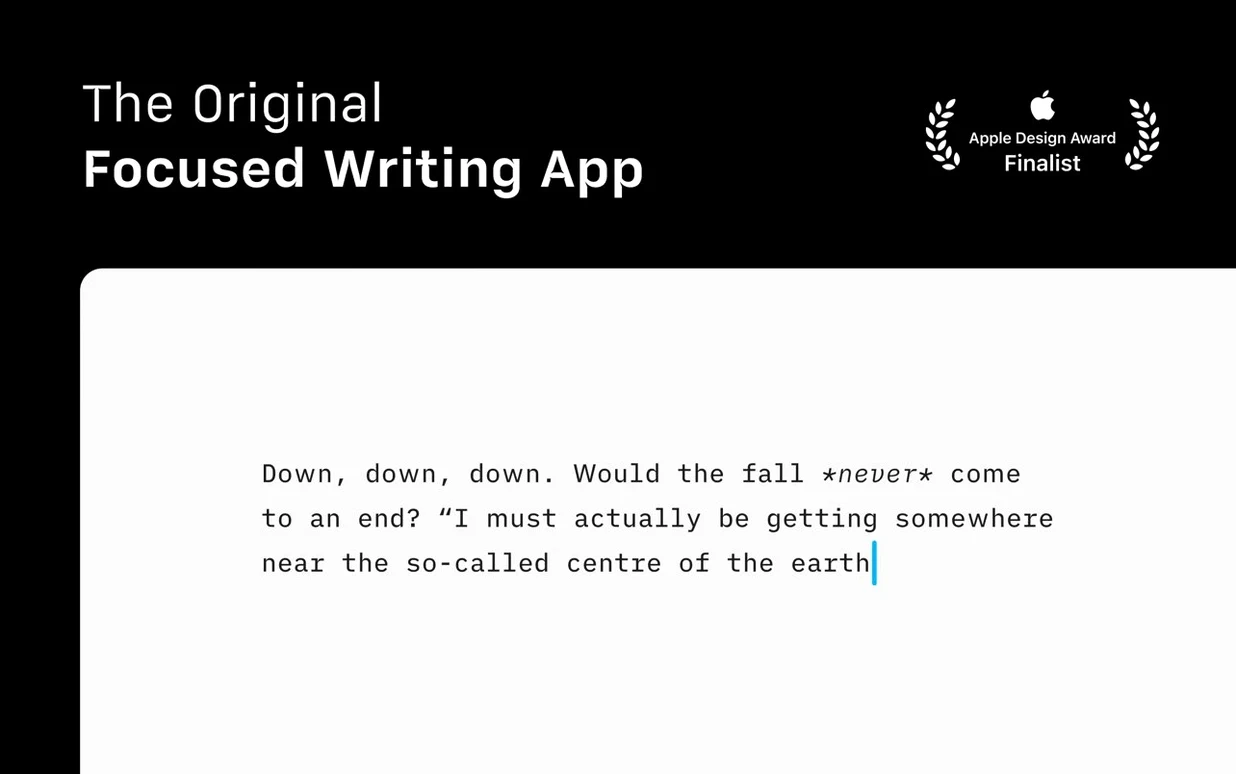
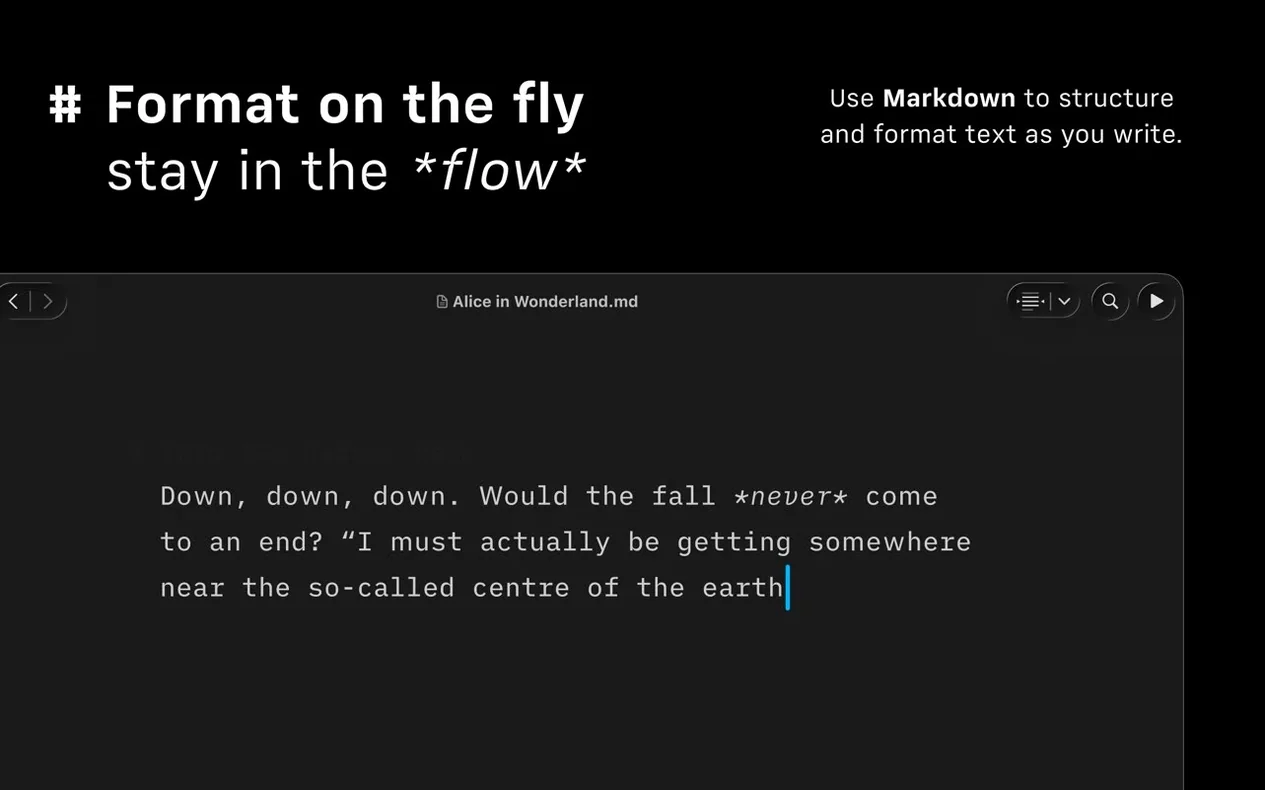
You open the laptop, put on some music, and the toolbar fades to the edges. There is just a blinking cursor and a line of text waiting to become something more. That is the daily rhythm iA Writer works in — a clean Markdown editor that treats your words like the only thing that matters.
| What it does | Key details |
|---|---|
| Format | Plain Markdown writing and editing |
| Publish | WordPress, Medium, HTML, PDF with templates |
| Version 8 adds | Refreshed look for macOS 26+, Document Outline with Quick Search |
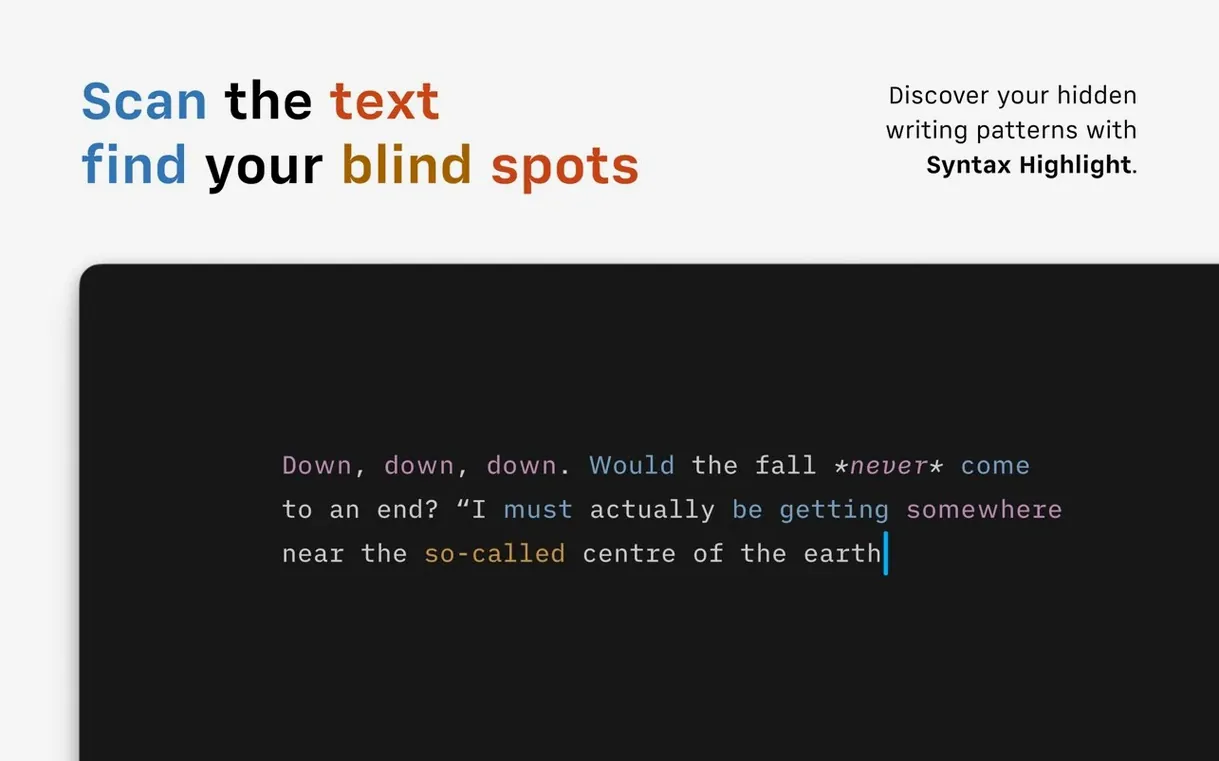
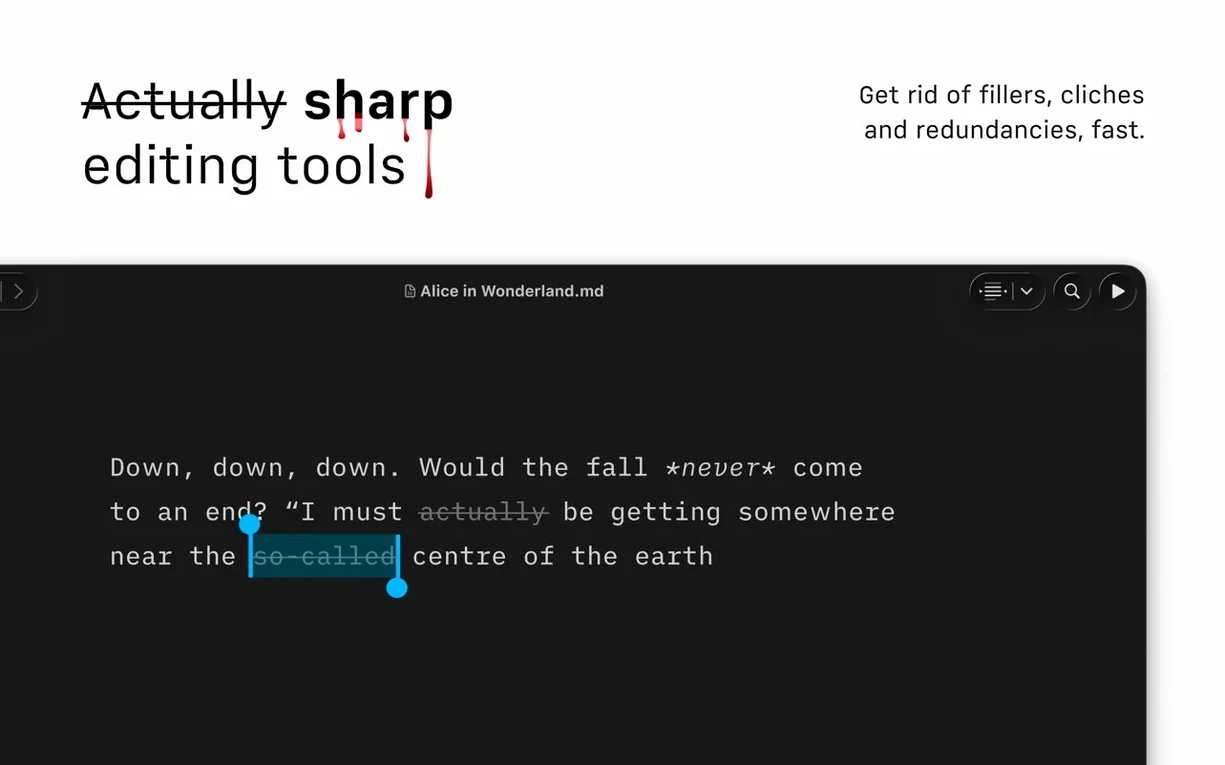
Version 8.0.9 is a small, steady update that fixes a handful of bugs and keeps the train on the tracks. The bigger story landed with version 8 itself: a subtle interface refresh for macOS 26 and later, plus a Document Outline that lets you jump through headings with Quick Search. It feels less like a reinvention and more like a thoughtful polish. The real power has always been under the hood — a syntax highlighter that can flag overused adjectives, weak verbs, and repeated nouns, making editing feel less like guesswork. You write, preview how the HTML will look, and send it straight to WordPress or Medium without leaving the chair. VoiceOver support and a generous set of interface languages keep the door open for many kinds of writers. If your brain works best when the screen is mostly blank and your fingers do the talking, iA Writer fits right in.
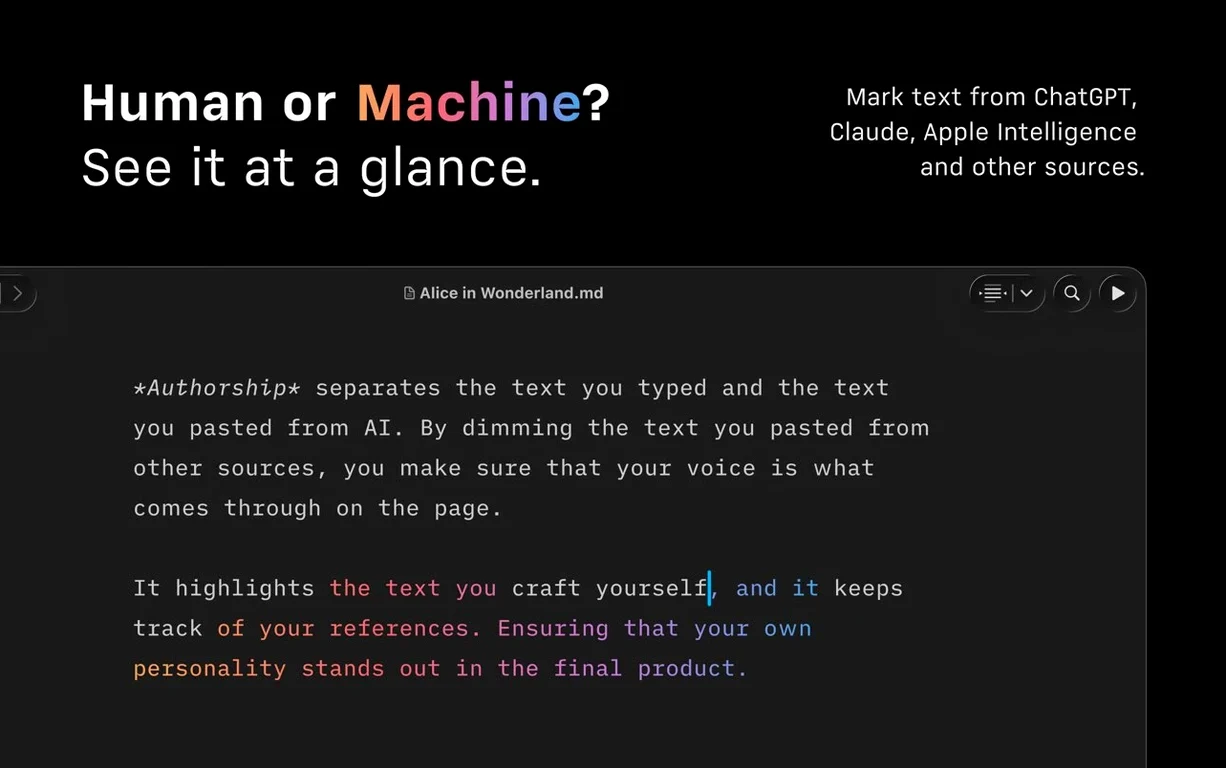
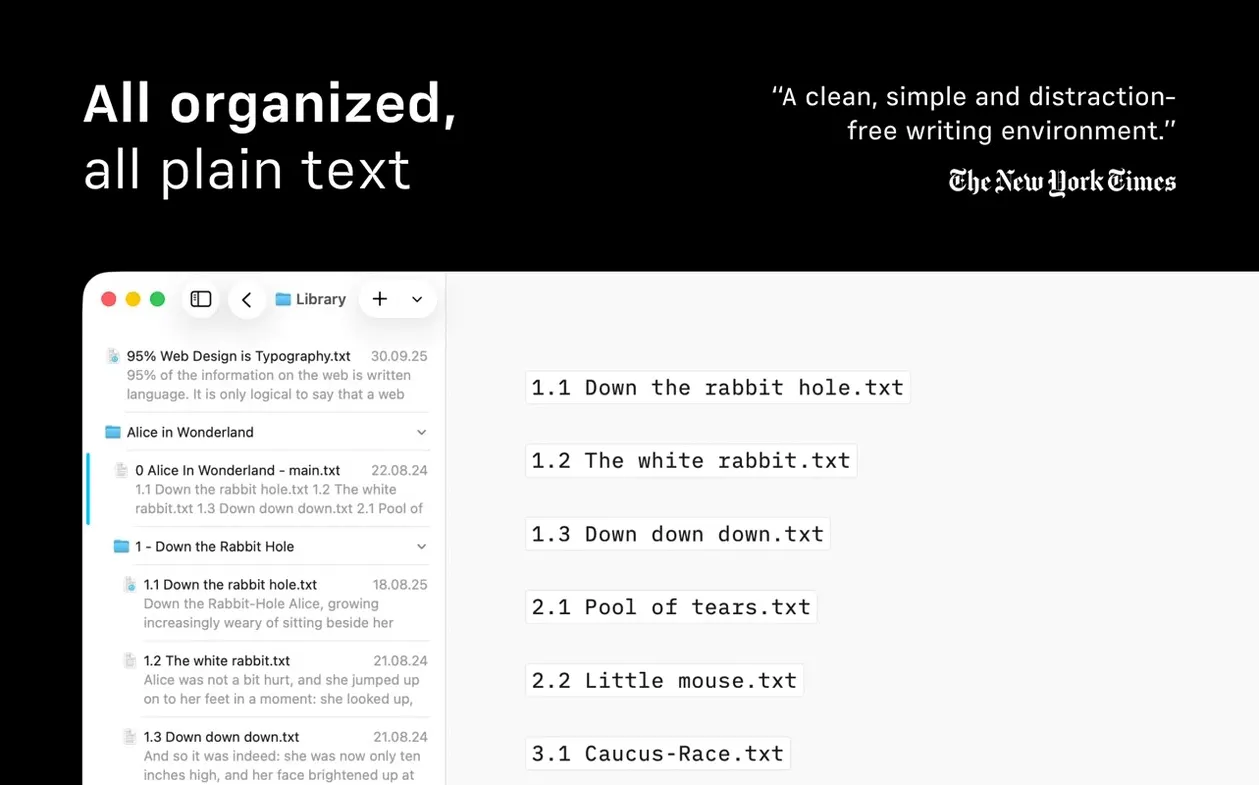
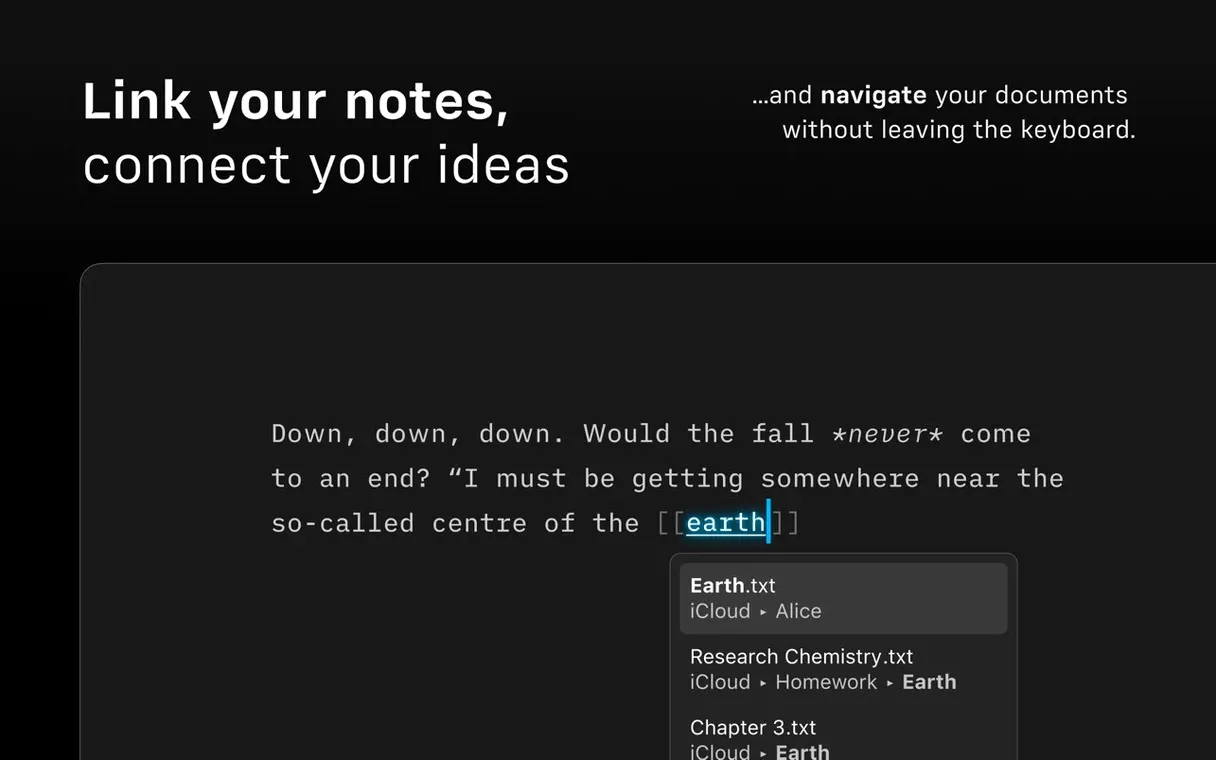
It’s the little things that accumulate into a sense of fluency. Hit ⌘K and a link appears around whatever text you’ve selected, with the cursor already inside the URL field. No reaching for the mouse. The Command Palette — new in version 8 — pops open with ⇧⌘P and answers the question “what can I do next?” by listing formatting actions, export targets, and authorship controls in one searchable column. Type “pdf” and you’re exporting before the thought fully lands. There’s also the quiet pleasure of dragging a .txt or .md file from the Finder straight into the Library sidebar and watching it appear, ready to edit, with no import wizard or progress bar.
The new compact Library layout deserves a mention mostly because it’s so easy to overlook. A toggle hides dates and text excerpts, shrinking each entry to a thin, title-only strip. If you’ve got two dozen drafts scattered across iCloud Drive and a working folder on the Desktop, the result feels less like a file manager and more like a stack of index cards you can scan in seconds. And when you want to hand a piece to a colleague who works in Word, the DOCX export preserves headings and body text cleanly — I’ve opened the output in Pages and in a friend’s copy of Word, and the structure held both times without awkward spacing or missing italics.
Launches in a second, sips 60 MB of RAM
iA Writer launches in about a second on an M-series Mac and sits at roughly 60–80 MB of RAM with a half-dozen documents open. That’s light enough that you forget it’s there. Over a week of daily use — drafting, switching between light and dark mode as the afternoon dims, keeping a running notes file open alongside a long-form piece — I didn’t see a crash or a beach ball. The auto-save is quick and unobtrusive; even when I yanked the power cable on a desktop Mac, the draft came back exactly where I’d stopped typing. This build doesn’t rewrite the engine, but the bug fixes in 8.0.9 feel targeted at small papercuts: a hiccup with VoiceOver focus in the outline was smoothed out, and the interface on macOS 26 no longer redraws oddly when switching between full-screen spaces.
Rough headline, then ⌘⇧O for live scaffolding
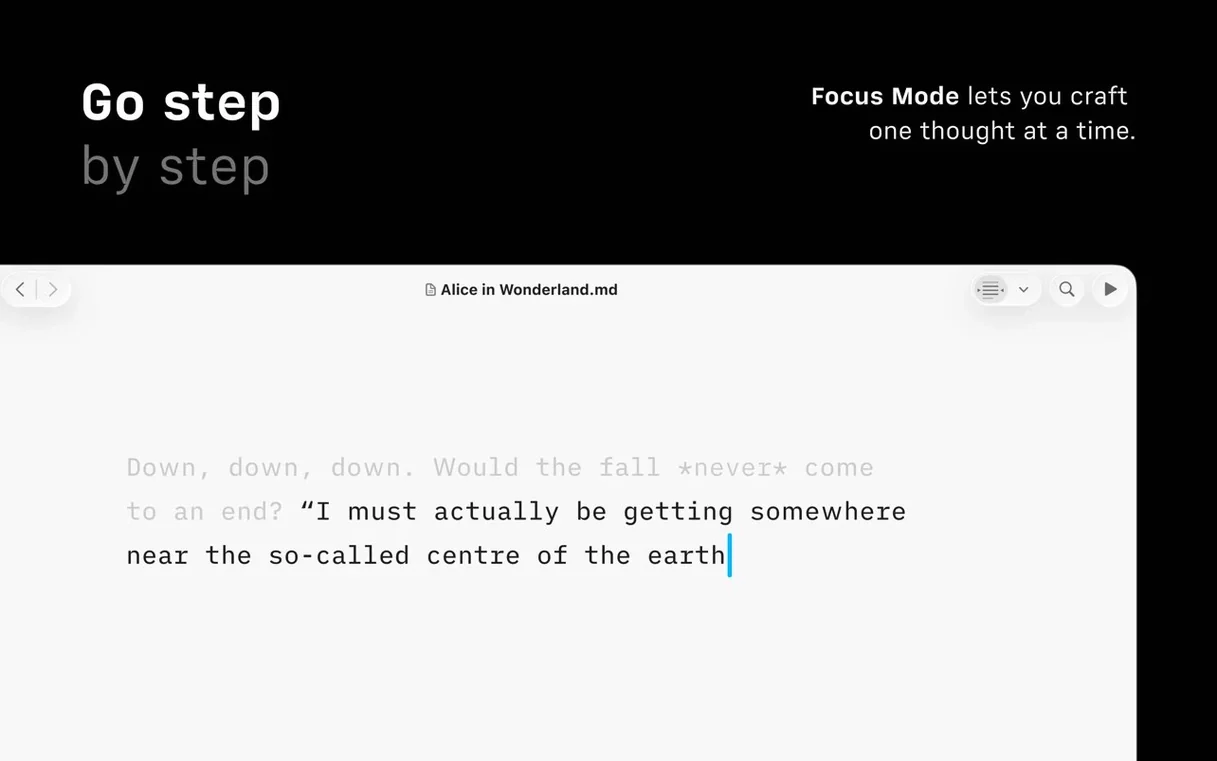
Picture a Wednesday morning. I open the app to a blank sheet and type a rough headline. A quick ⌘⇧O brings up the Document Outline, and I sketch three subheadings as a scaffold — the outline updates live, so I can jump between sections without scrolling. The focus mode is set to highlight only the current paragraph, and with the screen dimmed around it the rest of the text becomes a soft, gray suggestion. I catch a weak verb glowing in the syntax highlight, swap it for something sharper, and notice the highlight disappear. That’s the editing loop: write, glance at the subtle cues, revise, watch the cue vanish.
Around mid-morning I flip to the preview pane to see how an image link and a small table will render. The table snaps into clean columns, and the image shows as a placeholder with the alt text — no full render, but enough to confirm the structure. I decide to publish a draft to WordPress. The app asks for the site URL and credentials once; after that, ⇧⌘P and a few keystrokes send the post live, complete with the tags and category I set in the front matter. The whole session, from blank page to published piece, happens without one dialog box begging for attention. That’s the rhythm iA Writer aims for — quiet, quick, and almost invisible until you notice how much you’ve written.
iA Writer 8.1.1 landed today on the Mac App Store. The release notes live on the developer’s site, so head there if you want the full breakdown of what’s been polished up.
- macOS 10.15 or later
- Apple Silicon or Intel 64-bit processor
Questions people ask
Can iA Writer publish directly to my blog?
Yes, it includes built-in publishing support for both WordPress and Medium.
Does the syntax checker help with editing?
It can highlight extra adjectives, weak verbs, and repeated nouns so you can tighten your prose.
Also on readers' docks
Sign in or create an account to leave a comment.
No comments yet. Tell me how it got on with your other devices.