Download Complete Anatomy for macOS
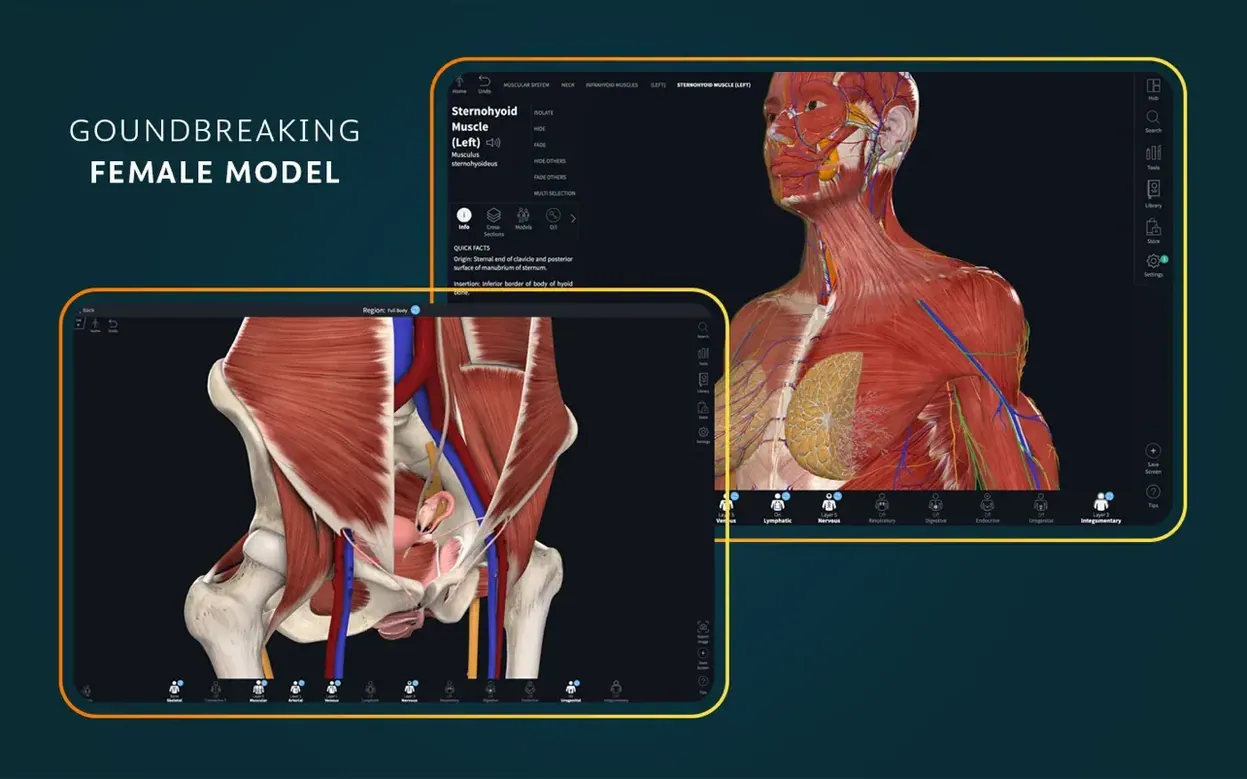
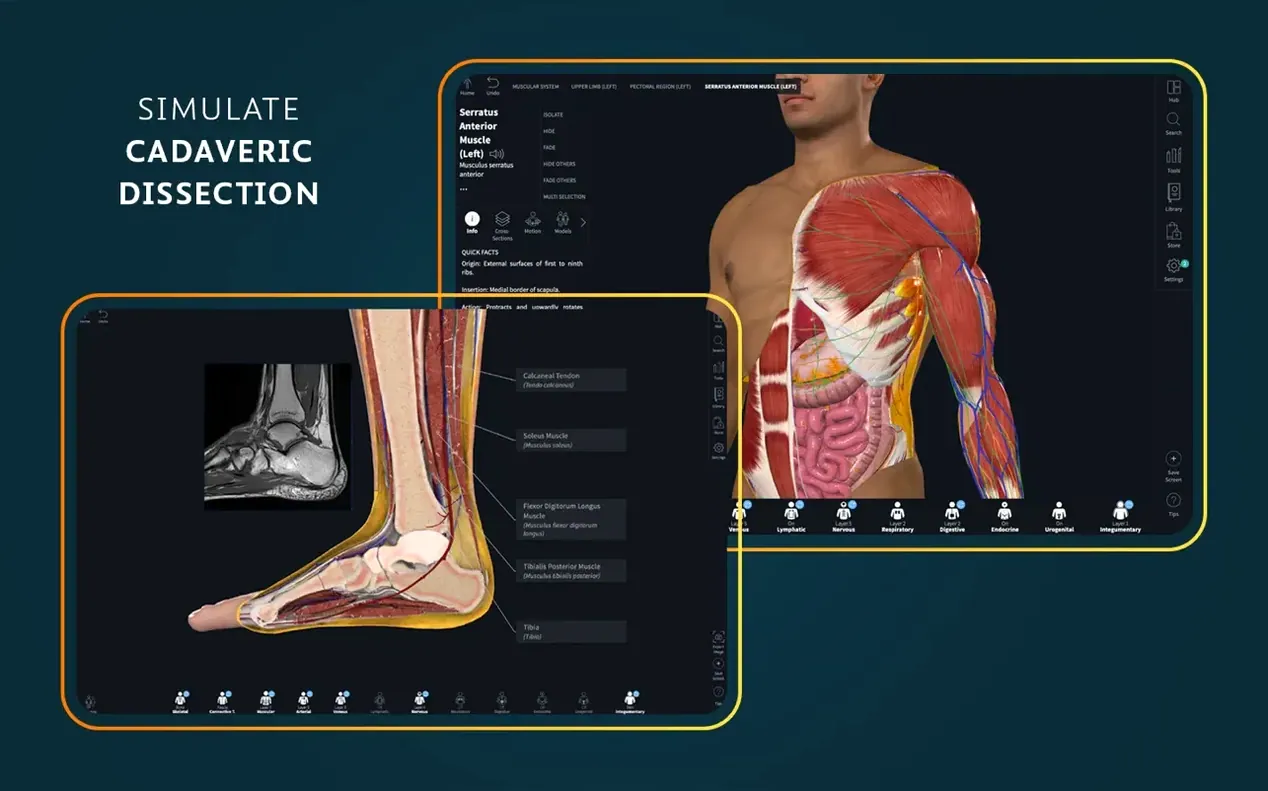
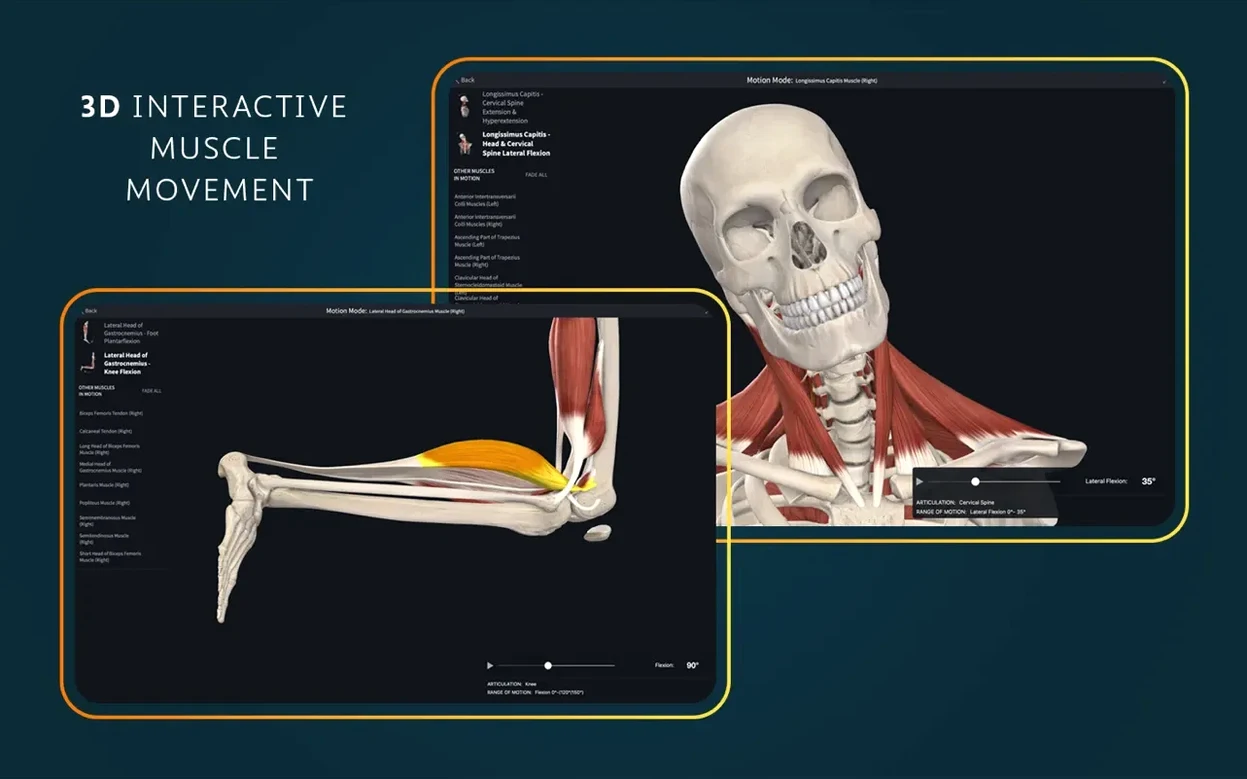
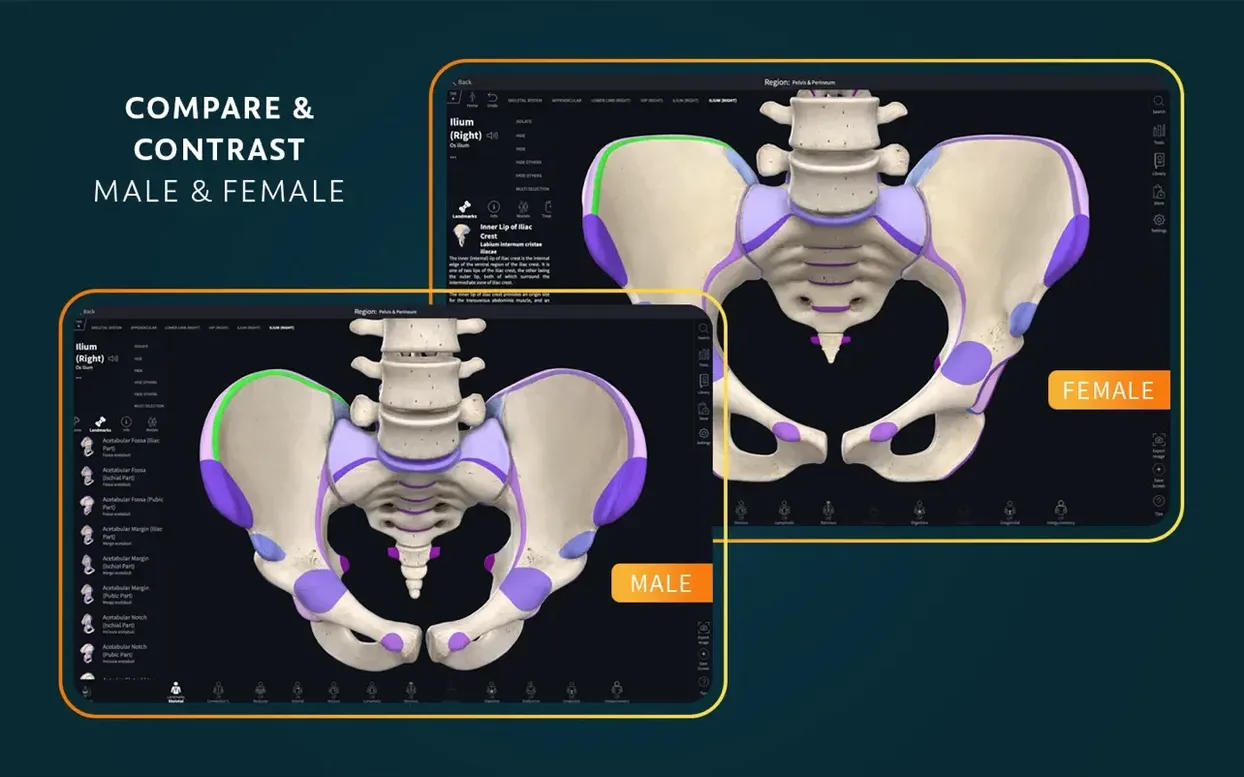
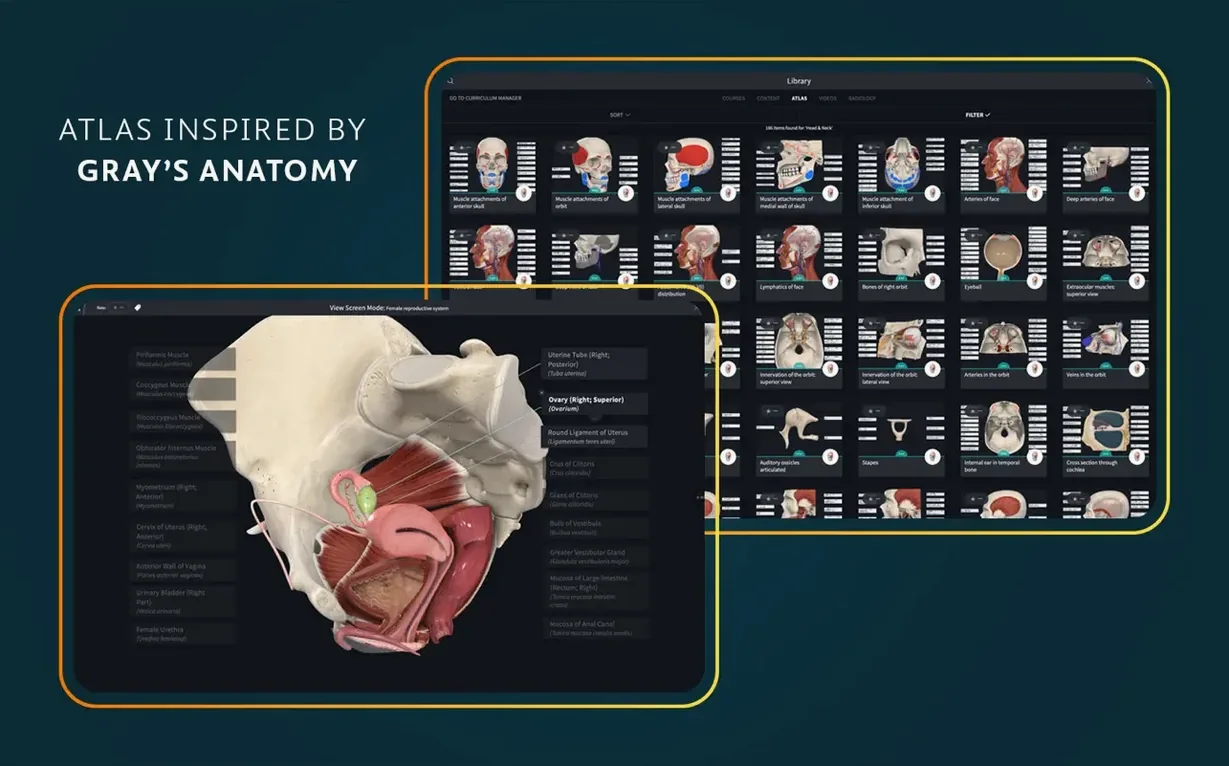
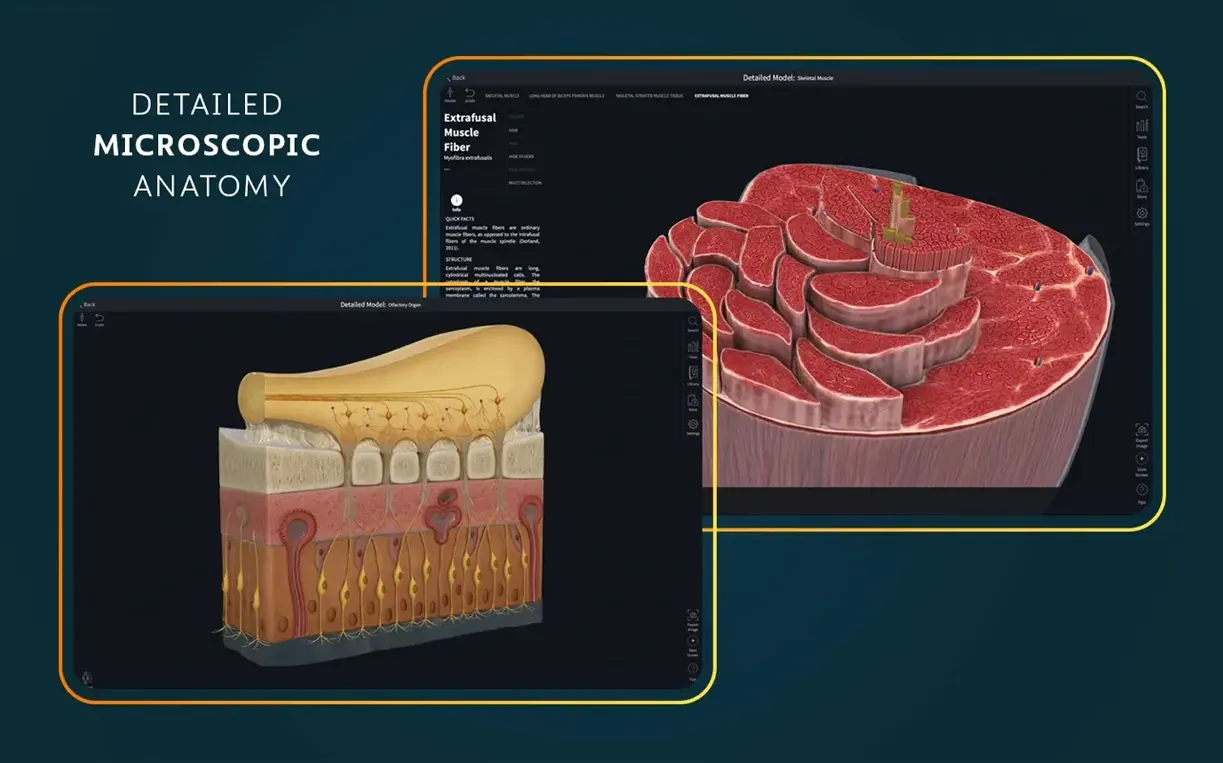
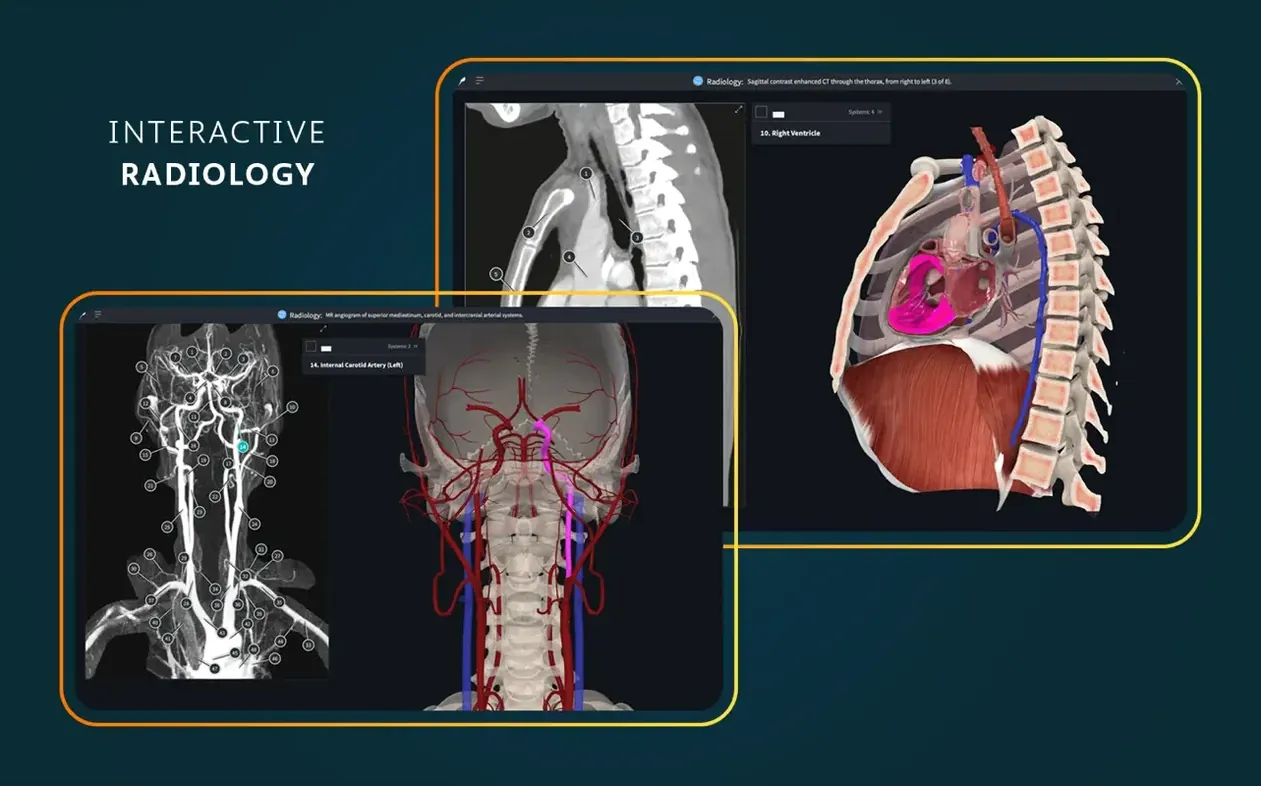
A single interactive heart model sits among over 39 microscopic anatomy views — that’s the kind of detail Complete Anatomy 11.5.0 builds its reputation on. It’s a full 3D atlas shaped for students, clinicians, and anyone who needs to understand the body layer by layer.
Study the heart in motion
The live, beating, dissectible human heart is the showpiece. You can slow it down, rotate it, and peel away chambers while it pumps — turning a flat diagram into something you can almost feel.
Explore microscopic anatomy
Beyond the organs, 39 microscopic models let you zoom into tissue-level structures. It’s the kind of scale shift that bridges gross anatomy textbooks and histology slides in one place.
Practice with clinical tools
Dynamic cross-sections, real-time muscle movement, and point-of-care ultrasound content push the app past pure reference. AR mode even lets you place structures in the room around you, which changes how you prep for a practical exam.
Pre-clinical payoff versus cadaver lab hours
Medical students in their pre-clinical years get the most immediate payoff. They’re the ones juggling lecture slides, Netter’s, and cadaver lab hours — and a 3D model that rotates while they memorize origins and insertions cuts revision time noticeably. Instructors who project the app during lectures love how fast they can isolate a nerve or strip away fascia to show a relationship that a 2D slide just can’t capture. I’ve also seen physiotherapists and yoga teachers use the muscle movement view to plan sessions — not the core audience the developer had in mind, but it works.
If you’re a casual learner who just wants to poke around a skeleton out of curiosity, the depth here might feel overwhelming. The app rewards people who come with a syllabus, a specific list of structures to find, or a practical exam looming.
Apple Silicon heartbeat stays smooth at full res
On an Apple Silicon machine, the heart model beats smoothly at full resolution, and switching between the gross anatomy view and microscopic models is nearly instant — no spinning beach ball, no texture pop-in. Intel Macs handle it fine too, though the fans wake up sooner once you layer on radiology cross-sections alongside a 3D model. Memory use hovers around 1.2 to 1.8 GB during heavy sessions, which is reasonable for what’s essentially a rendering engine with a medical-grade asset library attached.
I haven’t crashed it once across a week of daily use, and version 11.5 feels like a mature build — the kind where bug fixes have sanded off the rough edges over many releases. If you’re downloading a complete anatomy torrent, make sure it includes the account-bridge components so cross-device study features actually sync properly. A clean complete anatomy mac download from a reliable source means the app launches without gymnastics.
A focused workflow: prepping the brachial plexus
Here’s a task I walked through from blank canvas to exam-ready review. The goal was to trace the brachial plexus from roots to terminal branches and understand its relationship to the axillary artery.
- Isolate the region. I opened the full male model and used the region selector to hide everything below the thorax and above the cervical spine. Less clutter, faster orientation.
- Strip down to nerves. Using the layers tool, I faded muscles to about 20% opacity and removed veins completely — leaving bones, arteries, and the nerve tree visible.
- Label and trace. I turned on the nerve labels and followed the C5–T1 roots as they formed trunks, divisions, cords, and branches. The 3D rotation made the posterior cord’s path around the axillary artery immediately clear in a way static plates never did for me.
- Add a cross-section check. I switched on the dynamic cross-section at the level of the clavicle and slid it inferiorly — seeing exactly where the cords sat relative to the artery at each level.
- Save the screen. I captured five key views into a custom screen set so I could revisit them in sequence the night before the exam without rebuilding the scene.
The whole sequence took under eight minutes. Doing the same with a textbook and colored pencils would have easily eaten half an hour, with less spatial clarity at the end.
Fresh-install tweaks before your first study session
Out of the box, the app is functional but not tuned to how most people actually study. Here’s what I adjust immediately after a fresh install — whether it’s the official build or a complete anatomy crack mac setup that enthusiasts often share:
- Graphics quality. Bump it to High if your Mac can handle it. The default medium setting softens textures on microscopic models, which defeats their purpose.
- Label density. Switch from “Auto” to “Detailed.” Auto hides too many smaller branches — the exact structures you’re probably trying to learn.
- Background color. The default gradient background looks nice but reduces contrast on darker structures like veins. I set mine to solid dark gray; it makes the vascular models pop.
- Double-tap to isolate. Enable this. Tapping a bone or nerve twice hides everything else, which is the fastest way to drill into a single structure without menu diving.
- Sync settings. If you use the iPad companion, toggle on iCloud sync for your screen sets and annotations. Rebuilding your study views on each device is a waste of a coffee break.
The AR mode — fun as it is — ships with the sensitivity set rather high. Dial it back one notch in the AR preferences if you find models drifting during a study session; a stable hologram beats a jumpy one when you’re trying to memorize foramina.
Version 12.6.0 tidies things up with general bug fixes and performance improvements across the board. If you've run into any small glitches in the previous release, this one should feel smoother.
- macOS 15 or later
- Apple Silicon or Intel 64-bit Mac
Questions people ask
Does Complete Anatomy work on Intel and Apple Silicon Macs?
Yes, Complete Anatomy 11.5 runs natively on both Intel-based Macs and Apple Silicon Macs with macOS 11 or later.
What languages does the app support?
The interface is available in English, German, Spanish, Simplified Chinese, and French.
Do I need an account to use the features?
A signed-in account is required for full functionality, including access to content like dissection courses and the complete model library.
Also on readers' docks
Sign in or create an account to leave a comment.
No comments yet. Tell me how it got on with your other devices.