








Download AutoCAD for macOS
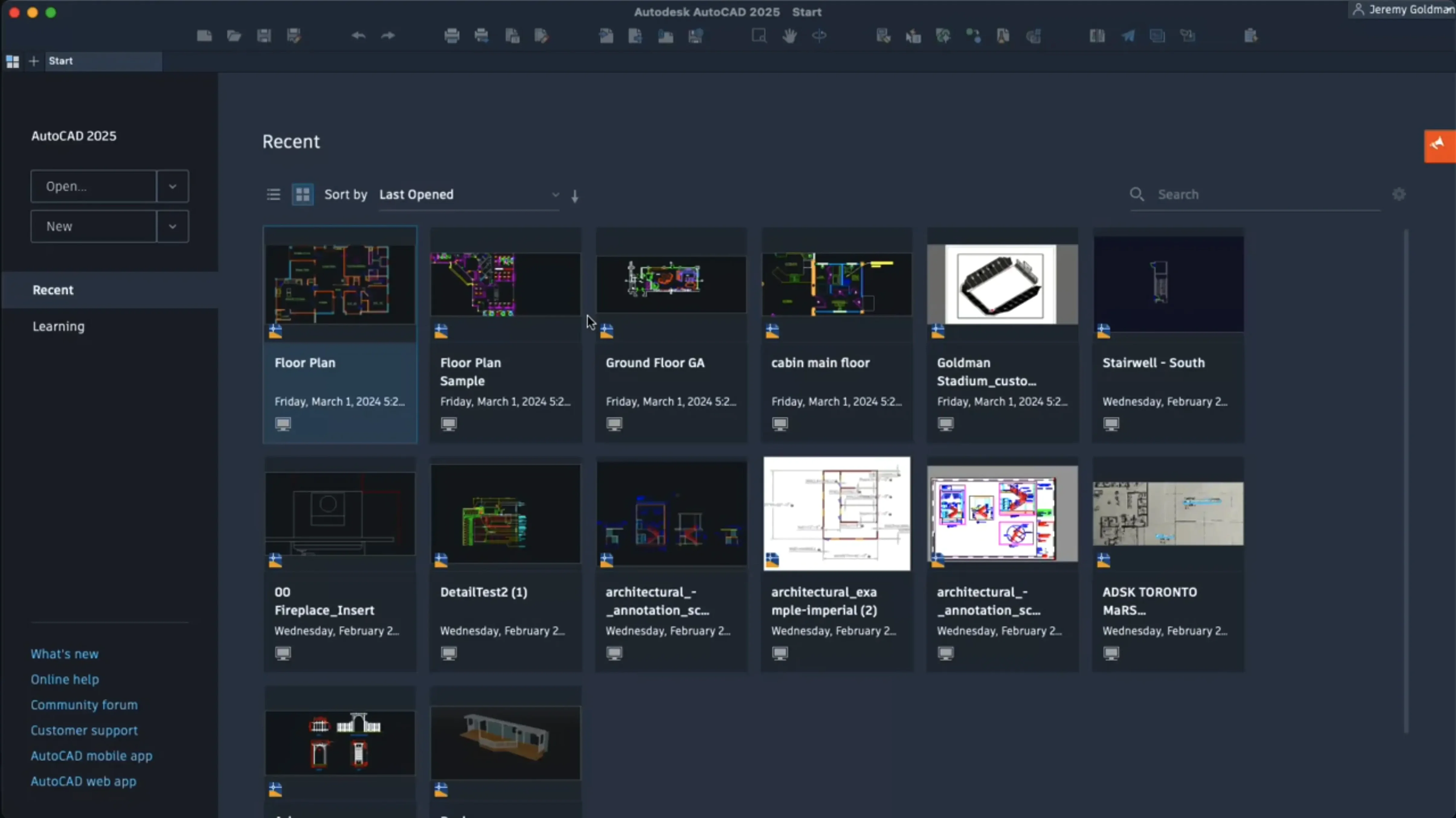
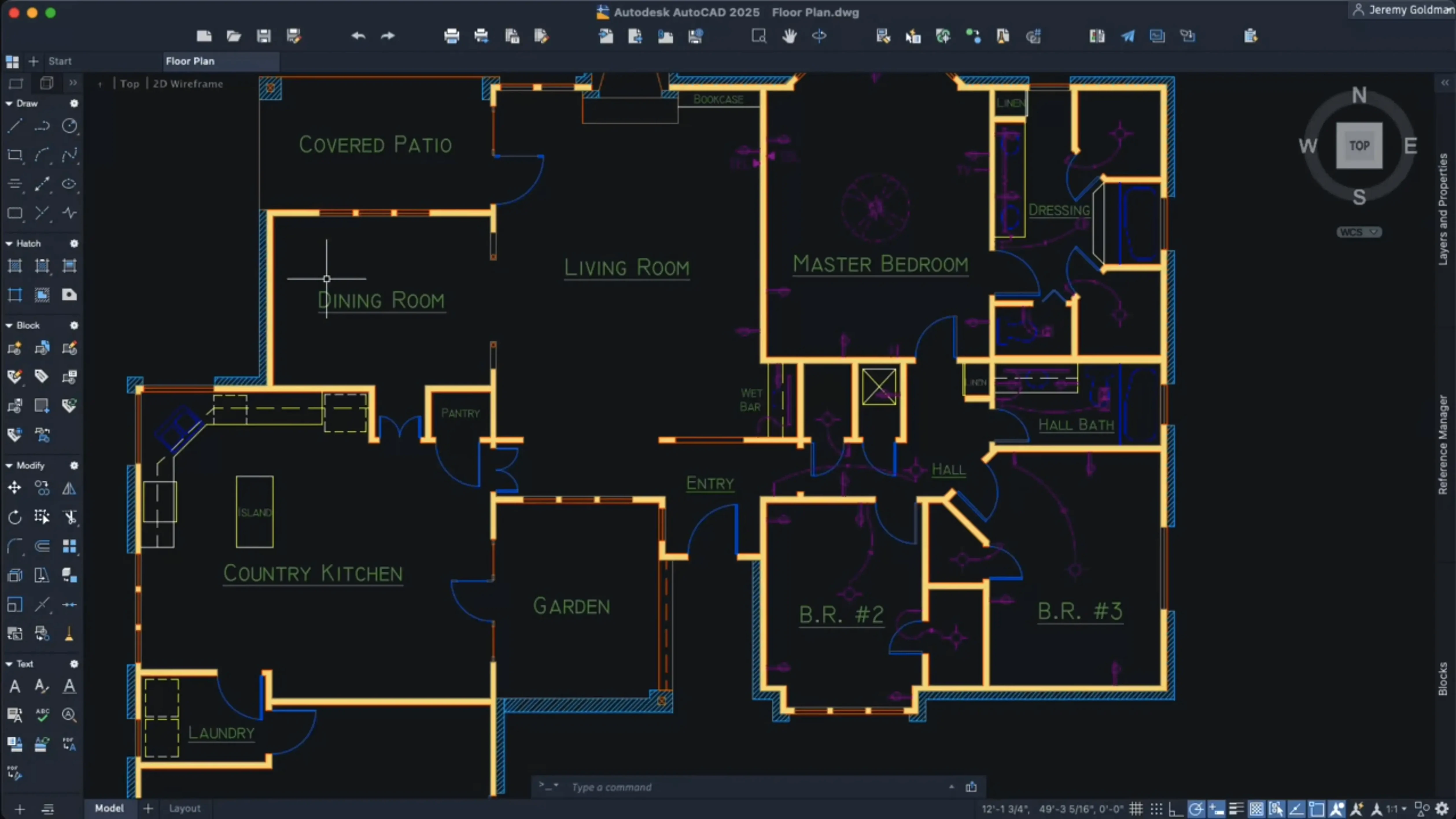
If you've ever dragged a DWG from a Windows colleague straight into your Mac without a second thought, you already know the quiet strength of AutoCAD on macOS. The 2027 release leans further into that cross-platform reality while tidying up the drawing board in ways that feel instantly useful.
Clean Up Imported Drawings
Geometry Cleanup scans a drawing for small errors the moment you open it, fixing the kind of loose ends that normally cost you an afternoon of zooming and swearing.
Spot Blocks Automatically
Autodesk AI now identifies objects you might want to convert into blocks, saving you from manually hunting through layers for repeatable geometry.
Hatch Without Boundaries
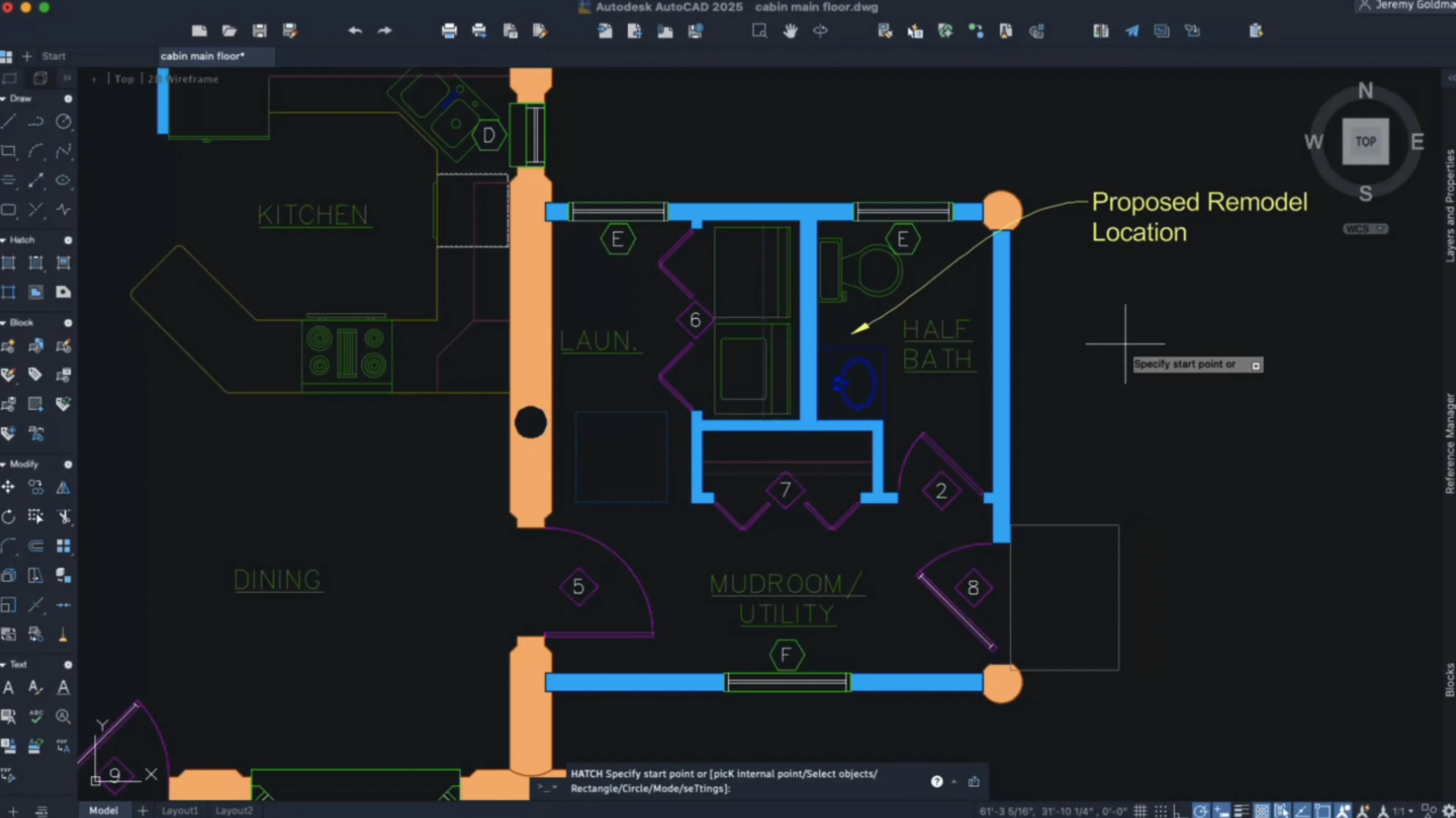
Expanded hatching options let you shade along a contour without needing existing boundary geometry, which pairs perfectly with the new ability to create shaded fill shapes in a few clicks.
Architects Splitting Time Between Site and Studio
AutoCAD for Mac isn't trying to be everything to everyone, and that's exactly why certain users find it indispensable. Architects who bounce between a MacBook Pro on site visits and a Windows workstation back at the office get the most immediate payoff—same DWG, same layer structure, zero conversion headaches. The 2027 release doubles down on that crowd by making imported drawings less of a cleanup project.
Civil engineers working with large coordinate scenes also come out ahead. The scene optimization that reduces CPU and GPU load isn't just a bullet point when you're panning across a site plan that stretches for kilometers. It means the difference between a stuttery afternoon and smooth navigation while a project manager is looking over your shoulder.
Then there's the quieter group: CAD users who switched to Mac years ago and got tired of Boot Camp. If you learned drafting on Windows but now live in macOS, the 2027 version feels like it stopped apologizing. Metal as the sole graphics engine, native Apple silicon support, and layout tab switching that doesn't lag—these are things you notice after the first hour, not the first week.
Students and freelancers doing 2D documentation will find the feature set generous without the bloat they'd never touch. The block detection AI and hatch improvements speed up the kind of repetitive drafting that eats into billable time, and that's where the value hides: not in splashy features, but in fewer trips to the tool palette.
3D Panning Snaps Tighter on Apple Silicon
The move to Metal-only graphics in 2027 sounds technical, but the practical effect is simpler than the release notes make it sound. Panning and zooming in 3D views feels tighter, especially on Apple silicon machines where the old OpenGL path was never quite at home. If you've been using a MacBook Air or a Mac mini for light 3D work, the improvement lands where you feel it most—orbit rotations that don't hitch.
Layout tab switching got a quiet performance bump that's easy to overlook until you remember how much time you spend flipping between model space and paper space. On drawings with a half-dozen layout tabs, the difference is a beat instead of a pause. It's not glamorous, but it's the kind of thing that accumulates over a working day.
The customizable crosshair color for layouts is a small mercy for anyone who's squinted at a white crosshair on a near-white paper space background. Setting it to something that doesn't blend in takes thirty seconds and you'll wonder why it wasn't there five years ago.
Dynamic grip menus now respect shortcut keys in localized versions, which matters if you're working in a non-English environment and muscle memory keeps hitting keys that used to do nothing. Palettes migrating by default during workspace transitions also cuts down on the ritual of re-docking everything after a crash or a switch between projects.
Turning a Messy Client DWG Into Construction Docs
Here's a scenario that plays out constantly in small practices. A client sends over a DWG from their previous architect—layers are a mess, blocks are exploded, and there are tiny gaps in what should be closed polylines. You need usable construction documentation by end of day.
Start by opening the file. The 2027 release runs Geometry Cleanup on open, so loose endpoints and overlapping lines get flagged before you've even zoomed in. Let it do its scan. Then switch to a layout tab and set your crosshair to a dark orange so you can actually see it against the title block background.
Next, run the block identification tool. The Autodesk AI scans the drawing and highlights clusters of geometry that repeat—door swings, column grids, fixture symbols. Select the ones that make sense and convert them into blocks with scaling and rotation handles intact. What was forty individual line segments across twelve floor plans is now a single door block you can update once and have it ripple everywhere.
Now tackle the hatches. Some of the room finishes don't have closed boundaries because the original drafter used loose linework. Grab the new contour hatching option and trace along the walls without needing a polyline boundary. Pick a shaded fill that reads clearly in monochrome prints, and repeat across the floor plan. The whole hatch pass takes five minutes instead of twenty.
Finally, orbit through the 3D model if the file includes one. On an Apple silicon Mac, the Metal-only rendering keeps the navigation fluid even with the client's bloated furniture blocks still in the scene. Export the layouts as a PDF, and you're done. The drawing went from inherited chaos to a clean set in under an hour, and nothing in that workflow touched a Windows VM.
Customize Shortcut Menus Before You Draw Anything
The most common mistake new AutoCAD for Mac users make is jumping in without customizing the shortcut menus. The 2027 release lets you tailor these extensively, but the defaults assume you already know where everything lives. Spend fifteen minutes adding your most-used commands to the right-click menu—trim, extend, match properties—and you'll stop hunting through ribbon panels.
Another classic: ignoring the Metal graphics requirement. If you're coming from an older version that still used OpenGL, you might not realize the 2027 release dropped it entirely. That means older Macs with GPUs that don't play nicely with Metal will struggle, and no amount of tweaking preferences will bring OpenGL back. Check your hardware before you wonder why viewport performance feels off.
New users also tend to overlook the block conversion AI entirely. It's not a tool that announces itself with a splash screen; it sits in the background until you invoke it. If you're manually selecting and grouping repeatable geometry the old way, you're leaving time on the table. The tool doesn't replace judgment—it'll suggest blocks you don't need—but it catches things you'd miss on a first pass through an unfamiliar drawing.
Finally, don't treat layouts as an afterthought. Beginners often draft everything in model space and only switch to paper space at the last minute, then wonder why viewport scaling and annotation look wrong. Set up your layout tabs early, assign a crosshair color you can see, and work back and forth as the drawing develops. The improved tab switching speed in 2027 makes this back-and-forth feel natural rather than like a loading screen.
AutoCAD for Mac 2027 swaps OpenGL for Metal across the board and introduces a handful of genuinely helpful drafting aids.
- Geometry Cleanup scans and fixes common errors in drawings.
- Autodesk AI can suggest objects to convert into reusable blocks.
- OpenGL support is gone; Metal handles all graphics now.
- macOS 12 or later
- 64-bit Intel or Apple Silicon processor
- English interface
Questions people ask
Does AutoCAD for Mac use the same files as the Windows version?
Yes, it uses the standard DWG file format, so drawings move between Mac and Windows without conversion.
Why did AutoCAD for Mac drop OpenGL support in 2027?
It now relies entirely on Apple's Metal graphics engine for smoother 3D navigation and better performance on modern Mac hardware.
Also on readers' docks
Sign in or create an account to leave a comment.
No comments yet. Tell me how it got on with your other devices.
More in CAD & 3D
See all Autodesk Flame
2027.1 CAD & 3D
8.4 GB
Autodesk Flame
2027.1 CAD & 3D
8.4 GB
 Artlantis
9.5.2.32853 CAD & 3D
370 MB
Artlantis
9.5.2.32853 CAD & 3D
370 MB
 ArchiCAD
29.2.1 CAD & 3D
5.1 GB
ArchiCAD
29.2.1 CAD & 3D
5.1 GB
 BricsCAD
24.2.04-05-1 CAD & 3D
1.1 GB
BricsCAD
24.2.04-05-1 CAD & 3D
1.1 GB
 Adobe Substance 3D Sampler
6.0.4 CAD & 3D
675 MB
Adobe Substance 3D Sampler
6.0.4 CAD & 3D
675 MB
 Adobe Substance 3D Painter
12.1.5 CAD & 3D
3 GB
Adobe Substance 3D Painter
12.1.5 CAD & 3D
3 GB
 CorelCAD
2022.5 Build 22.3.1.4090 CAD & 3D
293 MB
CorelCAD
2022.5 Build 22.3.1.4090 CAD & 3D
293 MB
 Adobe Dimension
4.1.7 CAD & 3D
3.5 GB
Adobe Dimension
4.1.7 CAD & 3D
3.5 GB