









Download Adobe Substance 3D Sampler for macOS
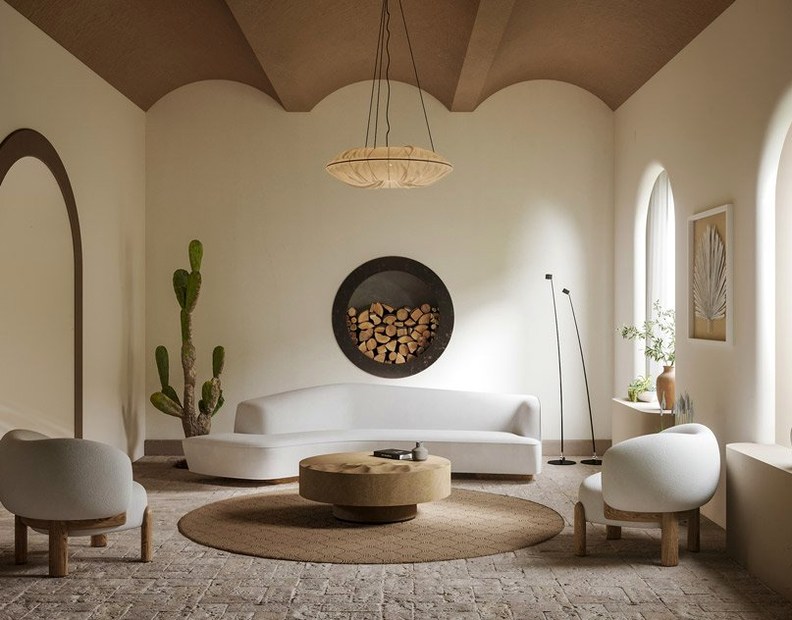
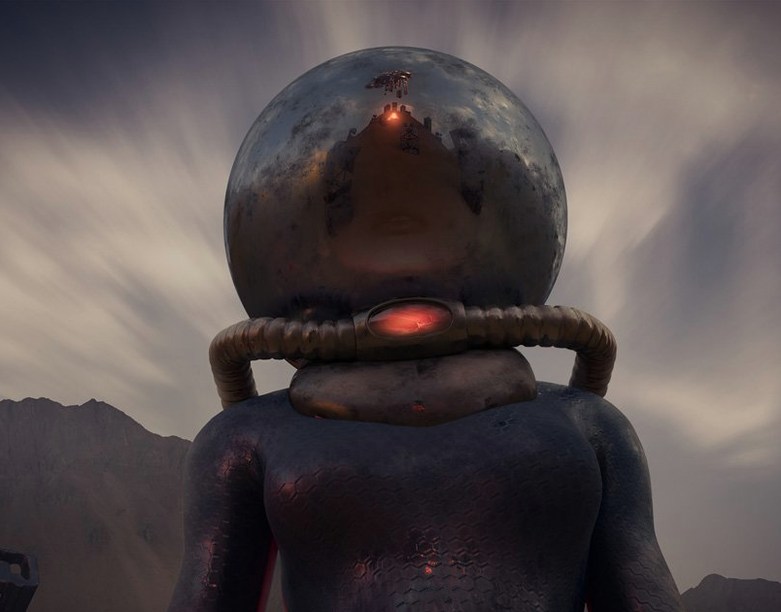
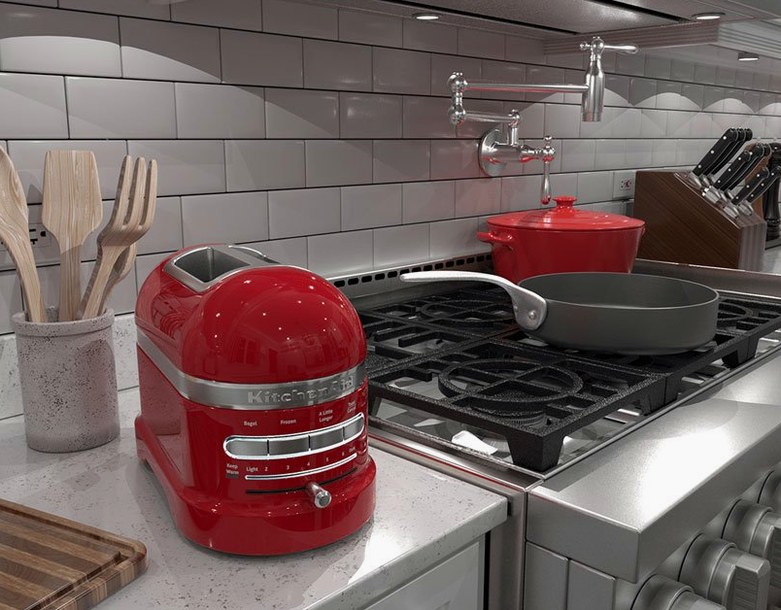
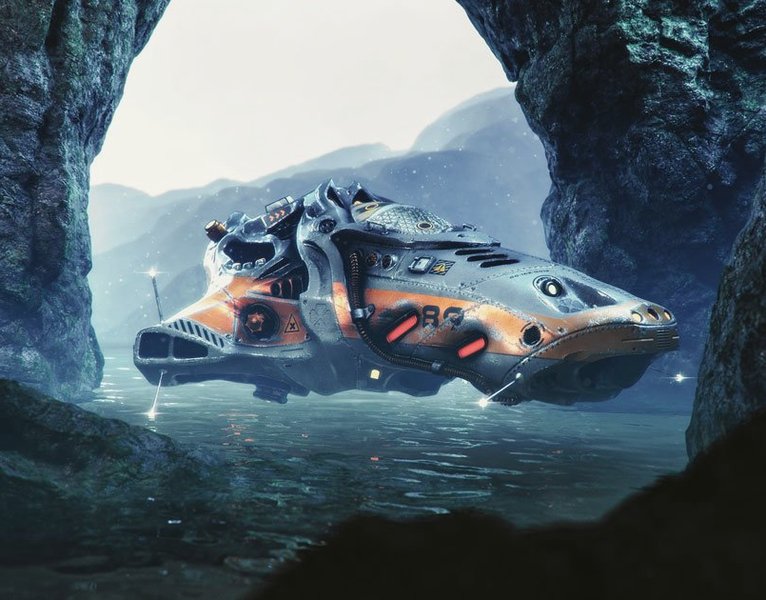
Version 6.0.1 shifts focus sharply toward interoperability and modern pipeline standards. The headline addition is support for exporting materials as USD, USDA, or USDZ, which makes moving assets into real-time engines and Apple’s AR ecosystem a straightforward affair. Alongside it, OpenPBR-related channel support now appears in the export selection, keeping the app aligned with where material authoring is headed. Generative AI features have been removed entirely from this release, leaving a toolset built around direct, physics-based capture and procedural refinement.
The core loop remains as direct as ever: feed Sampler a real-world photo, and it strips away lighting information to produce albedo, roughness, normal, and height maps. Those maps form the basis of a material you can layer with parametric filters, blend with other substances, or hand off to Substance 3D Painter for further detailing. Generators and filters from Substance 3D Designer slide into the same workflow, and the built-in content library supplies a healthy starting set of effects and base generators. Beyond flat materials, the app can reconstruct 3D meshes with textures and generate HDR light sources—all from the same images you’d use for a single texture run.
Building Material Libraries From Phone Photos
- Artists who want to build a material library from phone-captured references without painting every map by hand
- Teams adopting Universal Scene Description for asset interchange across DCC tools
- Environment artists needing quick HDR domes from bracketed photos
Generative AI Features Removed in 6.0.1
- Version 6.0.1 removes generative AI features; anyone relying on them should stay on an earlier release or adjust their workflow
- Mesh-from-image reconstruction works best with controlled, even lighting
- The app lives inside the Adobe ecosystem—sharing to Painter and using Designer assets is a key part of its value
Audit Export Presets for OpenPBR Channel Support
Straight after install, I head into the export presets. Sampler ships with sensible defaults, but the new OpenPBR channel support in 6.0.1 means your old custom presets might not carry over exactly as you expect. Take five minutes to audit which channels your target renderer actually reads—Unity HDRP and Blender Cycles don't agree on everything, and exporting maps you'll never use just bloats your project folder.
The other one I always tweak is the Image to Material processing quality. By default it's set to a balanced mode that favors speed. If you're working from a high-res raw photo with fine surface detail—brick, stucco, worn concrete—bump it up before hitting process. The difference in normal map fidelity is visible, especially under glancing light in your renderer of choice. The Substance Engine 9.4.3 update under the hood makes this more responsive than it used to be on Apple Silicon.
How an environment artist might use it
Imagine an environment artist working on an abandoned industrial scene. They've just come back from a location scout with a phone full of bracketed shots of rusted steel panels and peeling paint. Instead of browsing Adobe Substance 3D Sampler torrent sites for library materials that might sort-of match, they drag a few raw photos straight into the app. One run per surface strips out the sunlight and spits out roughness and height maps that actually match the photographed wear patterns. The panels get sent to Painter for decal placement, while a bracketed set becomes an HDR dome that matches the on-set lighting. An hour of capture and processing replaces an afternoon of hand-painting from memory.
Version 6.0.4 delivers the latest round of stability tweaks and targeted fixes across Sampler.
- macOS 12 (Monterey) or later
- Apple Silicon Mac
Questions people ask
Can I send materials from Sampler to Substance 3D Painter?
Yes, materials and light sources created in Sampler can be sent directly to Substance 3D Painter for further texturing work.
What export formats did version 6.0.1 add?
Version 6.0.1 added the ability to export materials as USD, USDA, and USDZ files, alongside new OpenPBR channel support in the export options.
How does the image-to-material feature work?
It analyzes a real-world photo, removes existing lighting and shadows, and generates albedo, roughness, normal, and height maps to build a tileable material.
Also on readers' docks
Sign in or create an account to leave a comment.
No comments yet. Tell me how it got on with your other devices.
More in CAD & 3D
See all Adobe Substance 3D Painter
12.1.5 CAD & 3D
3 GB
Adobe Substance 3D Painter
12.1.5 CAD & 3D
3 GB
 Adobe Dimension
4.1.7 CAD & 3D
3.5 GB
Adobe Dimension
4.1.7 CAD & 3D
3.5 GB
 ArchiCAD
29.2.1 CAD & 3D
5.1 GB
ArchiCAD
29.2.1 CAD & 3D
5.1 GB
 Artlantis
9.5.2.32853 CAD & 3D
370 MB
Artlantis
9.5.2.32853 CAD & 3D
370 MB
 AutoCAD
2027 CAD & 3D
2.3 GB
AutoCAD
2027 CAD & 3D
2.3 GB
 Autodesk Flame
2027.1 CAD & 3D
8.4 GB
Autodesk Flame
2027.1 CAD & 3D
8.4 GB
 BricsCAD
24.2.04-05-1 CAD & 3D
1.1 GB
BricsCAD
24.2.04-05-1 CAD & 3D
1.1 GB
 CorelCAD
2022.5 Build 22.3.1.4090 CAD & 3D
293 MB
CorelCAD
2022.5 Build 22.3.1.4090 CAD & 3D
293 MB