









Download Adobe Substance 3D Painter for macOS
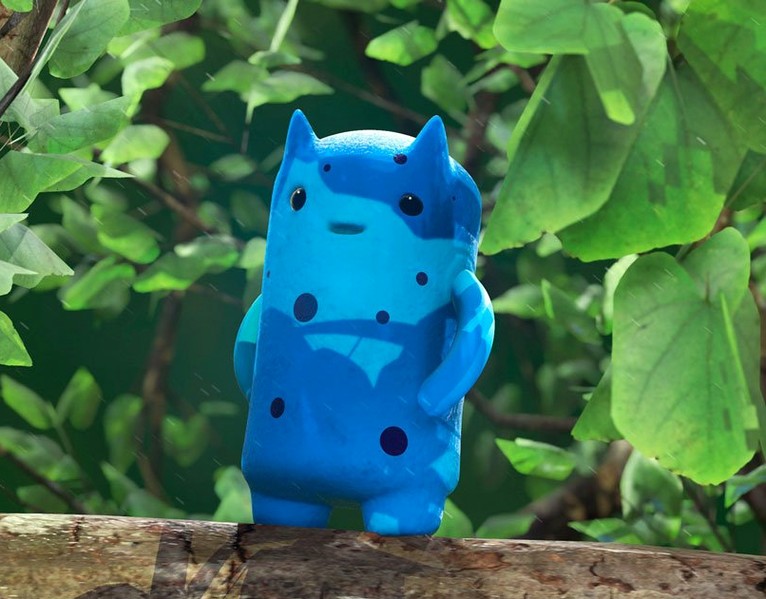

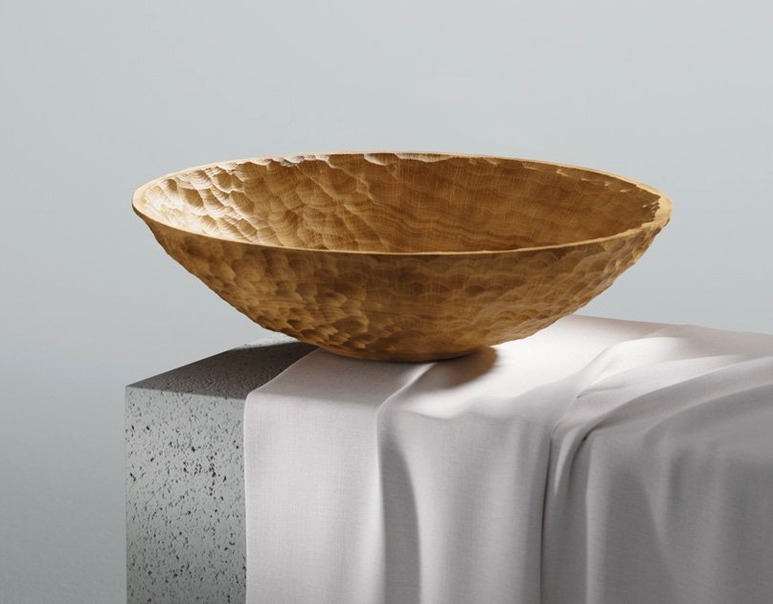

Substance Painter is the industry-standard app for painting textures directly onto 3D models. If you're just opening it for the first time, the sheer number of panels can feel a bit much, but the core workflow clicks quickly once you know where to start. Here's a path to follow.
- Drop in a Smart Material. Drag one from the shelf onto your mesh and watch it instantly generate wear, dirt, and edge highlights that make sense for the shape. It's the quickest way to see what the software can do.
- Paint with a dynamic brush. Pick a brush and paint a stripe across the surface. Notice how the stroke follows the contours of the geometry, not your screen space.
- Try a mask style. Add a black mask to a layer, then choose a generator. The mask adapts to the model's curvature and ambient occlusion automatically, isolating details without manual painting.
- Import a Photoshop brush. If you have a favorite ABR set from Photoshop, bring it in and use it directly on your 3D model in the real-time viewport.
The real-time viewport is where everything comes together. You can toggle path tracing on to preview lighting and shadows with far more accuracy while you work, which makes a huge difference when you're painting for film or game production pipelines. Once you've run through those first steps, you'll have a solid feel for the layer-based workflow that sits at the heart of Substance 3D Painter.
Five-Minute Default Tweaks for a Familiar Feel
Out of the box, Substance Painter ships with defaults that make sense for a wide audience, but a few quick tweaks make the app feel much closer to home. Head into Edit > Settings and spend five minutes here before your first real project.
- Viewport rotation style. By default the orbit behavior may not match what your muscle memory expects from Blender, Maya, or Cinema 4D. Switch it to your preferred 3D app's convention under the Camera tab so navigation feels second nature from the first stroke.
- Undo queue size. The default is fine for quick tests, but if you layer generators and hand-painted details heavily, bump it up to at least 100. On Apple Silicon Macs there's plenty of headroom, and you'll be glad you did when you backtrack through a complex mask stack.
- Auto-save interval. Projects can grow large quickly once you bake high-poly mesh maps and bring in UDIM tiles. Set it to every 10 minutes and point the auto-save location to your fastest SSD. Painter rarely stumbles, but a well-timed auto-save has rescued more than one late-night session.
- Tablet pressure curve. If you're using a drawing tablet, the default pressure curve often feels too soft for fine detail work like edge wear or scratch placement. Tighten it up in the Tablet section so light strokes stay light and full pressure registers without having to jam the pen down.
Baking and Texturing a Sci-Fi Weapon from High-Poly Sculpt
Imagine someone texturing a sci-fi weapon asset for an indie game. The high-poly sculpt is done in another app, the low-poly game mesh is ready, and Substance Painter is where the two meet. They start by baking the usual maps from the high-poly source: curvature, world-space normals, ambient occlusion, and thickness. The baking tools inside Painter handle this without leaving the app, and on an Apple Silicon Mac the cage preview updates fast enough that adjusting the ray distance feels interactive, not sluggish.
With the bakes done, they drag a scratched steel Smart Material onto the main body of the weapon. The edge wear generator immediately picks out the ridges and grip grooves, no manual masking needed. But the grip itself should read as a different material entirely, so they duplicate the layer group, swap the base material to a rubberized polymer, and drop a black mask onto the metal group. A quick paint-over with the polygon fill tool masks the grip section cleanly in three clicks.
Now the fun part: stenciling a custom decal onto the barrel using a Photoshop brush imported as an alpha. The stroke follows the cylindrical geometry naturally, and with path tracing toggled on they can check how the metallic flakes in the smart material catch directional light. The whole session stays non-destructive. If the art director asks for a darker grip later, they just tweak the base color in the layer and everything downstream updates. That layer-based freedom is what keeps people who find substance painter mac through their workflow search sticking with it for the long haul.
What Most People Ask Before They Install
Native Apple Silicon Speed and Metal Viewport Perks
Version 12.0.3 runs natively on Apple Silicon, and the difference is tangible. Baking maps and switching between path-traced viewport modes feel responsive, especially with 16 GB of RAM or more. The viewport uses Metal, so you're not losing performance to translation layers. Anyone searching for substance painter mac specifically to run on an M-series machine will find it right at home.
Importing Your ABR Brush Collection Directly
Yes. The brush engine reads ABR files directly, including multi-tip brushes and many of the scattering settings you've tuned. Import them through the brush preset menu and they appear in your shelf alongside the native Painter brushes. Some advanced Photoshop brush dynamics don't map one-to-one, but the core stamp, spacing, and opacity behaviors come through cleanly.
Non-Destructive Resolution Changes Mid-Project
Painter lets you resize a project's resolution without flattening your layers or losing quality on the strokes you've already painted. Since every action is recorded non-destructively, the app recalculates the layer stack at the new resolution. This is a lifesaver when a prop moves from background set dressing to a hero close-up shot and suddenly needs 4K or 8K textures instead of 2K.
Is internet access required to use it after installation?
No always-online requirement gets in the way. Once installed and activated following the included instructions, the core painting, baking, and export tools work offline. Some cloud-synced asset libraries naturally need a connection, but the local material shelf and your own project files don't phone home while you work.
Version 12.1.5 lands with a fresh set of refinements that resolve baking hiccups, layer stack irregularities, and export glitches.
- macOS 12 (Monterey) or later
- Apple Silicon chip
Questions people ask
Can I use my Photoshop brushes in Substance 3D Painter?
Yes, the app supports importing Photoshop ABR brush sets so you can paint with familiar tools directly on your 3D meshes.
Does Substance 3D Painter work on Apple Silicon Macs?
Absolutely. The current version requires an Apple Silicon Mac running macOS 12 Monterey or later with at least 16 GB of RAM.
What industries use Substance 3D Painter?
It's a core tool in game production and film production, used by artists to texture everything from hero characters to environment props.
Also on readers' docks
Sign in or create an account to leave a comment.
No comments yet. Tell me how it got on with your other devices.
More in CAD & 3D
See all Adobe Substance 3D Sampler
6.0.4 CAD & 3D
675 MB
Adobe Substance 3D Sampler
6.0.4 CAD & 3D
675 MB
 Adobe Dimension
4.1.7 CAD & 3D
3.5 GB
Adobe Dimension
4.1.7 CAD & 3D
3.5 GB
 ArchiCAD
29.2.1 CAD & 3D
5.1 GB
ArchiCAD
29.2.1 CAD & 3D
5.1 GB
 Artlantis
9.5.2.32853 CAD & 3D
370 MB
Artlantis
9.5.2.32853 CAD & 3D
370 MB
 AutoCAD
2027 CAD & 3D
2.3 GB
AutoCAD
2027 CAD & 3D
2.3 GB
 Autodesk Flame
2027.1 CAD & 3D
8.4 GB
Autodesk Flame
2027.1 CAD & 3D
8.4 GB
 BricsCAD
24.2.04-05-1 CAD & 3D
1.1 GB
BricsCAD
24.2.04-05-1 CAD & 3D
1.1 GB
 CorelCAD
2022.5 Build 22.3.1.4090 CAD & 3D
293 MB
CorelCAD
2022.5 Build 22.3.1.4090 CAD & 3D
293 MB