








Download YTD Video Downloader PRO for macOS
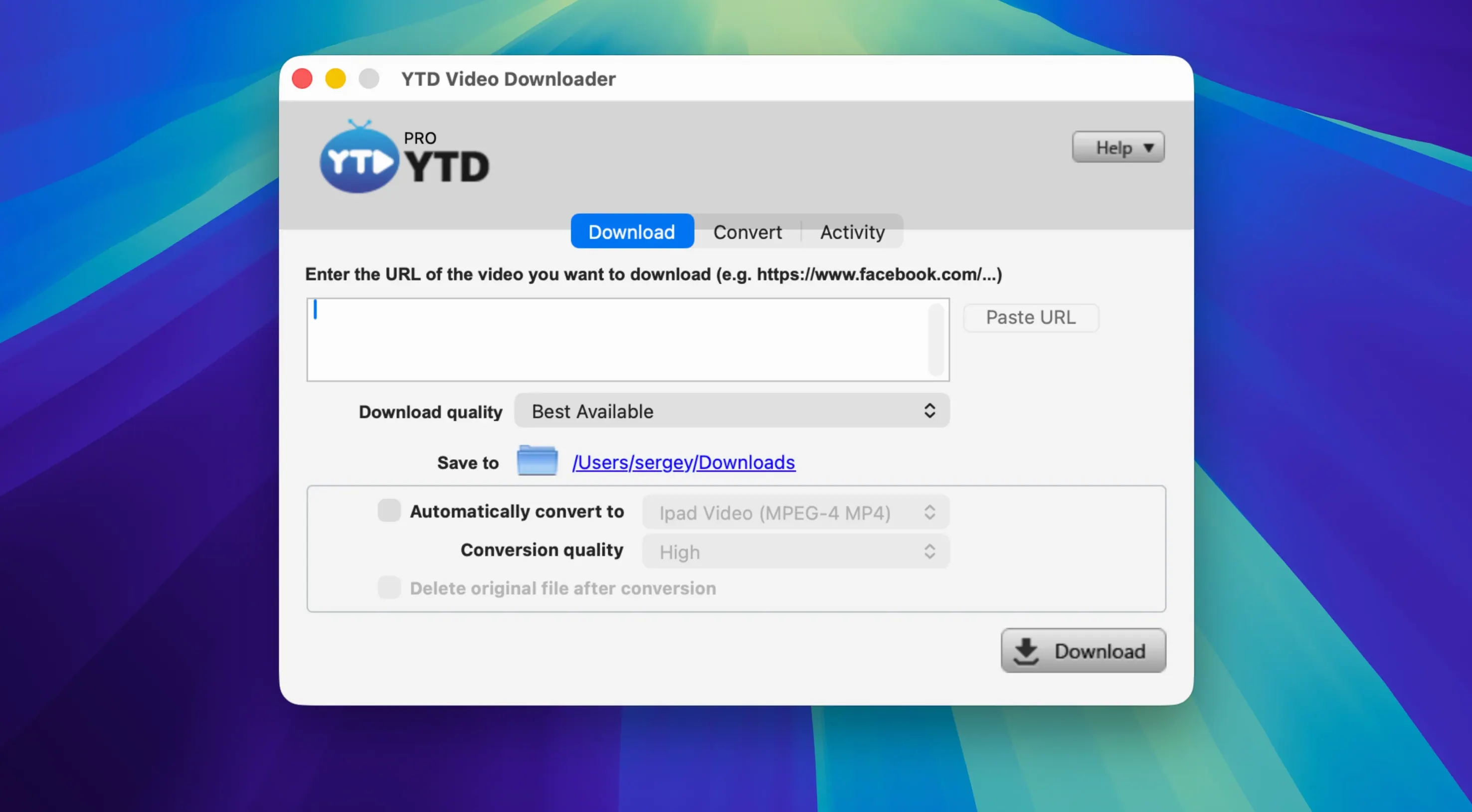
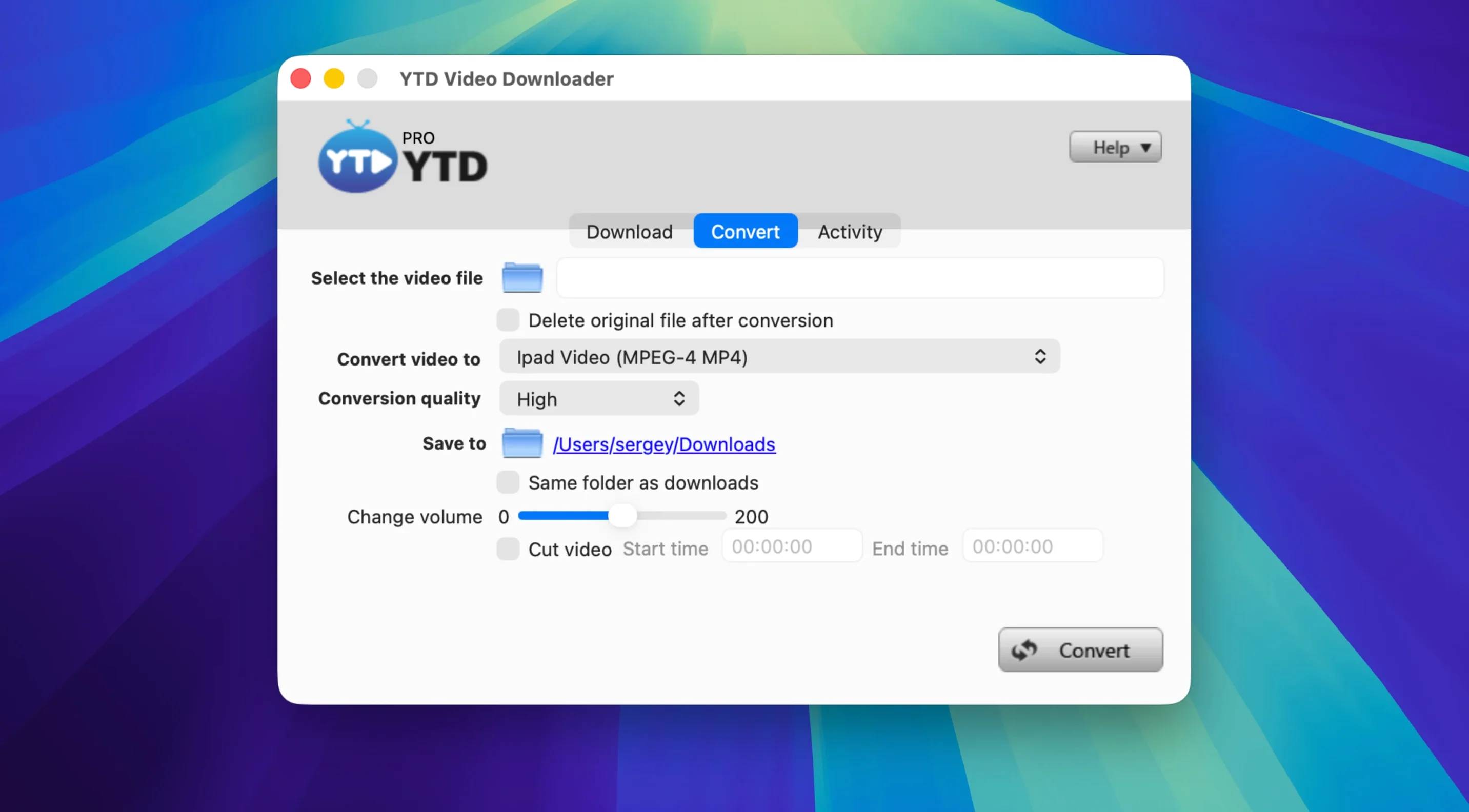
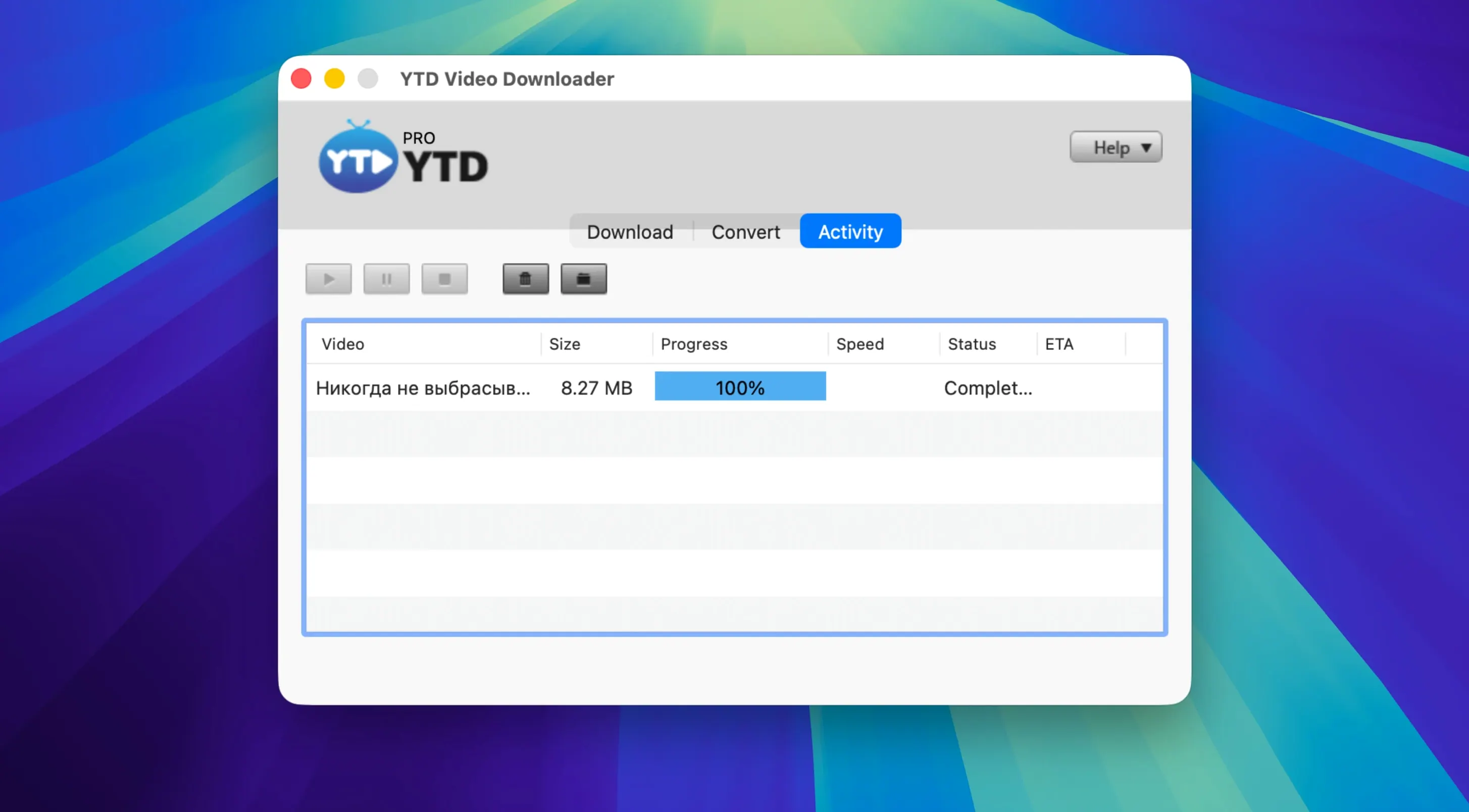
Playlist control and the built-in converter
Beyond single links, the app handles entire playlists in one action across more than 50 supported platforms. YouTube, Dailymotion, Youku, and Yahoo Video are all in the list, alongside social feeds from Facebook, Twitter/X, and LinkedIn. Once the files land locally, the built-in converter takes over with .mp4, .mov, .avi, .wmv, .flv, .3gp, and .mp3 output — no round-trip to a web service, just a straight local processing workflow.Where the desktop advantage shows
Because everything runs on your Mac, format-shifting a downloaded .mp4 into an .mov or pulling audio as .mp3 doesn’t depend on upload speeds or server queues. The architecture is Intel 64-bit and the app stays comfortable on older macOS setups, which keeps it useful on a secondary machine you might keep around specifically for batch work. The retry logic and playlist handling pair best for someone who already knows which channels and accounts they raid regularly — it’s less about casual saving and more about building a local library with predictable output formats.Clipboard detection catches links before you paste
The clipboard detection catches a lot of new users off guard, in a good way. Copy a link in Safari and switch back to YTD — the URL is already sitting in the field, ready to go. People also ask whether the app phones home or logs what you grab, and the answer is refreshingly straightforward: it doesn’t keep a download history and there’s no activity logging baked in. That local-only ethos extends to the converter too, so a .flv file you pulled from Dailymotion never leaves your drive until you export it as an .mp4 or .mov. The privacy question tends to come up most from folks using ytd for mac on a shared machine, and they’re usually relieved to find no download logs sitting around afterward.
Another common question is whether ytd video downloader for mac can handle the oddball formats that turn up on smaller video platforms. Since the converter reads whatever the app grabs and outputs to seven common formats, the answer is usually yes — .3gp is there for older mobile footage, .wmv for Windows-centric archives, and .mp3 extraction covers the playlist-to-podcast crowd. People coming from browser extensions often ask about pause and resume too, especially if they’re on a spotty connection. The resume button isn’t buried in a menu, it’s right on the active download, and the auto-retry kicks in without you touching anything.
Right-click a download to reveal it in Finder
- Clipboard watch is automatic. You don’t toggle it on — just copy a URL and the app notices. Works from any browser.
- Right-click a finished download to jump straight to the output file in Finder instead of hunting through the save folder.
- Playlist audio extraction can batch-convert every video in a queue to MP3 or AAC in one pass, which is handy for conference talks, lectures, or music sets.
- Drag-and-drop files onto the converter pane works for videos already on your drive, not just freshly downloaded ones — useful if you’re repackaging an old library.
- The progress bar shows retry count when a connection stumbles, so you know it’s working rather than stalled.
A podcaster’s Saturday morning
Let’s say you run a small interview podcast and your guest just sent over a long-form video conversation hosted on Vimeo. You need the audio for editing and a compact .mp4 for your archive. You paste the link, ytd pro downloader pulls the full video, then you queue up two conversions from the same source — one to .mp3 for your DAW, one to .mp4 at a size that won’t choke your external drive. While those run, you dump a link from a LinkedIn post your guest mentioned, grab that short clip as .mov, and the whole haul is local in under ten minutes. No browser tabs piling up, no waiting on a cloud converter to email you a link. The app just sits there crunching three tasks while you move on to show notes.
- OS X 10.10 or later
- Intel (64-bit) processor
Also on readers' docks
Sign in or create an account to leave a comment.
No comments yet. Tell me how it got on with your other devices.
More in Mac Apps
See all YT Saver
10.15.0 Mac Apps
115 MB
YT Saver
10.15.0 Mac Apps
115 MB
 Zipic
1.10.1 Mac Apps
13 MB
Zipic
1.10.1 Mac Apps
13 MB
 Wondershare UniConverter
15.7.3.564 Mac Apps
324 MB
Wondershare UniConverter
15.7.3.564 Mac Apps
324 MB
 Wondershare Recoverit
14.0.20.6 Mac Apps
212 MB
Wondershare Recoverit
14.0.20.6 Mac Apps
212 MB
 Wondershare Filmora
14.8.17 Mac Apps
924 MB
Wondershare Filmora
14.8.17 Mac Apps
924 MB
 Updated Wirecast Pro
16.5.5 Mac Apps
820 MB
Updated Wirecast Pro
16.5.5 Mac Apps
820 MB
 Wipr
2.38 Mac Apps
7 MB
Wipr
2.38 Mac Apps
7 MB
 WinZip Mac Pro
12.0.7282 Mac Apps
36 MB
WinZip Mac Pro
12.0.7282 Mac Apps
36 MB