








Download Wipr for macOS
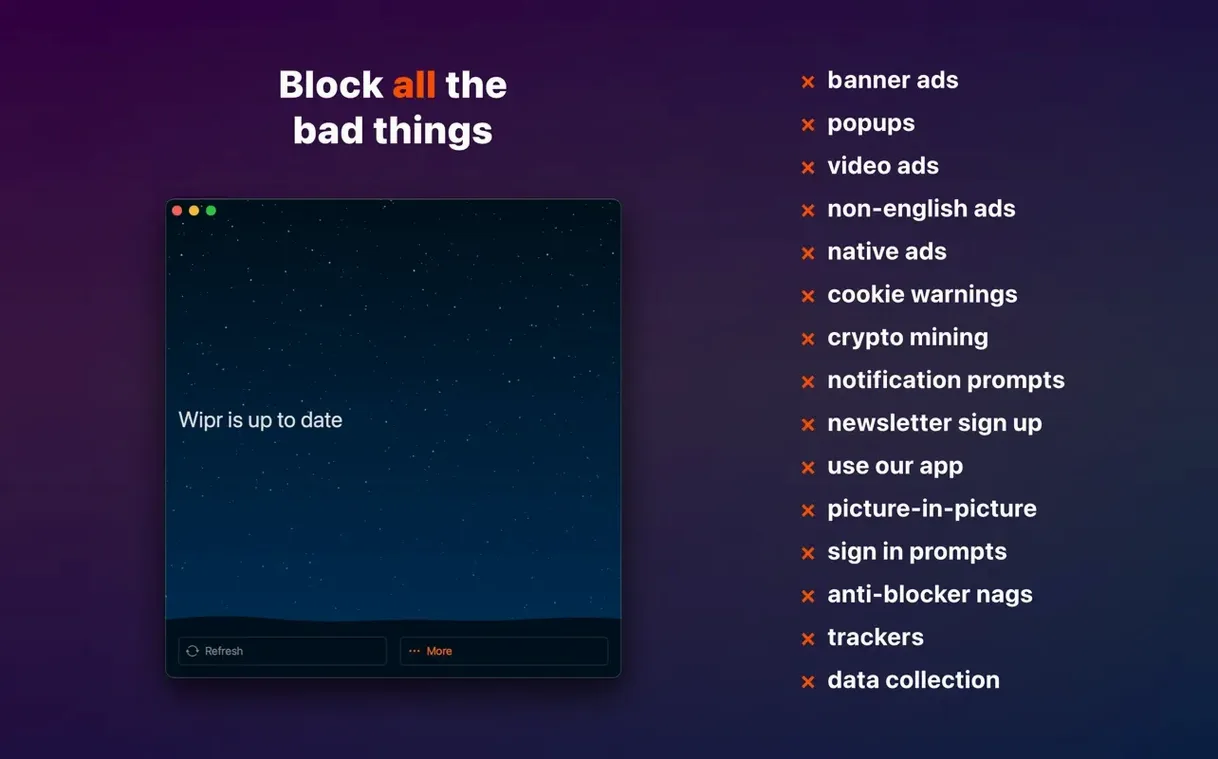
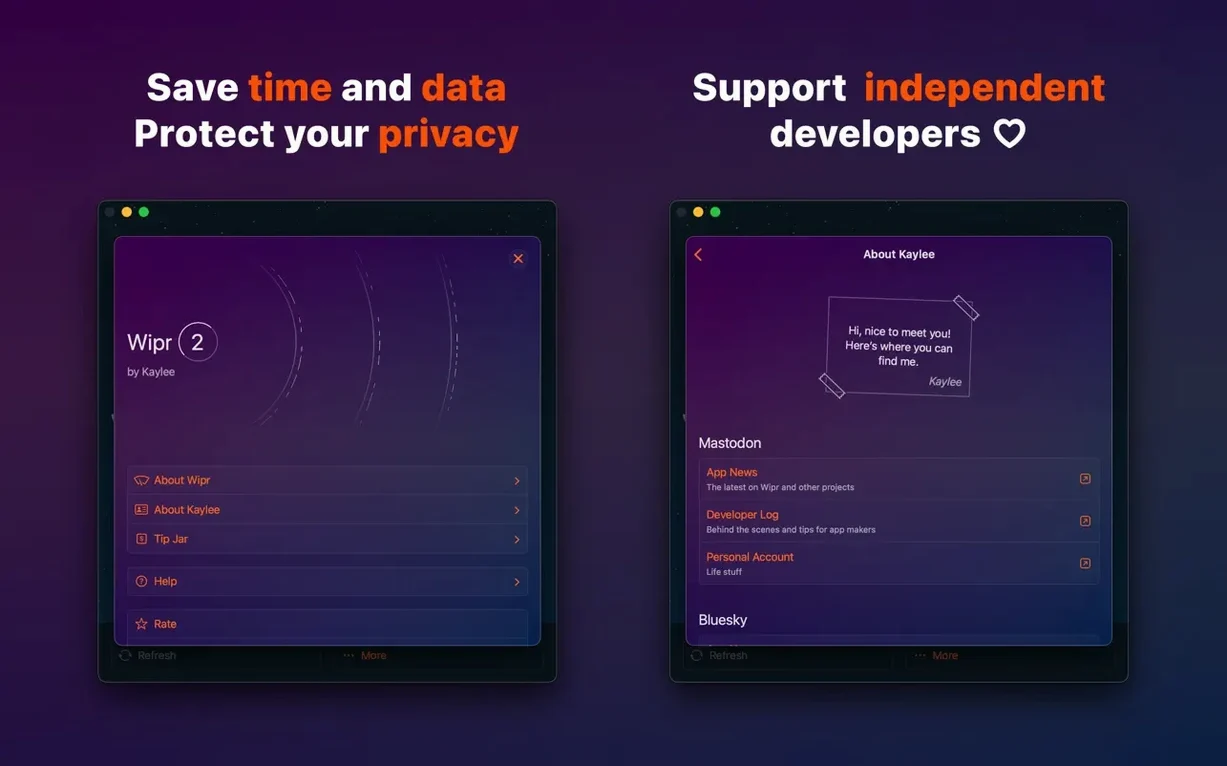
You click a recipe link and wait while a dozen trackers, a video ad, and a full-screen cookie banner fight for attention before the ingredient list even appears. With Wipr, that page just loads — quietly, and in about half the time.
Content blocker — an extension that stops ads, trackers, and cookie consent pop-ups inside Safari before they ever download.
Blocking list — the set of rules Wipr uses. It refreshes twice a week, so new annoyances get caught without waiting for an app update.
Universal app — one purchase covers Mac, iPad, and iPhone. The Mac version runs natively on both Apple Silicon and Intel machines.
Wipr deliberately has no settings to fuss over. Turn it on in Safari’s extension preferences and that’s it — no whitelist management, no picking filter categories. That simplicity makes it a great fit for people who want Safari to stay clean without becoming a part-time network administrator. If you enjoy tinkering with blocklists, a more hands-on blocker might suit you better. For everyone else, Wipr gets out of the way and stays there.
Cleaning Up a Research Session from Start to Finish
Picture a typical evening rabbit hole: you're researching a new monitor, so you open a handful of reviews, a couple of Reddit threads, and three retailer pages. Without a blocker, every tab brings its own parade — auto-playing video ads, newsletter popups, and those GDPR cookie dialogs that somehow need six clicks to dismiss.
Here's how it flows with Wipr running. You open the first review site. The article text appears immediately, no gray boxes where ads are still loading, no “wait for this countdown” overlay. You scroll straight through without a cookie banner interrupting at the halfway mark. The next tab, a retailer page, loads its product grid right away — the sponsored listings that usually sit at the top simply aren't there. You’re looking at the actual search results two seconds faster.
On a forum thread where people are comparing specs, the inline ad between posts five and six never renders. You read the whole discussion without once losing your place to something flashing in your peripheral vision. Half an hour later you've opened maybe fifteen tabs, and none of them have asked you to accept cookies, sign up for a newsletter, or watch a 30-second spot before reading a spec table.
Because Wipr updates its blocking list twice a week, the rules that cleaned up those sites this evening likely weren't the same ones it used last Monday. New trackers that popped up mid-week get caught without you ever knowing they existed. That's the whole point — you just browse, and the noise stays gone.
Runs on macOS 10.13 Through Sonoma, Intel and Apple Silicon
Does Wipr work on older versions of macOS? The Mac version asks for macOS 10.13 or later, so even machines that can't run Ventura or Sonoma are covered. It runs on Intel and Apple Silicon Macs, so a 2017 MacBook Air and a new MacBook Pro both get the same blocking.
Will it break websites I need? Occasionally a site's login form or checkout flow relies on a script that happens to look like a tracker. When that happens there isn't a per-site toggle inside Wipr itself — the design philosophy is “no settings” — but you can disable content blockers for a specific site right from Safari's address bar. Two clicks and you're through.
Does it slow Safari down? The opposite. Pages load faster because Safari never requests the ad scripts, tracker pixels, or heavy video embeds in the first place. Less data coming down means less work for the browser, which is especially noticeable on older Macs or slow connections.
What about cookie consent popups? Wipr blocks a lot of them by default. The ones that slip through tend to be custom-built, not from the major consent platforms. Even then, Wipr Extra — a component that gets refined with those twice-weekly updates — catches more of them over time.
Menu Bar Click Breaks Out Blocked Ads, Trackers, and Cookie Notices
Wipr's menu bar icon does more than show it's running. Click it and you get a quick count of what's been blocked on the current page — ads, trackers, and cookie notices broken out separately. It's satisfying to see a triple-digit tracker count on a news site and realize none of them touched your browsing data.
If you use multiple Apple devices, the blocking experience follows you. Install Wipr on an iPad and iPhone alongside your Mac, and the same rule set applies everywhere. There's no syncing to configure — each device gets its own updates independently, twice a week, straight from the app.
Keyboard shortcut fans will appreciate that you never need to open Wipr after the initial setup. Once it's enabled in Safari's extension preferences, it runs silently. No dock icon to manage, no periodic prompts, no upgrade nags. It updates its blocking list in the background and keeps working.
For anyone who's searched around before landing here, you might have come across terms like wipr 2 macos or wipr 2 download — those lead to the current app, which is simply called Wipr. The “2” era is the modern version, rewritten from the ground up compared to the original. If you've seen references to wipr free or wipr 2 free floating around, know that the real value is in how little time you spend thinking about it after it's set up. Three minutes to install, then months of quieter browsing.
Version 2.38 sharpens the blocking engine with Wipr Extra improvements across more websites and adds accessibility refinements throughout the app.
- Wipr Extra improvements on many sites.
- Accessibility improvements.
- macOS 14.0 or later
- Apple Silicon or Intel 64-bit Mac
- English interface
Questions people ask
Does Wipr work on older versions of macOS?
Wipr 2 requires macOS 14.0 or later. Version 1 of the app supported older systems, but the current release is built for modern Safari features.
How often does the blocking list update?
Wipr refreshes its blocking list twice a week, so new ad and tracker patterns get caught routinely without waiting for a full app update.
Also on readers' docks
Sign in or create an account to leave a comment.
No comments yet. Tell me how it got on with your other devices.
More in Mac Apps
See all WinZip Mac Pro
12.0.7282 Mac Apps
36 MB
WinZip Mac Pro
12.0.7282 Mac Apps
36 MB
 Updated Wirecast Pro
16.5.5 Mac Apps
820 MB
Updated Wirecast Pro
16.5.5 Mac Apps
820 MB
 Winclone Pro
10.5 Mac Apps
21 MB
Winclone Pro
10.5 Mac Apps
21 MB
 WidgetWall
3.15.2 Mac Apps
396 MB
WidgetWall
3.15.2 Mac Apps
396 MB
 Wondershare Filmora
14.8.17 Mac Apps
924 MB
Wondershare Filmora
14.8.17 Mac Apps
924 MB
 Wondershare Recoverit
14.0.20.6 Mac Apps
212 MB
Wondershare Recoverit
14.0.20.6 Mac Apps
212 MB
 Wondershare UniConverter
15.7.3.564 Mac Apps
324 MB
Wondershare UniConverter
15.7.3.564 Mac Apps
324 MB
 WALTR PRO
4.0.122 Mac Apps
29 MB
WALTR PRO
4.0.122 Mac Apps
29 MB