Download JustStream PRO for macOS
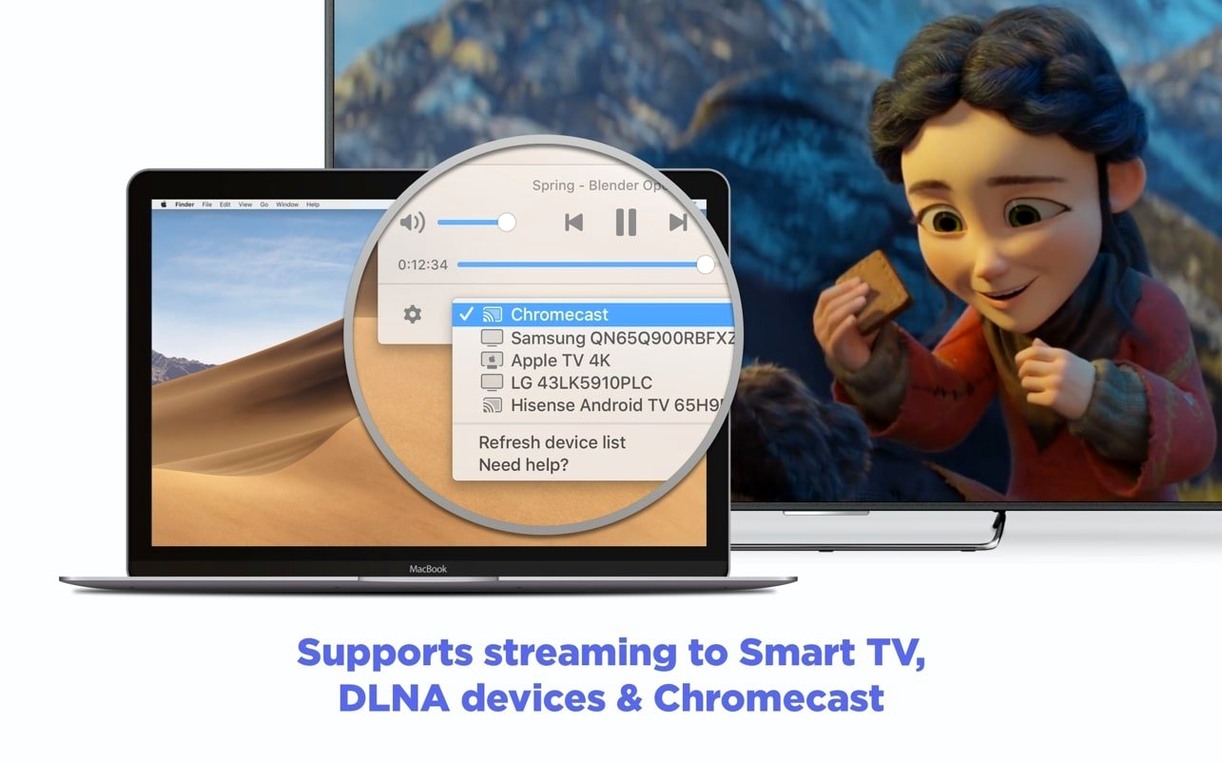
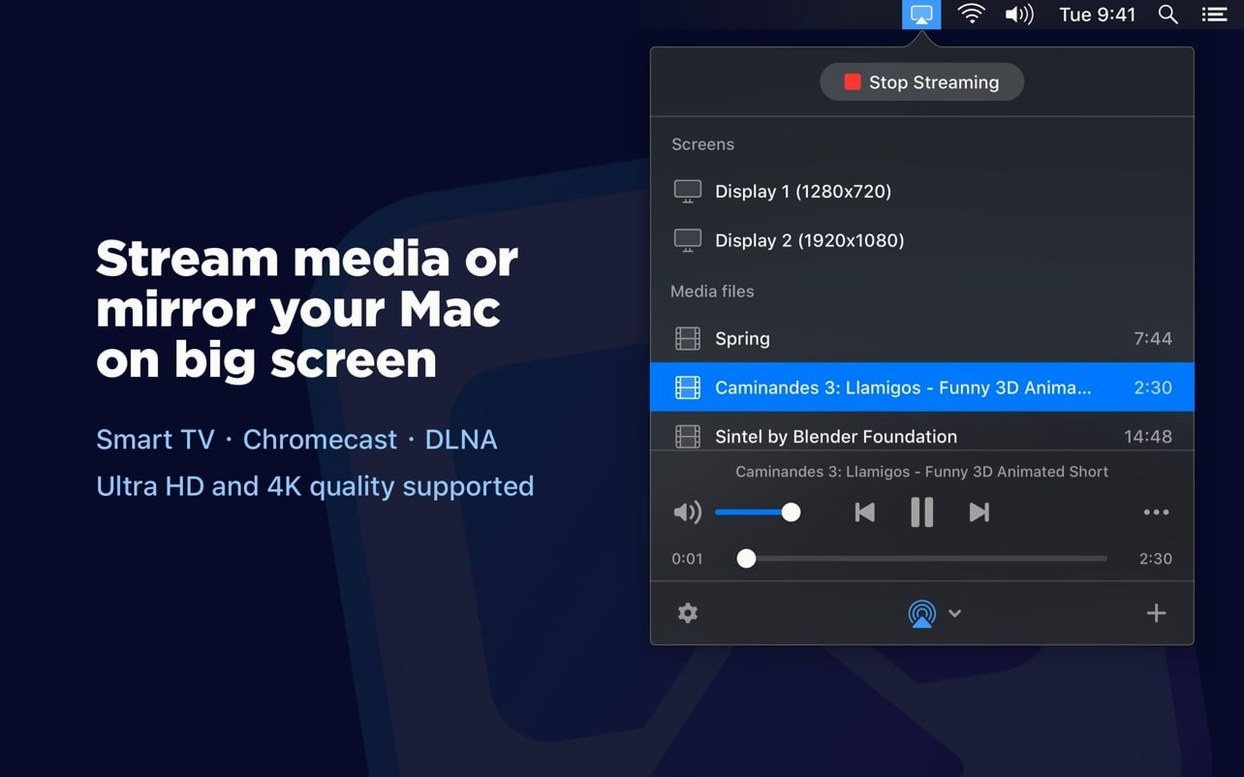
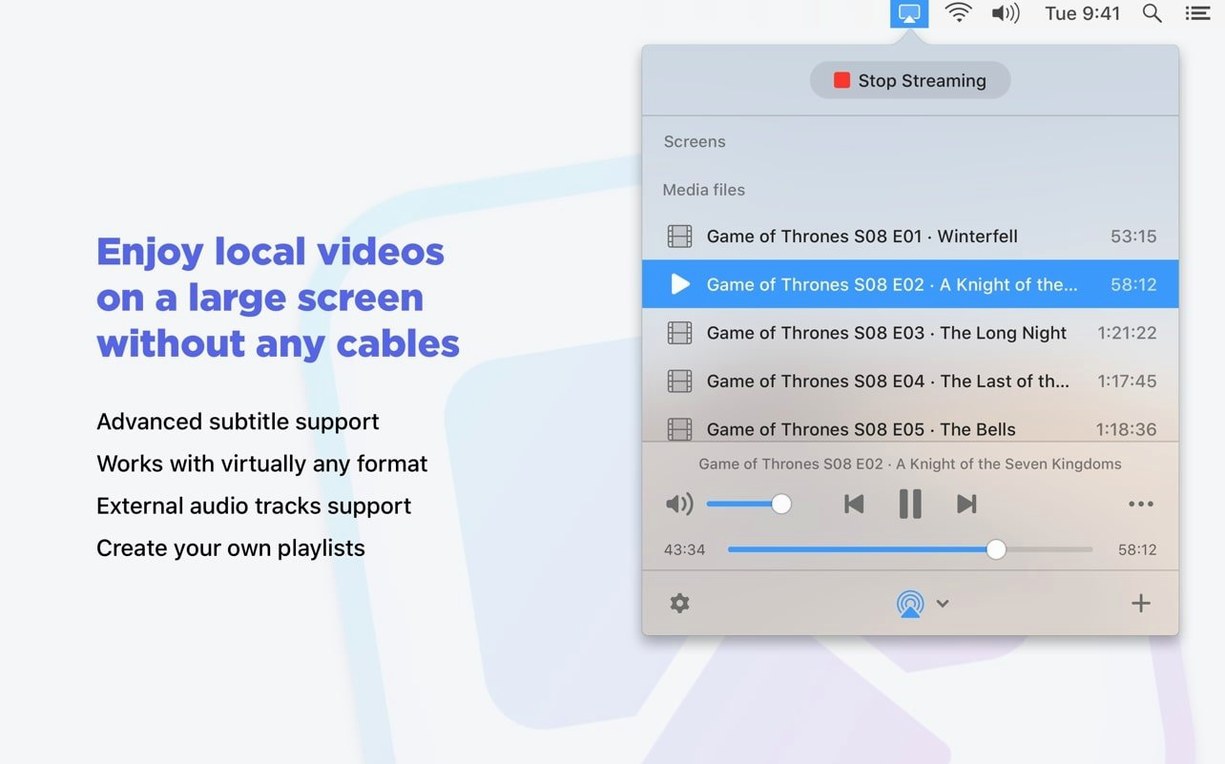
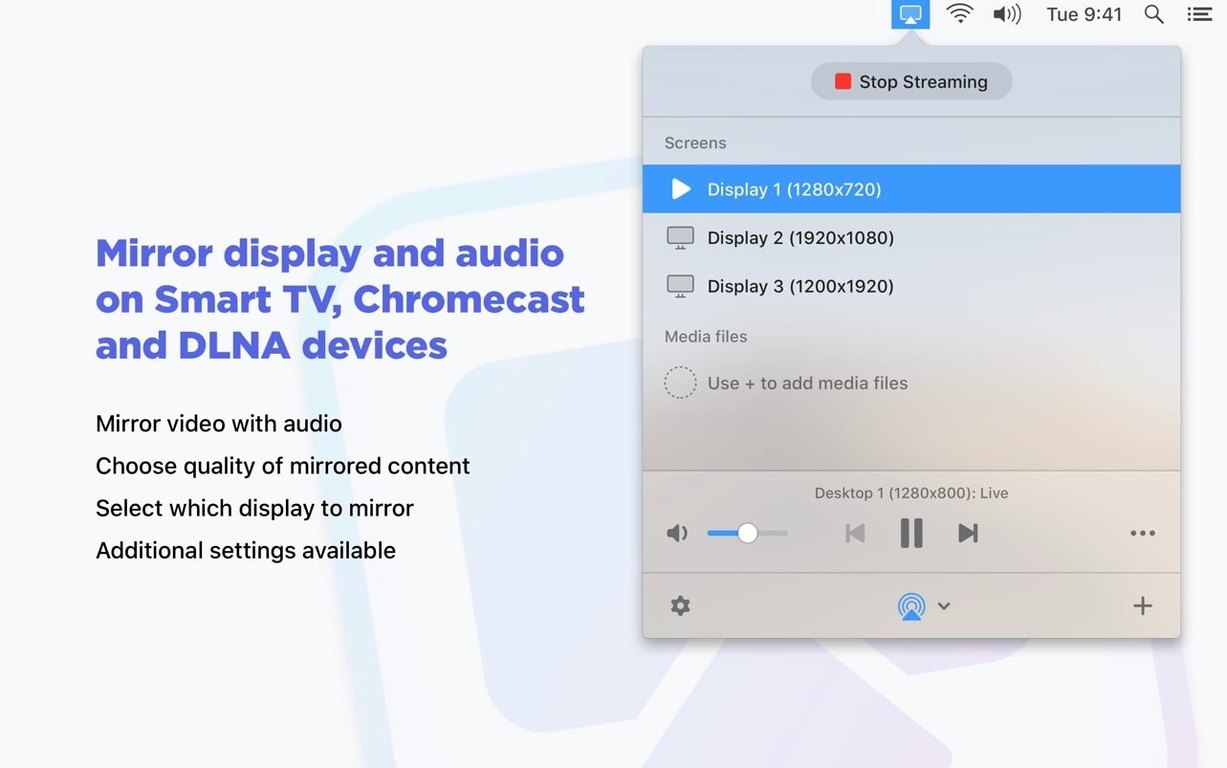
Real-time transcoding is what makes the difference. You've got a high-bitrate MKV on your Mac, but the living room TV only plays nicely with MP4. With JustStream PRO, you don't convert anything ahead of time. You just pick the file, pick the TV, and let the app sort out the compatibility on the fly.
One Movie, From Desktop to TV
- Add the file and subtitles. Drag the MKV into the streaming window. The app spots the embedded subtitles immediately, but you can also load an external SRT if you prefer a different translation.
- Choose the destination. Click the devices list at the top. Our Samsung Smart TV appears in the list alongside an Apple TV in the next room. Select the Samsung. The app remembers it for next time.
- Set the screen fit. Open the fit-to-screen menu and pick "Fit to TV." No more black bars cropping off the edges of the frame.
- Hit play and control the queue. The stream starts, and the mouse cursor vanishes from the TV while clicks still register on the Mac. Halfway through, you can add two more video files to create a simple playlist. The playback keeps going without touching the laptop again.
The whole setup leans on real-time adjustment rather than pre-planning. That's the strength here. If the Mac screen falls asleep during a long file, the updated sleep prevention in version 2.14 keeps everything running. It's a straightforward tool for anyone who frequently throws video from a Mac onto nearby screens—especially when file formats and subtitles would otherwise get in the way.
When the TV won't show up in the device list
Even a straightforward streamer has its hiccups. The most frequent one I see: the TV just doesn't appear in the device list. Nine times out of ten, the Mac and the TV have landed on different network bands—one's on the 2.4 GHz network while the other sits on 5 GHz. Flipping both onto the same band usually resolves it within seconds. If a Chromecast still plays coy, a quick power-cycle of the streaming device itself tends to flush out whatever state confused the discovery.
Another snag crops up with subtitles. The app picks up embedded tracks automatically, but if you've loaded an external SRT and the text never shows, check the file encoding. JustStream PRO expects UTF-8, and a Latin-1 subtitle file will silently fail. Open the SRT in TextEdit, duplicate it as UTF-8, and reload—that almost always fixes it. And when pause stops working mid-stream (something version 2.14 specifically addressed), toggling the stream off and back on clears the session without needing to restart the app.
Library-less drag-and-drop versus curated collections
Compared with Airflow, the philosophy splits early. Airflow wraps itself around a beautiful library browser and wants you to curate a collection. JustStream PRO skips the library entirely—drag a file, hit play, move on. If you're the sort of person who enjoys browsing poster art, Airflow fits. If you just want whatever's on the desktop on the TV in the next sixty seconds, JustStream gets there faster.
Next to Elmedia Player PRO, the overlap is real but the center of gravity shifts. Elmedia is a full media player first and a streamer second; it grabs more exotic formats and offers a ten-band equalizer. JustStream PRO doesn't pretend to be a player—it mirrors the screen and serves video without making you learn a new interface. The menu-bar presence means it stays out of the way until you need it. If you're curious and grab a torrent like JustStream PRO torrent macOS to test the waters, you'll find the actual app's approach is refreshingly single-purpose: no library, no equalizer, just the stream.
Beamer is the simplest of the bunch—drag a video onto its icon, and it plays on the TV. But Beamer doesn't do screen mirroring and won't touch DRM-protected content. JustStream PRO mirrors any connected monitor and captures cursor movements, which makes it useful for presentations or shared browsing sessions, not just movie night. For screen mirroring plus file streaming without maintaining a library, it carves out a tidy niche between Airflow's beauty and Beamer's minimalism.
What's new in version 2.14:
- Improved compatibility with macOS 26.
- Better sleep prevention while streaming is active.
- Fixed streaming to certain devices that previously failed to connect.
- Resolved errors when opening the list of available streaming devices.
- Fixed issues with streaming specific videos to Chromecast.
- Corrected a bug where pause wouldn't work during playback.
- macOS 10.12 or later
- Works on Intel and Apple Silicon Macs
Also on readers' docks
Sign in or create an account to leave a comment.
No comments yet. Tell me how it got on with your other devices.