Download DataGrip for macOS
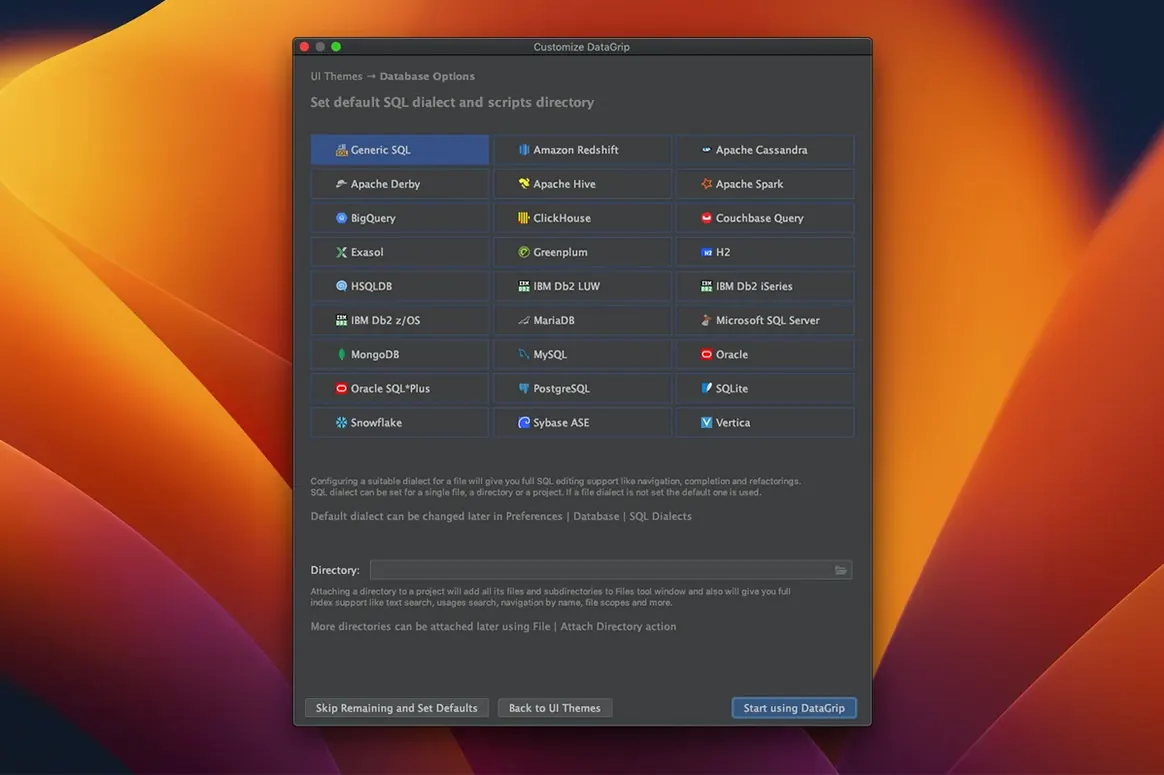
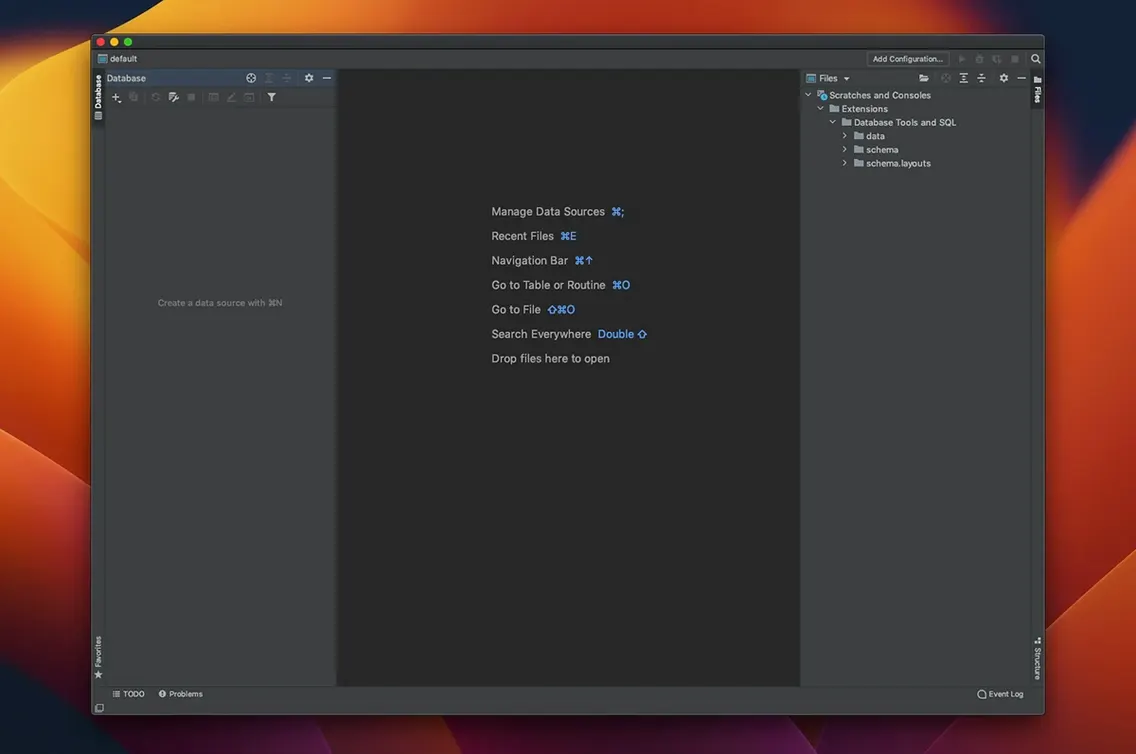
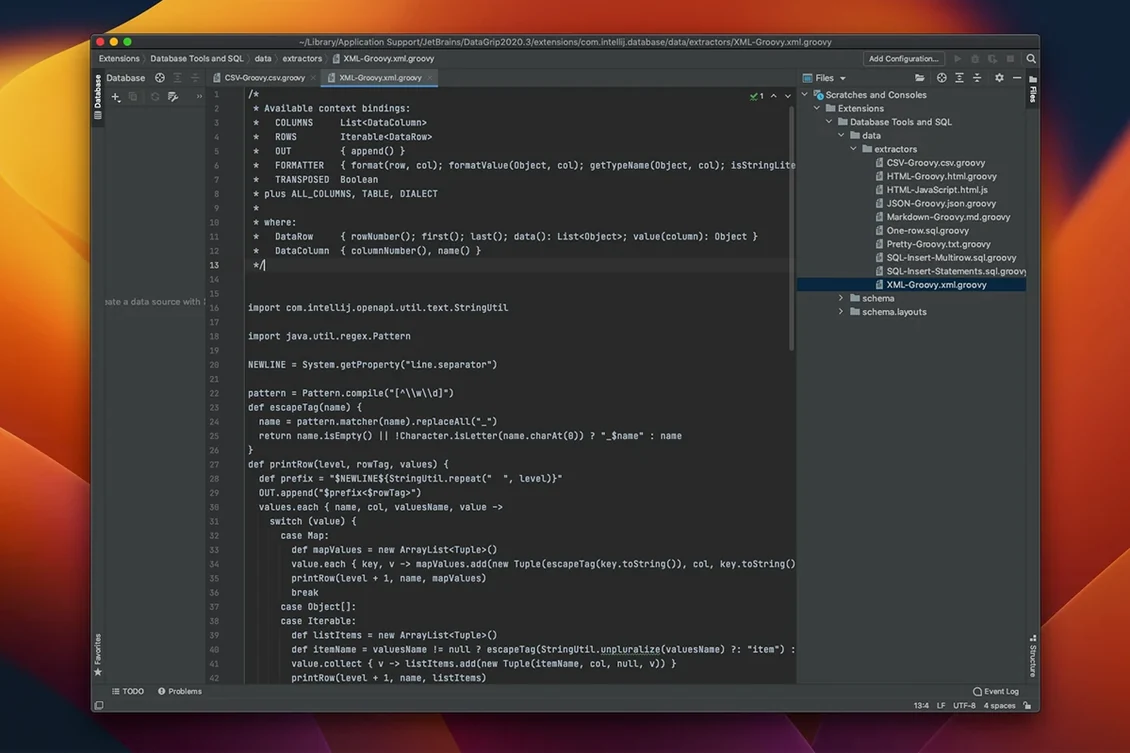
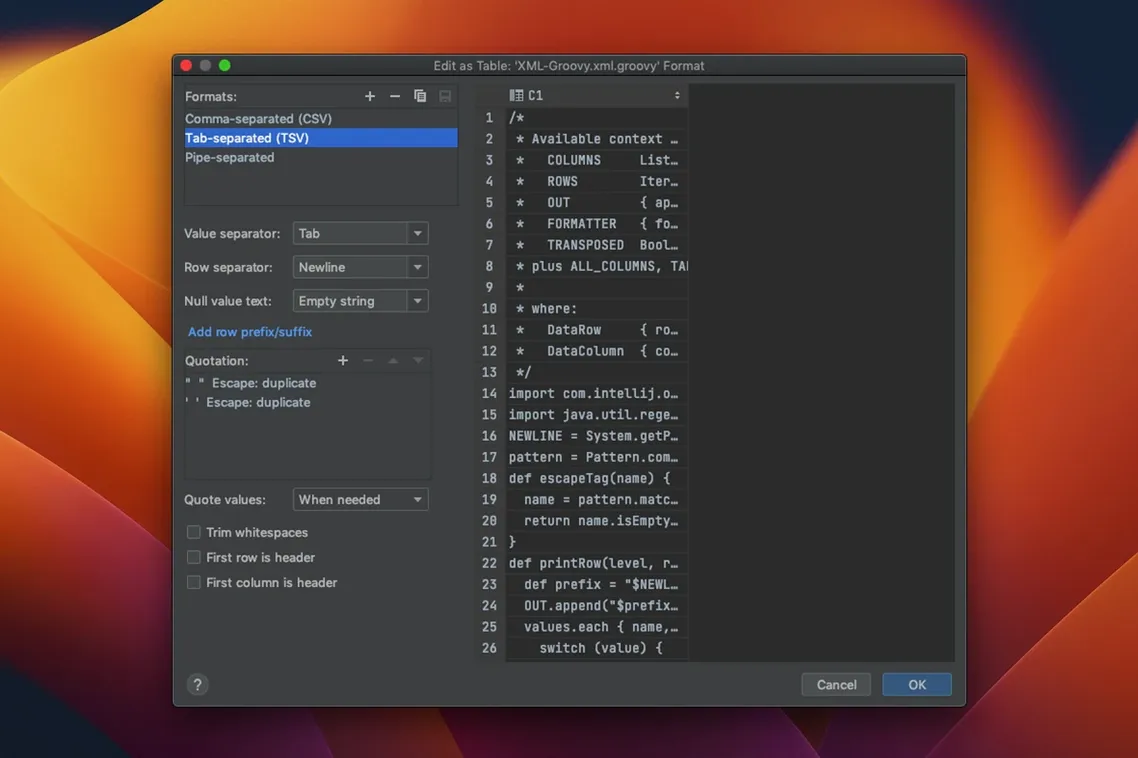
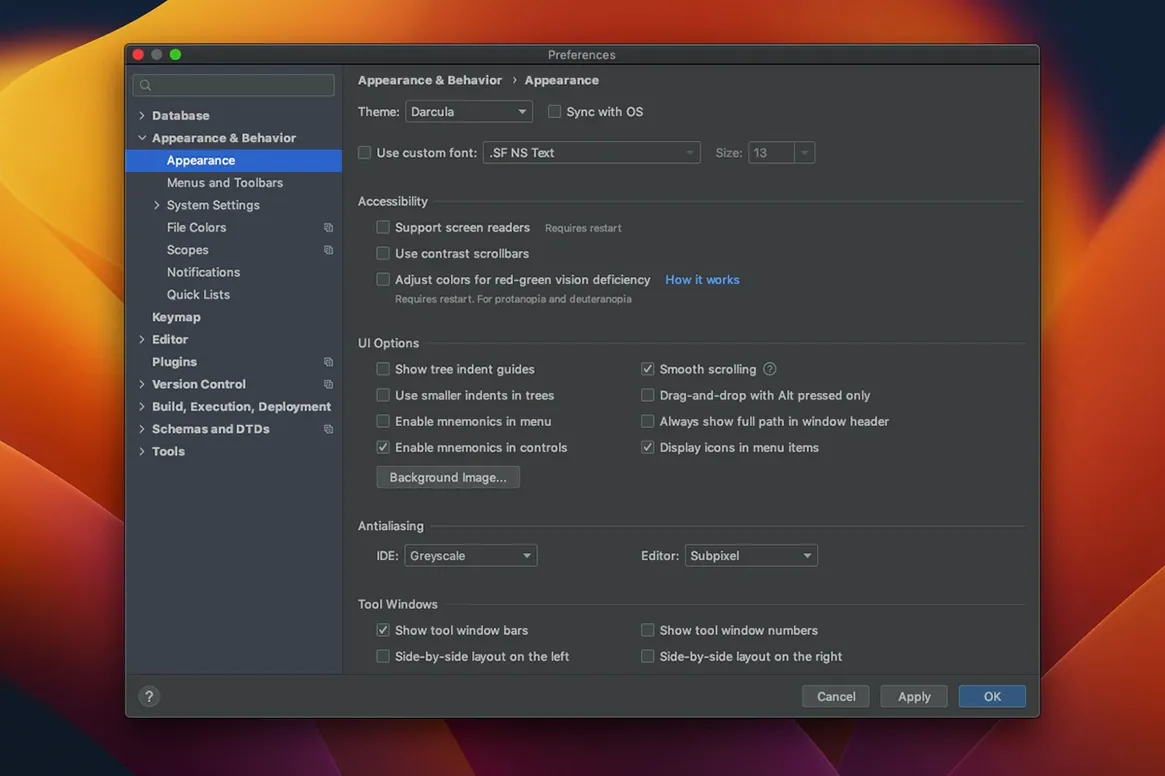
You've connected to your first database and the schema tree is staring back at you. DataGrip puts a lot of power into a single window, and knowing where to start saves an afternoon of clicking around. These are the moves that make the IDE feel like home right away.
- Search for any object by name. Hit the double-shift shortcut and type part of a table, view, or column name. It's the fastest way to jump into something without digging through the tree.
- Let code completion do the heavy lifting. Start writing a query and watch the suggestions. DataGrip filters them by context—only relevant keywords and objects appear, which cuts down on noise when you're deep in a complex statement.
- Explore a query plan visually. After running a statement, open the Explain Plan tool. The tree and graph views turn abstract planner output into something you can actually reason about.
- Revisit anything you've run. The query history is automatic and searchable. If you closed a tab too soon or need a snippet from yesterday, everything is right there.
- Refactor with confidence. Rename a column or extract a subquery and DataGrip updates references across your scripts. It turns SQL maintenance into a much safer operation.
How DataGrip Stacks Up Against Similar Mac Tools
It's natural to wonder how DataGrip fits alongside other database tools macOS users reach for. The landscape falls roughly into three camps, and which one suits you depends on where the bulk of your work lives.
TablePlus draws people who want a native Mac app that launches instantly and keeps things visual. The inline editing, filter bar, and quick-row switching are genuinely pleasant on a Retina display. Where it pulls back is multi-database scripting—TablePlus gives you a clean query editor, but it doesn't analyze your SQL the way DataGrip does. There's no inspection engine flagging missing join conditions, and refactoring means find-and-replace across files. If your day is mostly running and tweaking queries, TablePlus feels light and fast. If you need an IDE that understands your code, DataGrip pulls ahead.
DBeaver is the open-source heavyweight that overlaps with DataGrip's territory more than anything else. It connects to an enormous range of databases, offers diagram support, and has a loyal community. The interface can feel busier, and the Mac version doesn't always share the polish of the Windows build. DataGrip's context-aware completion and quick-fix suggestions feel a generation ahead when you're writing long procedural SQL. Both support version control, but DataGrip's Git integration is deeply embedded—diffs, blame, and branch switching happen without leaving the project.
Navicat targets a slightly different workflow, leaning into data modeling, scheduled jobs, and visual query building. It's strong if you design schemas graphically. DataGrip stays closer to the code, which suits developers who think in scripts first.
A Data Engineer's Afternoon
Imagine a data engineer maintaining a pipeline that pulls from PostgreSQL, transforms in a staging schema on MySQL, and writes summary tables back to a reporting instance. A typical Tuesday involves checking why yesterday's aggregation ran slow. They open DataGrip's query console, run the problem statement, and jump into the Explain Plan graph—the tree view shows a full table scan that shouldn't be there. A missing index surfaces in seconds.
While fixing that, they need to rename a few normalized columns across three stored procedures. The refactoring tool propagates every alias change through all open scripts, no manual hunting required. Later, a colleague asks for the history of changes to a particular view. DataGrip's built-in version control shows the commit timeline without leaving the project window. It's the kind of uninterrupted flow that makes a multi-database afternoon feel less like juggling and more like steady progress.
Once these few habits click, the rest of the IDE unfolds around them. It's the kind of tool that rewards a little upfront exploration.
Version 2026.2.6 has landed with the developer's latest fixes and improvements — release notes are over on the JetBrains site.
- macOS 11 or later
- Apple Silicon or Intel 64-bit Mac
Questions people ask
Which databases does DataGrip work with?
DataGrip supports a wide range of relational and NoSQL databases, giving you a single interface for most data sources you'll encounter.
Also on readers' docks
Sign in or create an account to leave a comment.
No comments yet. Tell me how it got on with your other devices.