







Download Dash for macOS
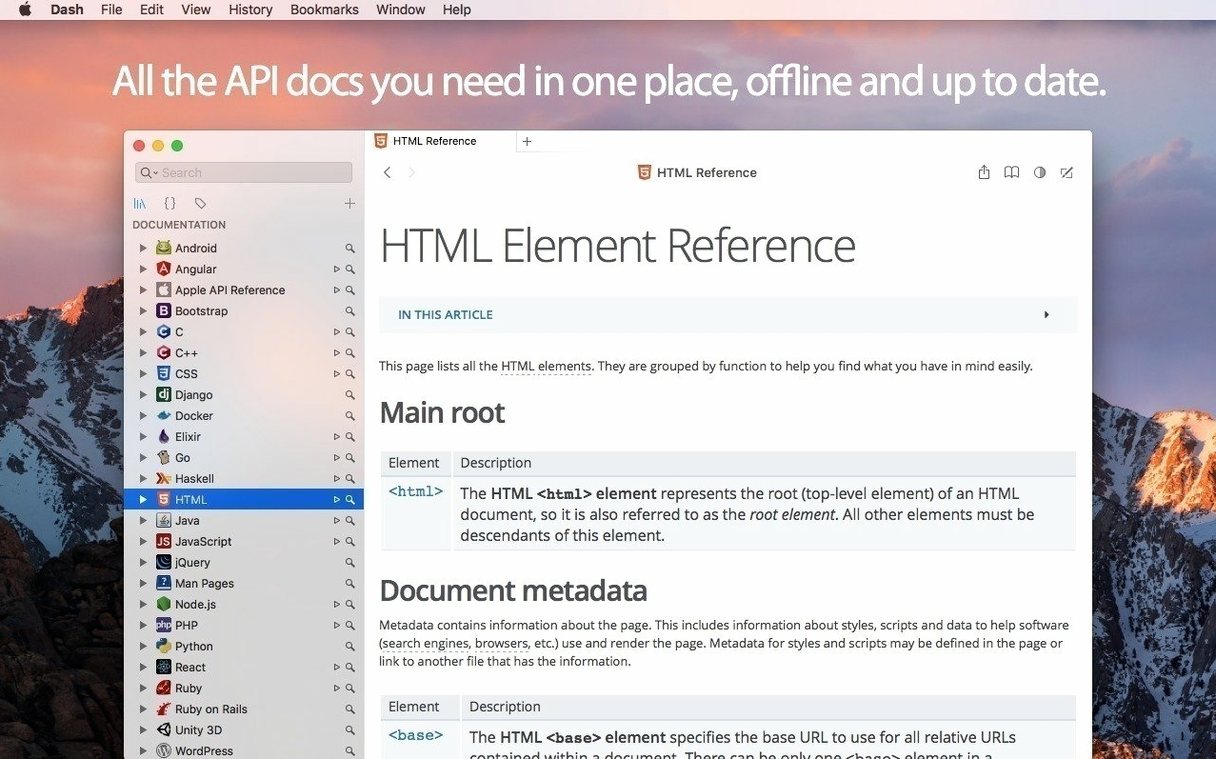
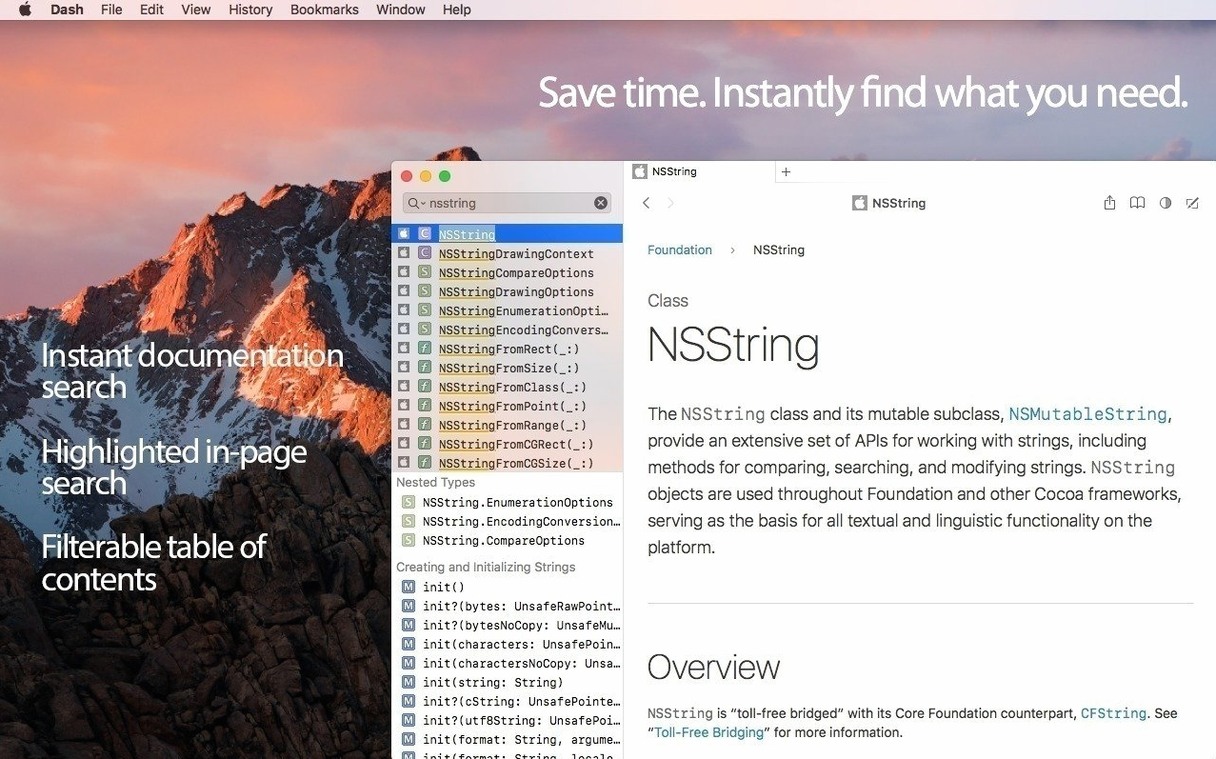
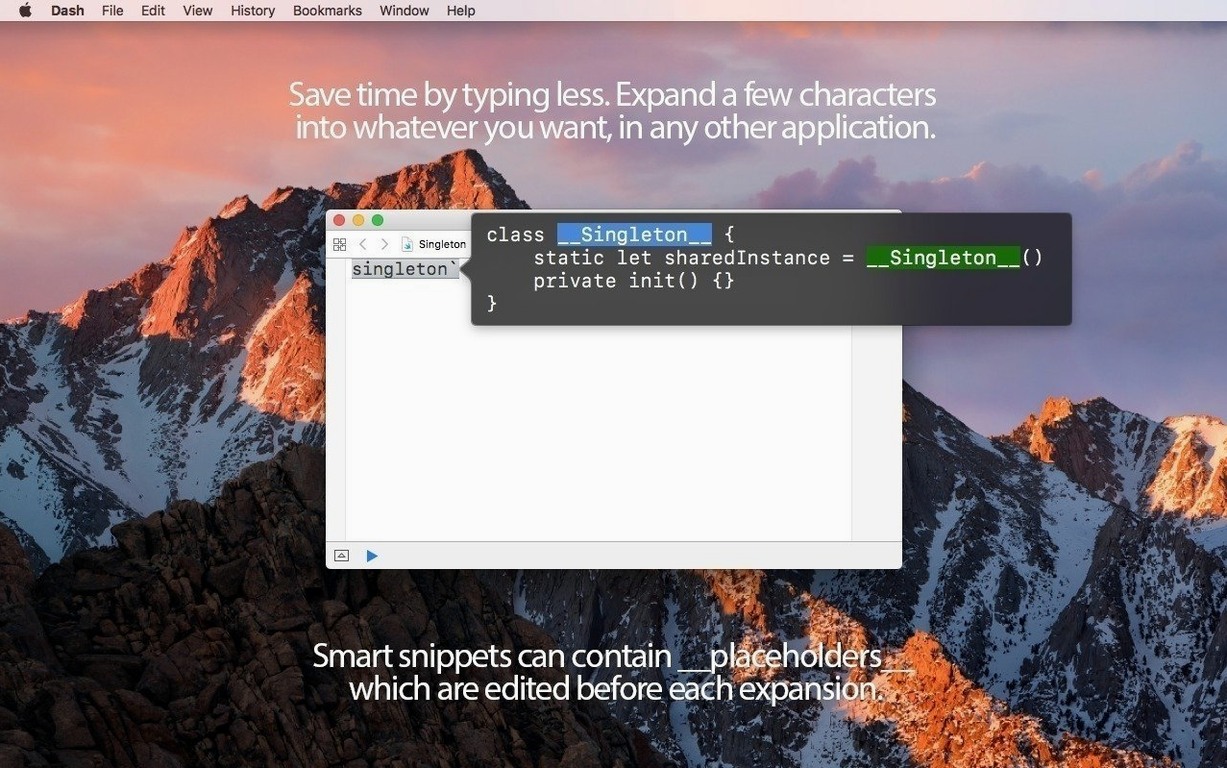
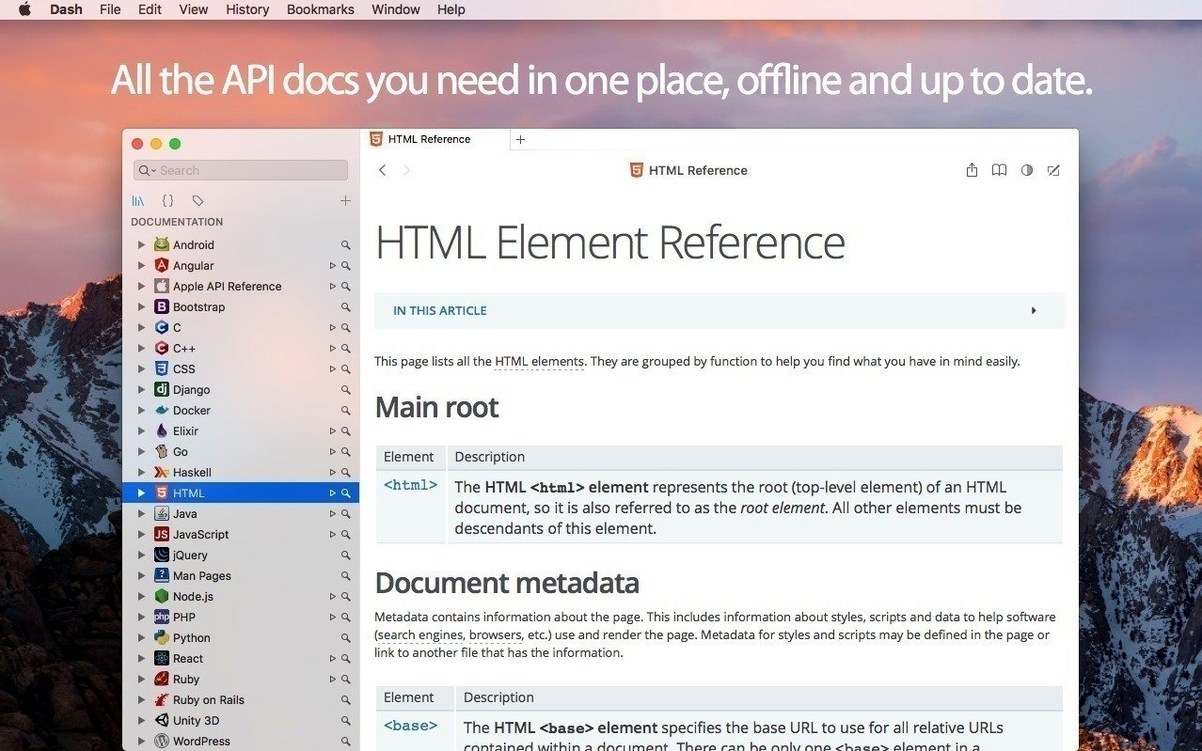
Dash 8 landed quietly but packed a couple of features that change how the app fits into a modern Mac workflow. The big one is MCP support — it lets AI assistants tap into your locally installed docsets directly, so you're not stuck copying API references into a chat window. A reworked Alfred search engine now hums along in the background, and the results dropdown finally listens when you drag its corner. What hasn't shifted is the core stuff that keeps Dash pinned to my menu bar: offline documentation for over 200 APIs, a snippet manager that handles @clipboard and @cursor placeholders, and navigation that still feels quicker than a browser tab.
- MCP support — grants AI assistants access to your installed docsets, making local documentation queryable without leaving your coding environment.
- Reworked Alfred engine — runs in the background for faster, more responsive searches through Alfred integration.
- Resizable results dropdown — drag the corner of the search results to see more of a method signature or a longer description at a glance.
- 100+ built-in cheat sheets — quick reference for shortcuts, regex, and language syntax, all stored offline.
- Search profiles — group related docsets and switch between them with a keystroke, so you're never searching through unrelated APIs.
Everything else that made Dash a staple is still here: multi-touch gesture navigation through documentation, bookmarking for pages you keep revisiting, and the choice to run it as a compact menu bar app or a full dock window. If you spend your day bouncing between SwiftUI, Python, and the occasional SQLite query, this version tightens the screws without messing with what already worked.
There is a handful of tiny touches I only spotted after a few weeks of daily use. Double-clicking a method name in the table of contents copies its signature straight to the clipboard — no right-click menu needed. Holding Option while hovering over a link shows a quick preview of where it leads inside the same docset, which saves a ton of back-and-forth navigation. And if you have ever wished dash for mac searches would stay out of your way entirely, you can set a system-wide hotkey that summons the search bar as a floating panel over any app — type your query, grab the snippet or definition, and the panel vanishes. The @date and @time placeholders inside snippets respect your system locale too, which matters more than you would think when you are logging timestamps across projects.
On an Apple Silicon Mac, mac dash barely registers in Activity Monitor. Memory use hovers around 180–220 MB with a dozen docsets loaded, and CPU spikes are practically nonexistent once the initial indexing finishes. I have had it running for days without a single beachball, even while syncing a snippet library through Dropbox. The background Alfred engine added in version 8.1.1 is genuinely unobtrusive — searches pop up faster than before, and I never caught it polling when idle. Crash logs stay empty on my machine. Whatever Kapeli did under the hood for macos dash this cycle, the app feels lighter than its footprint suggests.
- macOS 10.14 or later
- Apple Silicon or Intel 64-bit
Also on readers' docks
Sign in or create an account to leave a comment.
No comments yet. Tell me how it got on with your other devices.
More in Mac Apps
See all DaisyDisk
4.34.2 admin Mac Apps
9 MB
DaisyDisk
4.34.2 admin Mac Apps
9 MB
 Updated DataGrip
2026.2.6 Mac Apps
1 GB
Updated DataGrip
2026.2.6 Mac Apps
1 GB
 DataSpell
2026.1.3 Mac Apps
1.1 GB
DataSpell
2026.1.3 Mac Apps
1.1 GB
 DaVinci Resolve Studio
21.1.1 Mac Apps
7.9 GB
DaVinci Resolve Studio
21.1.1 Mac Apps
7.9 GB
 dBpoweramp Music Converter
2026.09.13 Mac Apps
31 MB
dBpoweramp Music Converter
2026.09.13 Mac Apps
31 MB
 Cursor Pro
2.4 Mac Apps
30 MB
Cursor Pro
2.4 Mac Apps
30 MB
 Deep Glow
1.6 Mac Apps
3 MB
Deep Glow
1.6 Mac Apps
3 MB
 CrossOver
26.3.0 Mac Apps
285 MB
CrossOver
26.3.0 Mac Apps
285 MB