









Download Coherence X for macOS
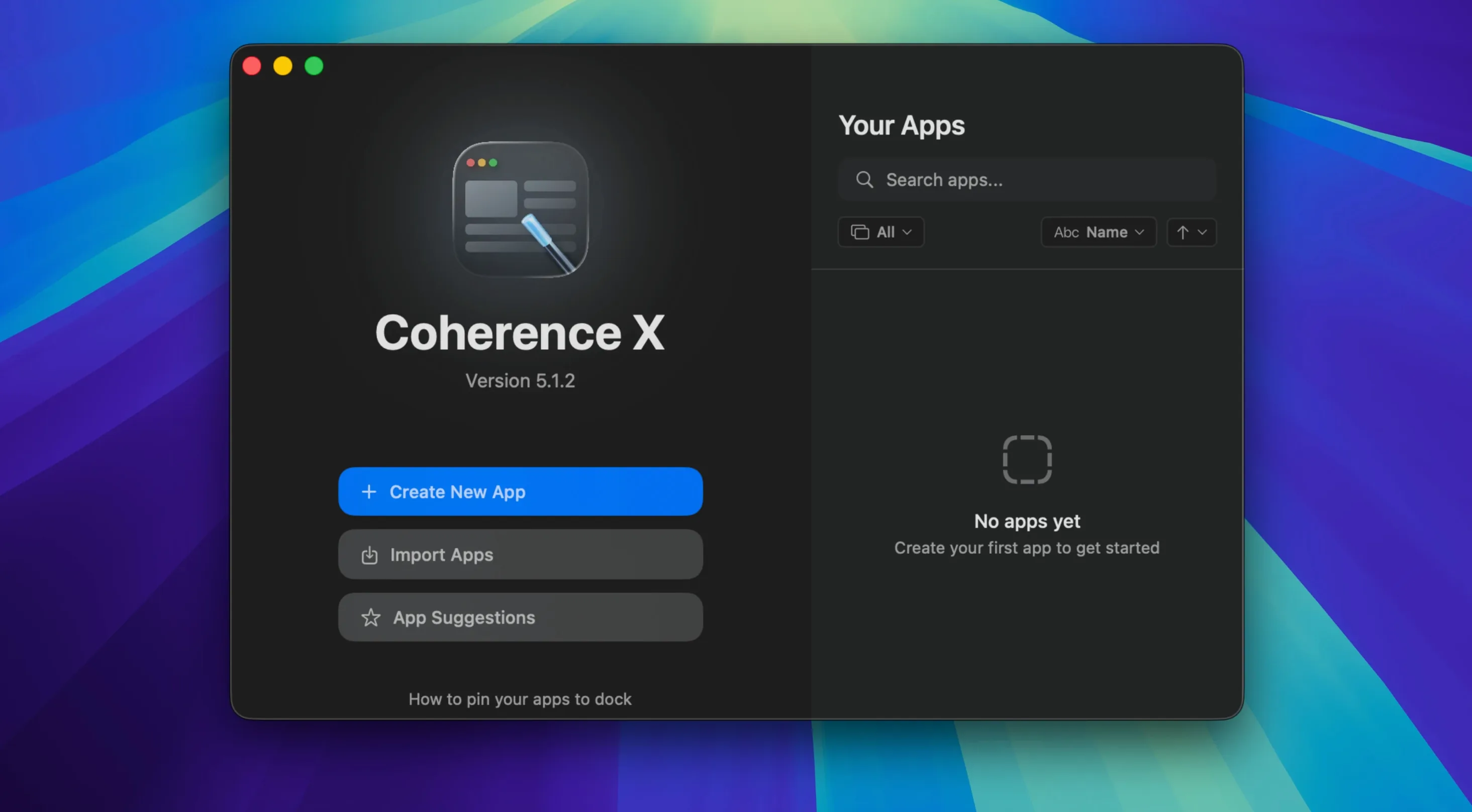
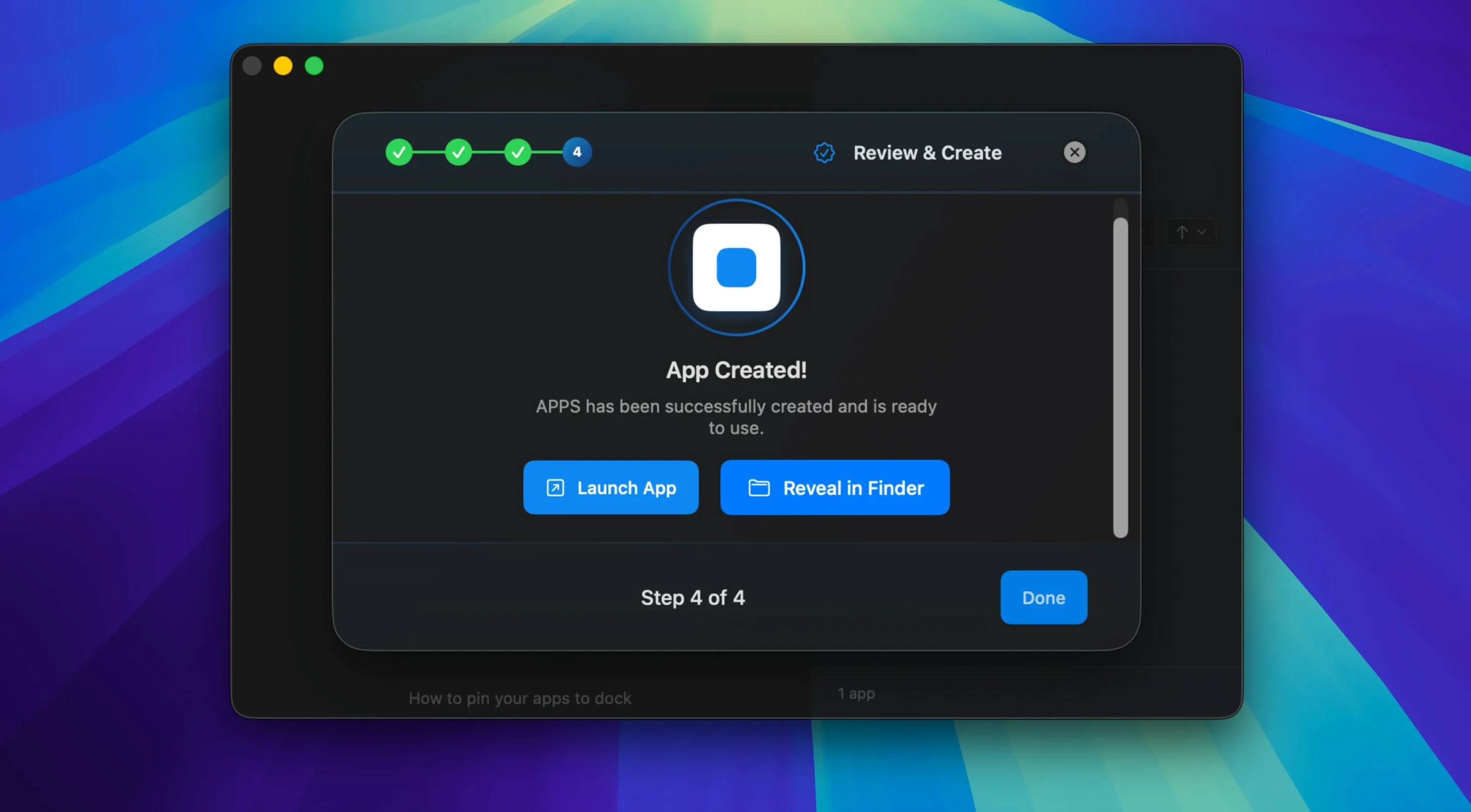
Web apps are everywhere, but bouncing between a dozen browser tabs to check Gmail, Notion, or Slack is a recipe for distraction. You lose a tab, you lose momentum. Coherence X steps in here — it wraps any website into a proper desktop application that sits in your Dock like a native Mac citizen.
Behind the scenes it runs on Chrome, but don't let that scare you. Each app you create gets its own profile and identity, so you can stay logged into separate accounts for work and home without signing in and out all day. You can even group related sites into a single tabbed window — think a writing app with Docs, Grammarly, and a dictionary all tucked inside one icon.
Where Coherence X gets clever is with link routing. Version 6.1 makes this even smoother: you can add multiple domains to a rule in one go, and any tweaks to routing or appearance save instantly without rebuilding the whole app. Click a link from an email and it lands exactly where you want — inside your custom app or back in your main browser.
If you live in that space between wanting a dedicated app and not wanting yet another Electron shell, this one slots in neatly. It's for anyone who organizes their work by project rather than by URL.
When Chrome Web Store Extensions Refuse to Install
Even the cleanest site wrappers have their sticky moments. Here are a few things that trip people up and what to do about them.
Extensions won't install. The Chrome Web Store can be finicky inside a created app. If you hit a blank page or a refusal, open the app's settings in Coherence X, hop to the Extensions tab, and toggle Allow extensions from Chrome Web Store off and on again. A quick restart of the app usually nudges it back to life.
Cookies and logins keep vanishing. By default, each app runs in its own isolated container. That's great for separation, but if you've accidentally enabled Incognito mode for the app, nothing persists between sessions. Double-check that toggle — it's easy to miss when you're setting up a batch of apps.
Dock icon shows the wrong thing after export. If you share an app with someone and the icon reverts to a generic globe, the custom icon file didn't travel with the bundle. Rebuild the export locally first, then drag the app straight from your Applications folder rather than from Coherence X's export panel. The metadata sticks better that way.
Links still open in Safari instead of the app. Link routing rules are powerful, but they need the companion extension installed in your main browser. If you switched default browsers or removed the extension without realizing, routing falls silent. Reinstall the extension and check that the destination rule actually points at your custom app, not the original URL.
A Real Workflow: Building a Research Hub App
Say you're deep into a project that spans Google Scholar, Zotero's web library, and a few reference sites. Tabs multiply fast. Here's how I'd wrangle that into one Tabbed app with Coherence X.
Start by hitting the plus button and choosing Tabbed App. Name it something obvious — "Research Hub." For the first tab, paste your Zotero library URL. Add a second tab for Google Scholar, and a third for your main reference source. Before you create the app, jump into the Extensions section and install something like Zotero Connector and a clipboard manager extension you trust.
Now open your fresh app. Log into everything once. Click the gear icon back in Coherence X and set up a link routing rule: any domain ending in scholar.google.com or zotero.org should open inside Research Hub, while everything else kicks back to your regular browser. With version 6.1 you can add both domains to one rule and save without a rebuild. Drag the app to the Dock. Next time you're combing through papers, links from emails or Slack land inside the hub, not in a random browser window.
What makes this stick is the separate profile. Close the app, reopen it, and your Scholar session is still there, still logged in. No tab hunting. No "which window was that in?"
Multiple Google Workspace Accounts, One Tool
This isn't a tool for everyone. Some people genuinely prefer the browser. But a few groups of Mac users will find it fits like a glove.
Multiple-account jugglers. If you manage separate Google Workspaces for work, a side project, and personal email, isolated Chrome profiles inside standalone apps are a cleaner solution than browser profiles and color-coded windows. Each app holds its own session, its own extensions, its own cookies. No cross-contamination.
People who build focused workspaces. Writers, designers, and developers who group tools by context — a "writing" app with Notion, a timer, and a thesaurus, or a "dev" app with GitHub, a CI dashboard, and API docs — stop fighting the tab bar and start treating services like proper tools.
Extension tinkerers. If you have a dozen Chrome extensions you genuinely rely on but hate loading them everywhere, Coherence X lets you scope them per app. Grammar tools in your writing app, dev tools in your dashboard app, and nothing extra in your banking app. Less extension clutter, less memory chewing.
Anyone who shares custom tools. The export feature means you can build a focused little app — say, a company wiki wrapper with internal routing and the right extensions baked in — and hand it to a colleague. It lands on their Dock ready to go, no setup required on their end.
Version 6.1 tidies up the workflow that power users lean on most:
- Link routing now accepts multiple domains in a single rule, so you spend less time adding entries one by one.
- New routing rules suggest a destination right away instead of leaving you guessing.
- Appearance and link routing changes save on the spot — no more waiting for a full rebuild when you tweak a color or a URL pattern.
- macOS 13 or later
- Works on both Apple Silicon and Intel Macs
Questions people ask
Can I share the apps I create with other people?
Yes, Coherence X lets you export the standalone apps you build and share them with teammates or friends who also use macOS.
Also on readers' docks
Sign in or create an account to leave a comment.
No comments yet. Tell me how it got on with your other devices.
More in Mac Apps
See all coconutBattery Plus
4.4.0 Mac Apps
5 MB
coconutBattery Plus
4.4.0 Mac Apps
5 MB
 Color Folder Pro
5.5 Mac Apps
23 MB
Color Folder Pro
5.5 Mac Apps
23 MB
 Cocktail Sequoia Edition
18.7.1 Mac Apps
3 MB
Cocktail Sequoia Edition
18.7.1 Mac Apps
3 MB
 Command-Tab Plus
2.9.9 Mac Apps
8 MB
Command-Tab Plus
2.9.9 Mac Apps
8 MB
 CloudMounter
4.18 Mac Apps
68 MB
CloudMounter
4.18 Mac Apps
68 MB
 Commander One PRO
3.18.0 Mac Apps
53 MB
Commander One PRO
3.18.0 Mac Apps
53 MB
 Clop Pro
3.3.3 Mac Apps
89 MB
Clop Pro
3.3.3 Mac Apps
89 MB
 Clip Studio Paint
4.1.4 Mac Apps
403 MB
Clip Studio Paint
4.1.4 Mac Apps
403 MB