









Download A Better Finder Rename for macOS
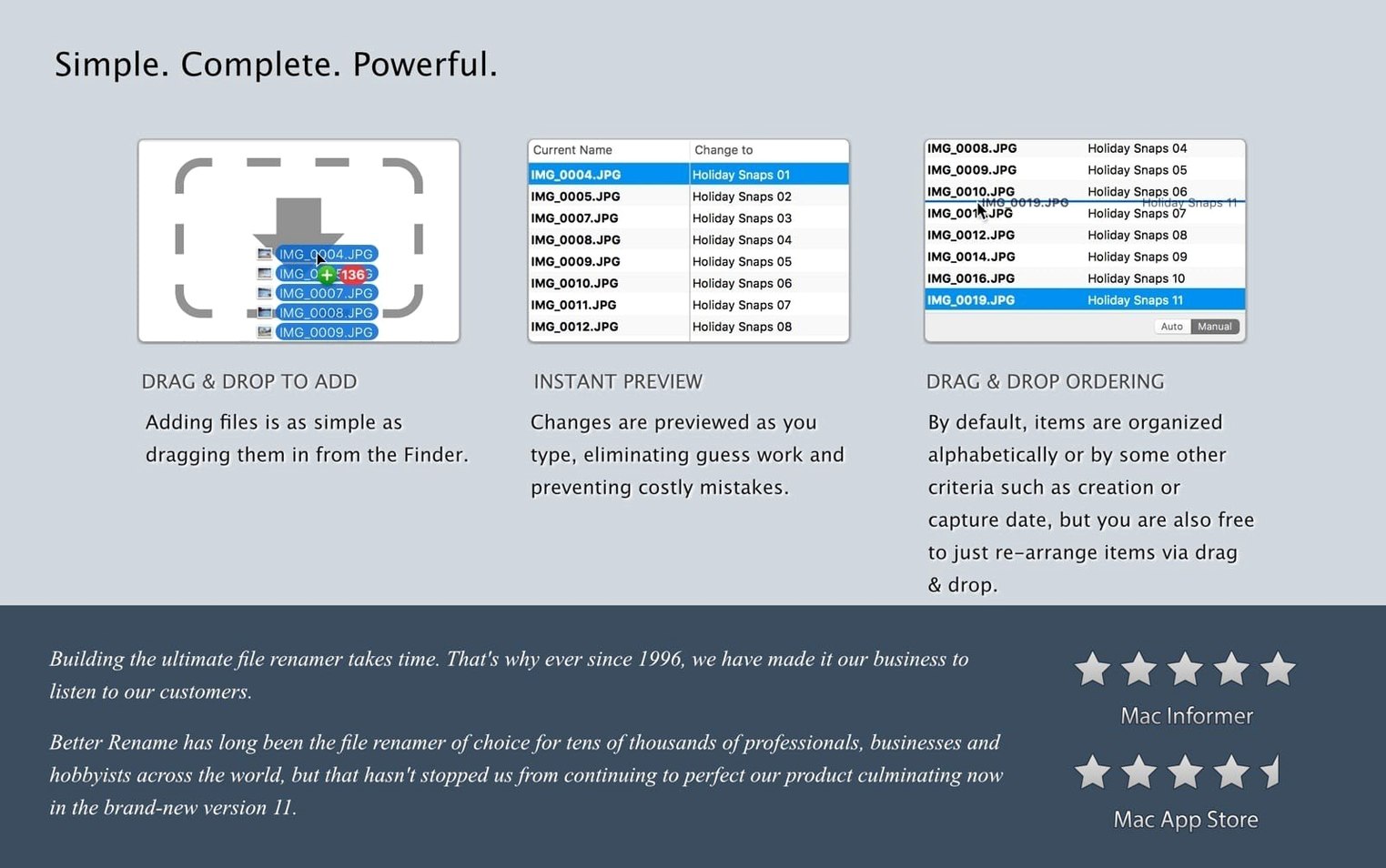
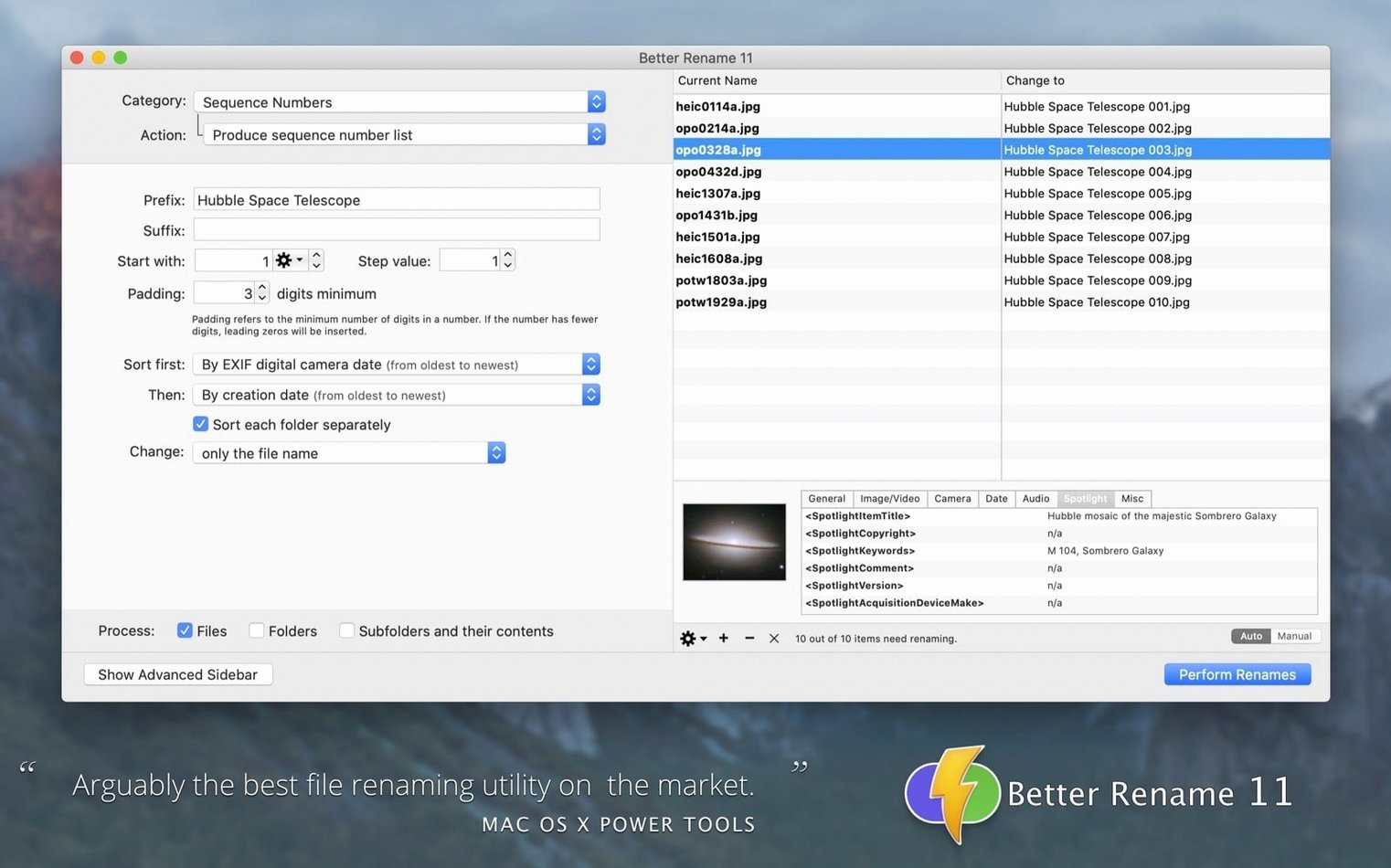
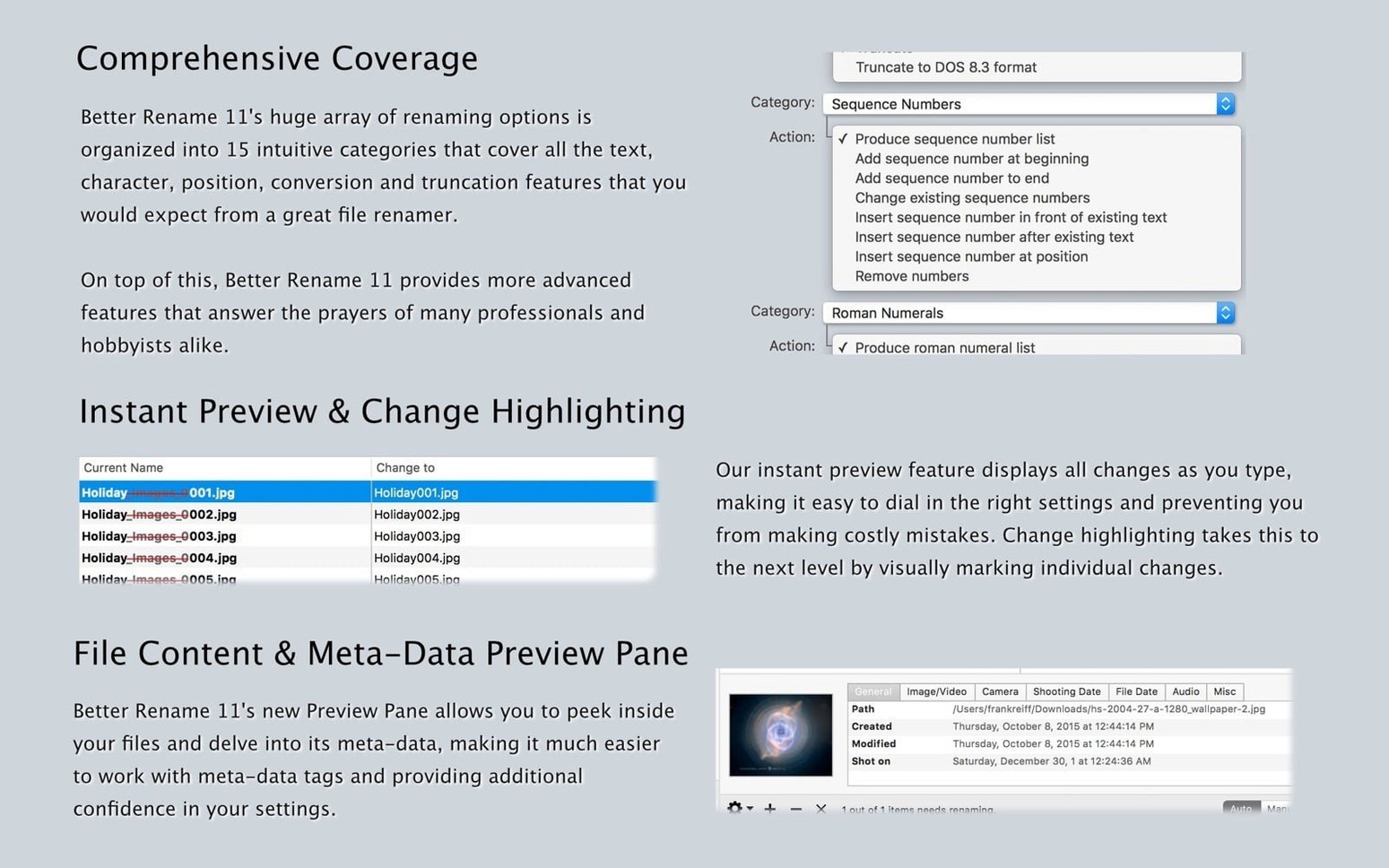
Finder lets you rename a handful of files at once, but it tops out at simple sequential names. A Better Finder Rename picks up where that stops, giving you a dedicated toolbar for renaming hundreds or thousands of files in a single pass. Drag in a folder of photos from a shoot, a messy batch of downloaded PDFs, or an album's worth of MP3s, and you can build rename rules that pull from EXIF dates, audio tags, manual text changes, or custom counters — then preview the whole list before committing.
| What it does | Who makes it |
|---|---|
| Batch file renaming utility | Publicspace |
| Current version | 12.35 |
| Runs on | Intel and Apple Silicon Macs |
| Interface languages | English, German, French |
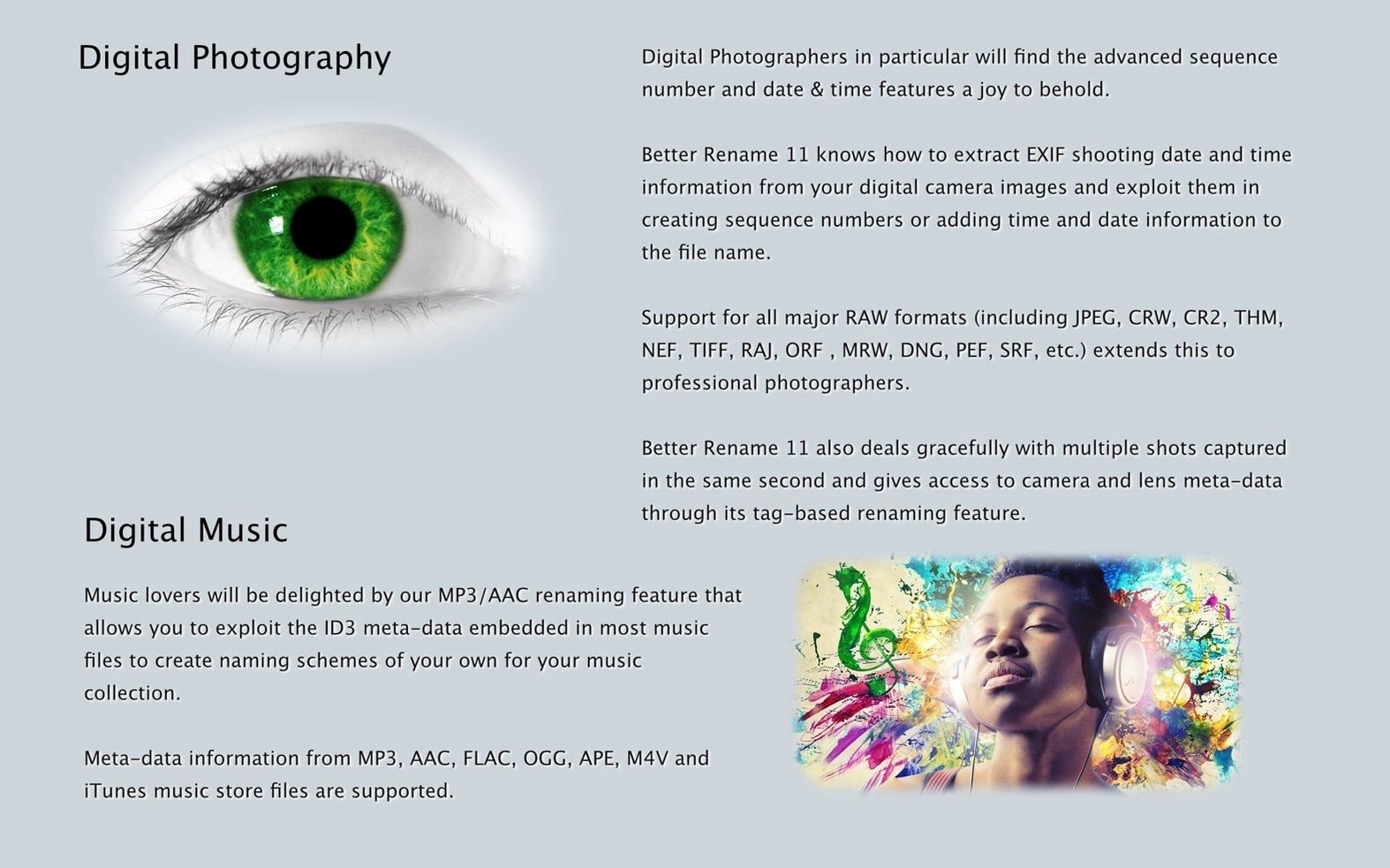
What sets it apart is how many naming dimensions it touches without feeling cluttered. You can insert, format, or change sequential numbers; add capture dates and times pulled straight from a file’s metadata; convert names to Windows NTFS, SMB, DOS, or classic Mac OS 9 formats; and rename MP3 and AAC files according to their embedded tags. Photographers get solid RAW file support, and you can launch the whole thing directly from the Finder context menu so it slides into a right-click habit. The latest release sharpens regular expressions for power users and improves camera and make recognition for DJI gear. If you routinely come home to a card full of files named DSC_ plus a number, this is the kind of utility that turns a tedious cleanup into a few clicks — and then gets out of the way.
In daily use the app stays surprisingly light, even when I point it at folders with a few thousand RAW files. Preview updates feel instant on an Apple Silicon Mac, and I have yet to see a beachball while scrolling through the proposed renames. Memory usage hovers around the same ballpark as a single Safari tab, which means you do not need to close everything else before launching a big rename job. The real stability win is the undo database that sits quietly in the background — I have deliberately crashed the app mid-rename a couple of times out of morbid curiosity, and every time it rolled the whole batch back cleanly.
Where a better finder rename for mac earns its place in my workflow is how politely it plays with the rest of macOS. The Finder extension puts the most-used categories right in the right-click menu, so I can rename a handful of screenshots without even opening the full window. Dropping files onto a hot folder triggers Automator workflows that chain renames with other actions, and the app writes metadata back in a way that Lightroom and Apple Photos both recognize without complaint. It also respects your existing file search habits — rename a batch and Spotlight indexes the new names almost immediately, which is not something every bulk utility gets right.
I also lean on the NTFS and SMB sanitizing more than I expected. Moving project folders between my Mac and a Windows machine used to leave a trail of broken filenames, but running a batch through the character-replacement engine before copying keeps everything readable on both sides. For anyone searching a better finder rename macos compatibility tips, the short version is that it treats external drives and network shares as first-class citizens rather than bolted-on afterthoughts.
A tidy maintenance release that keeps the batch renaming workflows sharp and responsive.
- macOS 10.15 or later
- Apple Silicon or Intel 64-bit Mac
Questions people ask
Does A Better Finder Rename work with Apple Silicon Macs?
Yes, version 12.35 runs natively on both Apple Silicon and 64-bit Intel Macs.
Also on readers' docks
Sign in or create an account to leave a comment.
No comments yet. Tell me how it got on with your other devices.
More in Mac Apps
See all Updated A Better Finder Attributes
7.53 Mac Apps
13 MB
Updated A Better Finder Attributes
7.53 Mac Apps
13 MB
 4K YouTube to MP3
26.3.5 Mac Apps
218 MB
4K YouTube to MP3
26.3.5 Mac Apps
218 MB
 4K Video Downloader
26.3.5 Mac Apps
247 MB
4K Video Downloader
26.3.5 Mac Apps
247 MB
 1Password
7.9.4 Mac Apps
70 MB
1Password
7.9.4 Mac Apps
70 MB
 ACDSee Photo Studio
26.0.3 Mac Apps
441 MB
ACDSee Photo Studio
26.0.3 Mac Apps
441 MB
 Updated Adguard
2.20.2.2629 Mac Apps
3 MB
Updated Adguard
2.20.2.2629 Mac Apps
3 MB
 Adobe After Effects
26.5.0 Mac Apps
8.8 GB
Adobe After Effects
26.5.0 Mac Apps
8.8 GB
 Adobe Animate
24.0.15 Mac Apps
6.5 GB
Adobe Animate
24.0.15 Mac Apps
6.5 GB