









Download 4K YouTube to MP3 for macOS
Version 26.3.5 is a straight x86 64-bit build — there's no universal binary here, so Apple Silicon Macs run it through Rosetta. It asks for macOS 12 (Monterey) at minimum and the interface comes in English.
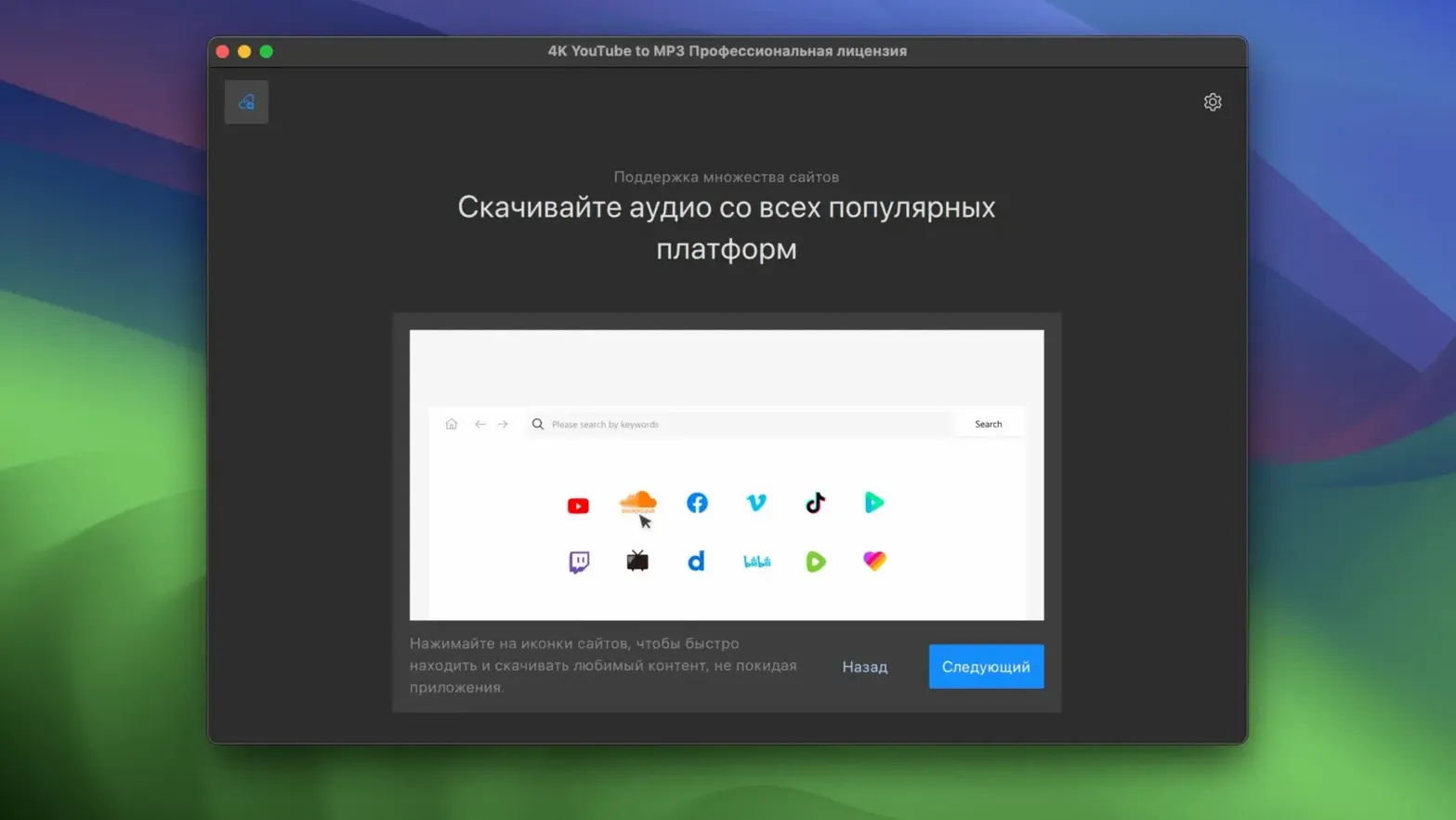
At its core, the app grabs audio from a handful of sources: YouTube, VEVO, SoundCloud, and Facebook. It's not a full media suite — it's focused on turning those streams into playable files you can keep offline.
Intel Macs Pulling SoundCloud and YouTube Audio
- Intel Macs still on macOS Monterey or Ventura
- Pulling tracks from SoundCloud and YouTube in one place
- A clean, single-purpose tool without extra video features
Intel-Only With Four Source Sites
- No native Apple Silicon support yet — it's Intel-only
- Source sites are limited to the four listed platforms
- No release notes available for the current update
First settings that make a difference
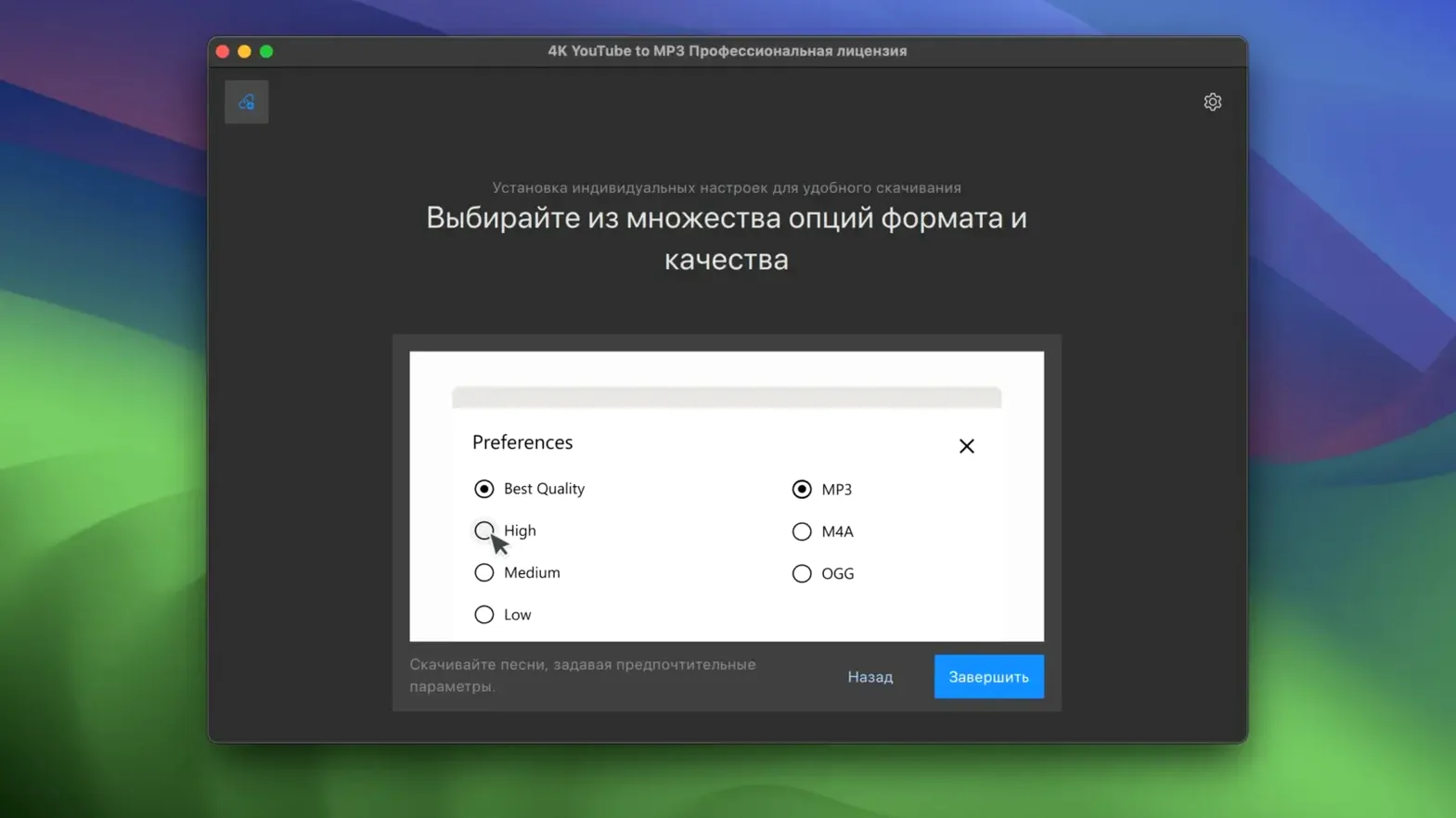
Out of the box the app is ready to paste and go, but a few quick changes in preferences save time later. Head to Preferences straight after the first launch.
Set the output format to M4A if you use Apple Music or an iPhone for playback — the codec is native to the ecosystem and the files land with proper metadata. Stick with MP3 when you need widest compatibility, especially for car stereos or older Android devices. The quality slider defaults to 320 kbps; leave it there unless storage is tight, because re-downloading a playlist you ripped at 128 kbps is nobody’s idea of a fun afternoon.
Under the General tab, tick the box that auto-adds downloads to a dedicated playlist folder. The app creates one folder per source playlist by default, which keeps things tidy when you grab a 50-track SoundCloud set and don’t want fifty loose files cluttering your Music folder. Switch off notifications if you download in bulk — the per-track banners get loud fast.
Grabbing a playlist for offline listening, end to end
Say you’ve got a long flight coming up and a YouTube playlist full of acoustic covers you want on your phone. Here’s how that plays out with version 26.3.5.
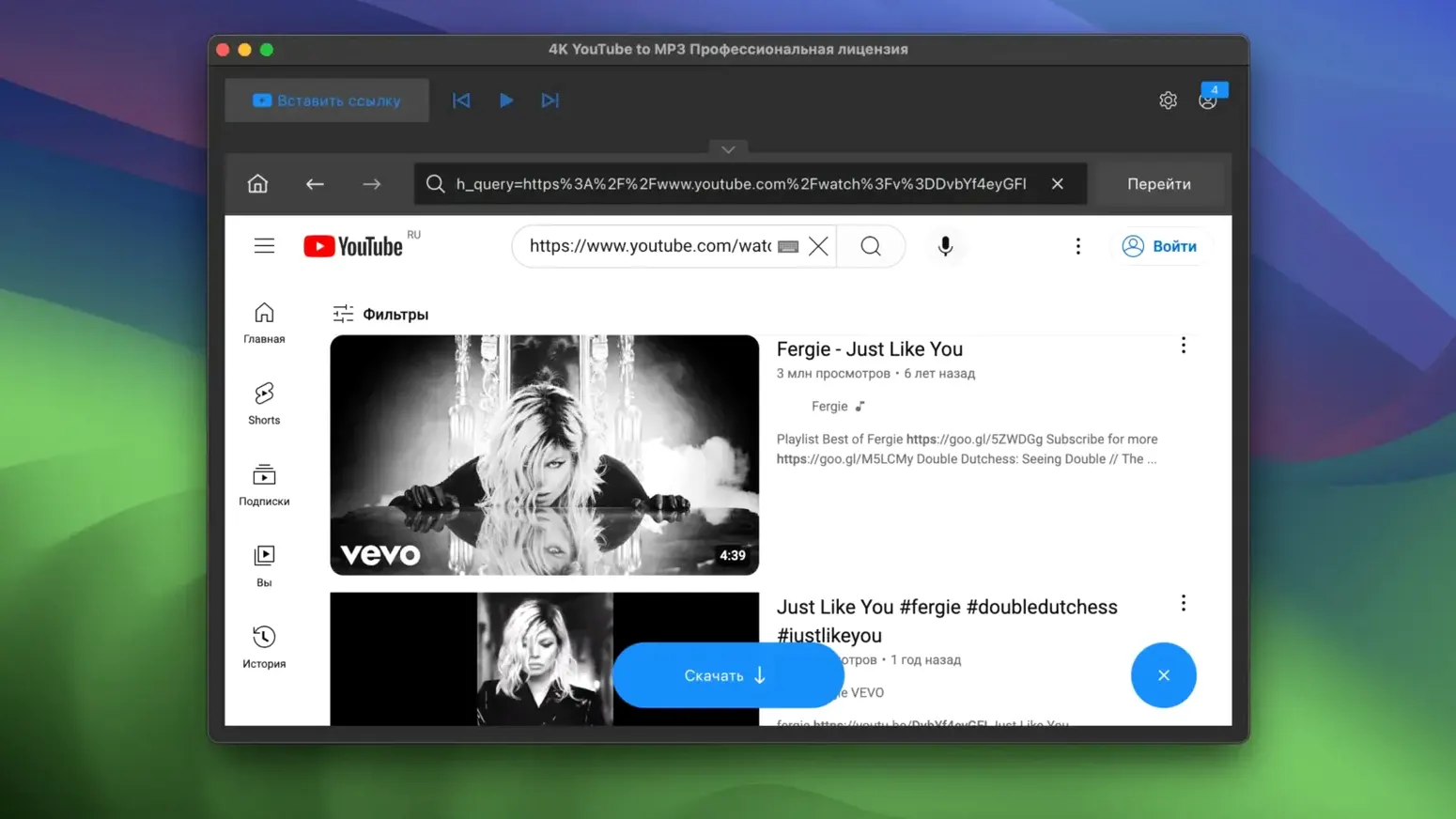
Open the playlist page in your browser, copy the URL, and switch to the app. Hit Paste Link — it parses the whole list in a few seconds and shows every track with title, duration, and a checkbox. Deselect the two tracks you already have, leave the rest checked, and pick MP3 at 320 kbps from the format bar. The destination folder points to a new subfolder named after the playlist title, which the auto-organize setting handled for you.
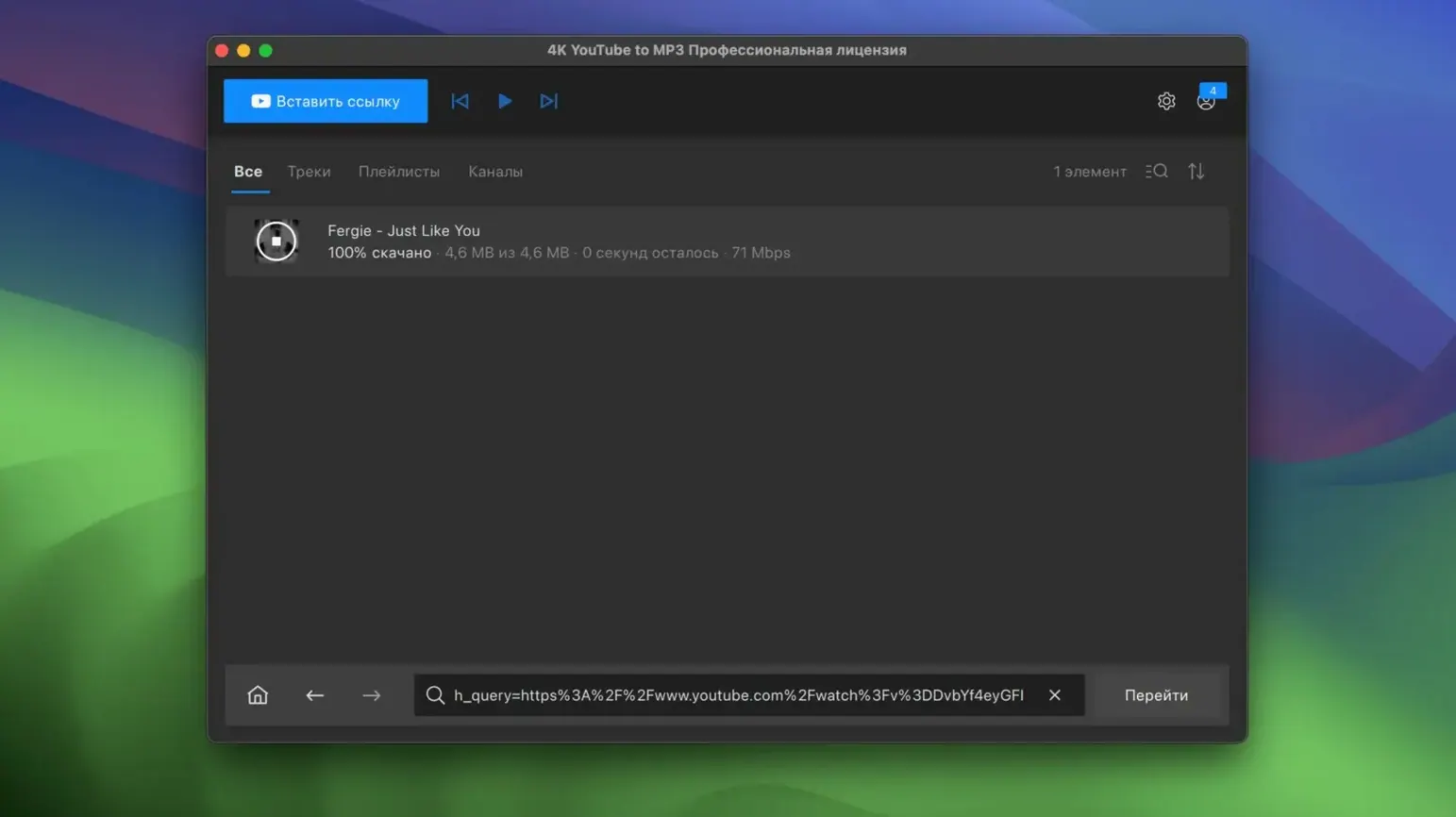
Click Extract and let it run. For a 30-track playlist on a stable connection, the queue finishes in under ten minutes on an Intel Mac. Once done, open Finder to the destination folder, drag the whole thing into the Music app (or onto your iPhone via a wired sync in Finder on Monterey or later), and the tracks show up with artwork and artist names intact. The app embeds the thumbnail from the video source as the cover image, and it’s right more often than not.
Audio-Only Extraction Skips Video Streams Entirely
Does this handle 4K YouTube to MP3 on Mac the same way the video-focused app does? No — it skips video streams entirely and pulls only the audio track. That means smaller files, faster conversions, and no empty video windows you never asked for. If you need video, this is the wrong tool; for a focused 4k music downloader that strips out the visuals, it’s exactly the right one.
Will it saturate a whole toolbar with another icon I’ll never click? The 4k YouTube to MP3 icon sits in the dock only when the app is open, and there’s no persistent menu bar widget unless you enable it. It’s unobtrusive enough that you’ll forget it’s installed between sessions.
Is there a 4k YouTube to MP3 key or activation step required? The TNT build covered in version 26.3.5 arrives pre-activated — no key entry, no license window popping up three days later. Drag it to Applications, run the Gatekeeper workaround once, and it’s ready.
How does 4k music download fit into a Mac-and-iPhone setup? Pretty smoothly. Since the app outputs standard MP3 and M4A files with embedded metadata, the tracks slide into the Music app (or any folder you sync manually) without extra conversion. The M4A option is the quiet hero here — it preserves quality at smaller sizes and feels native on iOS.
Does playlist parsing actually work, or does it choke after ten tracks? In this version, it handles long playlists without splitting them into chunks. A 200-track YouTube playlist takes longer to parse than a 20-track one, but it doesn’t crash or silently skip items. The progress indicator stays honest about where it is in the queue.
- macOS: 12 (Monterey) or newer
- Architecture: Intel (x86 64-bit); Apple Silicon via Rosetta
- Language: English
Also on readers' docks
Sign in or create an account to leave a comment.
No comments yet. Tell me how it got on with your other devices.
More in Mac Apps
See all 4K Video Downloader
26.3.5 Mac Apps
247 MB
4K Video Downloader
26.3.5 Mac Apps
247 MB
 1Password
7.9.4 Mac Apps
70 MB
1Password
7.9.4 Mac Apps
70 MB
 Updated A Better Finder Attributes
7.53 Mac Apps
13 MB
Updated A Better Finder Attributes
7.53 Mac Apps
13 MB
 A Better Finder Rename
12.36 Mac Apps
16 MB
A Better Finder Rename
12.36 Mac Apps
16 MB
 ACDSee Photo Studio
26.0.3 Mac Apps
441 MB
ACDSee Photo Studio
26.0.3 Mac Apps
441 MB
 Updated Adguard
2.20.2.2629 Mac Apps
3 MB
Updated Adguard
2.20.2.2629 Mac Apps
3 MB
 Adobe After Effects
26.5.0 Mac Apps
8.8 GB
Adobe After Effects
26.5.0 Mac Apps
8.8 GB
 Adobe Animate
24.0.15 Mac Apps
6.5 GB
Adobe Animate
24.0.15 Mac Apps
6.5 GB