








Download Adguard for macOS
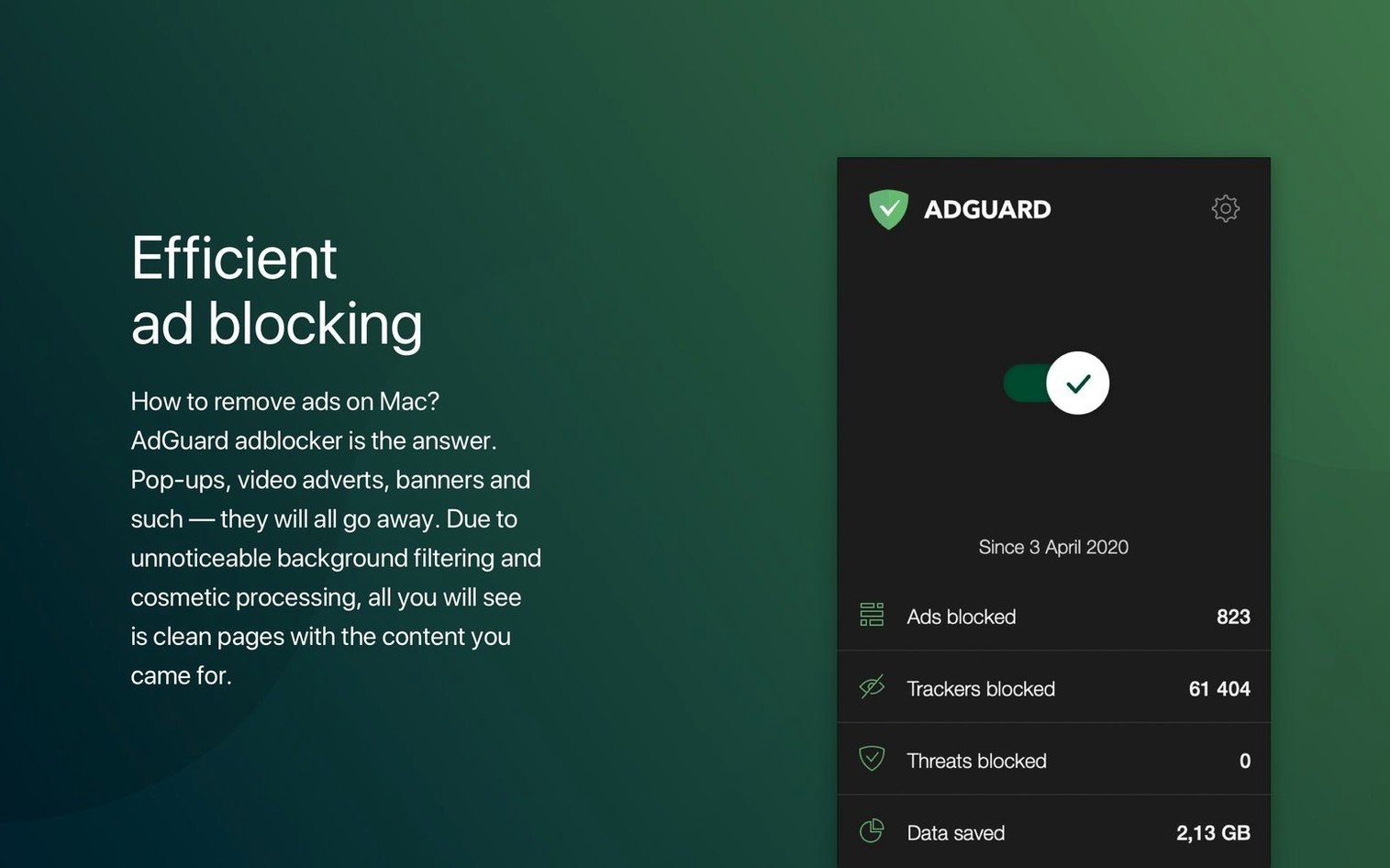
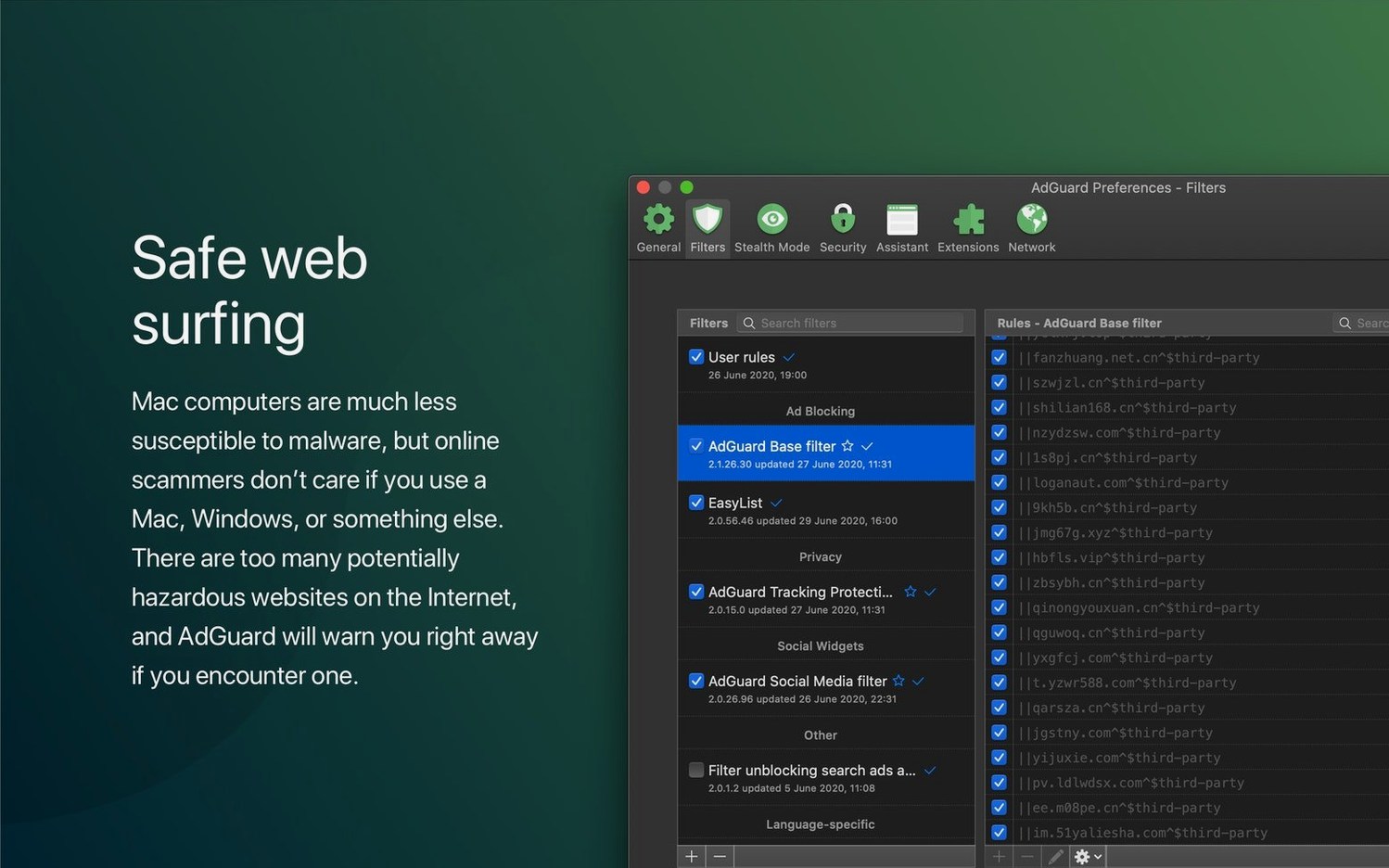
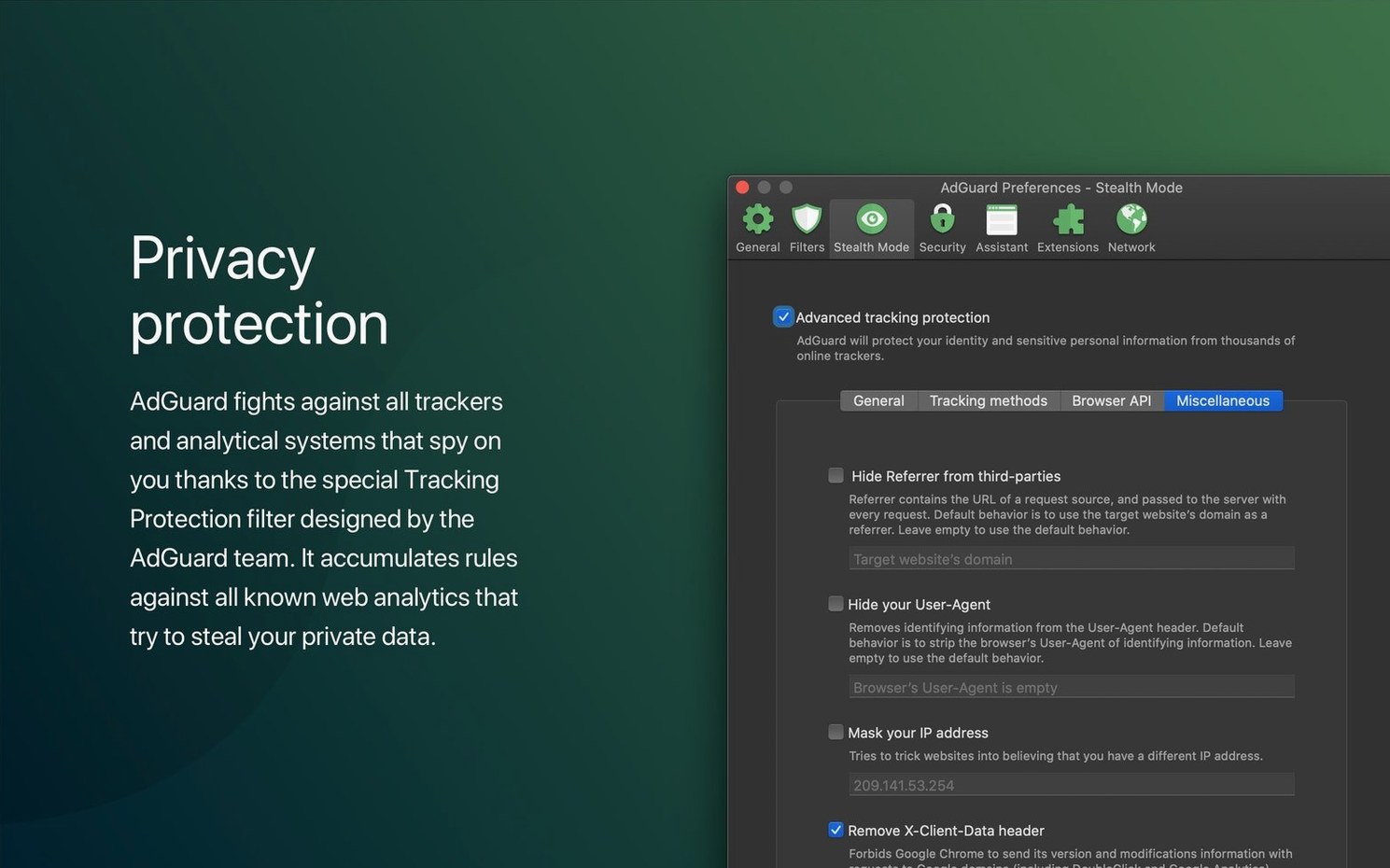
Stealth Mode is where AdGuard really starts to earn its keep, going beyond simple ad blocking to actively hide your data from trackers and analytics scripts. But before we get into features, let's talk compatibility because nobody likes a download that won't run.
| Detail | Spec |
|---|---|
| macOS Requirement | macOS 10.15 (Catalina) or later |
| Architecture | Apple Silicon & Intel |
| Current Version | 2.18.0.2089 |
If your Mac is running Catalina or newer, you're all set on either Intel or Apple Silicon. This version doubles down on broad coverage, filtering traffic in every browser and even inside other applications. The new v2.18 update brings improved stability and official support for three AI-powered browsers, keeping you clear of phishing attempts and fraud across your whole system. With over forty interface languages, it fits neatly into a setup that's already yours.
Resolving VPN Profile Conflicts
Every system-wide filter messes with something eventually. Here are the ones I run into most often and what actually fixes them.
VPN conflicts. AdGuard sets up a local VPN profile to filter traffic, and macOS doesn't love having two VPNs active at once. If your actual VPN drops or won't connect, flip AdGuard's filtering mode from "Local VPN" to "Automatic Proxy" in Preferences → Network → Filtering mode. It's less thorough on some older apps, but it stops the tug-of-war.
Bank sites breaking. Some financial portals throw security warnings when AdGuard inspects their certificates. The quick fix: open AdGuard, go to Settings → Network, and add the bank's domain under Filtering exclusions. Restart the browser and you're back in business. Don't blanket-disable HTTPS filtering; just poke a hole for the one domain that's complaining.
Mail app not loading remote content. Apple Mail can get twitchy when AdGuard filters its connections. If images or tracking pixels vanish entirely and you actually want them, add mail.app to the filtered applications list and toggle it off. Most folks leave it filtered on purpose, but it's good to know where the switch lives.
DNS filtering slowing things down. The DNS protection module is aggressive by default. If pages hang for a second before snapping into view, try switching from "AdGuard DNS" to "System Default" in Preferences → DNS Protection. You'll keep most of the blocking without the extra lookup delay.
Double Prompts from Firewall Overlap
AdGuard sits nicely alongside most of the Mac ecosystem once you understand where the overlaps are. It won't fight Little Snitch or LuLu — those operate at a different layer — but you may see double prompts for outbound connections. That's expected and harmless.
If you use Safari and have the AdGuard Safari extension already, the desktop app takes over the heavy lifting. You can disable individual extensions in Safari's preferences and let the system-wide filter handle the same rules across Chrome, Firefox, and whichever AI-powered browser you've adopted. The extension still helps with cosmetic filtering on pages, so leaving both active is fine.
Spotlight and iCloud services pass through untouched by default. Apple's own processes are whitelisted out of the box, so you won't find yourself troubleshooting a sync failure because of an overzealous filter rule. That said, if you're the type who runs an adguard mac torrent alongside a cracked copy, just double-check that the default exclusions are still present in Preferences so Handoff keeps working smoothly.
Time Machine backups don't get tangled either. AdGuard's network extension lives in /Library/SystemExtensions/, not in your user folder, so restores and migrations rarely corrupt its configuration.
Trusting the HTTPS Filtering Certificate
- HTTPS filtering certificate. The app installs a root certificate to inspect encrypted traffic. Without it, half the filters do nothing. After installation, open Preferences → Network → HTTPS Filtering and confirm the certificate is trusted. macOS will prompt you to approve it in Keychain Access.
- Filter update frequency. The default is 48 hours, which is fine for most people. If you want fresher blocklists, drop it to 12 hours in Filters → Update interval. The download is tiny and you'll catch newly weaponized domains faster.
- Stealth Mode modules. They're all off by default. At minimum, flip on Hide your search queries and Remove X-Client-Data header. Those two alone trim a surprising amount of telemetry without breaking anything.
- Assistant button. Turn on the browser Assistant in Preferences → General. It drops a small floating button onto web pages that lets you manually block elements or report a missed ad without opening the main app.
Embrace a High Blocked-Counter as Normal
Don't chase zero blocked ads. The counter in the menu bar will climb into the thousands within hours, and that's normal. Background telemetry, analytics pings, and tracker scripts fire constantly on the modern web. A high number means the filters are working, not that something's wrong.
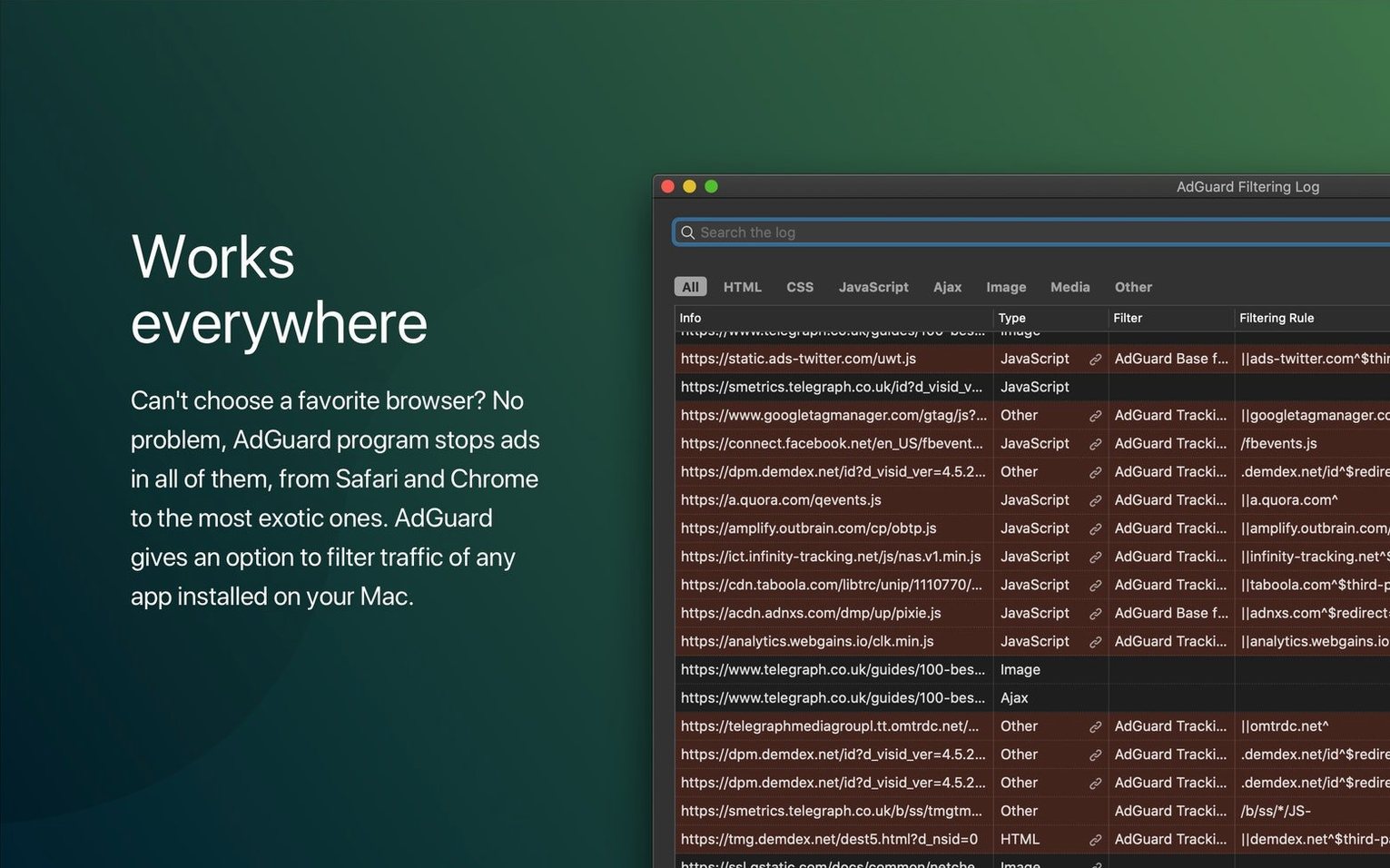
If a page renders oddly, use the Pause filtering toggle in the menu bar before you start disabling rules. Nine times out of ten, a quick pause and refresh tells you whether AdGuard is the culprit. Once you confirm it is, open the filtering log (Command-Shift-L) on that same tab and you'll see exactly which rule fired. Right-click to add an exception for that domain without touching the global settings.
For apps that normally show sponsored content — weather widgets, free news readers, some RSS clients — AdGuard will strip those clean. That's the moment the system-wide approach really clicks. You're not just getting a cleaner browser; you're reclaiming every app window.
If you grabbed your copy from somewhere that also offers an adguard crack mac or a pre-patched adguard cracked mac, you'll want to verify that auto-updates and filter downloads can reach their servers. The real thing phones home for filter list updates, and keeping that pipeline healthy means you're always running fresh blocklists. The included installation and activation instructions keep that connection intact without any extra steps.
The developer has published version 2.20.2.2629 with their latest round of fixes and improvements — check adguard.com for the full release notes.
- macOS 10.15 (Catalina) or later
- Apple Silicon or Intel 64‑bit Mac
Questions people ask
What's the difference between AdGuard for Mac and AdGuard Mini for Mac?
AdGuard for Mac filters traffic in all browsers and apps system-wide, while AdGuard Mini for Mac is a focused Safari content blocker.
Also on readers' docks
Sign in or create an account to leave a comment.
No comments yet. Tell me how it got on with your other devices.
More in Mac Apps
See all Adobe After Effects
26.5.0 Mac Apps
8.8 GB
Adobe After Effects
26.5.0 Mac Apps
8.8 GB
 ACDSee Photo Studio
26.0.3 Mac Apps
441 MB
ACDSee Photo Studio
26.0.3 Mac Apps
441 MB
 Adobe Animate
24.0.15 Mac Apps
6.5 GB
Adobe Animate
24.0.15 Mac Apps
6.5 GB
 Adobe Bridge
16.0.8 Mac Apps
3.7 GB
Adobe Bridge
16.0.8 Mac Apps
3.7 GB
 Adobe Dreamweaver
21.8.0 Mac Apps
3.2 GB
Adobe Dreamweaver
21.8.0 Mac Apps
3.2 GB
 Adobe Illustrator
30.8.2 Mac Apps
3.4 GB
Adobe Illustrator
30.8.2 Mac Apps
3.4 GB
 A Better Finder Rename
12.36 Mac Apps
16 MB
A Better Finder Rename
12.36 Mac Apps
16 MB
 Updated A Better Finder Attributes
7.53 Mac Apps
13 MB
Updated A Better Finder Attributes
7.53 Mac Apps
13 MB