









Download Firewatch for macOS
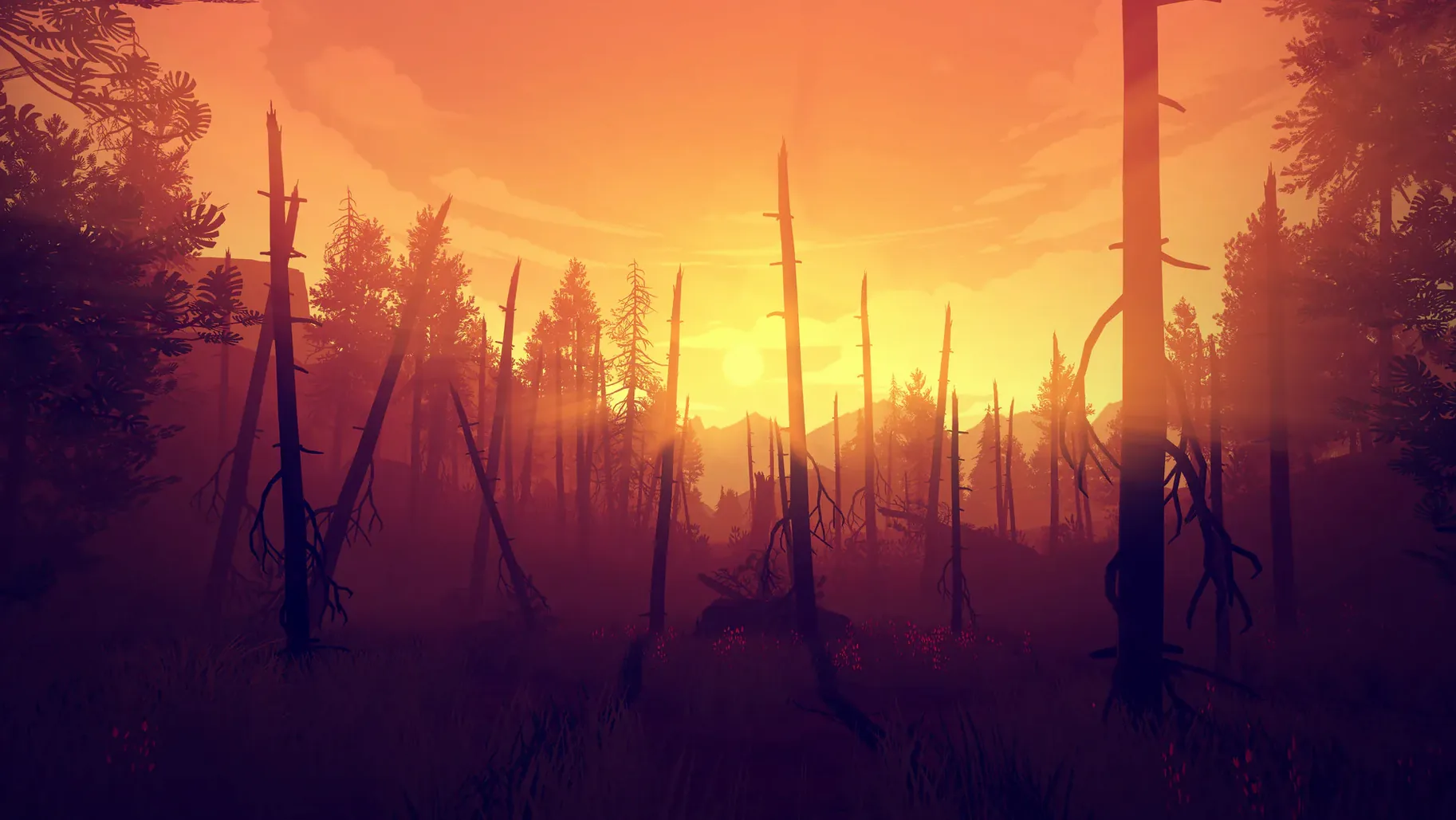
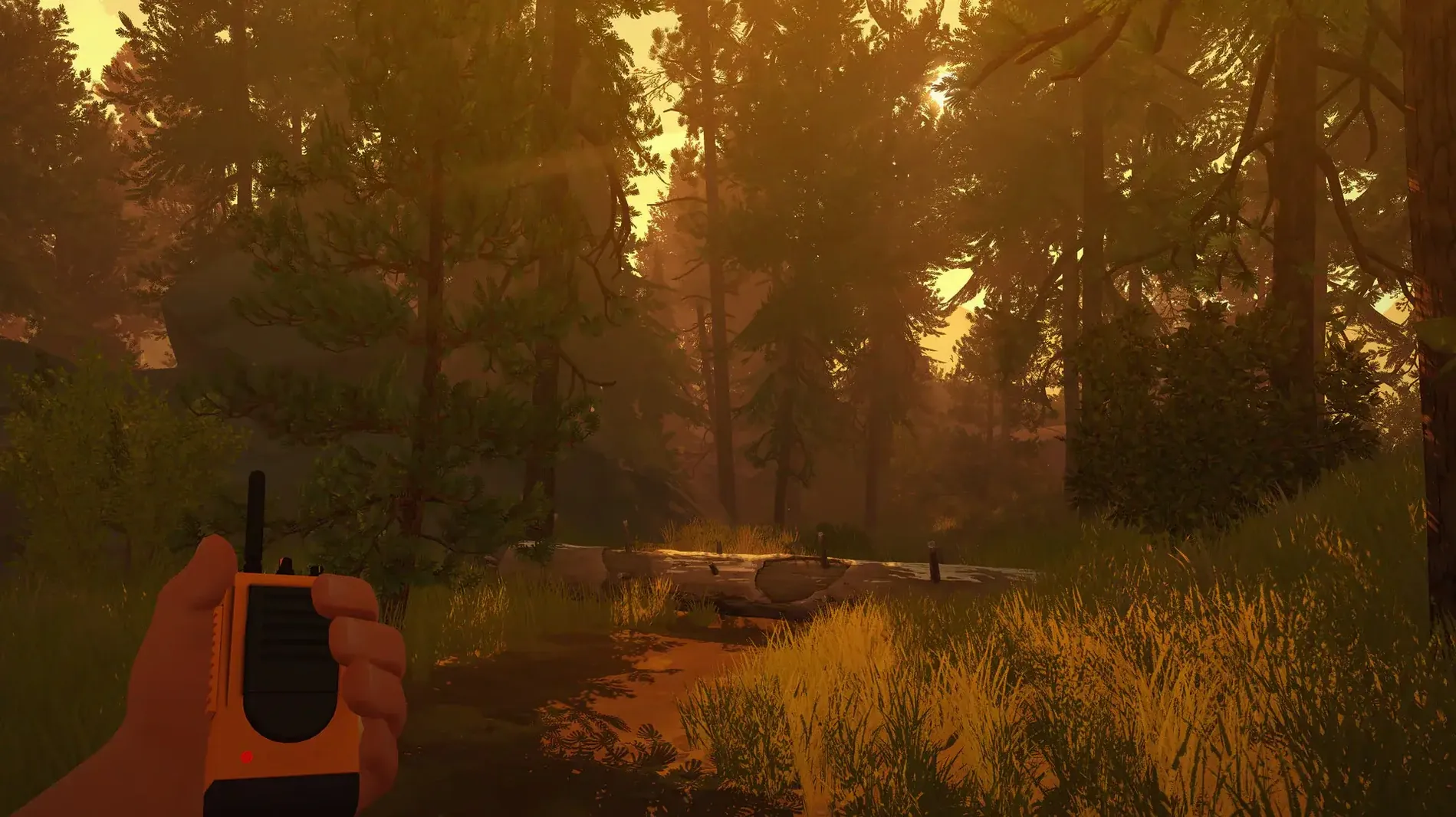
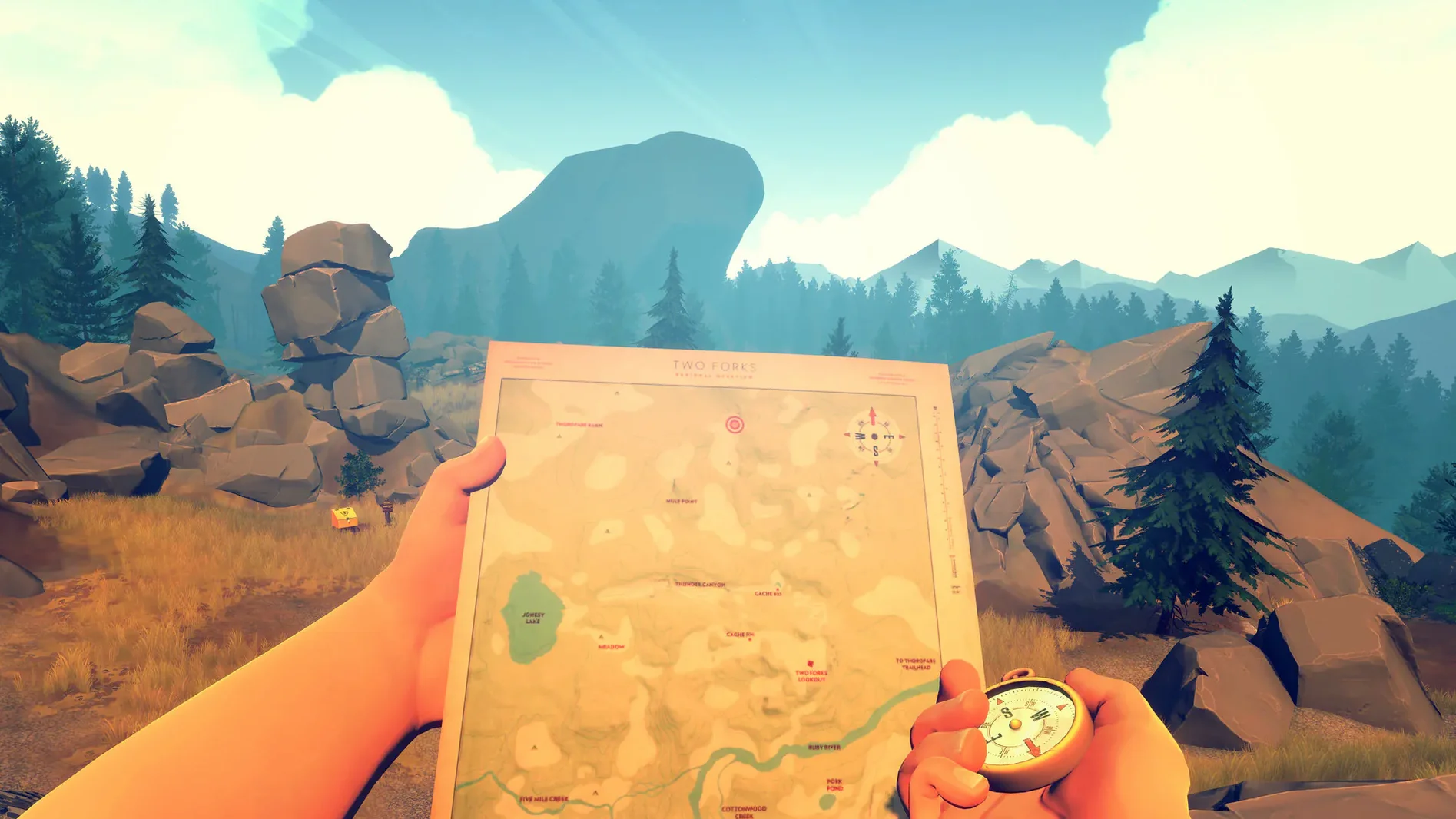
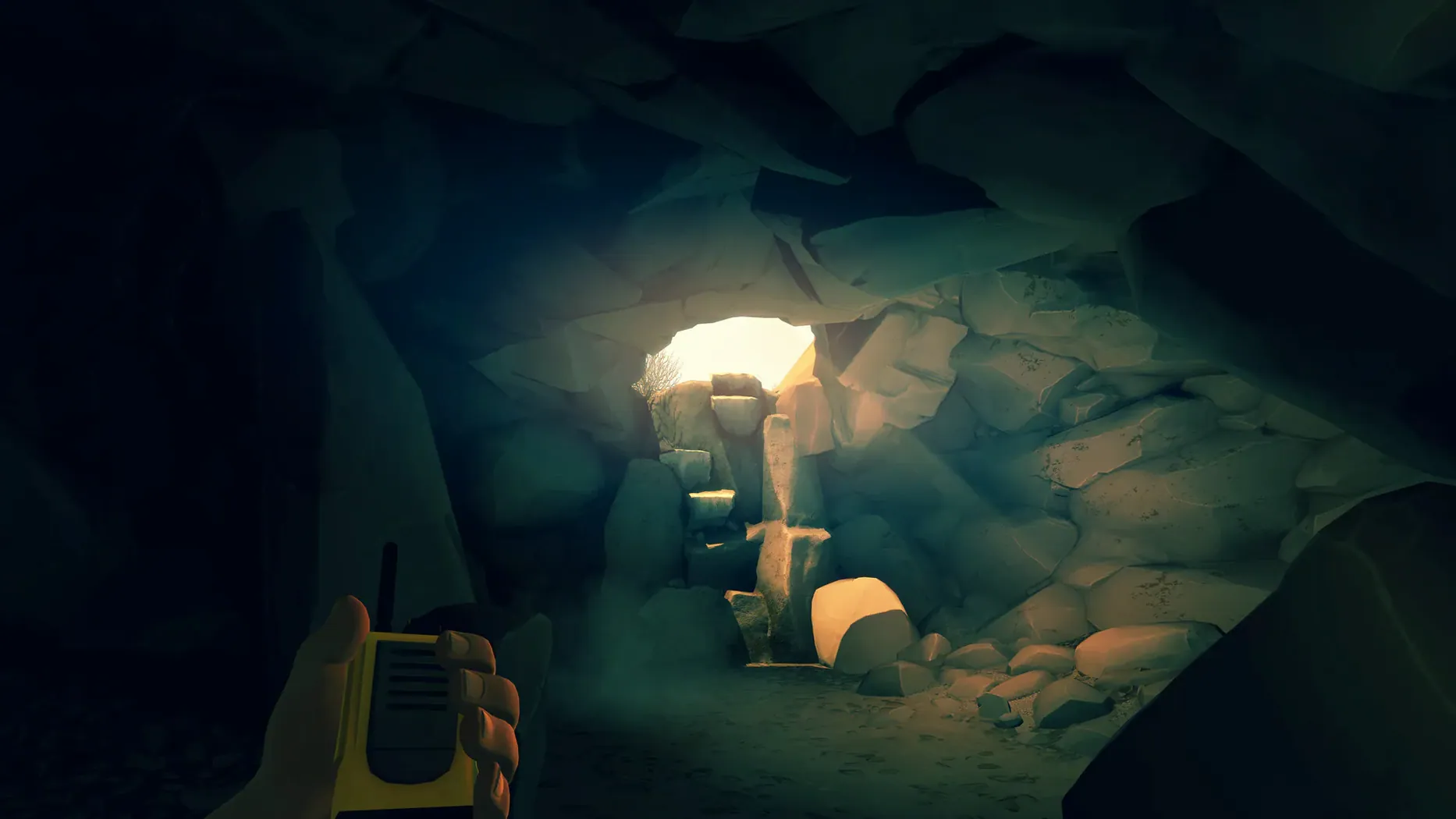
You settle into your lookout tower, map in hand, when something off in the distance catches your eye. Minutes later you're on a trail with a handheld radio as your only link to another human. Firewatch drops you into 1989 Wyoming as Henry, a man who took this job to escape — and immediately finds something he wasn't supposed to see.
- Built for Intel Macs and runs smoothly on Apple Silicon through Rosetta 2
- Keyboard and mouse controls feel natural — no gamepad required
- Subtitles available in Russian, French, German, Spanish, and Simplified Chinese
- Voice acting in English, with standout dialogue between Henry and his supervisor Delilah
- A compact 4–5 hour story that respects your time
It's a game about isolation and conversation, not combat. The Shoshone National Forest feels vast but never empty, and your map-and-compass navigation keeps you present in the world rather than chasing waypoints. On a MacBook Air it holds a steady frame rate without cooking the fans, which matters when you're soaking in the atmosphere late at night. If you enjoy walking simulators with real narrative weight and a setting that does half the storytelling, this one belongs on your Mac.
Read the compass icon before your first hike
Campo Santo drops you into the forest without much hand-holding, and that's part of the charm. A few habits make the opening hours smoother, though.
- Read the map before you move. The compass icon shows which way you're facing, and landmarks like creeks and rock piles are drawn accurately. Spotting them early saves backtracking — there's no fast travel, and some trails loop in ways you won't expect at dusk.
- Radio conversations aren't timed forever. Delilah will wait, but not indefinitely. If she asks a question and you hesitate too long, the moment passes and Henry stays quiet. That's a choice too, and the game remembers it.
- Look down occasionally. The game's interaction prompts are subtle — a small white dot near your feet can mean a supply cache, a note tucked under a rock, or a path you'd walk straight past if you were only scanning the horizon.
- Let the day-night cycle do its work. Some of the best scenes happen when you're caught out after sunset with only a flashlight and Delilah's voice crackling through the radio. Don't rush toward objectives; the forest rewards people who wander.
Also worth knowing: the game autosaves at chapter transitions, not during free exploration. If you quit mid-afternoon, you'll restart at the beginning of that day. Plan your sessions around the chapter breaks and you won't lose a good ramble.
How Firewatch sits alongside similar Mac games
Plenty of first-person story games run on macOS, but three comparisons come up often when people ask where Firewatch fits on the shelf.
What Remains of Edith Finch trades Firewatch's single sprawling wilderness for a house full of cramped, magical rooms, each telling a different family member's story. Edith Finch is more experimental mechanically — you'll play as a cat, a shark, a comic-book character — but it shares Firewatch's commitment to voice acting that carries the emotional weight. Where Firewatch stretches a two-person relationship across an open map, Edith Finch weaves a dozen short stories into one family tragedy. Both run happily on Intel Macs and both sit in the 2–3 hour range, so they pair well as a weekend double bill.
Gone Home also puts you in an empty space — a house in 1995 Oregon — and asks you to piece together a story from objects and notes. No radio partner here, just voicemails and journal entries, and the environment feels smaller and more curated. Gone Home is all interior dread that slowly melts into something tender; Firewatch is exterior dread with a human on the other end of the line. If you liked the quiet detective work of reading context clues in Firewatch — the notes, the supply boxes, the mysterious fence — Gone Home scratches that same itch on a more intimate scale.
Dear Esther came first and set the template: a lone narrator, an island, no puzzles, just walking and listening. It's beautiful on Mac, but the voiceover is fixed — you're hearing a monologue, not shaping a conversation. Firewatch's dialogue tree gives you agency over Henry's tone and his relationship with Delilah, and that's the big divide. Dear Esther is a poem you walk through; Firewatch is a conversation you co-write.
If you're looking for a firewatch mac download that lands between the introspection of Gone Home and the scale of an open-world game without the combat, this is the one. It has more humor than Dear Esther and more space to breathe than Edith Finch, and that combination is surprisingly rare on the platform.
Thursday tea, Day 2, and a strange voice on the line
It's Thursday evening. You've got two hours before bed and a mug of tea going cold on the desk. Firewatch is paused at Day 2, just after the first strange encounter near the telephone line.
You open the map — the physical one pinned to the edge of the screen, not a mini-map overlay — and trace the trail back from your tower to the spot Delilah asked about. The compass wobbles as Henry shifts his weight. You set out downhill through scrub pines that catch the orange light of late afternoon. A supply cache glints near a rock formation; inside, a new map update and a paperback with a note tucked in the cover. You read it twice. The handwriting is someone else's.
Delilah crackles in. She's got a theory about who was out here, and the dialogue wheel gives you three ways to respond: skeptical, curious, or deflecting with a joke. You pick skeptical — Henry's voice has an edge tonight — and she pushes back, defensive. The conversation stretches for two minutes as you hike along a ridgeline, the radio banter weaving naturally into the sound of boots on dirt.
An hour later you've found a fenced-off research site you weren't supposed to see. The sun has set. Delilah is spooked, and her unease bleeds through the radio in a way that makes you forget she's a voice actor. The chapter ends on a cliffhanger, the screen fades to black, and the autosave icon spins. Tea's cold. You stay for one more day anyway.
Smooth out Rosetta 2 stutter on Apple Silicon
Even a polished game like Firewatch has a few rough edges on modern Macs. Here's what crops up and what to do about it.
- Stuttering on Apple Silicon. The game runs through Rosetta 2, and occasionally the first few minutes after loading a save stutter as shaders compile. Let Henry stand still for 20 seconds when you load in — pan the camera around slowly — and the frame rate settles. It's a one-time cost per session.
- Fullscreen glitches on Retina displays. If you see flickering or the menu bar refusing to hide, switch to windowed mode (Alt+Enter), then back to fullscreen. On some setups you'll need to set the resolution manually in the graphics options to match your display's native res rather than leaving it on "Auto."
- Silent radio. Delilah's dialogue plays through the left audio channel by design — it's coming from a handheld radio, after all. If you're using a single speaker or mono Bluetooth earbud, her lines can sound muffled or drop out entirely. Check your audio output isn't set to mono in System Settings, and keep stereo headphones handy for the full effect.
- Save confusion. People sometimes assume the game saves continuously because there's no manual save button. It doesn't. Chapter autosaves only. If you're deep in free roam and need to quit, push forward to the next story beat — you'll know it by the fade-to-black transition — or accept you'll replay part of the day.
- Map orientation. The map doesn't rotate to match Henry's facing
- Intel processor (Apple Silicon supported via Rosetta 2)
Questions people ask
Does Firewatch run on Apple Silicon Macs?
Yes. The game is built for Intel but runs well on M1 and later Macs through Rosetta 2, and it has been tested on a MacBook Air with macOS Sonoma.
What languages are the subtitles in on Mac?
On Mac the subtitles are localized into Russian, French, German, Spanish, and Simplified Chinese. The spoken dialogue is in English.
Also on readers' docks
Sign in or create an account to leave a comment.
No comments yet. Tell me how it got on with your other devices.
More in Games
See all Updated Firehawk FPV: Drone Fighter
2026.10.03 Native Games
9 GB
Updated Firehawk FPV: Drone Fighter
2026.10.03 Native Games
9 GB
 Football Manager 2026
26.3.2.2329565 Games
6.4 GB
Football Manager 2026
26.3.2.2329565 Games
6.4 GB
 Farmside
2.8.6 Games
708 MB
Farmside
2.8.6 Games
708 MB
 Updated Farming Simulator 25
1.25.0.0 Native Games
31 GB
Updated Farming Simulator 25
1.25.0.0 Native Games
31 GB
 FAR: Lone Sails
1.31 Games
1 GB
FAR: Lone Sails
1.31 Games
1 GB
 Frostpunk
1927 Games
8.9 GB
Frostpunk
1927 Games
8.9 GB
 Fury Unleashed
1.9.1.0 Games
Fury Unleashed
1.9.1.0 Games
 Fallout Shelter
2.4.1 Games
1.1 GB
Fallout Shelter
2.4.1 Games
1.1 GB