









Download Football Manager 2026 for macOS
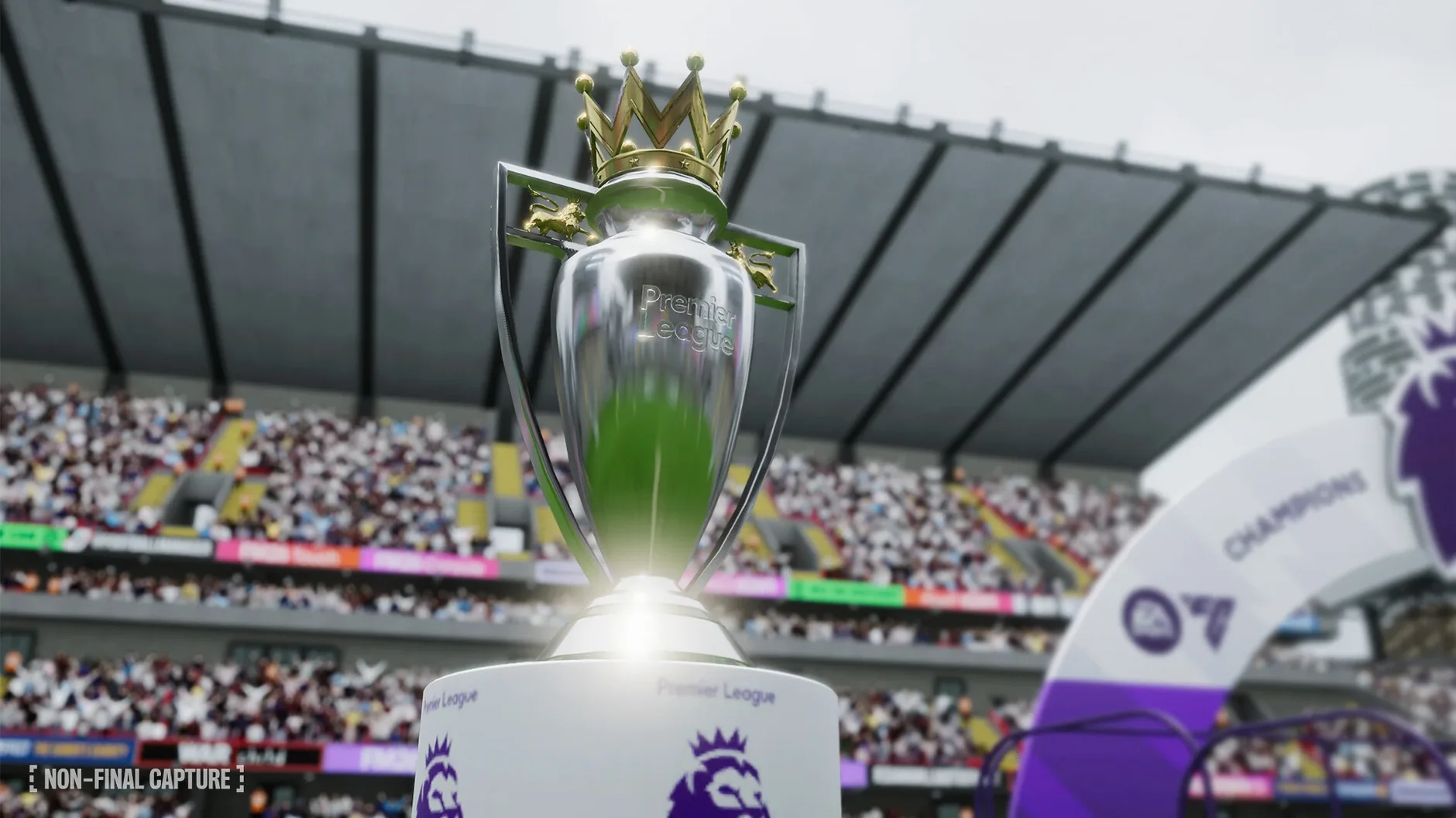
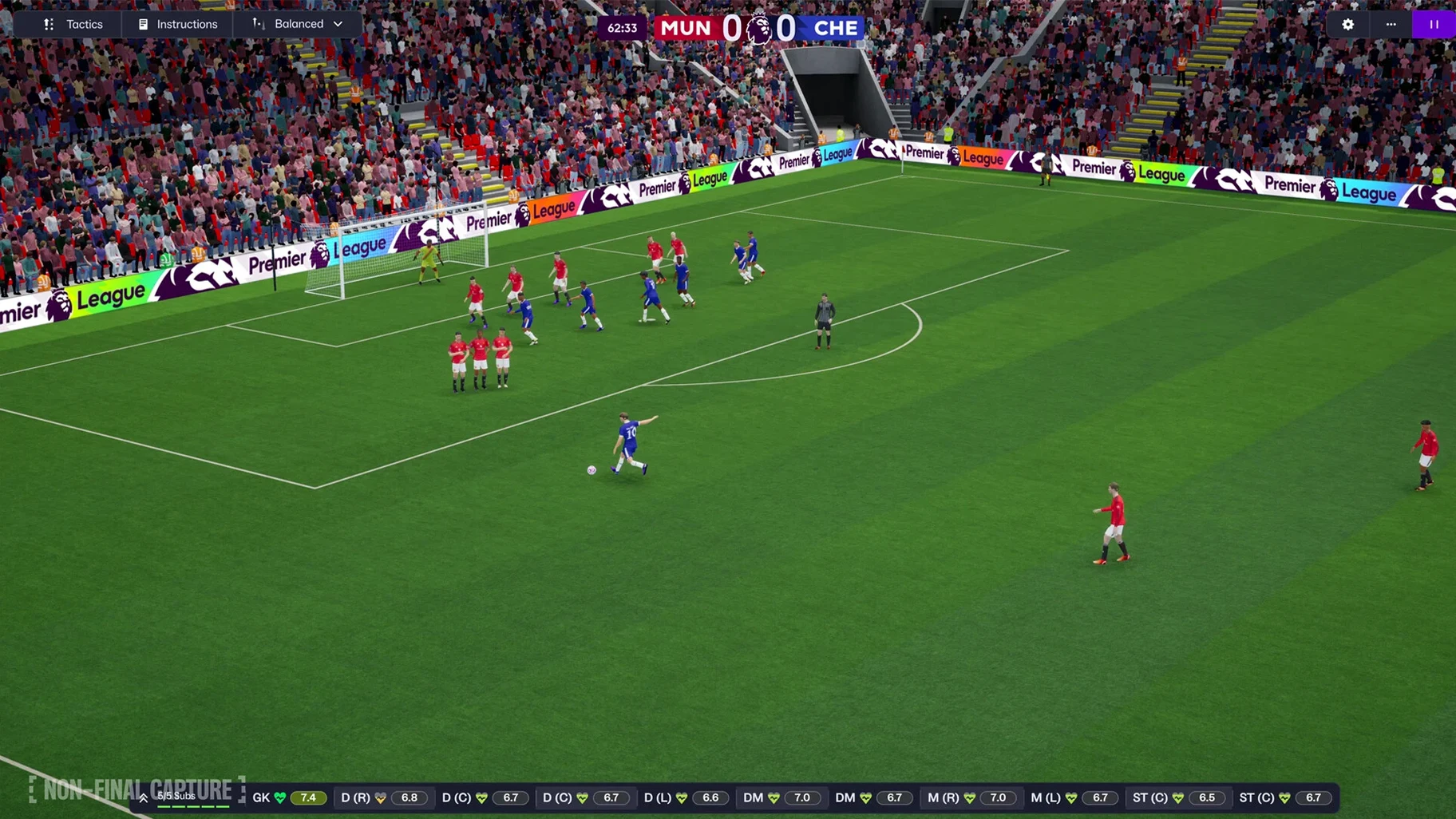
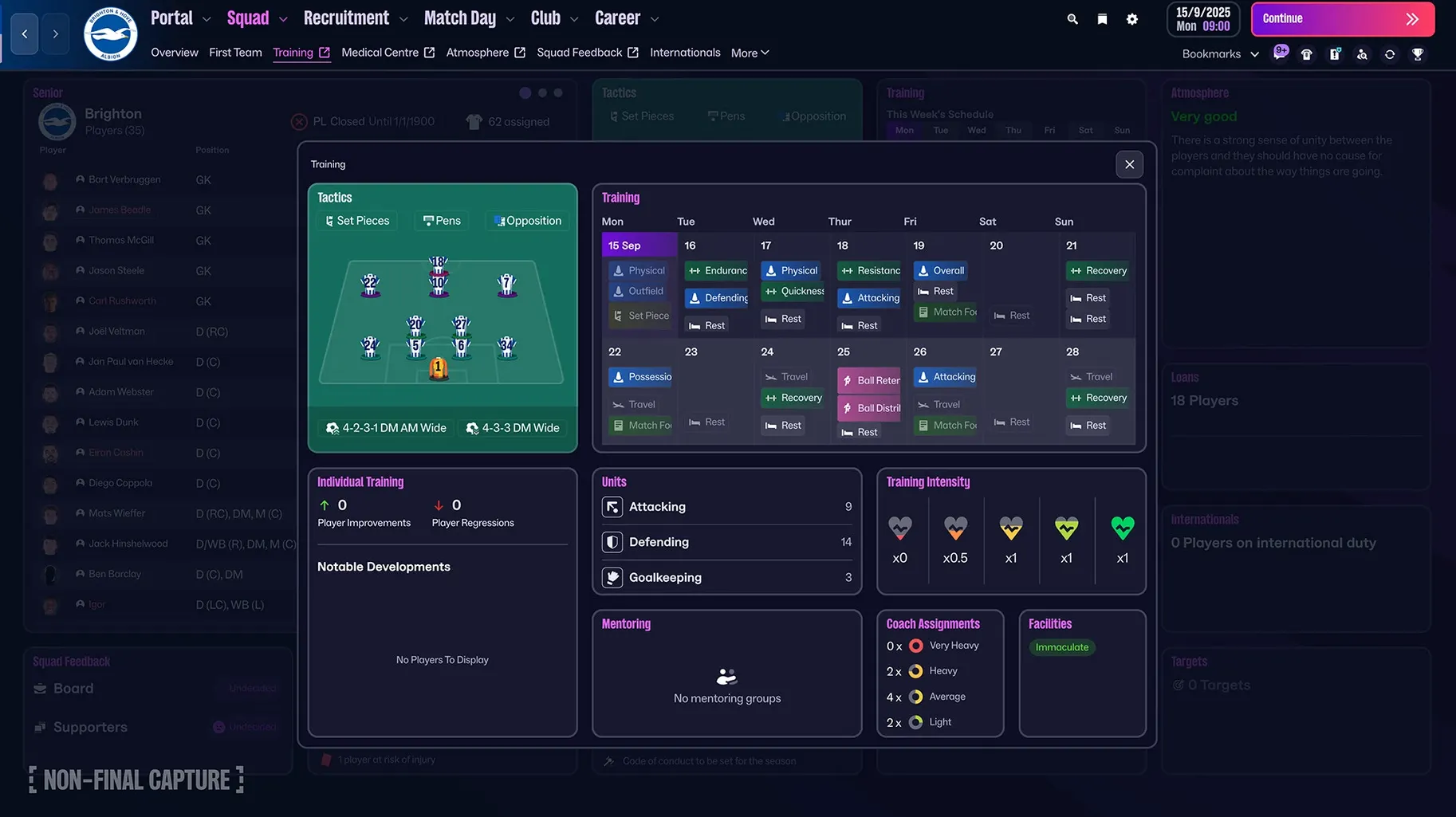
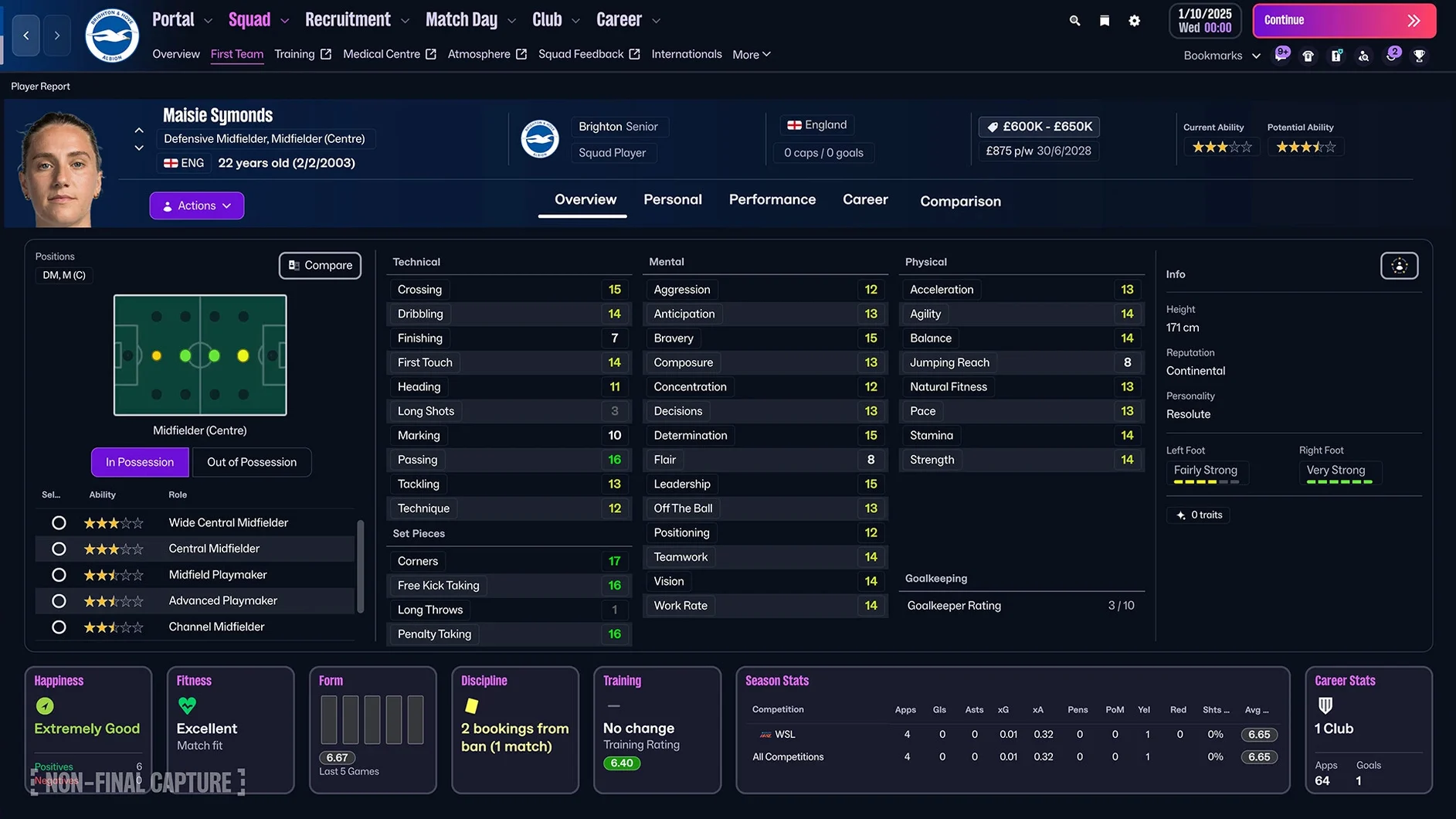
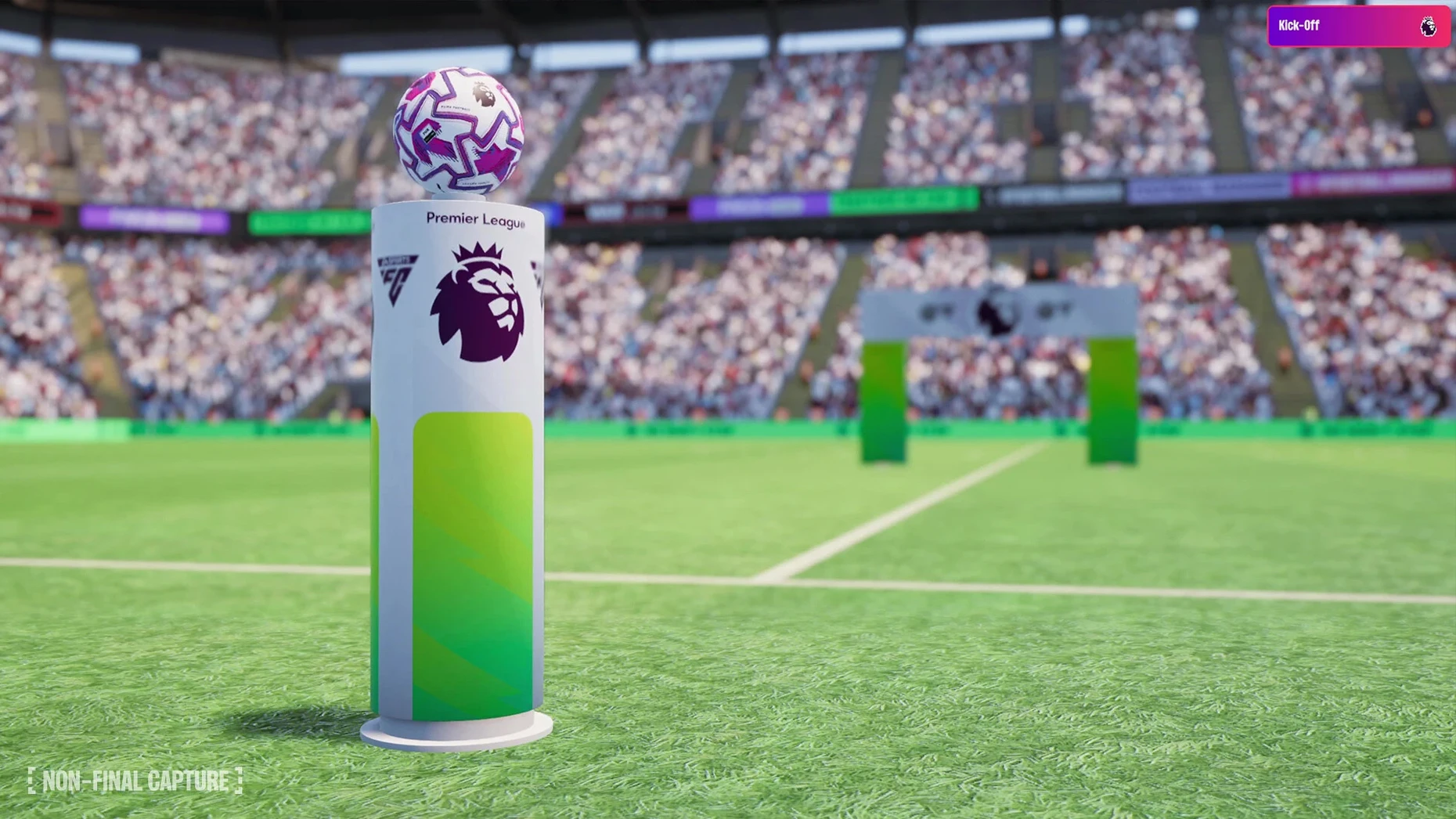
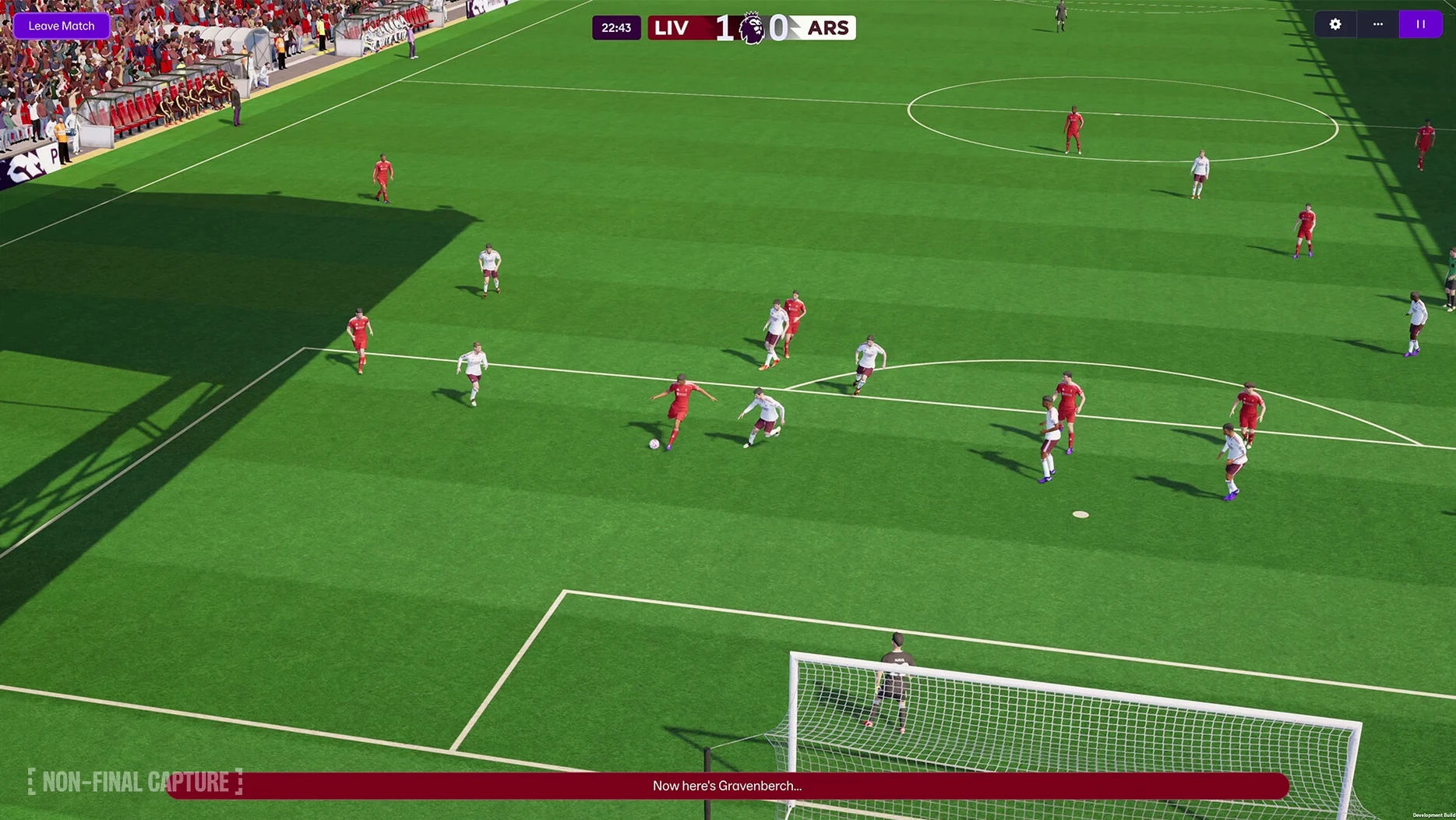
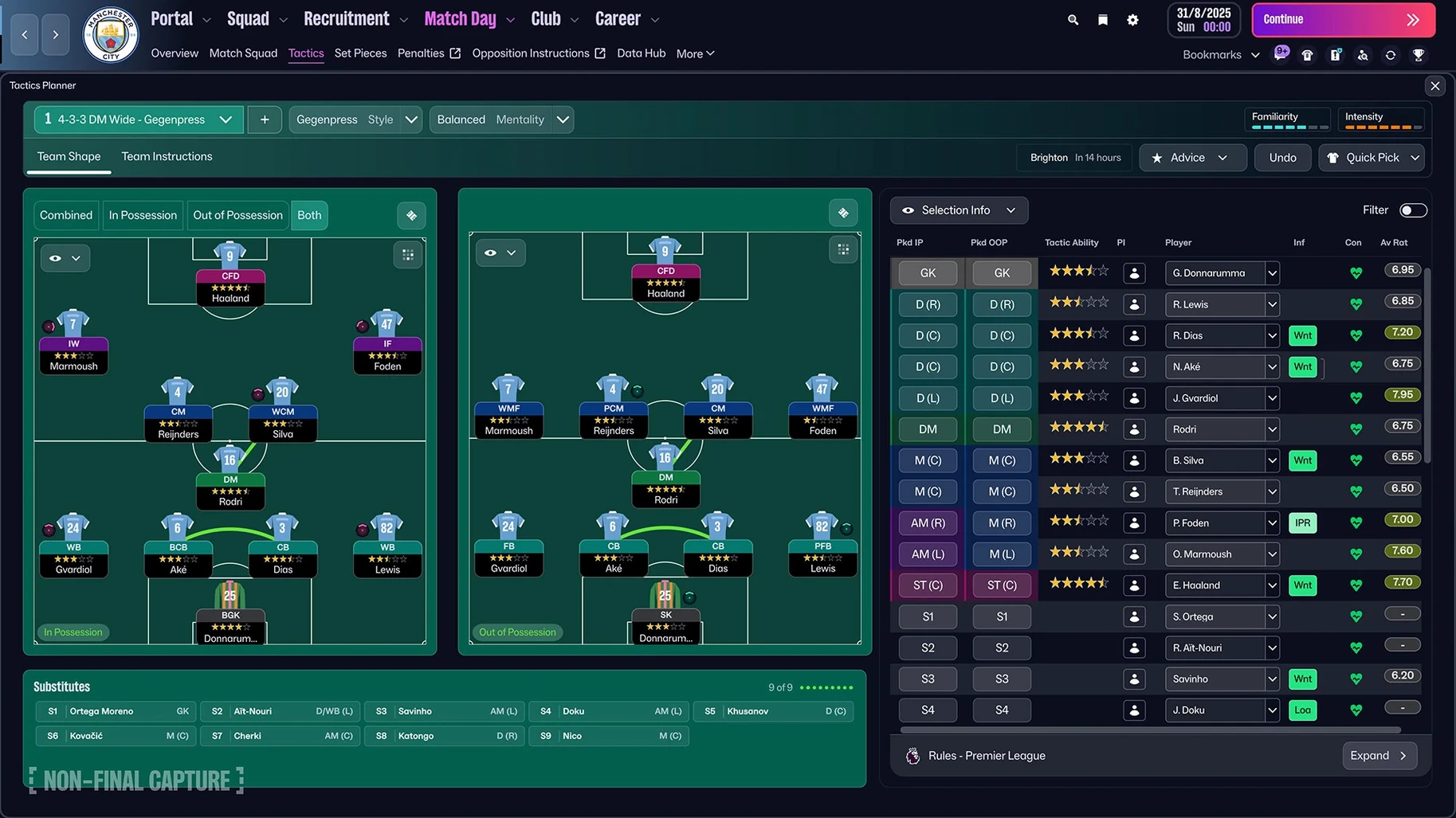
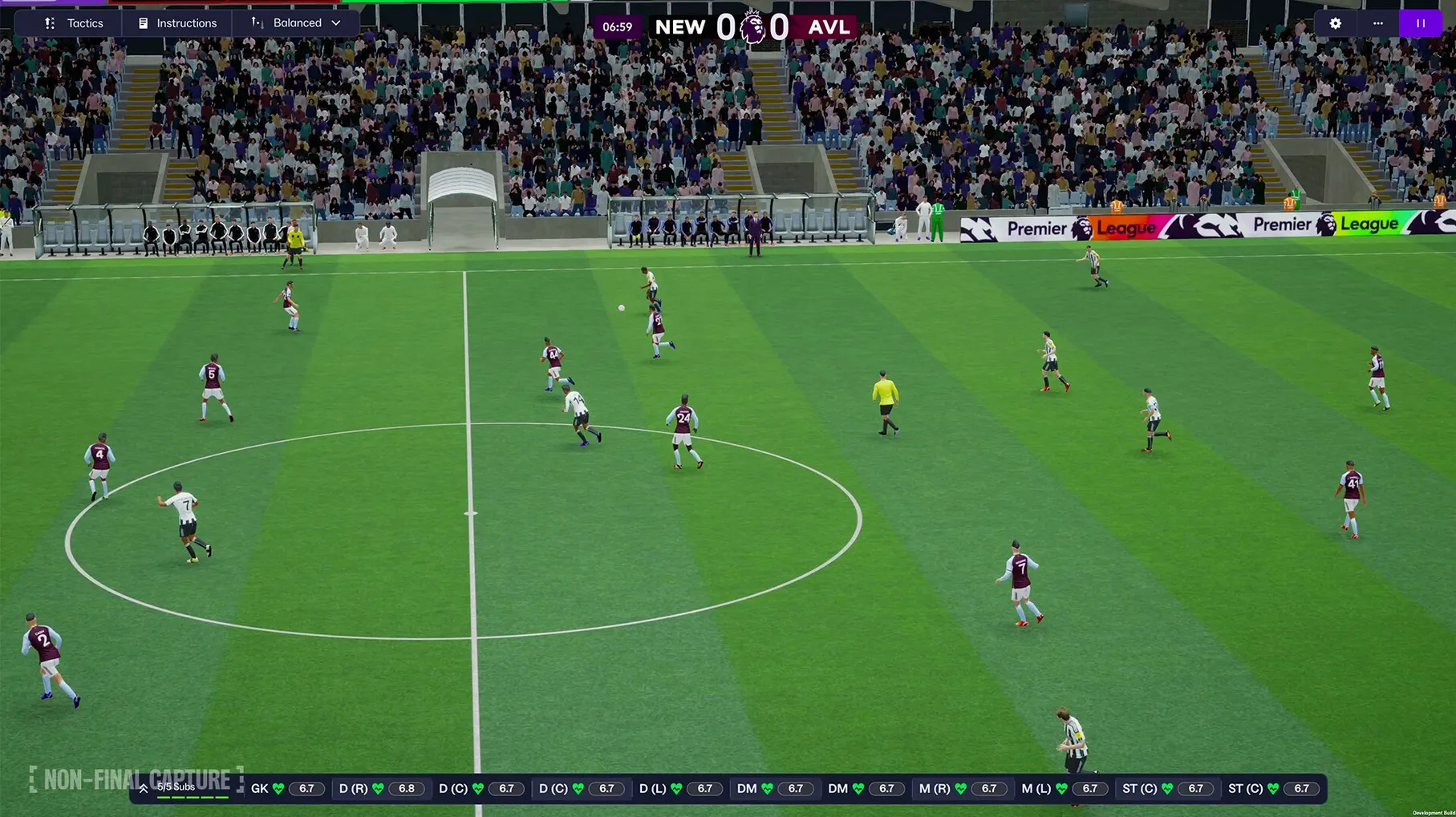
53 countries, over 100 leagues, and now women’s football sitting alongside the men’s game in one unified database. Football Manager 26 doesn’t just add a women’s division as a checkbox feature — the Women’s Super League and NWSL are fully licensed and woven into the same scouting, transfer, and development systems you already use. For a Mac user who lives in apps like Numbers for squad analysis or Notes for shortlists, it slots right in.
Squad builders, tactics obsessives, and multi-league explorers
- Long-term squad builders who enjoy tracking player development across seasons, not just one transfer window.
- Tactics obsessives — separate attacking and defensive tactics finally let you shape how the team transitions without awkward workarounds.
- Multi-league explorers — the improved search and quick bookmarks make hopping between scouting assignments in different nations feel snappy.
Database size will spin up your Mac’s fans
- The full-fat experience needs a dedicated machine — processing a large database with many leagues active will keep your Mac’s fans spinning.
- Licensing is still uneven — the Premier League looks fantastic with official badges, kits, and player photos, but plenty of other leagues rely on the community to fill the gaps.
- Football Manager 26 Touch on Apple Arcade is the lighter companion, not the same save — if you want cross-device play, the Arcade version requires macOS 11 or later and lives in its own ecosystem.
Loading too many leagues right out of the gate
Fresh managers tend to trip over the same three things, and they all hit around week three of the first pre-season. First is loading too many leagues on day one. The game lets you tick every nation and division, and your Mac will dutifully process all of it — but the simulation speed drops hard once you pass about eight active nations on most machines. Start with four or five you genuinely care about and add more next save. You will thank yourself when January transfer deadline day does not take twenty minutes.
Second is ignoring the new separate attack and defense tactics. Veterans who skipped the tutorial screens sometimes set up a lovely attacking shape and leave the defensive block on defaults. Then they wonder why their full-backs get caught upfield every counter-attack. The two screens are linked but independent — your defensive 4–4–2 can sit narrow while your attacking shape stretches wide, and the game actually respects that now. Spend ten minutes on both. Your goalkeeper will appreciate it.
Third is treating FMPedia like a manual you read once. It is a glossary that updates with context as you click through screens. A beginner will open it, skim the first entry about "inverted wingers," and close it forever. Keep it pinned. When a scout report mentions a player suits a "carrilero" role and you cannot picture it, FMPedia is two clicks away and explains the movement patterns without leaving the save.
Keeping a shortlist spreadsheet open alongside the game
Football Manager runs in a window, and that matters more than it sounds. I keep a Numbers spreadsheet open on the left half of the screen with a shortlist I maintain outside the game — contract expiry dates, personality types, notes from scouting trips. The game sits on the right. Stage Manager on recent macOS releases handles this pairing well, especially if you group FM with your spreadsheet and a Safari window for searching real-world player comparisons in a separate space.
Quick bookmarks, new in this version, reduce the need for that Safari window. You mark a nation’s scouting overview, your own youth intake page, and the transfer rumours tab, then cycle through them with one click. I still use Notes for long-term save journals — "2030/31 season: sold the Brazilian regen for £74m, fans fuming, board delighted" — but within a session the bookmarks cut down the tab-hopping that used to drive me to the browser.
fm2026 for mac also cooperates well with Continuity. A scouting report on your Mac can be read later on an iPad while you make dinner, provided you snapped a screenshot or copied the text into Notes. The game itself does not handoff, but the surrounding workflow does. I draft contract negotiation strategies in Drafts on the phone, they sync, and when I sit down at the desk the notes are already there.
Tuesday night, six active nations, and a chunky database
It is a Tuesday evening. I launch Football Manager 26 from the dock, and the save loads in about forty seconds — I have six nations active on a Mac mini M4, so the database is chunky but manageable. The inbox sits at 23 unread items. I clear the low-priority stuff first: press conference questions I can delegate to the assistant, a few agent offers for players I have no interest in.
Then the interesting part. A scout in Argentina has flagged a 19-year-old left-back with high determination and a release clause below his estimated value. I open the player profile, check the coach report, and click into the TransferRoom section — new this year, and it shows which clubs are openly shopping for full-backs and what fees they have accepted recently. Good context for negotiations later. I bookmark the player and move on.
Match day. Before kick-off I spend five minutes on the opposition report. Their right winger is rapid and cuts inside, so I tweak the defensive tactic to drop the left-back’s pressing trigger and tell the defensive midfielder to cover that channel. The separate attacking tactic is already set — an overlapping left-back who pushes high when we have possession. The two plans coexist without a messy single-screen compromise. We win 2–0, and the post-match data hub confirms the interception pattern I wanted.
After the match I update my Numbers spreadsheet with two youth prospects who impressed in training, reply to a loan offer from a Championship club, and hit continue. The evening wraps with a cup draw and a quick glance at the women’s team results — the NWSL season is running alongside my men’s Premier League campaign, and the scouting pool for both squads shares the same interface. One more bookmark for a Canadian striker, then save and quit.
Run two transfer windows with a throwaway big-club save first
Do not start your long-term save on day one. Create a throwaway save with a big club — Manchester City, PSG, someone with money and a deep squad — and run through two transfer windows just to learn where the new buttons live. The Unity-based interface rearranges things from previous versions, and muscle memory from Football Manager 2024 will betray you a few times. Better to waste a test save than a real pre-season.
Set your staff responsibilities early. The game offers granular delegation now: you can handle transfers personally but let the director of football negotiate contracts, or manage first-team training while the under-23s run on autopilot. New players often accept every responsibility and get overwhelmed, or refuse to delegate anything and burn out before October. Find three things you genuinely enjoy and delegate the rest.
Spend an hour with the character editor and manager creation screens. The options have expanded, and the avatar you make follows you through press conferences, touchline reactions, and player interactions. It seems cosmetic, but a manager who looks like you makes the inbox messages feel more personal over a ten-season career. Also: pick a goalkeeper distribution preference in the tactical creator before you touch anything else. It shapes how the whole team builds from the back, and changing it later means retraining habits across the squad.
If you are coming from the Touch version on Apple Arcade, you will notice the full game has deeper menus and no cross-save. Treat them as separate experiences. The Touch version is a lighter companion for quick sessions on a MacBook Air, while the full game rewards longer sittings with a more powerful machine. You can also find the full version through football manager mac free sources if you want to compare both versions side by side.
What the Unity move and latest updates changed in everyday use
Switching to the Unity engine was not just a graphics bullet point. It changed how the game feels during the parts you touch most. Screens transition faster within the same save — clicking from the squad screen to a player profile to the scouting centre no longer has that half-second stutter that crept in on older Mac builds. The match engine presentation benefits too, with smoother camera cuts and less pop-in when players celebrate a goal. On an M4 Mac mini it holds 60 frames through most match highlights, and the fans do not slow to a crawl during rainy November fixtures.
The new portal aggregates football information that used to live scattered across the game world — league news, transfer gossip, your own shortlist updates, and FMPedia entries all sit in one screen. It means I check it once per in-game week instead of hunting through six menus. The improved search ties into it: type a nation, a competition, or even a tactical term, and results pull from the portal, your bookmarks, and the glossary simultaneously.
Women’s football integration is the headline feature, and in everyday use it works like a parallel career mode inside your save. You can manage a women’s team exclusively, or you can switch between the two — the game treats it as a separate job, so the database and scouting network adapt. The Women’s Super League and NWSL come with full licensing, which means real kits and badges during match days, the same polish the Premier League now enjoys. For players who enjoy Football Manager 2026 torrent or Football Manager 2024 torrent versions to test before committing, the women’s leagues are fully playable in this build and not locked behind any extra setup.
The Premier League licensing deserves a mention because it changes the immersion level. Official badges, kits, and player photos for all 20 clubs mean you are not squinting at a generic blue shirt trying to remember if that is Everton or Leicester. It is a small thing that accumulates over hundreds of hours. Combined with the updated player roles — more specific movement instructions for positions like the "inverted full-back" and "wide centre-back" — the tactical creator feels closer to what you see on a real match broadcast. The Football Manager 26 torrent download crowd will find the licensing baked into the game from the start, no extra packs needed for the Premier League visuals.
Version 26.3.2.2329565 is a landmark release built on the Unity engine, bringing a reworked interface and a portal for football information. Here’s what landed:
- The match engine and UI now run on Unity.
- Women’s football introduced with the WSL and NWSL.
- Premier League licensing added — official badges, kits, and player photos.
- Separate attacking and defensive tactics for deeper match planning.
- A redesigned user interface paired with a new football information portal.
- Architecture: Apple Silicon and Intel (64-bit) supported
- Interface languages: Russian, English, German, Greek, Danish, Spanish, Italian, Chinese (Simplified), Korean, Dutch, Norwegian, Polish, Portuguese, Thai, French, Swedish, Japanese
Questions people ask
Which women’s leagues are fully licensed in Football Manager 26?
The Women’s Super League and the National Women’s Soccer League are included with full licensing.
Does Football Manager 26 run on Apple Silicon Macs?
Yes, it supports both ARM (Apple Silicon) and 64-bit Intel architectures natively.
Also on readers' docks
Sign in or create an account to leave a comment.
No comments yet. Tell me how it got on with your other devices.
More in Games
See all Frostpunk
1927 Games
8.9 GB
Frostpunk
1927 Games
8.9 GB
 Fury Unleashed
1.9.1.0 Games
Fury Unleashed
1.9.1.0 Games
 Firewatch
1.12a Games
2.1 GB
Firewatch
1.12a Games
2.1 GB
 Updated Firehawk FPV: Drone Fighter
2026.10.03 Native Games
9 GB
Updated Firehawk FPV: Drone Fighter
2026.10.03 Native Games
9 GB
 Goat Simulator 3
1.2.0.0 Games
5.8 GB
Goat Simulator 3
1.2.0.0 Games
5.8 GB
 Updated Goblin Sushi
2026.10.17 Native Games
260 MB
Updated Goblin Sushi
2026.10.17 Native Games
260 MB
 Going Medieval
1.1.12 Games
1 GB
Going Medieval
1.1.12 Games
1 GB
 Farmside
2.8.6 Games
708 MB
Farmside
2.8.6 Games
708 MB