
Download Goat Simulator 3 for macOS
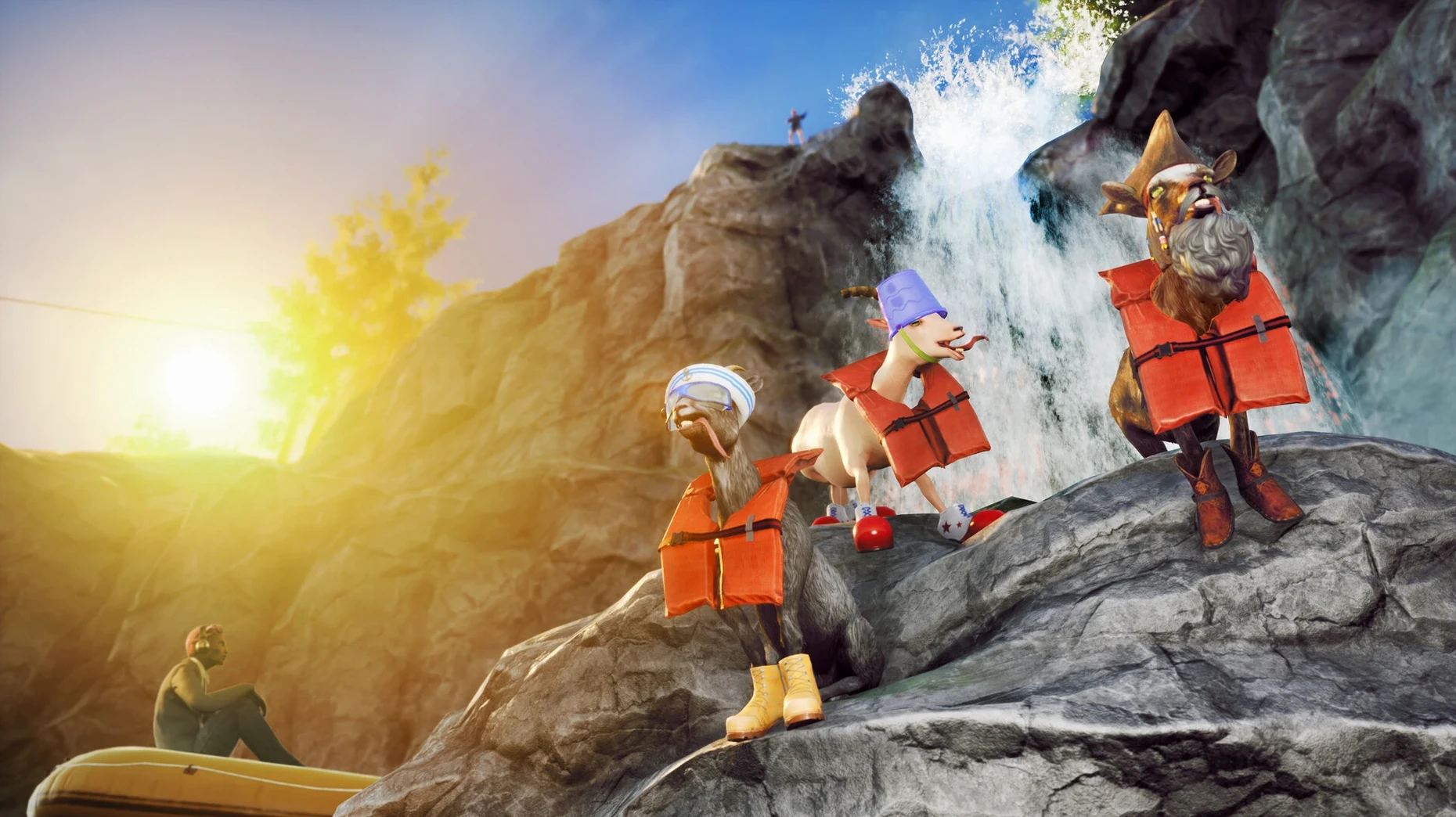
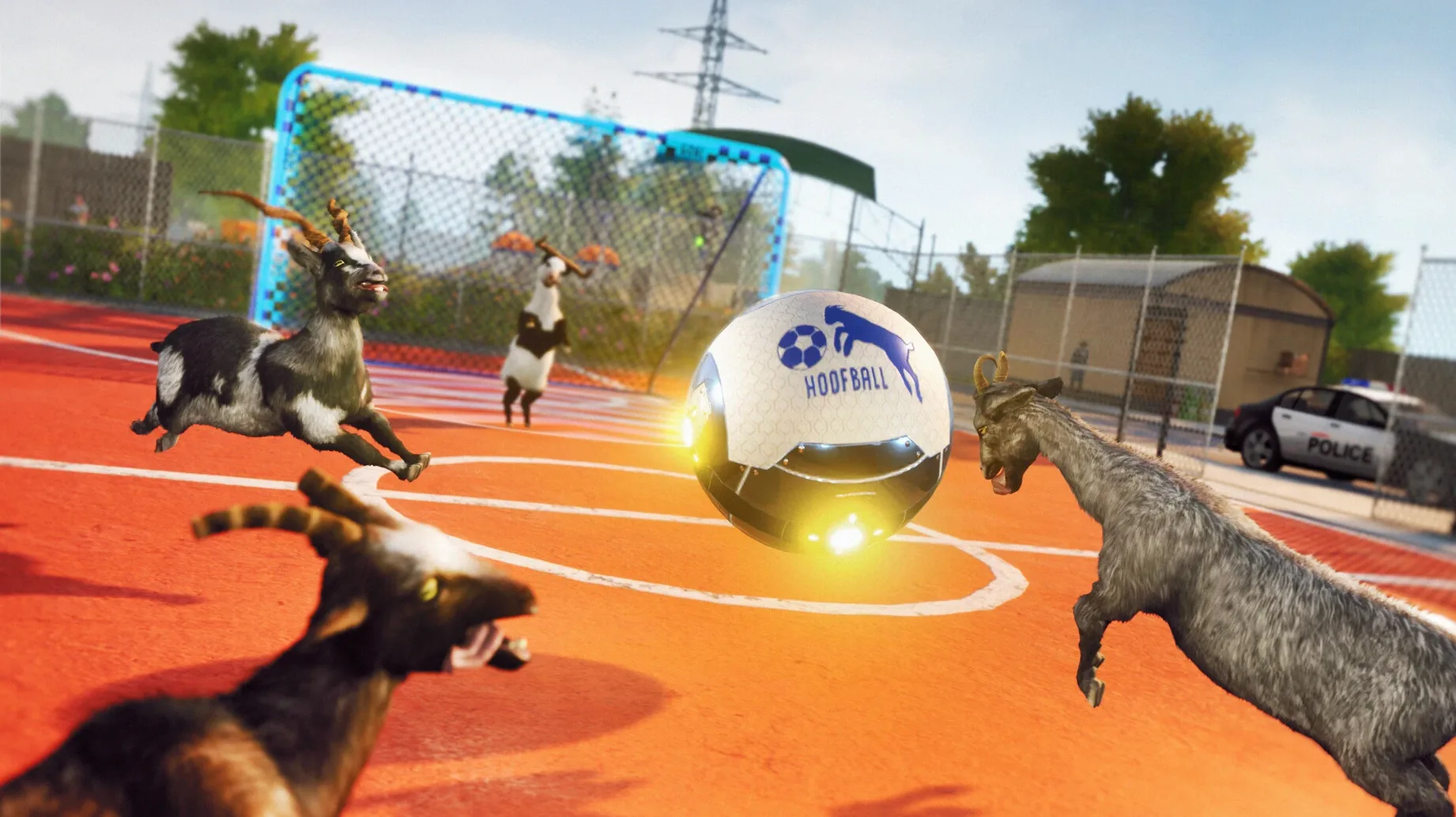

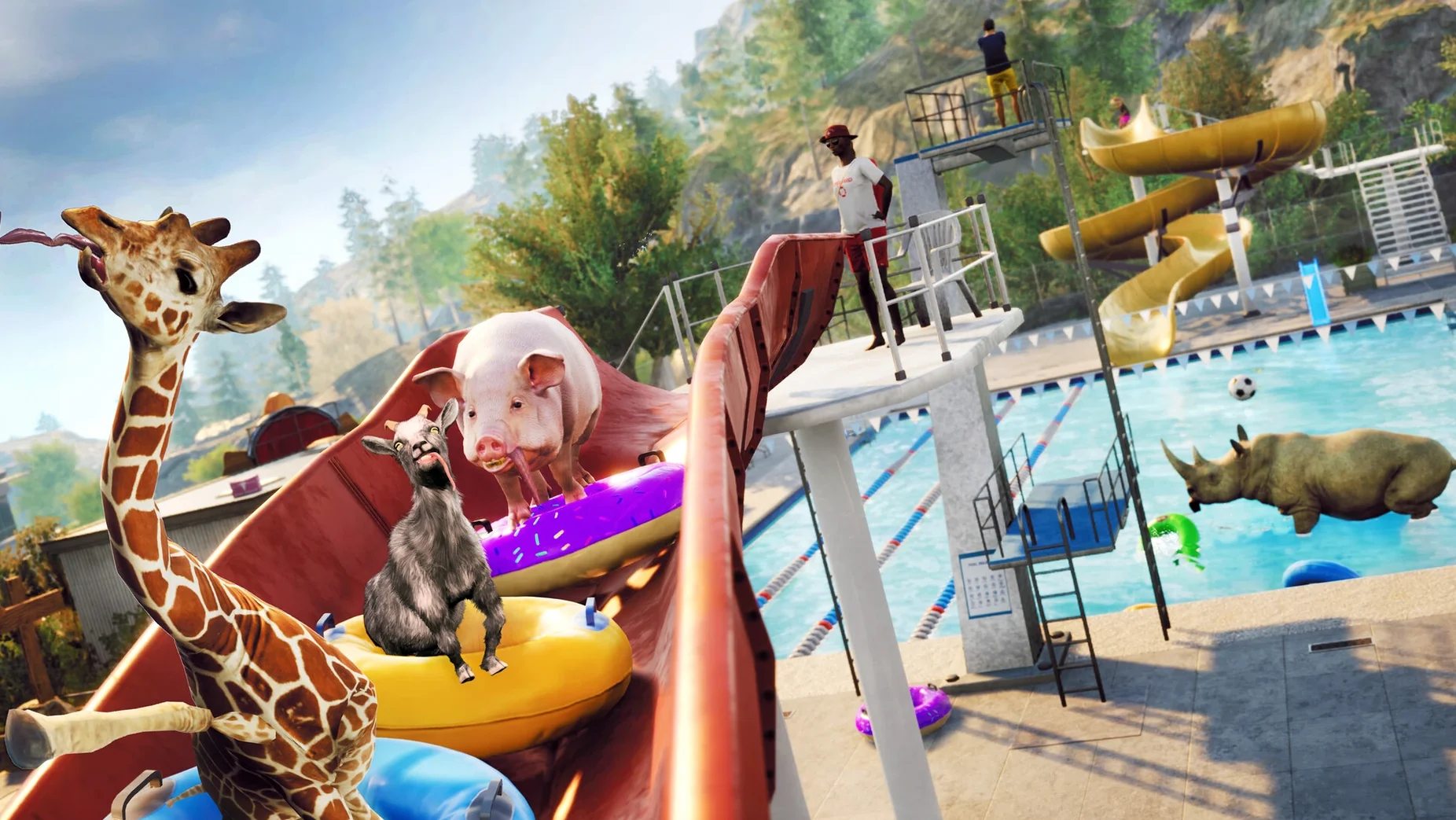
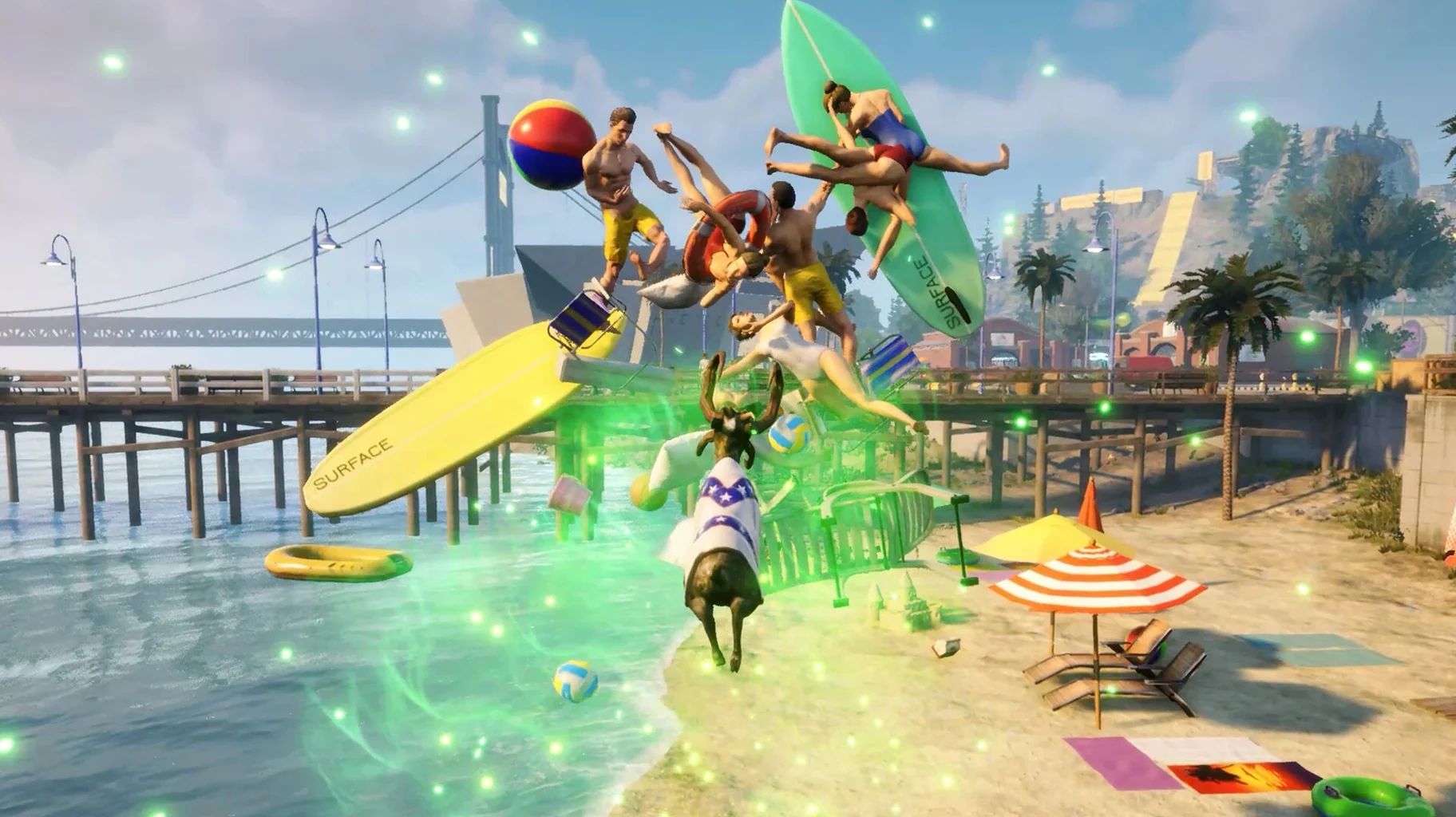


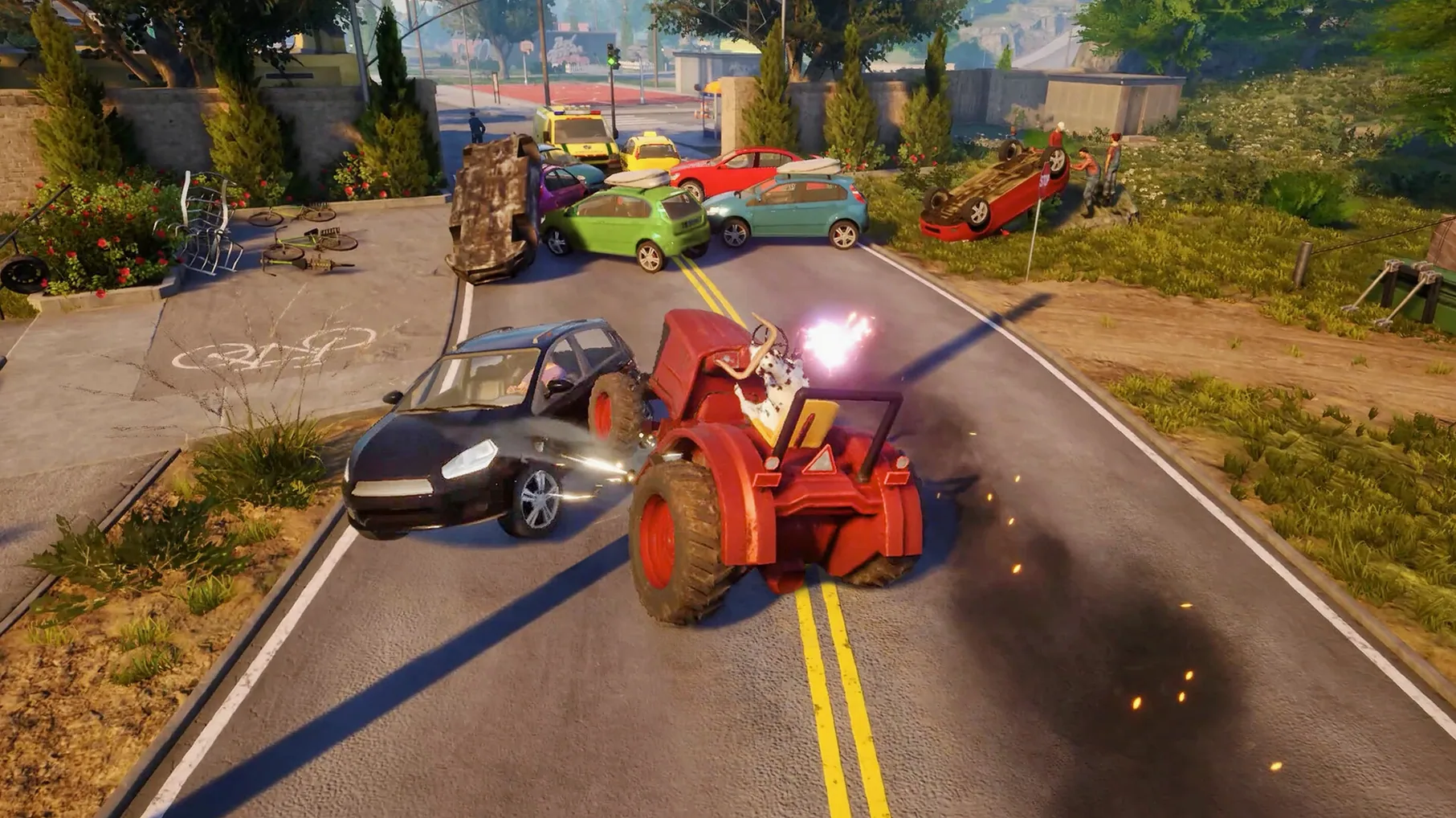
Sometimes you don't need a story, a score, or a point. You just need to headbutt a car, backflip off a water tower, and drag an unsuspecting pedestrian across town with your tongue. That's the problem Goat Simulator 3 solves — it gives your brain a break from objectives and lets pure, ridiculous chaos take over.
You play as Pilgor, a goat with zero regard for property or physics. The whole sandbox is yours from the start. You'll spend your time experimenting: what happens if I attach a rocket to that tractor? Can I scale that construction crane? Why is there a man doing yoga in the middle of a highway? The game sets up little interactions everywhere, and your only job is to stumble into them.
Blowing off steam with physics chaos and hidden jokes
- Blowing off steam after a long day with no real goals
- Exploring a dense world full of weird, interactive characters and hidden jokes
- Enjoying sandbox physics experiments where failure is usually funnier than success
Wineskin-wrapped build without structured progression
- This is a Wineskin-wrapped build running on Apple Silicon, not a native Mac port
- There's no traditional narrative or structured progression — you make your own fun
- Frame rates can dip when you pile up too many explosions at once
Rebind headbutt to a shoulder button
Some of the best bits hide inside the pause menu. You can remap most actions, and I'd recommend putting the headbutt on a shoulder button before long — your thumb will thank you after a few hours of demolishing fences. The photo mode is sneakily good too: you can freeze the chaos mid-explosion and spin the camera around Pilgor for a shot that looks almost professional, if your idea of professional involves a goat inside a shopping trolley.
A few other things I missed for my first several sessions:
- Double-tapping jump triggers a goofy mid-air roll that actually helps you clear slightly taller obstacles.
- Pressing the interact key near certain characters skips their dialogue after the third or fourth repeat — handy when you're farming events.
- The tutorial can be replayed from the settings, which is useful if you put the game down for a month and forget what the licking mechanic does.
- Collectibles chime softly when you're close, so playing with headphones makes hunting them much easier than relying on the on-screen marker.
Snappier San Angora loading on M3 Pro
The 1.2.0.0 update from February 2024 didn't overhaul the core loop, but it did smooth out a handful of everyday annoyances. On my M3 Pro, loading into San Angora feels snappier than older Wineskin builds I've tried, and the pause menu no longer stutters when you first open it — a small fix that matters more than it sounds when you're switching languages or tweaking settings mid-session.
Save handling also behaves more predictably now. Your progress sits under the app's SharedSupport folder inside a Wineskin prefix, which means you can back up your entire Goat2 SaveGames directory by copying one folder. That's worth doing before you go on a destruction spree that might end with Pilgor wedged inside a rock formation — it happens more often than you'd think.
A recent official page describes Goat Simulator 3 as a third-person sandbox adventure game.
- macOS: Unknown (tested on macOS Sequoia)
- Architecture: Apple Silicon (ARM)
Questions people ask
Can I change the in-game text language?
Yes, you can switch between twelve languages including English, Japanese, and French directly in the game's settings menu.
Where are the save files stored on macOS?
Saves are tucked inside the app bundle atGoat Simulator 3.app/Contents/SharedSupport/prefix/drive_c/users/Sikarugir/AppData/Local/Goat2/Saved/SaveGames.
Also on readers' docks
Sign in or create an account to leave a comment.
No comments yet. Tell me how it got on with your other devices.